Create PDF From HTML
PDFelement supports creating PDF files from HTML content with high accuracy and quality. This feature allows users to convert HTML files or web pages into PDFs that are easy to edit, annotate, and share within the PDFelement environment. To learn how to create a PDF document from an HTML link, follow the steps provided next:
Step 1
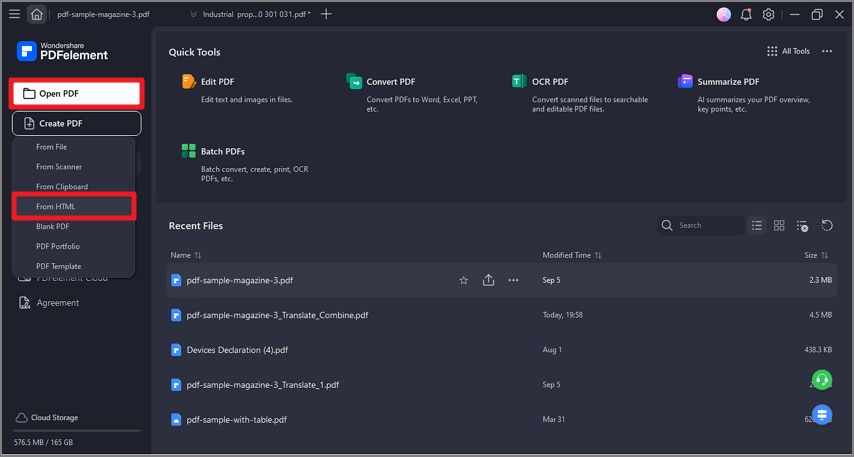
After launching PDFelement on your Windows device, click on the "Create PDF" option and choose the "From HTML" option.
Step 2
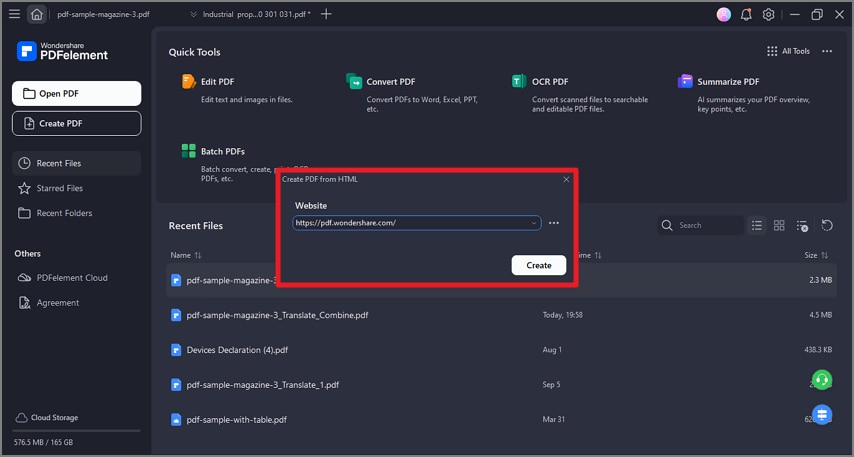
Next, copy the link that you want to convert into a document and paste it within PDFelement’s interface. Click on the "Create" option to execute the conversion.
Step 3
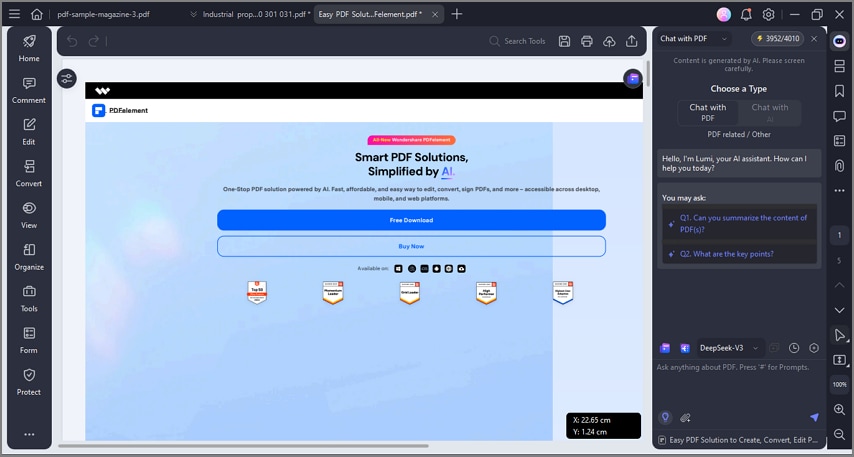
Once the link is converted, the PDF will be created in a new window within the tool. You can edit and modify it according to your preferences before saving it to your device.