
Ready For macOS 27.
Your PDFs. Ready For What's Next.
Make the move to macOS 27 with confidence. PDFelement 13 brings a refreshed Mac interface, PDF automation with Shortcuts, and the essential tools you rely on—all in one familiar workspace.
 macOS 27 Ready
 Apple Silicon Support
 Powerful PDF Tools
What's New in PDFelement V13 for macOS 27?
Discover what's ready for your Mac upgrade—from a refreshed Liquid Glass-inspired interface to useful PDF automation and everyday tools.
Liquid Glass Experience
A refreshed PDF workspace with adjustable transparency to match your Mac preferences.
Explore the New Look
Apple Device Integration
Use Continuity Camera and Handoff to keep PDF tasks moving between compatible Apple devices.
See What's Supported
PDF Shortcuts on Mac
Run common PDF actions, including OCR, conversion, compression, and merging, with macOS Shortcuts.
Explore Shortcuts
Essential PDF Tools
Keep editing, converting, annotating, and organizing documents with PDFelement on macOS 27.
Explore PDF Tools
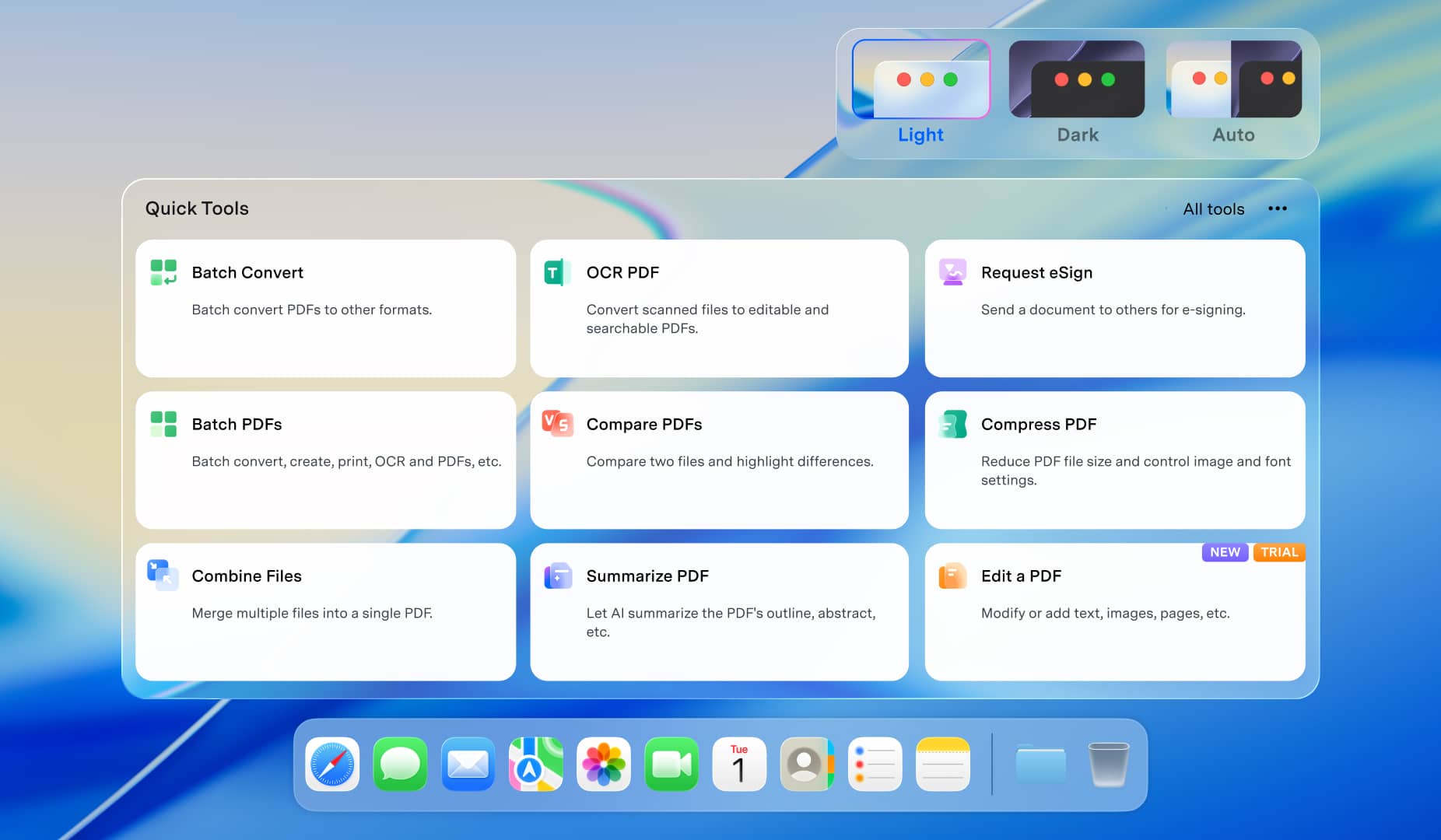
A New Look for Your PDF Workspace.
PDFelement 13 brings a Liquid Glass-inspired design to macOS 27, with adjustable transparency to suit how you work. Personalize the interface while keeping your PDF content and essential tools within easy reach.
Liquid Glass Interface
A refreshed design with adjustable transparency for a personalized PDF workspace.
 Refreshed Liquid Glass Design
- Adjustable Interface Transparency
- A More Personalized Mac Workspace
Make the Most of Apple Features on macOS 27.
PDFelement works seamlessly with Apple features on macOS 27, so you can capture, recognize, and keep working on PDFs across your Mac, iPhone, and iPad.
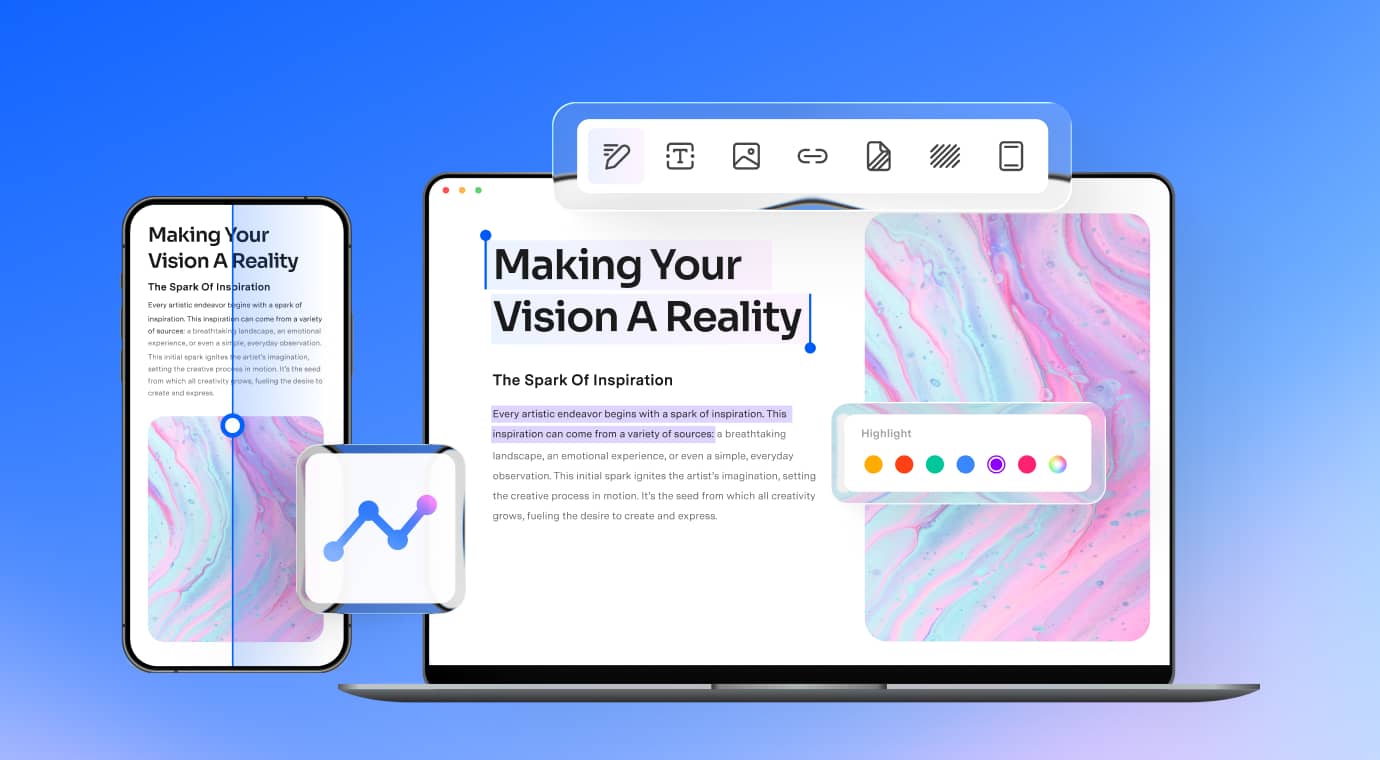
 Continuity Camera + OCR
Scan Documents with Your iPhone
Capture paper documents using Continuity Camera and have them ready in PDFelement while working on your Mac.
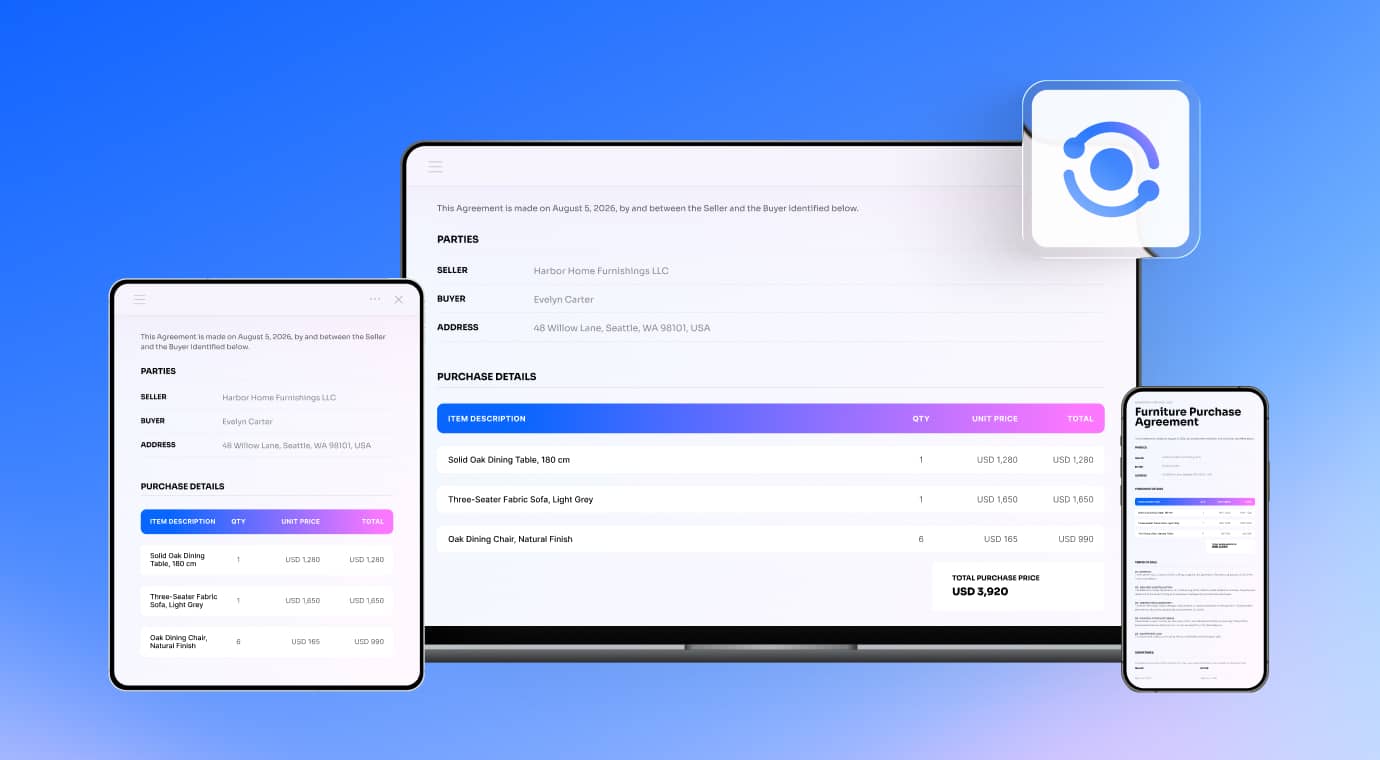 Handoff
Pick Up Where You Left Off
Continue supported PDF work across your Mac, iPhone, and iPad with Handoff, and keep your PDF tasks moving.

Designed for macOS 27
Ready for macOS 27. A Better Deal Included.
Save up to 79% on PDFelement V13 for Mac with our limited-time OS27 special offer.
A Smarter Mac.
A Better Deal.
Get PDFelement V13 for your Mac and
save up to 79% during our special offer.


Exclusive Savings
Limited-time offer

PDFelement V13
Latest Mac experience

Secure Checkout
Safe and encrypted

30-Day Money-Back Guarantee
Buy with confidence
Spend Less Time on Repetitive PDF Tasks.
Need to OCR another scan or convert another PDF? Use macOS Shortcuts to simplify recurring PDF actions, including text recognition, file conversion, compression, and merging.
 OCR
OCR
 Convert
 Compress
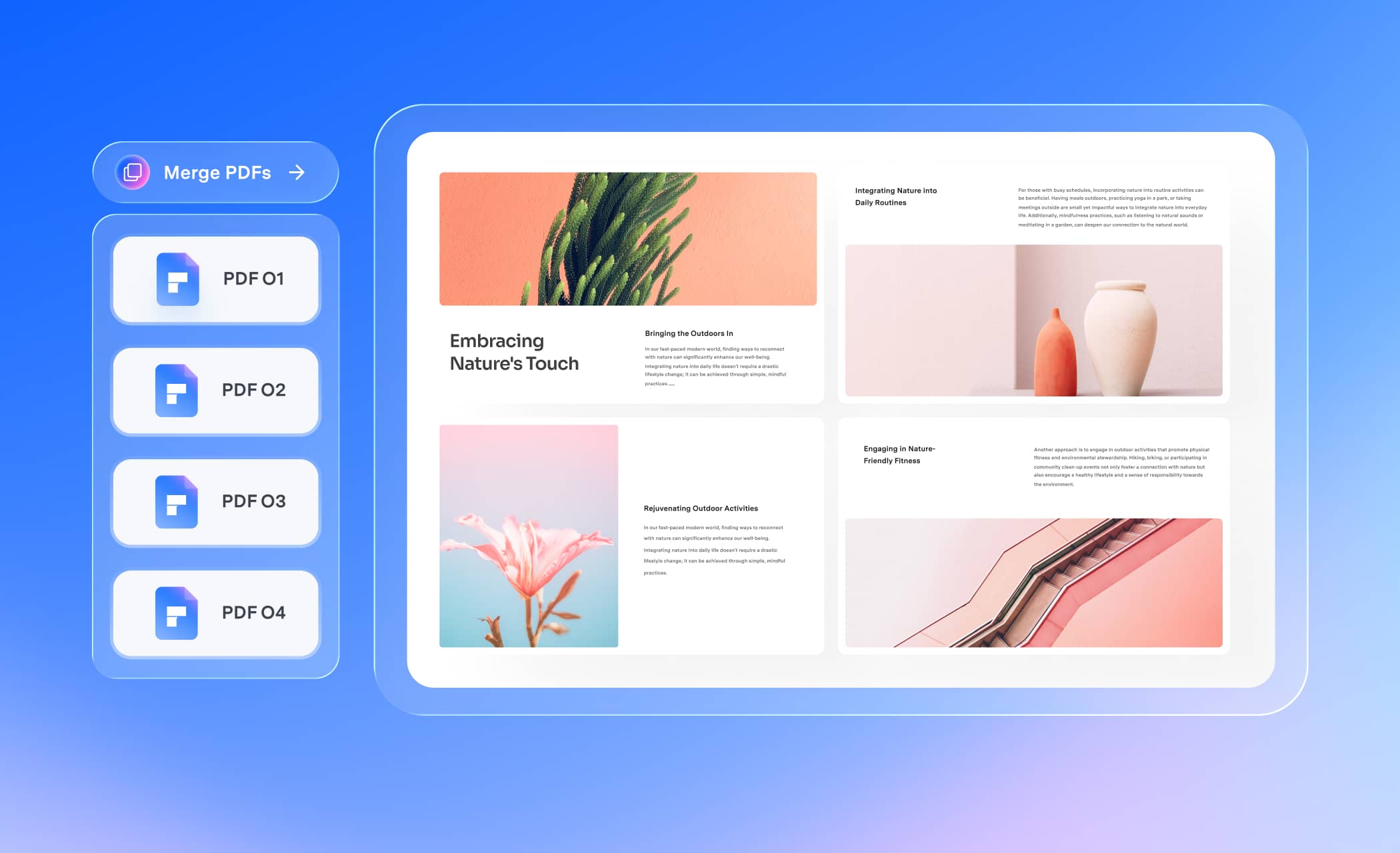
 Merge
Merge
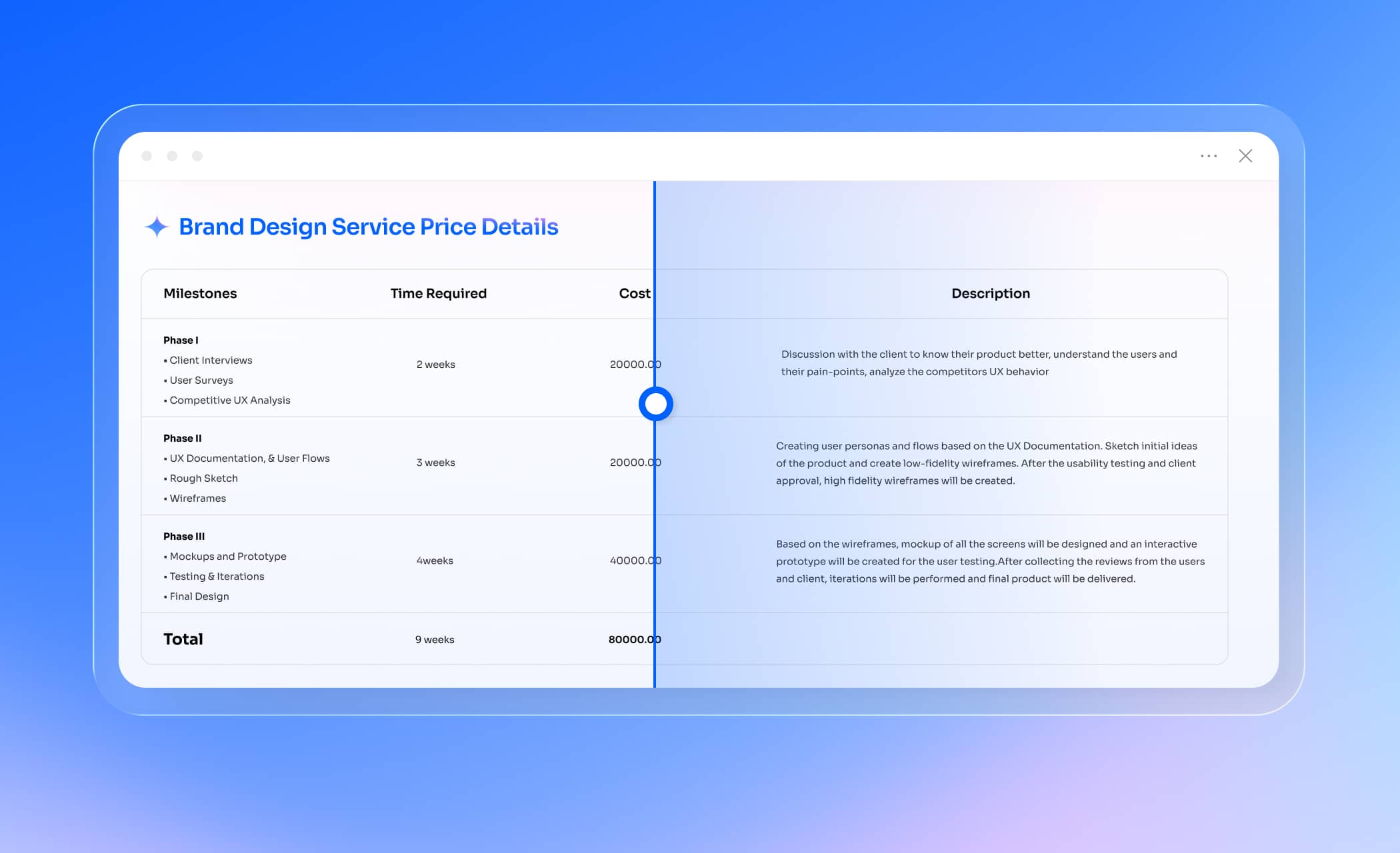


OCR a Scanned PDF
Recognize text in scanned documents without repeating the same manual steps.
See Mac PDF Shortcuts in Action
Convert PDF to Word
Turn PDFs into editable Word documents using a shortcut action.
See Mac PDF Shortcuts in Action
Compress a Large PDF
Reduce PDF file size to make documents easier to store and share.
See Mac PDF Shortcuts in Action
Your Everyday PDF Tasks, Ready for macOS 27.
New Mac experience, familiar PDF essentials. Keep editing documents, converting files, and preparing PDFs for sharing with PDFelement 13.
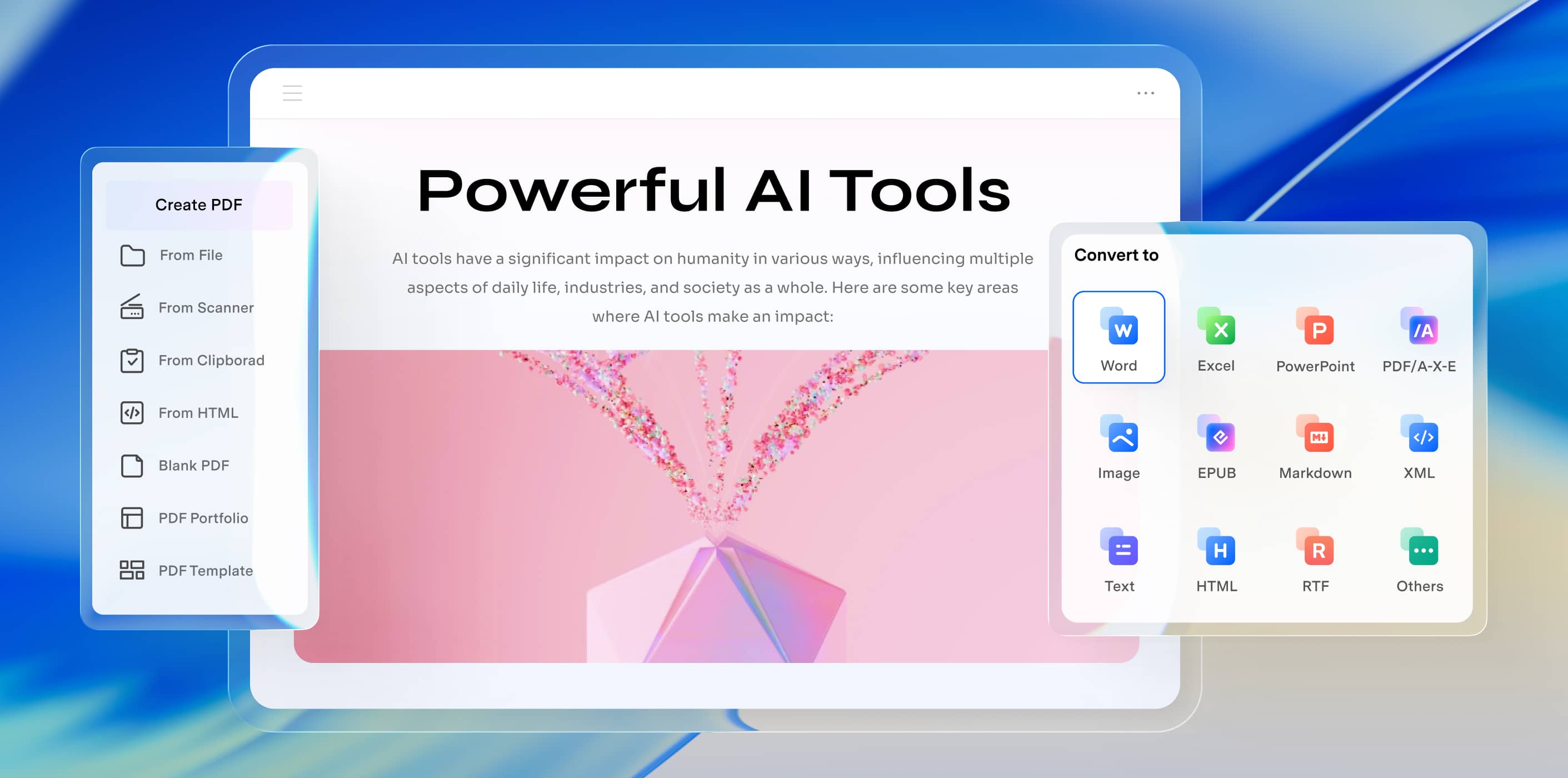
Get an Editable File When You Need One
Convert PDFs to Word, Excel, PowerPoint, and other supported formats.
Explore PDF Conversion
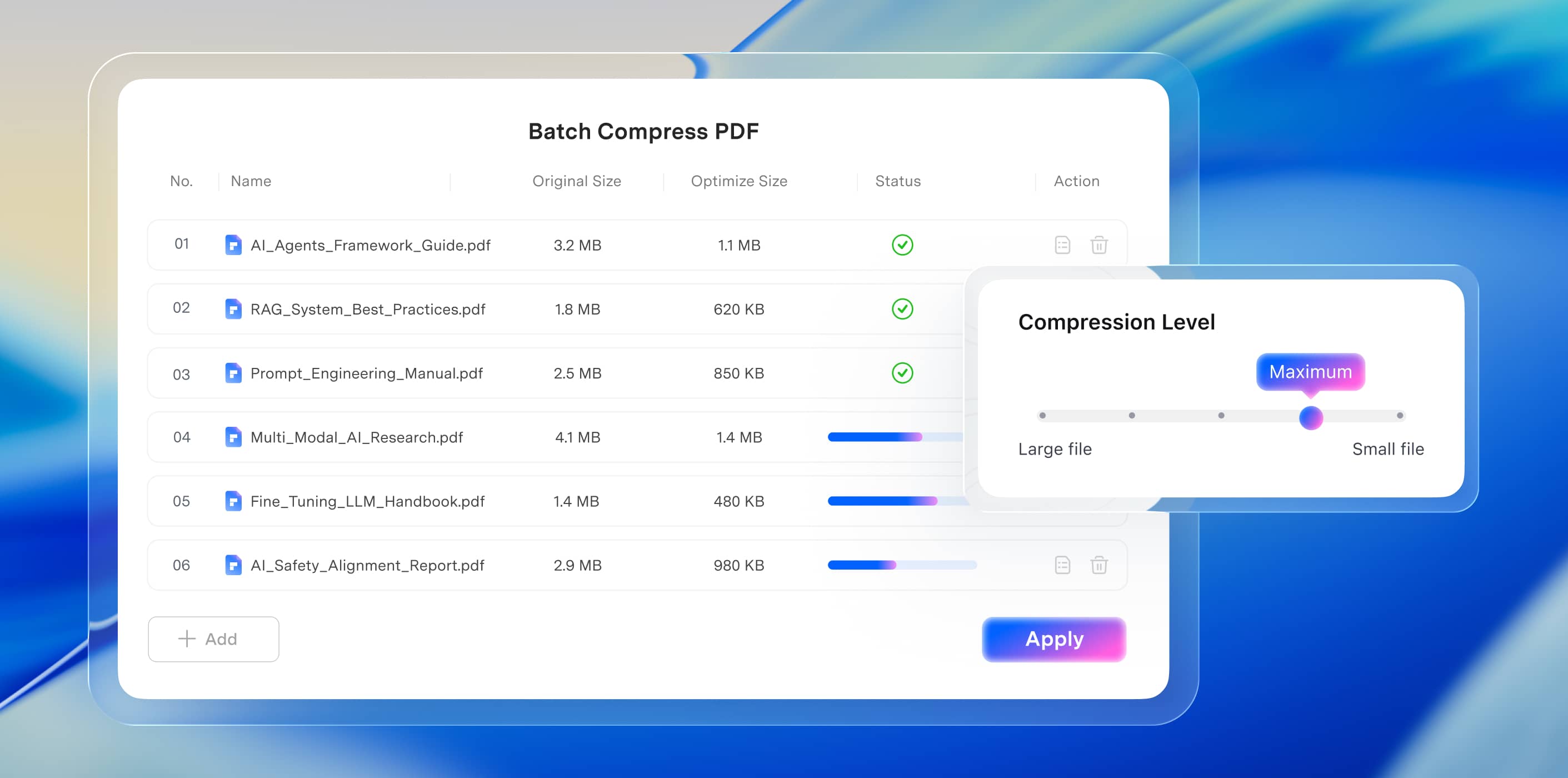
Make Large PDFs Easier to Share
Reduce PDF file size for email, uploads, and document storage.
Explore PDF Compression
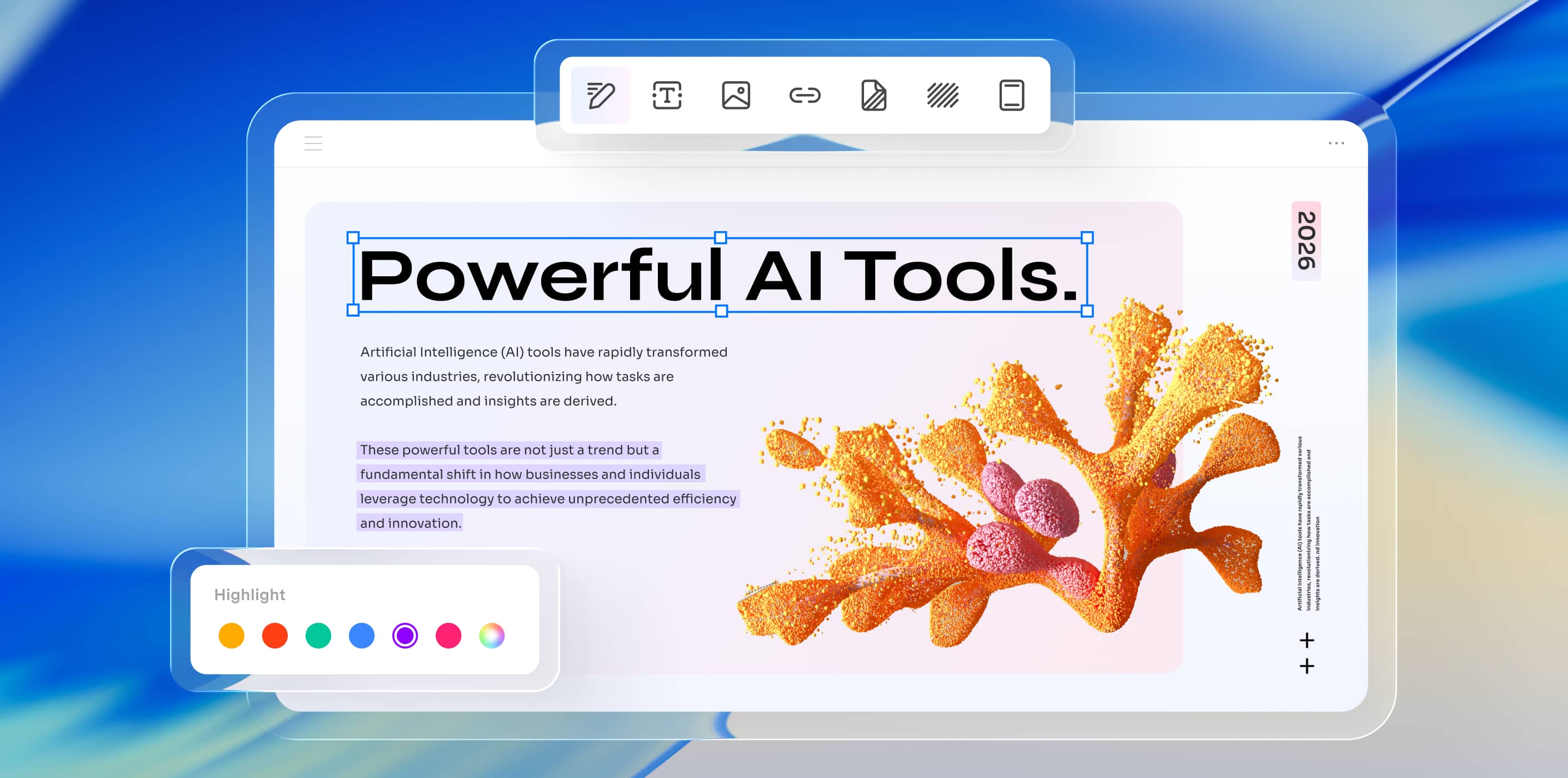
Make Changes Without Rebuilding Your File
Update text, images, and links directly in your PDF.
Explore PDF Editing
A Fresh PDF
Experience
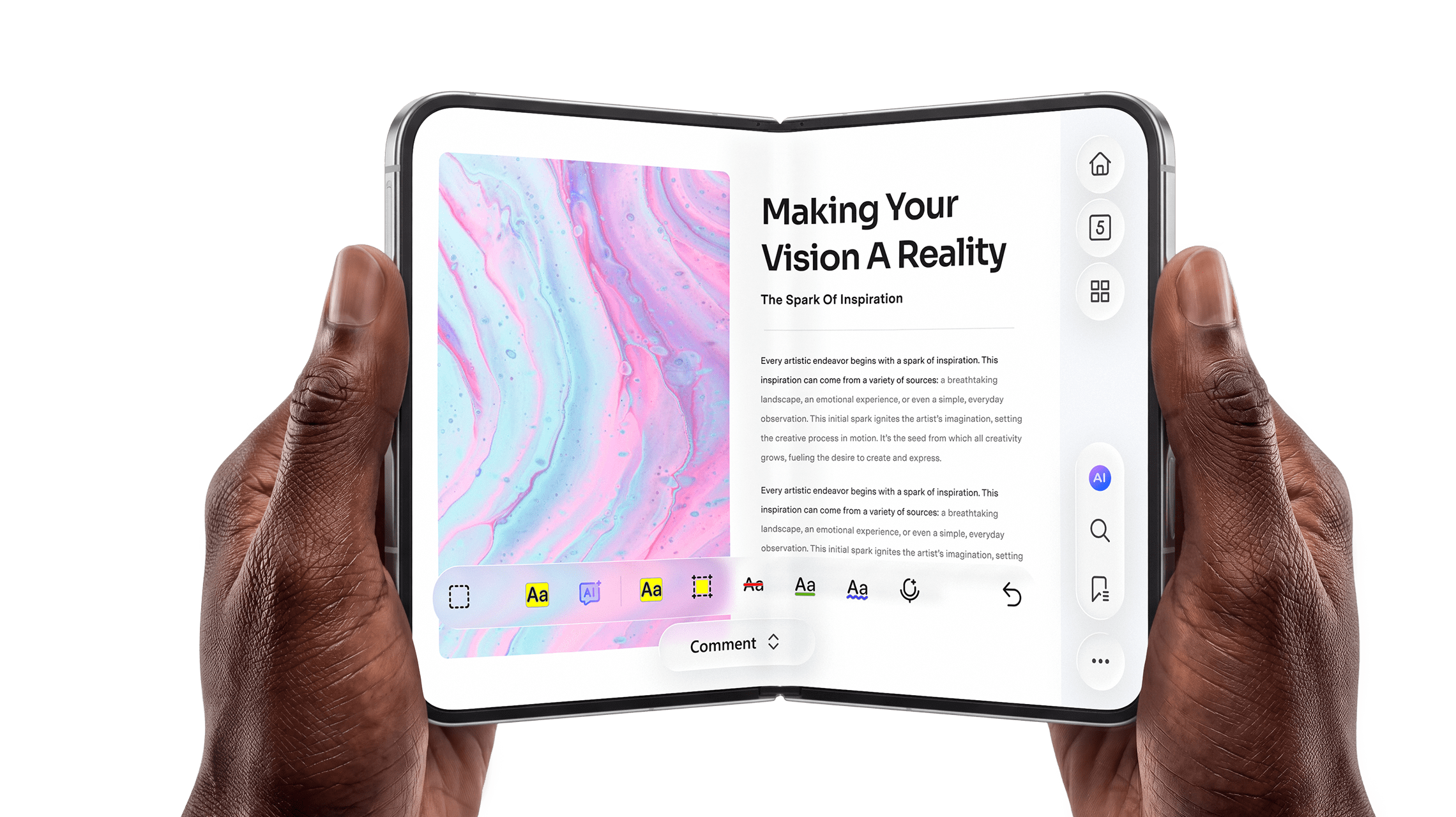
for iPhone Duo.
PDFelement for Mac is expanding to iPhone Duo. Scan to preview the upcoming mobile experience.

Scan To Explore
From Course Materials to Project Documents.
Whether you're preparing for class or reviewing technical files, PDFelement 13 helps you keep working with your PDFs on macOS 27.


Trusted by Over 100 Million Users & Leading Brands
Trusted by 50M+ users across 120+ countries, PDFelement serves professionals, startups, educational institutions, and Fortune 500 companies worldwide—making PDF work simpler, faster, and more reliable.


Mia L. / Marketing Assistant
AI makes PDF work on my Mac much easier. It saves me time and makes creating content from images much faster.

Ryan / Investment Analyst
I work with PDFs every day. AI Chat with Documents quickly finds key insights, making it much easier to review and understand my files.

Sarah / University Student
This PDF translator tackles academic texts with ease and lets me focus on understanding, not translating.


FAQ About PDFelement V13 for Mac
The macOS 27 experience focuses on a refreshed Liquid Glass-inspired interface with adjustable transparency, supported Apple device features, and PDF automation through macOS Shortcuts. Core tools for editing, converting, OCR, and organizing PDFs remain part of PDFelement.
PDFelement supports a workflow using Continuity Camera and OCR. You can capture a paper document with a compatible iPhone, recognize the scanned text, and continue editing the PDF on Mac. Availability depends on supported devices and feature requirements.
Supported Shortcuts actions include OCR, PDF conversion, compression, and merging. These actions can help reduce repetitive steps when handling documents on Mac. Check the available PDFelement Shortcuts actions in your installed version before creating an automated workflow.

Simplified by AI.
Fast, easy, and affordable PDF editor. Convert, edit, sign PDFs, and more.