

In this article
Whether you are handling academic applications, financial intake documents, or personal contracts, digital fillable forms are entirely unavoidable in the modern workspace. The days of printing out a document, filling it out by hand with a pen, scanning it back into a computer, and emailing it to a client are long gone. To keep your workflow efficient and professional, you only need to find an appropriate fillable PDF creator to design interactive forms without trouble.
However, with hundreds of tools on the market claiming to be the best, choosing the right one can be overwhelming. Some tools are strictly browser-based, while others require hefty desktop installations. Some offer basic text boxes, while others utilize advanced AI to instantly recognize form fields on a scanned document. This article breaks down everything you need to know by curating an in-depth review of the top 10 best free fillable PDF form creators available today.


 G2 Rating: 4.5/5 |
 100% Secure
Why You Need a Dedicated Fillable PDF Creator
Many people mistakenly believe that any standard PDF reader or basic word processor can create an interactive form. In reality, a standard PDF is essentially a digital photograph of a document—it is completely static.
To convert that static document into a dynamic asset, you need a dedicated pdf form creator. These specialized tools allow you to layer interactive elements over the static text. This includes adding text fields where users can type their names, checkboxes for multiple-choice selections, radio buttons for single-choice answers, dropdown list boxes, and signature fields for legally binding agreements.
Using a proper PDF fillable form creator ensures that your end-users can easily fill out the document on any device—be it a Windows PC, a Mac, an iPad, or an Android smartphone—without needing to purchase expensive software themselves. Furthermore, dedicated form creators often include advanced data extraction tools, allowing businesses to pull data from hundreds of submitted forms into a single Excel spreadsheet instantly.
Top 10 Fillable PDF Creators (Desktop & Online)
Below, we have thoroughly reviewed the top 10 tools on the market, ranging from robust desktop suites to agile, free online editors.
1. PDFelement: Best Overall Fillable PDF Creator Across Devices
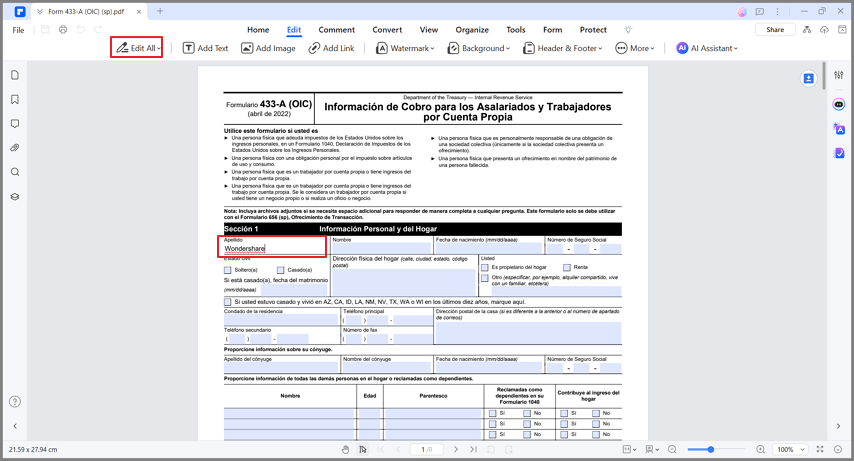
When it comes to balancing enterprise-level power with a user-friendly interface, Wondershare PDFelement stands out as the ultimate fillable pdf creator. Available across all major operating systems—including Windows, macOS, iOS, and Android—PDFelement acts as a one-stop-shop for all your document management needs.
PDFelement goes far beyond merely letting you drag and drop text boxes. It features advanced Form Field Recognition technology. With a single click, the software can scan a static, non-interactive PDF (such as a form created in Word or Excel and saved as a PDF) and automatically identify where the blank spaces and boxes are, instantly converting them into fillable fields.
You can create both interactive and non-interactive forms with a few clicks, perform precise form alignment, customize form properties (like font size, color, and field borders), fill in forms, and extract batch form data directly into CSV files. If you are starting from scratch, PDFelement provides access to a massive Template Mall with hundreds of pre-designed forms suitable for different industries, such as HR applications, real estate contracts, and invoicing.
G2 Rating: 4.5/5 |100% Secure
What Users Say:
"Converting non-fillable forms to fillable. This has saved me from having to print the original form, fill out everything by hand, sign it, and then scan it back it and send it on to the next person." — G2 Review (4.5 out of 5 stars)
2. LibreOffice Writer: Best Open-Source Free Fillable PDF Creator
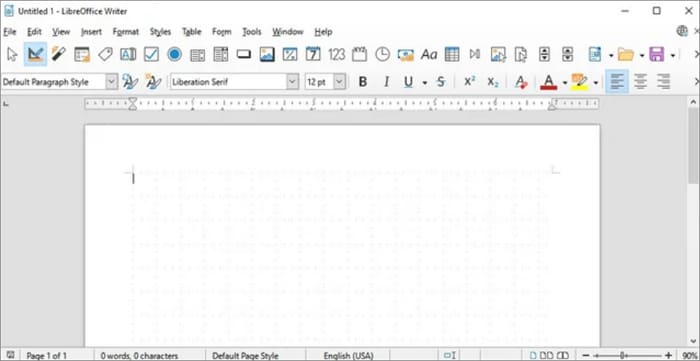
If you are strictly looking for a free fillable pdf creator and prefer open-source software, LibreOffice Writer is a surprisingly capable tool. Primarily known as a free alternative to Microsoft Word, LibreOffice Writer has been around for a long time and is equipped with a robust set of document formatting features.
One of its hidden gems is the "Form Controls" toolbar. This feature allows you to design a document from scratch and insert fillable elements such as text boxes, checkboxes, list boxes, and option buttons directly onto the page. Once your design is complete, you simply go to "File > Export As > Export as PDF" and ensure the "Create PDF form" checkbox is ticked. This converts your LibreOffice document into a universally recognized interactive PDF.
3. PDFill: Best Budget-Friendly Fillable Form Creator on Windows
PDFill is a veteran in the document management space, built specifically as a robust fillable PDF form creator for the Windows operating system. While its interface may look like it belongs to an older era of Windows software, its functionality remains incredibly solid.
With PDFill, you can easily create fillable, savable, and submit-ready forms using a wide variety of tools, including text fields, checkboxes, radio buttons, combo boxes, list boxes, and push buttons. It also supports advanced form actions, allowing you to set up buttons that will print the form, clear the form, or submit the form data via email.

What Users Say:
"Our members have, well, let's just say horrendous handwriting. This allows me to quickly and easily create fillable forms that people complete electronically, no handwritten responses required." — G2 Review (4.6 out of 5 stars)
4. Canva: Best for Designing On-Brand Fillable Forms Online
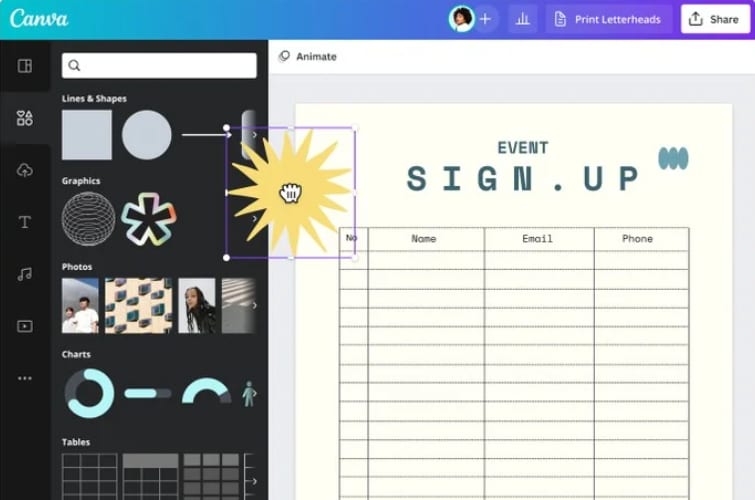
Canva is universally loved for its graphic design capabilities, but it also stands among those online tools that offer incredible potential for designing visually stunning, on-brand documents. If your goal is to create a form that looks beautiful—such as an event registration, a branded client intake form, or a visually engaging survey—Canva is the starting point.
The platform integrates thousands of templates to help you structure your document. For extensive form designing, the platform offers an expressive variety of graphical functions. However, there is a catch: Canva itself exports static PDFs. To make a Canva form truly fillable, you generally have to use Canva's integration apps or export the beautifully designed PDF and run it through a tool like PDFelement to add the interactive text fields.
5. JotForm: Best for Customized Online PDF Forms
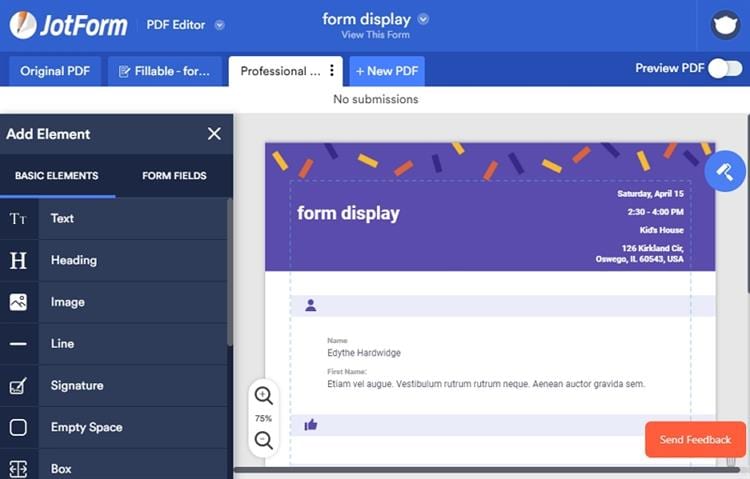
JotForm is a powerhouse in the online form-building space. Unlike traditional desktop editors, JotForm is primarily a web-based pdf fillable form creator that specializes in data collection. With this program, you can easily create highly customized forms from scratch using their intuitive drag-and-drop builder.
What makes JotForm unique is its Smart PDF Forms feature. You can upload an existing static PDF document, and JotForm will automatically convert it into a mobile-friendly online web form. When your clients fill out the web form on their phones, JotForm automatically populates the original PDF with their answers, allowing you to download the finalized, filled PDF.
What Users Say:
"You can either create a PDF from your form responses (which is great for things like making invoices), or you can create a fillable PDF. You can select the forms you have created and apply them to a ton of great templates, or you can make a new one." — G2 Review (4.2 out of 5 stars)
6. DocFly: Best for Quick and Shareable Fillable Forms Online
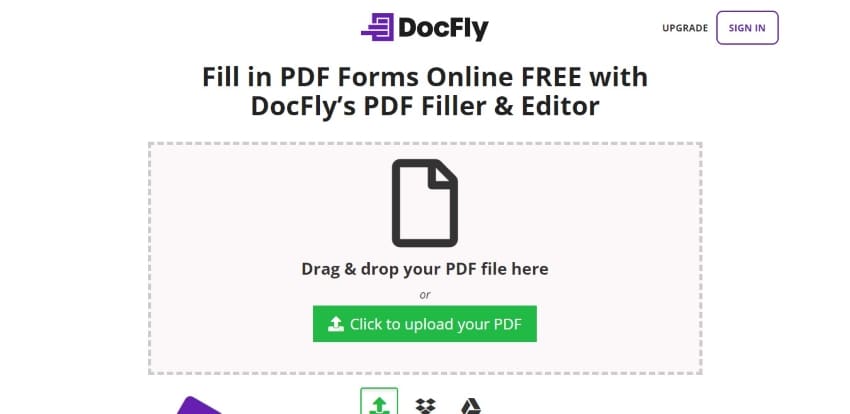
DocFly is the easiest way to create PDF forms directly in your web browser without downloading heavy software. This tool is known for packing expressive features within a very simple, effective, and clean user interface.
Users who do not have prior knowledge of using complex PDF software can design forms to perfection. DocFly allows you to upload a document, select the "Form Creator" tab, and drop text boxes, paragraph fields, and checkboxes directly onto the document.
What Users Say:
"It makes turning a word document into a fillable PDF form incredibly easy. The interface is fairly intuitive, as well." — G2 Review (4.2 out of 5 stars)
7. Sejda: Best Free Fillable Form Creator Online for Quick Edits
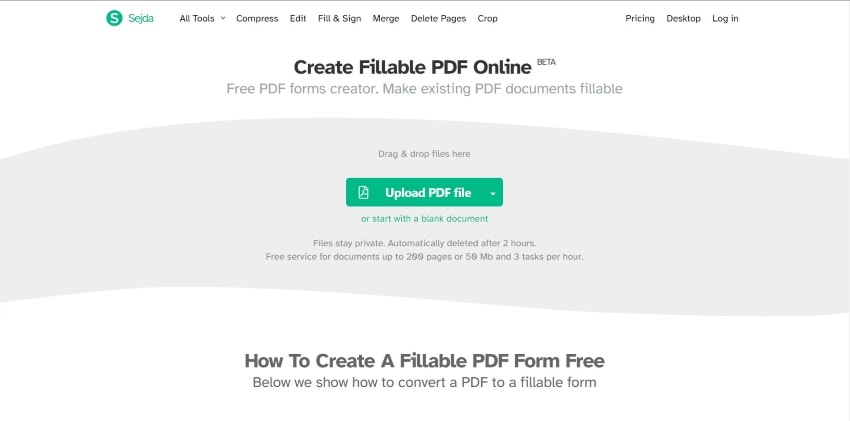
Sejda PDF Editor is a highly respected name for users looking for a fillable pdf creator free of charge for light, quick tasks. The platform provides a very extensive set of options across a very powerful PDF editor.
To create a form in Sejda, you just upload your PDF to their web portal, navigate to the "Forms" section, and begin adding interactive fields. It supports text fields, textareas, radio buttons, checkboxes, and dropdowns.
8. PDFescape: Best for Simple, No-Frills Browser-Based Form Creation
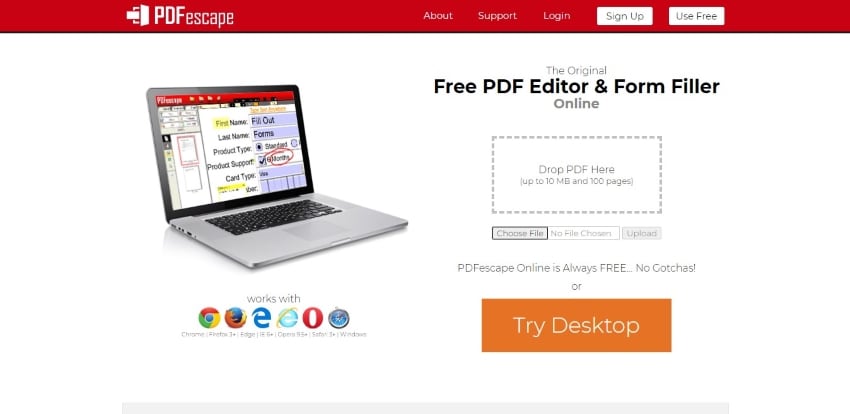
PDFescape has been a reliable online PDF editor for over a decade. It offers a very simple, albeit visually dated, online experience for its users. Despite its old-school appearance, PDFescape provides many capable editing tools.
If you are looking to set up a simple form design without any complex multimedia, PDFescape is recommended. It allows you to draw form fields, define field properties (like read-only or required), and easily change font styling within the form fields.
9. pdfFiller: Best for E-Signing and Complex Online Workflows
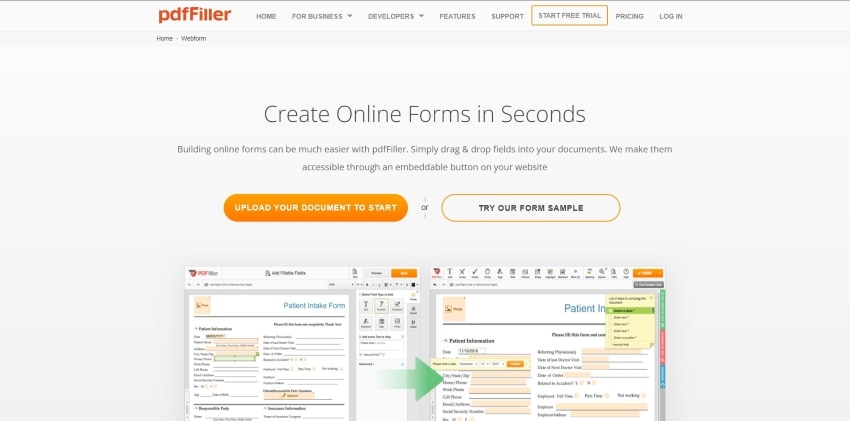
pdfFiller (by airSlate) offers a comprehensive, enterprise-ready experience in online document management. Not only does it give users the ability to create forms from scratch, but it also inherits millions of unique, legally vetted form templates.
If you need a form that requires robust digital signatures and payment collection, pdfFiller is a top-tier choice. It allows you to transform static PDFs into interactive experiences where you can request specific users to fill out fields securely.
10. PDFgear: Best Completely Free Desktop PDF Form Creator
PDFgear has quickly gained a reputation as a phenomenally capable and completely free pdf fillable form creator. Available for Windows, Mac, and iOS, it offers features that usually cost money without watermarks or forcing subscriptions.
Comprehensive Comparison of the Best PDF Form Creators
| Software/Tool | Best For | Platform Availability | Automated Field Recognition | Pricing Model |
|---|---|---|---|---|
| PDFelement | Overall Best Form Creation & Editing | Windows, Mac, iOS, Android | Yes (Highly Accurate) | Free Trial / Affordable Premium |
| LibreOffice Writer | Open-Source Enthusiasts | Windows, Mac, Linux | No | 100% Free |
| PDFill | Windows Power Users | Windows Only | No | Free Version / Low One-Time Fee |
| Canva | Graphic & Brand Design | Web, iOS, Android | No | Free / Premium Subscriptions |
| JotForm | Web-to-PDF Automation | Web-Based | Yes (Smart PDF) | Limited Free / Monthly Subscriptions |
| DocFly | Quick Browser Edits | Web-Based | No | Limited Free (3 files) / Premium |
| Sejda | Secure Online Editing | Web, Windows, Mac | No | Free / Premium |
| PDFescape | Simple No-Frills Edits | Web, Windows | No | Free / Premium |
| pdfFiller | Business Workflows & E-Signatures | Web, iOS, Android | No | Premium Subscription Only |
| PDFgear | Complete Free Offline Editing | Windows, Mac, iOS | No | 100% Free |
G2 Rating: 4.5/5 |100% Secure
How to Choose the Right PDF Fillable Form Creator
Choosing the best tool depends entirely on your specific circumstances, technical comfort level, and budget. Here are the main factors you should consider.
Offline Desktop Software vs. Online Form Builders
There is a lot to discuss when deciding between offline and online PDF form creators. Some individuals prefer working across online platforms because it bypasses the need to download heavy software. This is especially useful if you are working on a public computer or a strictly managed corporate device.
However, online fillable PDF creators come with trade-offs. They only operate smoothly with a stable internet connection. Uploading sensitive company data to a cloud server can violate corporate compliance policies. Furthermore, browser-based tools are often not extensive enough to handle large documents without lagging. If you require absolute privacy and heavy-duty processing power, you should always look for offline PDF form creators like PDFelement.
Advanced Features: Form Recognition and Data Extraction
If you only need to create one simple form a year, manually dragging and dropping text boxes is fine. But if you work in HR, law, or education, you might be dealing with hundreds of forms. In these cases, you need a tool with Automatic Form Field Recognition. Tools like PDFelement can look at a scanned document, see the blank underlining, and instantly place a fillable field there. Additionally, consider Data Extraction. Premium tools will extract data automatically with a single click.
Step-by-Step Guide: How to Create a Fillable PDF Form
Creating a professional, interactive form is incredibly straightforward when you use a capable desktop editor. Follow the steps below to create a fillable form with PDFelement.
Step 1Upload Your Flat PDF File or Start from Scratch
If you have installed PDFelement on your computer, double-click the icon to launch it. Click the "+" button (or "Open PDF") to open your existing, non-fillable PDF document. If you do not have a base document yet, you can choose to create a Blank PDF or navigate to the "Template" section to download a pre-made form structure.

G2 Rating: 4.5/5 |100% Secure
Step 2Add Fillable Fields to Create Your Form
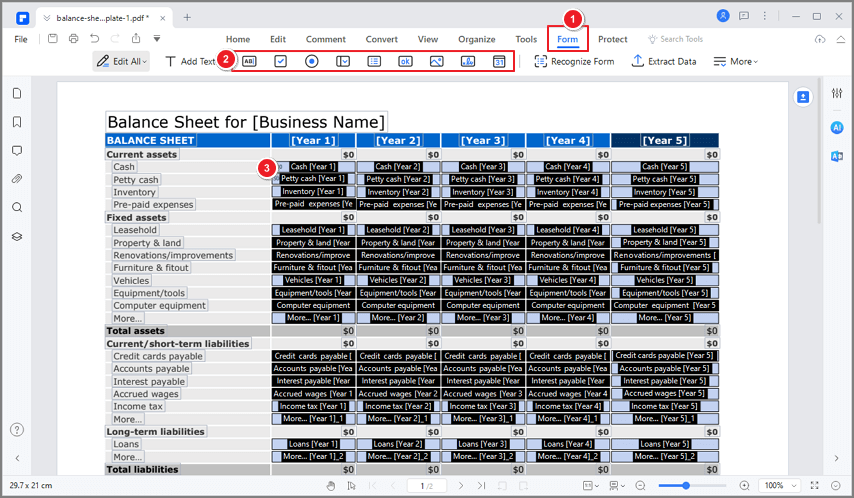
Once the PDF file is opened, look at the top navigation toolbar and click on the "Form" tab.
- Automatic Recognition: If your document already has visual blank lines and boxes, click "Recognize Form." PDFelement will scan the page and automatically generate interactive fields.
- Manual Creation: If you want to design it manually, the toolbar provides various fillable form fields. Select the Text Field for typing words, the Check Box for multiple selections, the Radio Button for single choices, the Combo Box, and the List Box.
Step 3Preview, Save, and Distribute Your Fillable Form
After you have placed all your fields, it is crucial to test the form. Click the "Preview" toggle button to switch from editing mode to viewing mode. In Preview mode, you can type into the boxes just like your end-user will. Once you have created the perfect form, hit "Save" (Ctrl+S or Cmd+S). You can now attach the PDF form to an email and send it to your clients or colleagues.

FAQs about PDF Fillable Creators
-
Which is the Best Fillable PDF Form Creator?
If you are searching for software that outperforms the competition in terms of features, ease of use, and pricing, PDFelement is surely your top choice. It offers an impressive variety of fillable form widgets, automatic form field recognition, and robust data extraction capabilities. -
How do I turn my PDF into a fillable form automatically?
Open your flat PDF file in PDFelement. Navigate to the "Form" tab and click on the "Recognize Form" option. The software's engine will automatically detect all the visual lines and blank spaces and overlay interactive text boxes on them. -
How do I create a fillable PDF from Word?
First, design the visual layout of your form within Word. Save the document as a PDF. Next, open this static PDF with a tool like PDFelement, go to the "Form" menu, and add your interactive text fields, checkboxes, and radio buttons over the areas you designed in Word. -
How do I create a fillable PDF without Adobe Acrobat?
You can use highly capable offline alternatives like PDFelement or PDFgear, which offer similar form-building tools at a fraction of the cost. Alternatively, you can use free online tools like Sejda, PDFescape, or JotForm to upload your static PDF and drag-and-drop fillable form fields directly in your browser.



