
How to Convert PDF to VSD - PDF to VSD Converter
This article gives instructions on how to convert a PDF file to VSD format with the most popular PDF to VSD converting software.
 100% Secure |
 Powered by AI
 Home
>
Convert Images
> How to Convert PDF to VSD - PDF to VSD Converter
Home
>
Convert Images
> How to Convert PDF to VSD - PDF to VSD Converter
VSD is a file format created by Microsoft Visio, which is used to draw different kinds of flowcharts and diagrams. VSD is not a single format that Visio supports, there are also many other formats supported by Microsoft Visio such as vst, vss, vtx, or vdx extensions. In order to draw a VSD file, you will need to use Microsoft Visio program but the VSD files can be viewed in the Microsoft Internet explorer or Google Chrome using an extension. Normally, Microsoft Visio will not let you directly open the PDF File but you will need to convert this file to the VSD format. Below is a step-by-step guide on how you can convert PDF to VSD file format.
Zamzar Online PDF to VSD Converter
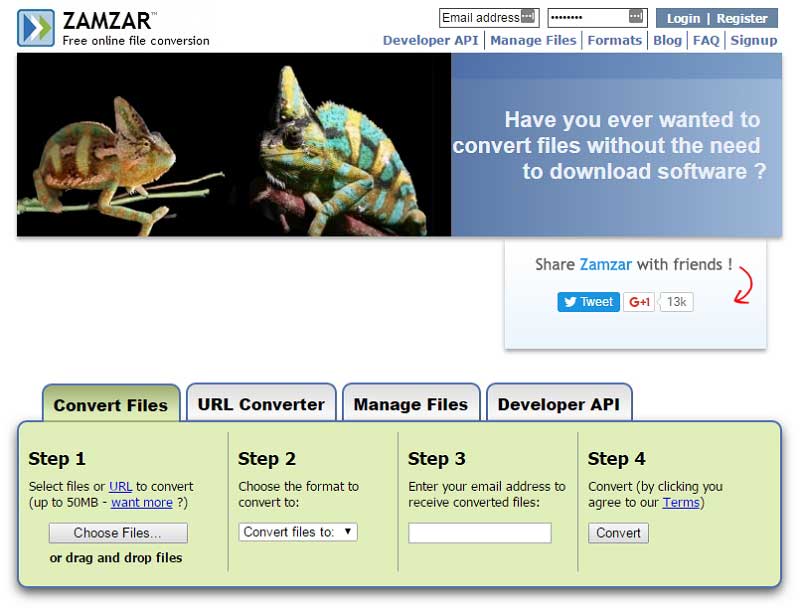
Zamzar is one of the most popular PDF to VSD converters. This service is basically known as the document modifying or storing service but you can also use it to convert a PDF to a VSD. Here's the step by step guide.
Step 1. Upload PDF to Zamzar
Open Zamzar in your browser and click on the "Convert Files" tab. Click on the "Choose Files" button and select the PDF files that you want to convert to VSD.
Step 2. Select VSD as Output Format
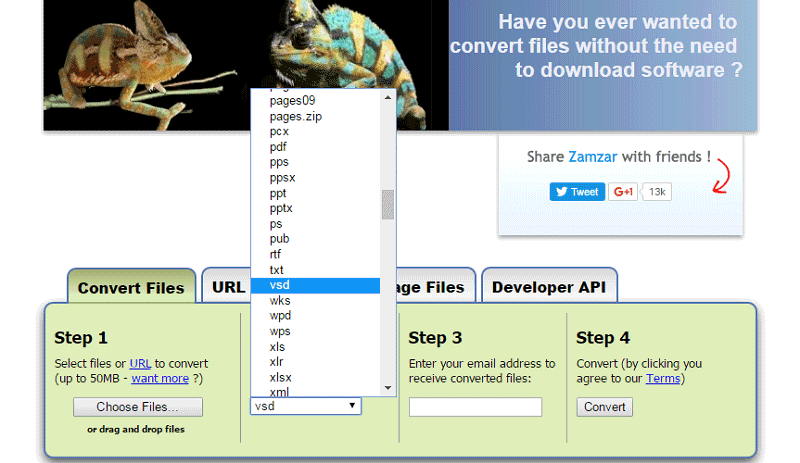
Now, click the "Convert Files to" button to select VSD as the output format. Then enter your email address and click "Convert" the last block. Wait for a few seconds and the file will be converted and emailed to the address that you entered.
2PDF Online PDF to VSD Converter
2PDF is a simple and free online tool that allows you to convert PDF files to VSD format quickly. It supports multiple file conversions without requiring installation. Follow the steps below to use it.
Step 1. Upload PDF to 2PDF
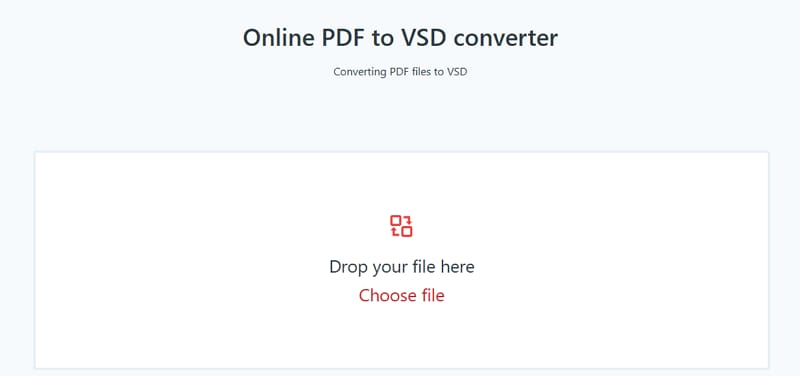
Go to the 2PDF website and open the PDF to VSD converter page. Click on the "Choose Files" button or drag and drop your PDF file into the upload area.
Step 2. Convert PDF to VSD
Once the file is uploaded, the tool will automatically select the output format. If needed, choose VSD as the target format. Click the "Convert" button and wait for the process to complete. After conversion, download the VSD file to your device.
PDFfiller Online PDF to VSD Converter
PDFfiller is a versatile online document management platform that also supports PDF to VSD conversion. It offers additional editing and cloud storage features. Here’s how to use it.
Step 1. Upload PDF to PDFfiller
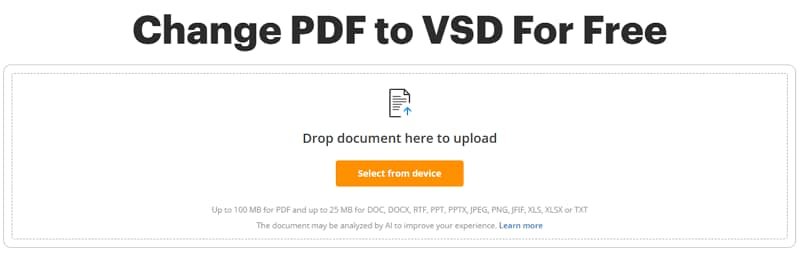
Visit the PDFfiller website and upload your PDF file by clicking the "Add New Document" button. You can upload from your device, cloud storage, or import via URL.
Step 2. Convert PDF to VSD
After uploading, choose the conversion option and select VSD as the output format. Start the conversion process and wait for it to finish. Once done, download the converted VSD file or save it directly to your cloud storage.
Comprehensive PDF Solution You Should Have
Instead of using the online services to edit or convert the PDF files, you can use the Wondershare PDFelement - PDF Editor Wondershare PDFelement Wondershare PDFelement on Windows or Mac OS X. It is not only a PDF editor or converter, yet it is a complete solution to read, edit, create, convert, manage, and protect PDF files on your computer.


 G2 Rating: 4.5/5 |
 100% Secure
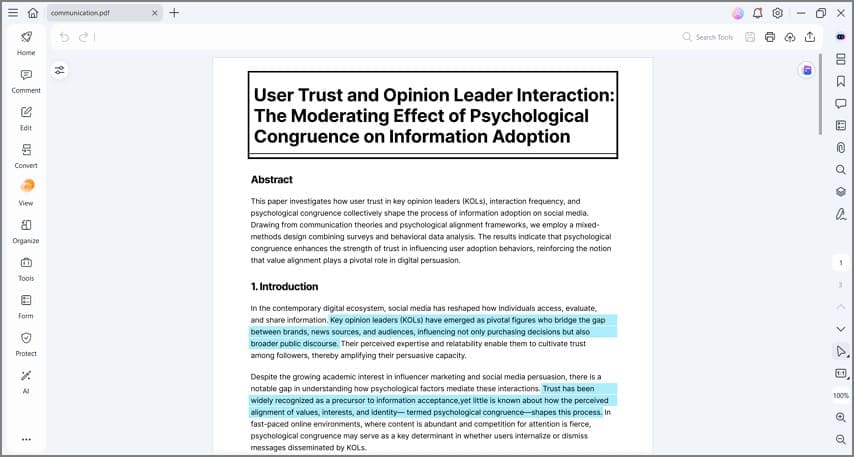
The unique thing about PDFelement is that it will provide all these professional features in a seamless user-interface. Users can easily replace the already present text in a PDF with the new text and the font or style of the text can also be changed. Similarly, you can rotate, flip, replace, resize or crop the images present in PDF files. The advanced OCR feature lets you easily edit scanned PDFs. It also provides tons of features to create new PDF forms to fill the PDF forms using particular text. Lastly, the PDF files can also be converted to Word, Excel, PowerPoint files, images, HTML and more.
Free Download or Buy PDFelement right now!
Free Download or Buy PDFelement right now!
Try for Free right now!
Try for Free right now!


Audrey Goodwin
chief Editor