
The Top 5 Websites to Download Ringtones for iPhone for Free
It is good to have a list of the newest ringtones for your iPhone, and this article outlines 5 websites that you can free download iPhone ringtones.
 100% Secure |
 Powered by AI
 Home
>
iOS PDF Apps
> The Top 5 Websites to Download Ringtones for iPhone for Free
Home
>
iOS PDF Apps
> The Top 5 Websites to Download Ringtones for iPhone for Free
Many iPhone users customize their ringtone to music they like, and switch it up every now and then with newly released songs. After all, using one ringtone for a long time can get boring. But maybe you aren't aware of which sites are best to download the newest ringtones for your iPhone. This article will outline 5 websites that you can use to download iPhone 13 ringtones.
If you need a PDF editor for your iPhone, try Wondershare PDFelement for iOS.



Where to Download Ringtones for iPhone - Top 5 Websites
1. Zedge
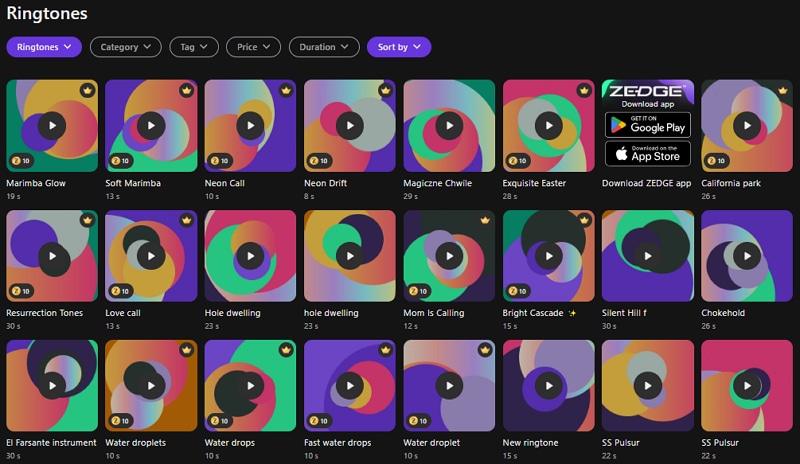
Zedge is perhaps the most popular ringtone site. On top of free ringtone downloads, it is also known for its free themes, wallpapers, and more. It is considered to have some of the best collections of ringtones, with many different types to choose from. All ringtones are advertised as free, unlike other websites, which falsely advertise this.
Zedge makes it easy for users to download ringtones to their iPhones. Users can download the ringtones directly to their device using Zedge for mobile, or they can download them to their computer and transfer them to their iPhones.
Why it's recommended:
- Massive collection of music, sound effects, and themed ringtones
- One of the most established platforms with hundreds of millions of users
- Offer iOS app for easy access
2. Mobile 9
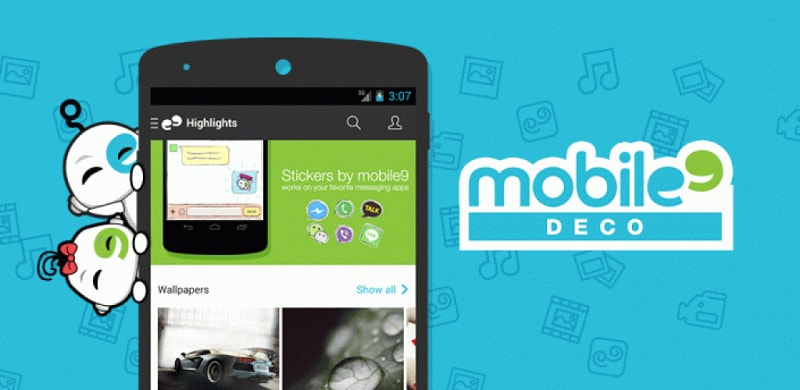
Mobile 9 is another popular website offering free iPhone ringtone downloads. It offers free ringtones as well as a community of users. You can download screensavers, ringtones, wallpapers, games, videos, and more from Mobile 9, all for free. There are a variety of items to choose from, and the site is pretty simple to navigate.
The only drawback with mobile 9 is that you have to create an account to use it. Nonetheless, creating an account is free, and once you fill out the registration form, you will have instant access to everything on the site. Members have a profile and access to a phone compatibility checker so they can choose the ringtones that are compatible with their device. Mobile 9 can be a bit complex for beginners, but once you're used to it, you will have easy access to unlimited ringtones for your iPhone.
Why it's recommended:
- Offers hundreds of thousands of ringtones and media files
- Includes wallpapers, themes, and more
- Completely free to browse and download
3. Ringophone
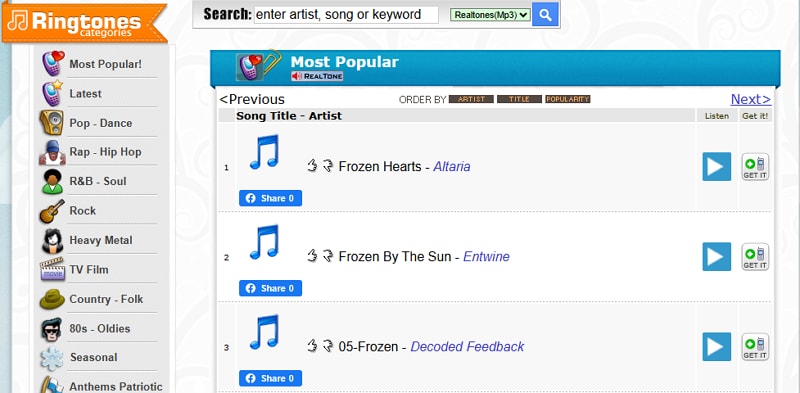
Ringophone is also another site offering free ringtones downloads for iPhone. It contains a massive selection of ringtones, from 450,756 pieces of licensed and downloadable material. It provides iPhone ringtones, games, and wallpaper. Also, there are free ringtones, and if you want to download unlimited ringtones, the website offers a one-time purchase.
Why it's recommended:
- A massive selection song and sound effect
- Share ringtone with friends
4. Freetone
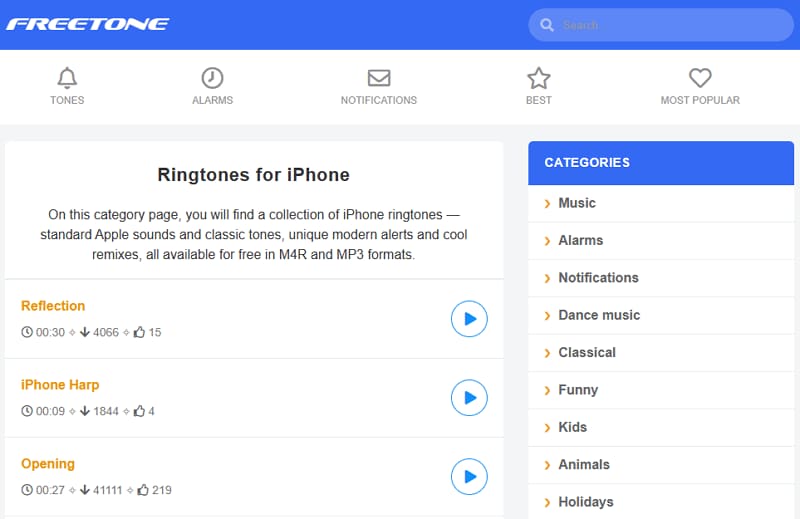
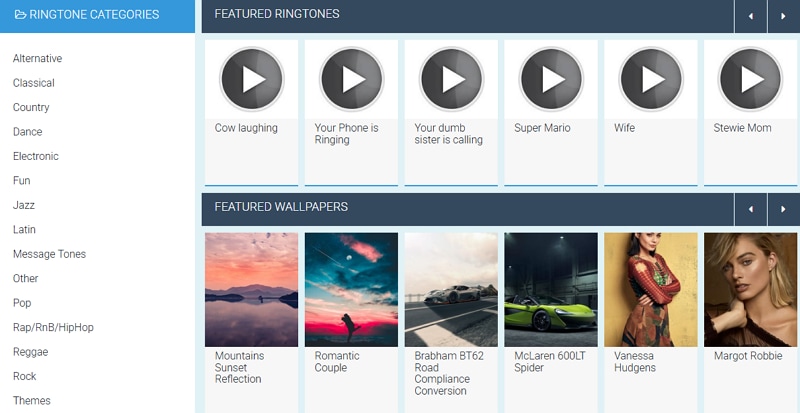
As the name suggests, Freetone lets you download a ton of ringtones for your iPhone for free. The website has a handy search tool that makes the search for your ringtone much easier. You can search by artist name or browse by the most popular products.
You can also view available ringtones by categories such as Dance, Animals, Funny, etc. The website also offers other goodies for your iPhone. For instance, you can get free notifications and alarm sounds. You can have access to all these items without registering or creating an account. All products on the website are offered for free, and there is no subscription or download fee.
Why it's recommended:
- Focuses specifically on Apple-style tones
- Download ringtones in M4R format
5. My TinyPhone
My TinyPhone has tons of ringtones to choose from for your iPhone. It also offers other iPhone items, such as wallpapers and themes for free. The site does not involve any registration or creation of an account to access the materials. With the wide selection, you can choose from a list of popular ringtones such as the latest ringtones, top-rated ringtones, alarm ringtones, etc.
You can also download games and enjoy playing them on your device for free without being disturbed by ads after downloading them. However, the websites contain a lot of ads, and you will see many of them while using them, which can be distracting.
Why it's recommended:
- Let you send ringtones directly to your phone via SMS or email
- No need for manual file transfer
- Includes ringtone maker tools
FAQs about iPhone Ringtone
1. What is the default iPhone ringtone?
The default iPhone ringtone on modern devices (iPhone X and later) is “Reflection.” Apple introduced Reflection to replace the long-standing classic ringtone “Opening (Marimba),” which had been the default for many earlier iPhones. Although Reflection is set as the default out of the box, Apple still includes a full library of older ringtones, so you can switch back to classics like Marimba at any time.
2. How to create a custom ringtone on iPhone?
- Download or save an audio file (MP3, AAC, etc.) to the Files app.
- Open GarageBand and start a new project using the Audio Recorder.
- Switch to the Tracks view, then tap the Loop icon to import your audio file from Files.
- Once imported, drag the file onto the timeline and trim it to 30 seconds or less, which is the maximum ringtone length allowed by iOS.
- After editing, tap “My Songs,” then press and hold the project file, select “Share,” and choose “Ringtone.”
- You can name it and immediately set it as your default ringtone or assign it to a contact.
This method requires no computer and gives full control over the ringtone length and content.
3. How to change the default iPhone ringtone?
- Open the Settings app, then scroll down and tap “Sounds & Haptics.”
- Inside this menu, select “Ringtone,” which includes Apple’s defaults and any custom ringtones you’ve added.
- Tap on any ringtone to preview it instantly, and once selected, it becomes your new default for incoming calls.
If you want to personalize further, you can assign unique ringtones to specific contacts by opening the Contacts app, selecting a contact, tapping “Edit,” and choosing a ringtone for that individual. This allows you to identify callers without checking your phone. Changes take effect immediately and can be adjusted anytime without restarting your device.
4. How to download ringtones for iPhone?
- Option 1: Ringtone website
You can download ringtones for iPhone from a trusted ringtone website, such as ZEDGE or FreeTone. Download your desired ringtone in .m4r format, which is compatible with iPhone, and save the file to your Files app.
Since iOS does not allow direct ringtone installation from downloads, you’ll need to use GarageBand. Open GarageBand, import the downloaded file, and export it as a ringtone. - Option 2: iOS app
Alternatively, you can use ringtone apps from the App Store, which guide you through this process automatically. Keep in mind that ringtones must be under 30 seconds. While the process involves a few steps, it ensures compatibility and allows you to customize exactly how your ringtone sounds.
5. Where to buy ringtones on iPhone?
- Open the iTunes Store, tap the “More” tab (three dots), and select “Tones.”
- Here, you can browse featured ringtones, search for specific songs, or explore categories like pop, rock, and sound effects.
- Once purchased, you can set them as your default ringtone, text tone, or assign them to specific contacts without needing additional apps.
The advantage of using the iTunes Store is that everything is fully compatible and seamlessly integrated with iOS, eliminating the need for file conversion or third-party tools.
Free Download or Buy PDFelement right now!
Free Download or Buy PDFelement right now!
Try for Free right now!
Try for Free right now!


Elise Williams
chief Editor