
Wondershare PDFelement for Mac
All-in-One
PDF Editor for Mac,
iPad, and iPhone
- Smarter, Simpler, Seamless
Edit, convert, OCR, annotate, and sign PDFs with seamless Apple workflows
— scan from iPhone, sketch from iPad, open recent files from widgets, split-view documents,
and automate tasks with Spotlight and Shortcuts.



 4.5 · 2.1K Ratings











 One-Stop PDF Solution for Mac
Get PDFs done fast and smarter on macOS.
Read, translate, and edit PDFs faster with AI on Mac.
 Chat with PDFs and switch between AI models like GPT-4o, GPT-4o mini, DeepSeek, Gemini 2.5 Pro for the best results.
 Polish your PDFs with Grammar check, rewrite, or translations using Fast or Pro translate modes.
 Summarize PDFs instantly with AI Knowledge Cards, or convert PDFs into notes, mind maps, or presentations.

From App store


Convert PDFs on Mac without losing quality.
 Convert with one click – turn PDFs into Word, Excel, PowerPoint, EPUB, HTML, RTF, or images on Mac.
 Create high-quality PDFs from documents, images, or web pages easily on Mac.
 Boost your workflow by batch converting PDFs into multiple file formats quickly and efficiently.
From App store

Edit PDFs on Mac with ease.
 Edit text your way – use custom fonts and personalized styles, a hassle-free alternative to Preview.
 Work with images easily – replace or extract images in PDF on Mac with simple drag-and-drop actions.
 Add smart links – insert hyperlinks or link directly to specific pages within your document.
From App store

OCR PDFs on Mac – accurate, fast, and multilingual.
 Recognize text with precision – extract content from scanned PDFs in 27 languages.
 Batch convert with ease – turn multiple scanned PDFs into searchable, editable files at once.
 Clean and edit-ready – auto-deskew and enhance scans, then convert them into editable Word documents with OCR.
From App store

Annotate PDFs on Mac with style and precision.
 Mark up with ease – highlight, underline, strikethrough, or add shapes and sticky notes to your PDFs.
 Make it yours – enhance annotations with custom stamps, colorful sticker packs, and personalized fonts and colors.
 Measure accurately – calculate lengths, areas, and perimeters directly on PDF drawings in seconds.
From App store

Batch PDF processing made smarter on Mac.
 Do more at once – bulk convert, OCR, compress, merge, protect, and print PDFs seamlessly on Mac.
 Translate in bulk – AI-powered translations across languages, fast and accurate.
 Edit efficiently – batch crop and adjust margins, backgrounds, watermarks, headers, footers, and Bates numbers in PDFs.
From App store

Reduce PDF size on Mac without losing quality.
 Compress faster – shrink PDFs to KB in seconds, quicker than free online tools.
 No limits – reduce file size flexibly with no restrictions.
 Save time – batch compress multiple PDFs at once for maximum efficiency.
From App store

Create, send, and sign PDFs on Mac with security and legality.
 Sign with confidence – fill and sign PDFs securely using legally binding e-signatures.
 Streamline workflows – create e-signable PDFs, send them to multiple recipients, and track signatures in real time.
 Flexible signing options – add electronic signatures in image, text, or handwritten form using your mouse or trackpad.
From App store

Create a fillable PDF or complete forms on Mac.
 One-click form creation – generate fillable and editable PDF forms instantly.
 Add interactive fields – insert text boxes, checkboxes, radio buttons, and dropdown menus with ease.
 Smart form handling – recognize, fill in, and extract data from PDF forms on Mac.
From App store

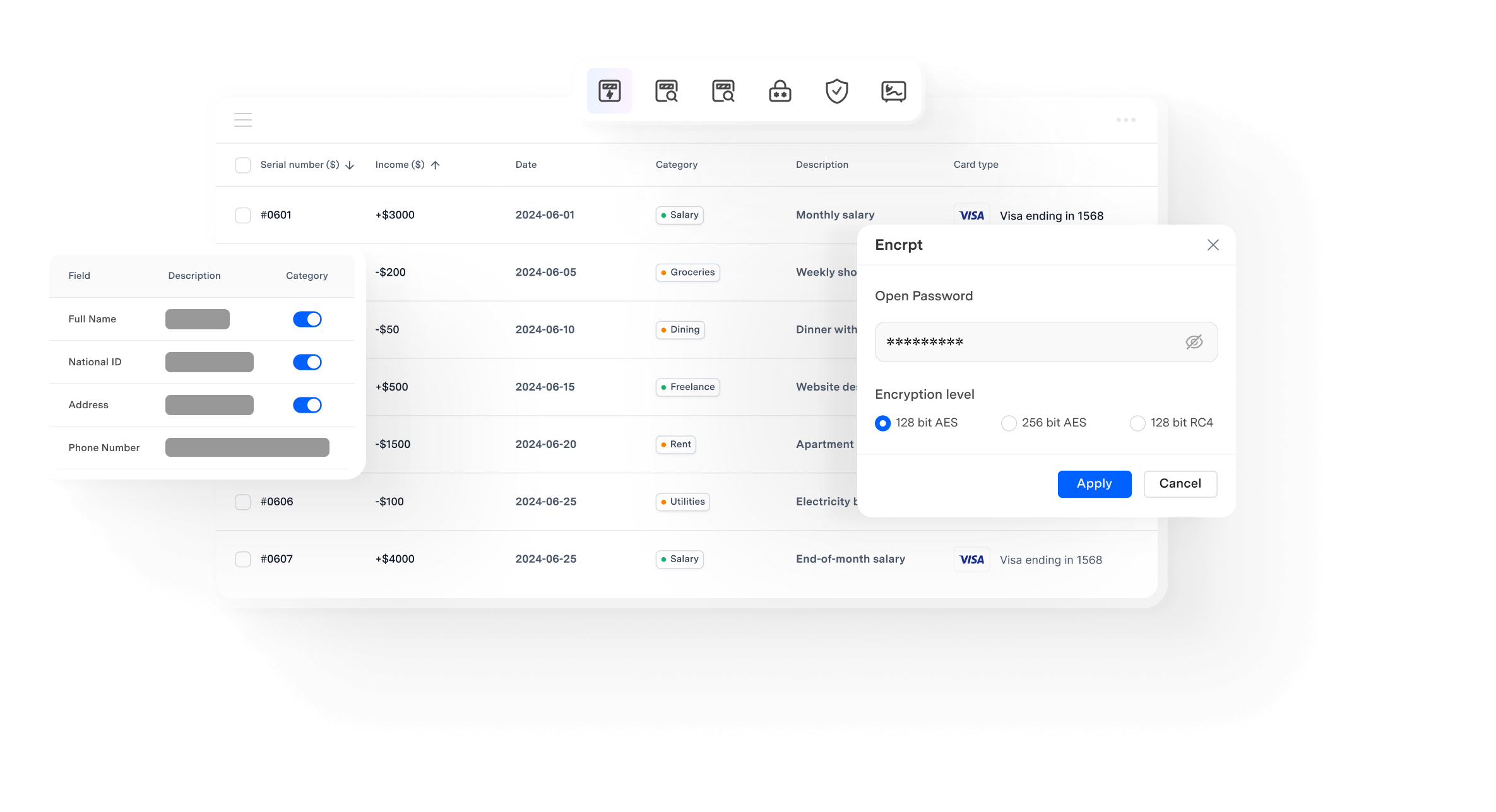
Protect and redact PDFs effortlessly on Mac.
 Secure your files – password-protect PDFs to restrict viewing, printing, or editing with ease.
 Redact in one click – select areas or search terms to instantly black out all matching text.
 Smart Redact your PDF – automatically detect and redact sensitive data like names or IDs for compliance.
From App store
Seamlessly PDF Workflow on macOS and iOS
Work with PDFs anywhere across Mac, iPad, and iPhone.
Scan, edit, review, and sign PDFs with ease across Mac, iPad, and iPhone, all within one smooth Apple experience.
Scan on iPhone
Capture or scan documents on your iPhone and send them instantly to your Mac for editing — no file transfer needed.
Edit on Mac
Edit text, fill forms, convert files, or batch-process PDFs with powerful tools built for Mac. Find files faster with Spotlight and simplify repetitive workflows using Shortcuts.
Review on iPad
Annotate and draw using Apple Pencil or touch input, making feedback more natural and precise.
Sign anywhere
Sign documents on any device and keep your signatures synced, so you can finalize files anytime without interrupting your workflow.


Professional & AI-Focused
PDF Editor for Mac
Why choose
PDFelement for Mac?
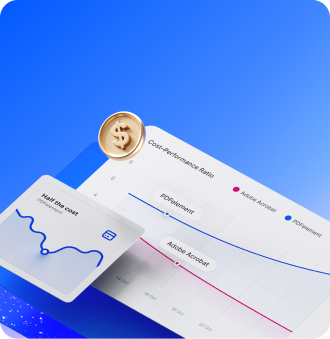
Save 50% vs. Adobe Acrobat with pro PDF tools and batch features.
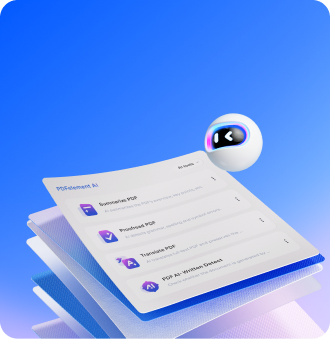
Work smarter with AI to summarize, translate, and chat with your PDFs.
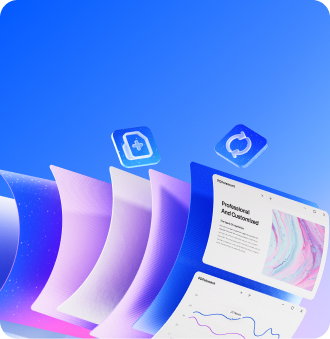
All-in-one PDF solution – edit, convert, OCR, batch process, protect, and e-sign PDFs.
Seamless Apple Workflow – Work across Mac, iPhone, and iPad more efficiently. Scan documents, sketch ideas, and manage PDFs with smoother cross-device workflows.
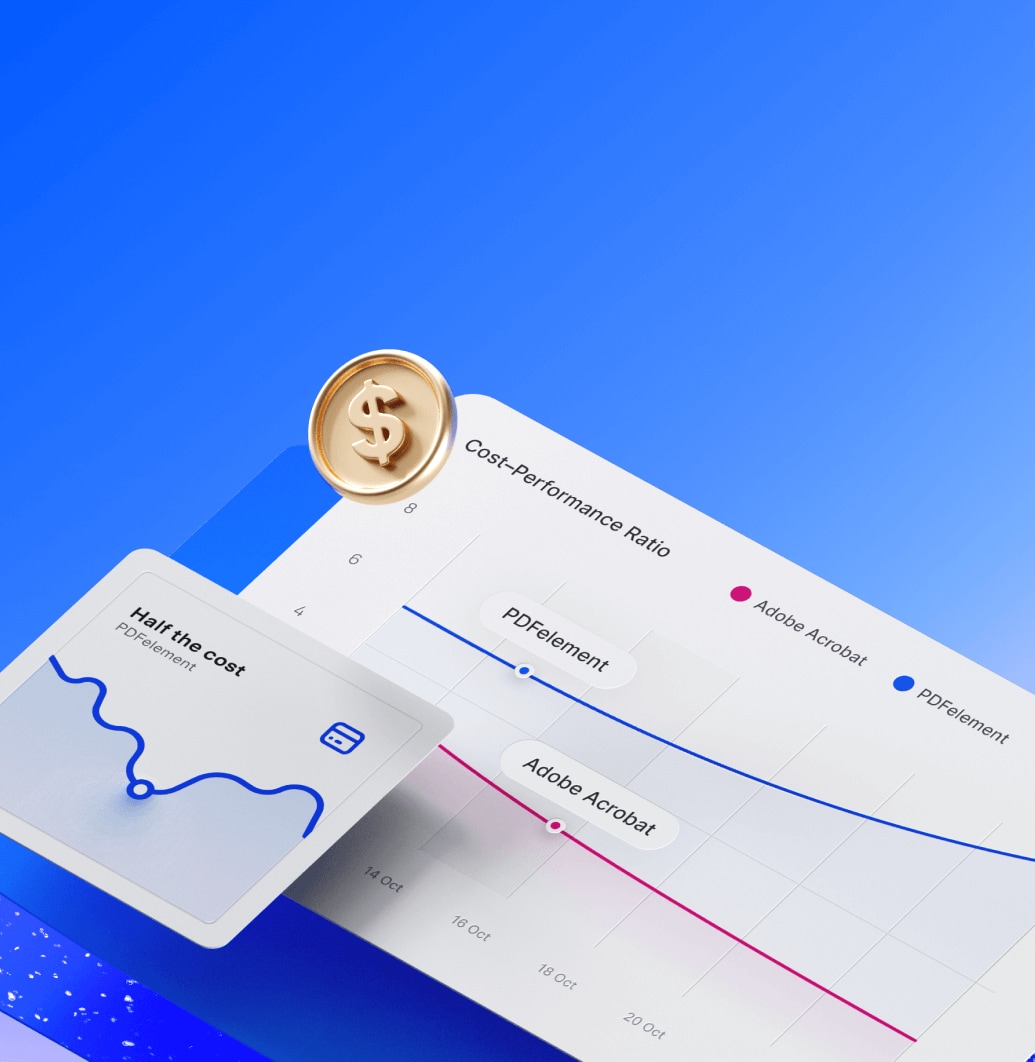
Save 50% vs. Adobe Acrobat with pro PDF tools and batch features.
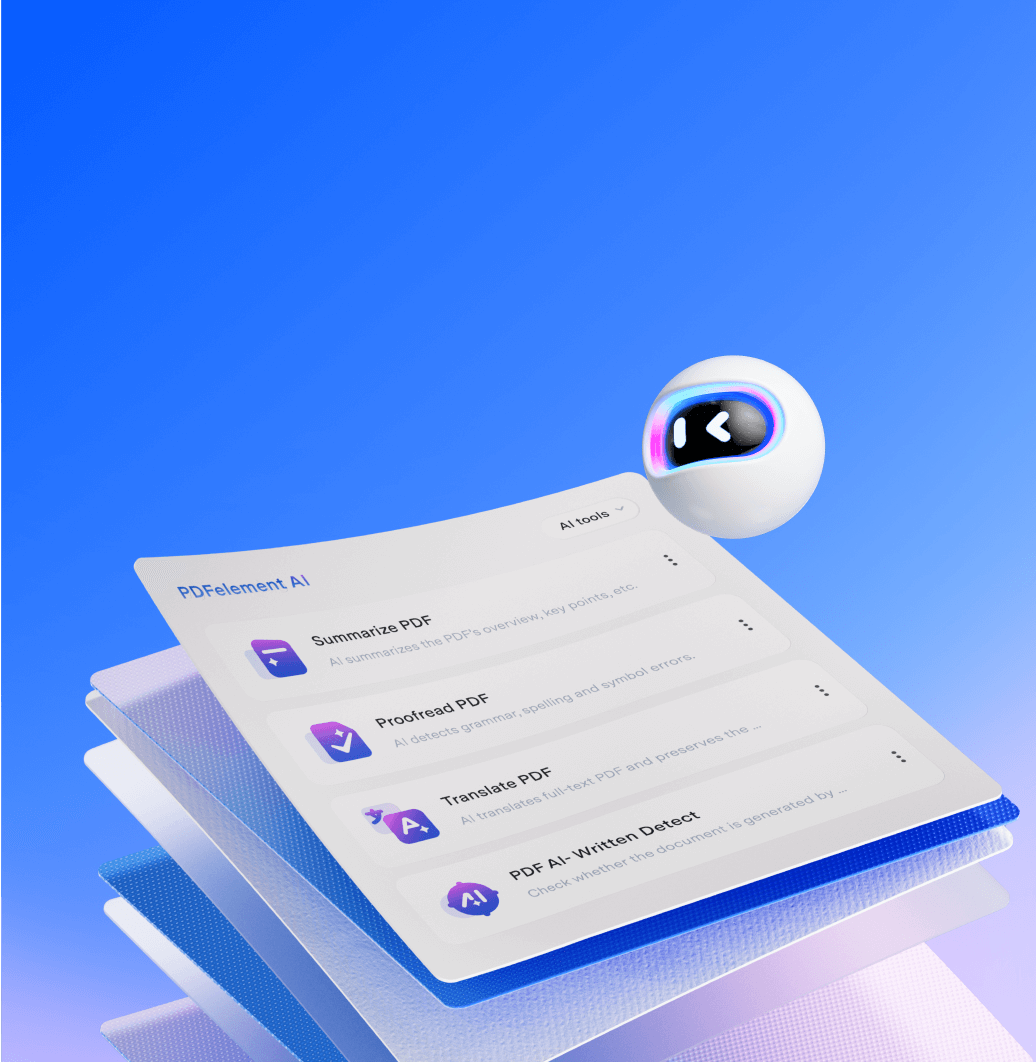
Work smarter with AI to summarize, translate, and chat with your PDFs.

All-in-one PDF solution – edit, convert, OCR, batch process, protect, and e-sign PDFs.
Seamless Apple Workflow – works smoothly on macOS 10.15+, Intel, and Apple Silicon, with full cross-device support.


eSign saves daily signing time.
eSign on my Mac saves me so much time. I can quickly sign PDF reports every day without printing, scanning, or wasting extra steps.



Smart Redact makes sharing safer.
Smart Redact makes my job simple. I can block sensitive details in contracts fast, and feel safer sharing documents with clients.


Blueprint editing boosts accuracy.
Editing and measuring blueprints on both Mac and iPad is smooth. It helps me work faster with my team and keep designs more accurate.


AI model switching improves reviews.
Switching AI models in Chat with PDF on my Mac makes answers more accurate. It really helps me finish IT reviews faster and easier.

news, trends, and updates!


Tips & tricks about PDF Editor



Simplified by AI.
Fast, easy, and affordable PDF editor. Convert, edit, sign PDFs, and more.


AI summaries speed up grading.
AI summaries on my Mac make grading research papers so much easier. I save time reading long essays and can spend more effort on student feedback.