

Many users struggle to create an S-shaped signature that looks professional in digital documents while remaining unique. The result is often awkward or inconsistent, which can change the file and make emails look credible. This can be frustrating, as signing PDFs cleanly is essential for a better impression at work.
If you want to create a professional S letter signature, this article is for you. This guide provides detailed information on all essential aspects of Signature S.
In this article
- What is an "S Letter Signature"?
- Why People Choose the Letter "S" As A Signature
- Common Styles of S Letter Signatures
- S Letter Signature Examples (Visual Inspiration)
- Electronic vs. Handwritten S Letter Signatures
- How To Use an S Letter Signature in Digital Documents
- Applying an S Letter Signature to PDFs Using PDFelement
- Tips For Creating a Clean and Professional S Letter Signature
- Common Mistakes When Using an S Letter Signature
Part 1. What is an "S Letter Signature"?
An "electronic signature S" is a personal signature style built primarily around the letter S, typically derived from the name's initial. In practice, it is any signature in which the S is the primary visual element, with the rest of the name reduced.
Many signatures are based on single initials and are quick to produce and easier to remember. Using just the S lets someone sign multiple letters, forms, and digital files consistently. In letters and contracts, an S-based signature often appears at the end to show consent while maintaining a professional look.
Part 2. Why People Choose the Letter "S" As A Signature
Many users include an S in their signature because the first letter of their name is S. The S letter lends itself to curves and minimal strokes, so it works well for those who don't want to write their full name. So let's explore its common use cases to know where you can sign with an S letter:
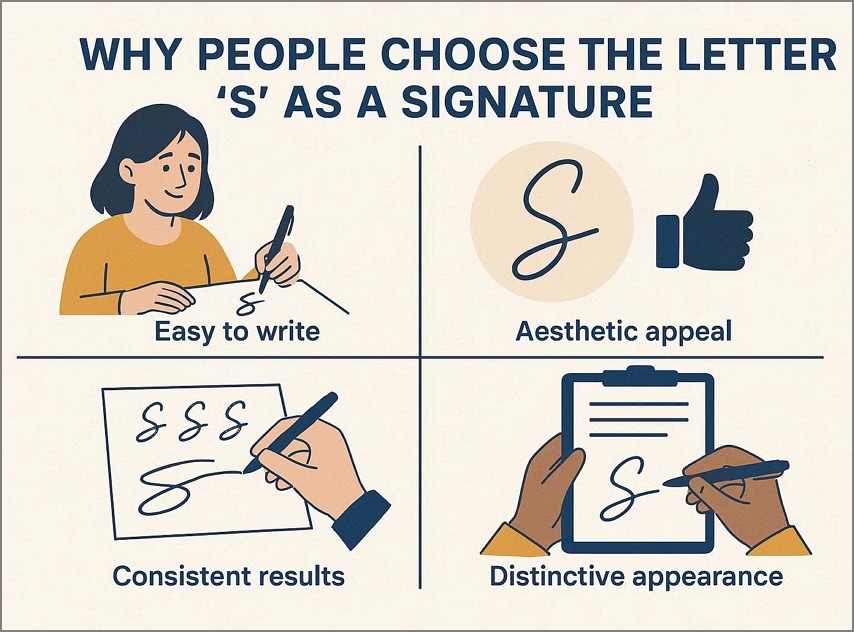
- Letters: In personal and semi-formal letters, the signature "S" often serves as a quick sign-off, adding a personal touch. This letter type is used with friendly and recommendation letters, where personality is more important.
- Forms: On forms that only require multiple signatures on the same page, use a simple S mark to boost the workflow. It is commonly used for quick initial signatures in internal office forms and HR documents.
- Informal Agreement: For low-risk, everyday agreements, acknowledging receipt with an S letter is a convenient way. In this situation, people often prioritize documenting who agreed and who did not.
- Digital Documents: In digital documents, such as PDF and email, you can instantly draw an S letter using a mouse. You can also use the stylized S letter images to quickly upload the signature to the PDF.


 G2 Rating: 4.5/5 |
 100% Secure
Part 3. Common Styles of S Letter Signatures
Common S letter signatures fall into a few clear style families, each with its own look and typical level of formality. So, we have listed some core S signature example styles that you can use for signing PDF documents:
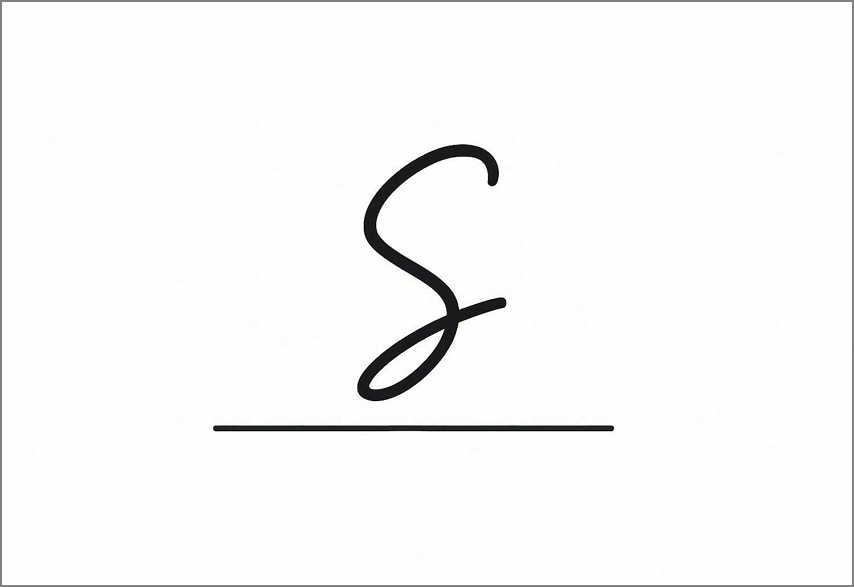
Simple Cursive S
A simple cursive S follows the basic handwritten S shape, with smooth curves and minimal decoration. Being an easier style, it can be recreated as needed in your everyday life. This style is primarily used for routine paperwork, informal letters, and signatures where legibility is important. Furthermore, its formality level is Medium, which makes it more personal and authentic.
Extended or Looped S
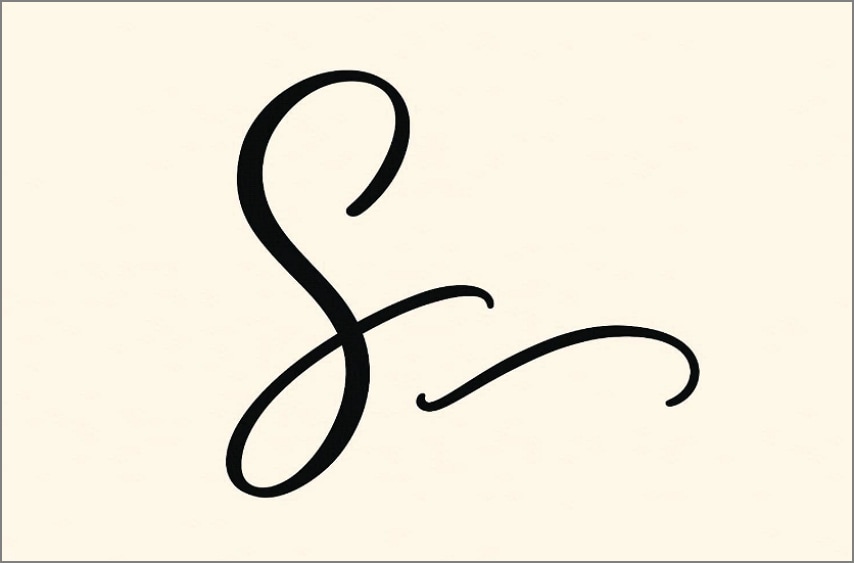
This extended signature symbol S features large upper and lower loops to make the letter S look more stylish. Sometimes this design also has a long tail, which feels more stylish and expressive. This looped style is primarily used in creative autograph portfolios, personal branding, and eye‑catching sign‑offs. Moreover, the overall formality level is Medium, but it can't be used in legal contracts.
Abstract or Symbol-like S
In this style, the abstract S letter provides a subtle hint. For example, there are 2 curves, zigzag, or a stylized wave, indicating the signature of the letter S. This style is quite famous for use in personal logo brands and digital avatars. The formality level of the abstract style varies depending on the style and looks more professional and modern.
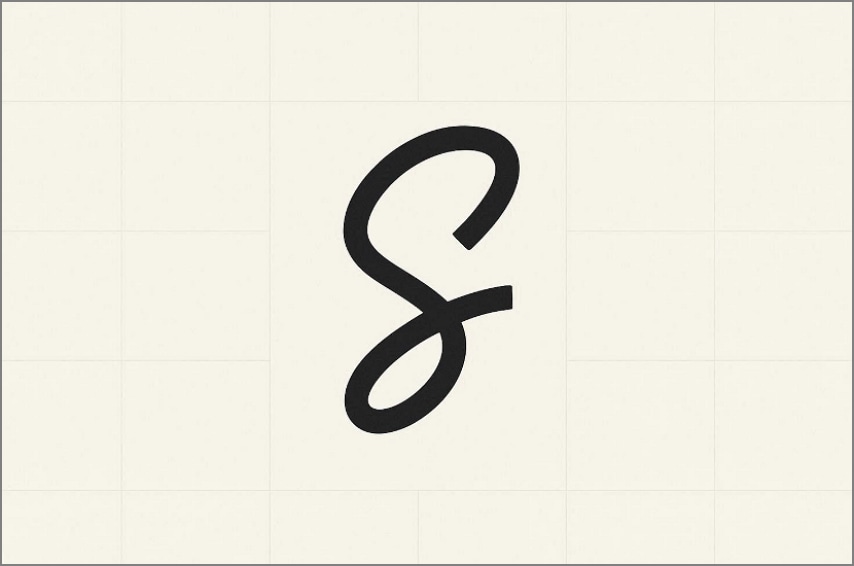
Minimalist S Mark
A minimalist S mark reduces the letter to one or two quick strokes, often small, straight, or slightly curved. It is designed for speed and consistency, which makes it ideal for initial‑style signatures and multi-page documents. Plus, its formality level is Medium to High and fits well in a cooperative legal and administrative workflow.
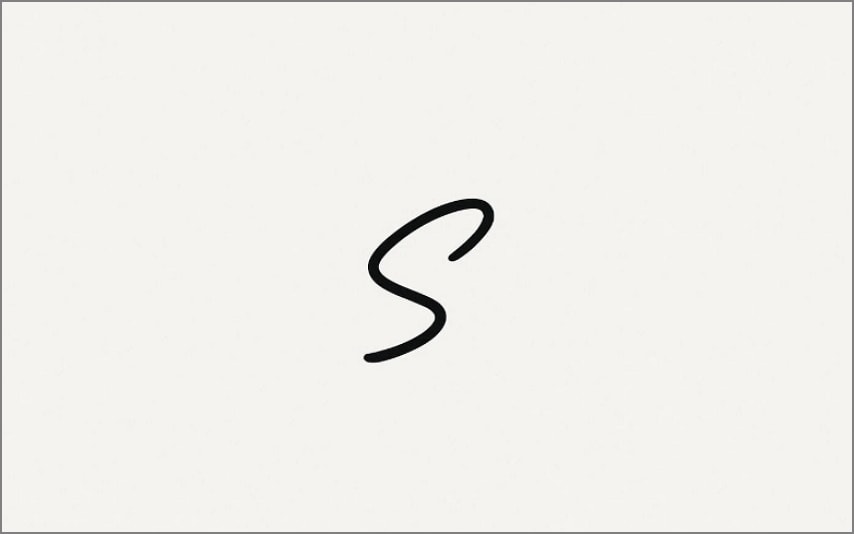
Combined S + Underline styles
In this style, the S is followed by a sweeping horizontal or slightly curved line, sometimes returning under the letter. The underline adds emphasis, which signals the sign holder's confidence and provides a good impression. This letter signature symbol S is used for professional signatures, business cards, and client documents. Moreover, it has a formality level of Medium, making the sign suitable for managers or workers.
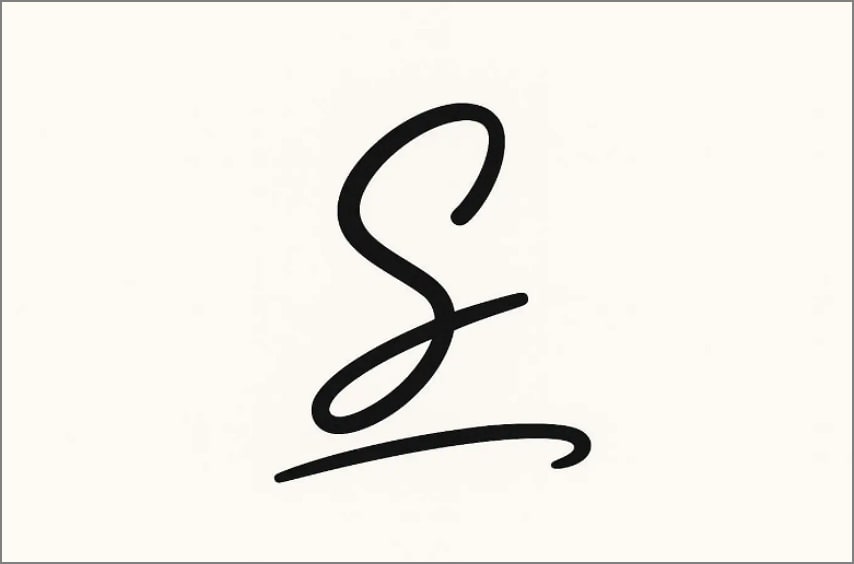
G2 Rating: 4.5/5 |100% Secure
Part 4. S Letter Signature Examples (Visual Inspiration)
Before creating your own signature, reviewing real-world signed S styles can help spark ideas and refine your choice:
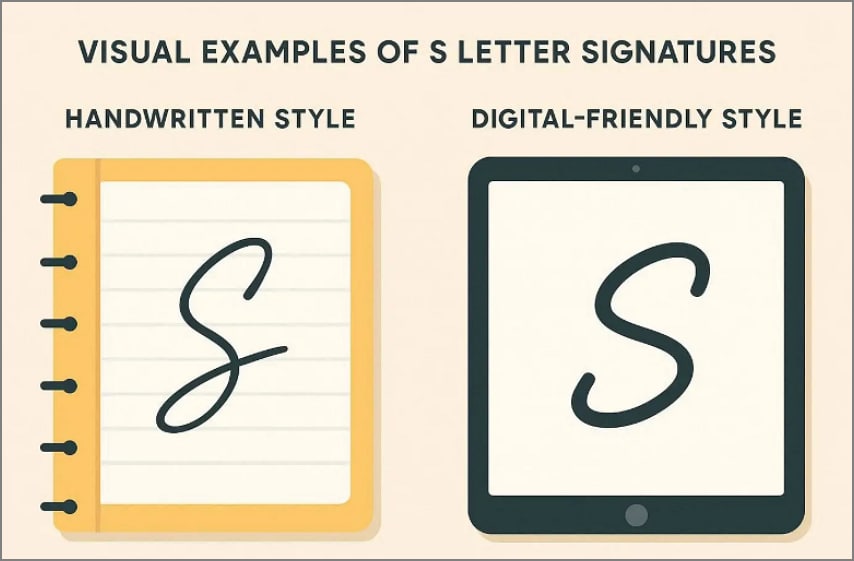
- Handwritten Signatures: A simple cursive S with one smooth stroke, starting at the top, curving down, in a notebook. Furthermore, you can opt for a stylish long-loop style with the tail extending under the next letters of the name.
- Digital-Friendly Signatures: On screens, many people simplify their S into a clean, slightly curved line with tiny loops. Moreover, users can opt for an abstract initial with thicker lines, designed to be saved as an image.
On paper, a pen creates natural variations that thicken downstrokes and add subtle texture, forming a simple S letter. These details may disappear when you try to achieve this neatness with a mouse. On screens, signatures tend to appear smoother and more geometric, so complex flourishes are often reduced. That's why digital S signatures usually have fewer loops, cleaner curves, and slightly larger spacing to remain legible.
Part 5. Electronic vs. Handwritten S Letter Signatures
Now that you know the fundamentals, let's have a quick breakdown of both handwritten and electronic signature S:
| Aspects | Handwritten S signature (Scanned/Drawn) | Electronic S signature (Typed/Drawn Digitally) |
| How it's created | Written by hand on paper, then kept in physical form or scanned/photographed. | Created directly on a device by typing, clicking to insert, or drawing an S. |
| Typical tools | Pen and paper, scanner, or camera to digitize. | E‑signature platforms, PDF editors, touchscreens, a mouse, or a stylus. |
| Look and feel | Natural ink texture, pressure variation, and a more "handmade" appearance. | Smoother, more uniform lines; may use fonts or vector strokes |
| Common use cases | In‑person contracts, forms, and letters | Online contracts, remote approvals, and paperless workflows. |
| Legal acceptance | Traditionally recognized; often preferred | Widely accepted in many jurisdictions |
| What "Electronic S" means | Not applicable | not to cryptographic mechanisms |
A handwritten signature is ideal when you are physically present and signing printed contracts and application forms. Whereas, if you are working remotely, online e-signatures are the best for quicker and smoother workflows. So, it depends on the situation and your signature workflow requirements.
G2 Rating: 4.5/5 |100% Secure
Part 6. How To Use an S Letter Signature in Digital Documents
The S letter can be fit into many kinds of digital documents as long as it is used in a clear and consistent way. So, let's explore some of the real use cases of digital signature S, making it easier to understand its importance:
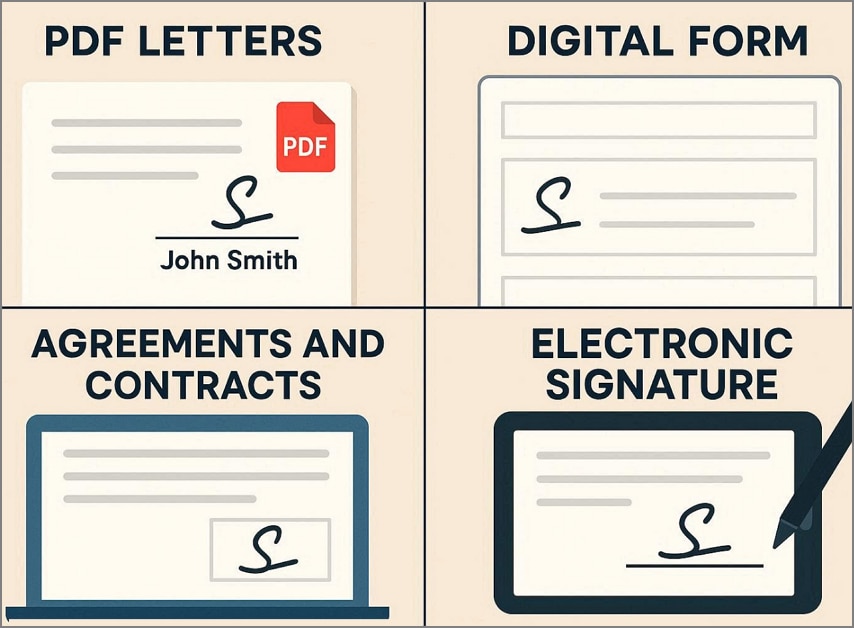
- PDF Letters: In PDF or cover letters, an S signature is usually placed above or near your typed name in the closing section. You can either insert it by signing in directly or uploading the signed image.
- Digital Form: This is the most common S letter usage in online forms that include multiple e-signatures. These forms include signature boxes where you can add your signature to confirm entries.
- Agreement And Contracts: In digital agreements, an S letter can appear as an uploaded signature image, or even a typed "S. " These documents will add a timestamp alongside to make it technical evidence for audit trials.
- Email Sign-offs: You can add a small image of an S letter signature in your mail footer right next to your typed name. This will give your everyday mail a subtle look, especially for proposals and client updates.
- Internal Approvals: Many project management and document systems allow simple approvals or acknowledgments inside the app. By using consistent S signatures, your colleagues will know you have reviewed the file.
Why Consistency Matters in Digital Signing
Keeping the same S signature style, size, and placement across your data workflow helps others quickly recognize you. Reusing the same signature will also help maintain clearer records and audit trails within the e-signature system, reducing confusion.
Part 7. Applying An S Letter Signature to PDFs Using PDFelement
When users already have an established S letter signature, the goal is not to redesign it but to apply it consistently across documents. A PDF editor such as PDFelement supports this by focusing on applying rather than signature creation. It also offers OCR to convert the scanned PDF into editable file for adding signatures. Users can follow the steps below to know which options are provided by this PDF editor:
G2 Rating: 4.5/5 |100% Secure
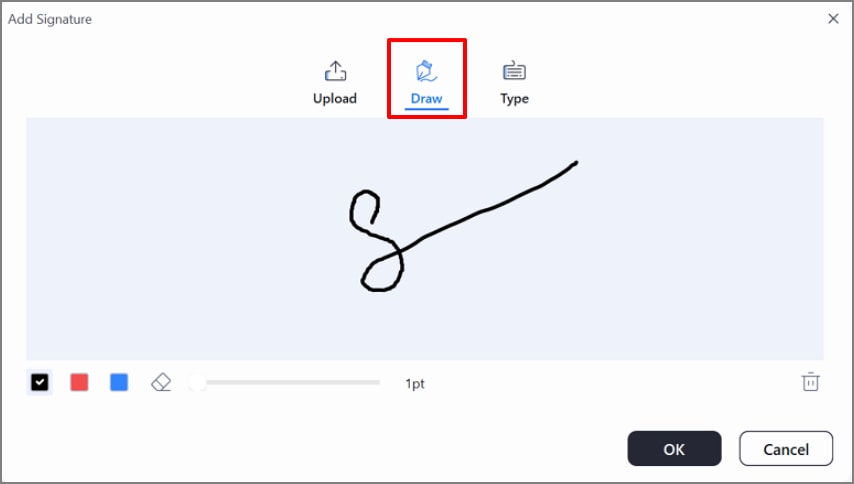
Draw an S Letter
This tool offers you a "Draw" option, which lets you instantly draw S letter signatures. It also offers various color options to suit your needs.
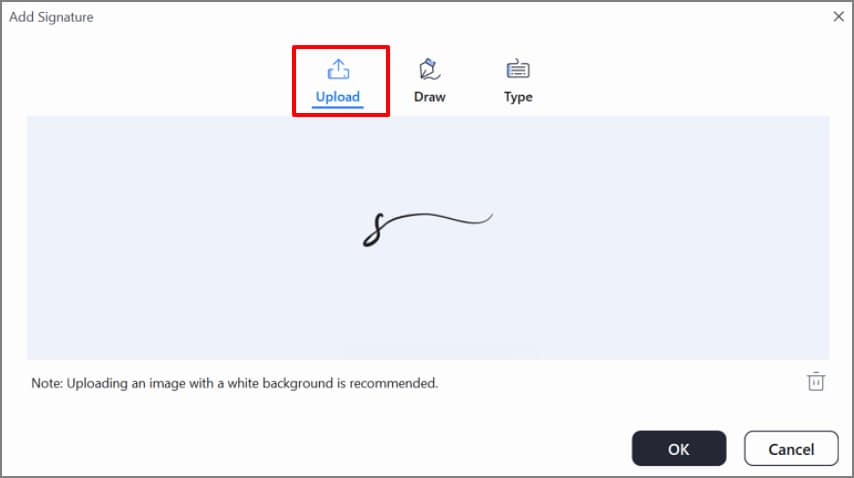
Upload an S Signature Letter
If you want to use your handwritten signature, you can select the "Upload" option. It allows you to upload your signature image and place it neatly on the PDF document.
Save and Reuse the Same Signature
Once you have used an e-signature, it is automatically saved to the cloud. Whenever you want to reuse a signature, click the previous signature to instantly add it to the digital contracts.
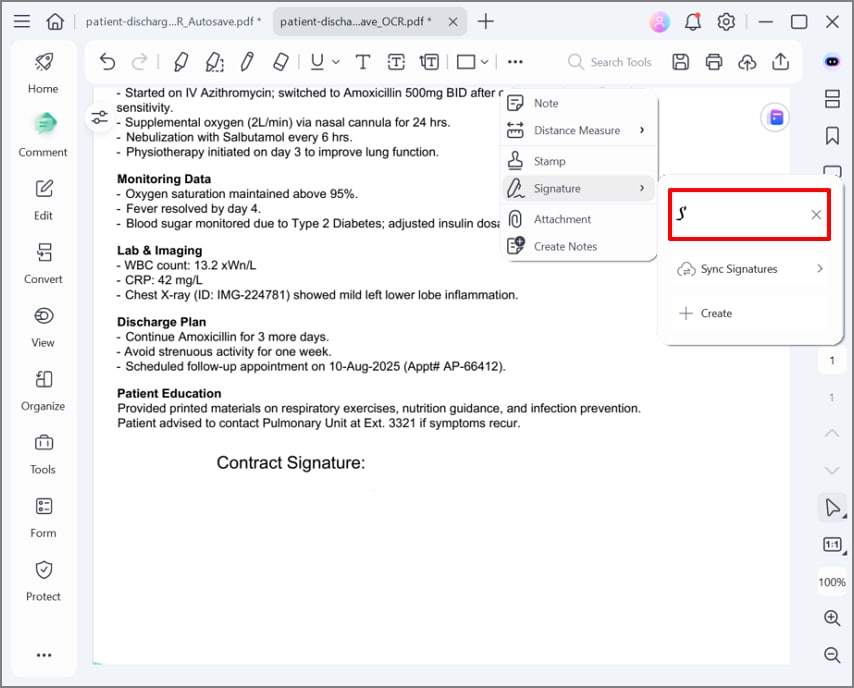
In these features, you can see that the PDF editing tool, like PDFelement, is an effective solution. With these features, you can add your signature with consistent formatting across different files without redesigning each time.
G2 Rating: 4.5/5 |100% Secure
Part 8. Tips For Creating a Clean and Professional S Letter Signature
With the styles covered, the next step is to explore some efficient tips to create a signature letter S:
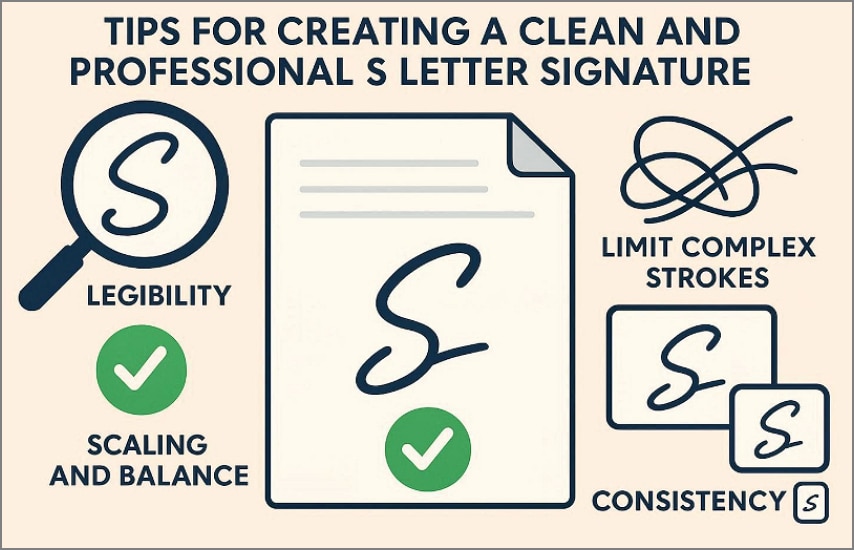
- Legible Signatures: Ensure the basic S-shape remains recognizable even after adding loops. Test this signature by writing quickly and make sure it is legible enough for professional usage.
- Overlay Complex Strokes: Instead of using a much cursive style, always limit yourself to 1 or 2 curves. It is recommended to skip minor details that are often overlooked in digital scans, making it messy.
- Different Size: Write or draw the S signature a little larger than intended, as it will be scaled down for the PDF signature box. After scanning, zoom in to the thumbnail size to make it look clearer and balanced.
- Consistency: Choose a single style and use the same version everywhere in your digital files. This repetition helps your S letter signature become a recognizable professional mark over time.
- Examine on Different Devices: Another useful tip is to test your S signature on different devices. You can easily examine the outline to check that the curves are smooth, and the stroke isn't too thin.
Part 9. Common Mistakes When Using an S Letter Signature
To ensure that you have created an appealing S letter signature, make sure to avoid the following mistakes:
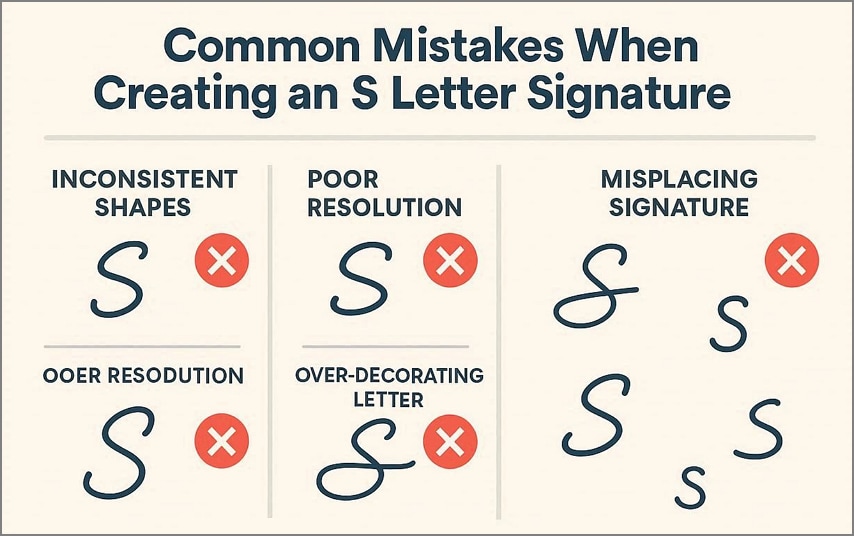
- Inconsistent Shapes: Switching between different shapes makes it harder to recognize the signature. Even small changes in angles or the addition of loops can undermine the sense of stability and personal marks.
- Poor Resolution: Users upload a tiny and blurry scan of the sign and then stretch it. It will often create pixelated or fuzzy edges that look unprofessional.
- Over-Decorating Letter: Adding too many loops or extra lines around the S can make the letter almost impossible to recognize. Furthermore, it may appear as a doodle rather than the signature itself.
- Misplacing Signatures: Users place the S signature in random spots on the page rather than pasting it on a dedicated spot. It can result in delays if the corresponding person asks you to resign, or you can even be rejected.
Frequently Asked Questions about S Letter Signatures
-
What is an S letter signature?
An S letter signature is a personal signature style, usually taken from the first initial of the name. It can be cursive, simple, or stylized depending on your requirements. -
Can I use just the letter S as a signature?
Yes, you can easily use the letter S as a signature in your everyday tasks, like emails and contracts. However, laws and acceptance vary from country to country, so ensure to check them before applying. -
How do I create an electronic S signature?
You can easily create an electronic S signature using PDF editing tools like PDFelement. This tool lets you draw, upload the signature, and even reuse the old signature for a smoother workflow. -
Is an S-shaped signature acceptable on documents?
An S‑shaped signature is often acceptable on many contracts and forms if it's legible. However, make sure that you have placed the e-signature at the right dedicated place in the contract form. -
How can I add an S signature to a PDF?
For this purpose, you simply open a PDF editing tool like PDFelement and access its Comments option. Here, choose the "Upload" option to instantly add an already taken signature image to the desired PDF.
Wrap-Up: Choosing And Using The Right S Letter Signature
Concluding it, S letter signature is common nowadays due to its ease of use. There are numerous style options that the user can opt for according to the document's needs. Furthermore, if you want to create e-signatures, we recommend using PDFelement, which lets you create and upload your S signatures.




