

People in 2026 try to stay organized but struggle to handle tasks and deadlines. They end up with workloads piling up while important priorities get lost before completion. Paper planners do not store everything in a single area, and scattered applications complicate the process of organization. Digital planners offer a single platform for conveniently monitoring and managing schedules and tasks.
This guide explores the best digital planner options of 2026 with free PDF templates, daily layouts, and weekly planners. You will be able to choose a planner that can fit your working process and keep everything organized.
In this article
- The Digital Planner Landscape in 2026
- Best Digital Planners (Editor’s Shortlist & Verdicts)
- Free Digital Planner Downloads (PDF)
- Daily Digital Planner (Execute the Day)
- Best Planner Online & Digital Schedulers (Web)
- Digital Teacher’s Planner (Lesson to Feedback)
- Digital Goal Planner (Month to Quarter)
- Digital Teacher’s Planner (Lesson to Feedback)
- The Planner Workflow: Planning, Reviewing, and Execution
- Digital Planner FAQs
- Conclusion
The Digital Planner Landscape in 2026
A digital planner is more than an online calendar; it is a comprehensive tool that allows for note-taking, annotation, and customization of your schedule, often in a flexible PDF format.
The 2026 landscape is shaped by two key modalities:
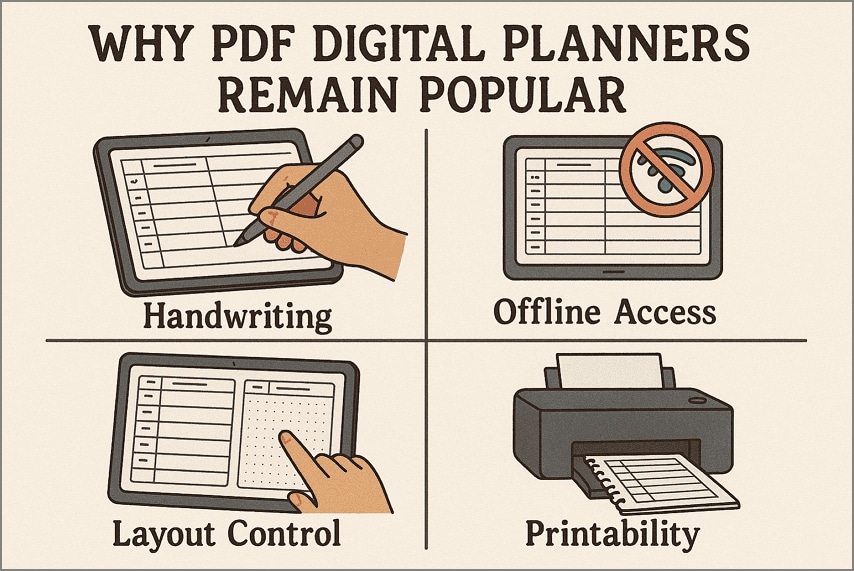
PDF Planners (The Hand-Written Experience)
PDF planners simulate the experience of writing in a physical planner. They are designed to be used with a stylus on tablets. This method caters to visual learners and those who value the cognitive benefits of handwriting. They are easily printable and often hyperlinked for navigation.
App/Software Planners (The Synced Experience)
App planners are online tools that focus on cross-device synchronization, automated reminders, and collaboration. They are essential for team coordination and ensuring all deadlines are met across multiple devices, often used by professionals and students managing group projects.
The Hybrid Approach: PDFelement
PDFelement offers a hybrid solution by combining the flexibility of PDF planners with powerful digital tools. You can download pre-made PDF templates, handwrite notes, add digital stickers, and use the software’s editing tools to customize the planner. This allows you to maintain the tactile feel of planning while leveraging digital searchability and organization.
| Feature | Digital Planner (PDF) | Printable Planner |
|---|---|---|
| Customization | High (easily duplicate or rearrange pages) | Low (fixed once printed) |
| Accessibility | Syncs across multiple devices via cloud | Requires carrying a physical book |
| Eco-friendliness | Zero paper waste | Requires continuous paper and ink |
| Task Management | Easy to erase, edit, and search | Messy to correct mistakes |


 G2 Rating: 4.5/5 |
 100% Secure
Best Digital Planners (Editor’s Shortlist & Verdicts)
Selecting the right digital planner depends on whether you prioritize the handwriting experience, cross-platform syncing, or advanced PDF editing.
PDFelement
Best For: Users who need a customizable, printable, and editable PDF planner for focused, offline, or hybrid planning.
G2 Rating: 4.5/5 |100% Secure
Key Features:
- Customizable Templates: Offers a wide range of free, downloadable PDF templates (daily, weekly, monthly, teacher, and goal planners).
- Offline Editing: Allows full customization, annotation, and writing on the PDF templates without an internet connection.
- Visual Planning: Supports adding digital stickers, personalized notes, and highlighters for visual organization and quick priority identification.
- Annotation Tools: Provides a comprehensive set of markup tools, including highlighters, pen tools, and comment boxes, simulating the experience of a physical notebook.
GoodNotes
Best For: Students and educators who prioritize handwriting, note-taking, and in-depth academic organization on iOS/macOS.
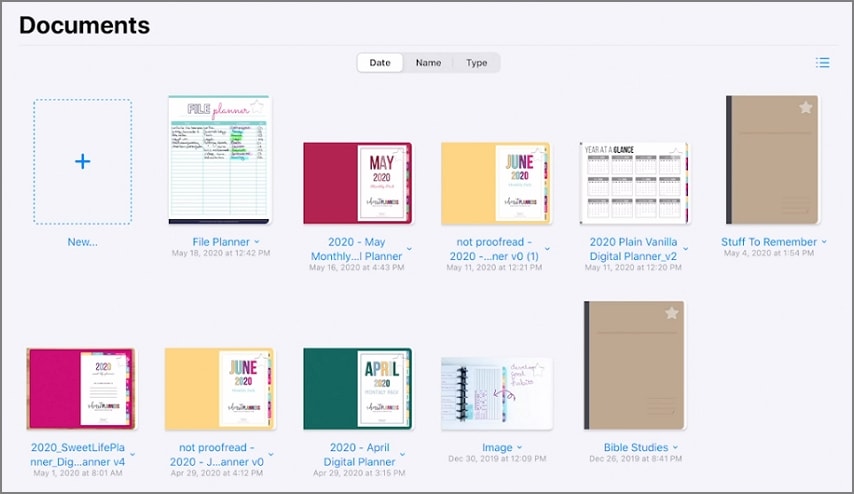
Key Features:
- Handwriting Conversion: Converts handwritten notes into searchable text for easy access.
- In-Depth Organization: Uses a notebook system for structuring different courses, subjects, or projects.
- Scribble Integration: Seamless integration with Apple Pencil for fluid writing and drawing.
Verdict: A market leader for the handwritten digital planner experience, especially for Apple users. Its strength lies in academic note-taking and deep organization.
Notion
Best For: Power users, teams, and those who need an all-in-one workspace for planning, project management, and knowledge base creation.
Key Features:
- Customizable Databases: Allows creation of complex planning systems (Kanban boards, calendars, tables) tailored to specific workflows.
- Integrated Knowledge Base: Planners are directly linked to related notes, documents, and research, functioning as a complete second brain.
- Team Collaboration: Excellent for sharing plans, tasks, and deadlines with team members in real-time.
Verdict: The ultimate tool for structure and flexibility, but the sheer complexity can overwhelm beginners. It's more of a project management system than a traditional "planner."
Free Digital Planner Downloads (PDF)
If you prefer the flexibility of a PDF planner, there are many high-quality free templates available that can be downloaded and used immediately with any PDF editor.
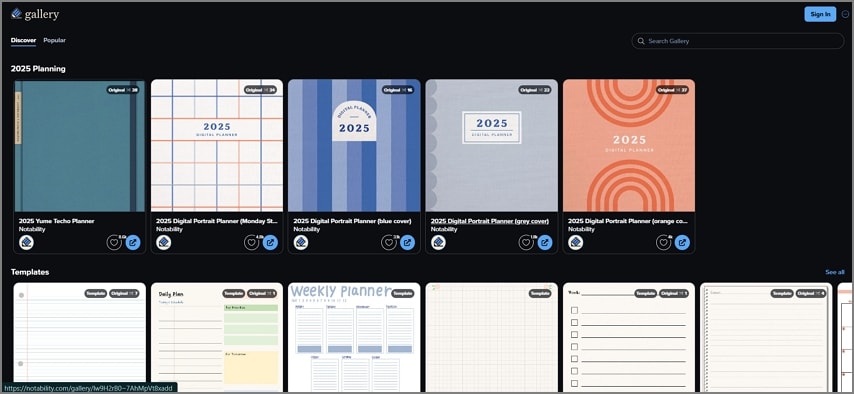
Top Free PDF Planners:
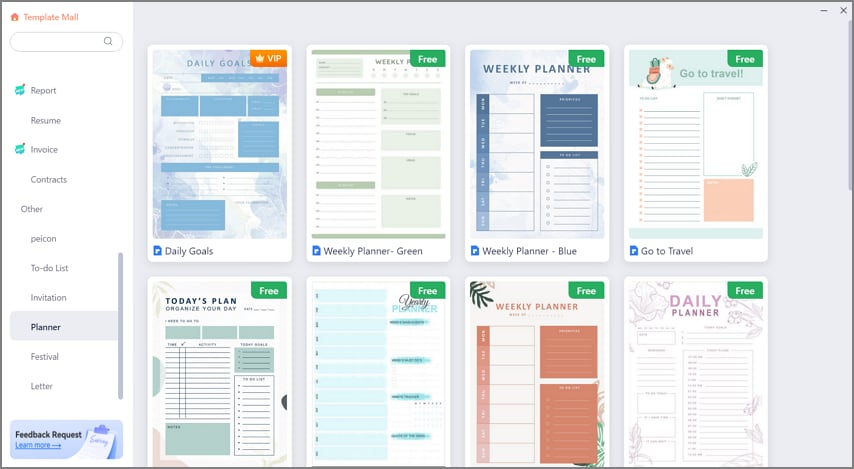
PDFelement’s Free Templates: PDFelement offers a gallery of free, professionally designed templates, including daily, weekly, and monthly layouts. These are pre-linked and designed for both digital annotation and print. These are highly recommended for students and professionals using PDFelement.
Other Online Libraries: Many online platforms provide free templates for niche uses (e.g., student course organizers, financial trackers). However, these may lack the interactive hyperlinking or high print quality of dedicated template providers.
Pro Tip: When downloading free planners, always check the quality. Poorly designed PDFs can slow down tablet apps. PDFelement templates are optimized for smooth, fast annotation across mobile and desktop devices.
G2 Rating: 4.5/5 |100% Secure
Daily Digital Planner (Execute the Day)
The daily planner is where execution happens. It should be designed for maximum efficiency to track appointments, priorities, and habits without distraction.
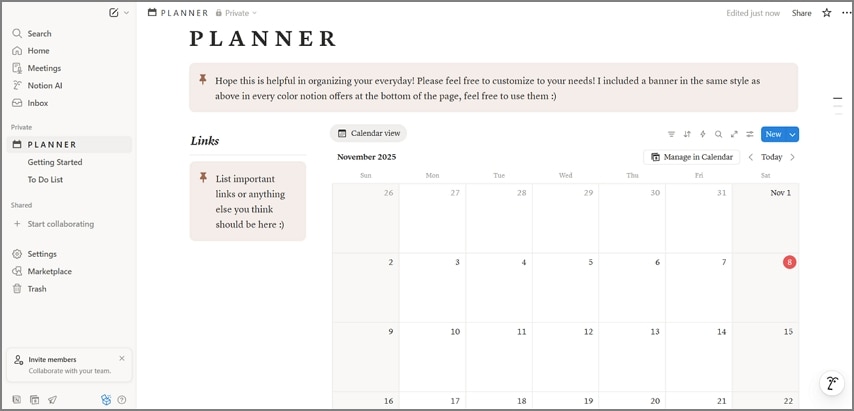
Key Daily Planner Features:
- Hourly Schedule: A clear, time-based column for appointments, meetings, and classes.
- Top 3 Priorities: A dedicated box to focus on the most important tasks of the day.
- Task List: A simple checklist for secondary to-dos.
- Notes & Reflections: Space for capturing thoughts, ideas, or tracking daily habits.
PDFelement Daily Planner Workflow:
- Download the free PDFelement daily template.
- Use the **Text Box** tool for typing fixed appointments.
- Use the **Pen/Pencil** tool (with stylus) for quickly jotting down priorities and checking off tasks.
- Use **Stickers** (e.g., hearts, stars, checkmarks) to visually mark high-priority items that must be completed.
G2 Rating: 4.5/5 |100% Secure
Best Planner Online & Digital Schedulers (Web)
Online schedulers and web planners are crucial for synchronization and collaboration. These tools automatically update across all your devices.
Google Calendar
Best For: Synching appointments, setting reminders, and managing shared schedules with others.
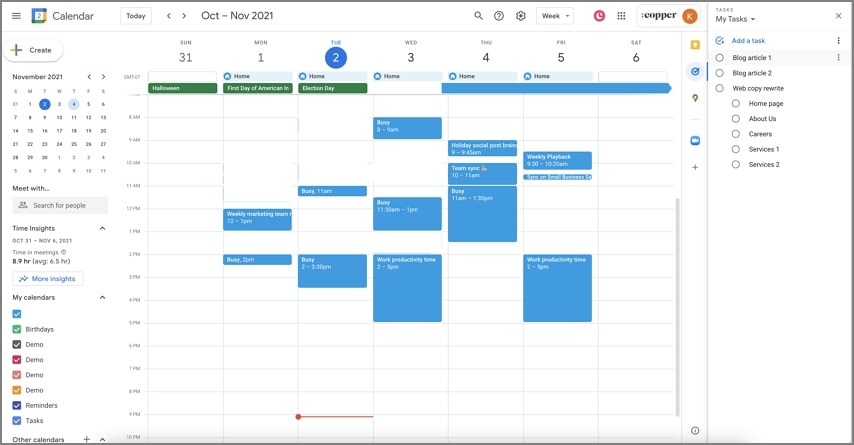
Google Calendar excels at event management. While it’s not a space for handwriting notes or deep customization, its ability to integrate with nearly every productivity tool and email client makes it the king of *scheduling* and *reminders*.
Monday.com
Best For: Project managers and small business owners needing visual project tracking and team task allocation.
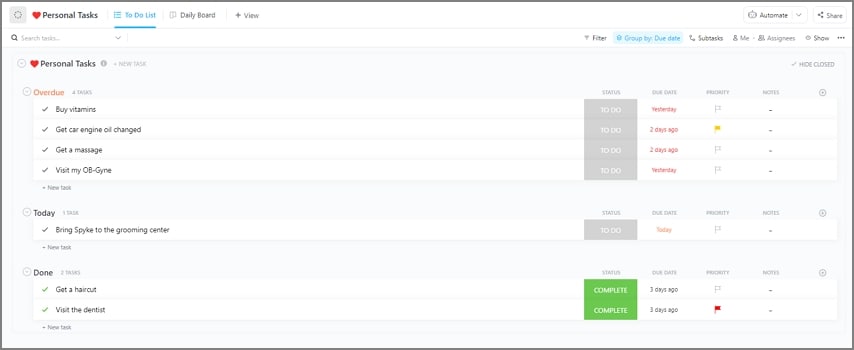
Monday.com is a work operating system (Work OS). It offers dashboard views (Kanban, timeline, calendar) that are far more sophisticated than a simple planner. It's overkill for personal planning but essential for coordinating complex, time-sensitive team projects.
Digital Teacher’s Planner (Lesson to Feedback)
Teachers require specialized planners to manage lesson plans, student attendance, and grading. Digital planners simplify this complex workflow.
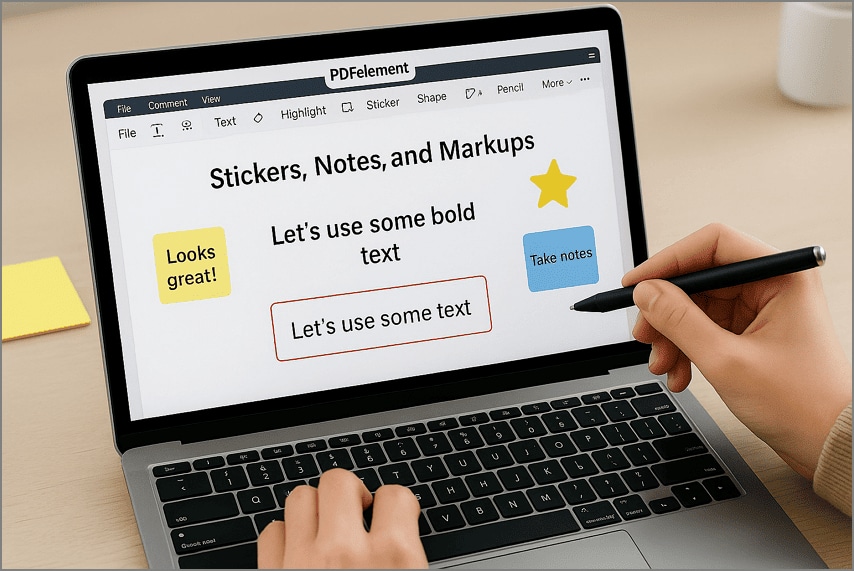
Key Teacher Planner Features:
- Lesson Plan Pages: Detailed space for objectives, materials, and procedures for each class period.
- Attendance/Grade Logs: Structured sections for tracking student performance and presence.
- Communication Log: Space to record interactions with parents or administrators.
PDFelement Teacher Planner Workflow:
- Download the free PDFelement teacher template.
- Use the **Text Editor** to type detailed lesson plans.
- Use the **Table/Grid** features within PDFelement to easily modify or create custom attendance and grading logs on the fly.
- Use the **Sticky Note** tool to add private, time-stamped feedback reminders directly onto the lesson plan pages.
Digital Goal Planner (Month to Quarter)
A goal planner focuses on long-term strategy, helping you break down large objectives into smaller, manageable monthly or quarterly tasks.
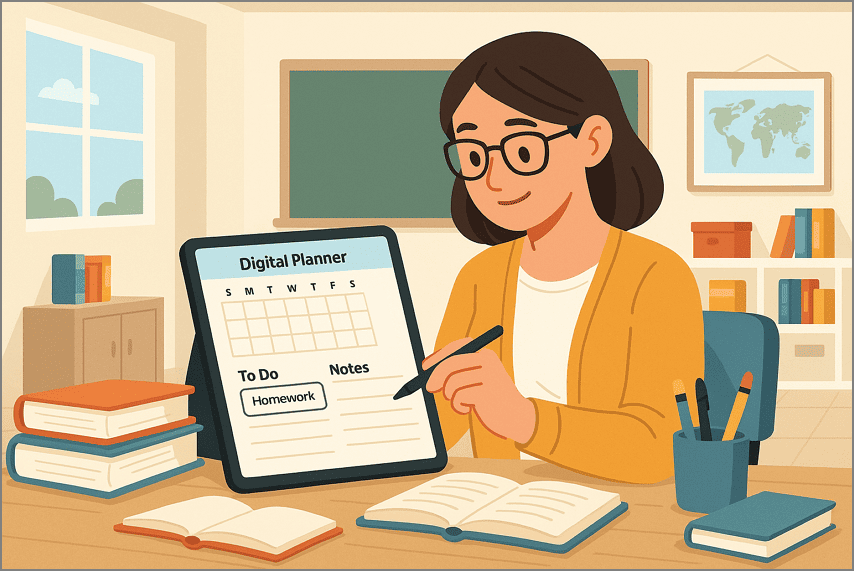
Key Goal Planner Features:
- Vision Board/Mind Map Area: A visual space to define the overall objective and strategy (e.g., using PDFelement’s shapes or drawing tools).
- Habit Trackers: Grid views to monitor daily or weekly progress toward a specific habit.
- Review Sections: Quarterly or monthly reflection pages to assess progress and adjust future tactics.
The Planner Workflow: Planning, Reviewing, and Execution
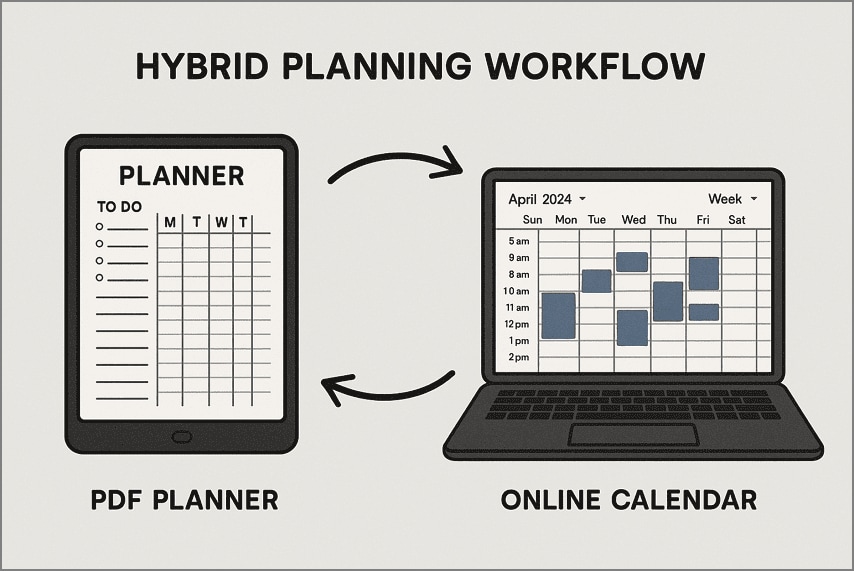
The fastest planner workflow follows a three-step cycle to ensure plans are not just made, but executed and refined.
The Three-Step Workflow:
Step 1Planning (Daily/Weekly)
Organize appointments and tasks using a calendar or template (e.g., Google Calendar for appointments, PDFelement daily planner for priorities). The goal is to set clear objectives for the next 24 hours.
Step 2Execution (In the Moment)
This is where you follow the plan. Use annotation tools (stickers, highlighters) in your PDF planner to mark completed tasks or urgent changes *in the moment*, saving time later.
Step 3Review (Weekly/Monthly)
At the end of the week or month, use your planner's reflection pages (or PDFelement’s comment tools) to review what worked, what failed, and how to adjust your goals. This ensures continuous improvement.
PDFelement Workflow Shortcut: Use PDFelement’s copy/paste pages function to duplicate successful planning layouts instantly for the next week or month, avoiding repetitive setup time.
Digital Planner FAQs
-
What is the fastest digital planner workflow?
The fastest workflow combines digital scheduling (Google Calendar for automatic reminders/syncing) with PDF planning (PDFelement for quick, visual, handwritten annotation, and execution tracking). -
What is a hyperlinked PDF planner?
A hyperlinked PDF planner has clickable tabs and buttons that navigate between different pages (e.g., from the monthly view to the corresponding daily page) instantly, just like in a website. This dramatically speeds up navigation on tablets. -
How do I use a PDF planner on a tablet?
First, import the PDF template (like those from PDFelement) into an app that supports PDF editing (like PDFelement Mobile/Desktop, or GoodNotes). Then, use a stylus and the app's annotation, handwriting, and sticker tools to fill in sections. Save, duplicate layouts, and print or share for a streamlined, efficient planning workflow every day. -
What is the difference between a digital scheduler (online) and a PDF planner?
A digital scheduler like Google Calendar syncs events online, offers reminders and collaboration, but is not easily printable. A PDF planner lets you write, annotate, and print pages, with more visual and handwritten customization options for offline planning. -
Can I customize and then print my planner pages?
You can easily customize your planner in PDFelement by adding stickers, notes, and markup, then save or export it as a PDF. Printed copies remain exactly as you designed for personal or professional review. -
How do Stickers, Notes, and Markup speed up planning?
Stickers, notes, and markup in PDFelement help you quickly highlight priorities, organize daily details, and visually track deadlines. These tools speed up planning, making it easier to customize, review, and update your schedule.
Conclusion
In conclusion, app and online planners help manage tasks, deadlines, and shared calendars across devices for smooth coordination. PDF digital planners allow handwriting, highlighting, and printing schedules. To take full control over daily, weekly, and long-term planning, you can combine both methods. Therefore, using a PDF planner with PDFelement makes organizing tasks, notes, and priorities fast, simple, and visually clear every day.

