

Looking for a professional signature for a name starting with R? If your name is Robert, Rachel, Ryan, Rebecca, Richard, or Rose, having a clear and reusable signature can make signing PDF documents faster and more reliable.
In modern workflows, most contracts, forms, and approvals are shared as PDFs. This guide shows you practical signature styles for R names and explains how to apply them to real PDF documents using Wondershare PDFelement.


 G2 Rating: 4.5/5 |
 100% Secure
In this article
Signature Styles for Names Starting with R (PDF-Friendly)
When a signature is used in PDF documents, clarity and consistency matter more than decoration. Below are several signature styles that work especially well for names starting with R and remain readable across different PDF layouts.
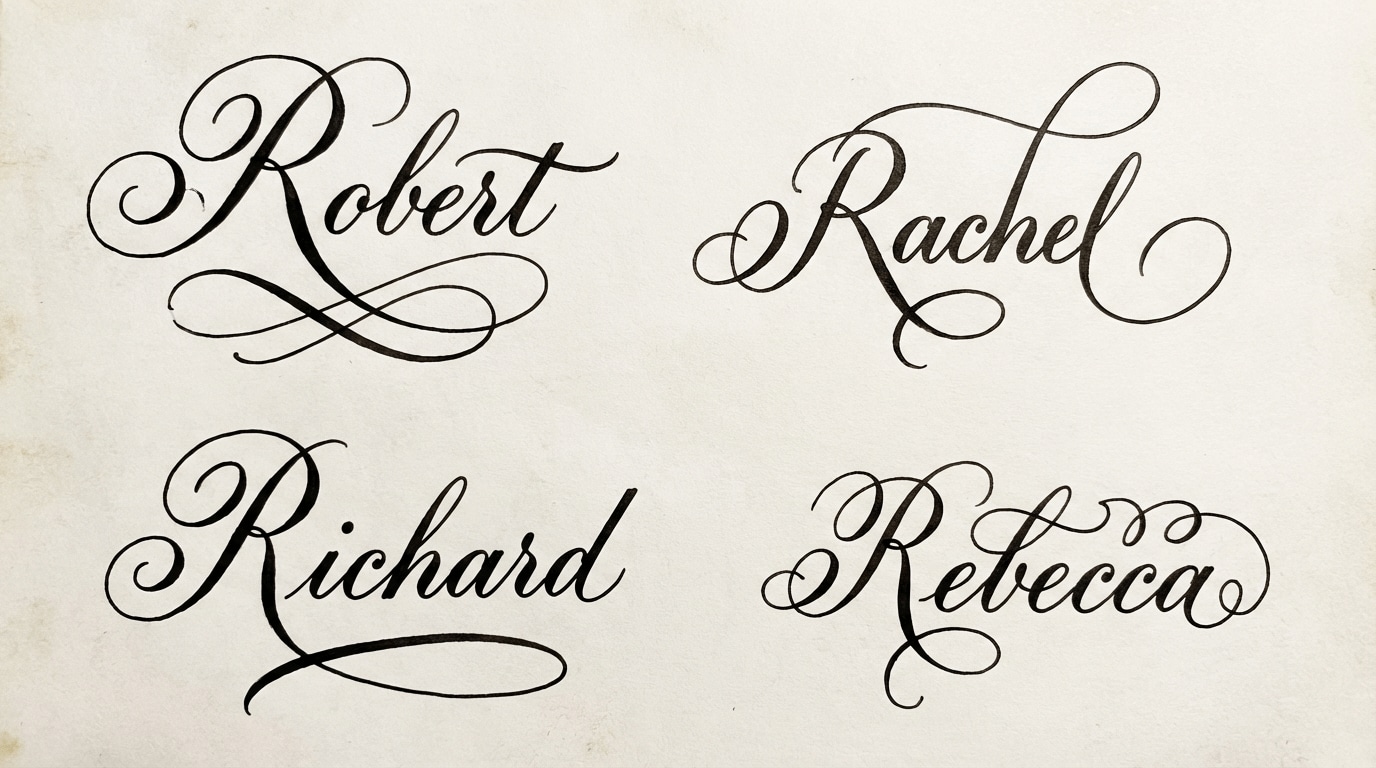
Elegant Script Signature
This style uses smooth, flowing strokes and often highlights the capital “R.” It is commonly chosen for formal documents and professional agreements.
- Best for: contracts, legal documents, business agreements
- Why it works in PDFs: strokes scale well and stay legible on screen
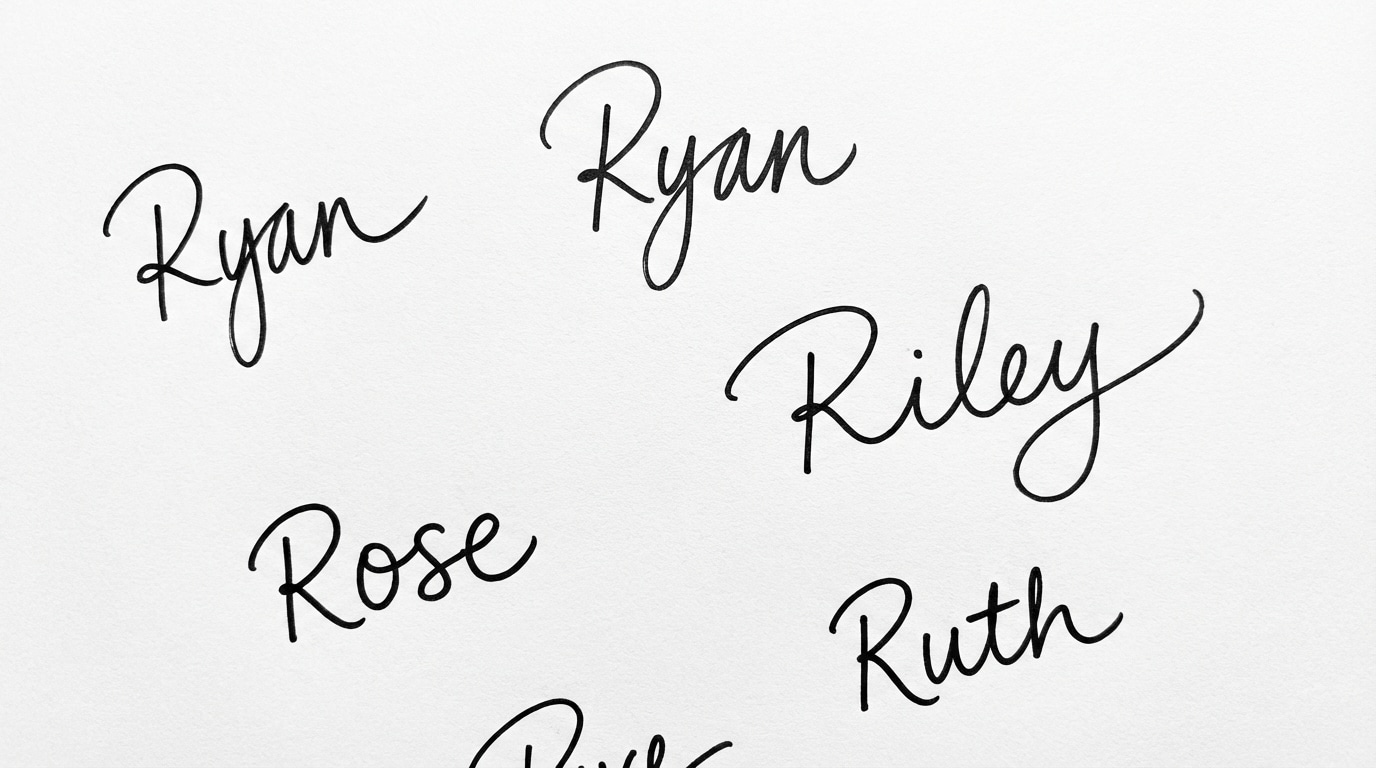
Simple Handwritten Signature
A simple handwritten signature focuses on practicality. It is easy to reproduce digitally and suitable for frequent signing tasks.
- Best for: internal approvals, everyday documents
- Why it works in PDFs: fits standard signature fields without clutter
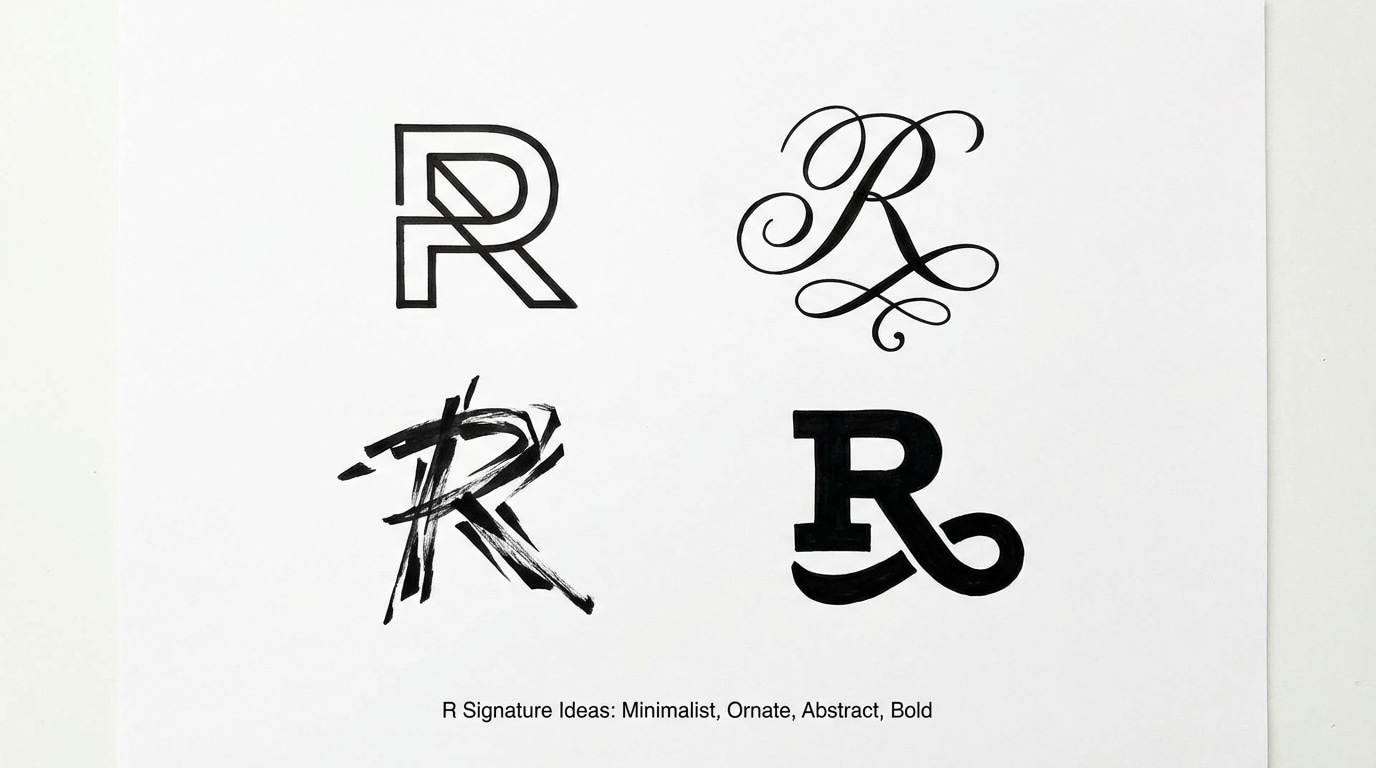
Initial-Based Signature
This style emphasizes the initial “R” and keeps the rest compact. It is useful when space is limited.
- Best for: short forms, informal agreements
- Why it works in PDFs: maintains consistency across documents
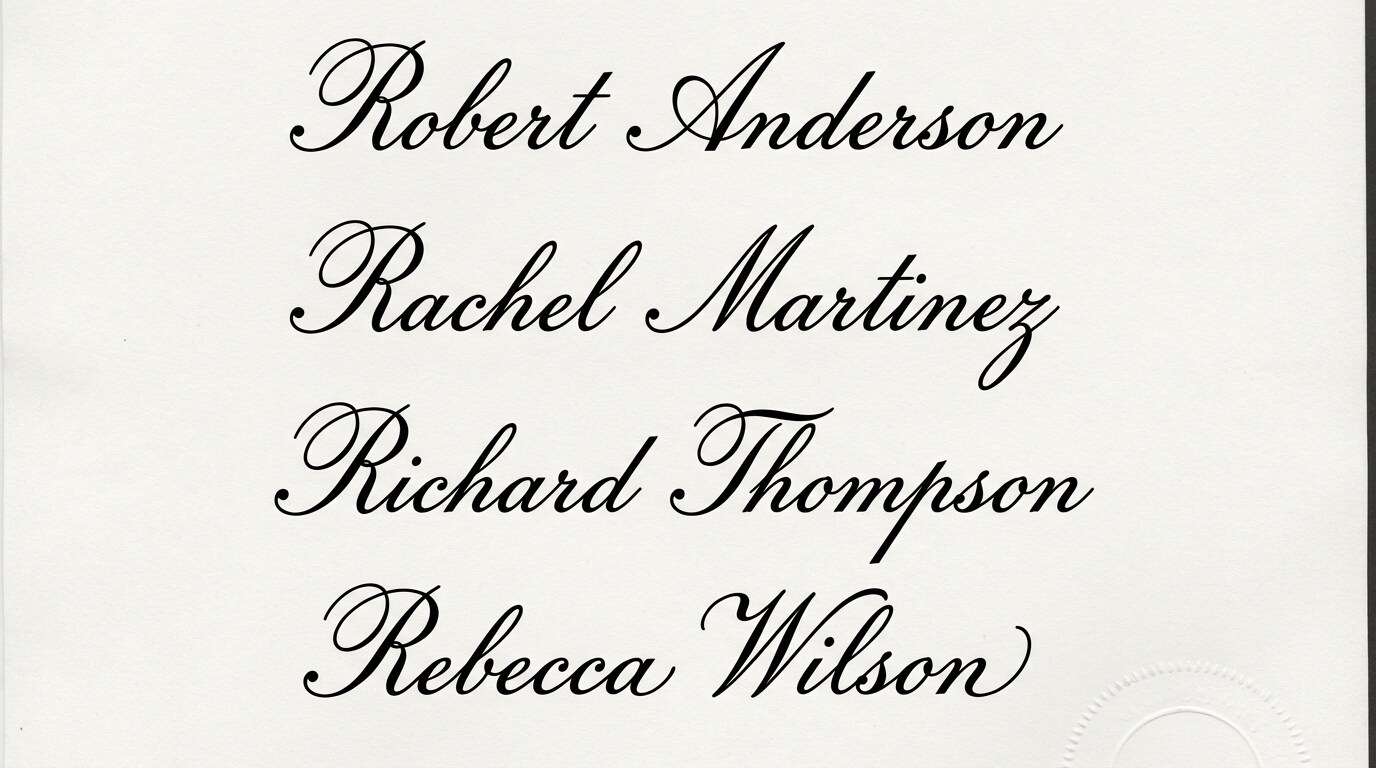
Full-Name Signature
A full-name signature prioritizes readability and is commonly required for applications or institutional forms.
- Best for: applications, official records
- Why it works in PDFs: reviewers can easily identify the signer
How R Signatures Are Used in PDF Documents
Most people create a signature because they need to sign real PDF files—contracts, forms, or approvals. In many cases, you may also need to send a document to others after signing.
If your workflow includes sharing signed PDFs, this guide may be useful: Send PDF for signature.
You can also sign documents directly online when speed matters: eSign PDF online.
Step-by-Step: Sign PDFs with PDFelement
Step 1Open your PDF
Launch PDFelement and open the PDF document you want to sign.
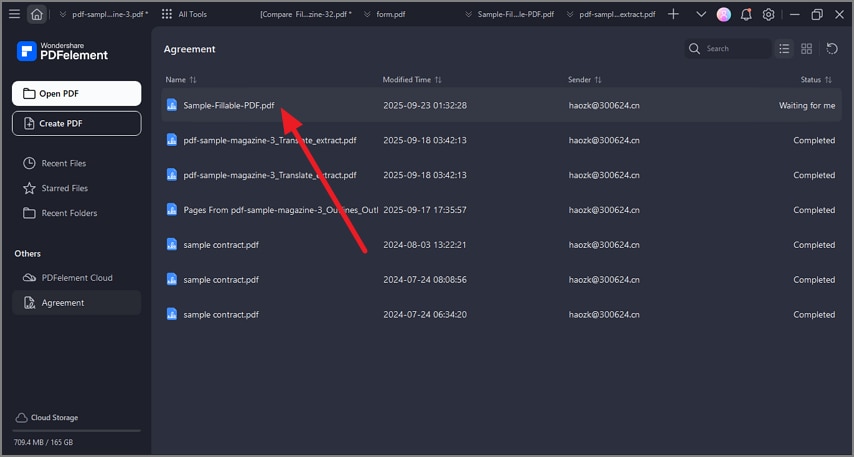
Step 2Create or select a signature
Create a signature by typing, drawing, or uploading an image. You can also reuse an existing signature saved in the software.
If you need to extract or reuse a signature from an existing file, see: Copy signature from PDF.
Step 3Insert and adjust
Click the signature field, insert your signature, and resize it to fit the document layout.
Step 4Save and share
Save the signed PDF or share it directly.
G2 Rating: 4.5/5 |100% Secure
Real-World Examples
Signing a Contract
Robert signs client contracts regularly. By saving his signature once, he can apply it to every new PDF without recreating it.
Submitting an Application
Rachel completes application forms digitally and signs them before submission, avoiding printing and scanning.
Approving Documents on Different Devices
Ryan signs approval documents on both his laptop and mobile device, keeping a consistent signature across platforms.
People Also Ask
-
Are electronic signatures legally valid?
In many regions, electronic signatures are legally recognized when used appropriately. Always confirm local requirements for your document type. -
Can I reuse the same signature for multiple PDFs?
Yes. Once created, a signature can be reused across multiple PDF documents. -
Can I sign PDFs on different devices?
Yes. PDFelement supports signing PDFs across desktop and mobile platforms.




