

Looking for a professional signature for a name starting with N? Whether your name is Nicholas, Natalie, Noah, Nicole, Nathan, or Nina, a clear and reusable signature helps you handle PDF contracts, forms, and approvals efficiently.
This guide explains practical signature styles for N names that stay readable in PDF files, shows how signatures are used in common document workflows, and walks you through signing PDFs using Wondershare PDFelement.


 G2 Rating: 4.5/5 |
 100% Secure
In this article
Signature Styles for Names Starting with N (Optimized for PDF Use)
When a signature is inserted into a PDF, the most important qualities are clarity, consistency, and scalability. The letter “N” can look sharp and professional in both script and minimal styles—especially when the design is kept clean for digital viewing.
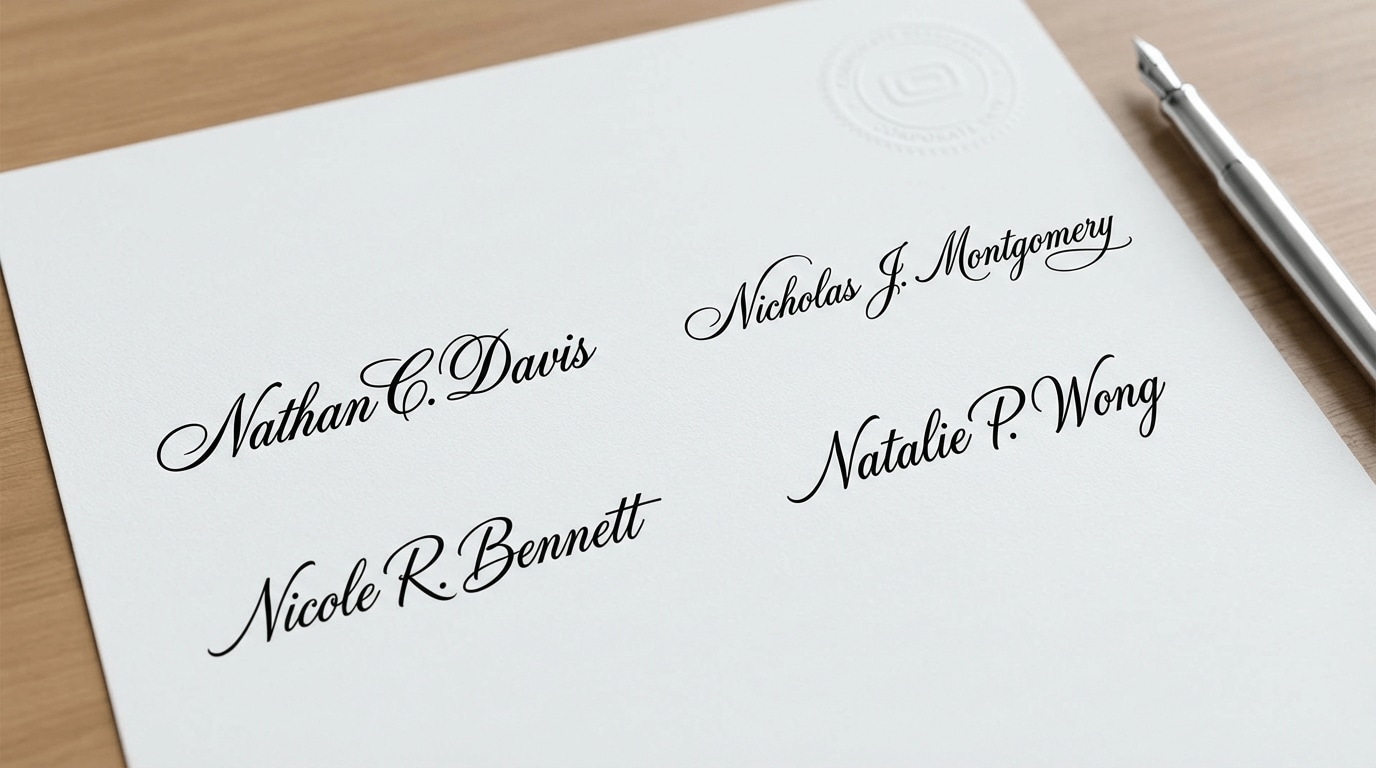
1) Professional Script Signature (Balanced and Formal)
A professional script signature uses smooth but controlled strokes and often emphasizes the first “N.” It’s a strong choice for formal documents and client-facing agreements.
- Best for: contracts, service agreements, formal approvals
- Why it works in PDFs: balanced lines stay readable when resized
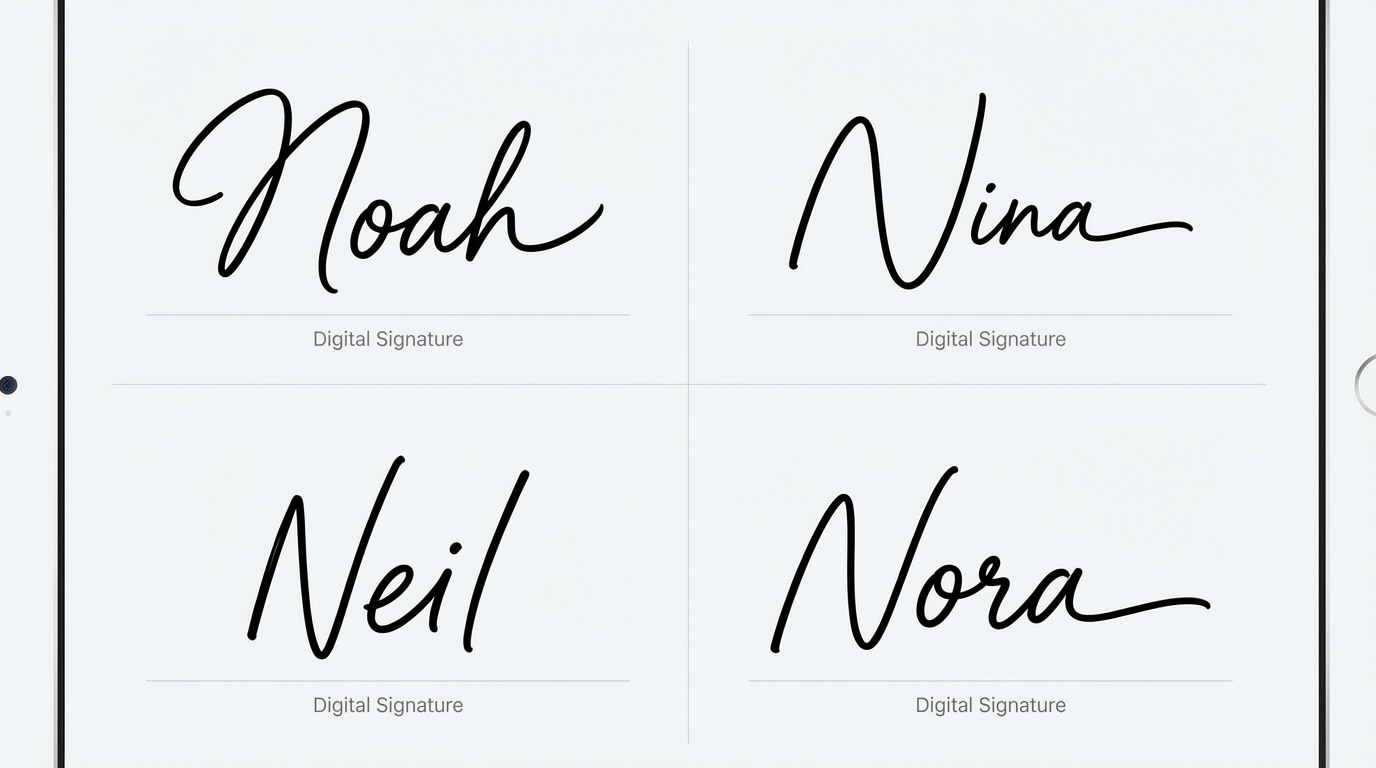
2) Minimal Handwritten Signature (Fast and Practical)
A minimal handwritten signature reduces complexity and focuses on speed. It’s ideal if you sign documents frequently and want a consistent look across PDFs.
- Best for: routine paperwork, quick approvals, internal documents
- Why it works in PDFs: clean strokes remain legible in small fields
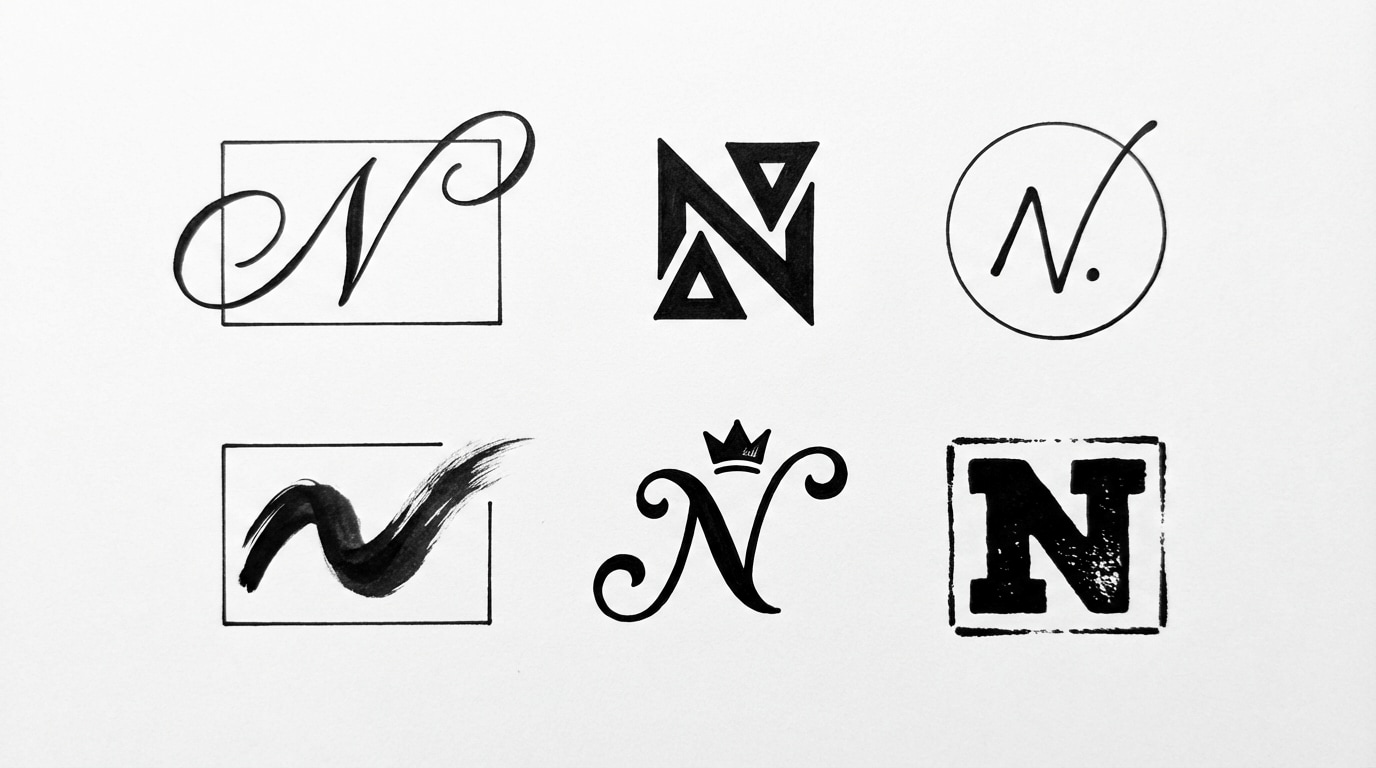
3) Initial-Based Signature (Compact and Consistent)
If your documents often have limited space for signatures, an initial-based style highlights the “N” and keeps the rest concise.
- Best for: short forms, tight layouts, informal agreements
- Why it works in PDFs: compact design fits well without visual clutter
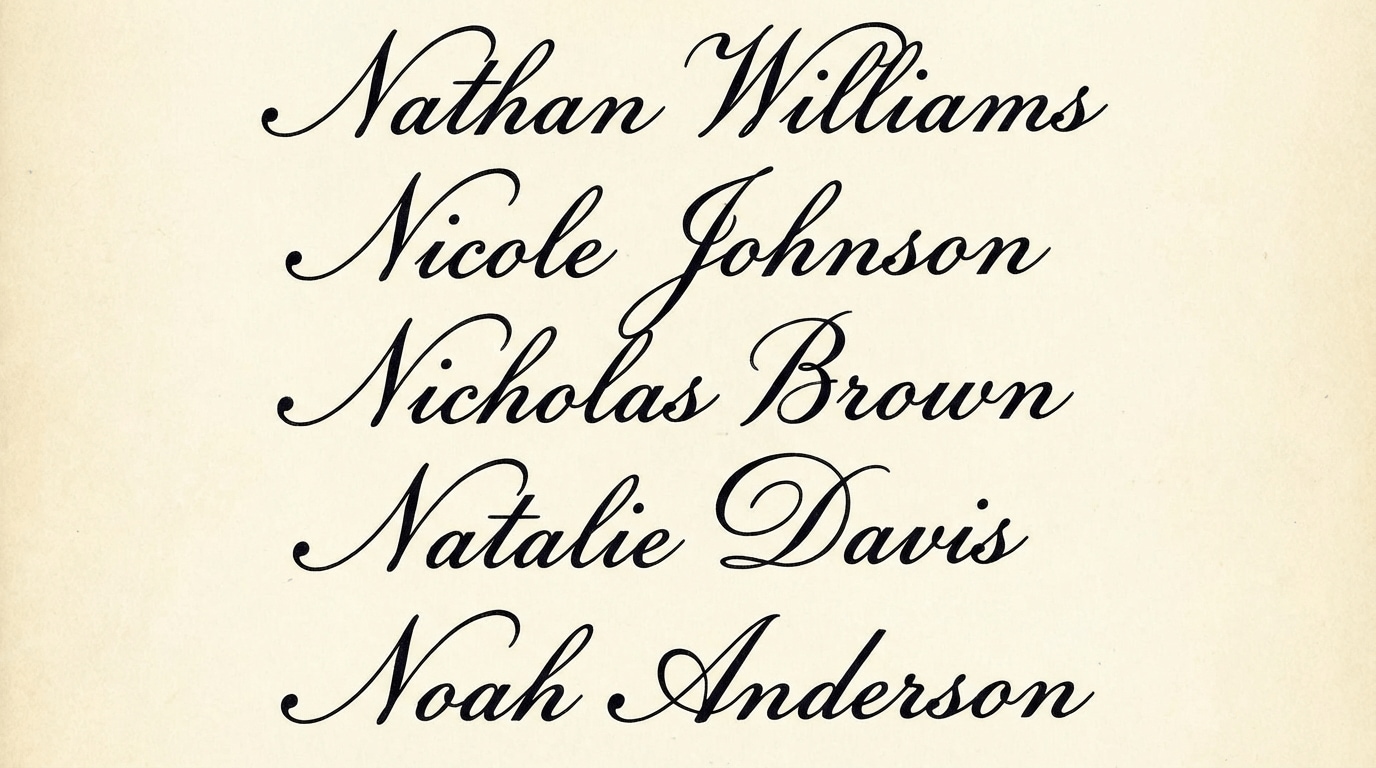
4) Full-Name Signature (Clear and Recognizable)
A full-name signature is useful when identification matters. It’s often preferred for applications or institutional workflows that require clear signer recognition.
- Best for: applications, official records, formal submissions
- Why it works in PDFs: easy for reviewers to identify and archive
How N Signatures Are Used in PDF Documents
In everyday workflows, signatures are most often applied to PDFs—contracts, onboarding paperwork, application forms, and approvals. In many situations, you’ll need a reliable process for sending documents to others after you sign, or requesting signatures from other parties.
If your workflow includes sharing signed documents or collecting signatures from others, these related resources may help:
- Send PDF for eSignatures
- Set signature timestamp (useful for workflows requiring signing time records)
If you’re completing a form before signing, the following official guide may be useful: Fill PDF form.
G2 Rating: 4.5/5 |100% Secure
Step-by-Step: Create and Sign a PDF with PDFelement
Below is a practical workflow for creating an N-name signature and applying it to a PDF. The best practice is to create a signature that stays readable at different sizes and then reuse it consistently.
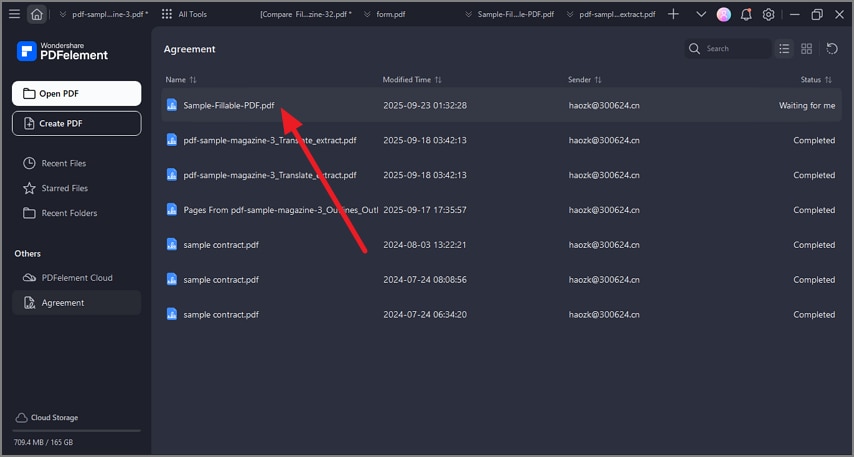
Step 1Open your PDF in PDFelement
Launch PDFelement and open the PDF you need to sign. Confirm you’re on the correct page and locate the signature field.
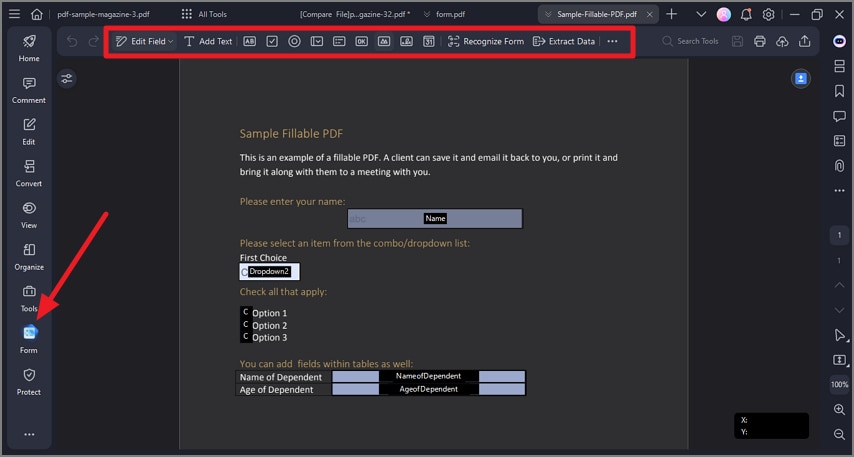
Step 2Fill or prepare the document (if needed)
If the PDF includes form fields or requires preparation, complete those steps before inserting your signature. This helps avoid layout changes after signing.
G2 Rating: 4.5/5 |100% Secure
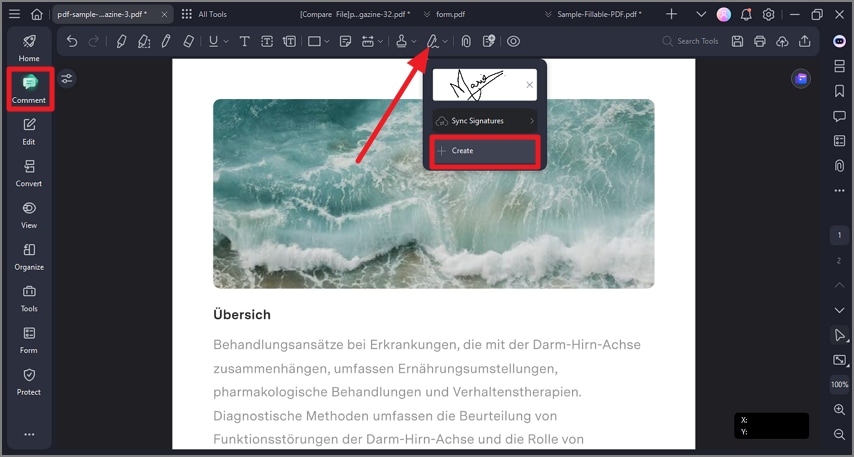
Step 3Create your signature
Create a signature using one of the common methods:
- Type your name for a clean, consistent look
- Draw your signature using a mouse or stylus
- Upload an image of an existing handwritten signature
Once created, save it so you can reuse it for future PDFs.
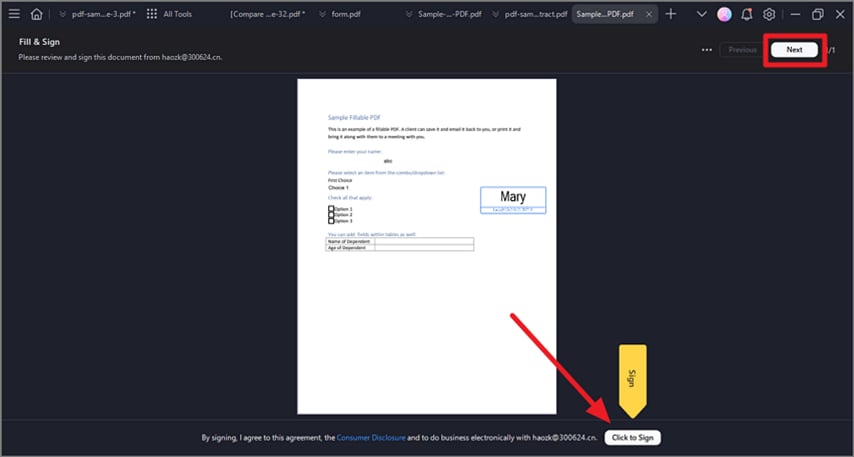
Step 4Insert, adjust, and save
Insert the signature into the correct field, adjust its size, and save the signed PDF. If required by your workflow, ensure the signing time record is correctly configured.
G2 Rating: 4.5/5 |100% Secure
Real-World Examples
Signing Agreements
Nathan signs service agreements regularly. A saved professional script signature helps him sign PDFs quickly while maintaining a consistent appearance across documents.
Completing Application Forms
Natalie completes applications digitally. A full-name signature improves clarity for reviewers and works well in standard PDF signature fields.
Multi-Device Signing Workflows
Noah signs PDFs from both desktop and mobile depending on where he is working. A minimal handwritten signature stays readable on smaller screens and helps keep the process efficient.
Frequently Asked Questions
-
Are electronic signatures legally valid?
In many regions, electronic signatures are legally recognized when used appropriately and in accordance with applicable rules. For high-stakes documents, confirm the requirements that apply to your jurisdiction and document type. -
Can I reuse the same signature for multiple PDFs?
Yes. Once you create a signature in PDFelement, you can reuse it across multiple PDF documents without recreating it each time. -
Can I sign PDFs on different devices?
Yes. PDF signing workflows commonly support both desktop and mobile use, so you can sign files from different devices as needed.




