

Looking for free teacher planner templates to organize your 2026-2027 school year? This comprehensive collection includes 30 professionally designed, printable, and editable PDF templates covering everything from weekly lesson plans to student rosters, gradebooks, parent communication logs, and classroom management tools. All templates are completely free to download and can be easily customized using PDFelement. Whether you prefer a printed binder system or digital planning on your tablet, these teacher planner templates provide the organizational foundation for a successful school year.
In this article
- Part 1. Benefits of Using Teacher Planner Templates
- Part 2. 30 Free Teacher Planner Templates – Complete Collection
- Part 3. How to Edit and Print Teacher Planner Templates with PDFelement
- Part 4. Additional Resources for Teacher Planning
- Part 5. Frequently Asked Questions About Teacher Planner Templates
Part 1. Benefits of Using Teacher Planner Templates
Pre-designed planner templates save time and reduce stress by providing ready-to-use organizational structures. Here are the key benefits of using teacher planner templates for the 2026-2027 school year:
Save 5+ Hours Weekly. Pre-designed layouts eliminate the need to create planning documents from scratch. Teachers report saving 5-10 hours per week by using structured templates instead of building spreadsheets and documents manually.
Stay Completely Organized. Dedicated templates for lesson plans, grades, student information, and parent communication keep all essential classroom data in one organized system. No more hunting through email or sticky notes.
Fully Customizable. Edit text fields, add your school logo, adjust dates, change colors, and personalize every template using PDFelement to match your teaching style and school requirements.
Print or Go Digital. Use templates in printed 3-ring binders or fill them out digitally on your tablet using apps like GoodNotes, Notability, or PDFelement mobile. Mix and match for a hybrid approach.
Professional Appearance. Clean, modern designs with intuitive layouts ensure your planning materials look polished for classroom use, administrator review, or parent meetings.
Part 2. 30 Free Teacher Planner Templates – Complete Collection
This complete teacher planner kit includes 30 templates organized into 10 essential categories. Each category contains 3 specialized templates designed for different teaching needs and grade levels:
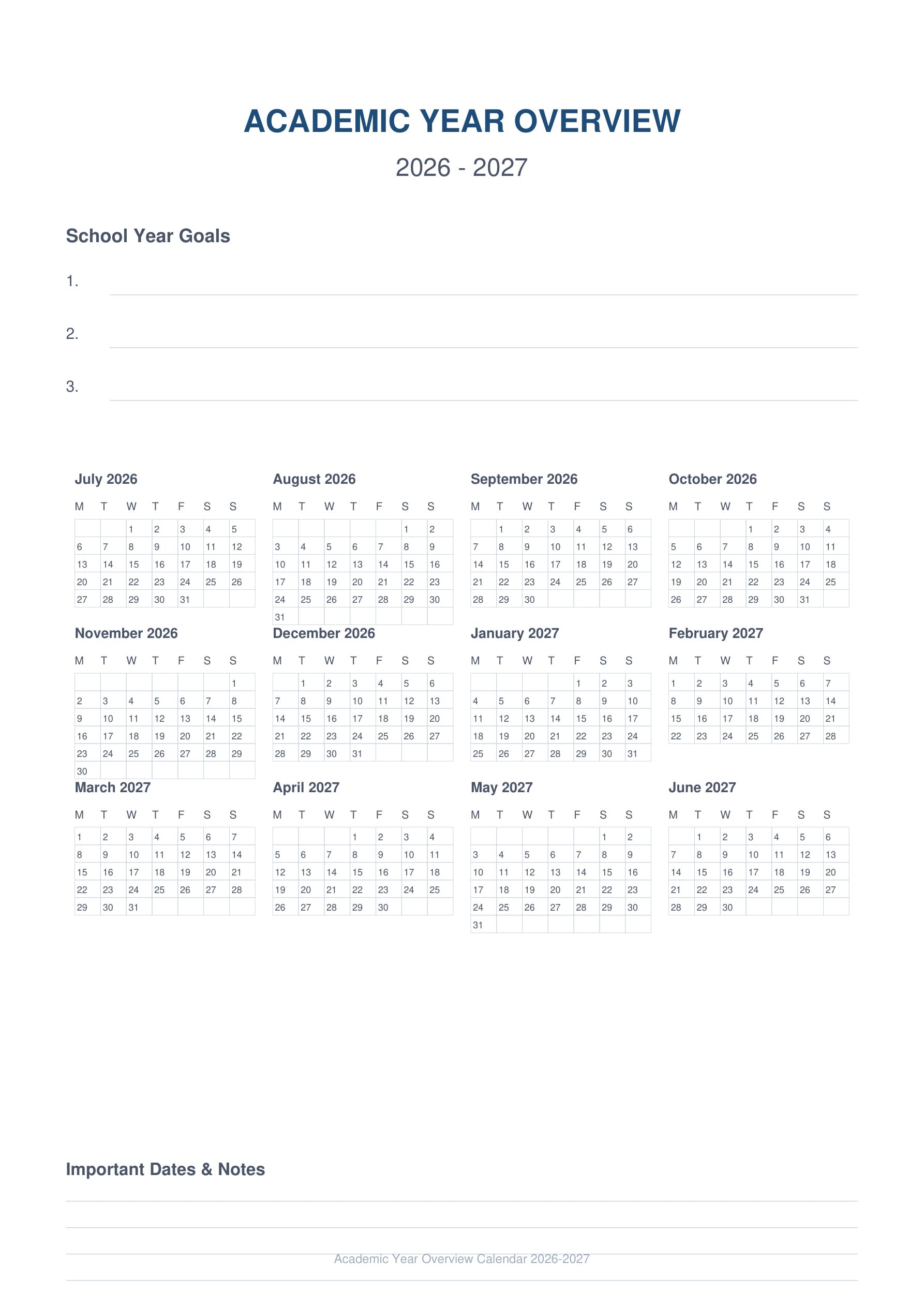
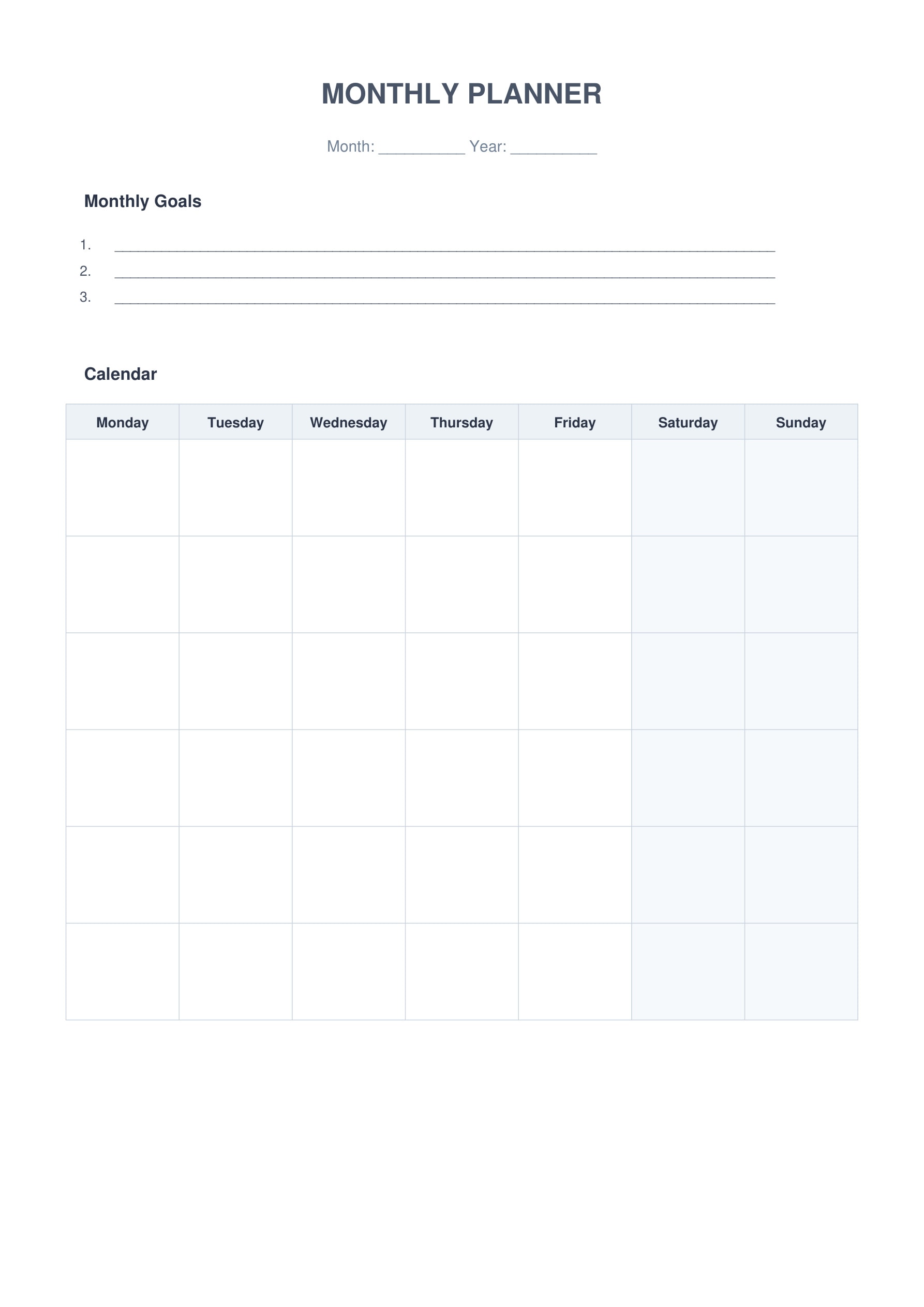
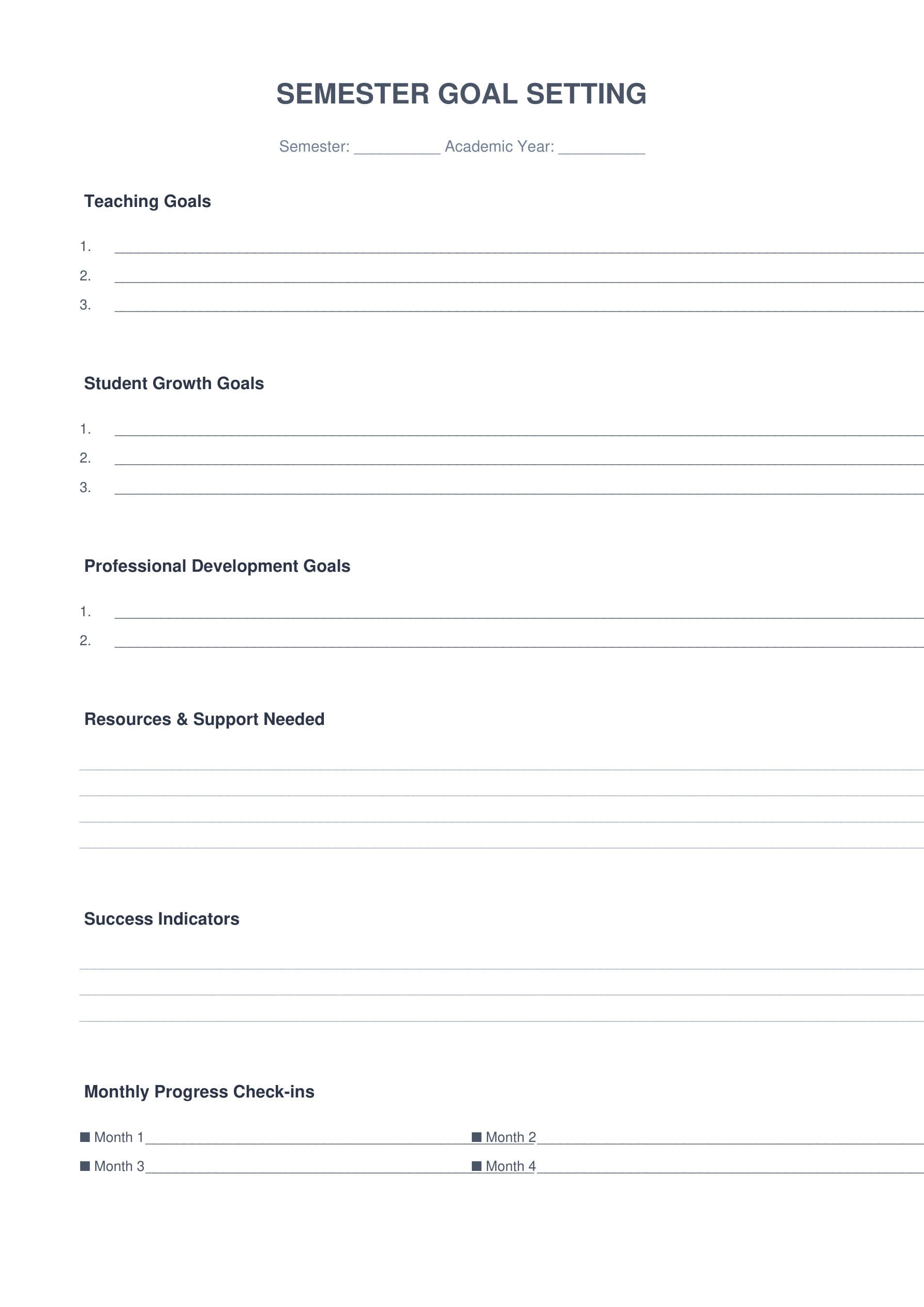
1. Annual & Monthly Planning
Start your school year organized with comprehensive planning tools. Track important dates, set goals, and map out your entire academic year with these essential planning templates.
 G2 Rating: 4.5/5 |
  100% Secure
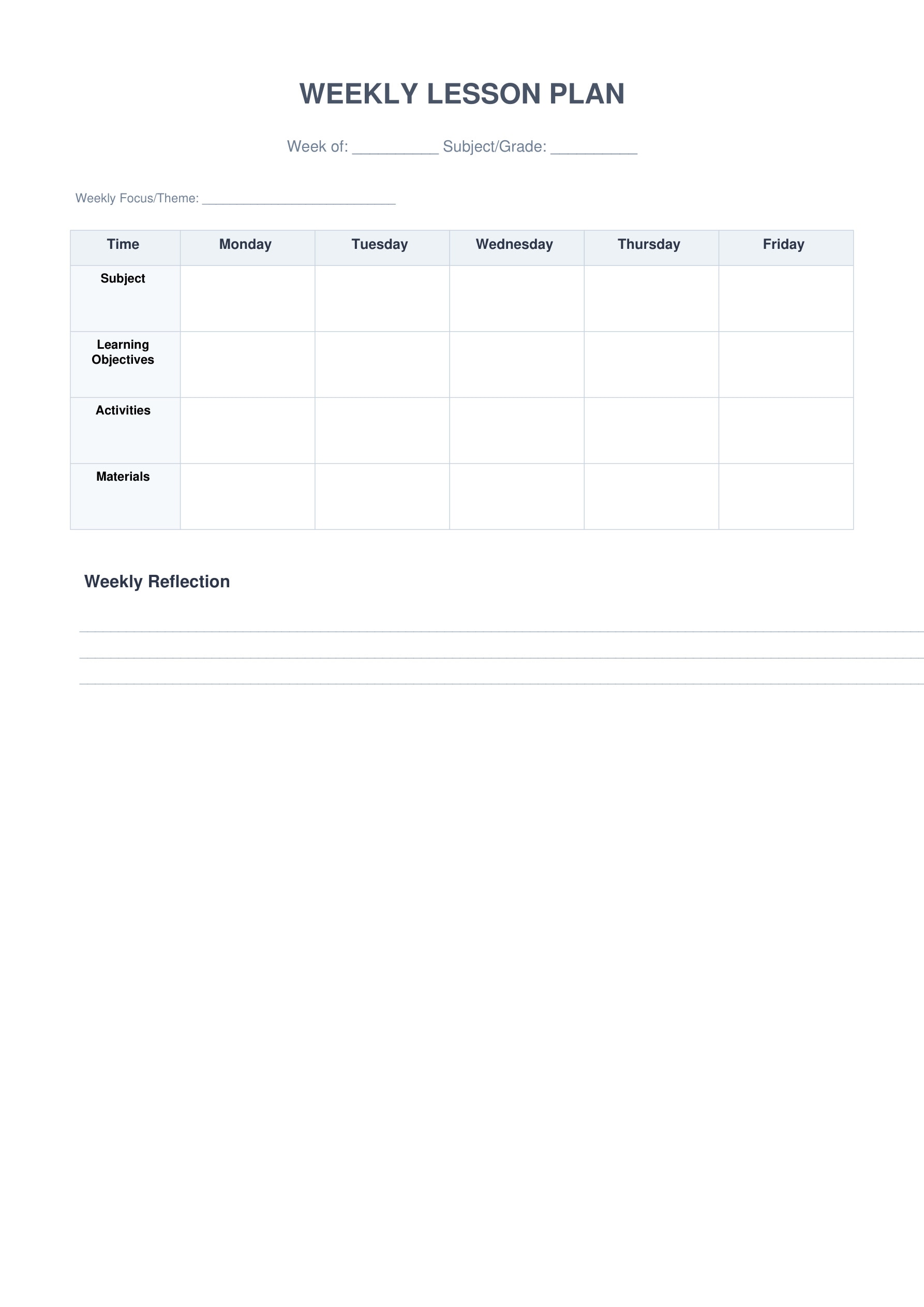
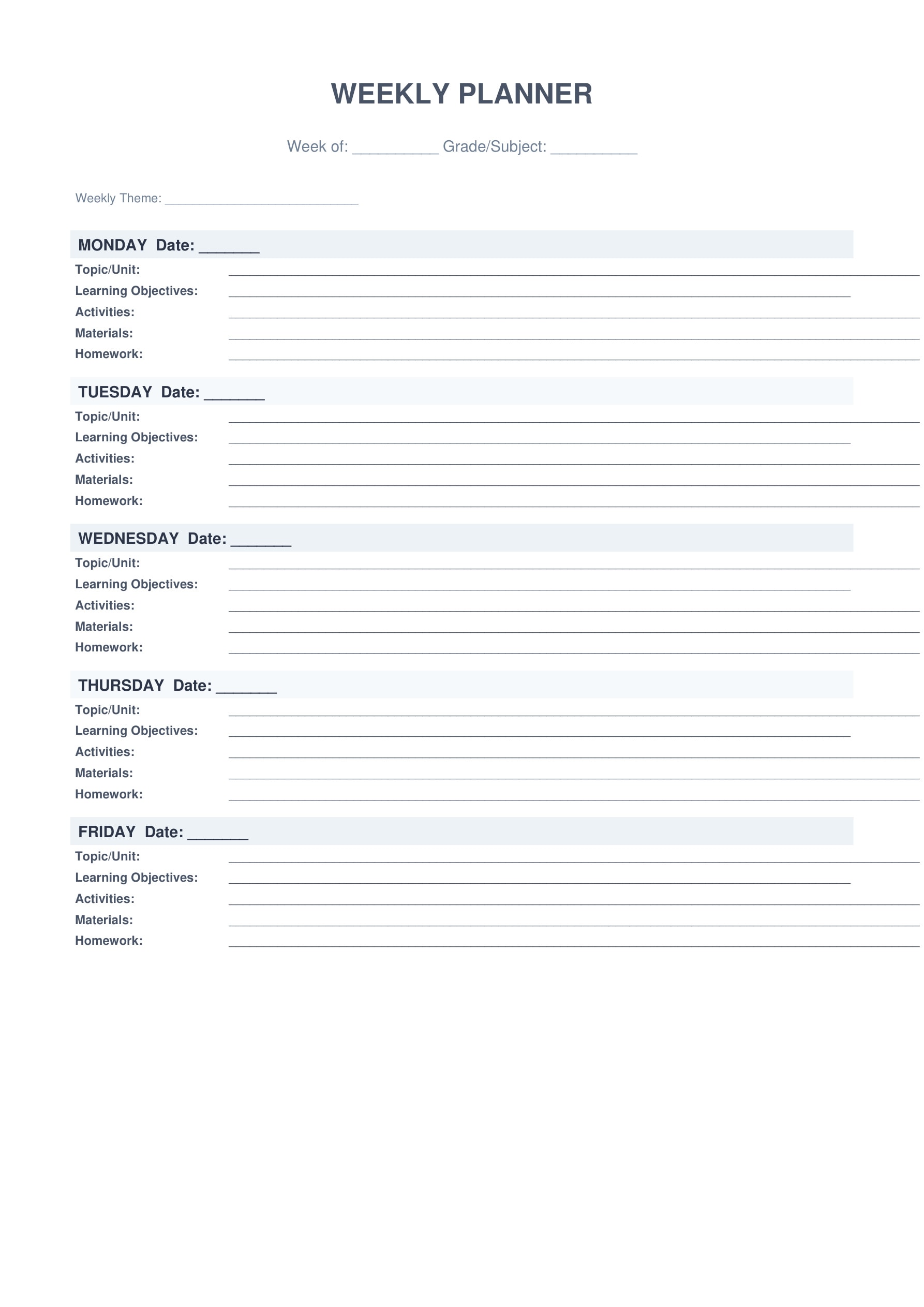
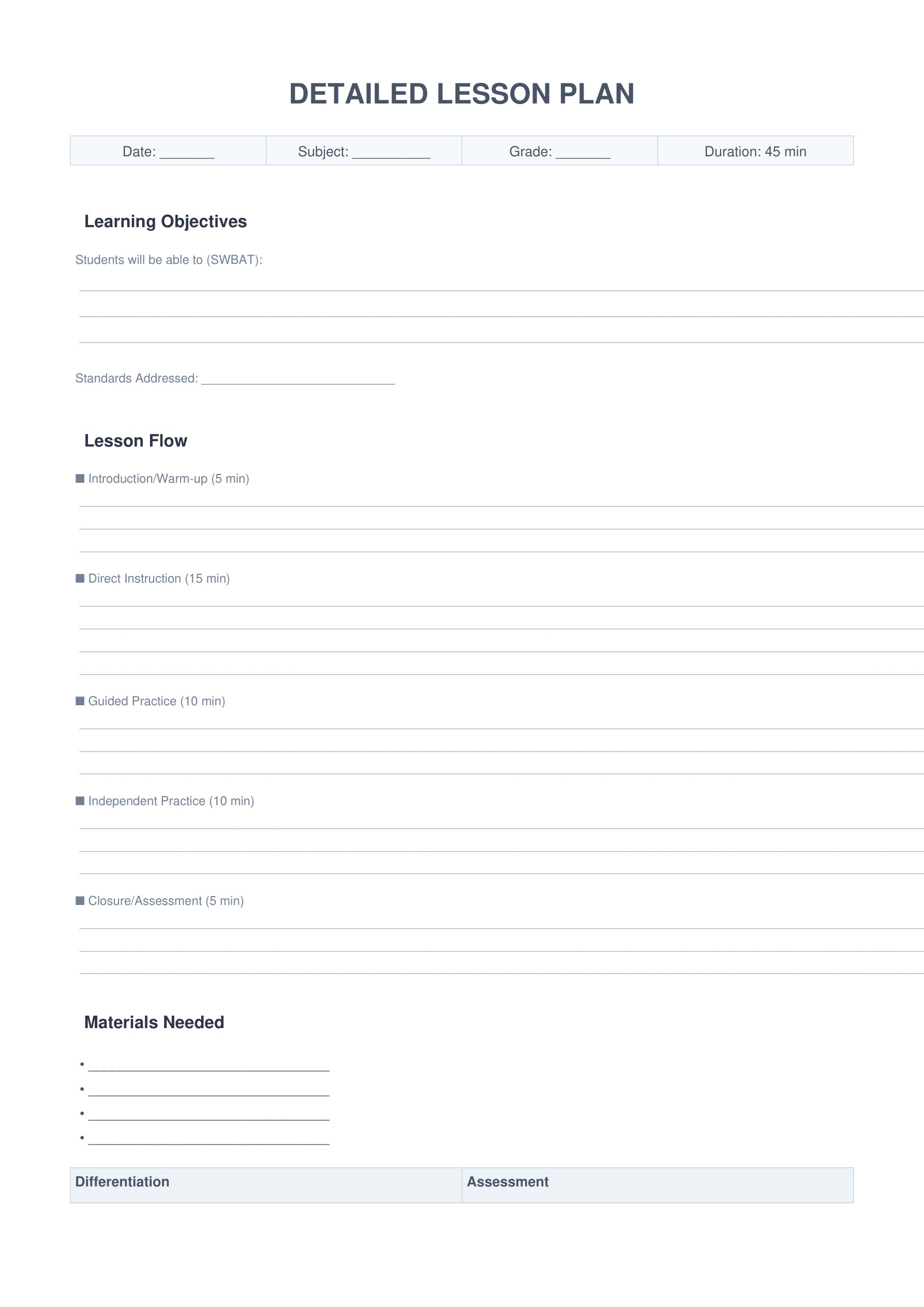
 2. Weekly Lesson Plans
Streamline your weekly planning with versatile lesson plan templates. Choose from horizontal or vertical layouts, or use the detailed 45-minute format for in-depth lesson design.
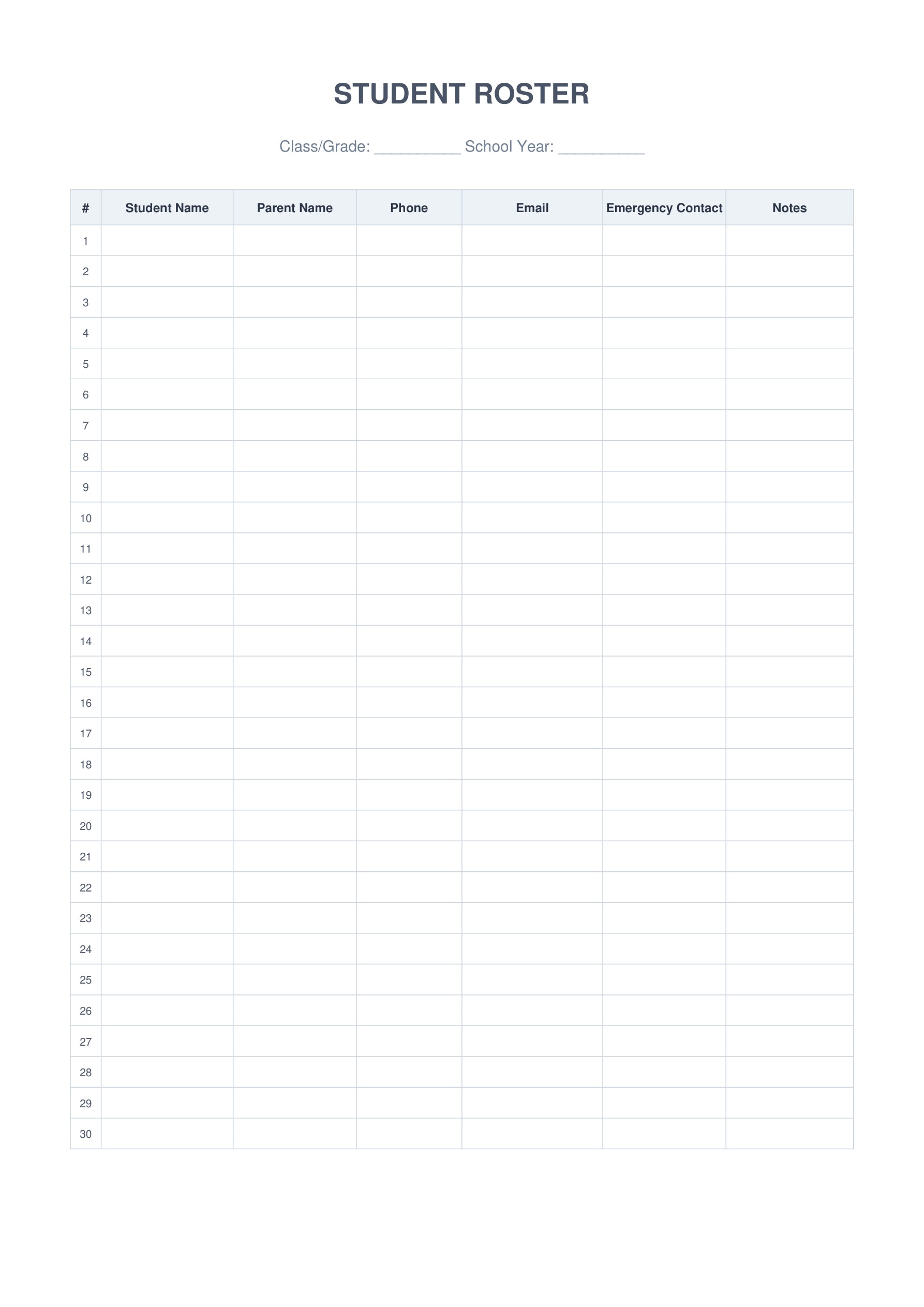
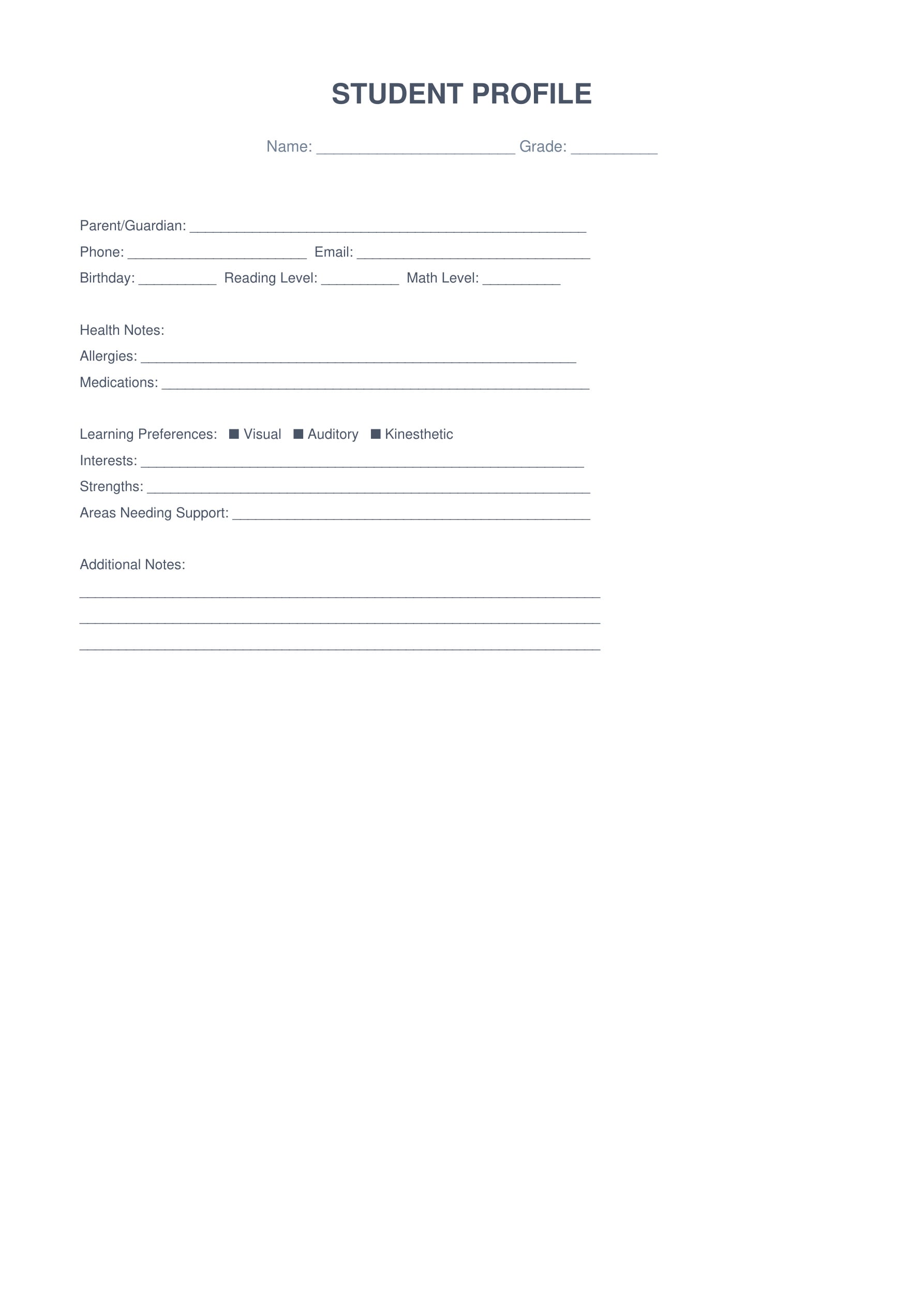
3. Student Information Management
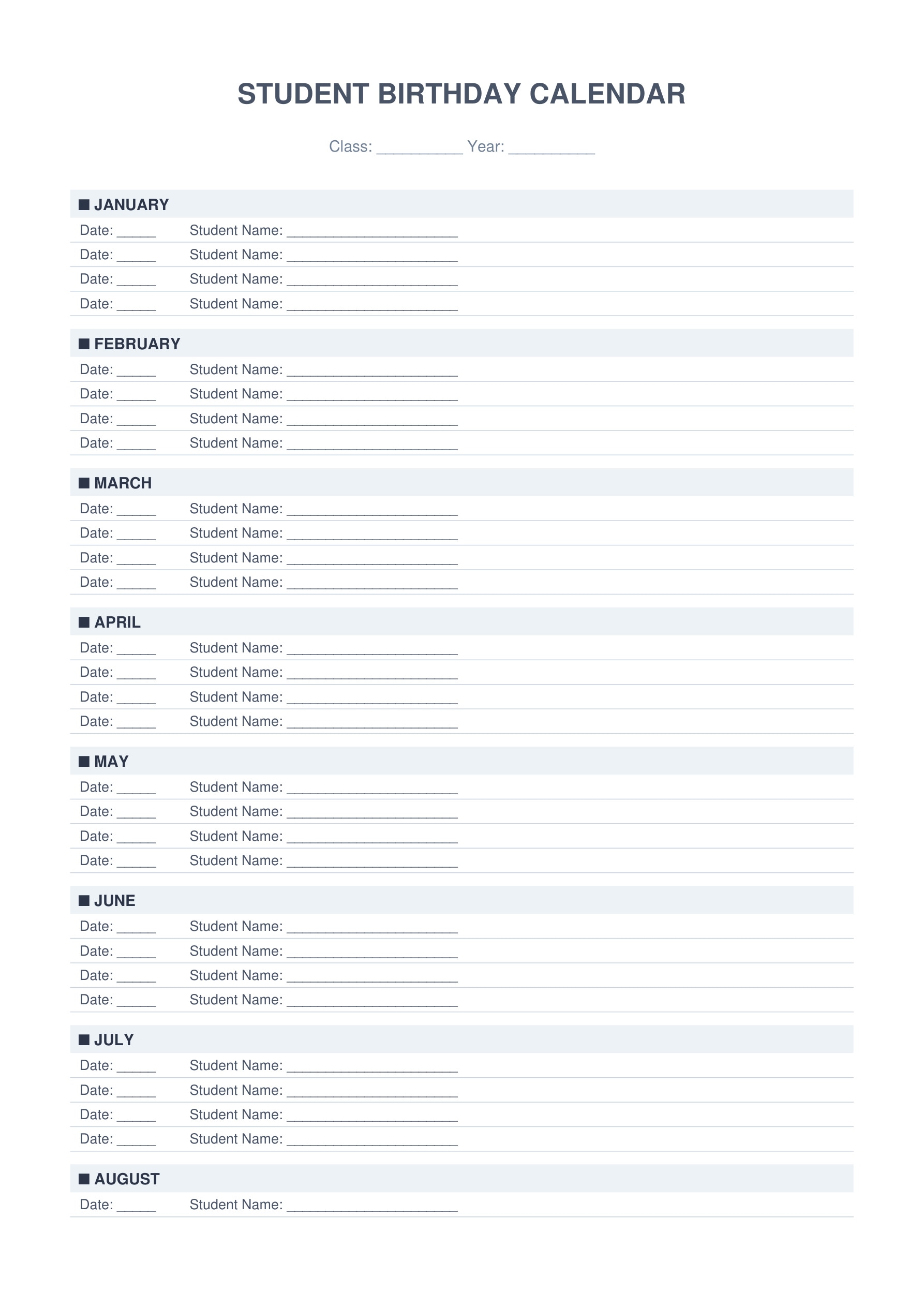
Keep all student information organized and accessible. Track contact details, learning profiles, birthdays, and important student data in one convenient location.
4. Assessment & Grades
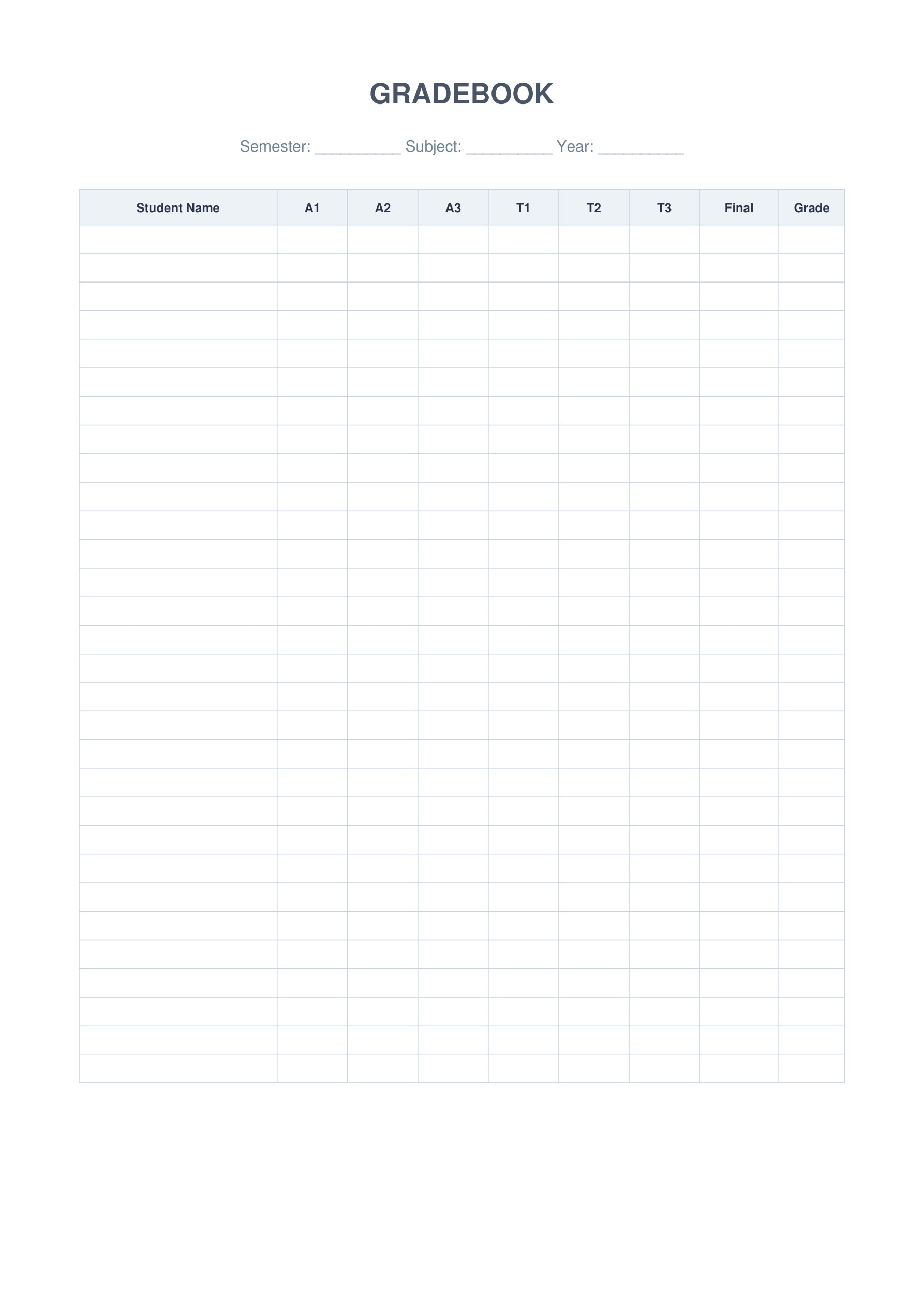
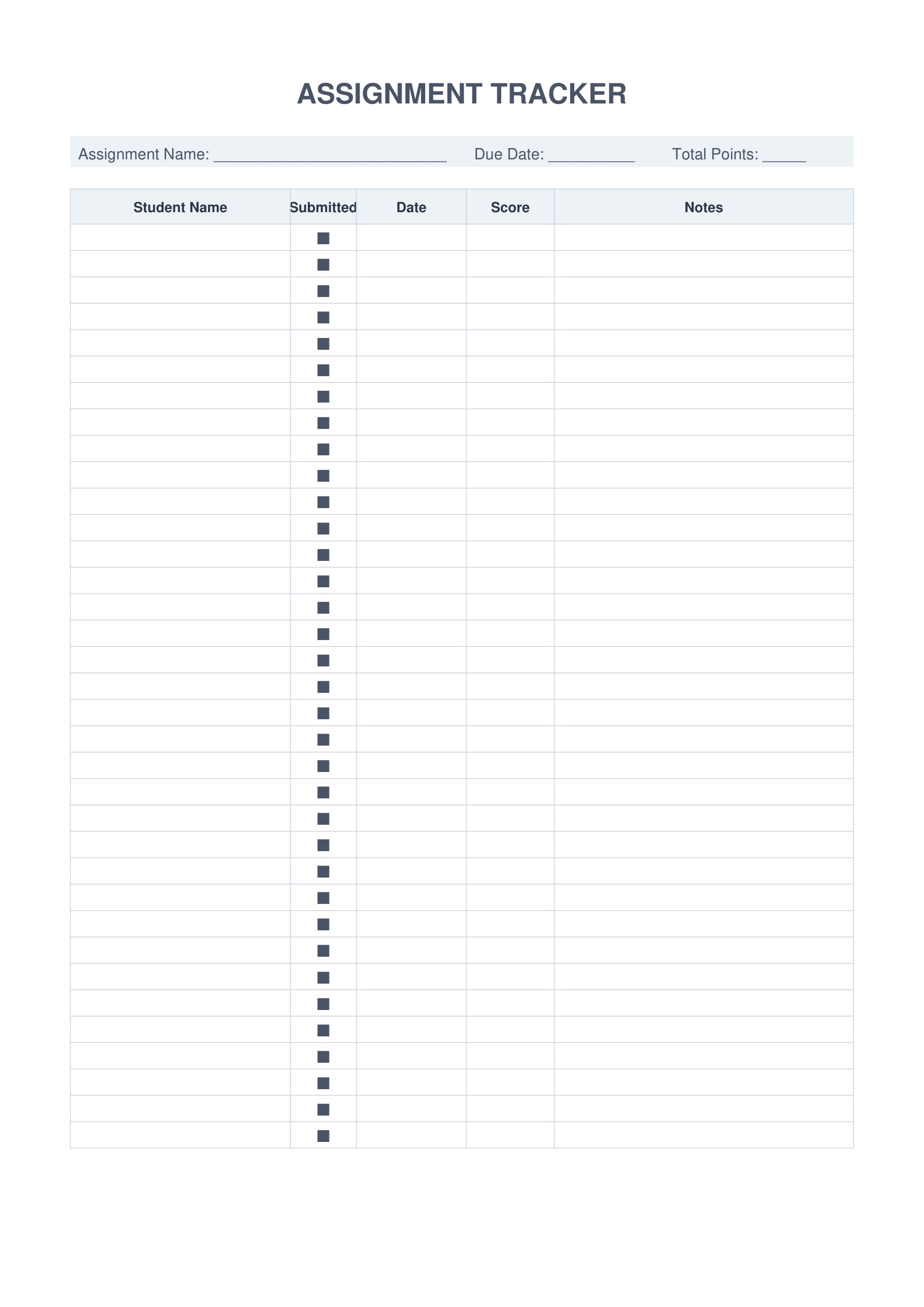
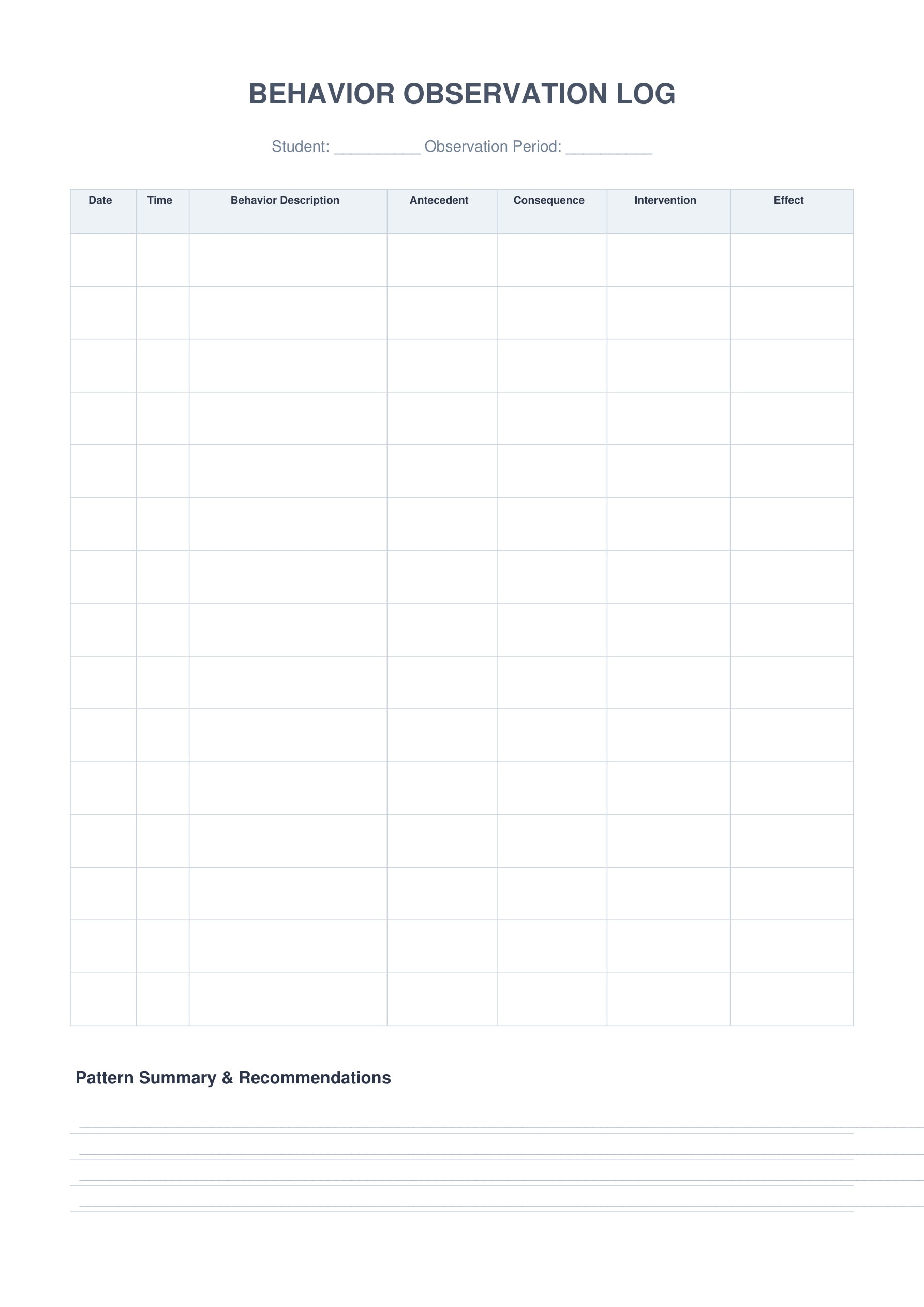
Simplify grade tracking and assessment documentation. Monitor student progress, assignments, and behavioral observations with professional gradebook templates.
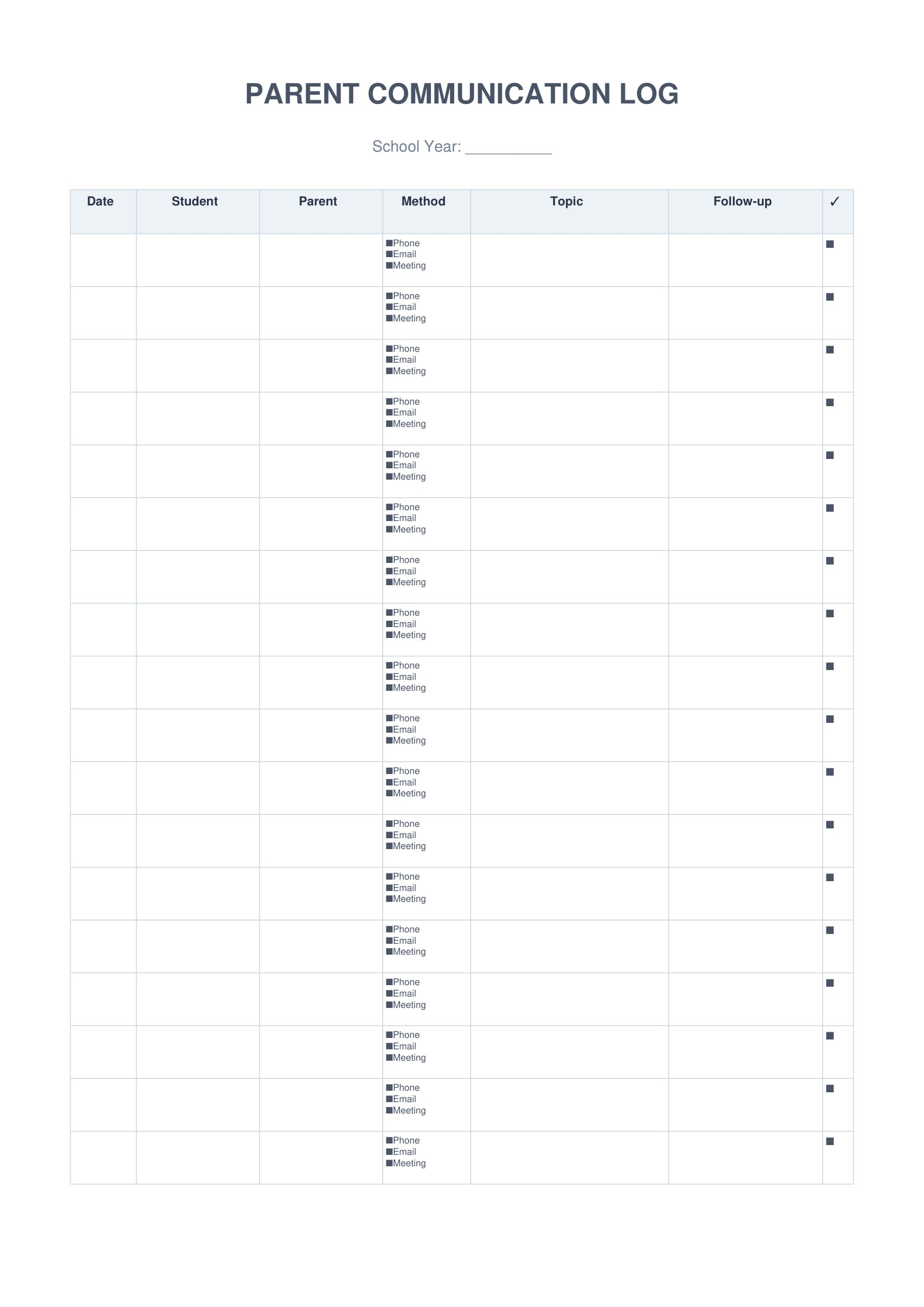
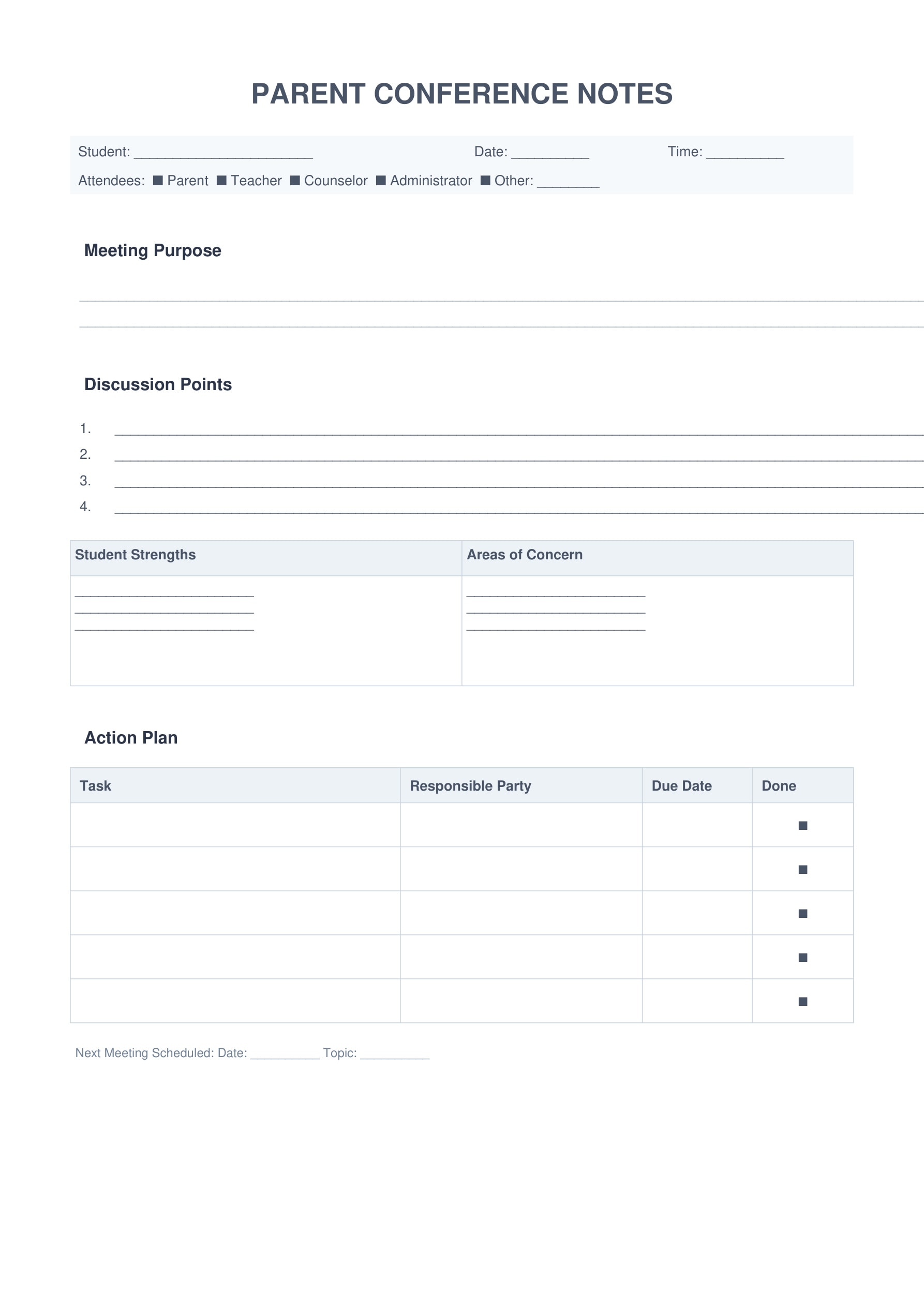
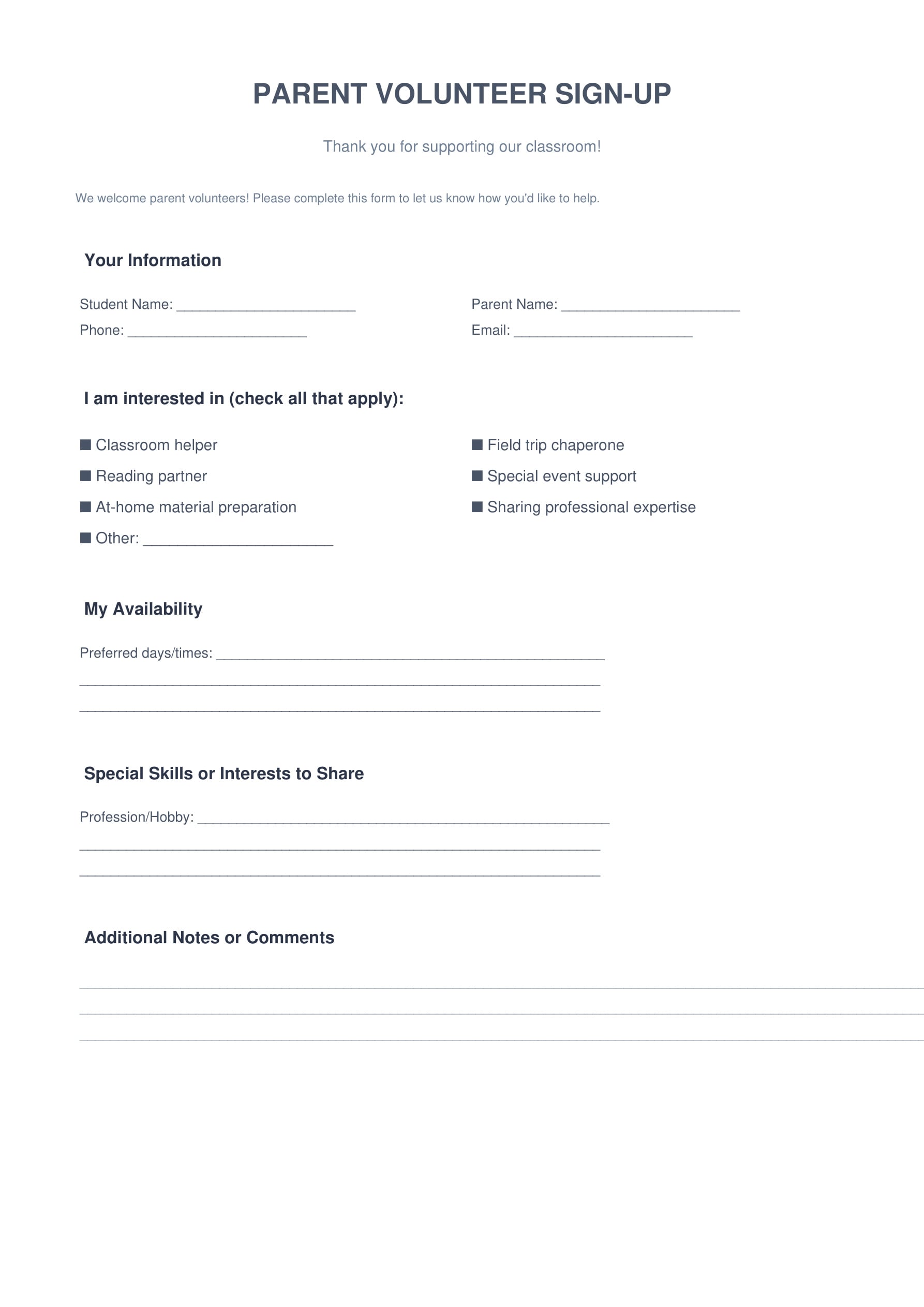
5. Parent Communication
Maintain clear, professional communication with parents and guardians. Document all interactions, conference discussions, and volunteer coordination efficiently.
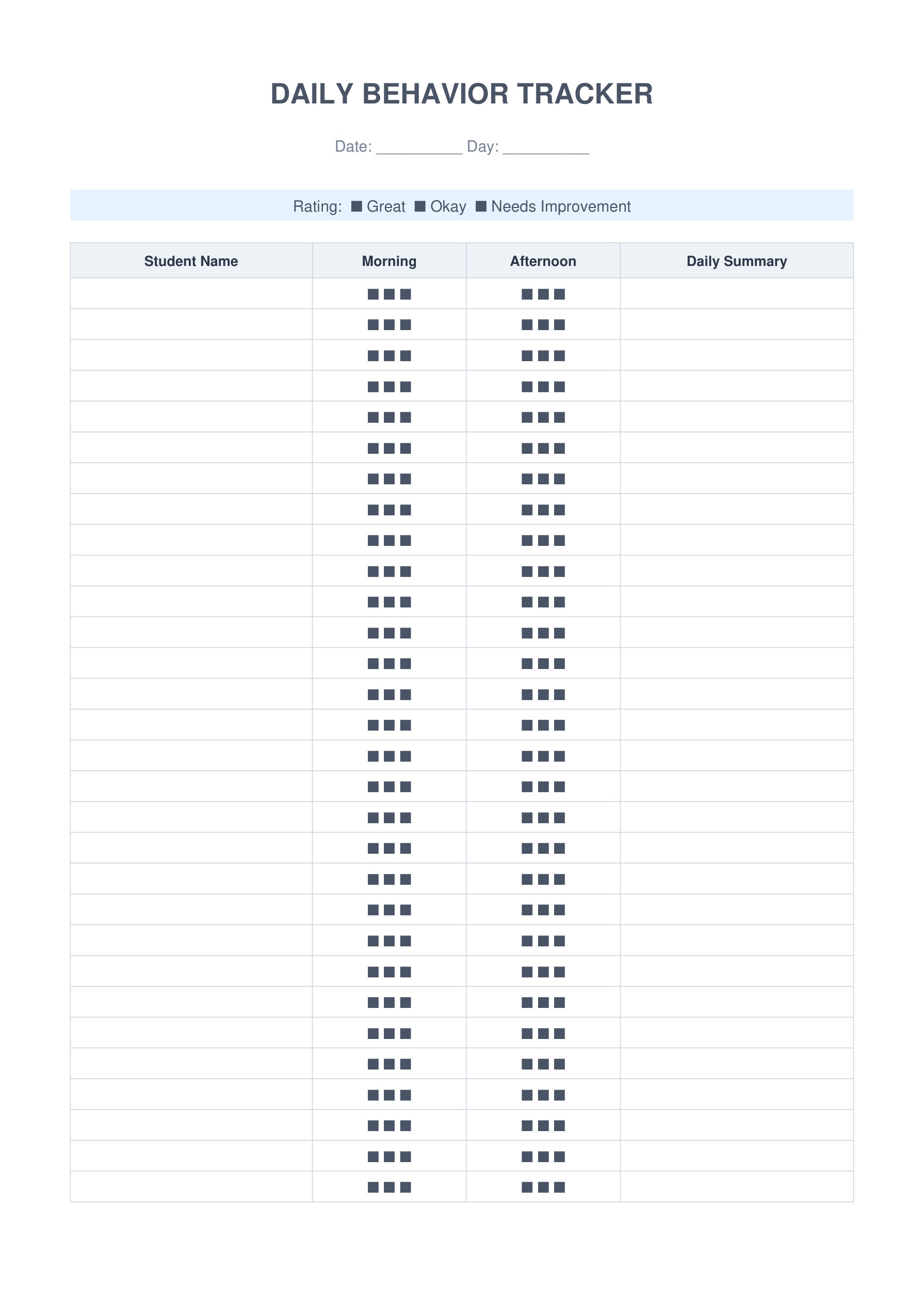
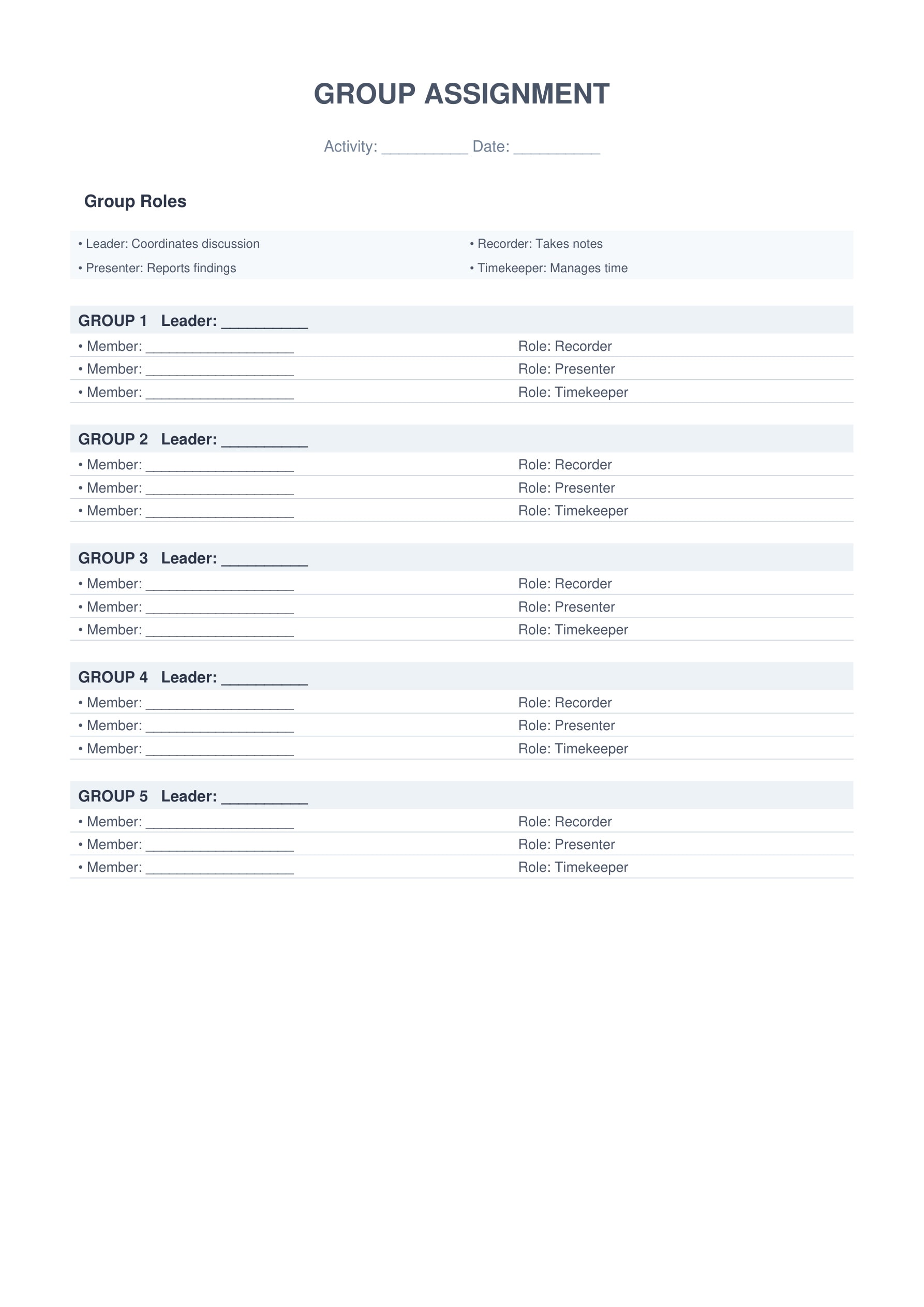
6. Classroom Management
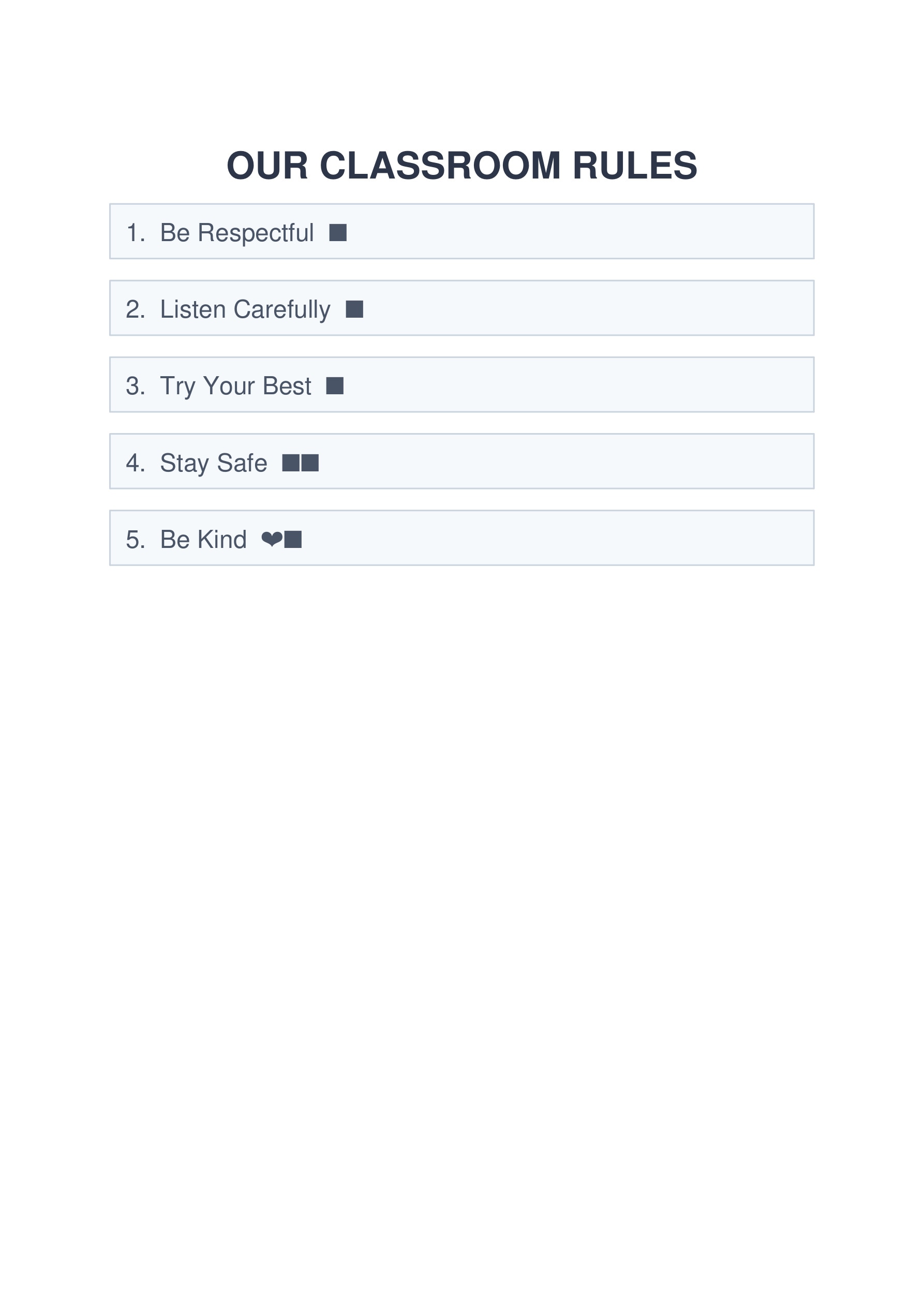
Create a positive classroom environment with clear expectations and behavior tracking tools. Manage group work assignments and daily behavioral monitoring effectively.
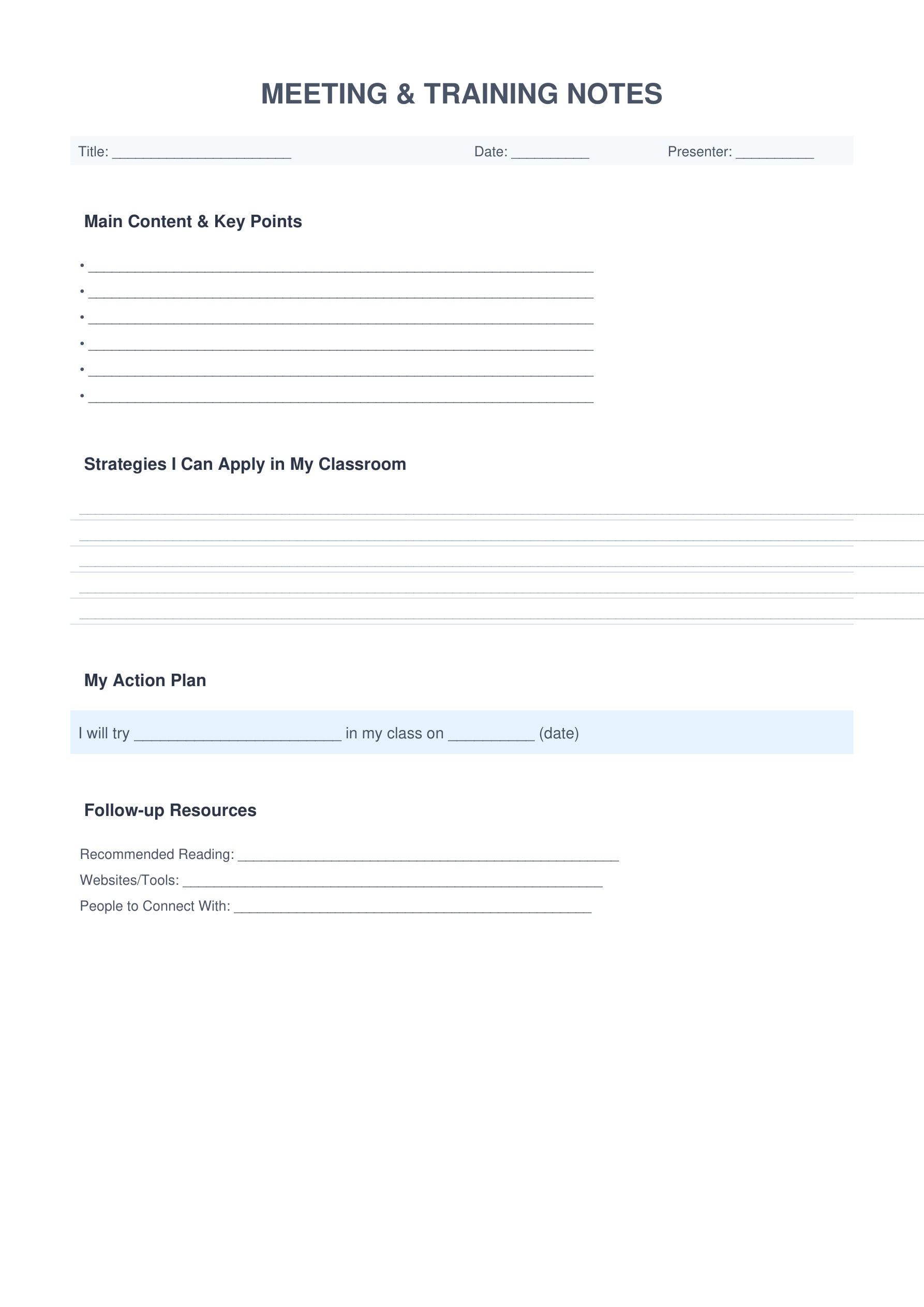
7. Professional Development
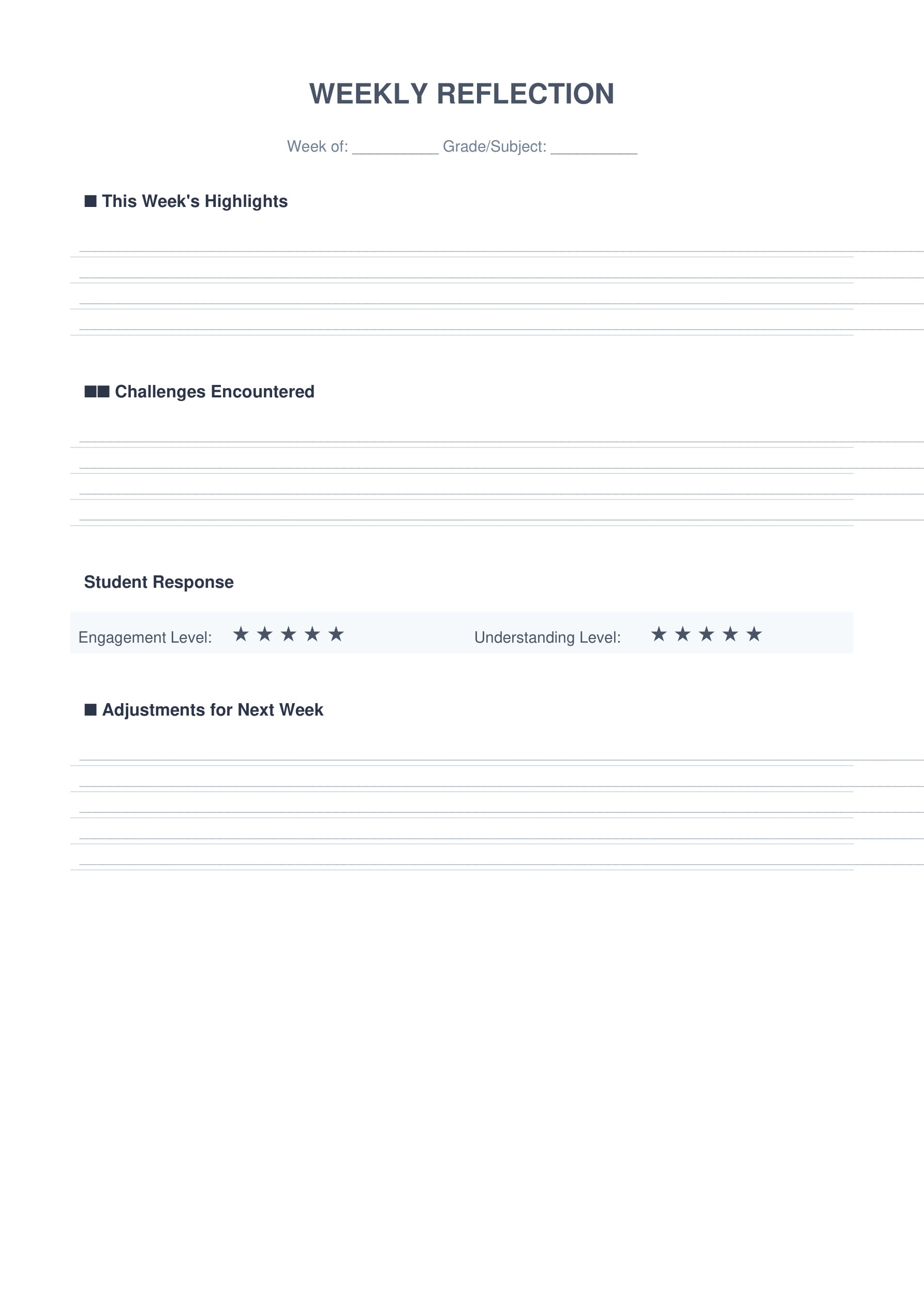
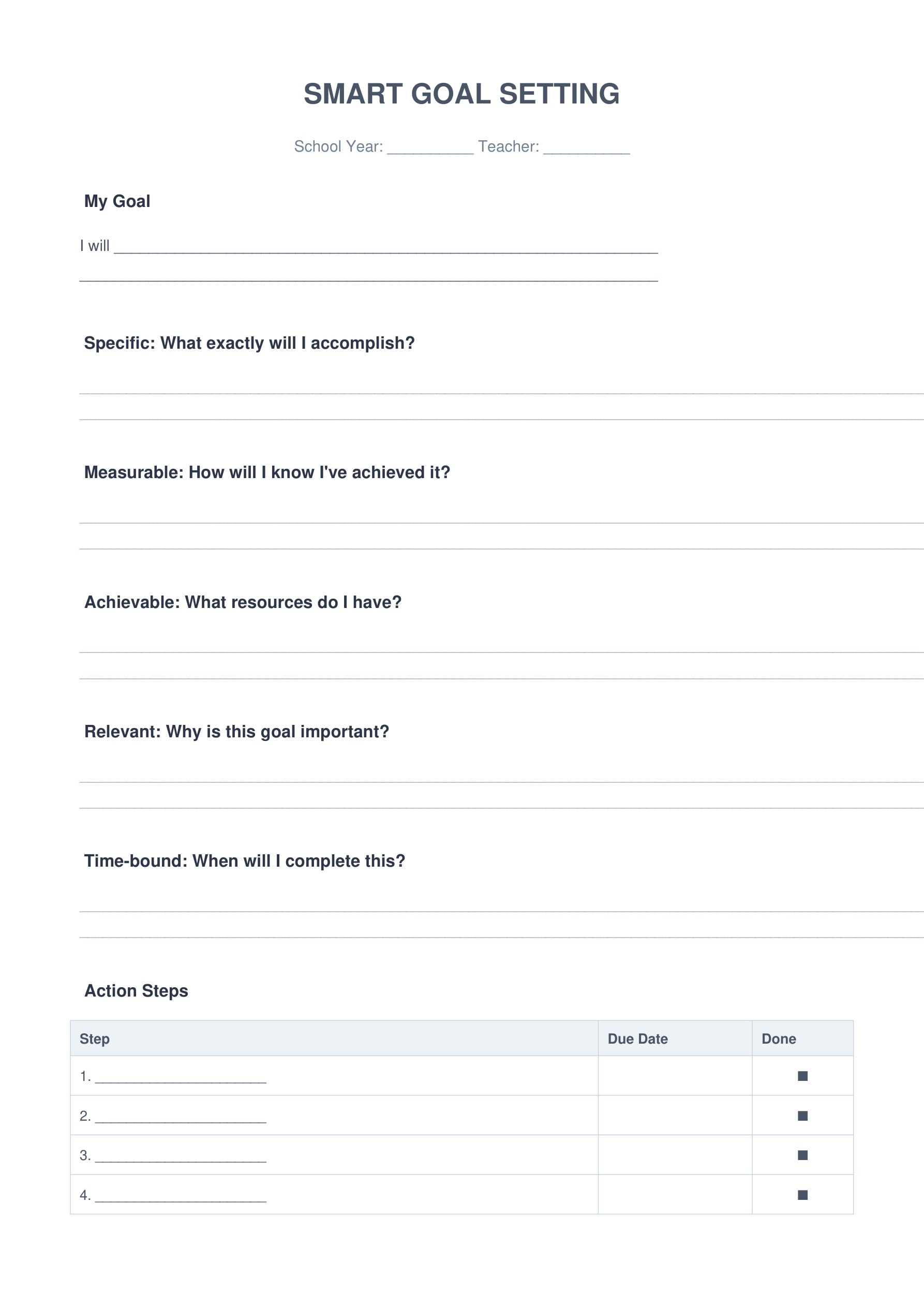
Support your professional growth with reflection tools and goal-setting templates. Document meetings, training sessions, and track your teaching improvement journey.
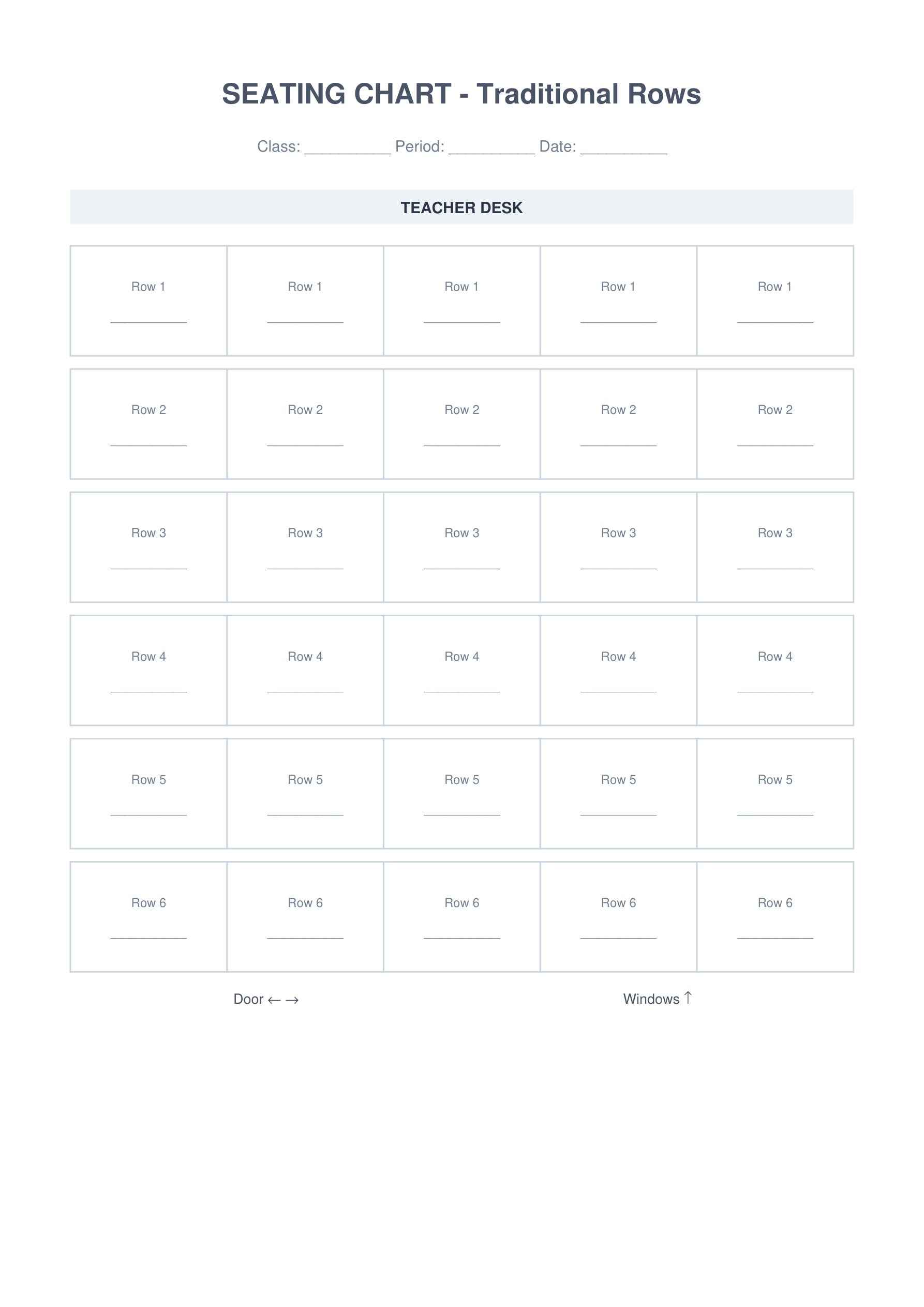
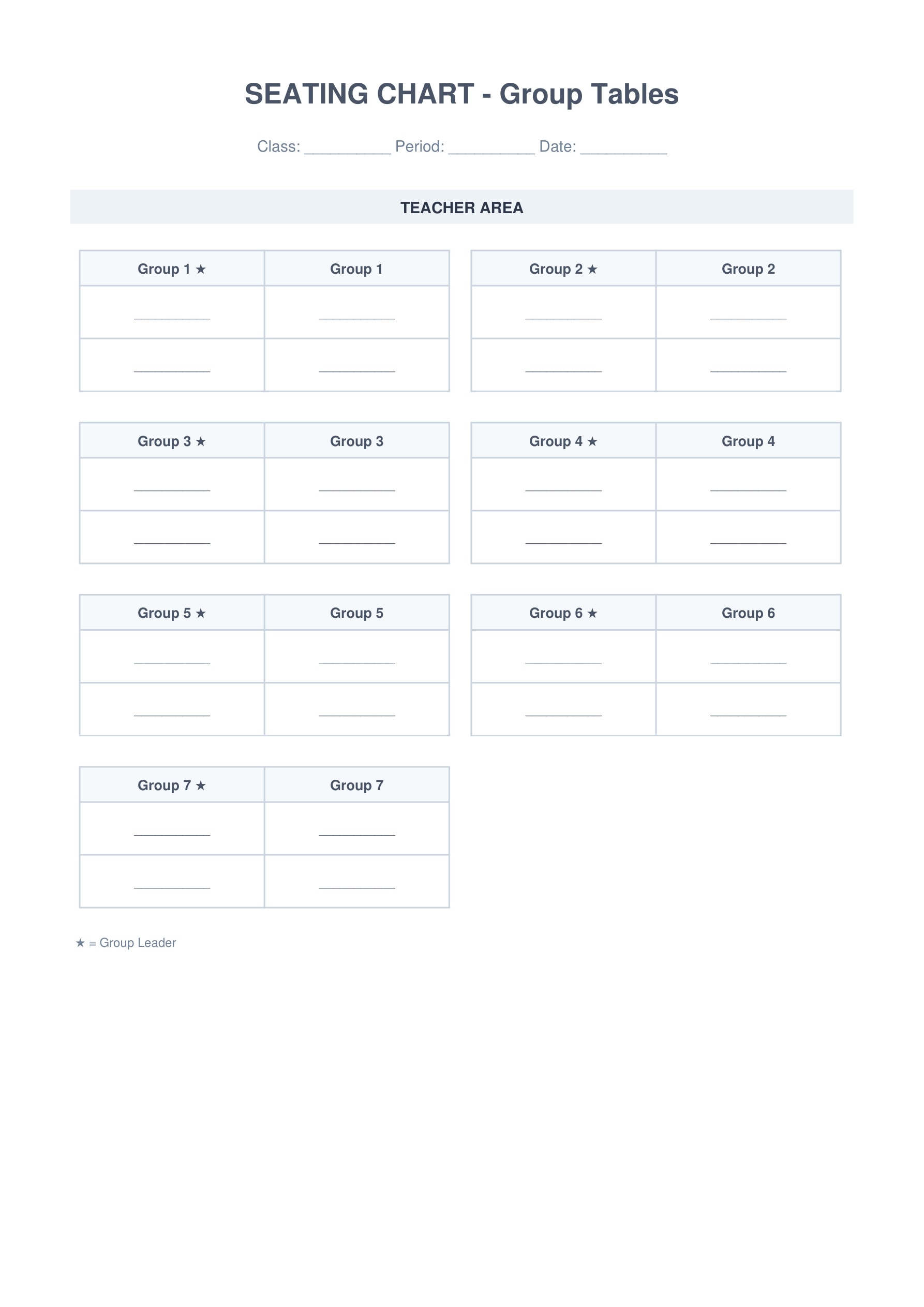
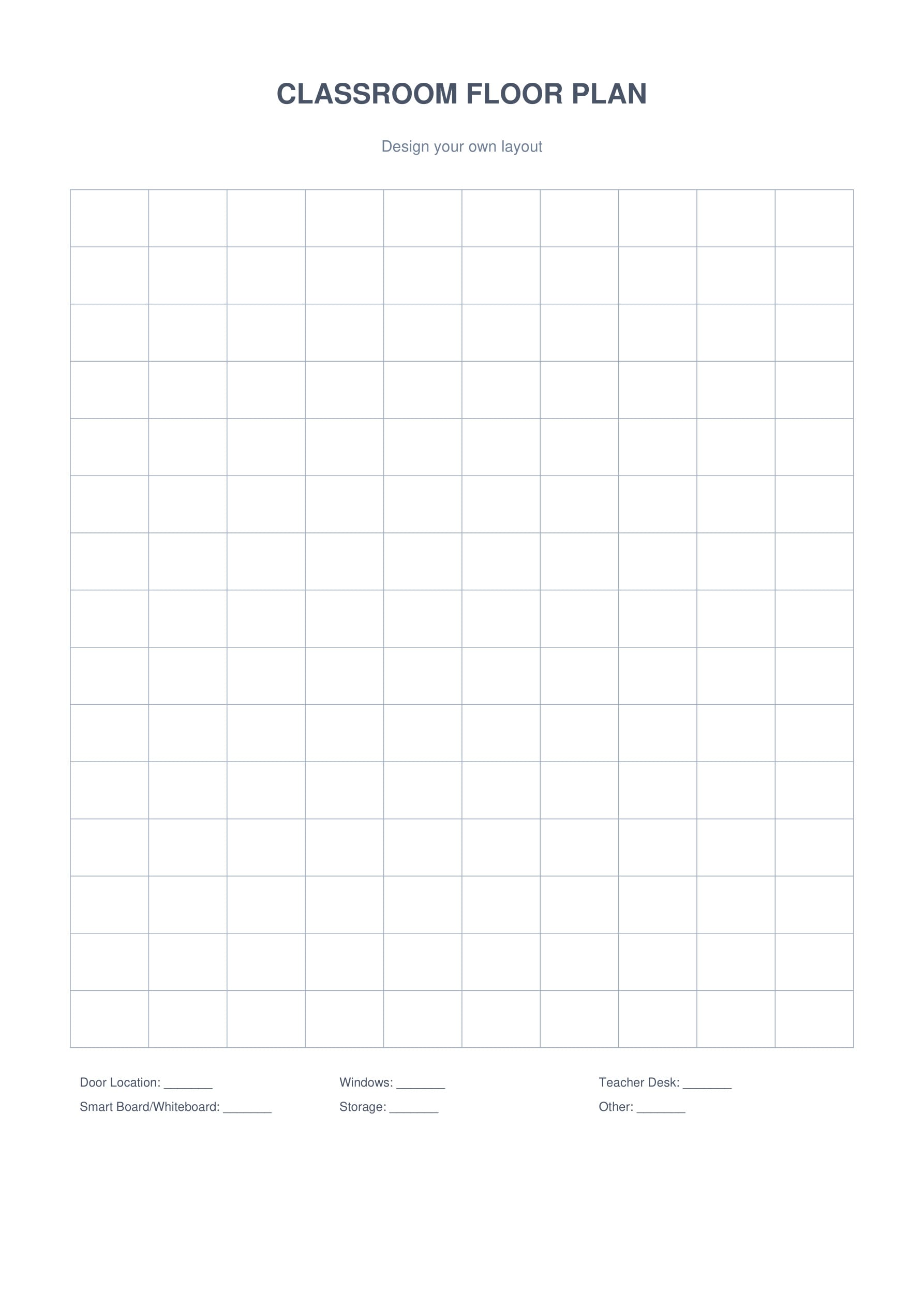
8. Seating Charts & Classroom Layout
Optimize your classroom arrangement with flexible seating chart templates. Design efficient layouts for traditional rows, collaborative groups, or custom configurations.
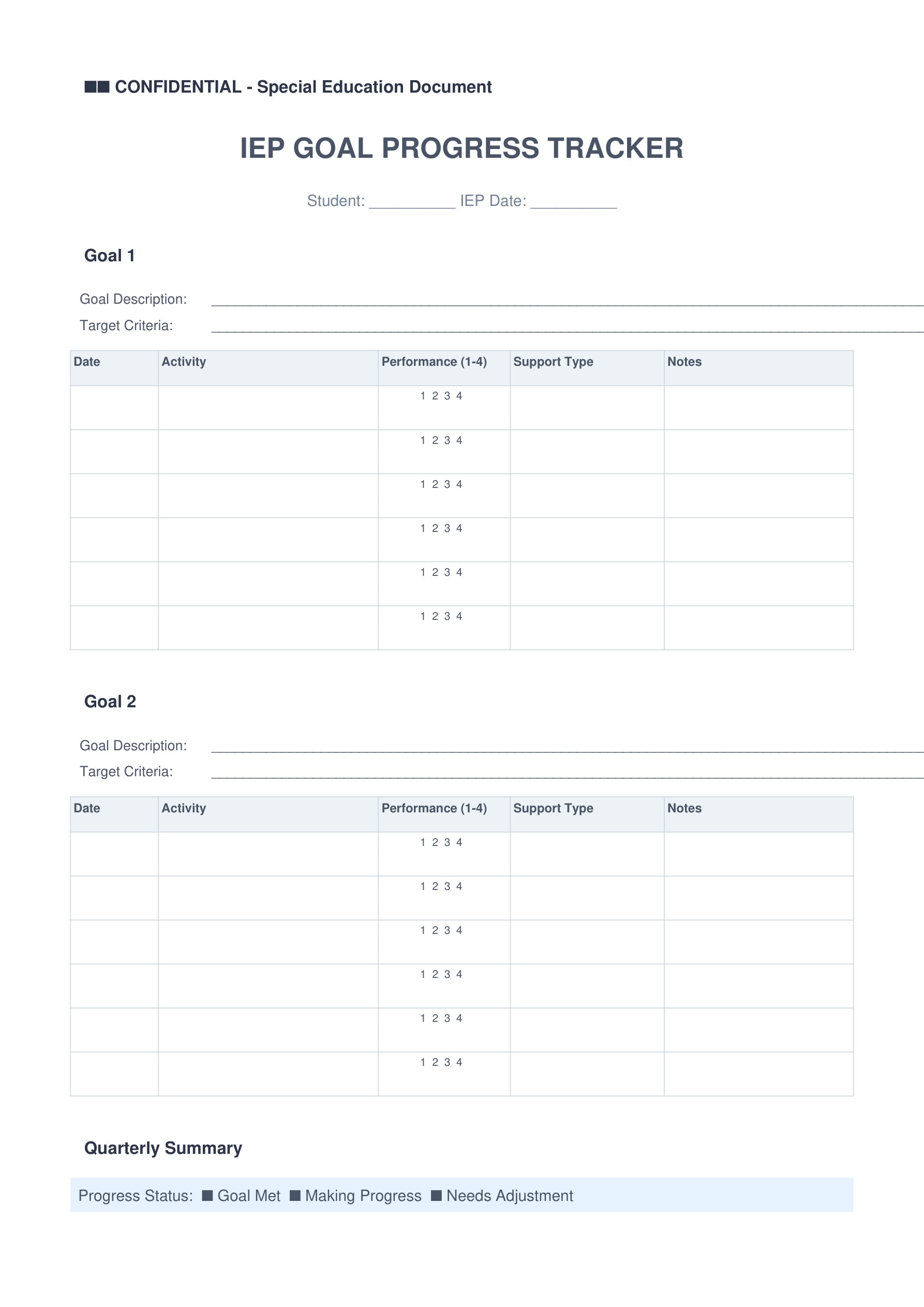
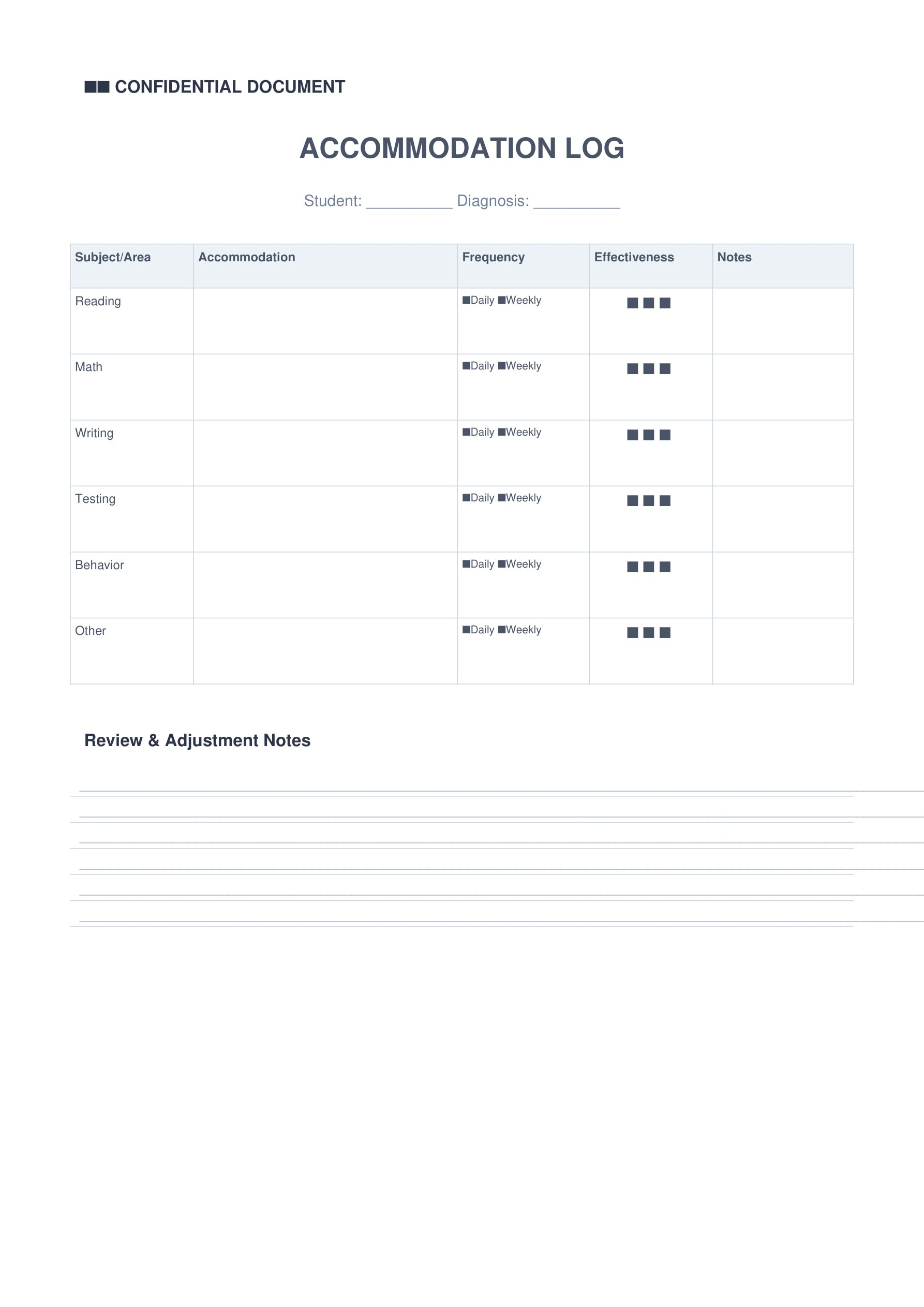
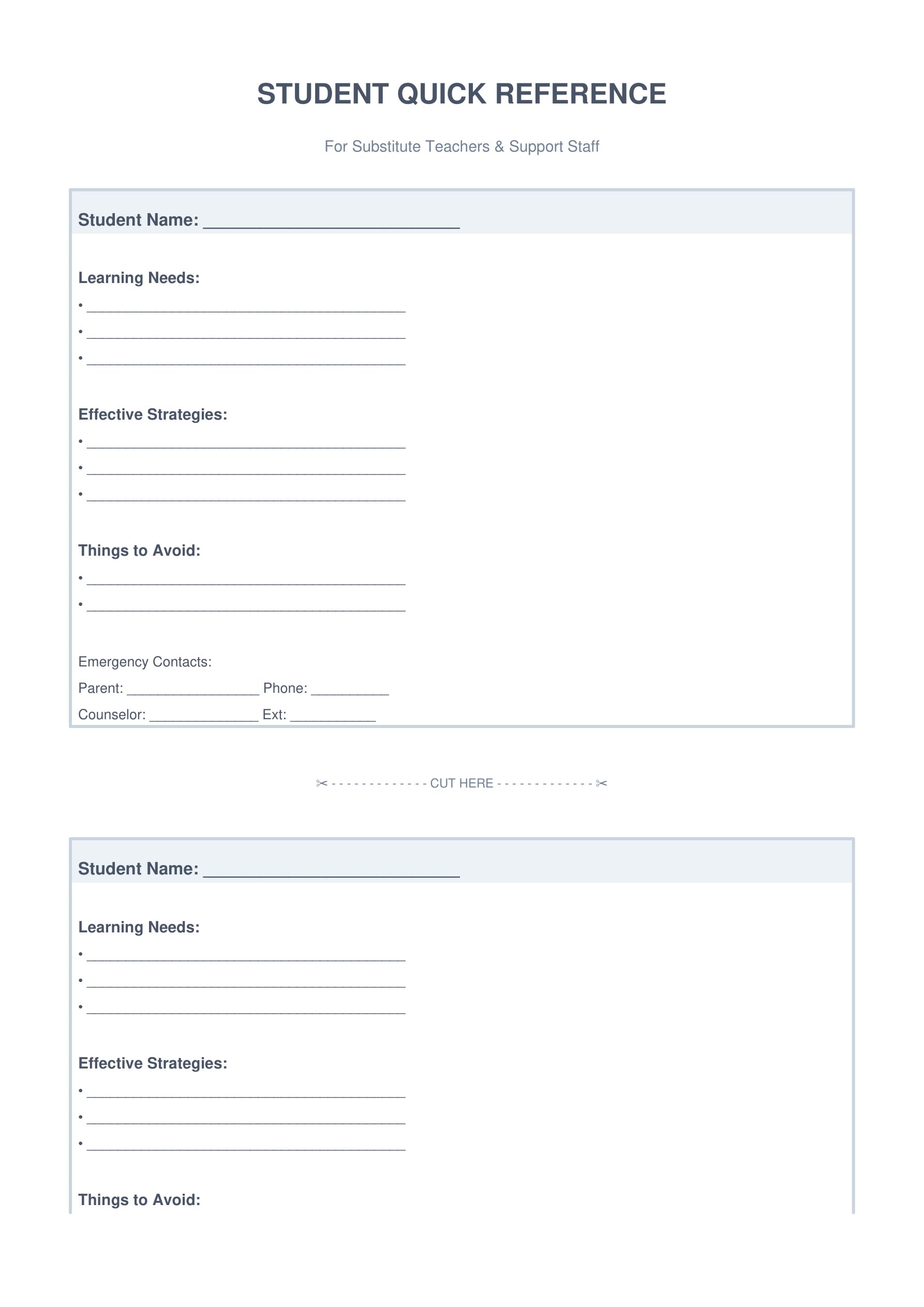
9. Special Education & IEP Support
Support students with special needs using organized IEP tracking and accommodation documentation. Maintain compliance while providing quality individualized education.
10. Bonus Productivity Tools
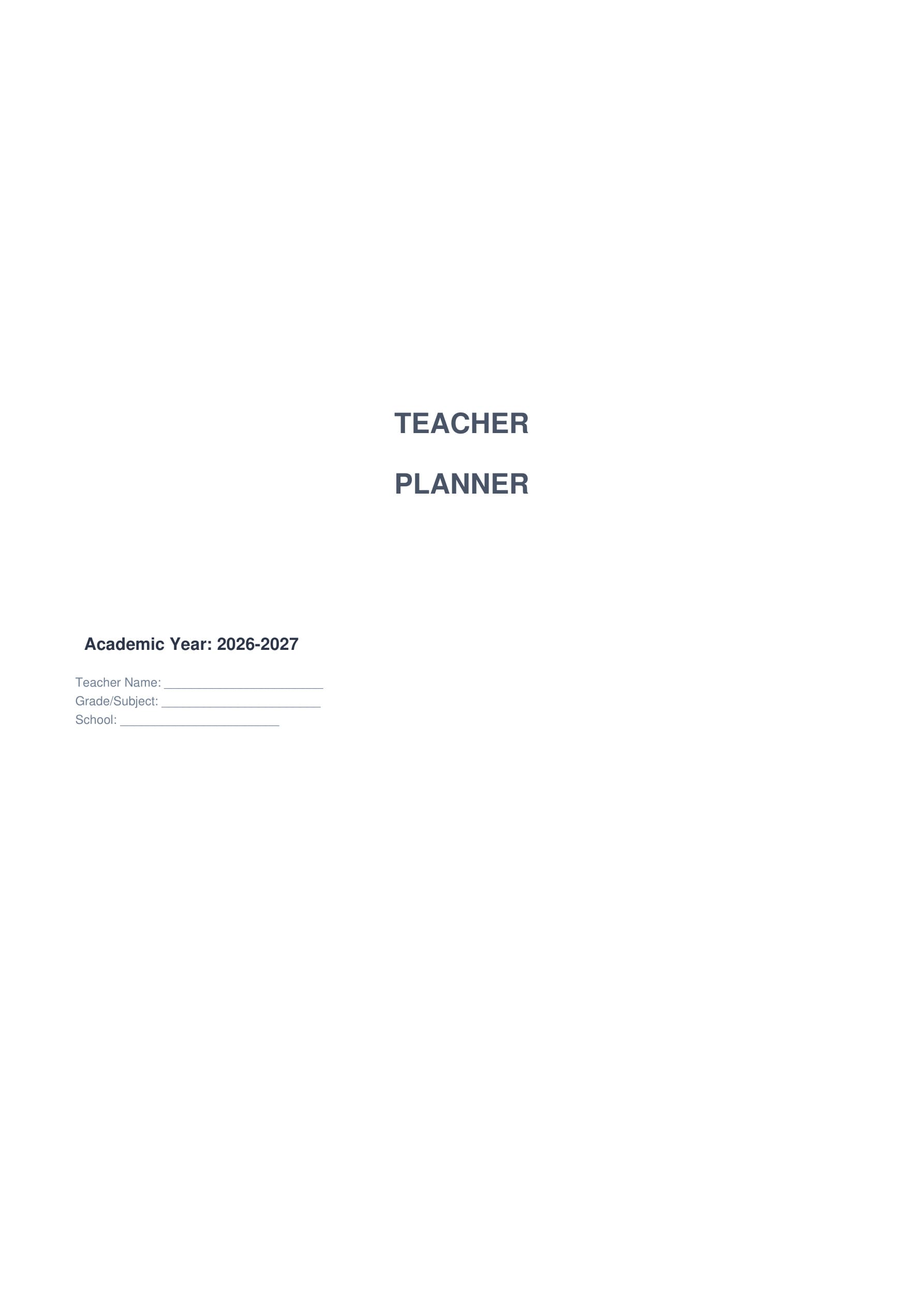
Enhance your planning system with versatile productivity tools. Add creative touches with dot grid paper, inspirational quotes, and professional cover designs.


Part 3. How to Edit and Print Teacher Planner Templates with PDFelement
PDFelement is a powerful PDF editor that makes customizing your teacher planner templates easy and intuitive. This software provides professional PDF functionality at an affordable price, making it perfect for educators who need to personalize planning materials for their classrooms.
Here's why PDFelement is the ideal tool for managing teacher planner templates:
Edit text and images directly in PDF. You can modify template content, change fonts, add your school name or logo, and adjust formatting without converting files to other formats.
Combine multiple templates into one packet. Merge individual templates into a single PDF file for easier distribution and organization. Arrange, reorder, and organize pages as needed for your perfect planner setup.
Create fillable form fields. Transform static templates into interactive forms that can be filled out digitally on computers or tablets, perfect for paperless classrooms.
Add annotations and comments. Provide notes, instructions, or reminders directly on templates using highlights, sticky notes, and drawing tools.
Print with professional quality. Adjust print settings, select specific pages, and customize margins, color options, and paper size for optimal printing results.
Secure sensitive information. Password-protect gradebooks and confidential student data, add watermarks, and control who can view or edit your planning documents.
Cloud integration support. Connect to Google Drive, Dropbox, or OneDrive for seamless file synchronization across all your devices.
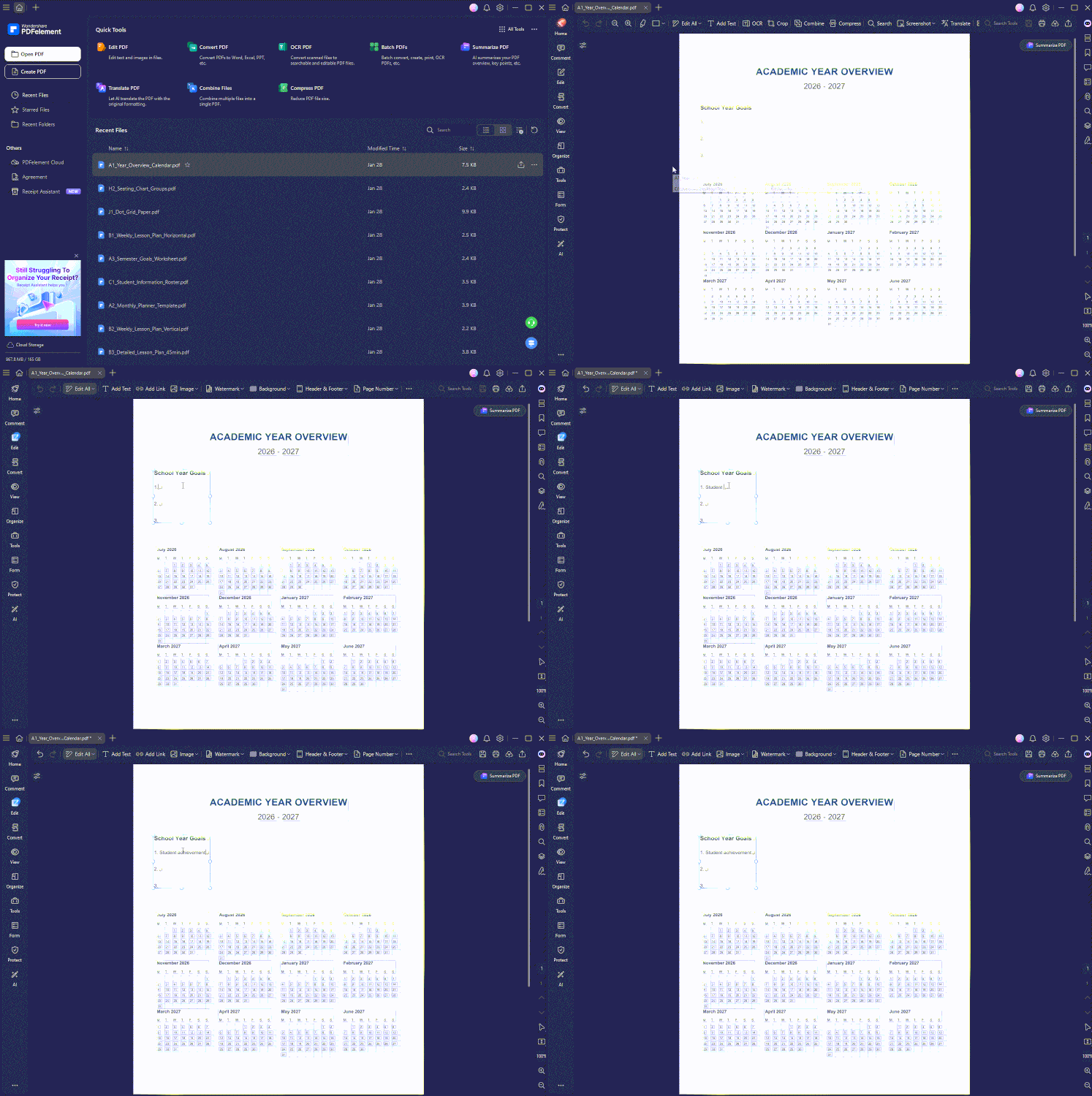
Step-by-Step Guide to Editing Templates
Step 1: Download and Install PDFelement
Visit the official Wondershare PDFelement website and select your operating system version (Windows, Mac, iOS, or Android). Download and run the installer – a free trial is available with full editing features. Launch PDFelement after installation completes.
Step 2: Open Your Template
Click "Open File" on the PDFelement home screen, navigate to your downloaded template PDF file, and select it to load in the editing interface.
Step 3: Edit Text and Customize Content
Click the "Edit" button in the top toolbar, then click any text area to modify the content directly. Add your school name, personal details, dates, and class information. Use the formatting toolbar to change fonts, sizes, and colors.
Step 4: Fill Form Fields
Click in any fillable form field to type information. Use the Tab key to move quickly between fields. Fill in student names, dates, assignments, and other recurring data.
Step 5: Add School Logos and Images
Click "Add Image" in the Edit toolbar, select and upload your school logo or graphics, then resize and position images as needed. Add student photos to rosters or seating charts for visual reference.
Step 6: Save and Print
Click "File" > "Save As" to save your customized template with a new name. For printing, select "File" > "Print," choose paper size (A4 or Letter), quality settings, and copies. Enable duplex printing to use both sides of paper. For digital use, save as PDF and transfer to your tablet.
Advanced PDFelement Features for Educators
Batch Processing: Edit multiple templates at once by applying the same changes (like your school logo) to all files simultaneously, saving hours of repetitive work.
Password Protection: Secure sensitive student information by adding password protection to gradebooks, assessment records, and confidential documentation.
OCR Technology: Convert scanned handwritten notes or printed documents into editable, searchable text using Optical Character Recognition.
Cloud Integration: Connect to Google Drive, Dropbox, or OneDrive for seamless file synchronization across all your devices.
Annotation Tools: Use highlights, sticky notes, stamps, and drawing tools for quick edits and reminders without modifying the original template.
Printing Tips for Teacher Planner Templates
Paper Selection: Use 24lb or 32lb paper for durability. Cardstock (65-110lb) works excellently for covers, posters, and frequently-handled items like seating charts.
Save Ink: Print in "Draft" or "Eco" mode for everyday copies to save 30-50% on ink. Reserve high-quality printing for covers and parent-facing documents.
Two-Sided Printing: Enable duplex (two-sided) printing to reduce paper consumption by half. Monthly planners work beautifully as two-page spreads.
Organization: Punch holes and organize in a 3-ring binder with tabbed dividers, or use disc-binding systems for lay-flat convenience.
Lamination: Laminate reusable templates like seating charts and classroom rules. Use dry-erase markers to update information without reprinting.
Part 4. Additional Resources for Teacher Planning
Teacher planner templates are an excellent foundation for classroom organization. If you're looking for additional teaching resources to complement these templates, here are four excellent platforms offering free and premium materials.
1. Teachers Pay Teachers
The world's largest marketplace for teacher-created resources with millions of free and premium lesson plans, worksheets, and planning materials. Teachers can find specialized planner templates, subject-specific resources, and grade-level materials created by fellow educators.
2. Pinterest
Search "teacher planner ideas" or "classroom organization" for thousands of creative inspiration boards and practical setup tips from educators worldwide. Pinterest is excellent for finding visual inspiration, DIY planner customization ideas, and innovative organizational strategies.
3. Google Workspace for Education
Free suite of collaborative tools including Docs, Sheets, Calendar, and Classroom for digital lesson planning and student management. Perfect for teachers who prefer cloud-based planning and need to collaborate with colleagues or share materials with students.
4. Canva for Education
Free graphic design platform with 250,000+ templates for creating custom planners, posters, worksheets, and presentations with no design experience required. Canva offers specialized educational templates and is completely free for K-12 teachers with verification.
Part 5. Frequently Asked Questions About Teacher Planner Templates
Q: Are these teacher planner templates really free?
Yes! All 30 templates are completely free to download, customize, and use. There are no hidden charges, premium tiers, or subscription fees. These templates are provided as free educational resources for teachers.
Q: Can I edit these templates without PDFelement?
Basic PDF readers like Adobe Acrobat Reader allow form filling. However, PDFelement provides comprehensive editing including text modification, image insertion, and advanced customization options that make personalizing templates much easier.
Q: What paper size are these templates designed for?
All templates are formatted for standard A4 paper (8.27" × 11.69"), which is compatible with US Letter size (8.5" × 11") printers with minimal margin adjustment. The templates will print properly on both paper sizes.
Q: Can I share these templates with fellow teachers?
Absolutely! These templates are free for personal and educational use. Share them with colleagues, your department, or your entire school. Spread the organizational love to help fellow educators save time.
Q: Do these work for digital planning on tablets?
Yes! Import these PDFs into GoodNotes, Notability, PDF Expert, or PDFelement's mobile app on iPad, Android tablets, or other devices for completely paperless planning. Many teachers use a hybrid approach combining printed and digital templates.
Q: Are these suitable for all grade levels?
Yes. The templates are designed to be versatile for elementary, middle school, high school, and even college instructors. Simply customize the content for your specific grade level and subject area. The flexible layouts work for any teaching context.
Q: Can I customize the templates to match my school's branding?
Absolutely! Using PDFelement, you can add your school logo, change colors to match your school's branding, modify fonts, and personalize every aspect of the templates to create a cohesive, professional look.
Q: How often should I print new templates?
Most teachers print weekly lesson plans every Friday for the upcoming week, monthly planners at the start of each month, and yearly/semester templates once at the beginning of the school year. Adjust based on your planning rhythm and whether you use printed or digital planning.
Conclusion
With these 30 free teacher planner templates, you have everything needed to organize lesson plans, track student progress, manage classroom activities, communicate effectively with parents, and maintain professional development records. Each template is professionally designed, completely customizable, and ready to use for the 2026-2027 school year.
Download the complete kit today and customize each template using PDFelement to create a personalized planning system that matches your unique teaching style and classroom needs. Start planning your best school year yet with organized, professional materials that save time and reduce stress.
🎓 Ready to get organized? Download all 30 free teacher planner templates now and transform your classroom planning for a successful, well-organized 2026-2027 school year!




