

Since September 14, 2026, Macs running macOS 27 Golden Gate offer better ways to organize files. Spotlight includes a Search or Ask bar, while Finder can suggest useful names for files and folders. A typical week still fills folders with downloaded invoices, scanned receipts, emailed contracts, and other important documents.
Built-in tools help you manage documents daily, but they cannot edit PDF text or search multiple files together. Finder, Preview, and Spotlight handle filing, quick edits, and searches, while simple habits keep folders organized. PDFelement V13 adds text editing, OCR, and AI Space for searching and understanding entire projects.


 G2 Rating: 4.5/5 |
 100% Secure
In this article
Part 1. Manage Documents on Mac with Built-in Features
Every Mac ships with three built-in apps to manage documents, each handling a different stage of file management. macOS 27 adds new tools to two of them. The methods below show how these built-in features make everyday document management easier:
Finder
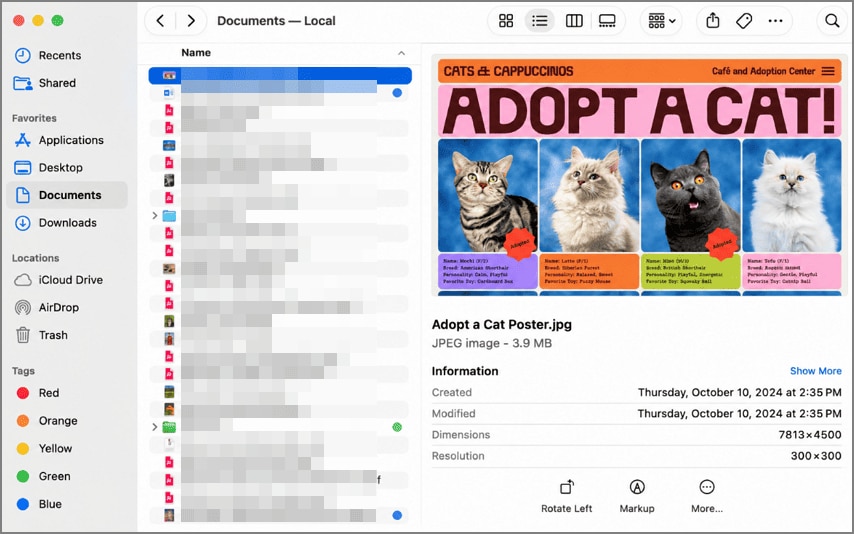
Finder shows every file on your Mac, so its folders set the structure that search and AI later depend on. Color tags and Smart Folders, which gather files matching rules you set, work alongside those folders. In macOS 27, Finder can also suggest a name when you rename a file, and Apple says browsing Windows and NAS shares is faster.
Preview
Once a file is in place, Preview opens it and takes care of quick fixes before filing. Dragging thumbnails between two open sidebars combines PDFs, and dragging within one sidebar reorders pages. File > Export with the Reduce File Size filter shrinks a heavy scan, though Apple notes that quality may drop.

Spotlight
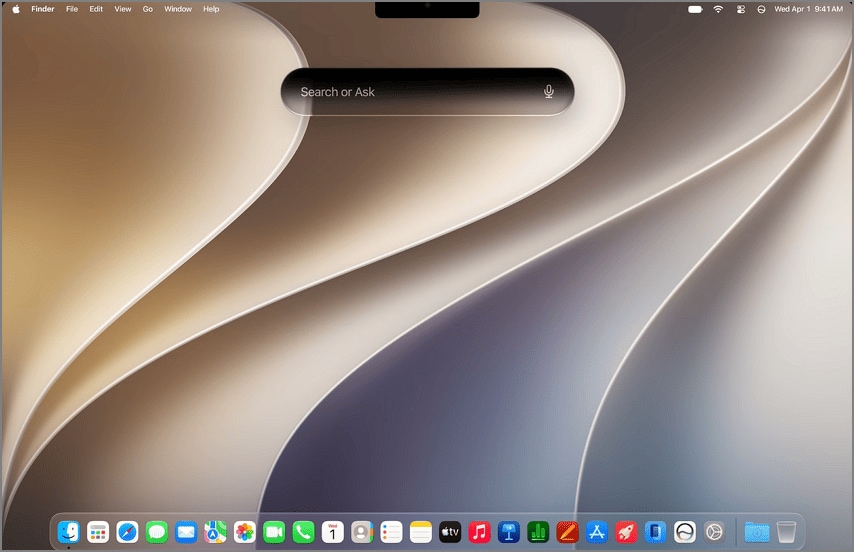
Finding that file later falls to Spotlight, which macOS 27 turns into a Search or Ask bar for Siri AI. Pressing Command-2 narrows results to files, and Spotlight searches the text inside PDFs as well as their names. A scan that never went through OCR, however, usually turns up by file name alone.
Part 2. Go Beyond Basic Document Management with PDFelement
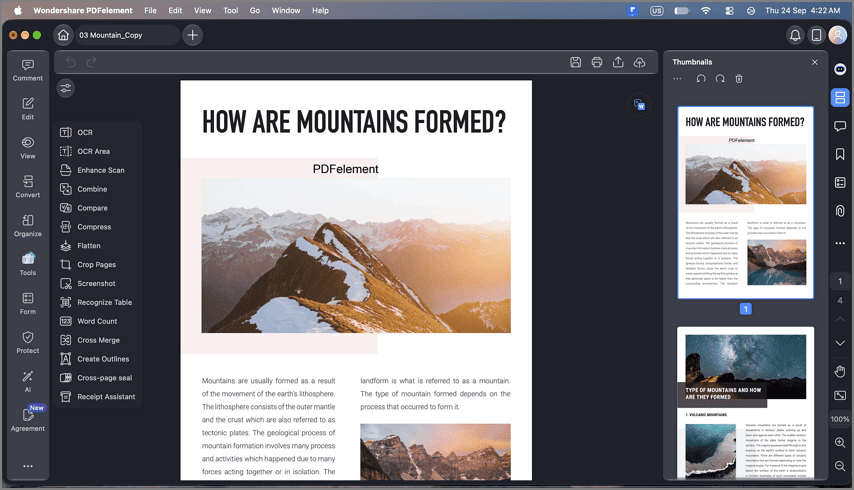
Filing, trimming, and searching cover daily upkeep, but a PDF's wording stays fixed in all three built-in apps. PDFelement for Mac adds text editing, markup, conversion to Word, Excel, or PowerPoint, OCR in 27 languages, and sharing.
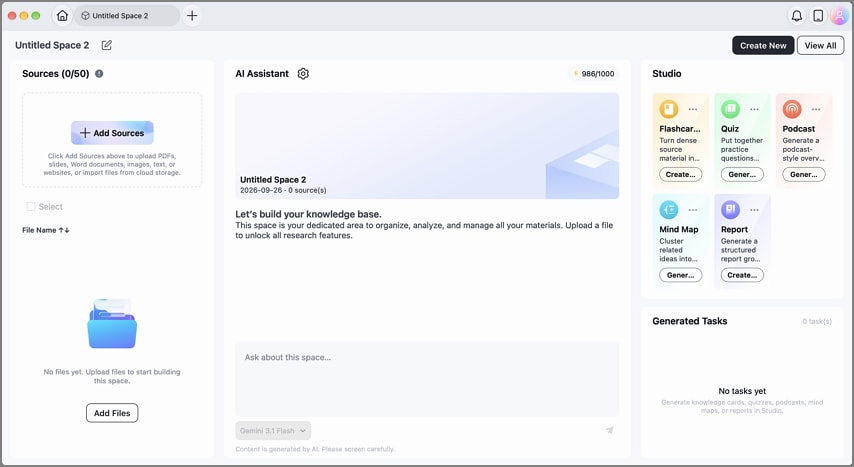
Version 13 adds AI Space, which gathers PDFs, Office files, text, and YouTube links into one workspace per project. Inside a Space, you manage documents as a set, summarizing them together or chatting across every file at once. Answers draw only on the files you add and carry traceable references, while the same material can also become a mind map, quiz, or report.
Part 3. Tips for Better Document Management on macOS 27
Search and AI both work better on a tidy library, since they rely on the names and folders you use to manage documents. Keeping that library in shape as new files arrive comes down to three habits:
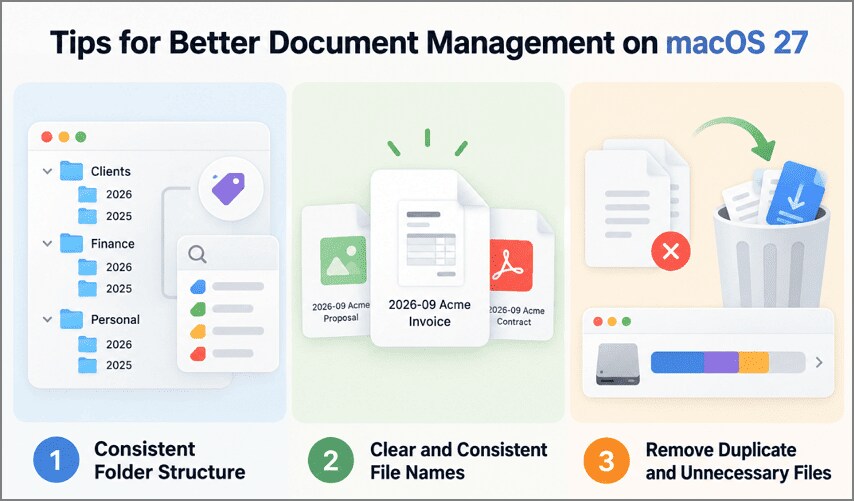
Consistent Folder Structure
Keep a few top-level folders by area, such as Clients, Finance, and Personal, with yearly subfolders inside. Tags and Smart Folders then gather related files without moving them.
Clear and Consistent File Names
Use one order for date, client, and document type, such as 2026-09 Acme Invoice. macOS 27 bases suggested names partly on other files in the folder, so a steady pattern tends to carry forward.
Remove Duplicate and Unnecessary Files
Sort folders by name or size to spot copies, and clear old installers and repeat downloads. Storage in System Settings shows what uses the most space, and that space returns only after you empty the Trash.
Frequently Asked Questions
Can Preview edit PDF text?
Preview can add text boxes, notes, and signatures, but it cannot change the words already in a PDF. Correcting the original wording needs a full editor such as PDFelement.
How can I find PDF files quickly on Mac?
Type kind:pdf and a word from the file into Spotlight, as Apple's Spotlight guide describes. For a list that updates itself, save a Finder Smart Folder that collects every PDF.
What can Preview do?
Preview views PDFs and images, fills in and signs forms, and adds highlights and notes. It can also password-protect a PDF from File > Export before you share it.
Is PDFelement compatible with macOS 27?
PDFelement for Mac supports macOS 11 and later, a range that takes in macOS 27 Golden Gate. Its V13 release also brings AI Space to the Mac, so you can manage documents by project.
Final Takeaway
macOS 27 improves how users manage documents with Finder naming suggestions, Spotlight Search or Ask, and Preview's PDF tools. Consistent folders, clear names, and OCR make files easier to organize and find. For advanced PDF editing and cross-file AI assistance, PDFelement V13 provides a practical next step.
G2 Rating: 4.5/5 |100% Secure




