

In this article
PDF Drive has been a popular destination for people looking for ebooks and PDF files online. However, you may not always find the book you need, and the availability, quality, and access conditions of files can vary.
If you are looking for a different way to find ebooks, textbooks, research materials, or public-domain books, there are several PDF Drive alternatives worth exploring.
In this guide, we'll explain why you may want to look for a PDF Drive alternative, compare several options at a glance, and take a closer look at what each platform offers. We'll also cover what you can do after finding the PDF you need.
Why Do You Need a PDF Drive Alternative?
PDF Drive can be useful for discovering PDF books and documents, but it may not meet every user's needs. Here are some common reasons readers look for alternatives.
1. Accessibility and availability
Access to a particular resource may not always be consistent. Changes in availability, regional restrictions, or broken links can make it difficult to rely on one platform for long-term research or reading.
2. Usage and access limitations
Free access does not always mean unlimited access. Download restrictions, registration requirements, or other usage conditions may become inconvenient for users who frequently collect books and documents.
3. Inconsistent file quality
The quality of available files can vary. Some PDFs may be clear and searchable, while others may contain low-resolution scans, missing pages, or poorly recognized text.
4. Limited search and discovery
Finding a title is not always enough. Users may need to identify a specific edition, author, ISBN, or publication, making platforms with more structured catalogs useful for certain searches.
5. Limited format flexibility
PDF works well for fixed-layout documents, but it may not be the most comfortable format for every device. Readers using phones, tablets, or e-readers may prefer formats such as EPUB that adapt more easily to different screen sizes.
6. Different content needs
PDF Drive is a general-purpose resource, while some users may need more specialized collections, such as public-domain books, academic research, open textbooks, or historical documents. Dedicated platforms can make these resources easier to find and access.
8 PDF Drive Alternatives by Use Case
After considering these limitations, the right PDF Drive alternative depends on what you actually need. Some platforms focus on classic and public-domain books, while others are better suited to academic research, textbooks, or general book discovery. The table below gives you a quick overview of the main options and what each platform is best for.
| Tool | Best For | Access Model | Free Access | Main Content |
| Project Gutenberg | Classic literature | Free ebook library | Yes | Public-domain literature and older works |
| Open Library | Borrowing ebooks | Digital library lending | Yes, for eligible books | Books across many categories |
| Internet Archive | Digital archives | Digital lending and open collections | Varies by item | Books, documents, media, and archives |
| DOAJ | Academic research | Open-access index | Yes | Open-access journals and articles |
| OpenStax | College textbooks | Open educational resources | Yes | College-level textbooks |
| Standard Ebooks | Well-formatted classics | Public-domain ebooks | Yes | Classic literature |
| Google Books | Book discovery | Search, previews, and access options | Varies by book | Books across many categories |
| Bookboon | Professional learning | Free and paid resources | Varies | Professional and educational ebooks |
1. Project Gutenberg
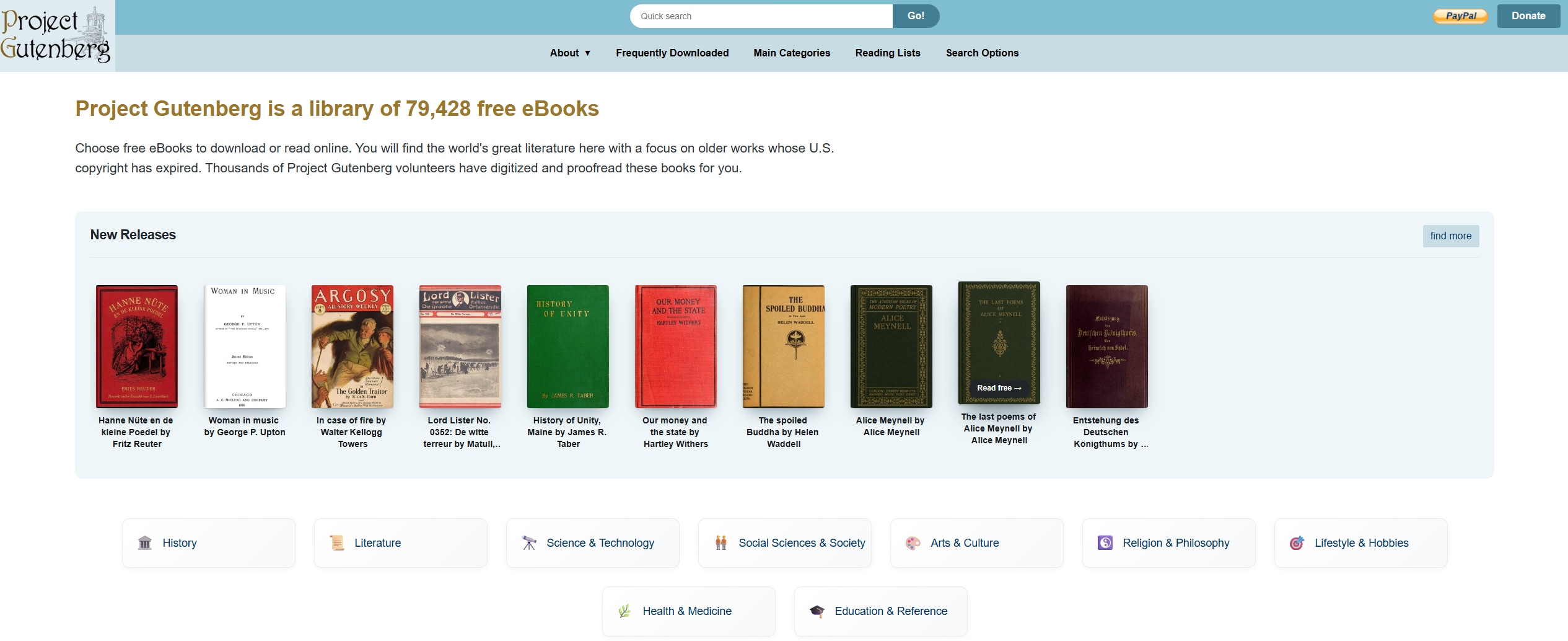
Project Gutenberg is a strong option for readers looking for classic literature and other public-domain ebooks. Its collection contains more than 75,000 free ebooks, with many titles available to read online or download in different formats.
The platform focuses mainly on older works whose U.S. copyright has expired, making it particularly useful for students, literature enthusiasts, and anyone interested in classic books.
Best for: Classic literature and public-domain ebooks.
2. Open Library
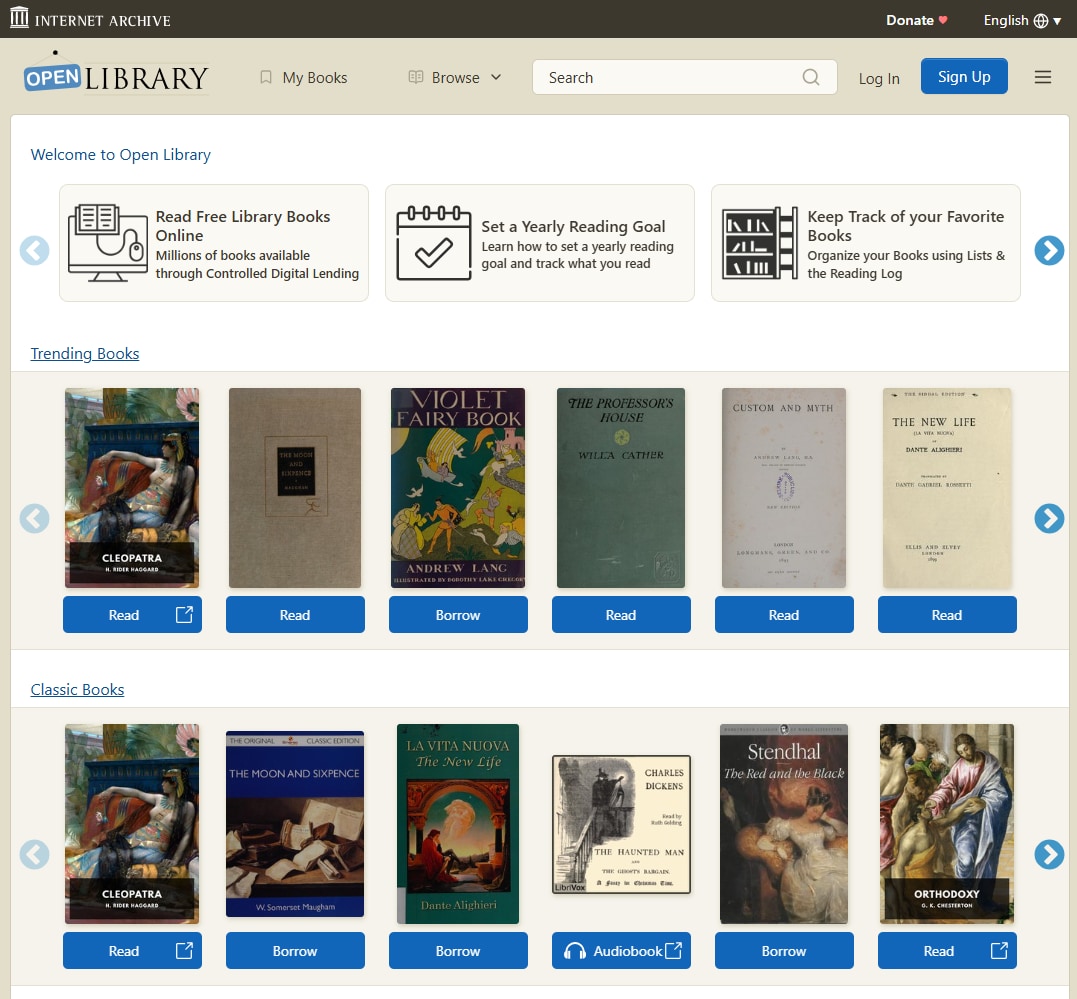
Open Library is a digital library project that provides access to millions of books through its catalog and controlled digital lending system. Users can search for books and borrow eligible ebooks through their Open Library account.
Its detailed catalog makes it useful when you are looking for a particular author, edition, or less common title.
Best for: Finding and borrowing a wide range of books.
3. Internet Archive
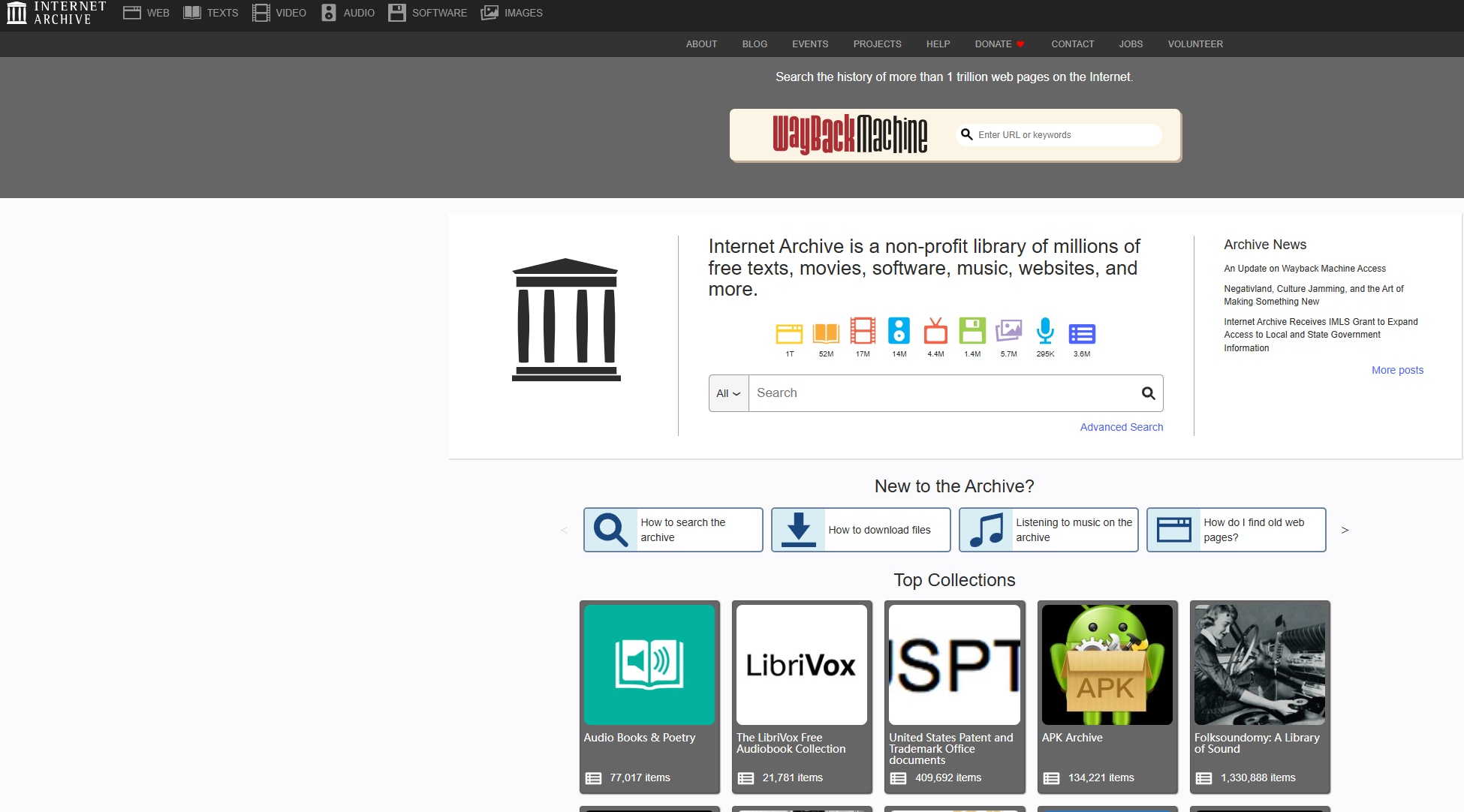
Internet Archive is a nonprofit digital library that preserves books, websites, software, audio, video, and other digital materials. Its book collection includes both freely accessible materials and books available through lending.
It can be useful when your research goes beyond ordinary ebooks and you need historical documents, archived materials, or other types of digital content.
Best for: Digital archives and historical resources.
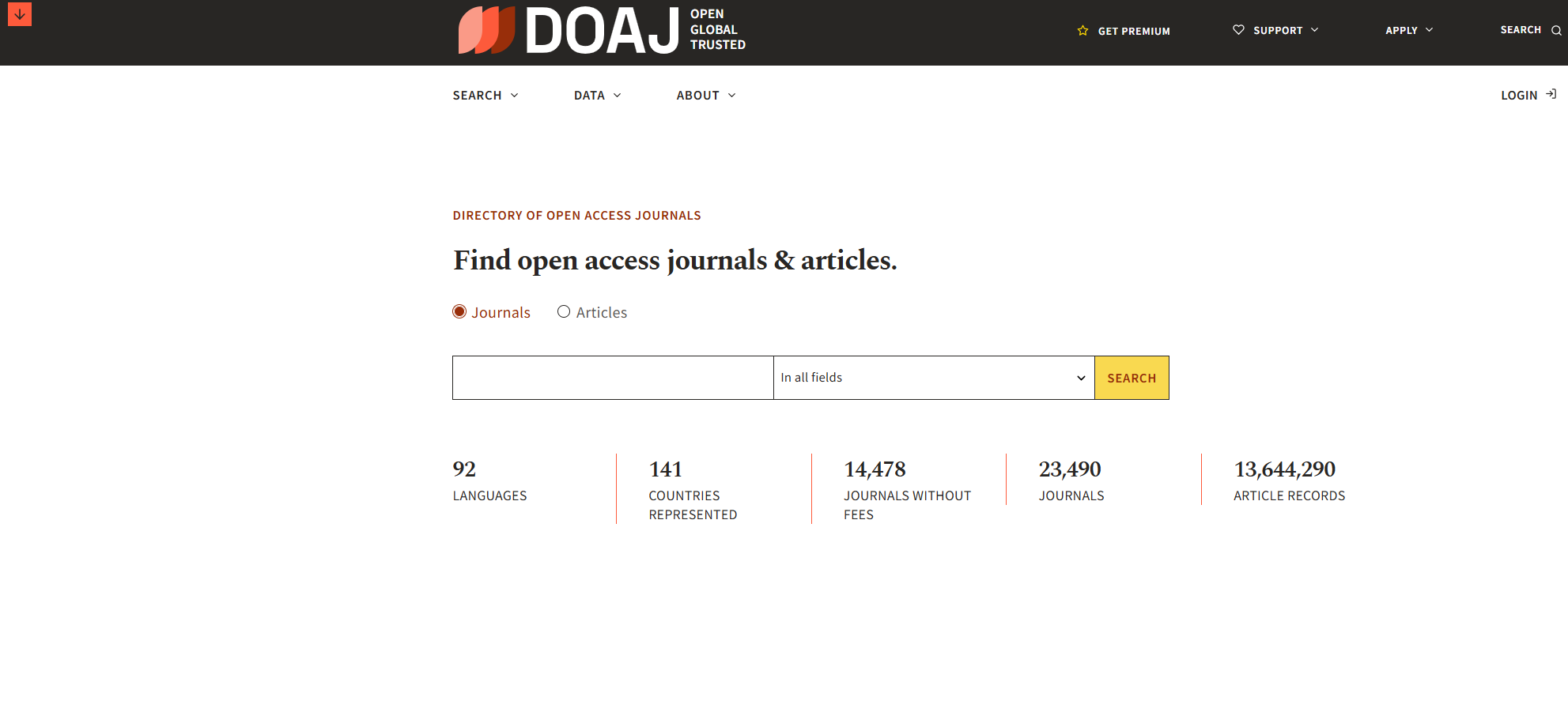
4. Directory of Open Access Journals (DOAJ)
If your main goal is academic research rather than reading books, DOAJ is a more specialized option.
DOAJ provides an index of open-access journals and articles from around the world. Its database can help students and researchers find scholarly content that is freely available online.
Best for: Academic papers and open-access journals.
5. OpenStax
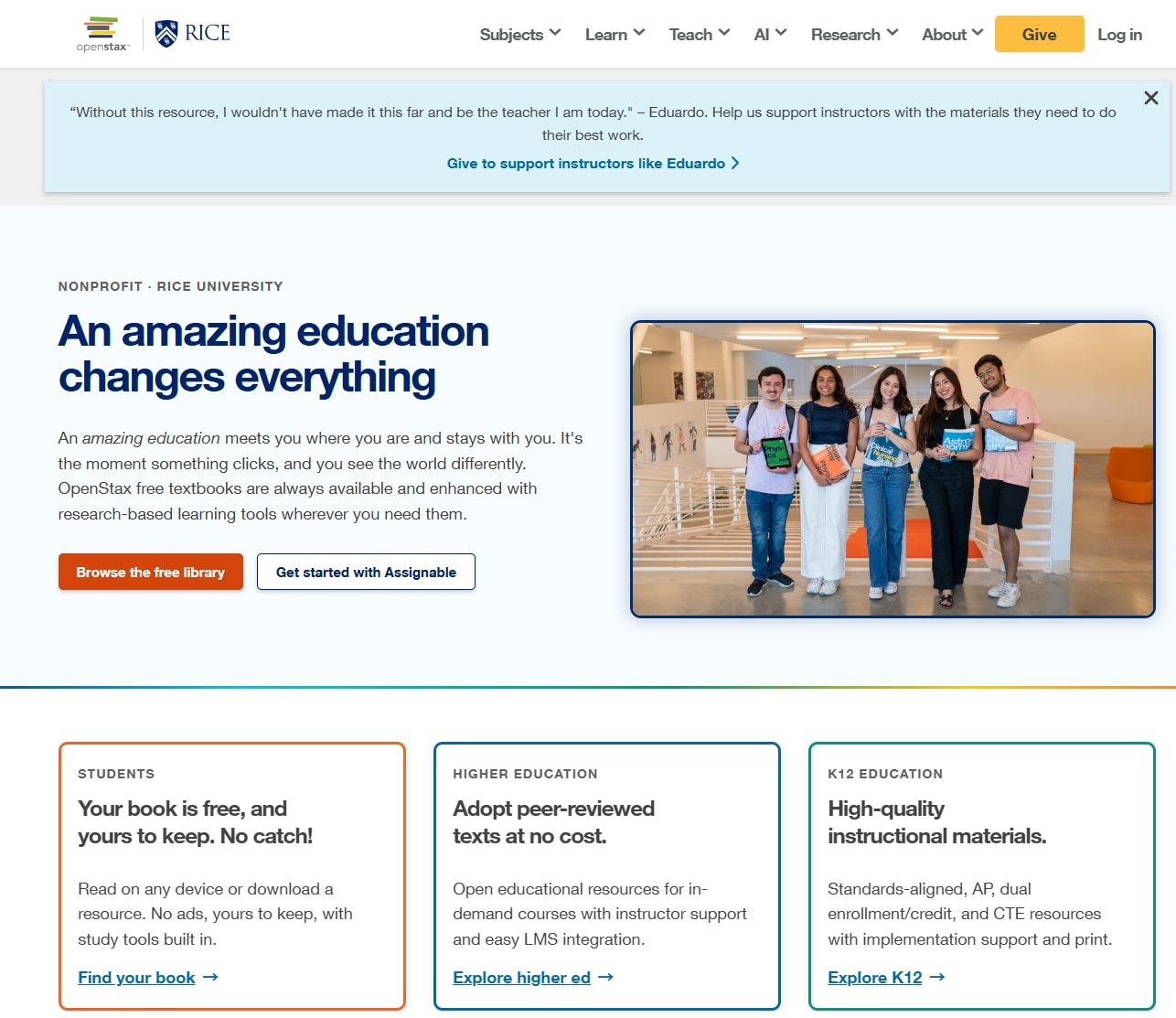
OpenStax is designed specifically for students and educators looking for college-level textbooks. It provides free, peer-reviewed, openly licensed textbooks covering subjects such as math, science, business, computer science, and social sciences.
OpenStax textbooks are available online and as free PDF downloads, making the platform particularly useful when you need reliable educational materials without the cost of traditional textbooks.
Best for: College textbooks and educational resources.
6. Standard Ebooks
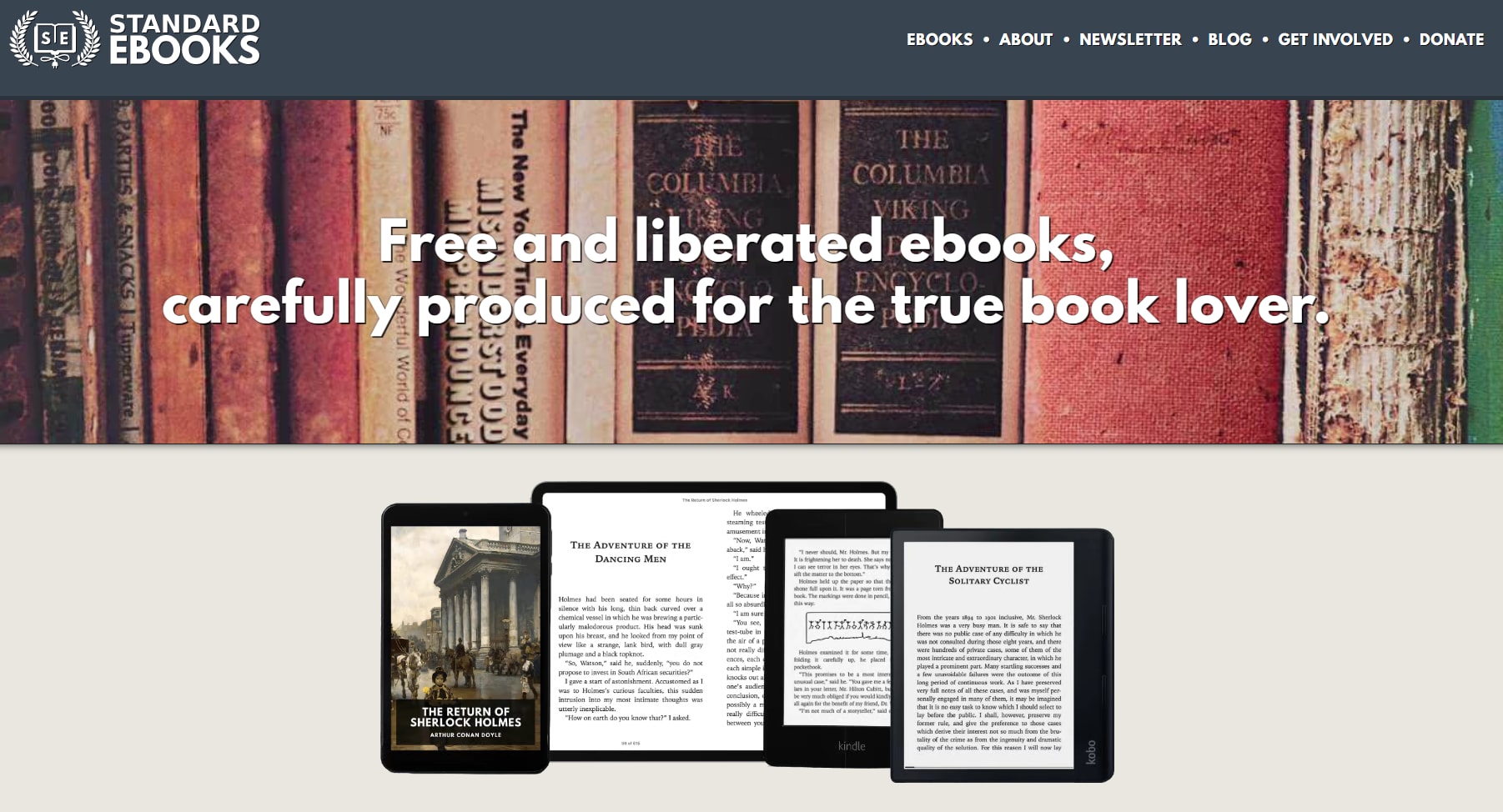
Standard Ebooks focuses on producing carefully formatted editions of public-domain ebooks. Its volunteer contributors proofread and format books with an emphasis on typography, accessibility, and consistent ebook quality.
This makes it a good choice if you care about the reading experience and prefer polished ebook files rather than basic digital scans.
Best for: High-quality editions of classic literature
7. Google Books
Google Books is useful when you are not sure where to find a particular book. It provides a large searchable index of books and allows users to find information, previews, or available reading options depending on the title.
It is particularly helpful for discovering books, checking publication information, and finding the correct edition before deciding where to access it.
Best for: Book discovery and edition research.
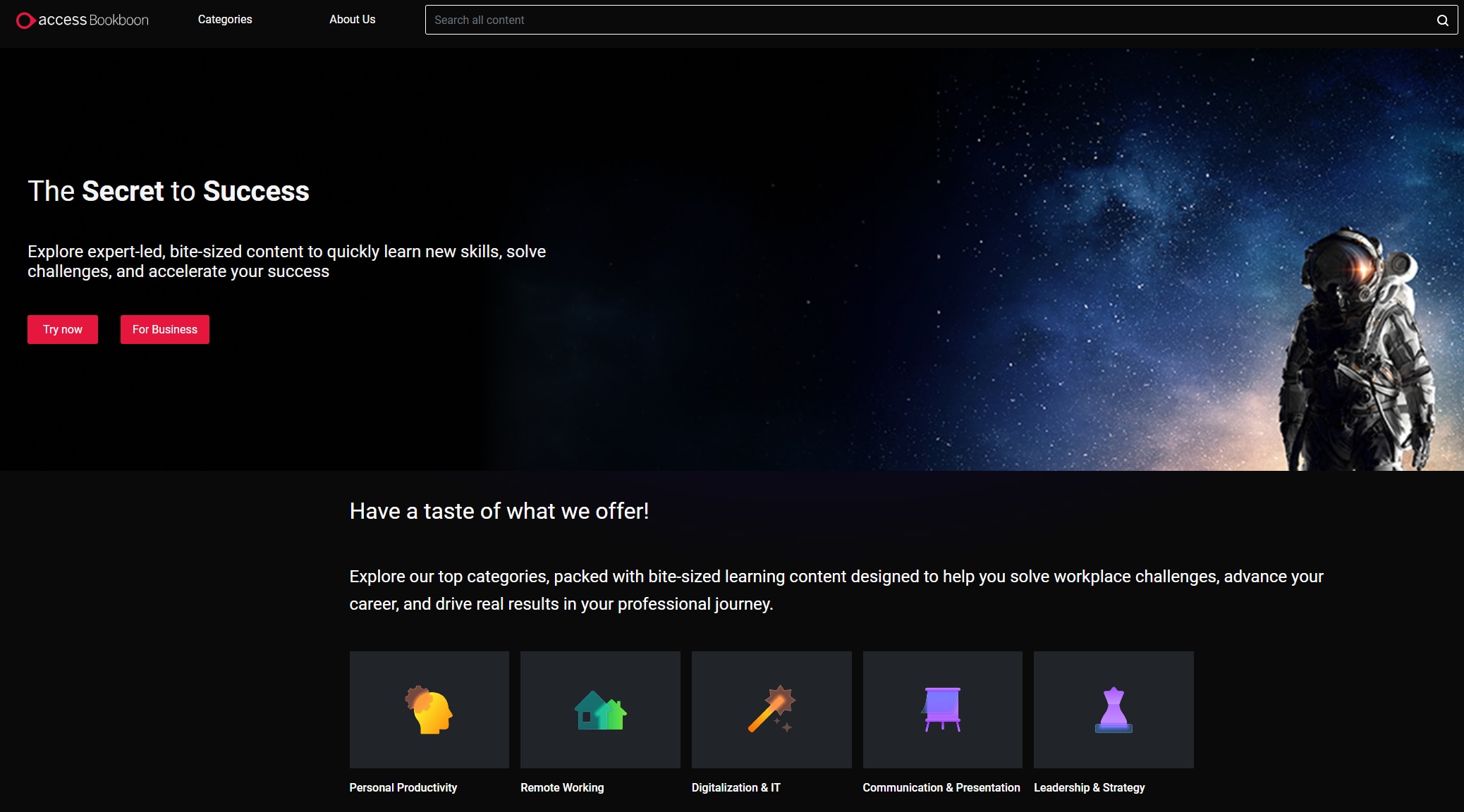
8. Bookboon
Bookboon focuses on educational and professional content, particularly areas such as business, engineering, technology, and career development.
Its content model differs from completely free public-domain libraries, so availability and access conditions can vary by title.
Best for: Professional learning and career-related ebooks.
What to Do After You Find a eBook
Consider the typical scenario: you've downloaded a textbook from Library Genesis, but it's a scanned PDF with crooked pages and text that can't be searched or highlighted. Or you've gathered five separate chapters of a research paper from different sources and need to merge them into a single document. Or you've found a perfect EPUB from Project Gutenberg but your e-reader only accepts PDF. These are not edge cases; they're the daily reality of working with files from websites like pdfdrive.
This is where the narrative shifts from "where to download" to "what to do after downloading." And this is where PDFelement enters the picture—not as a replacement for these download platforms, but as the essential bridge between "file acquired" and "content usable."
Make Scanned PDFs Searchable with OCR
If a downloaded book is an image-based PDF, OCR can recognize the text and turn it into searchable and selectable content. This makes it easier to search for keywords, copy passages, and work with scanned documents.
Convert PDFs to Other Formats
You may also need to convert a PDF into Word or another editable format. This can be useful when you want to revise the content, extract information, or continue editing the document.
Organize and Combine PDFs
If your research materials are spread across multiple PDF files, you can combine them into one document, reorder pages, remove unnecessary pages, or organize the materials into a more manageable file.
Annotate and Review Documents
For studying and research, annotation tools can help you highlight important passages, add notes, and mark up documents while reading.
Use AI to Work With Long PDFs
For lengthy books and research materials, AI-powered PDF features can also help you summarize documents, ask questions about their content, translate text, or quickly identify important information.
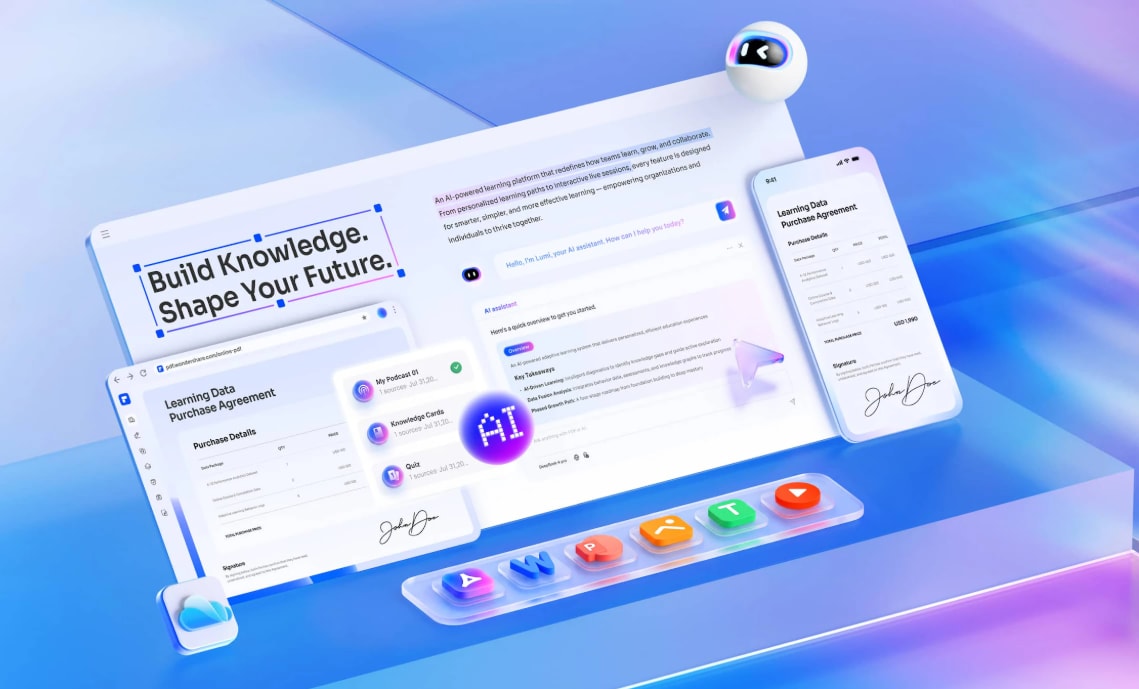
PDFelement is not a replacement for ebook libraries or book-search platforms. Instead, it fits into the next stage of the workflow: finding the right document first, then making that document easier to read, edit, organize, and use. PDFelement currently provides PDF editing, conversion, OCR, organization, annotation, and AI-powered PDF features.
FAQ: Common Questions About PDF Drive Alternatives
People Also Ask
-
Why do PDF Drive alternatives keep changing domains?
Shadow library platforms often face legal pressure and domain seizures due to copyright concerns. This creates a cat-and-mouse dynamic where platforms migrate to new domains to maintain access. Using aggregator sites like Anna's Archive or community resources like Reddit can help track current working domains. -
Are there completely legal alternatives to PDF Drive?
Yes. Project Gutenberg, Open Library, Internet Archive, and BookBoon all operate within copyright frameworks. The trade-off is content limitation—primarily public domain works or books with publisher participation—rather than the comprehensive coverage of shadow libraries. -
What's the best alternative for academic papers specifically?
For peer-reviewed journal articles, Library Genesis and Sci-Hub have the most comprehensive coverage, though both face ongoing legal challenges. For a legitimate alternative, the Directory of Open Access Journals (DOAJ) provides access to peer-reviewed content that publishers have made freely available. -
How can I verify that downloaded PDFs are safe from malware?
Scan all downloads with your antivirus software before opening. Check file extensions—legitimate PDFs should be .pdf, not .exe or .zip. Be cautious of download pages that redirect multiple times or require enabling browser plugins. Consider opening files in a sandboxed environment first. -
Why do some downloaded PDFs look blurry or have crooked pages?
These are typically user-uploaded scans of physical books. The quality depends on the scanning equipment and care taken by the uploader. OCR software like that in PDFelement can improve the usability of these files by making text searchable. -
Can I convert scanned PDFs to text documents?
Yes. OCR (Optical Character Recognition) technology can convert image-based PDFs to searchable text. The accuracy depends on the scan quality and the OCR engine's language support. PDFelement's OCR feature handles multiple languages and maintains formatting during conversion.
Final Thoughts: From Access to Ownership
The search for pdf drive alternative platforms reflects a broader shift in how we think about digital books. The first phase of this shift was about access—breaking down paywalls and making information freely available. The current phase is about ownership—building personal libraries and workflows that don't depend on any single platform's continued existence.
The most resilient approach combines multiple access strategies: using shadow libraries for contemporary works, legitimate archives for public domain classics, and controlled lending for current bestsellers. But equally important is the post-download infrastructure—the tools that transform downloaded files into a organized, accessible, usable personal collection.
PDFelement serves this second phase. It doesn't help you find the files; the platforms discussed earlier handle that. Instead, it helps you own the files—cleaning, converting, organizing, and annotating them until they become truly yours. In an ecosystem where download sites come and go, this capability to curate and preserve your own library is the ultimate pdf drive alternative.




