

Planning a Super Bowl watch party (or any big game night) and want a simple activity everyone can join? Printable Super Bowl squares are one of the easiest party games to set up: download a grid, let guests pick squares, and you’re ready. On this page, you’ll find free PDF templates designed for different group sizes—plus practical printing tips and FAQs to help you avoid last-minute issues.
In this article
Part 1. What Super Bowl Squares Are (and How They Work)
Super Bowl squares (sometimes called a squares board or grid pool) use a simple grid where guests write their names in empty squares. After the grid is filled, numbers are assigned to the rows and columns, and winners are determined at set checkpoints during the game.
This format is popular because it’s quick to understand, works for groups of many sizes, and doesn’t require special supplies—just a printable board and a pen.
Why a printable PDF? A PDF preserves the layout (no column shifts like in spreadsheets), prints cleanly, and can be reused year after year.
Part 2. Free Printable Super Bowl Squares PDF Templates (12 Options)
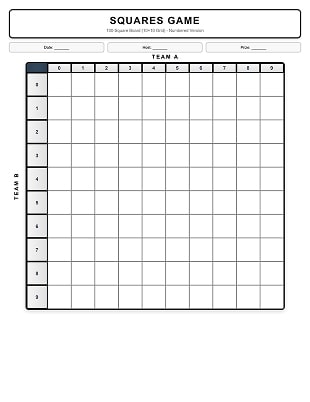
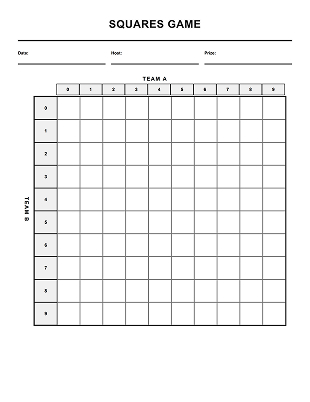
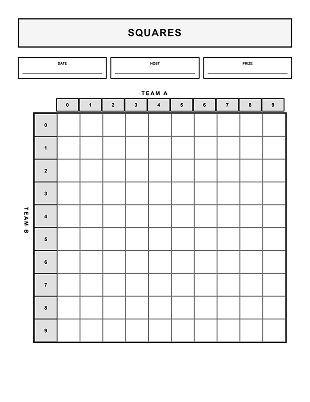
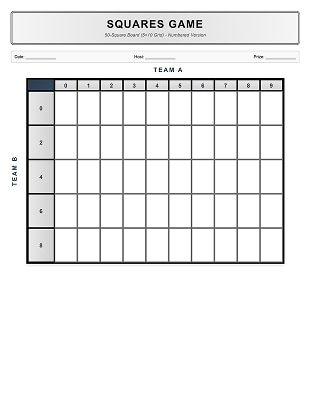
This collection includes 12 printable PDF templates for common party needs: 9 numbered boards (100 / 50 / 25 squares, 3 versions each) and 3 blank boards (one each for 100 / 50 / 25).
1) 100-Square Boards (With Numbers)
Best for larger parties and office pools. These numbered 10×10 boards help you set up faster and reduce confusion for first-time players.
 G2 Rating: 4.5/5 |
  100% Secure
 2) 50-Square Boards (With Numbers)
Great for mid-size gatherings. A 50-square layout keeps the game moving without needing a huge guest list.
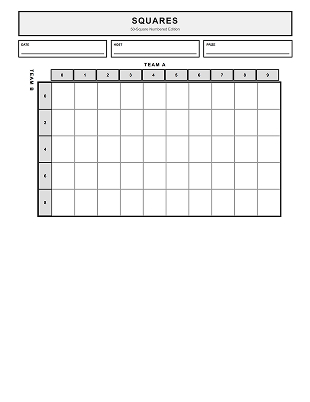
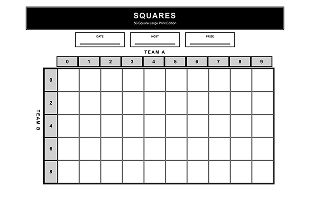
3) 25-Square Boards (With Numbers)
Perfect for small groups, family nights, or quick rounds where you want fewer squares to manage.
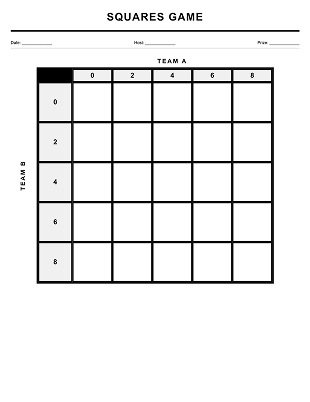
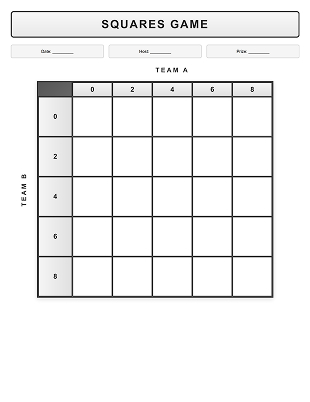
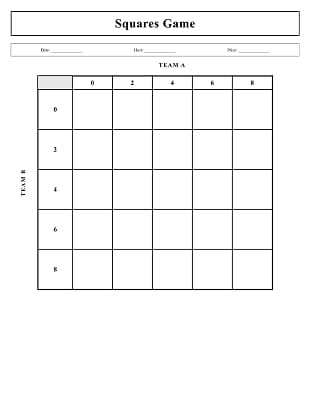
4) Blank Boards (100 / 50 / 25)
Prefer to assign numbers later or run multiple rounds? These blank boards are flexible and easy to reuse for different house rules.
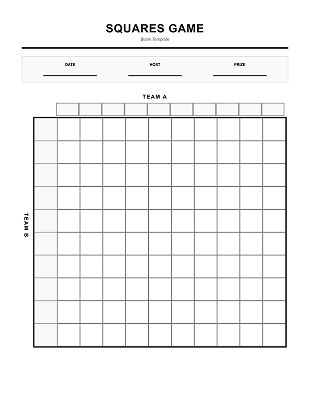
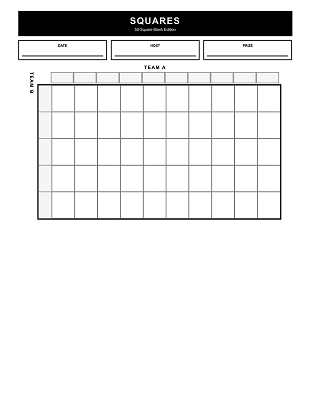
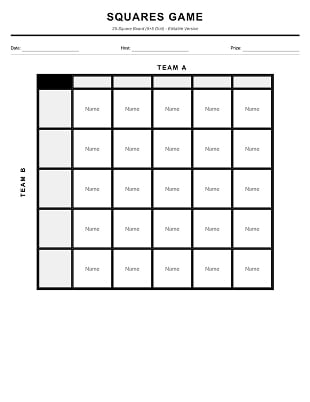
Part 4. How to Edit and Print Super Bowl Squares in PDF
Preparing your Super Bowl squares board as a PDF helps avoid common party-day issues such as messy handwriting, cut-off grids, or last-minute reprints. Using a dedicated PDF tool also makes the board easier to reuse year after year.
1) Fill in names digitally for a cleaner board
If you already know your guest list, typing names directly into the squares keeps the board readable—especially when it’s posted on a wall or viewed from a distance.
With PDFelement, you can add text directly in the PDF without shifting the grid or resizing cells (a common issue in spreadsheets).
2) Duplicate boards for multiple rounds or late arrivals
Many hosts use more than one board: a main board, a smaller backup board, or separate boards for different prize rounds.
In PDFelement, you can duplicate pages within the same PDF so everything stays consistent and easy to print in one batch.
3) Add simple rules or notes directly to the board
To reduce confusion, add a small note on the page with items like when numbers are assigned, how winners are checked, or any house rules.
A PDF editor lets you insert a small text box anywhere on the page without redesigning the template or covering the grid.
4) Reuse blank boards year after year
Blank templates are ideal if you want flexibility. Save a clean “master” PDF, duplicate it for each event, and keep the original layout unchanged.
This makes PDF templates practical for repeat use—without rebuilding the board each time.
5) Print without cutting off the grid
To make sure the full board prints correctly, preview the PDF first, confirm the correct paper size, and choose Fit to Page (or “Scale to Fit”) in printer settings.
If your printer trims edges, reduce the scale slightly (around 95–97%) to keep the entire grid visible. Print preview in PDFelement helps you catch layout issues before wasting paper.
6) Save a ready-to-print copy for next time
Once your board looks right, save it as a ready-to-print PDF. That way, future parties require almost no setup—open, print, and play.
Part 4. Super Bowl–Specific Printing Tips
Super Bowl parties are different from quieter game nights: people arrive at different times, food and drinks are everywhere, and guests often check the board from across the room. These tips are designed for that reality.
1) Print for “across-the-room” readability. If the board will be posted near a TV or snack table, choose a format that your guests can read at a glance. If you’re using a 100-square grid, consider printing multiple copies: one “main board” on a wall and one “backup” on a table for close-up writing.
2) Use the right scaling setting. In your print dialog, select Fit to Page (sometimes called Scale to Fit) to avoid edges being cut off. If the grid looks slightly squished, try Shrink Oversized Pages or reduce scale to 95–97%.
3) Pick paper based on where you’ll place the board.
- Wallboard: Thicker paper (or a sheet protector) helps prevent curling.
- Table board: standard paper is fine, but keep pens nearby and out of reach of spills.
4) Make it spill-resistant. If drinks are involved (they will be), put the board in a clear sleeve, laminate it, or tape it inside a folder cover. You can still write on it with a dry-erase marker if protected.
5) Create a “late arrival” plan. Late guests are common for the Super Bowl. Leave a small section of unclaimed squares or keep a second mini-board (25 squares) ready so newcomers can join without disrupting the main board.
6) Make writing easy. Use thick-tip markers for the wallboard. For table boards, fine-tip markers prevent names from overflowing small squares.
Conclusion
Printable Super Bowl squares are a simple way to keep guests engaged—without a complicated setup. Choose a numbered board for speed or a blank board for flexibility, then print using the tips above to produce a clean, readable grid.
Download free Super Bowl Squares PDFs above, or edit and print your boards using PDFelement.
This page is not affiliated with, sponsored by, or endorsed by the NFL.




