

Printable football squares are a simple, low-prep party activity that works for family gatherings, office events, and group celebrations. You print a grid, have guests write their names in available squares, and use it as a fun way to keep everyone involved throughout the game—no special equipment needed. To make setup easier, this page provides multiple free PDF templates you can download, print, and fill out. Prefer a reusable version? You can also type names directly into the PDF before printing.
In this article
Part 1. Why Printable Football Squares Work So Well for Parties
Football squares are popular because they’re easy to explain, quick to set up, and inclusive for guests of all ages. A printable PDF version makes hosting even smoother because the board is already formatted and ready to go.
Here are a few reasons hosts prefer printable PDF templates:
Faster setup. Download, print, and start—no need to draw grids by hand.
Clear layout for guests. A clean grid is easier to read from across a room.
Flexible group sizes. Choose a large board for big groups or smaller boards for quick games.
Easy to reuse. Save a blank template and print it again for future events.
Optional digital editing. Type names into the PDF before printing to keep handwriting neat.
Part 2. Free Printable Football Squares PDF Templates (Multiple Sizes)
This collection includes multiple print-ready football squares PDF templates for different group sizes. You’ll find boards for large parties, medium gatherings, small groups, and a pre-numbered option for faster setup.
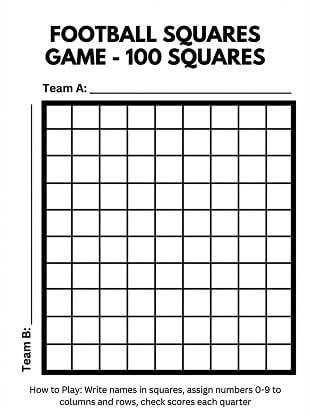
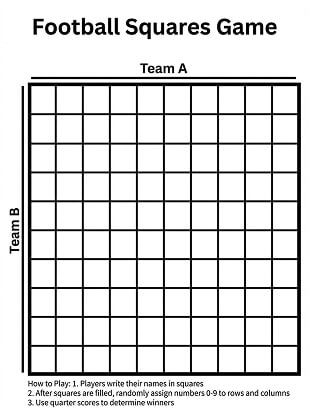
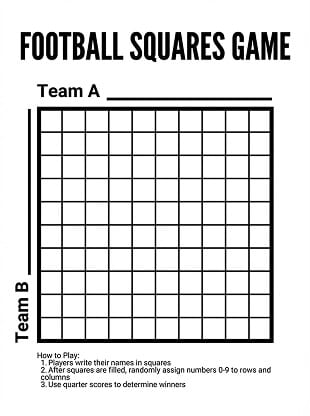
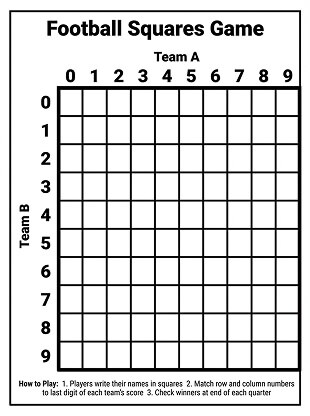
1. 100-Square Boards (Best for Large Groups)
These 10×10 boards are ideal when you expect lots of participants. Choose a blank version for writing names by hand or a cleaner option if you want to type names before printing.


 G2 Rating: 4.5/5 |
 100% Secure
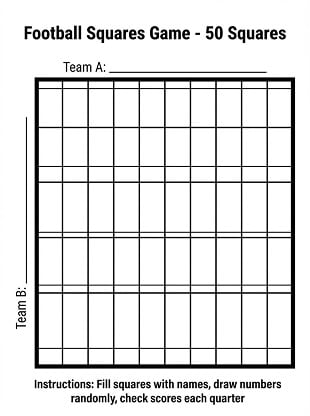
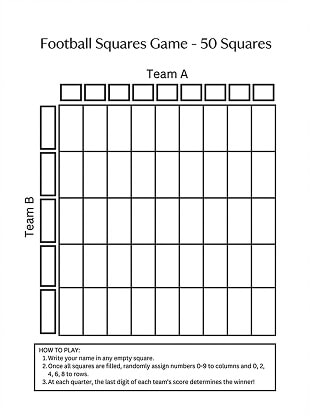
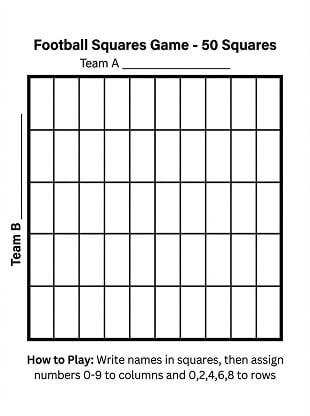
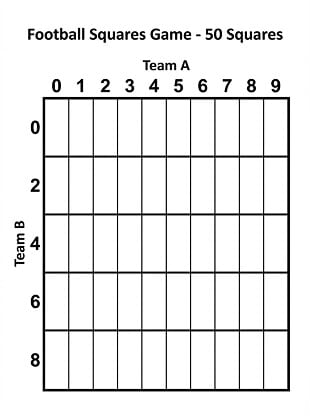
2. 50-Square Boards (Best for Medium Groups)
If you’re hosting a smaller gathering but still want enough space for multiple participants, these 50-square boards keep things organized without requiring a full room of players.
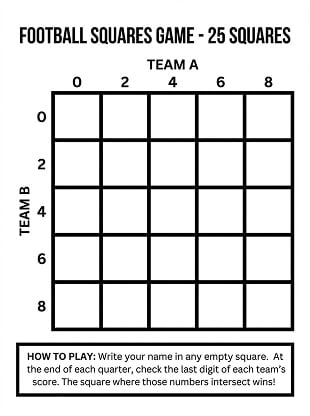
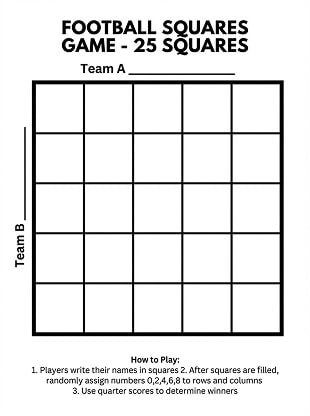
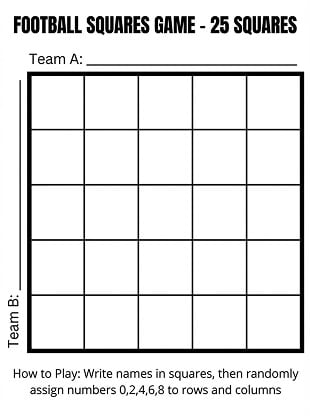
3. 25-Square Boards (Best for Small Groups)
For smaller gatherings, a compact board helps you start quickly and keeps the game simple. These templates are easy to fill out by hand or with typed names.
G2 Rating: 4.5/5 |100% Secure
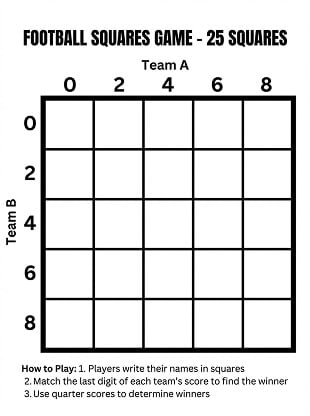
4. Printable Boards (Quick Setup Option)
These printable versions are great when you want a straightforward board that’s ready to use immediately. Print, post the board, and let guests fill in their squares.
Part 3. How to Edit and Print Football Squares PDFs
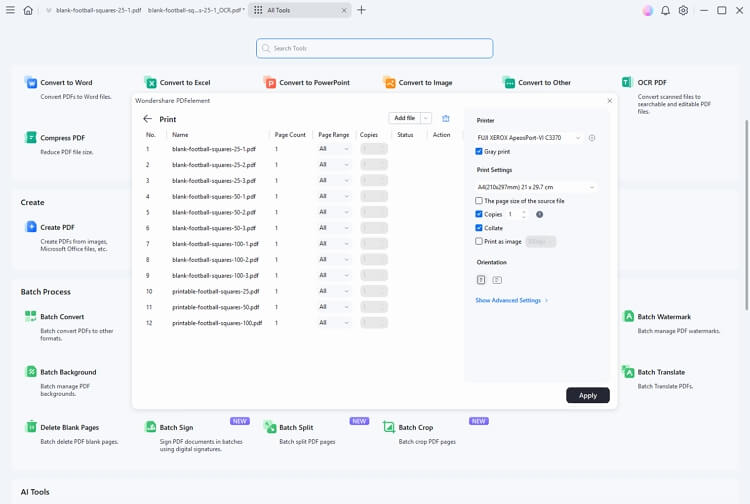
PDFelement is a simple way to edit and print PDF templates on Windows and Mac. If you want a cleaner board than handwriting—especially for office events—you can type names into the PDF before printing.
Here are practical ways a PDF editor helps with football squares templates:
Type names neatly into squares. Keep the board readable, especially when many people join.
Duplicate and reuse templates. Save a clean master file for future parties.
Adjust page size and margins. Make sure the grid prints without getting cut off.
Combine pages into a party packet. Put a rules page + multiple boards into one PDF for sharing.
G2 Rating: 4.5/5 |100% Secure
Part 4. Printing Tips for Clean, Easy-to-Read Boards
To avoid blurry grids, uneven scaling, or cut-off edges, use these print settings and quick checks:
Choose “Actual Size” first. If the grid looks clipped in preview, switch to “Fit” or “Scale to Fit.”
Check page size (Letter vs A4). If your printer defaults to a different paper size, the grid may shrink or shift.
Use high-contrast printing. Black-and-white printing usually looks sharper for grids and is easier to read.
Pick thicker paper for busy parties. Standard copy paper works, but heavier paper reduces curling and ink bleed.
Print a spare copy. It helps if someone makes a mistake or if extra guests arrive.
Do a quick “readability test.” Step back a few feet—if names are hard to read, switch to a large-cell board.
Part 5. Frequently Asked Questions
Q1: Which board size should I choose?
If you have a large group (or you want lots of entries), use the 100-square board. For medium gatherings, a 50-square board is easier to fill. For small groups or quick games, a 25-square board is often the most practical.
Q2: Can I fill in names digitally before printing?
Yes. You can type names into the PDF using a PDF editor, then print a clean copy for your event.
Q3: My printed grid looks smaller than expected—what happened?
This is usually caused by scaling. Open the print preview and try “Actual Size.” If anything looks clipped, use “Fit” or “Scale to Fit,” and confirm the paper size matches your printer (Letter or A4).
Q4: Can I reuse the same template for future parties?
Absolutely. Save a blank master file and print it whenever you host. If you type names into the template, save that version separately so your original stays clean.
Q5: Is a printable version better than a blank version?
If you want the fastest setup, start with the printable version and let guests fill it out. If you prefer maximum flexibility (or want to type names first), use a blank template.
Conclusion
A printable football squares PDF is a simple way to add structure and fun to your next party. With multiple board sizes and ready-to-use printable options, you can pick the format that matches your group and get started quickly. Download a template, print it cleanly, and enjoy an easy, inclusive activity that keeps everyone involved.
Download your free templates and edit/print them anytime with PDFelement.




