

In this article
Introduction
Most AI tools excel at conversation. Ask them to explain quantum mechanics, draft an email, or brainstorm marketing ideas, and they respond with impressive fluency. But when you need that explanation turned into a formatted document, that email actually sent, or those marketing ideas organized into a campaign timeline, the conversation stops. You're left copying text, switching applications, and manually bridging the gap between AI understanding and real-world execution.
This is precisely where OpenClaw positions itself. Rather than treating AI as a conversational endpoint, it functions as a workflow gateway—a self-hosted system that translates your natural language intentions into sequences of actual actions performed by connected tools. The promise is straightforward: you send a message from the apps you already use, and OpenClaw orchestrates the execution across whatever software your task requires.
For anyone regularly handling document-heavy workflows, this distinction matters immensely. Processing a contract isn't just about understanding its content; it's about extracting text, converting formats, applying edits, and saving results. OpenClaw doesn't perform these document operations itself. Instead, it becomes the conductor, directing specialized tools like PDFelement to handle the heavy lifting while you manage everything through simple chat commands.


 G2 Rating: 4.5/5 |
 100% Secure
What Is OpenClaw?
At its foundation, OpenClaw is a self-hosted gateway that connects your messaging platforms—WhatsApp, Telegram, Discord, iMessage, and more than twenty others—to AI agents capable of executing real tasks. You run a single Gateway process on your own machine or server, and it becomes the bridge between your familiar chat interfaces and an always-available AI assistant that can actually do things.
The critical distinction is execution. Where conversational AI stops at generating responses, OpenClaw focuses on carrying out workflows. It interprets your intent, identifies the necessary steps, and invokes the appropriate tools through a system of skills. Think of it as the difference between asking an AI to "summarize this contract" and having that summary actually created, formatted, and saved to your preferred location while the original file gets archived.
For document-related tasks, this architecture becomes particularly relevant. OpenClaw itself doesn't contain PDF editing capabilities, OCR engines, or format conversion tools. What it offers is the ability to connect with software that does—allowing you to orchestrate complex document workflows through simple chat commands while the specialized tools handle the technical execution.
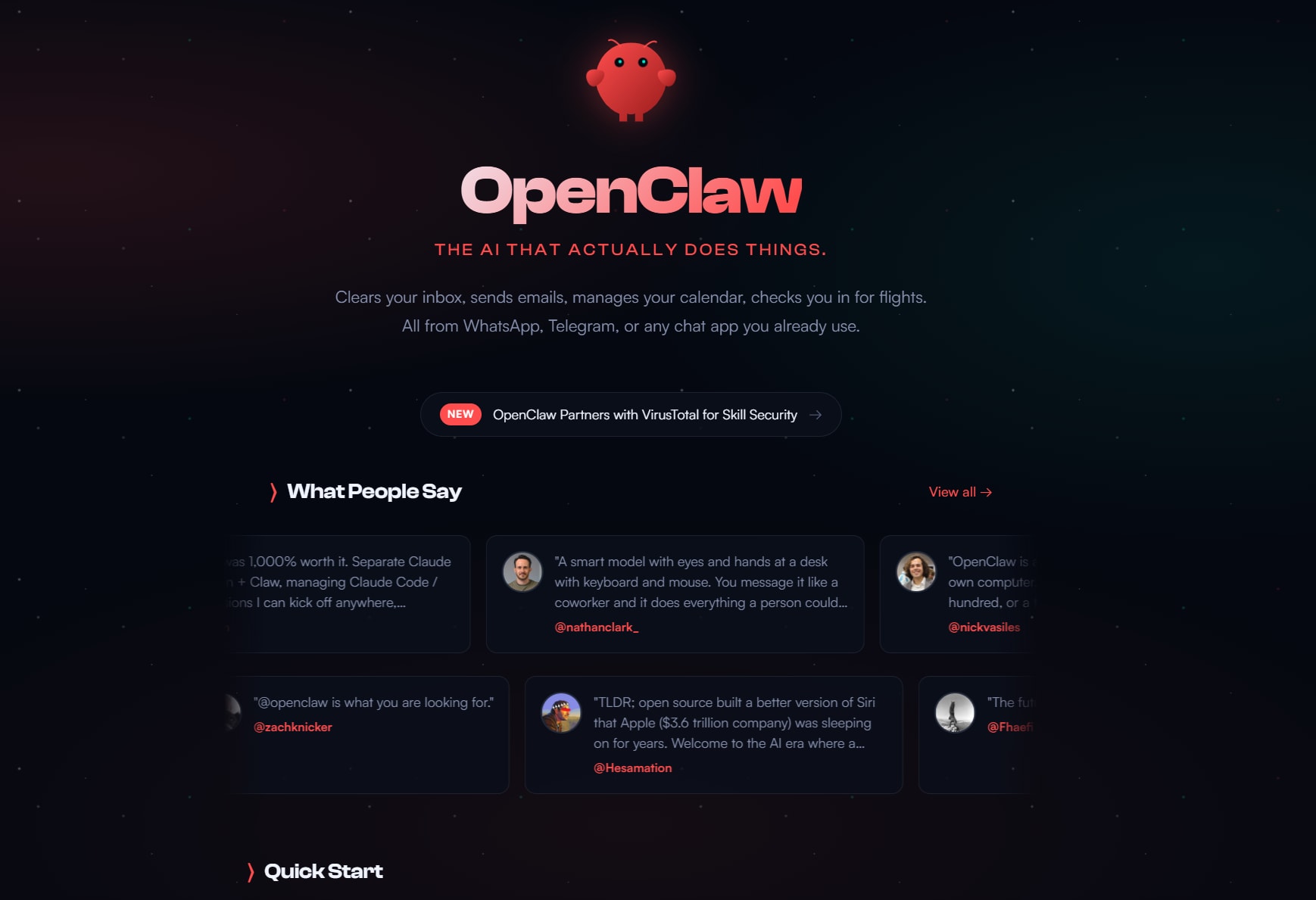
Is OpenClaw an AI Tool, Software, or Platform?
OpenClaw occupies all three identities simultaneously, each revealing a different aspect of its nature.
As an AI tool, it provides the interface between your natural language instructions and machine-executable actions. The AI component interprets your intent, plans the necessary steps, and manages the conversation flow.
As software, it's a concrete application you install and run—Node.js-based, self-hosted, requiring actual deployment on your hardware or cloud instance. You control the infrastructure, the data stays local, and you determine the operational parameters.
As a platform, it opens into an ecosystem of extensibility. The ClawHub skill registry contains thousands of community and official skills that expand what OpenClaw can accomplish. These skills are modular packages that extend capabilities beyond the core installation—enabling everything from web browsing to calendar management to, notably, document processing when paired with appropriate tools.
The platform aspect is where OpenClaw transforms from a single utility into a customizable automation system. Skills allow integration with external software, meaning OpenClaw can trigger actions in applications you already use. For document workflows, this means the ability to connect with established PDF software like PDFelement, effectively adding sophisticated document processing capabilities to your chat-driven automation.
How OpenClaw Works
The operational flow follows a clear pattern that separates intent from execution. When you send a message through your connected platform—perhaps Telegram or Slack—OpenClaw receives that input and begins processing.
First, the AI interprets your intent. It understands that "process the contracts in my Downloads folder" means identifying PDF files, extracting their content, and likely organizing the results. This interpretation phase transforms your natural language into a structured task plan.
Next, OpenClaw maps that plan to available skills. If you've configured a document processing skill, it recognizes that contract analysis requires PDF text extraction and possibly format conversion. The system identifies which external tools can fulfill these requirements.
Then comes skill invocation. On its own, OpenClaw cannot directly edit or process PDFs. However, when connected to PDFelement via a skill, it can trigger actions such as:
- editing document content
- extracting information
- converting formats
- summarizing files
In this way, PDFelement is configured as the execution layer, OpenClaw sends the command, PDFelement performs the actions, and the results flow back through the skill to your chat interface.This combination turns a passive AI system into something far more actionable.
G2 Rating: 4.5/5 |100% Secure
This separation of concerns is architecturally sound. OpenClaw handles the orchestration—the understanding of what needs to happen and in what order—while specialized tools handle the execution. For document workflows, this means you're not limited by what OpenClaw can natively do; you're limited only by the capabilities of the document software you connect.
Key OpenClaw Features
Skills and Extensibility
The skill system forms the backbone of OpenClaw's extensibility. Through ClawHub, a minimal skill registry, the agent can search for and pull in new capabilities as needed. Skills come in three varieties: bundled (included with installation), managed (officially maintained), and workspace (custom-developed for specific environments).
What makes this powerful is the expansion beyond built-in features. Skills enable real-world execution in ways that would be impossible for a single application to achieve natively. For document processing specifically, skills can connect with PDF editing, conversion, and summarization tools—allowing OpenClaw to trigger actions in software like PDFelement that handle the actual document manipulation while OpenClaw manages the workflow logic.
Workflow-Oriented Design
Unlike conversational AI that treats each interaction as isolated, OpenClaw structures tasks as multi-step workflows. This means it can handle sequences like: receive contract → extract key terms → convert to Word for editing → apply redlines → convert back to PDF → send for signature. Each step follows from the previous, with the system maintaining context about the overall goal.
Tool and Software Interaction
Here's where OpenClaw distinguishes itself from pure AI interfaces. It can connect with external software through skills, enabling genuine tool use rather than just tool discussion. For document workflows, this translates to practical capabilities: with a PDFelement skill installed and configured, OpenClaw can trigger real document actions—editing PDFs, performing OCR on scanned documents, converting between formats, and extracting structured data.
The integration isn't merely decorative. You're not asking the AI to describe what it would do; you're commanding actual software to perform operations on real files, with results delivered back to your chat interface.
G2 Rating: 4.5/5 |100% Secure
Multi-Step Task Support
Complex automation rarely involves single actions. OpenClaw supports chaining tasks, allowing one action's output to become another's input. For document processing, this might mean: extract text from a scanned invoice → parse payment terms → update accounting spreadsheet → send confirmation email. The system maintains state across these steps, handling the handoffs that would otherwise require manual intervention.
Context-Aware Assistance
Beyond simple command-response, OpenClaw maintains structured workflow context. It remembers what you're working on, what steps have been completed, and what remains. This matters for document workflows that span multiple files or sessions—you don't need to re-explain the project context each time you send a command.
What Can OpenClaw Be Used For?
Document and File Workflows
This is where OpenClaw's architecture truly demonstrates its value, particularly for users drowning in document-heavy processes. Consider the reality: most organizations handle contracts, invoices, reports, and compliance documents in volumes that defy manual processing. OpenClaw alone cannot directly edit PDFs or perform OCR, but when connected through skills to document software like PDFelement, it becomes the orchestration layer for sophisticated document automation.
The practical workflow looks like this: you receive a batch of scanned contracts via email. A simple chat command—"process the contracts from today's email and extract key terms"—triggers OpenClaw to identify the attachments, invoke the PDFelement skill to perform OCR and text extraction, structure the extracted data, and save results to your contract management system. What might have consumed hours of manual work becomes a thirty-second chat command.
Repetitive Digital Tasks
Beyond documents, OpenClaw excels at any digital workflow that follows predictable patterns. Calendar management, email triage, data entry, report generation—these tasks share the characteristic of being well-defined, repeatable, and ripe for automation. The platform nature means you can customize these workflows to your specific tools and preferences.
Research and Productivity Workflows
For knowledge workers, OpenClaw can manage research pipelines: monitoring sources, extracting relevant content, summarizing findings, and organizing outputs. The multi-step capability means it can handle the full research lifecycle rather than just individual search queries.
Software-Linked Execution
The critical insight is that OpenClaw functions as a bridge between user intent and software execution. It doesn't replace your existing tools; it connects them. For document processing, PDFelement serves as the execution layer—handling the technical PDF operations—while OpenClaw provides the orchestration layer, translating your chat commands into coordinated tool actions. This separation means you get the AI-driven workflow management without sacrificing the specialized capabilities of established document software.
OpenClaw Review: Strengths and Limitations
Who Is OpenClaw Best For?
OpenClaw suits users who already live in messaging apps and want to extend those interfaces into workflow automation. It's particularly valuable for:
- Technical power users comfortable with self-hosted software
- Privacy-conscious individuals and organizations requiring data control
- Small teams with repetitive document or digital workflows
- Anyone willing to invest setup time for long-term automation gains
For document-heavy workflows, it becomes especially useful when paired with tools like PDFelement—creating a combination where OpenClaw handles the orchestration and PDFelement handles the document processing.
G2 Rating: 4.5/5 |100% Secure
Is OpenClaw Worth Exploring?
If your work involves repetitive digital or document workflows, OpenClaw warrants investigation. The self-hosted model means you can experiment without subscription commitments or data sharing concerns. The skill ecosystem provides expansion paths as your needs grow.
The key insight is that OpenClaw delivers maximum value when connected to real tools through skills. For document workflows, this means exploring the integration with software like PDFelement—using OpenClaw for workflow orchestration while PDFelement handles the actual document processing. This combination bridges the gap between AI-driven workflow management and specialized document capabilities.
FAQs
-
What is OpenClaw?
OpenClaw is a self-hosted AI gateway that connects messaging platforms (WhatsApp, Telegram, Discord, iMessage, and 20+ others) to AI agents capable of executing real tasks. It translates natural language instructions into workflow execution through connected tools and skills. -
Is OpenClaw an AI tool or platform?
It's both, and more. As an AI tool, it provides natural language understanding and task planning. As software, it's a self-hosted application you deploy on your own infrastructure. As a platform, it offers extensibility through a skill ecosystem that connects with external tools and services. -
What are OpenClaw features?
Core features include: multi-channel messaging integration, skill-based extensibility through ClawHub, workflow-oriented multi-step task support, context-aware assistance, and tool integration capabilities that allow connection with external software. -
How does OpenClaw work?
The flow follows: user input via messaging platform → AI interpretation of intent → skill mapping to available capabilities → skill invocation → execution by connected tools → results returned to user. OpenClaw orchestrates the workflow while specialized tools handle the actual execution. -
Can OpenClaw process PDF files?
Not directly. OpenClaw itself doesn't contain PDF editing, OCR, or conversion capabilities. However, through the skill system, it can connect with document processing software like PDFelement. When configured with appropriate skills, OpenClaw can orchestrate PDF workflows—triggering OCR, text extraction, format conversion, and other operations through connected tools while managing the overall workflow. -
How do OpenClaw skills work?
Skills are modular packages that extend OpenClaw's capabilities. They can be bundled (included with installation), managed (officially maintained), or workspace (custom-developed). Skills interface with external tools, allowing OpenClaw to trigger actions in software like PDFelement, browsers, calendars, and other applications. The ClawHub registry contains thousands of community and official skills. -
Can OpenClaw work with PDFelement?
Yes. Through the skill system, OpenClaw can integrate with PDFelement, enabling document processing workflows. With this integration, you can use chat commands to trigger PDFelement's capabilities—OCR, text extraction, format conversion, editing, and summarization—while OpenClaw manages the workflow orchestration. -
Do I need external tools to use OpenClaw?
For execution of most real-world tasks, yes. OpenClaw functions as an orchestration layer. It plans and manages workflows, but relies on connected tools for actual execution. For document processing, this means you need document software like PDFelement installed. The value comes from the integration between OpenClaw's workflow management and these specialized execution tools. -
Is OpenClaw worth trying?
If you have repetitive digital or document workflows and are comfortable with self-hosted software, yes. The self-hosted model allows experimentation without subscription costs. The skill ecosystem provides expansion paths. For document workflows specifically, the combination of OpenClaw with tools like PDFelement offers genuine productivity gains—AI-driven workflow management combined with professional document processing capabilities.
Conclusion
OpenClaw represents a meaningful evolution in how we interact with AI. Rather than accepting the limitation of conversational endpoints, it treats AI as the orchestration layer for real-world execution. The self-hosted model respects data privacy. The skill ecosystem provides extensibility. The messaging integration meets users where they already are.
For document workflows specifically, the key insight is that OpenClaw is not a document processor—it's a workflow orchestrator. The real value emerges when you connect it with capable document software, creating a system where chat commands trigger sophisticated document operations while AI manages the workflow logic. This combination—OpenClaw as the orchestration layer, PDFelement as the execution layer—bridges the gap between AI-driven workflow management and the specialized capabilities required for professional document processing.
If your work involves repetitive document or digital tasks, and you're willing to invest in the setup, OpenClaw offers a compelling path toward automation that actually delivers on AI's promise: not just talking about work, but getting it done.




