

In this article
- Why Consider a Foxit PDF Alternative?
- Top Foxit PDF Editor Alternatives (For Advanced Modifications)
- Top Foxit Reader Alternatives (For Viewing and Annotating)
- Foxit vs. PDFelement: A Detailed Comparison
- How to Choose the Right Foxit Alternative for Your Workflow
- Frequently Asked Questions (FAQs)
- Conclusion
Managing digital documents efficiently requires reliable software. For years, Foxit has been a recognizable name in the document management industry, offering both free viewing tools and premium editing suites. However, as workflows evolve, many users find themselves searching for a highly capable foxit alternative that better aligns with their budget, interface preferences, or feature requirements. Whether you are seeking a robust, professional-grade solution like Wondershare PDFelement, or a simple, lightweight application strictly for reading files, the market is filled with competitive options.
Because user needs vary drastically—ranging from complex Optical Character Recognition (OCR) to basic page viewing—finding the right replacement means understanding the difference between document editors and document readers. This comprehensive guide will explore the top alternatives available today, breaking them down by their specific use cases to help you make an informed decision.


 G2 Rating: 4.5/5 |
 100% Secure
Why Consider a Foxit PDF Alternative?
Foxit offers powerful tools, but it is not universally suited for everyone. Over the years, software updates and structural changes to Foxit’s product lineup have prompted users to seek out other options. Here are some of the most common reasons individuals and businesses look for a foxit pdf alternative:
- Feature Changes in Free Versions: Historically, Foxit Reader was praised for offering advanced free tools, such as the Foxit PDF Printer. In recent iterations, some of these features were removed from the free version, pushing users who rely on basic utility tools to look elsewhere.
- Interface Complexity: Foxit’s interface heavily mirrors the Microsoft Office ribbon system. While some users appreciate this, others find it cluttered and overwhelming, especially when trying to execute simple tasks. Modern users often prefer software with cleaner, more minimalist designs.
- Pricing Shifts: Like many software companies, Foxit has placed a heavier emphasis on subscription models for its premium editor. Users who prefer a one-time perpetual license often begin looking for an alternative that offers more flexible pricing structures.
- System Resource Usage: While earlier versions of Foxit were known for being incredibly lightweight, the modern suite has grown in size. Users with older hardware or those who need software that opens instantaneously sometimes experience lag, prompting a search for a more streamlined application.
Top Foxit PDF Editor Alternatives (For Advanced Modifications)
If you need to modify existing text, manipulate images, convert file formats, create fillable forms, or utilize OCR technology, you need a dedicated document editor. Below are the top choices if you are looking for a highly capable foxit pdf editor alternative.
1. Wondershare PDFelement
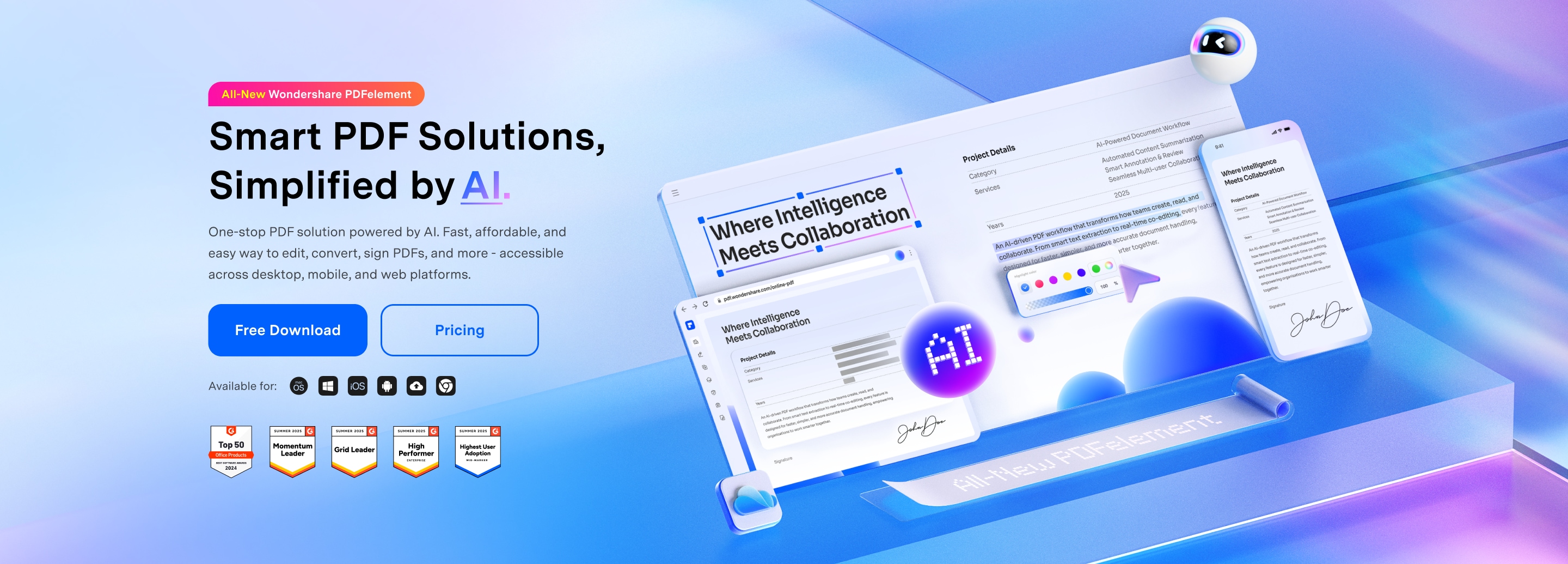
Wondershare PDFelement stands out as the premier foxit pdf editor alternative due to its balance of powerful features and an intuitive, highly accessible user interface. Designed to flatten the learning curve typically associated with advanced PDF manipulation, PDFelement allows users to edit documents as easily as they would in a standard word processor.
PDFelement provides a comprehensive suite of tools that rival industry heavyweights. Users can seamlessly modify text, swap out images, and manage pages with drag-and-drop functionality. Its built-in OCR technology is highly accurate, allowing for the conversion of scanned, image-based documents into fully editable and searchable text across dozens of languages. Furthermore, PDFelement excels in form creation and data extraction, making it highly suitable for administrative professionals. The software also includes robust security features, such as redaction, password protection, and digital signature capabilities.
G2 Rating: 4.5/5 |100% Secure
2. Adobe Acrobat Pro
Adobe Acrobat Pro is the industry standard and the original creator of the PDF format. If you are moving away from Foxit and require an enterprise-grade foxit alternative with every conceivable feature, Acrobat Pro is typically the benchmark.
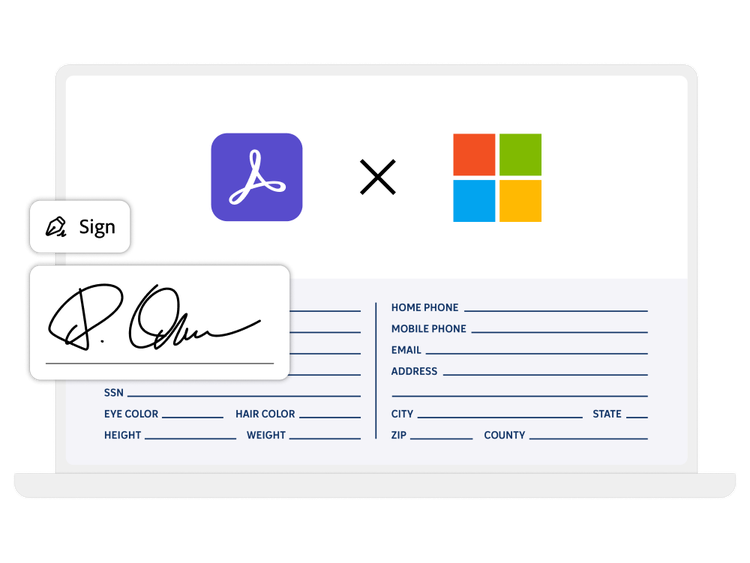
Acrobat provides unparalleled integration with other Adobe Creative Cloud applications and deep integration with Microsoft enterprise tools. It handles complex, graphics-heavy PDFs better than almost any other software on the market. Its cloud collaboration tools are sophisticated, allowing multiple stakeholders to review, annotate, and sign documents simultaneously. However, this level of power comes at a premium cost.
3. Nitro Pro
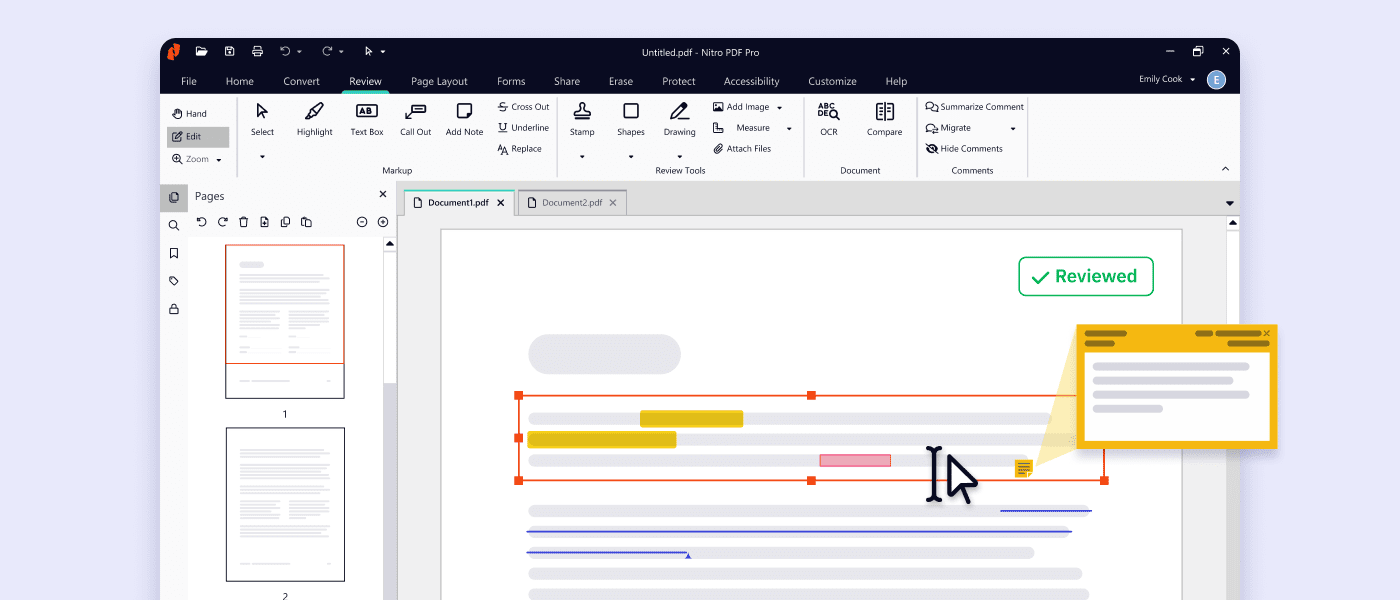
Nitro Pro is heavily targeted toward business and enterprise users, making it a strong foxit pdf alternative for corporate environments. Nitro focuses heavily on productivity, offering tools designed to streamline document workflows, reduce paper waste, and accelerate digital signing processes.
Nitro Pro shares a similar ribbon-style interface to Foxit, which makes transitioning between the two relatively seamless. It features excellent conversion tools, quickly turning PDFs into Word, Excel, or PowerPoint files without losing complex formatting. Nitro Sign is also integrated directly into the platform, providing a smooth e-signature workflow.
4. PDF-XChange Editor
Developed by Tracker Software, PDF-XChange Editor is beloved by power users. It is frequently cited as the best foxit pdf editor alternative for users who prioritize speed, low resource consumption, and granular control over their documents.
While its user interface looks slightly dated compared to modern minimalist designs, the sheer volume of features packed into PDF-XChange Editor is impressive. It offers highly customizable toolbars, advanced measuring tools (useful for architectural and engineering plans), and a surprisingly robust free version that allows for many editing features (though some apply a watermark).
5. Sejda PDF Desktop
Sejda PDF takes a different approach by offering both a web-based application and a desktop version. It is an excellent foxit alternative for users who only need to perform moderate edits and prefer not to deal with bloated software.
Sejda breaks its tools down into specific tasks: merge, split, compress, edit text, and add watermarks. This task-oriented design makes it incredibly user-friendly. While it lacks the advanced OCR and deep editing capabilities of PDFelement or Adobe, it is perfect for everyday office tasks.
Top Foxit Reader Alternatives (For Viewing and Annotating)
If you do not need to alter the core text of a document and only require software to open, read, highlight, and print files, a dedicated reader is the best choice. Here are the best options if you are searching for a foxit reader alternative or foxit pdf reader alternative.
6. Sumatra PDF
Sumatra PDF is widely considered the ultimate foxit reader alternative for users who want raw speed. It is a completely free, open-source document viewer for Windows that strips away all unnecessary features to focus solely on reading.
Sumatra opens almost instantly, regardless of the document's size. It supports a variety of formats beyond PDF, including ePub, MOBI, XPS, and comic book archives (CBZ/CBR). It does not include annotation tools, form filling, or editing capabilities. It is purely for reading.
7. Okular
Okular is a universal document viewer developed by KDE. It is an exceptional foxit pdf reader alternative for those who prefer open-source software and need more features than Sumatra provides.
Unlike Sumatra, Okular includes robust annotation tools. Users can highlight text, draw inline notes, add stamps, and create pop-up notes. It is highly versatile, supporting PDFs, Postscript, DjVu, CHM, and EPUB files. Because it is built on open-source frameworks, it is highly customizable and respects user privacy.
8. MuPDF
MuPDF is another highly specialized, lightweight viewer. It is a foxit reader alternative designed primarily for high-fidelity graphics rendering.
The primary selling point of MuPDF is its rendering engine, which is built to display documents exactly as they were intended to look, with anti-aliasing for text and graphics. It is controlled largely via keyboard shortcuts rather than a traditional graphical user interface (GUI), making it a favorite among developers and power users who prefer minimalist environments.
9. Evince
Evince is the standard document viewer for the GNOME desktop environment, but it has been ported to other operating systems as well. It serves as a reliable foxit pdf reader alternative for users who want a simple, clean, and straightforward viewing experience.
Evince supports basic document navigation, searching, and thumbnail viewing. It allows for basic document annotation and handles encrypted PDFs seamlessly. It is a quiet, unassuming application that simply gets the job done without aggressively prompting the user to upgrade to a paid version.
10. Web Browsers (Chrome, Edge, Firefox)
For the vast majority of casual users, the best foxit reader alternative is already installed on their computer. Modern web browsers like Google Chrome, Microsoft Edge, and Mozilla Firefox all feature highly capable built-in PDF rendering engines.
Microsoft Edge, in particular, has developed an impressive set of built-in tools, allowing users to draw on documents, highlight text, and read text aloud. If you only occasionally view and print forms, bypassing third-party software entirely and relying on your browser is the most efficient choice.
Foxit vs. PDFelement: A Detailed Comparison
When users decide to move away from Foxit’s premium offerings, Wondershare PDFelement is frequently the software they evaluate next. Understanding the differences between these two powerful editors can help clarify which foxit alternative is right for your specific daily workflow.
User Interface and Experience
Foxit relies heavily on a traditional ribbon interface, similar to older versions of Microsoft Word. While this is familiar to corporate users, the sheer number of icons and tabs can make it difficult to locate specific tools. PDFelement, conversely, was built with modern aesthetics in mind. It utilizes a cleaner, more spacious layout where tools are contextual—meaning the software only displays text editing tools when you click on a text box. This makes PDFelement significantly easier for beginners to pick up and use immediately.
Feature Parity
Both programs offer high-end capabilities. Both provide accurate OCR, batch processing for handling multiple files at once, comprehensive form creation, and secure digital signature workflows. Foxit arguably has slightly more advanced features geared toward enterprise IT administrators, such as centralized deployment and specific active directory integrations. However, PDFelement holds its own by offering all the core advanced features an individual professional or small-to-medium business needs, without the enterprise-level complexity.
G2 Rating: 4.5/5 |100% Secure
Pricing Structure
Foxit has increasingly shifted its focus toward subscription-based models, especially for its cloud-integrated features. While they do offer varying tiers, the pricing can be complex depending on whether you need the standard or pro versions. PDFelement is widely recognized for offering a more straightforward pricing model, often providing better overall value. PDFelement gives users the flexibility to choose between an annual subscription (which includes regular major updates) or a perpetual license, catering to different budgetary preferences.
Performance
Foxit is a robust application, but its expansive feature set can sometimes result in slower load times on older machines. PDFelement is engineered to be snappy and responsive. Document rendering, even for heavily illustrated PDFs, is generally very fast in PDFelement, providing a smooth scrolling and editing experience.
How to Choose the Right Foxit Alternative for Your Workflow
Selecting the best foxit pdf alternative ultimately comes down to analyzing your daily tasks. Here are a few factors to consider before downloading or purchasing a new tool:
- Determine Your Needs: If you only need to read, highlight, and print documents, do not purchase a premium editor. A free foxit reader alternative like Sumatra PDF or Okular will perfectly suit your needs without draining your wallet or system resources.
- Evaluate Your Hardware: If you are using an older laptop or a device with limited RAM, prioritize lightweight software like PDF-XChange Editor or a basic browser viewer.
- Consider Your Budget: If you require editing capabilities but despise recurring subscription fees, look for software that offers perpetual licenses, such as Wondershare PDFelement.
- Operating System Compatibility: Ensure the software is fully compatible with your OS. While Adobe and PDFelement offer excellent cross-platform support (Windows, macOS, Mobile), tools like Sumatra and PDF-XChange are limited to Windows environments.
Frequently Asked Questions (FAQs)
-
What is the best free Foxit Reader alternative?
If you are looking for speed and simplicity, Sumatra PDF is the best completely free alternative for Windows. If you need annotation tools alongside free viewing, Okular is a fantastic open-source choice. For everyday casual viewing, modern web browsers like Microsoft Edge serve as excellent free alternatives. -
Is there a Foxit PDF editor alternative that doesn't require a subscription?
Yes. While many PDF editors are moving strictly to subscription models, software like Wondershare PDFelement and PDF-XChange Editor still offer one-time purchase options (perpetual licenses) for users who prefer to pay for their software upfront without recurring monthly or annual fees. -
Why did Foxit Reader remove the PDF printer?
In an effort to streamline their free application and encourage users to upgrade to their premium editing suites, Foxit removed the free PDF creation tools, including the virtual PDF printer, from recent versions of Foxit Reader. This change has prompted many users to seek out a foxit alternative. -
Can I open and edit Foxit PDF files in other programs?
Yes. "Foxit PDF" is not a proprietary file format; it is simply a standard PDF file created or saved using Foxit software. Any standard PDF reader or editor, such as Adobe Acrobat, PDFelement, or Nitro Pro, can seamlessly open, read, and edit PDFs created in Foxit.
Conclusion
Transitioning away from familiar software can seem daunting, but the current market is filled with excellent options tailored to every type of user. If your primary goal is to shed bloated software for a fast, simple viewing experience, a foxit reader alternative like Sumatra PDF or Okular will serve you perfectly. On the other hand, if you require a comprehensive foxit alternative to manage, modify, and secure important documents, premium solutions exist to fit your needs. By balancing robust features, an intuitive interface, and flexible pricing, Wondershare PDFelement remains one of the strongest foxit pdf editor alternative choices available today, providing all the tools necessary to keep your document workflow running smoothly.
![[2026] Top 5 Great Alternatives to Preview for Mac](https://images.wondershare.com/pdfelement/images2026/pdf-like-article-1.png)



