
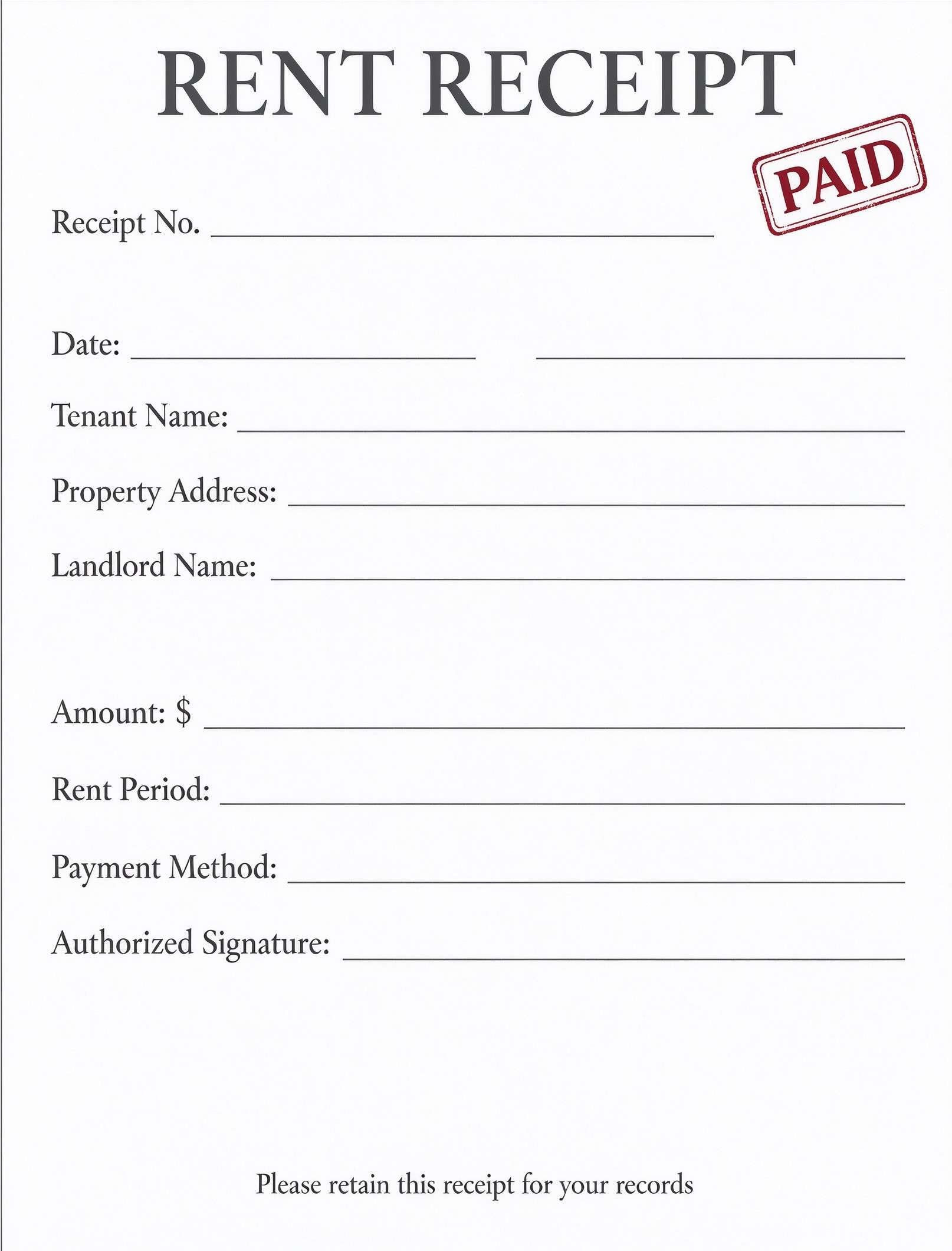
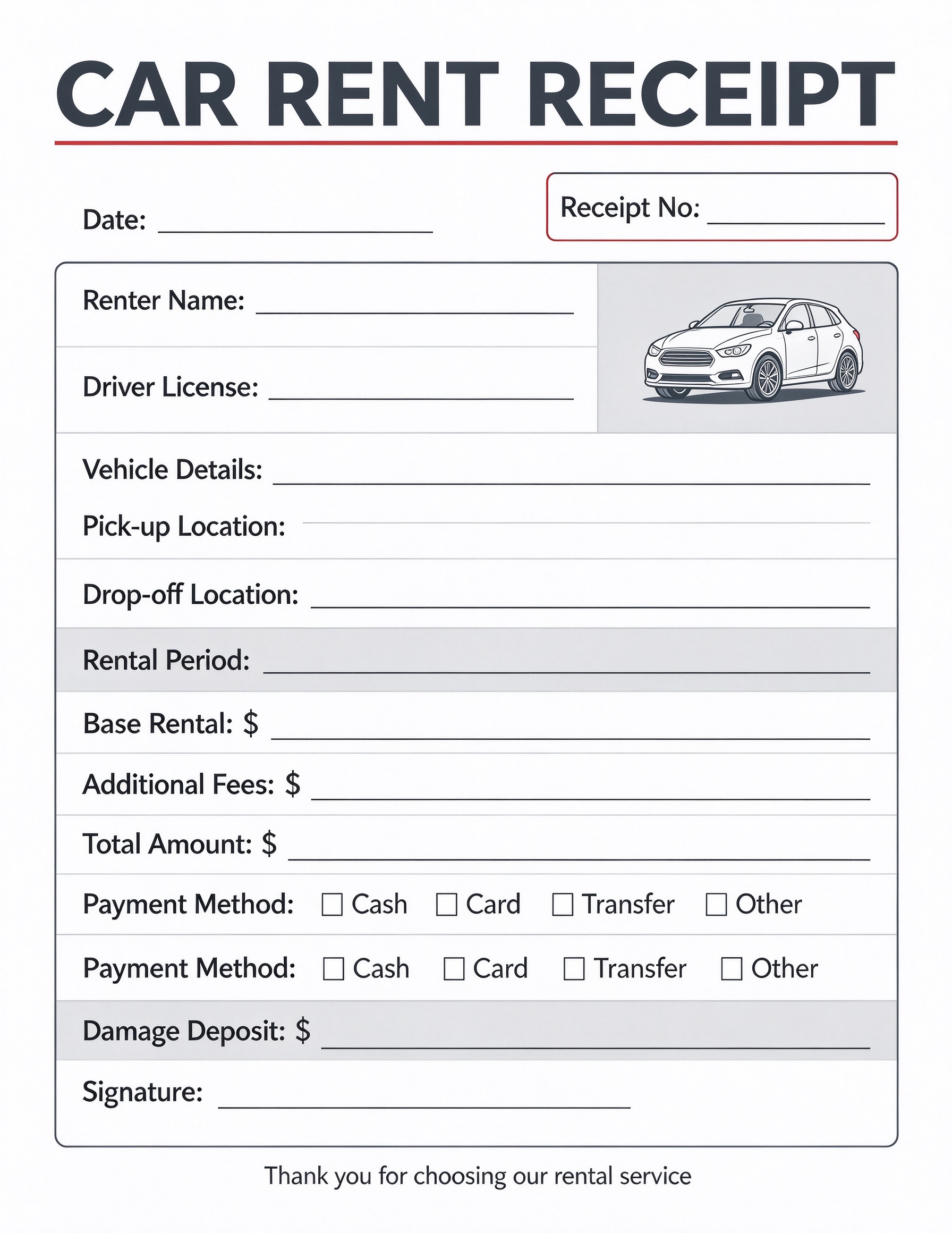
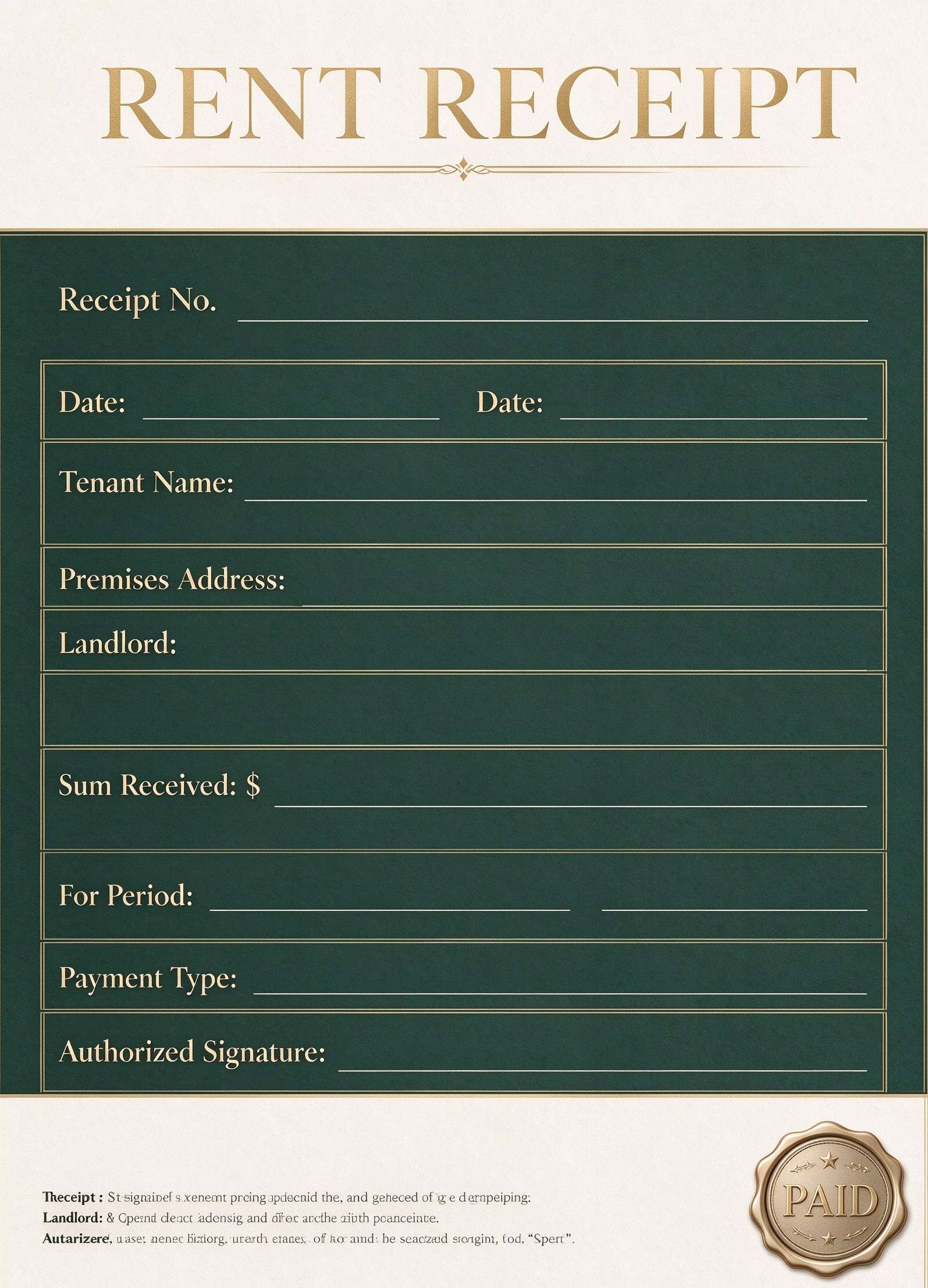
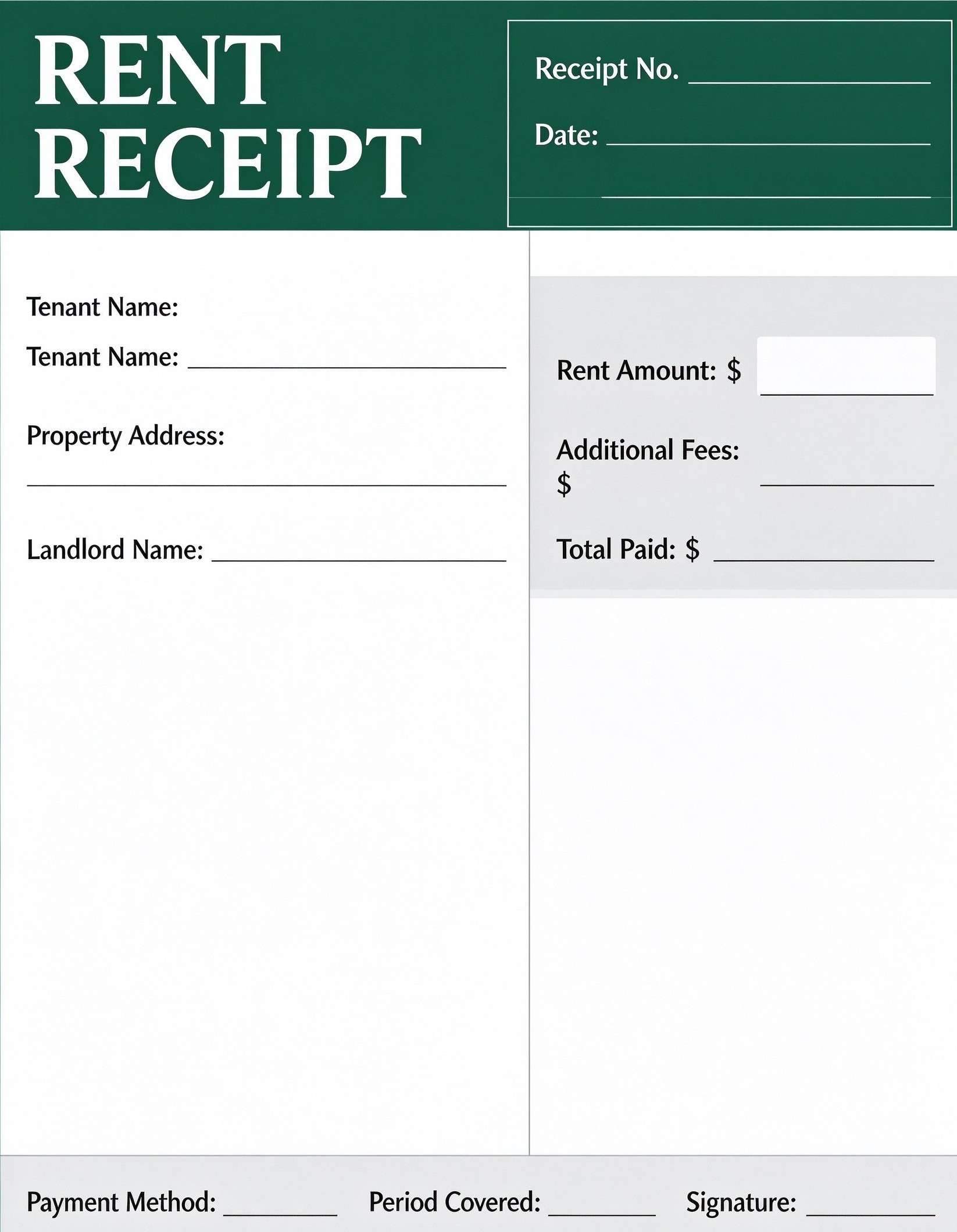
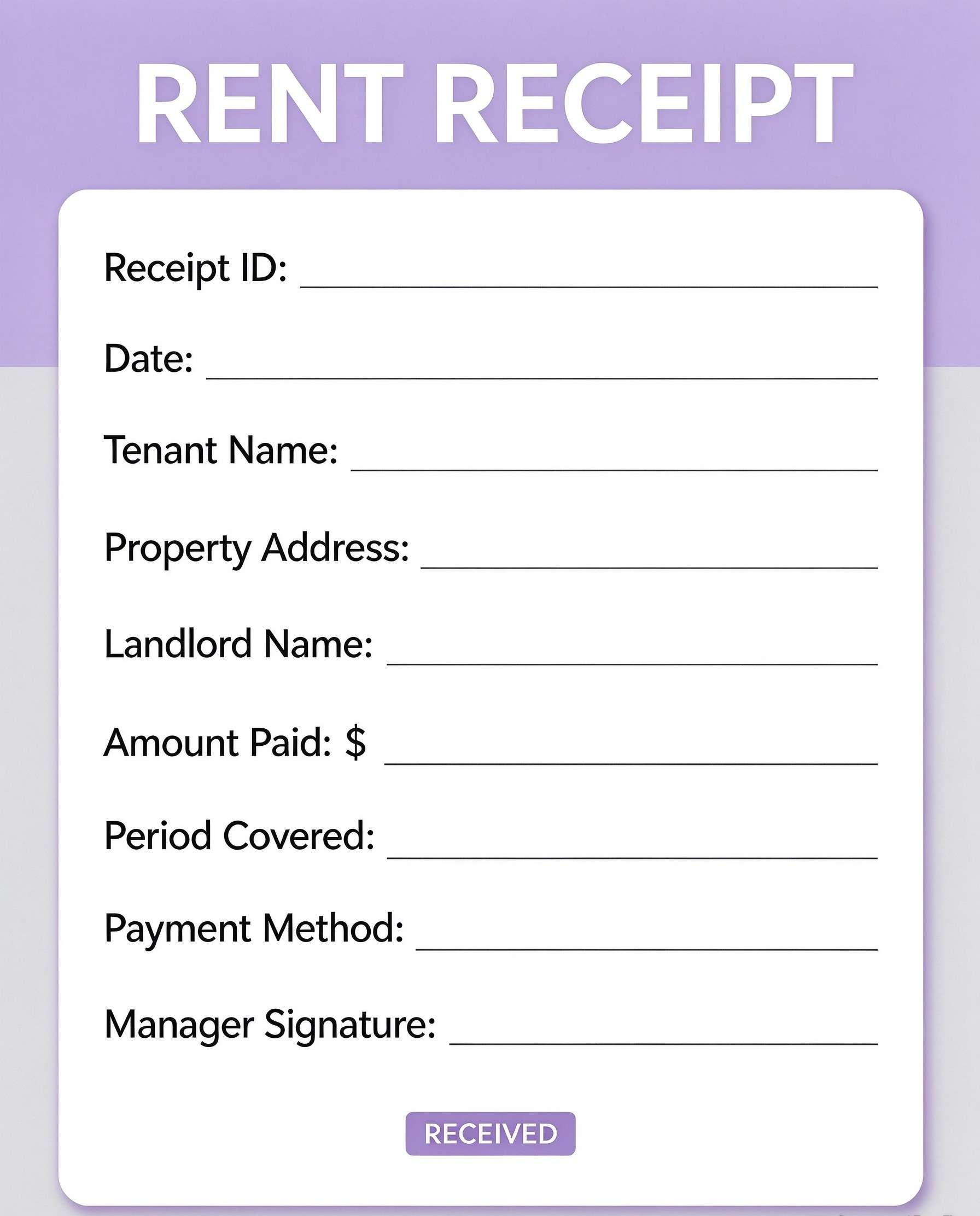
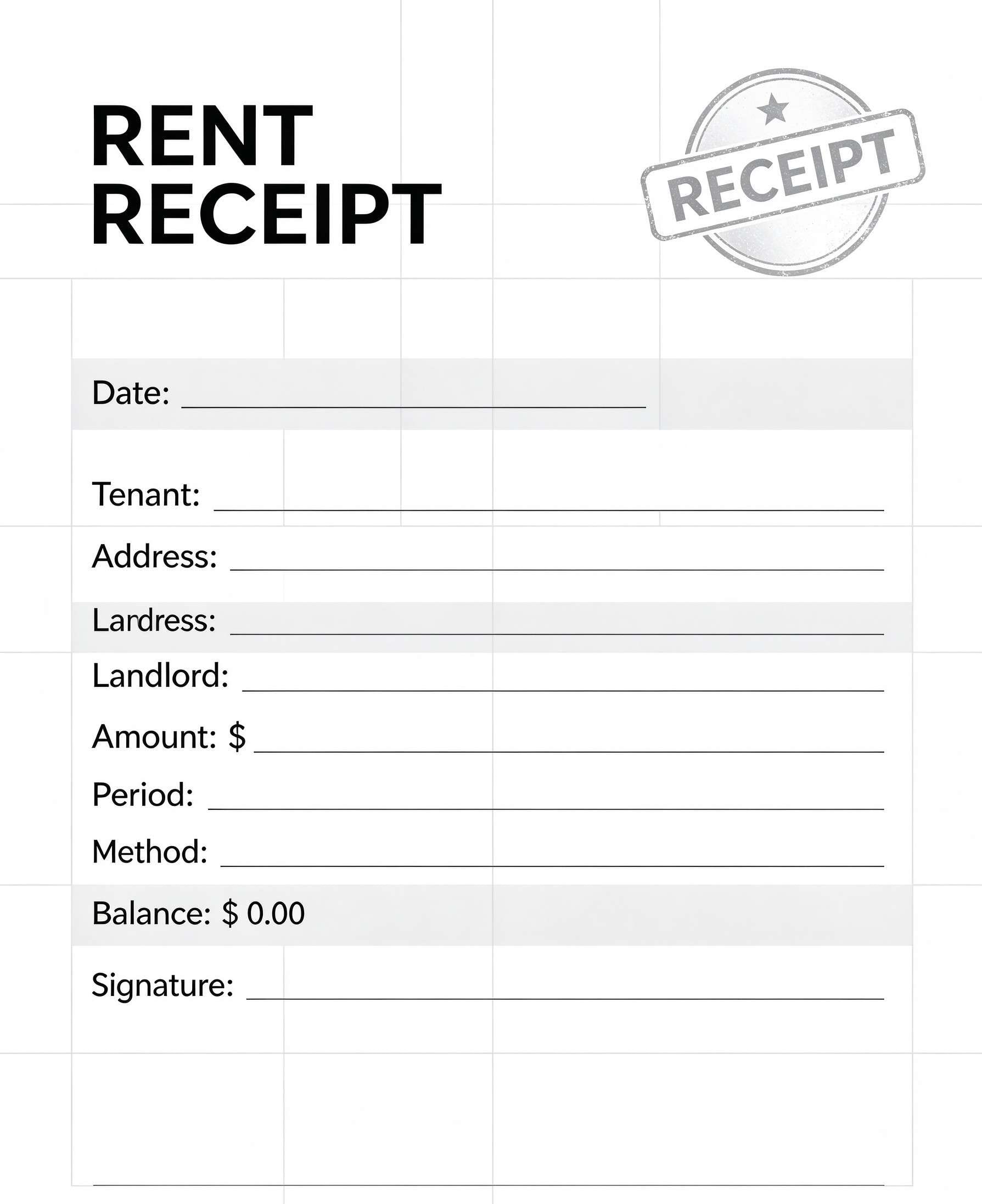
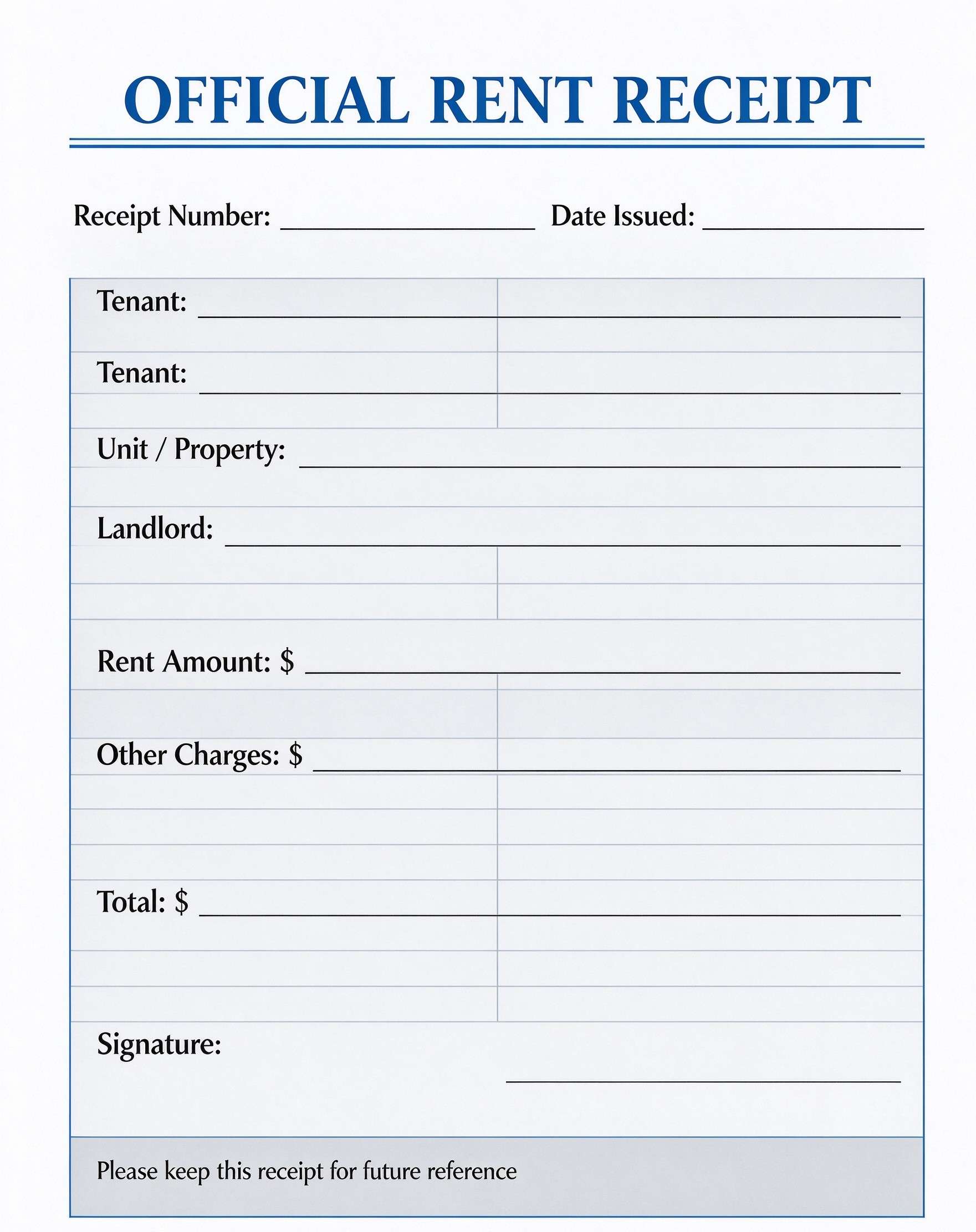
Cafe & Restaurant Receipt Template PDF
Download a printable Cafe & Restaurant Receipt PDF template to organize your daily transactions. It allows managers and cashiers to track order types, guest counts, and payment totals, providing a reliable record for small business operations.
What is a cafe & restaurant receipt
A Cafe & Restaurant Receipt is a structured business PDF that helps teams capture the information needed for this specific workflow. It keeps important details organized, easy to scan, and ready to print or share.
Users download this Cafe & Restaurant Receipt because it gives business owners a simple printable record of daily transaction details like order types and final totals.
Small Cafe Owners
Quickly provide professional receipts to customers.
Pop-up Shops
Maintain manual sales records at temporary food stalls.
Mobile Food Trucks
Easily track sales and order types on the move.
Event Catering
Document transactions for catered food service events.
- Automated inventory management systems
- Integration with credit card POS hardware
- Generating multi-page complex accounting tax reports
How to use and edit the restaurant receipt
You can print this template for paper collection or complete it as a fillable PDF. Digital editing is useful when you want typed entries, reusable records, clean copies, and easy sharing with restaurant managers, servers, cashiers, and cafe owners.
How to customize the PDF
Use this workflow to fill in business details, check the order type, calculate totals accurately, and sign for authenticity..
Open the PDF in PDFelement
Download the Cafe & Restaurant Receipt PDF template, open it in PDFelement, click each fillable field, type the needed details, tick checkboxes where relevant, and save a clean digital copy.
Download the PDF file and open it using Wondershare PDFelement.
Fill in the date, receipt number, and server name directly in the interactive PDF fields.
Save the filled document to your computer or print professional copies for your customers.
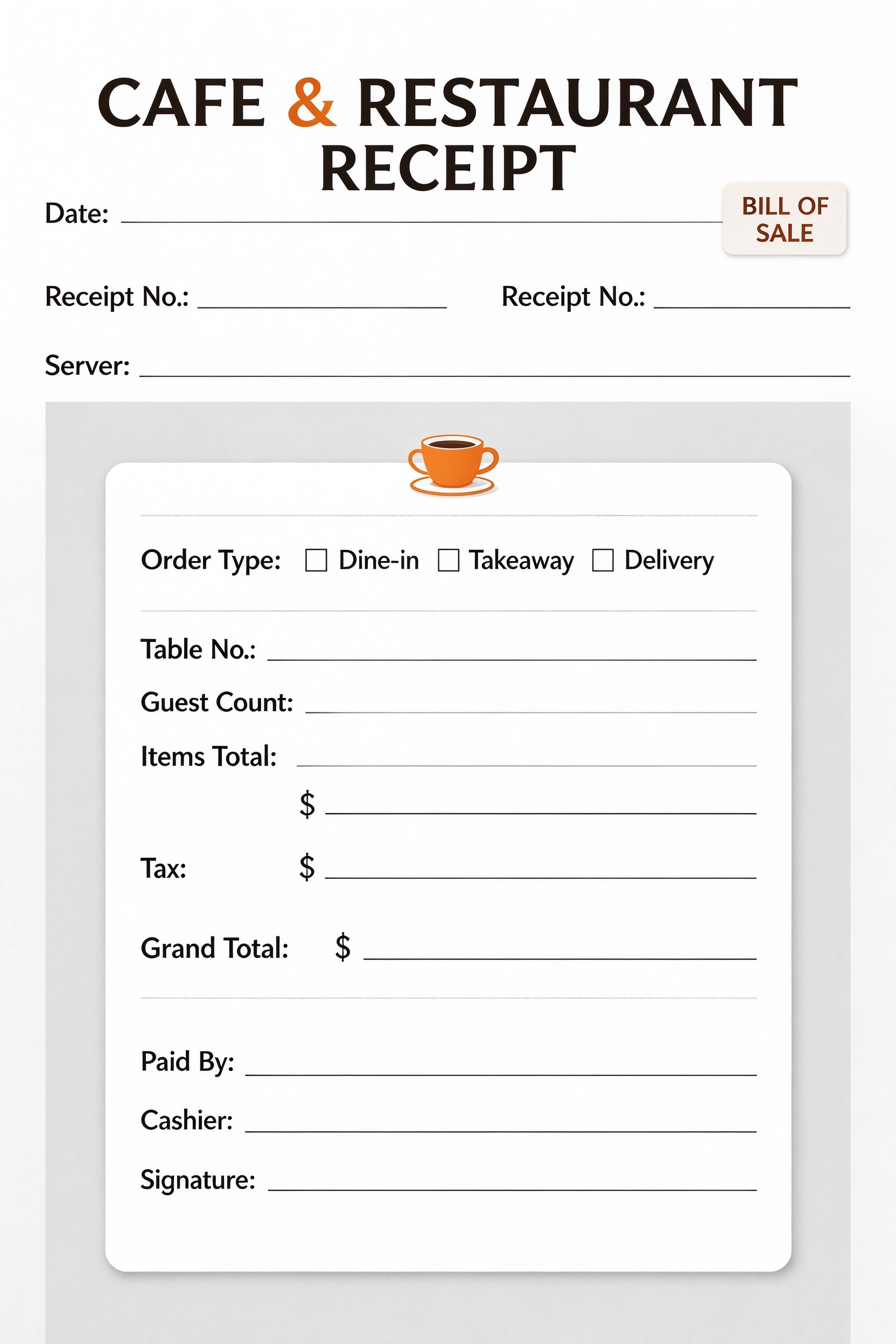


PDFelement makes editing this receipt template faster by allowing you to add your business branding, pre-fill constant values like cashier names, and adjust tax fields for different regions, ensuring a professional and consistent look for your customers.
| PDFelement Feature | How It Helps |
|---|---|
| Edit PDF | Customize labels, headings, notes, and reusable sections |
| Fill PDF | Type clean information into every fillable field |
| Form tools | Use fillable fields and checkboxes for quick, error-free transaction recording. |
| Annotate | Add comments or extra reminders before printing or sharing |
| Convert | Export or archive the finished PDF for team records |
| Organize PDFs | Keep templates by team, date, event, player, or season |
What to include in a restaurant receipt
A useful business PDF should be specific enough for real team workflows but simple enough to complete quickly. The fields below show what this template is built to capture and why each part matters.
Cafe & Restaurant Receipt fields
| Field | What to Fill In | Why It Helps |
|---|---|---|
| Order Type | Checkboxes for Dine-in, Takeaway, or Delivery. | Helps distinguish the origin and logistics of the order. |
| Table No. / Guest Count | Numerical entry for table assignment and group size. | Assists in tracking operational capacity and seating. |
| Items Total / Tax | Monetary values for subtotal and tax amounts. | Ensures accurate financial calculations for every sale. |
| Grand Total | The final sum paid by the customer. | Provides a clear, indisputable final transaction amount. |
| Signature | Area for authorized personnel sign-off. | Validates the receipt for internal and customer audit. |
Why users download this template
Users download this template because it provides an immediate, low-cost way to professionalize their manual billing process without needing complex POS software.
 Use high-quality printer paper for a professional feel. Add your cafe logo to the header for brand visibility. Print in batches to keep at each service station. Archive completed receipts by date for easy audit. Use a stamp for the cashier signature to save time. Keep a digital copy for your records using PDFelement.
Cafe & Restaurant Receipt vs other business templates
| Template Type | Best For | Main Difference |
|---|---|---|
| Cafe Receipt | Daily cafe sales | Includes specific dine-in/takeaway toggles. |
| Sales Invoice | B2B transactions | Requires formal client and vendor contact info. |
| Purchase Order | Inventory procurement | Focuses on ordering goods, not final sales. |
| Expense Report | Employee reimbursement | Tracks internal spending rather than revenue. |
Tips for using this template
- Always print in duplicate if you need a paper trail.
- Use distinct colors or numbering for different terminals.
- Keep the PDF digital file as a master template.
- Fill out tax amounts clearly to avoid discrepancies.
- Store receipts chronologically in a binder for security.
FAQs
What is a Cafe & Restaurant Receipt?
It is a standard document template used to record the financial details of a food service transaction.
Who uses this template?
Cafe owners, restaurant managers, food truck operators, and mobile caterers.
Is the receipt PDF editable?
Yes, you can easily type into the fields or add your own logo using PDFelement.
What should be included in the receipt?
Date, receipt number, order type, cost breakdown, and authorized signature.
Can I use it for delivery services?
Yes, the template includes a specific checkbox for delivery orders.
Does it replace official POS systems?
No, it is intended as a simple, manual alternative or backup for small businesses.
How should missing items be handled?
Use the notes section or simply adjust the total in the Grand Total line.
Related templates


This template page includes usage guidance, editing steps, review information, and related tools to avoid thin template-page content.