
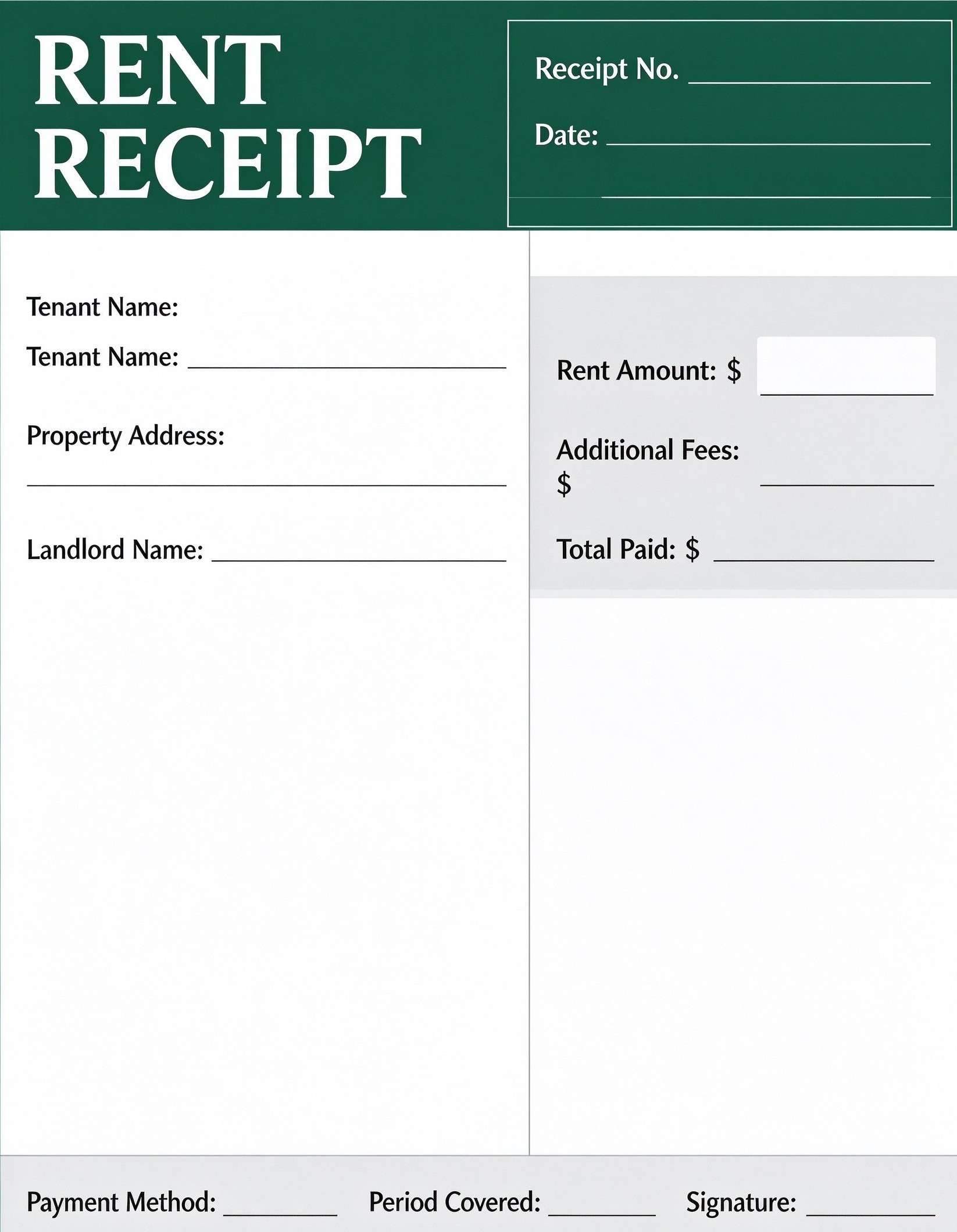
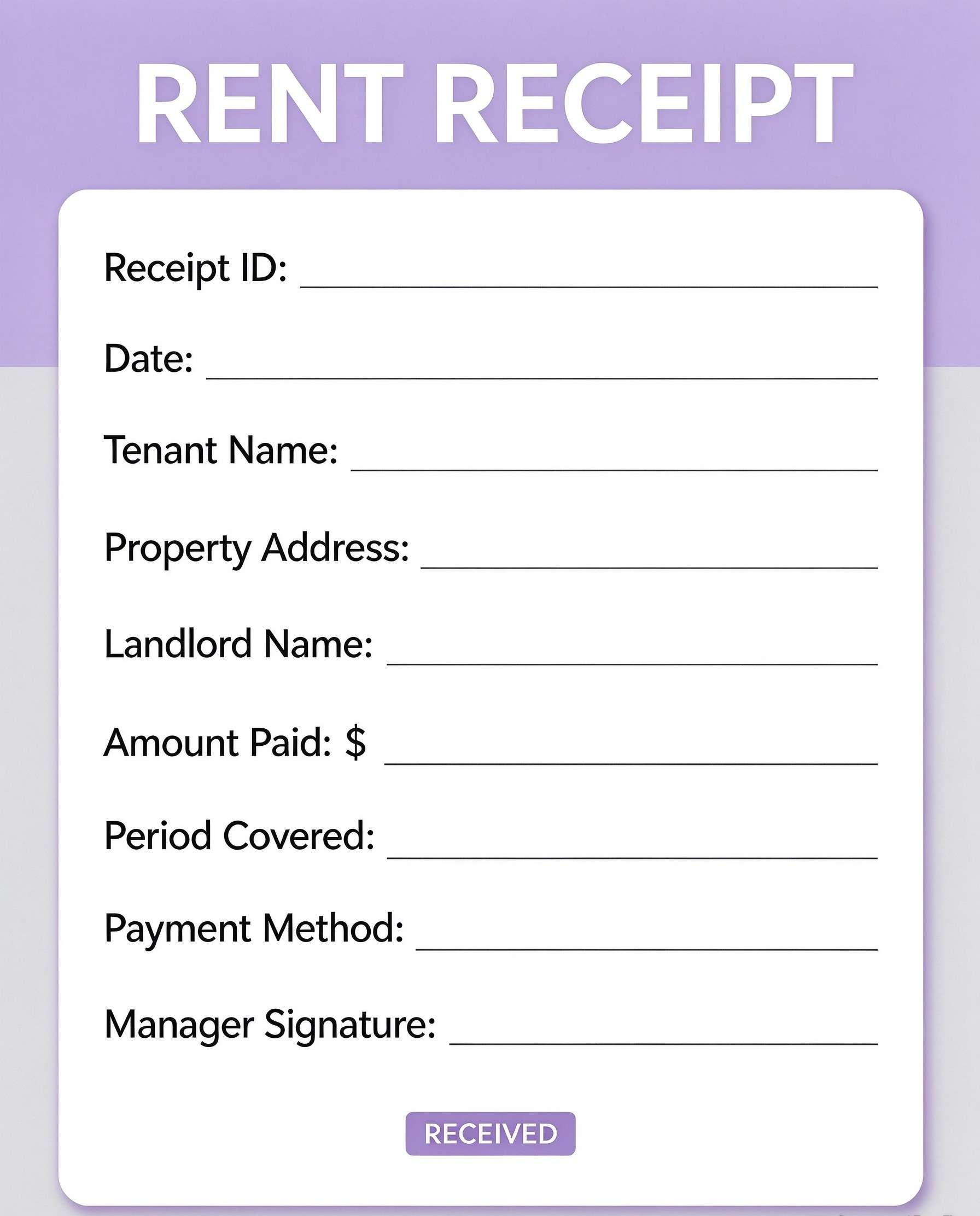
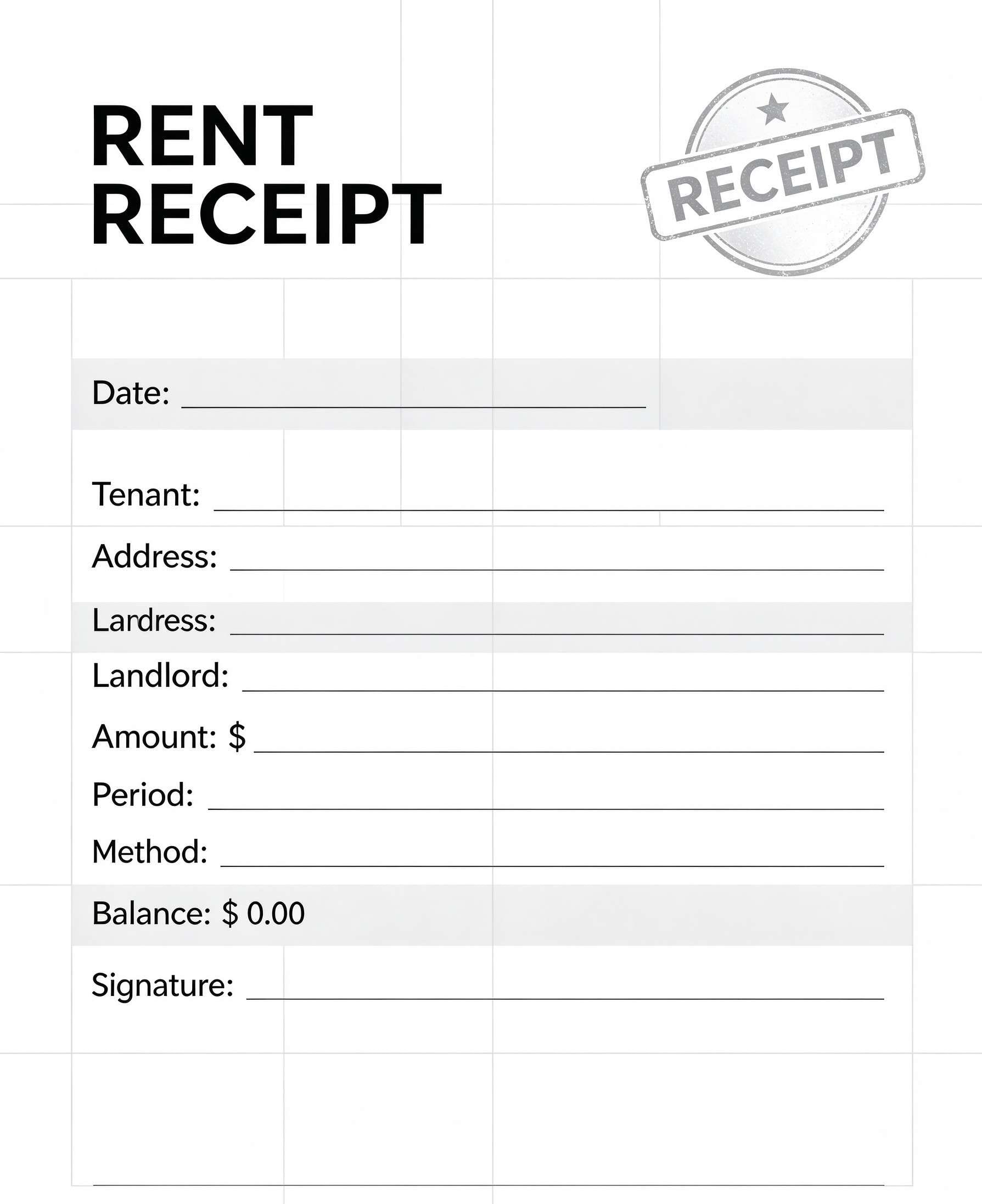
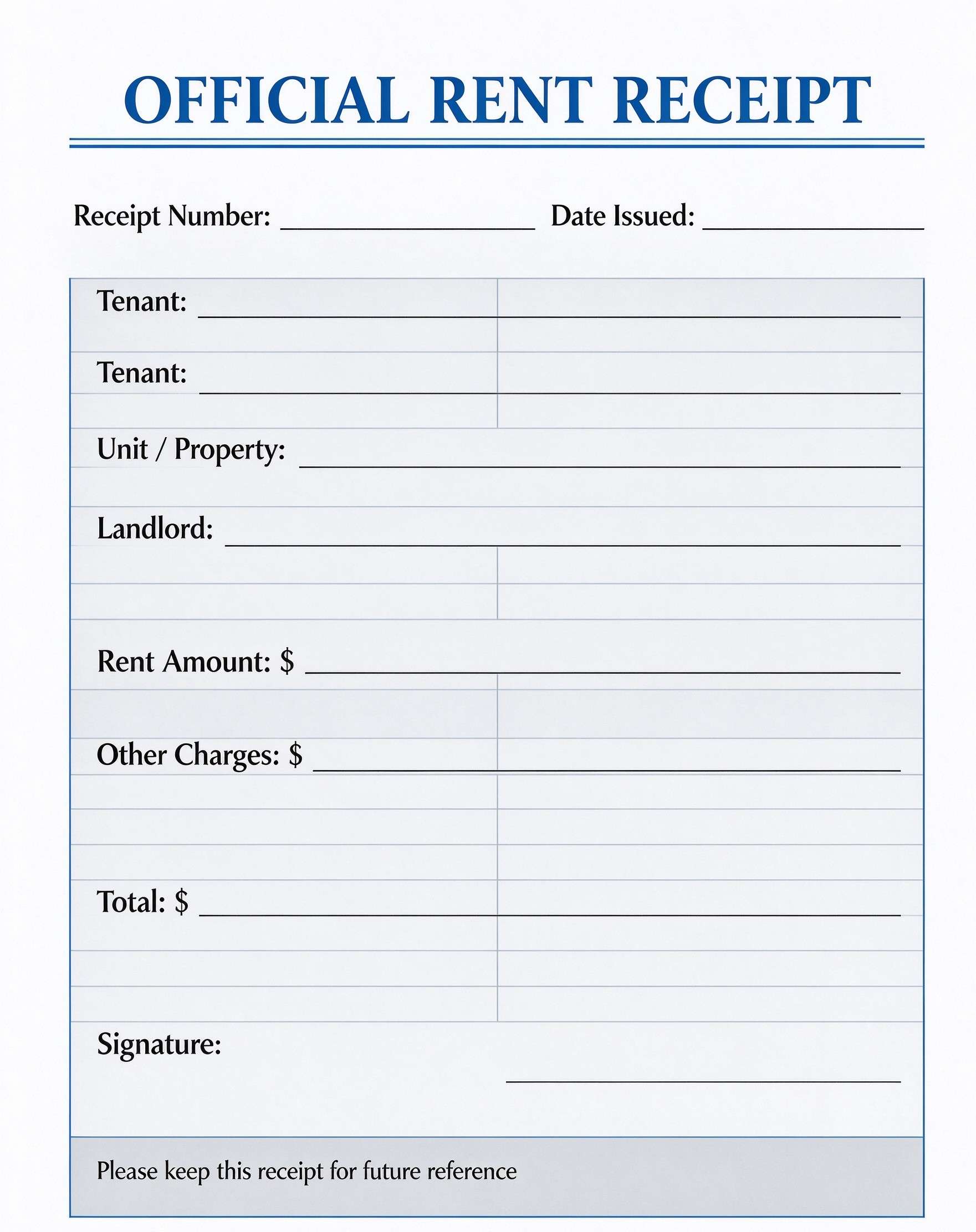
Deposit Confirmation Receipt Template PDF
Download a printable deposit confirmation receipt PDF template to issue verified proof of down payments, security deposits, and booking fees. Designed for landlords, small business owners, sales coordinators, and service contractors, this form captures vital transaction records and payment terms clearly. It provides an audit-ready paper trail that protects both payee and payer.
What is a deposit confirmation receipt
A deposit confirmation receipt is a structured Business & Operations PDF that helps teams capture the information needed for this specific workflow. It keeps important details organized, easy to scan, and ready to print or share.
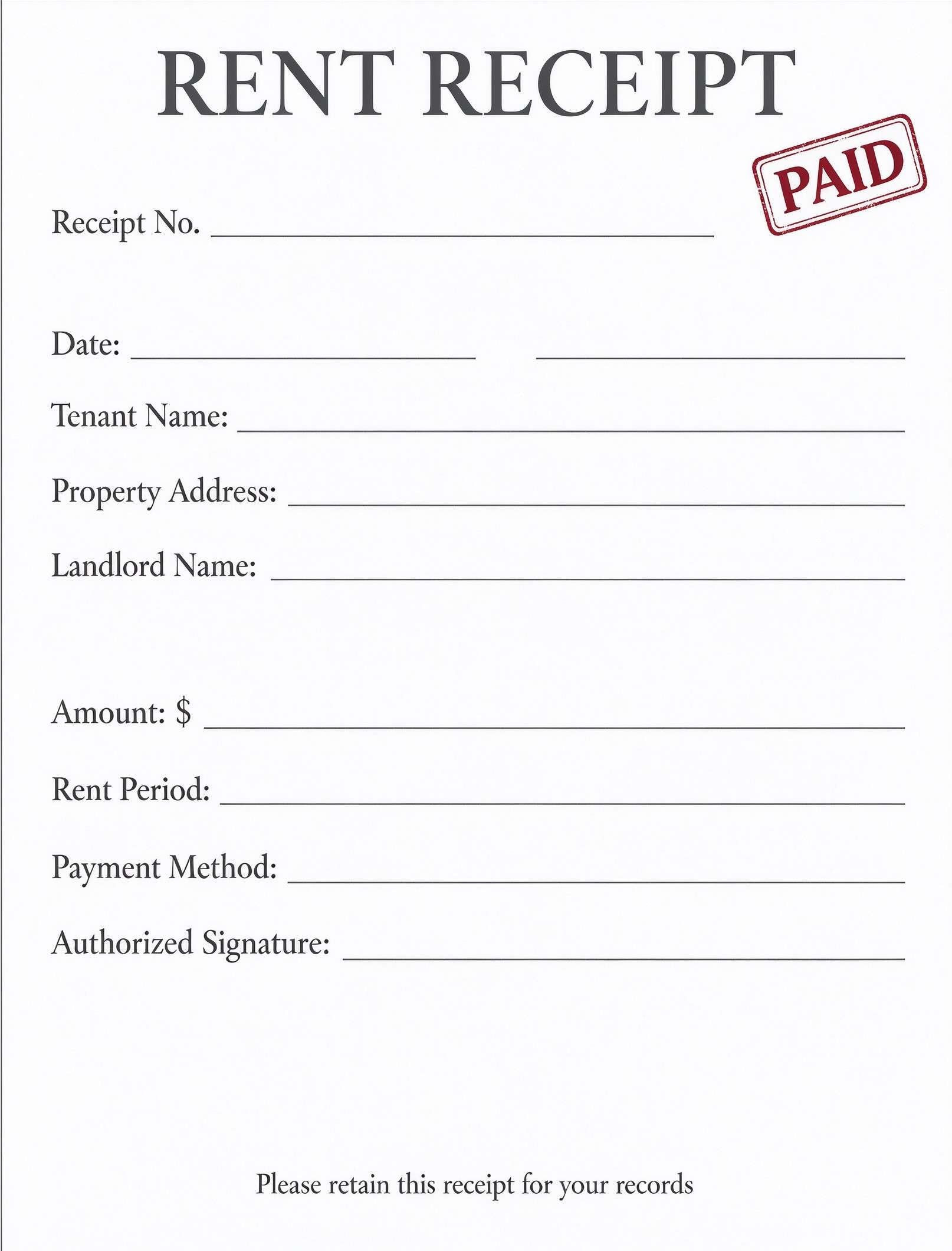
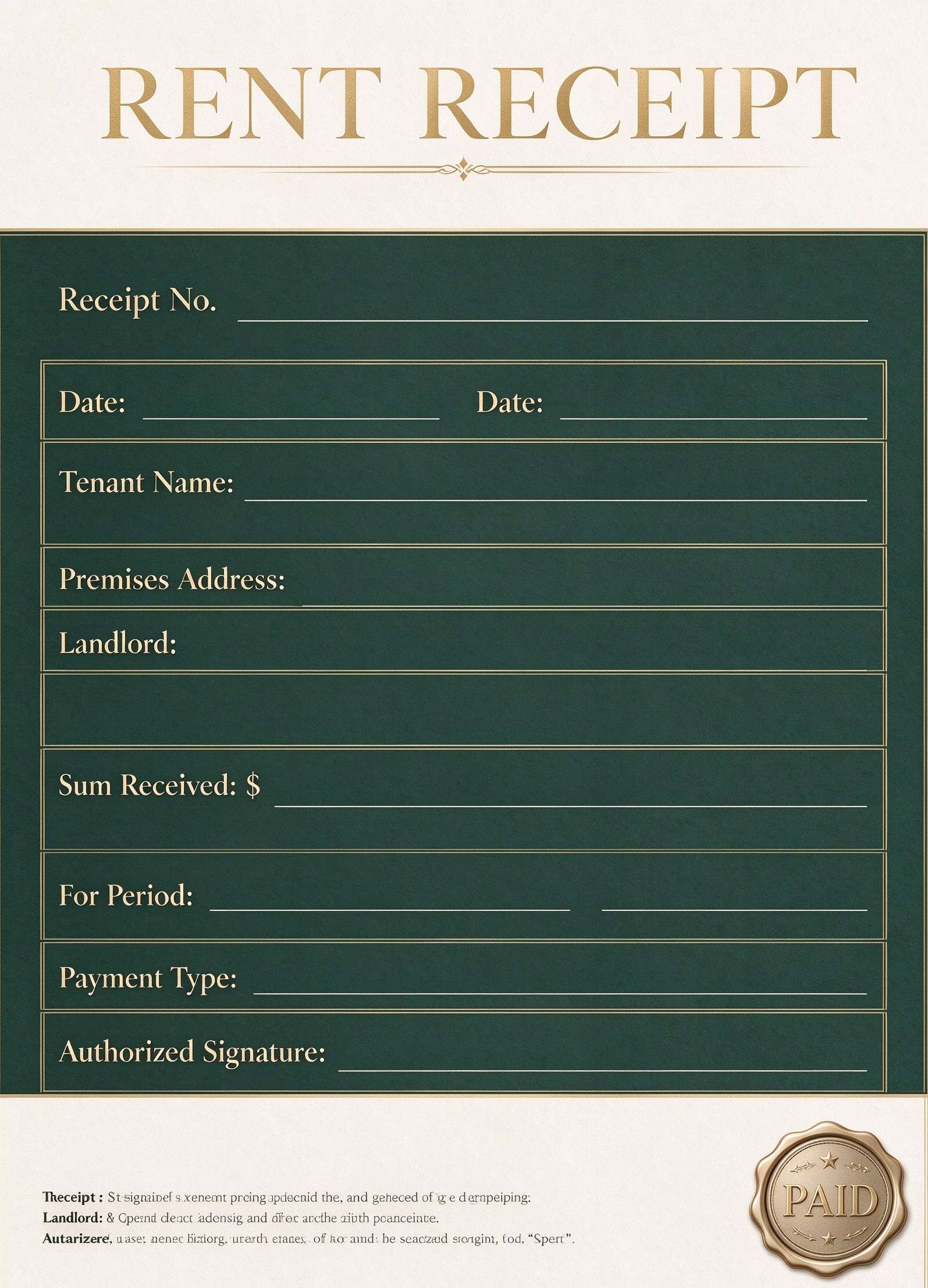
Users download this deposit confirmation receipt because it gives clients, vendors, and accounting teams a simple printable sheet of initial payments, reference codes, and applicable refund terms.
Property Rentals & Leases
Landlords and leasing agents providing quick acknowledgment for rental deposits and key deposits.
Client Retainers & Bookings
Photographers, event venues, and freelancers collecting advance reservations and retainer fees.
Vehicle & Equipment Sales
Dealerships and equipment brokers documenting earnest money deposits to hold high-value assets.
Trade & Contractor Projects
General contractors issuing written proof of upfront material and mobilization deposits.
- Recurring subscription billing and multi-period automated invoicing
- Full tax invoicing requiring detailed line-item tariffs and multi-rate VAT breakdowns
- Live bank wire clearing replacements requiring direct API financial settlement
How to use and edit the deposit receipt
You can print this template for paper collection or complete it as a fillable PDF. Digital editing is useful when you want typed entries, reusable records, clean copies, and easy sharing with landlords, business owners, clients, accountants, and sales agents.
How to customize the PDF
Use this workflow to enter issuer and payer details, record receipt numbers and payment references, state the deposit amount, and specify non-refundable terms.
Open the PDF in PDFelement
Download the Deposit Confirmation Receipt PDF template, open it in PDFelement, click each fillable field, type the needed details, tick checkboxes where relevant, and save a clean digital copy.
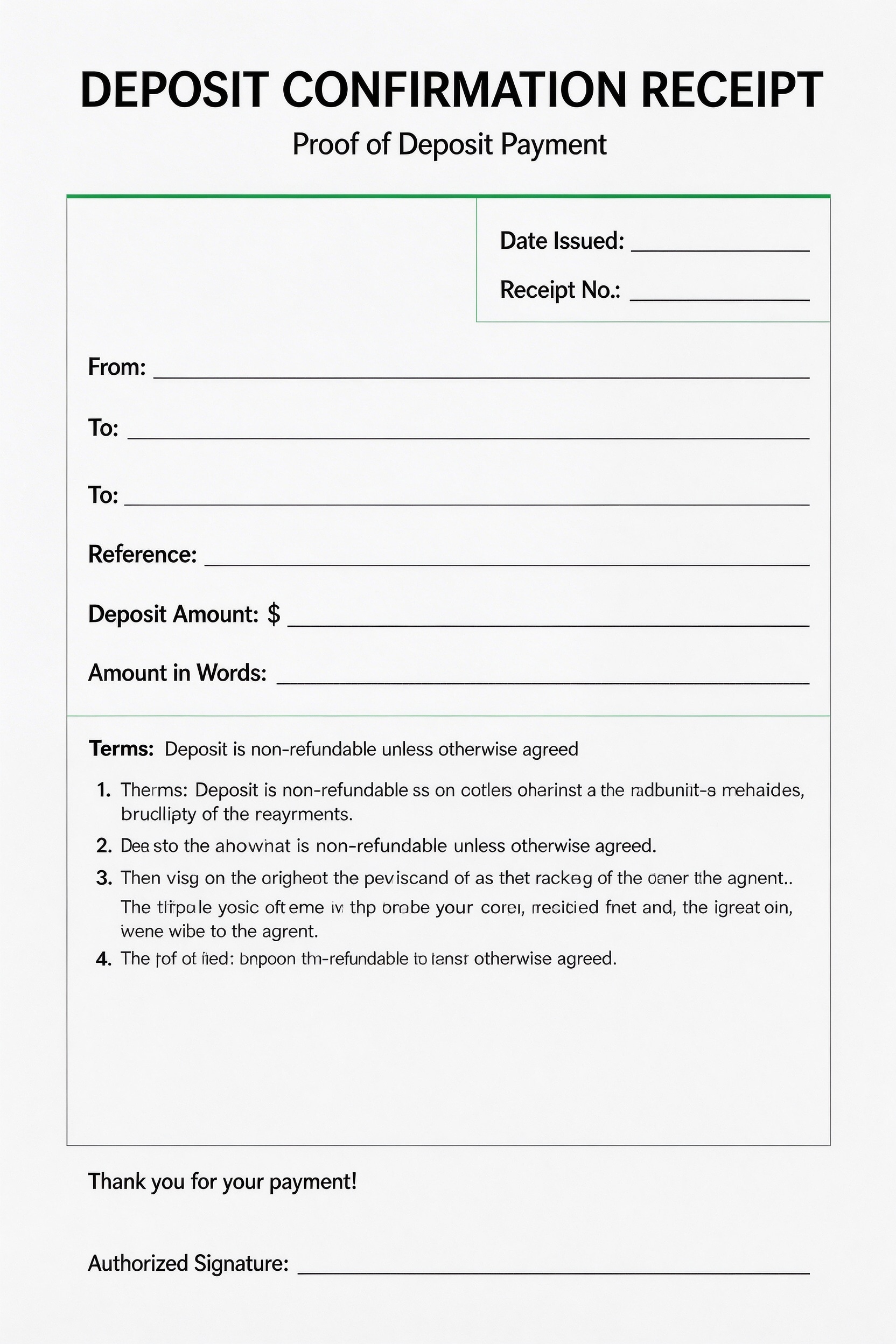
Enter the date issued, unique receipt number, sender name, payer name, and associated project or order reference.
Write the deposit sum in both numerical digits and words, then review or customize the non-refundable terms section.
Add an authorized physical or digital signature, save the completed PDF record, and supply a signed copy to the client.


Wondershare PDFelement makes managing this deposit receipt seamless by allowing you to add interactive fillable form fields, auto-populate company logos, and insert legally binding electronic signatures. Instead of handwriting paper slips, you can type values directly, duplicate customized receipts for multiple clients, and print clean, professional A4 copies in seconds.
| PDFelement Feature | How It Helps |
|---|---|
| Edit PDF | Customize labels, headings, notes, and reusable sections |
| Fill PDF | Type clean information into every fillable field |
| Form tools | Use text fields, numerical boxes, and electronic signature blocks for structured payment records |
| Annotate | Add comments or extra reminders before printing or sharing |
| Convert | Export or archive the finished PDF for team records |
| Organize PDFs | Keep templates by team, date, event, player, or season |
What to include in a deposit receipt
A useful business & operations PDF should be specific enough for real team workflows but simple enough to complete quickly. The fields below show what this template is built to capture and why each part matters.
Deposit Confirmation Receipt fields
| Field | What to Fill In | Why It Helps |
|---|---|---|
| Date Issued & Receipt No. | The exact transaction date and an sequential receipt identification number | Establishes a verifiable chronological audit trail for business reconciliation and bookkeeping |
| From & To Lines | The issuing company or individual and the customer or tenant making the payment | Identifies both contracting parties clearly to prevent identity or billing ambiguities |
| Reference | Related invoice number, unit number, vehicle VIN, or service contract ID | Links the deposit directly to the specific asset, service agreement, or commercial booking |
| Deposit Amount & In Words | The total numeric dollar amount and the full written text equivalent | Guards against numerical misinterpretation, accidental alterations, or transcription errors |
| Terms & Authorized Signature | Refund policies, agreement clauses, and the authorized manager or agent signature | Validates the legal enforceability and ensures mutual agreement on non-refundable clauses |
Why users download this template
Business owners and operators download this template because it provides a reliable, standardized receipt format that eliminates payment disputes and looks clean when printed or emailed.
 Always write numerical amounts alongside written words to prevent tampering Generate sequential receipt numbers to simplify end-of-month reconciliations Ensure terms clearly state whether the deposit is refundable or non-refundable Link each receipt to a specific contract reference code or property number Store duplicate signed digital PDFs securely inside client accounting folders Collect authorized signatures immediately upon physical or digital funds transfer
Deposit Confirmation Receipt vs other business & operations templates
| Template Type | Best For | Main Difference |
|---|---|---|
| Deposit Confirmation Receipt | Initial holding fees, booking retainers, and security deposits | Focuses strictly on partial upfront sums and deposit refund conditions |
| Full Payment Receipt | Final settlements and completed service transactions | Acknowledges balance-to-zero completion with no remaining liability |
| Commercial Sales Invoice | Billing clients prior to collecting funds | Requests payment and specifies payment due dates rather than confirming receipt |
| Driver Salary Receipt | Driver wage disbursement and operational wage tracking | Tracks wage allowances, trips, hourly logs, and payroll deductions |
Tips for using this template
- Keep a dedicated binder or cloud folder for sequentially numbered deposit receipts to speed up quarterly accounting.
- Verify cleared funds in your bank account before signing and delivering the final deposit confirmation receipt.
- Customize the terms box to match state-mandated security deposit return timeframes or cancellation policies.
- Use PDFelement to convert static lines into fillable interactive form fields for swift computer typing.
- Email a digital carbon copy directly to the customer as soon as the in-person or online transaction concludes.
FAQs
What is a deposit confirmation receipt?
A deposit confirmation receipt is an official written acknowledgment issued by a seller, landlord, or service provider verifying that an upfront payment or security deposit has been received from a buyer or client.
Who uses this deposit confirmation receipt template?
Landlords, property managers, automotive brokers, independent contractors, event venue operators, and freelance professionals regularly use this template to document initial deposits.
Is the deposit confirmation receipt PDF editable?
Yes. You can open the template in Wondershare PDFelement to modify text fields, adjust company branding, configure form fields, and insert digital signatures seamlessly.
What should be included in a deposit confirmation receipt?
A comprehensive receipt should include the issue date, unique receipt number, recipient and payer identities, reference details, deposit amount in figures and words, applicable terms, and an authorized signature.
Can I use it for rental security deposits?
Yes, this template works perfectly for residential or commercial rental holding fees, security deposits, and pet deposits by entering the property address into the Reference field.
Does it replace a formal contract or lease agreement?
No. While it serves as binding proof of payment and acknowledges specific deposit terms, it should accompany a primary lease agreement, bill of sale, or master services contract.
How should deposit refunds or disputes be handled?
Refer directly to the numbered terms section of the signed receipt, which outlines whether the sum was designated as non-refundable or contingent upon specific contractual deliverables.
Related templates


This template page includes usage guidance, editing steps, review information, and related tools to avoid thin template-page content.