
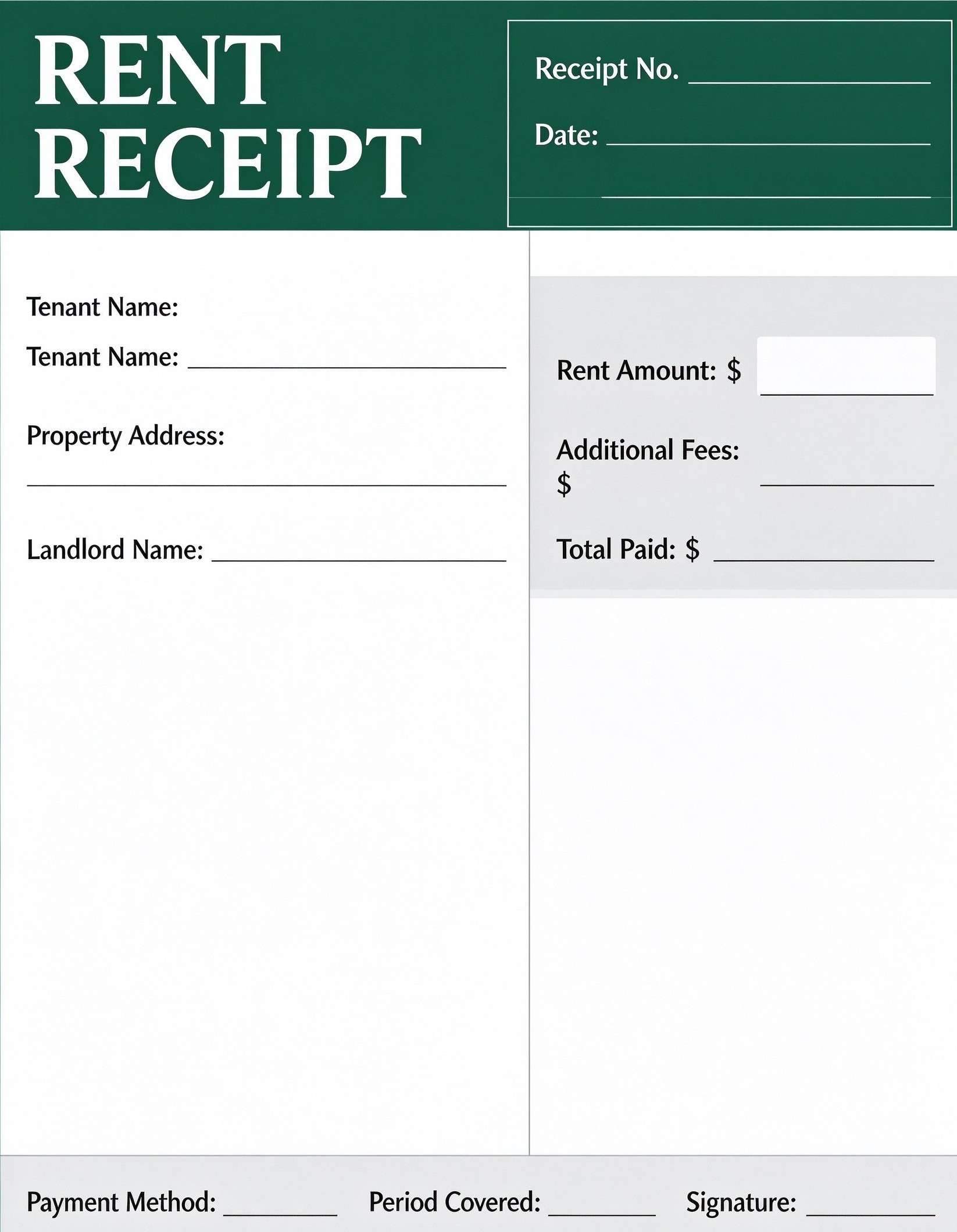
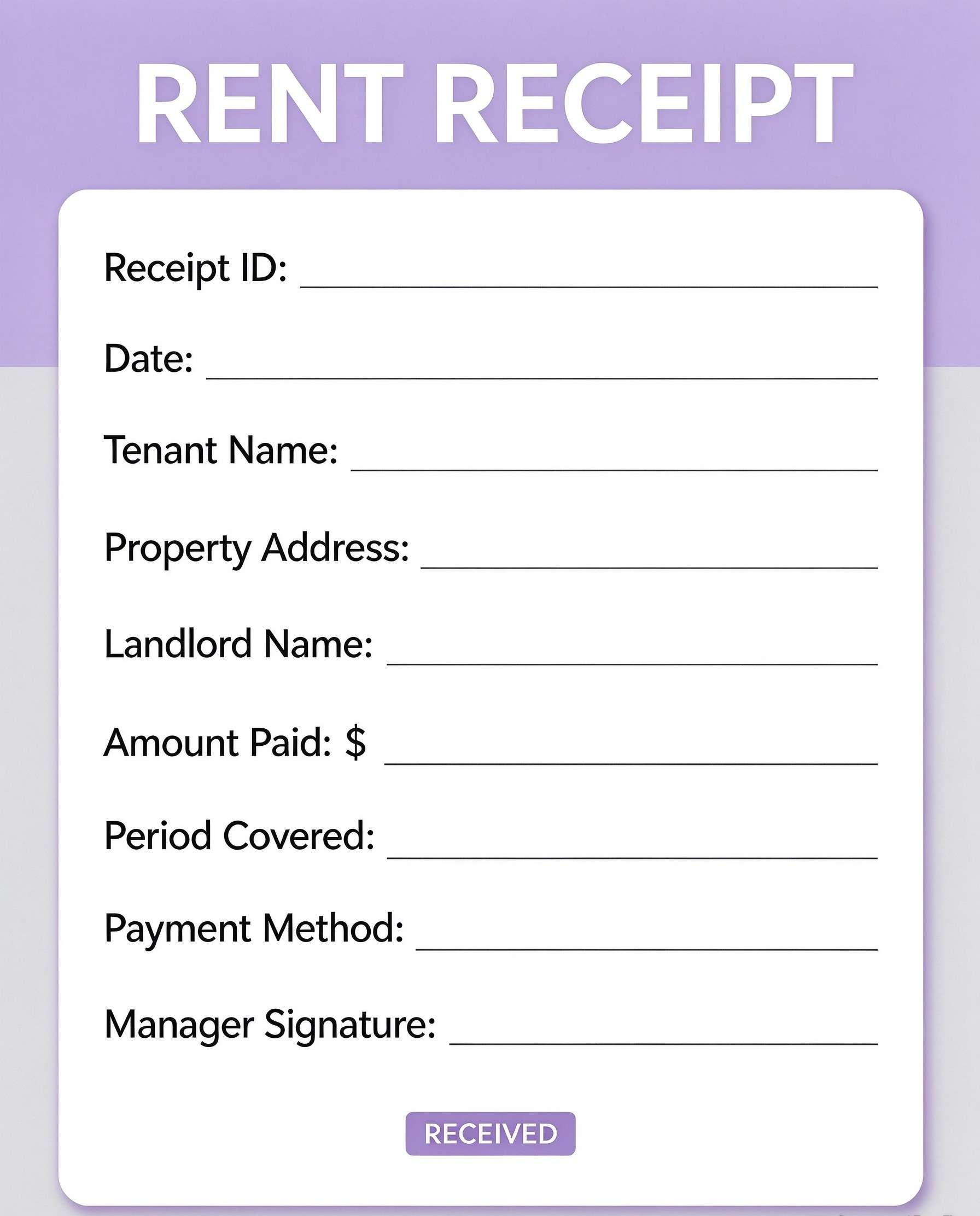
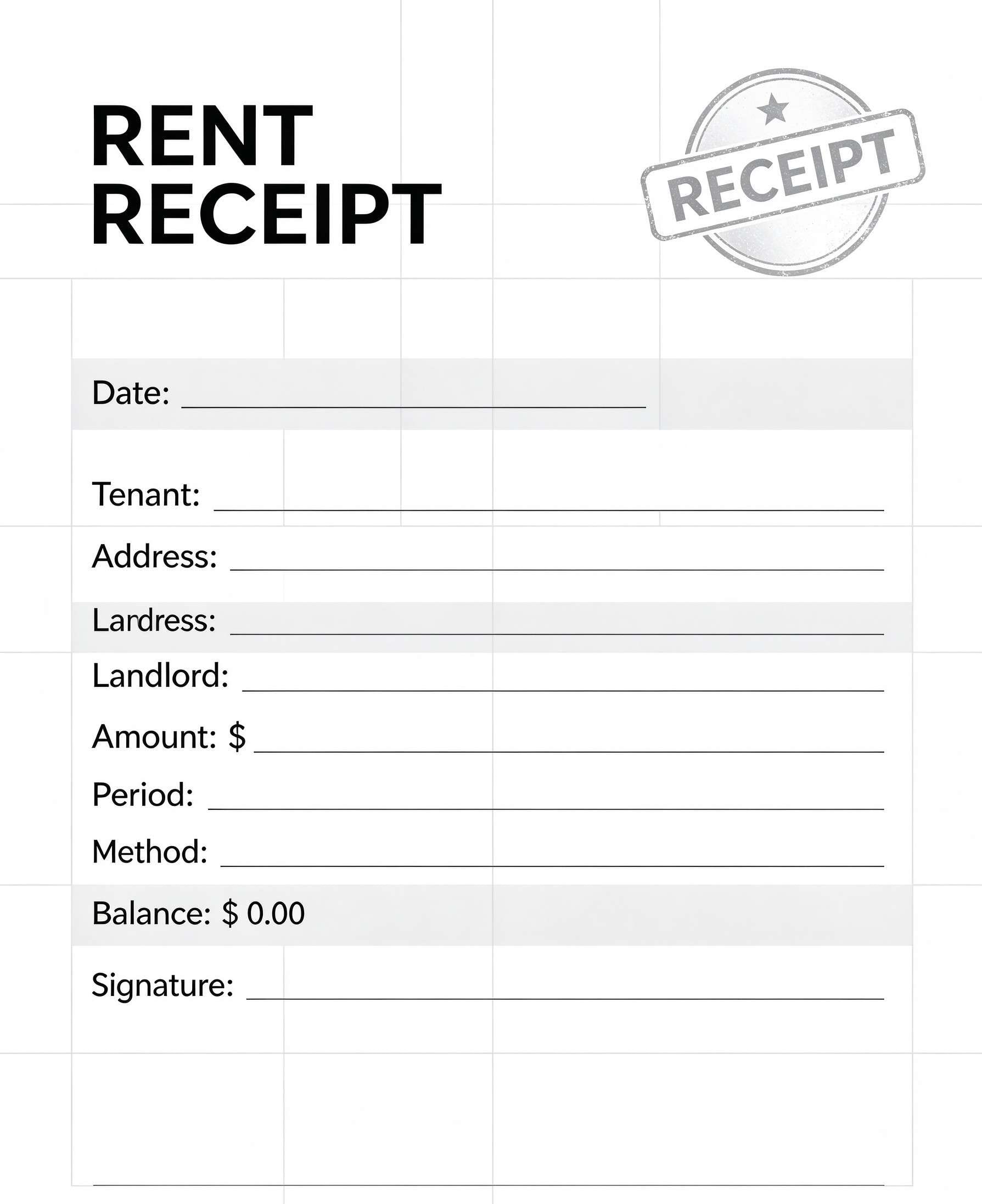
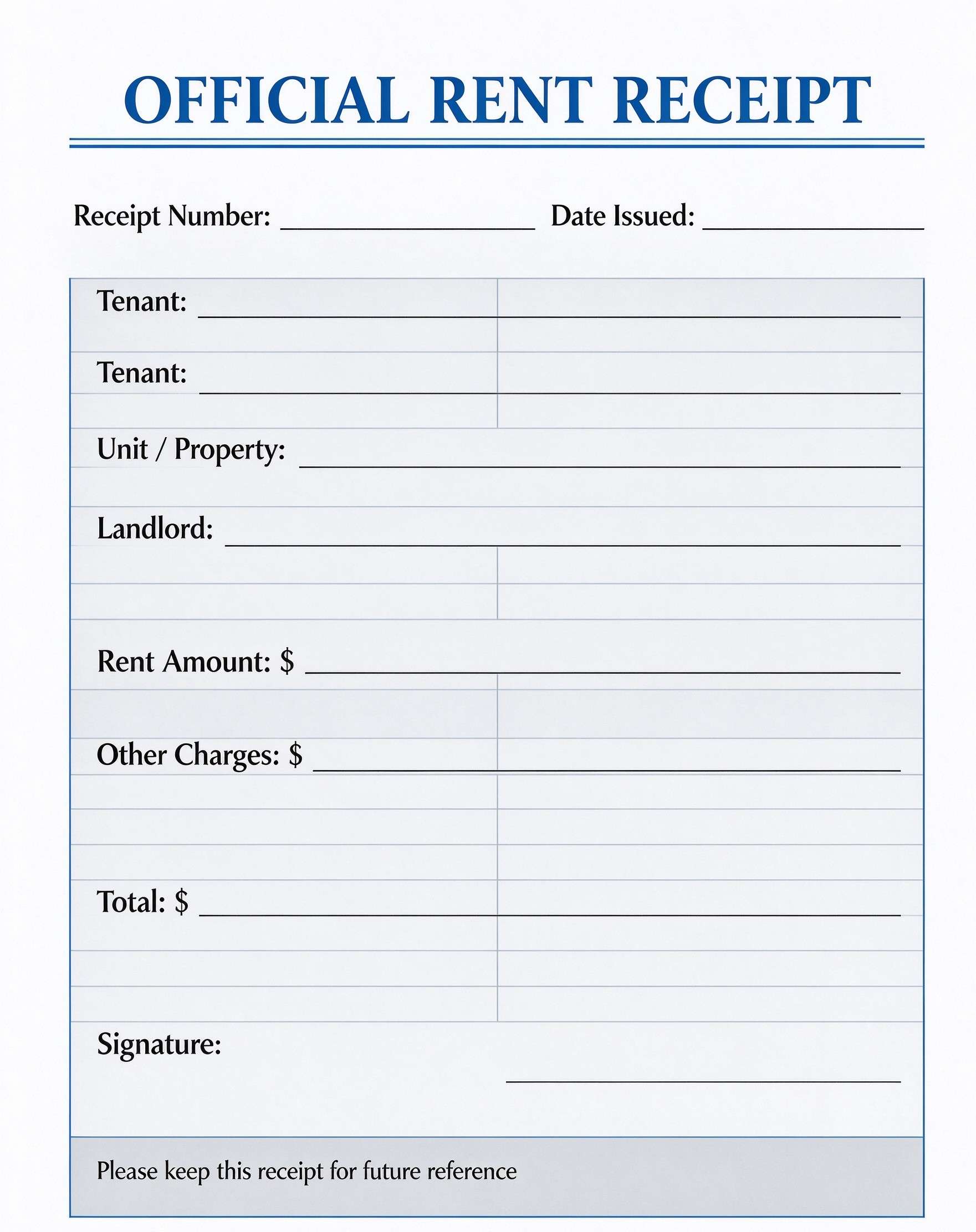
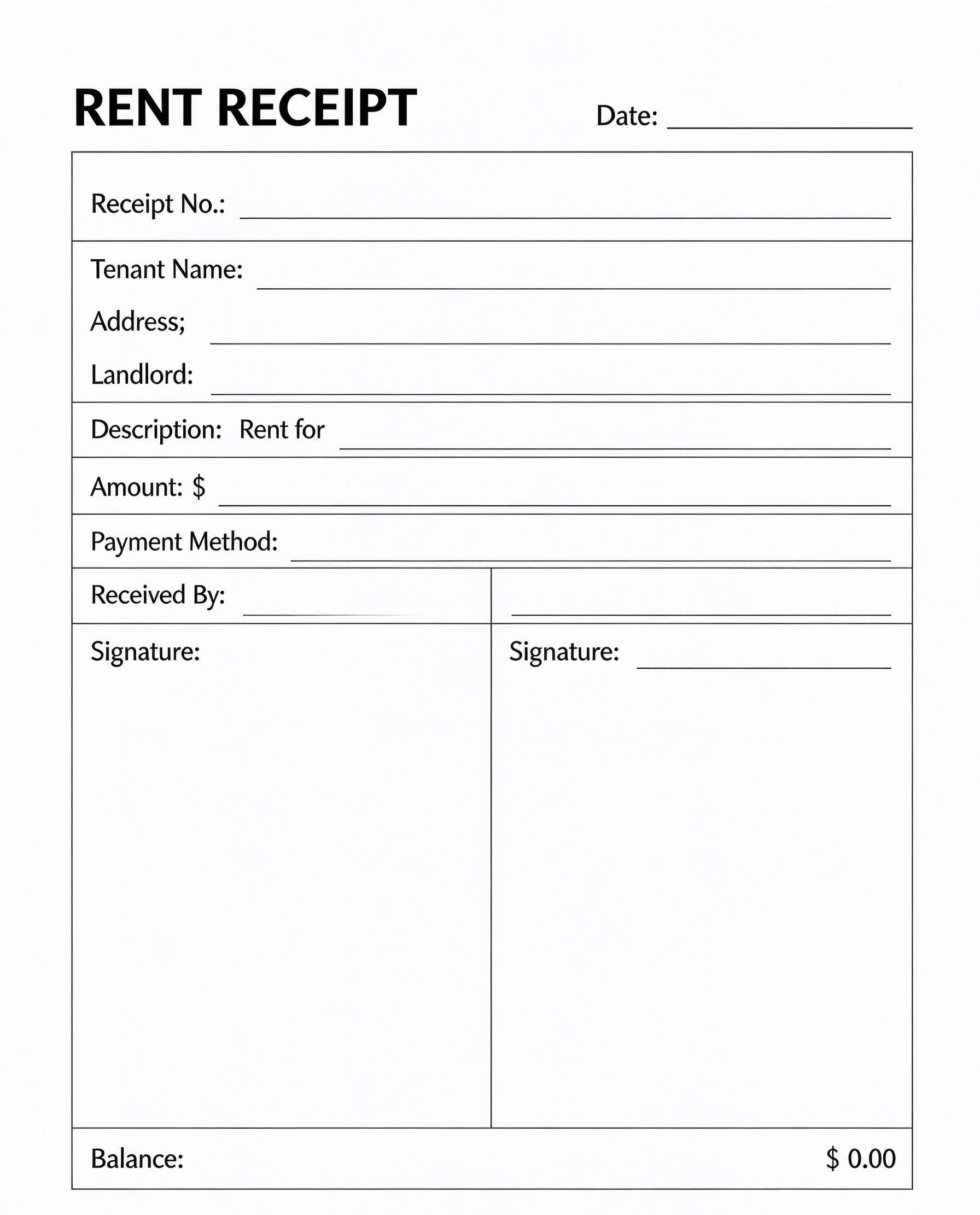
Daycare Receipt Template PDF
Download a printable Daycare Receipt PDF template to document tuition payments, meal charges, and supply fees in one clean layout. Designed for daycare directors, preschool managers, and in-home childcare providers, it delivers a transparent record that simplifies financial tracking for staff and simplifies tax deduction filings for families.
What is a daycare receipt
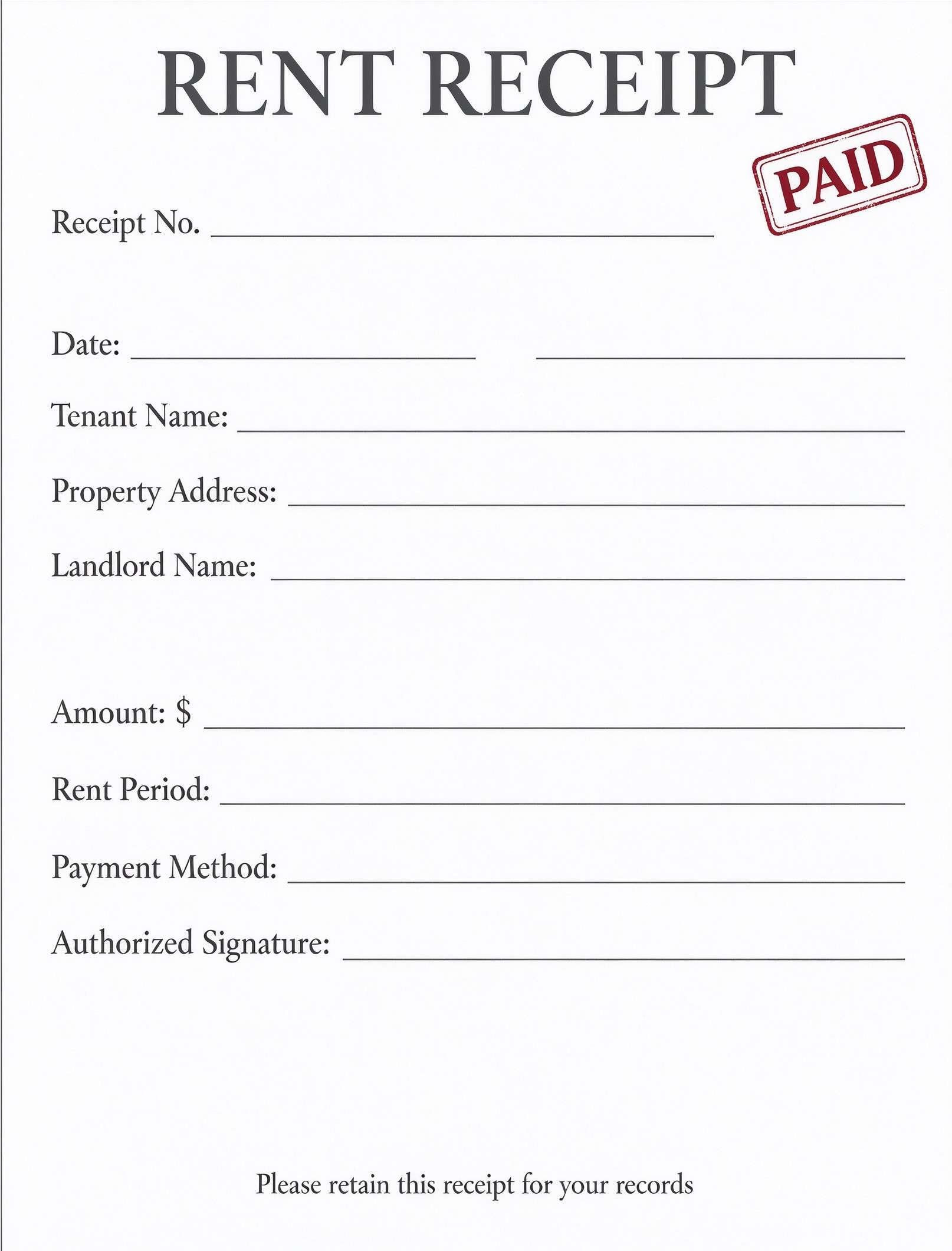
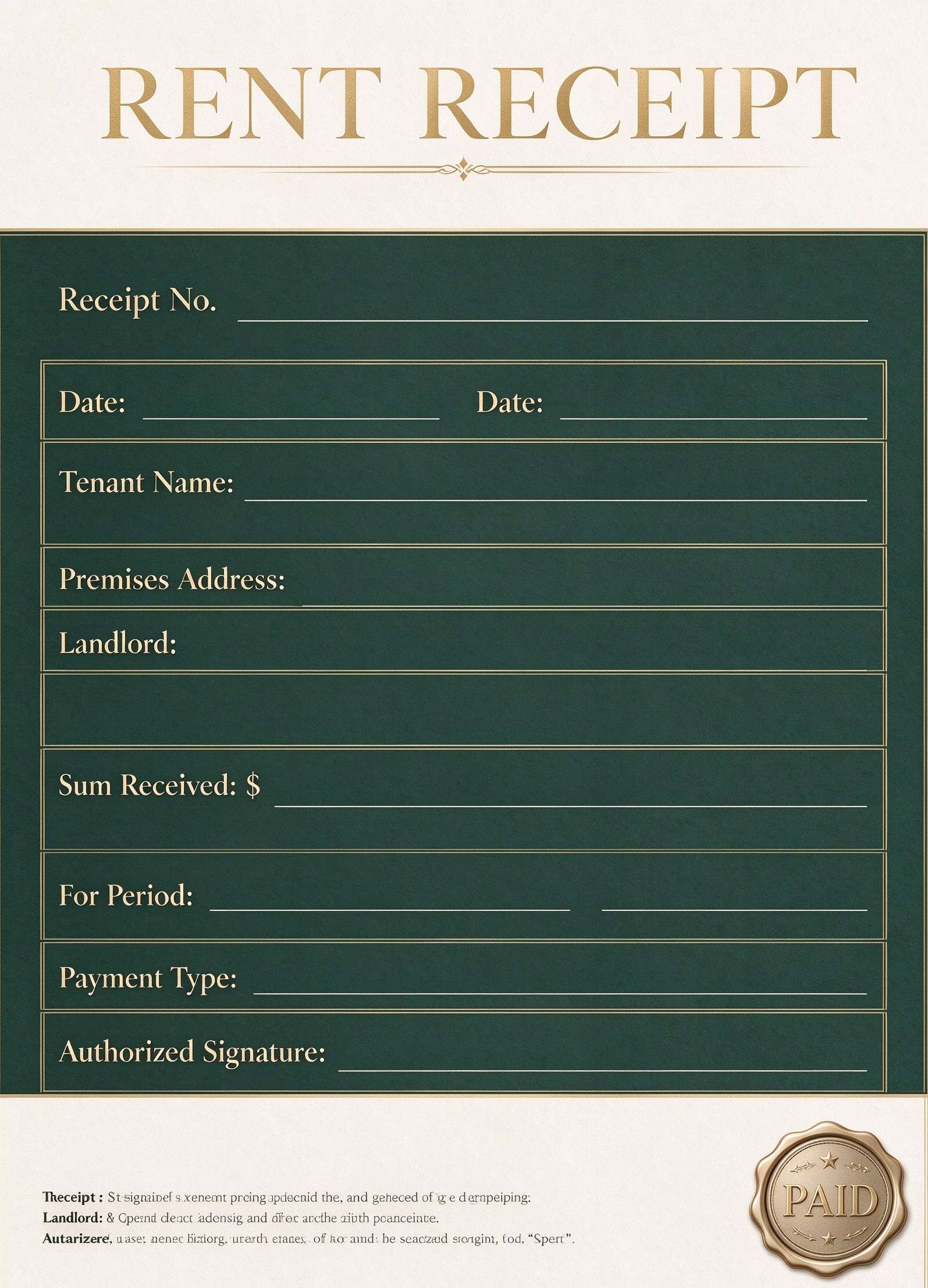
A Daycare Receipt is a structured Business & Operations PDF that helps teams capture the information needed for this specific workflow. It keeps important details organized, easy to scan, and ready to print or share.
Users download this Daycare Receipt because it gives childcare providers and parents a simple printable record of weekly tuition, sibling discounts, activity fees, and remaining balances.
Licensed Daycare Centers
Issue formal weekly or monthly payment confirmations with provider tax identification and business details.
Home Childcare Providers
Track individual child fees, extra meal costs, and late pickup charges without investing in complex billing software.
Preschools & Nursery Programs
Supply parents with clear, organized documentation to support dependent care tax credit claims and flexible spending accounts.
After-School Programs & Babysitters
Itemize periodic attendance, registration fees, and supply allowances on a professional, signed voucher.
- Automated continuous subscription billing systems with live merchant gateway integrations.
- Comprehensive full-year accounting ledger management and business payroll processing.
- Complex multi-tier corporate childcare franchise contract authoring.
How to use and edit the daycare receipt
You can print this template for paper collection or complete it as a fillable PDF. Digital editing is useful when you want typed entries, reusable records, clean copies, and easy sharing with daycare owners, preschool directors, center staff, in-home childcare operators, and parents.
How to customize the PDF
Use this workflow to enter daycare branding details, input parent and child enrollment names, itemize tuition and meal fees, calculate totals, and append an authorized signature.
Open the PDF in PDFelement
Download the Daycare Receipt PDF template, open it in PDFelement, click each fillable field, type the needed details, tick checkboxes where relevant, and save a clean digital copy.
Open the template in PDFelement and add your center's logo, facility name, address, phone number, and tax ID number.
Type in the child and parent names, care billing period, description of services, quantities, rates, and applicable sibling discounts.
Verify payment method, subtotal, and remaining balance, apply an authorized digital signature, and export or print copies for parents.


Wondershare PDFelement allows daycare providers to type family names, customize standard line items, calculate totals automatically, and apply authorized digital signatures on any device. You can duplicate templates weekly for recurring accounts and export crisp, high-resolution PDFs ready for parental tax records.
| PDFelement Feature | How It Helps |
|---|---|
| Edit PDF | Customize labels, headings, notes, and reusable sections |
| Fill PDF | Type clean information into every fillable field |
| Form tools | Use text fields, auto-calculating totals, and digital signature boxes for structured childcare records |
| Annotate | Add comments or extra reminders before printing or sharing |
| Convert | Export or archive the finished PDF for team records |
| Organize PDFs | Keep templates by team, date, event, player, or season |
What to include in a daycare receipt
A useful business & operations PDF should be specific enough for real team workflows but simple enough to complete quickly. The fields below show what this template is built to capture and why each part matters.
Daycare Receipt fields
| Field | What to Fill In | Why It Helps |
|---|---|---|
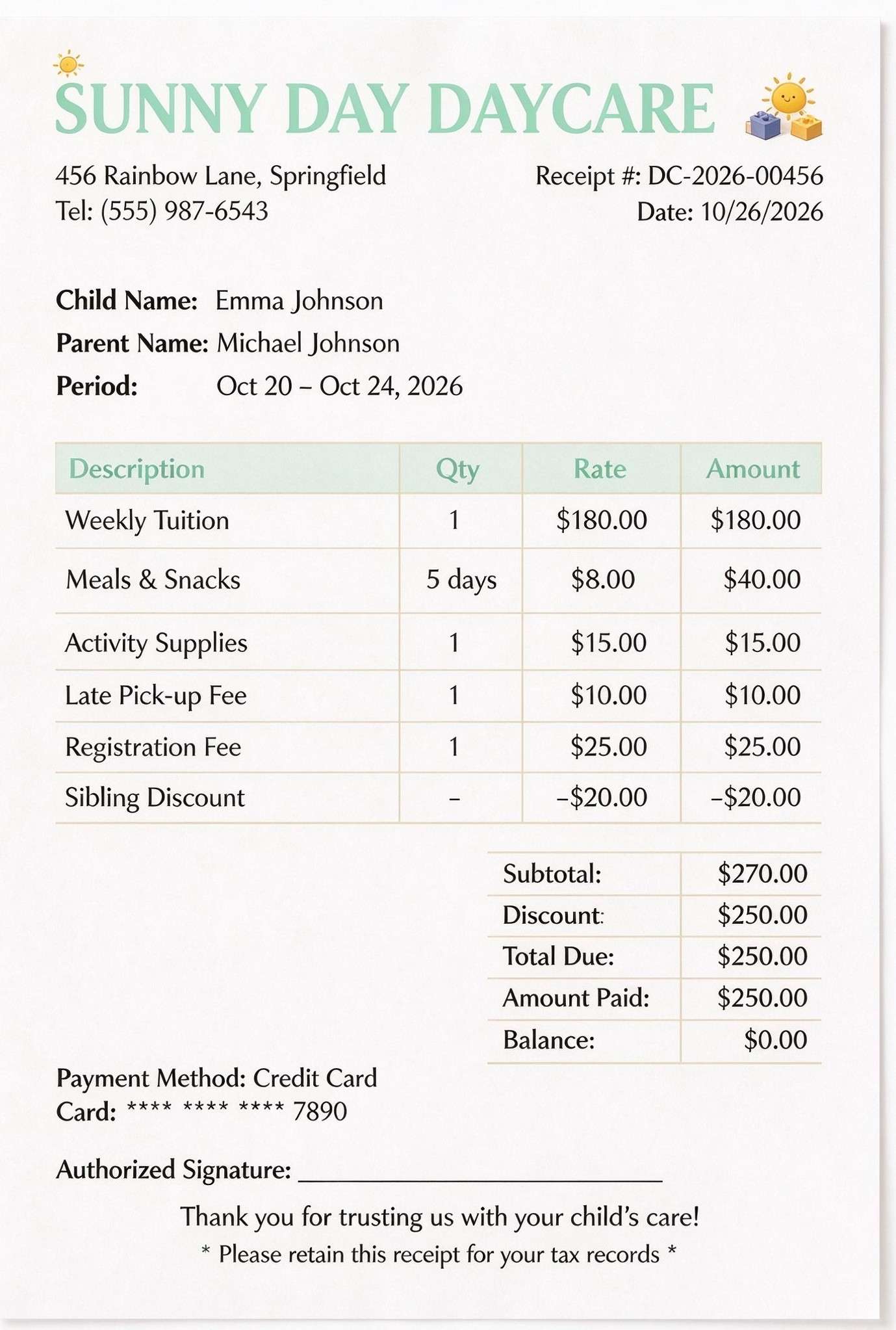
| Provider & Receipt Metadata | Center name, street address, contact phone number, receipt number, and issue date. | Establishes a verifiable paper trail required for accounting audits and parental tax deduction filings. |
| Family & Care Period | Enrolled child's name, parent or guardian name, and service coverage dates. | Connects individual charges directly to the correct student account and specific week or month of care. |
| Itemized Charges & Discounts | Tuition, meals, activity supplies, late fees, registration, and sibling discounts with rates and amounts. | Prevents billing disputes by clarifying exactly what services were covered and which credits were applied. |
| Payment Summary & Method | Subtotal, applied discounts, total due, amount paid, remaining balance, and payment mode (e.g., Credit Card). | Confirms immediate settlement of balances and shows whether any outstanding charges carry over. |
| Authorized Signature & Tax Notice | Physical or digital signature of the center administrator alongside tax record retention reminders. | Validates the authenticity of the transaction for child and dependent care tax credit verification. |
Why users download this template
Childcare administrators and independent providers download this template to instantly generate professional, tax-ready payment receipts that eliminate misunderstandings with families.
 Includes child, parent, and billing period identifiers for precise account reconciliation. Features line-item fields for tuition, meals, late pick-up penalties, and activity materials. Accounts for promotional credits and multi-child sibling discounts directly in totals. Provides payment method confirmation including masked card details for reference. Built-in tax record retention reminder protects parents during annual tax season filings. Designed with a friendly, professional aesthetic suited for early childhood education.
Daycare Receipt vs other business & operations templates
| Template Type | Best For | Main Difference |
|---|---|---|
| Daycare Receipt | Documenting paid child care tuition, extra services, and proof of payment for tax filing. | Focuses on paid transactions with itemized charges, sibling discounts, and authorized signatures. |
| Childcare Service Invoice | Requesting upcoming tuition and fee payments before services commence. | Sent prior to payment collection and includes due dates and payment terms rather than payment confirmation. |
| Daycare Sign-In Sheet | Logging daily child drop-off and pick-up hours and authorized escort signatures. | Tracks daily physical attendance and pickup timestamps rather than financial billing transactions. |
| Childcare Enrollment Agreement | Establishing legal terms, payment schedules, and operational policies upon child admission. | Formal contract covering terms and liability rather than itemized periodic payment receipts. |
Tips for using this template
- Always state the precise billing dates so parents can easily cross-reference work hours and dependent care accounts.
- List discounts such as sibling or employee credits as distinct negative line items for clean auditing.
- Include your center's Federal Tax ID (EIN) or Social Security Number if serving as an independent provider to assist parents at tax time.
- Save completed receipts as flattened PDF files before emailing them to safeguard financial data against accidental edits.
- Keep a digital archive organized by child last name and year to rapidly resolve year-end statement requests.
FAQs
What is a Daycare Receipt?
A Daycare Receipt is a formal payment document issued by a childcare facility, preschool, or babysitter to verify that tuition, supply charges, and child care expenses were paid by a parent or guardian.
Who uses / should use this template?
Childcare center directors, preschool administrators, in-home daycare owners, nannies, and parents seeking transparent transaction records for personal budgets and tax preparation.
Is the Daycare Receipt PDF editable?
Yes. When opened in Wondershare PDFelement, you can modify center names, addresses, line items, rates, and insert fillable form fields and digital signatures.
What should be included in Daycare Receipt?
A standard receipt should feature provider contact info, child and parent names, care dates, itemized fees (tuition, meals, activity supplies, late fees), discounts, payment method, total paid, remaining balance, and an authorized signature.
Can I use it for child and dependent care tax credit claims?
Yes, provided you include your business or personal Taxpayer Identification Number (EIN or SSN), child name, care dates, and total amounts paid so parents can substantiate their IRS or local tax claims.
Does it replace complex software or official accounting systems?
It serves as a lightweight, reliable billing receipt for routine transactions, but does not replace full-scale double-entry accounting software or enterprise childcare ERP solutions.
How should changes or missing items be handled?
If an error occurs, re-open the digital master in PDFelement, correct the quantities or amounts, update the receipt revision number, and issue a revised PDF receipt marked as an amended copy.
Related templates


This template page includes usage guidance, editing steps, review information, and related tools to avoid thin template-page content.