
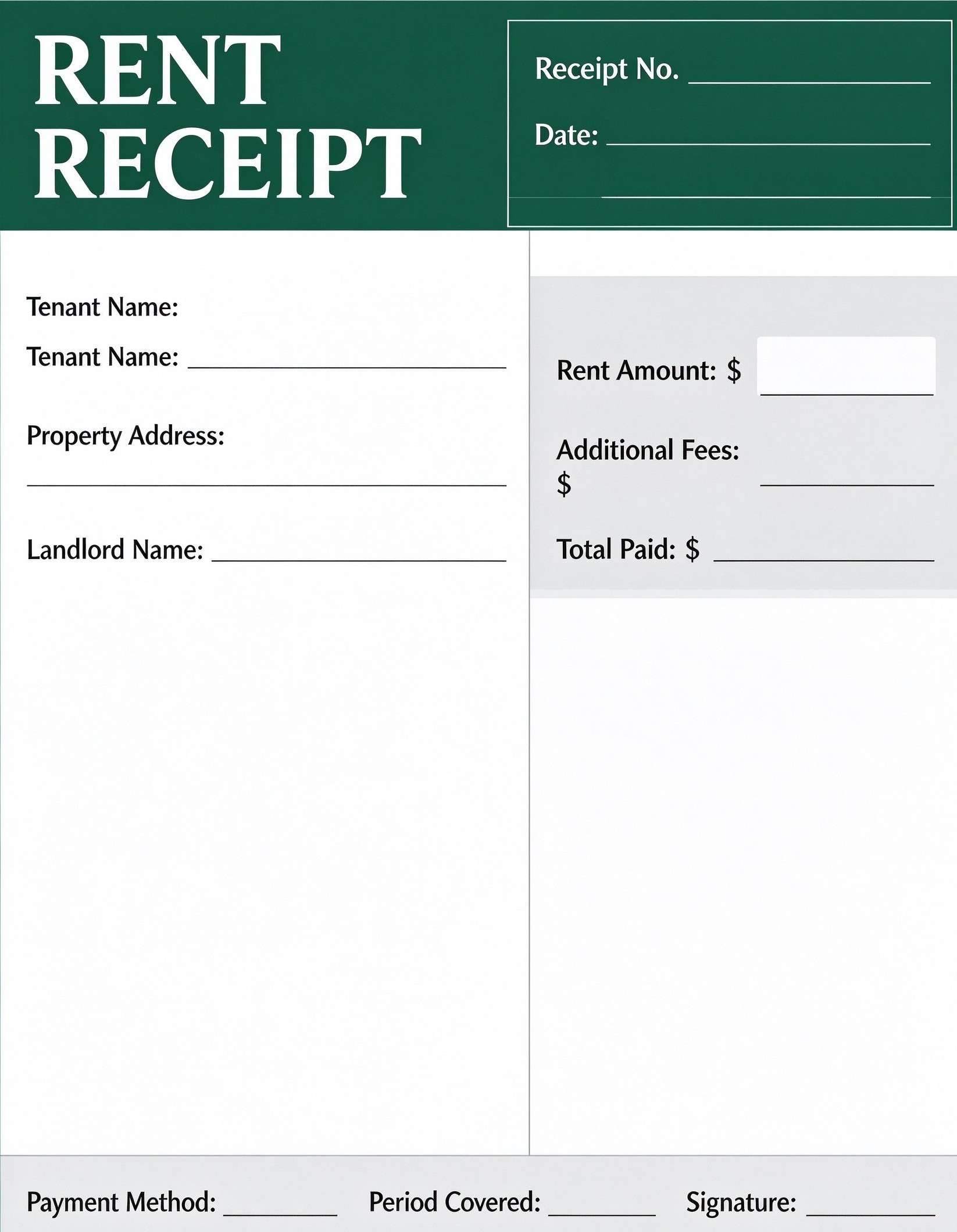
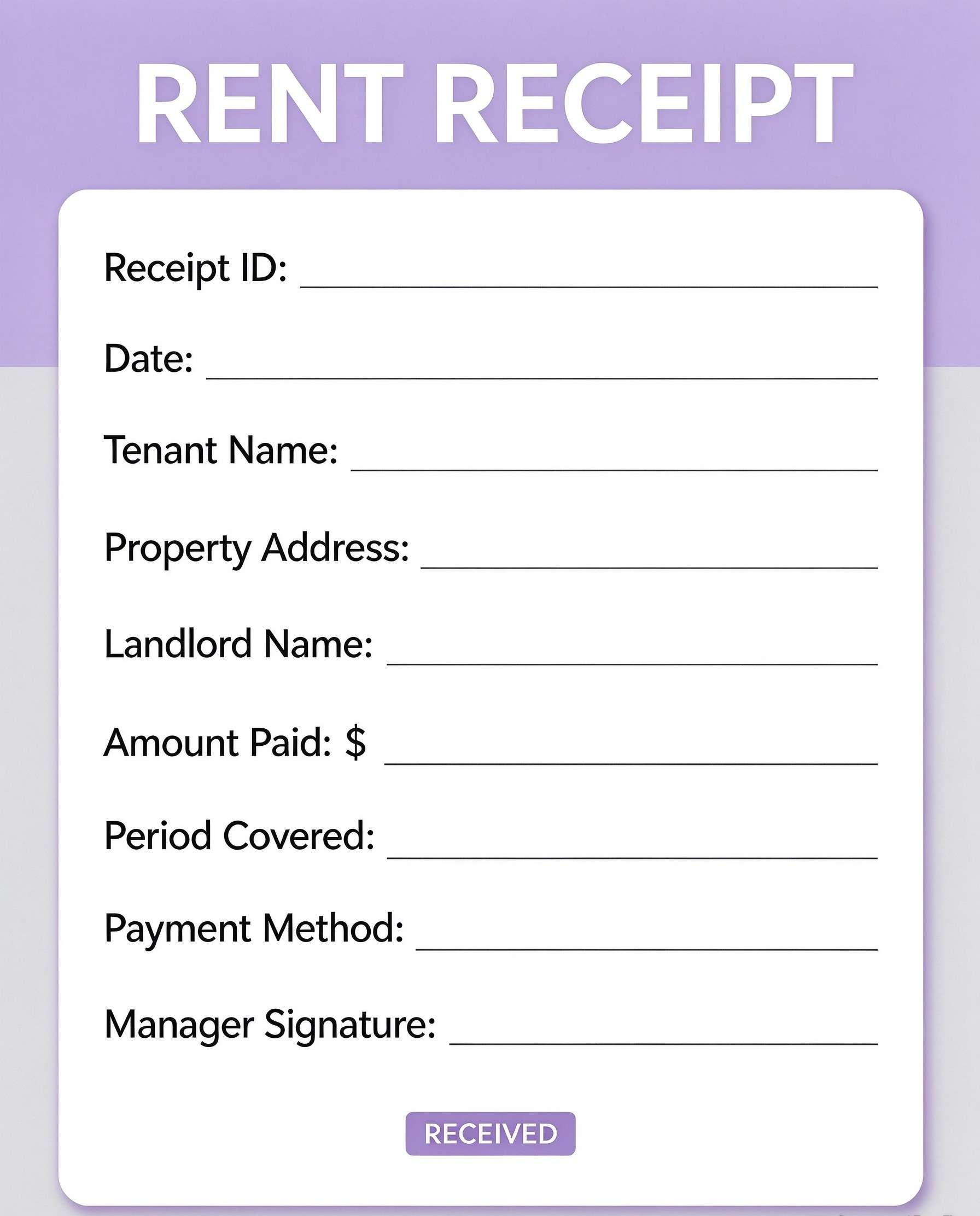
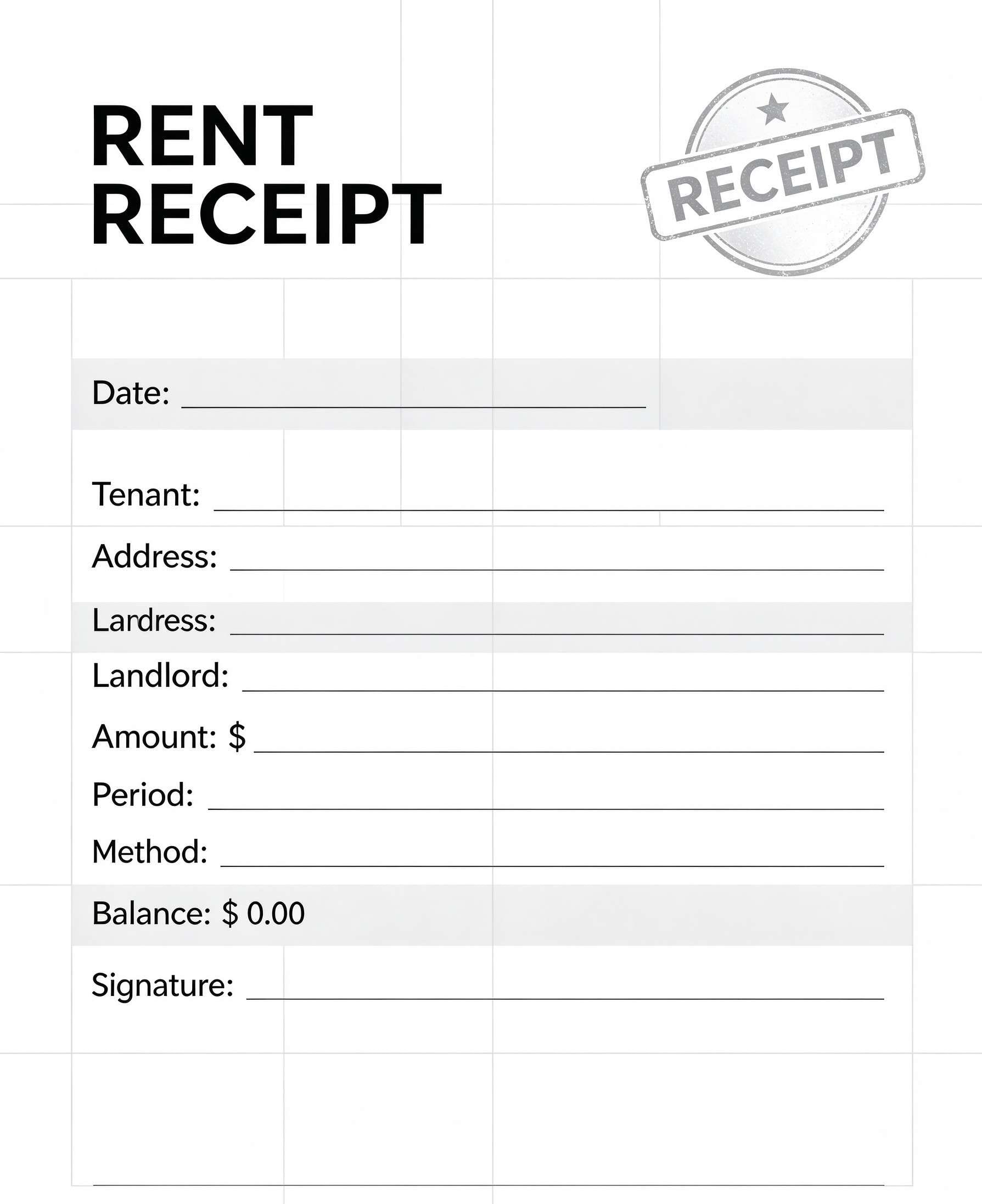
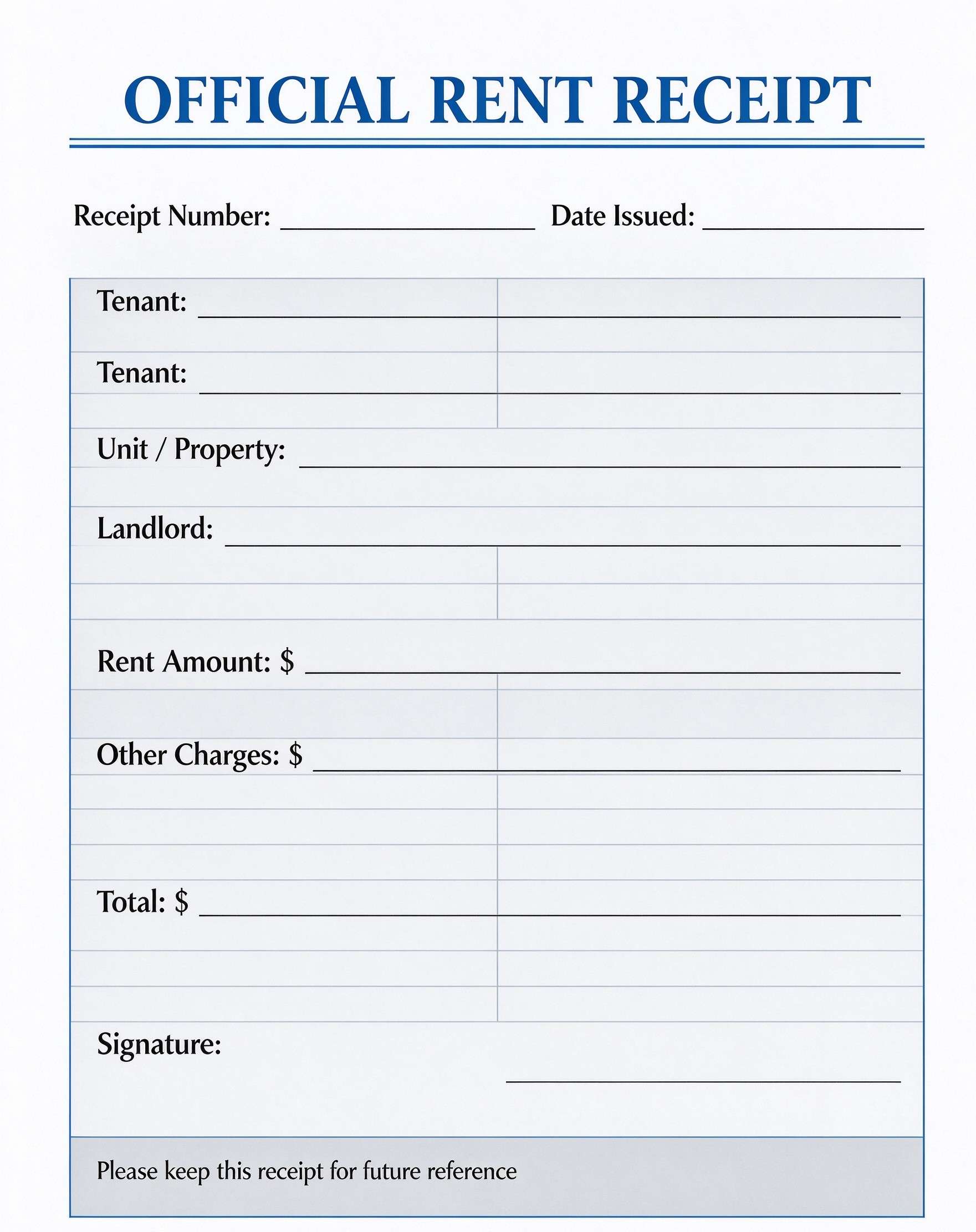
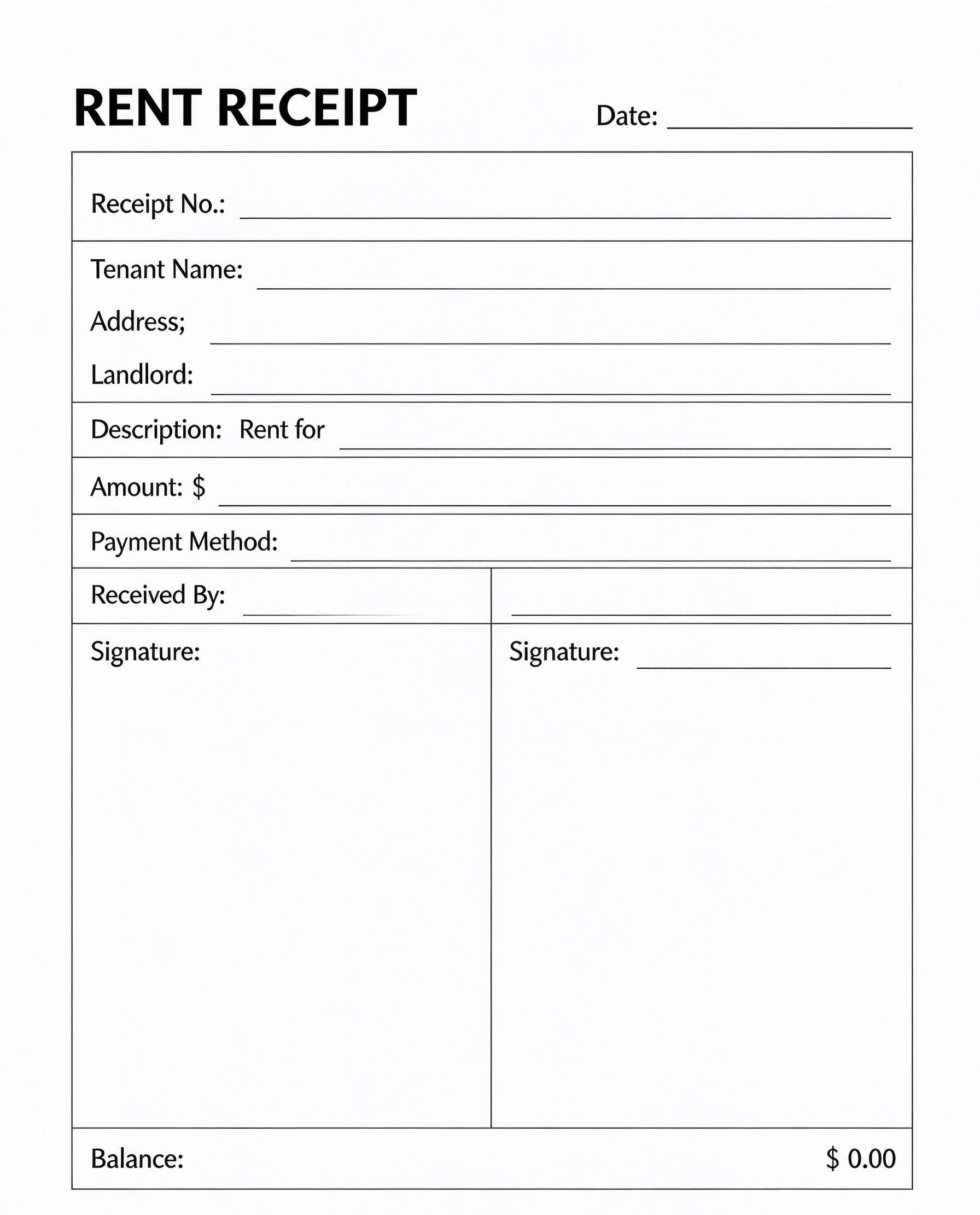
Vehicle Purchase Receipt Template PDF
Download a printable car purchase receipt PDF template to document automotive transactions, vehicle specifications, itemized dealer fees, and financing terms. It equips auto dealers, private sellers, and vehicle buyers with a complete record that also serves as a bill of sale and official proof of purchase.
What is a car purchase receipt
A car purchase receipt is a structured Business & Operations PDF that helps teams capture the information needed for this specific workflow. It keeps important details organized, easy to scan, and ready to print or share.
Users download this car purchase receipt because it gives auto dealerships and private vehicle sellers a simple printable sheet of itemized vehicle charges, trade-in credits, taxes, and final payment arrangements.
Independent Dealerships
Used car lots and independent auto dealerships needing professional purchase receipts for customers.
Private Party Car Sales
Individuals selling personal cars or trucks who need a written bill of sale and payment record.
Commercial Fleet Disposals
Businesses liquidating or transferring company fleet vehicles to employee or third-party buyers.
Auto Brokers & Agents
Automotive brokers facilitating vehicle transactions requiring transparent itemized cost breakdowns.
- Multi-year lease agreements requiring complex depreciation schedules and mileage caps.
- Automotive service repair orders tracking shop labor hours and replacement parts.
- Full-scale dealership dealer management software (DMS) inventory sync and live title registry.
How to use and edit the car purchase receipt
You can print this template for paper collection or complete it as a fillable PDF. Digital editing is useful when you want typed entries, reusable records, clean copies, and easy sharing with car dealerships, independent sellers, finance managers, vehicle purchasers, and title clerks.
How to customize the PDF
Use this workflow to enter dealership info, add vehicle VIN and mileage, itemize purchase price and fees, record financing, and collect buyer signatures.
Open the PDF in PDFelement
Download the Car Purchase Receipt PDF template, open it in PDFelement, click each fillable field, type the needed details, tick checkboxes where relevant, and save a clean digital copy.
Fill in the invoice number, sale date, buyer contact information, vehicle year, make, model, VIN, and current odometer reading.
Enter the base purchase price, deduct trade-in credits and down payments, and detail documentation, registration, and sales tax fees.
Specify financing terms or cash payment method, finalize the total financed balance, and have both dealer and purchaser sign the document.
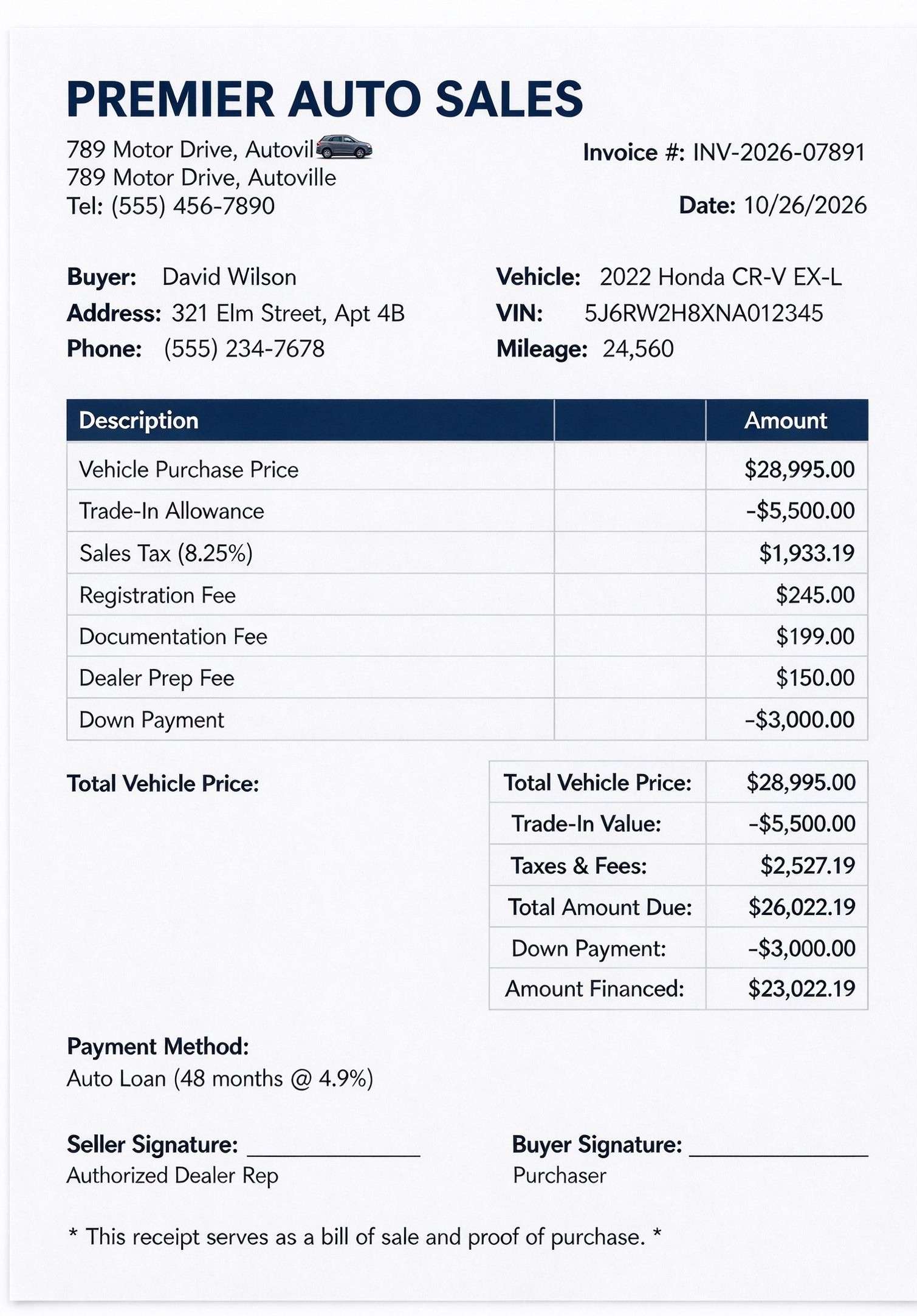


PDFelement makes editing this car purchase receipt fast and effortless by letting you type customer details, automatically calculate fee totals, insert dealership logos, and collect legally binding electronic signatures before clean, high-resolution printing.
| PDFelement Feature | How It Helps |
|---|---|
| Edit PDF | Customize labels, headings, notes, and reusable sections |
| Fill PDF | Type clean information into every fillable field |
| Form tools | Use text fields, calculation scripts, and digital signature boxes for structured vehicle sales records |
| Annotate | Add comments or extra reminders before printing or sharing |
| Convert | Export or archive the finished PDF for team records |
| Organize PDFs | Keep templates by team, date, event, player, or season |
What to include in a car purchase receipt
A useful business & operations PDF should be specific enough for real team workflows but simple enough to complete quickly. The fields below show what this template is built to capture and why each part matters.
Car Purchase Receipt fields
| Field | What to Fill In | Why It Helps |
|---|---|---|
| Vehicle Identification (VIN & Specs) | Year, make, model, trim, 17-digit VIN, and verified odometer mileage. | Guarantees accurate asset identification for DMV registration, insurance, and legal title transfer. |
| Buyer & Dealership Details | Full legal names, physical addresses, phone numbers, and dealership business details. | Establishes legal identity and binding contact points between purchaser and seller. |
| Itemized Fee Schedule | Vehicle price, trade-in credit, sales tax rate, registration fee, doc fee, and dealer prep. | Ensures full financial transparency and eliminates hidden fee disputes at delivery. |
| Financial Summary & Balance Due | Total vehicle price, net trade-in value, down payment, total amount due, and financed sum. | Provides a clean reconciliation of gross costs versus net amounts financed or paid in cash. |
| Payment Method & Signatures | Financing loan terms, interest rate, and authorized signatures with execution date. | Validates mutual agreement, serves as proof of purchase, and creates an enforceable bill of sale. |
Why users download this template
Users download this template because it delivers an organized, professional layout for documenting car sales transactions, fee calculations, and legal proof of vehicle purchase in minutes.
 Verify the 17-digit VIN against the vehicle chassis plate before signing. Record exact odometer mileage at the moment possession is handed over. Clearly indicate sales tax rate and government registration fees separately. Itemize dealer documentation charges and dealer preparation costs. Document loan financing length, interest percentage, and monthly obligations. Provide copies to both the buyer and dealership accounting department.
Car Purchase Receipt vs other business & operations templates
| Template Type | Best For | Main Difference |
|---|---|---|
| Car Purchase Receipt | Final vehicle sales transactions and proof of purchase | Itemizes sales price, trade-in, taxes, fees, and financing terms in one receipt. |
| Vehicle Bill of Sale | Title transfer documentation for DMV registry | Focuses primarily on legal transfer of vehicle ownership and as-is warranties. |
| Auto Repair Invoice | Mechanic shops and vehicle service facilities | Tracks labor hours, diagnostic rates, and automotive replacement parts. |
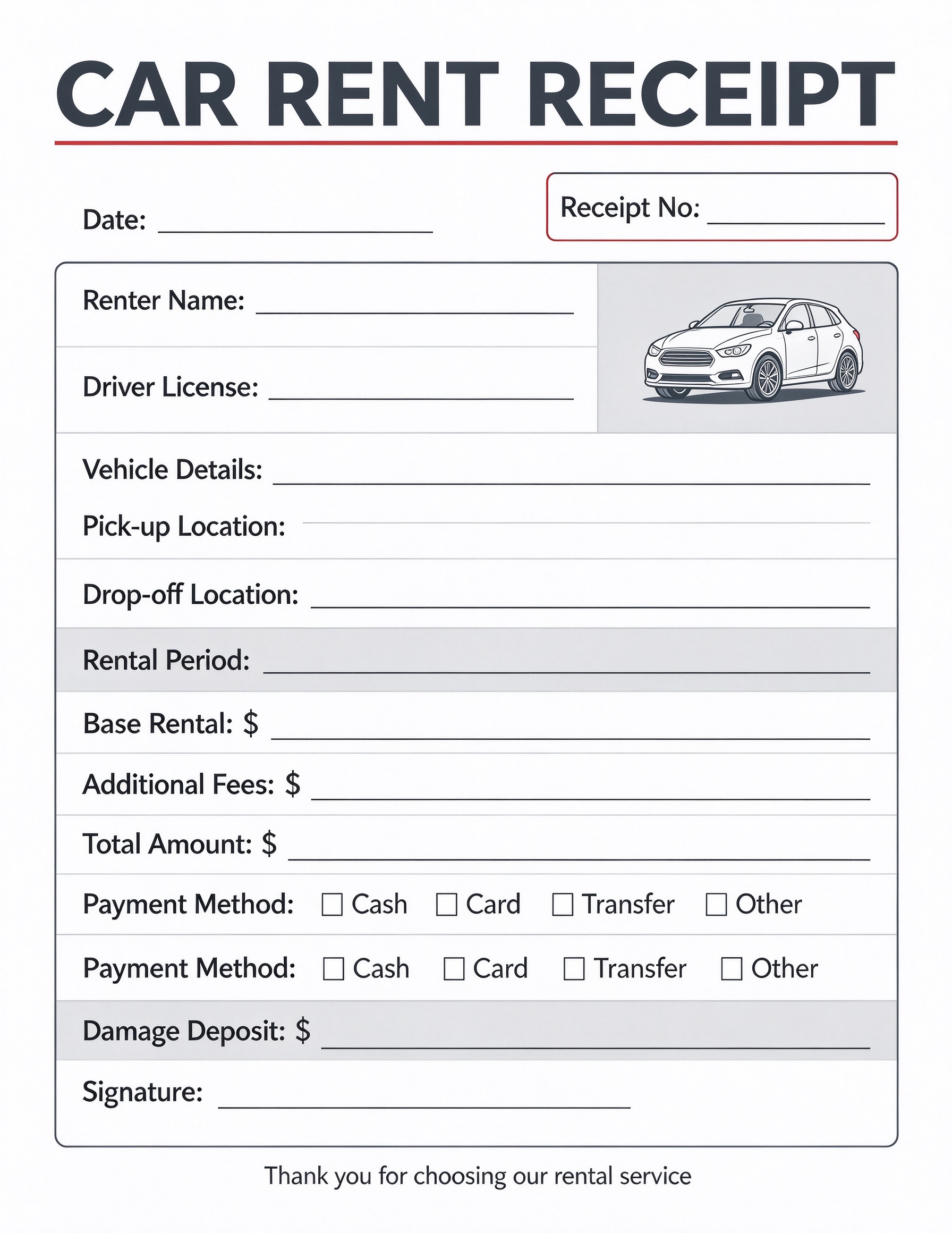
| Car Rental Agreement | Short-term vehicle leasing and rental operations | Covers temporary security deposits, daily rental rates, and return condition inspections. |
Tips for using this template
- Always double-check that the trade-in allowance is credited properly before computing final sales tax.
- Retain signed digital and paper copies of this receipt alongside the certificate of title for audit records.
- State whether the vehicle is sold under manufacturer warranty, dealer certified warranty, or 'as-is'.
- Use PDFelement form tools to create pre-calculated formulas for automated tax and balance totals.
- Send an encrypted PDF copy directly to the buyer's auto insurance provider to speed up policy binding.
FAQs
What is a car purchase receipt?
A car purchase receipt is an itemized accounting record and legal receipt acknowledging the sale, purchase price, trade-in allowances, applicable taxes, registration fees, and financing terms for a specific motor vehicle.
Who uses / should use this template?
Independent auto dealers, private vehicle sellers, car brokers, and buyers use this template to document the transaction and verify final payment amounts.
Is the car purchase receipt PDF editable?
Yes, you can edit all text, numbers, dealership branding, and fee rows using PDFelement, or fill it out digitally using interactive form fields.
What should be included in car purchase receipt?
It should include buyer and seller details, vehicle year, make, model, VIN, odometer reading, itemized pricing and fees, trade-in credits, down payments, total amount financed, and authorized signatures.
Can I use it for private party vehicle sales?
Yes, private sellers can easily adapt this template by removing dealership fee rows and using it as a combined payment receipt and bill of sale for private vehicle transfers.
Does it replace official state DMV registration forms?
No, while it serves as valid proof of purchase and a bill of sale, most state motor vehicle agencies require their own official title transfer and registration application forms.
How should changes / missing items be handled?
If transaction amounts, trade-in allowances, or vehicle details change, update the PDF directly in PDFelement and obtain newly dated signatures from both buyer and seller.
Related templates


This template page includes usage guidance, editing steps, review information, and related tools to avoid thin template-page content.