
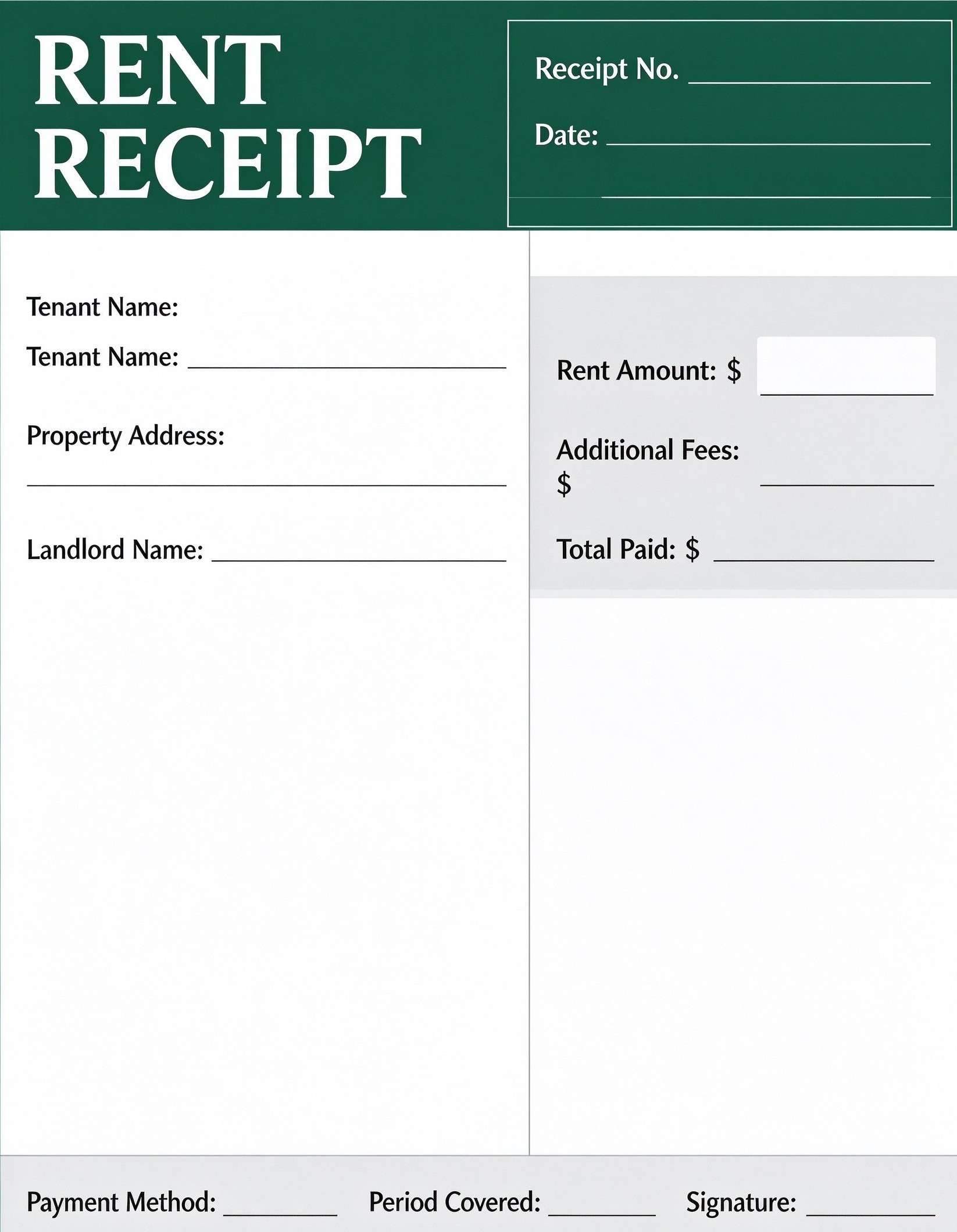
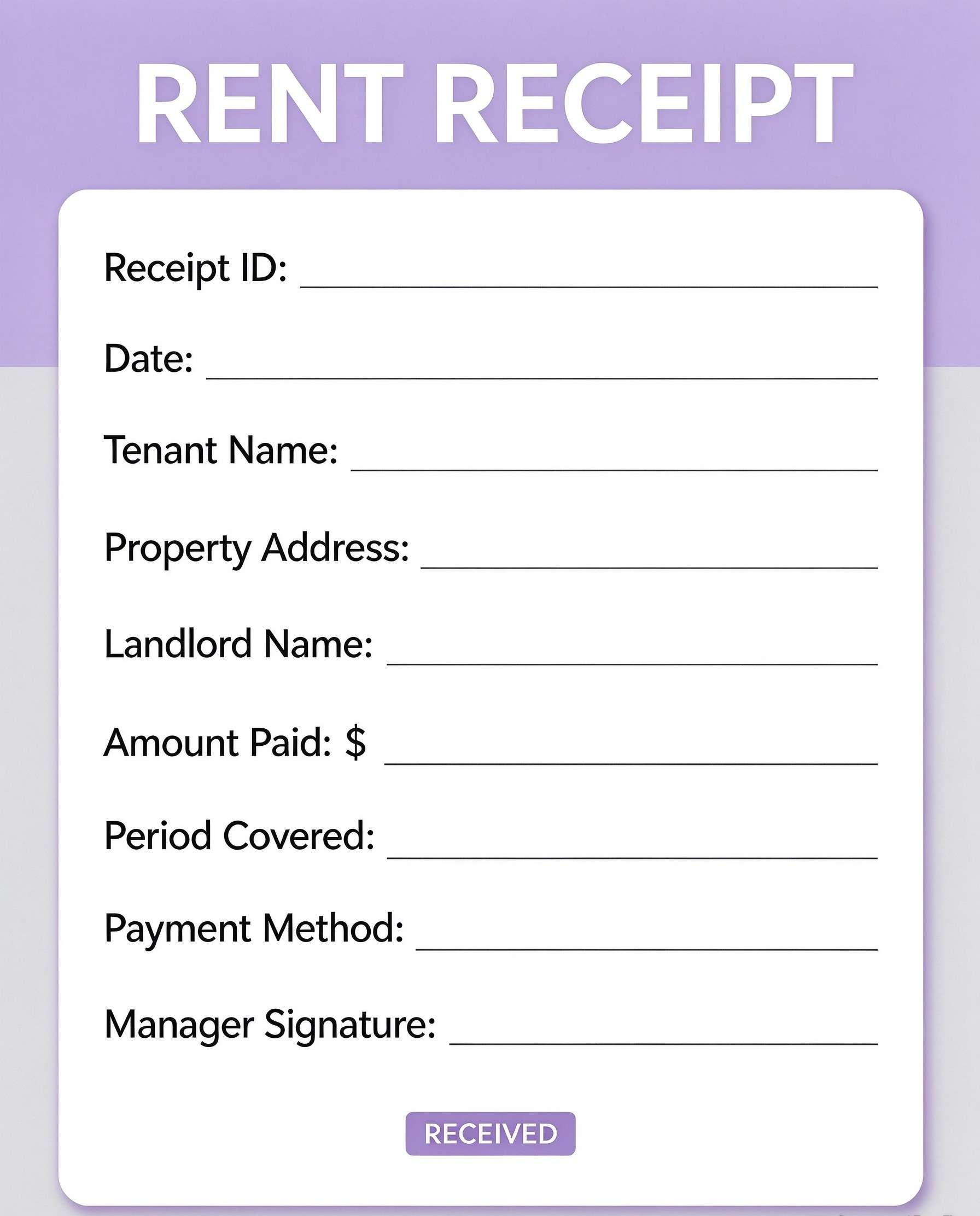
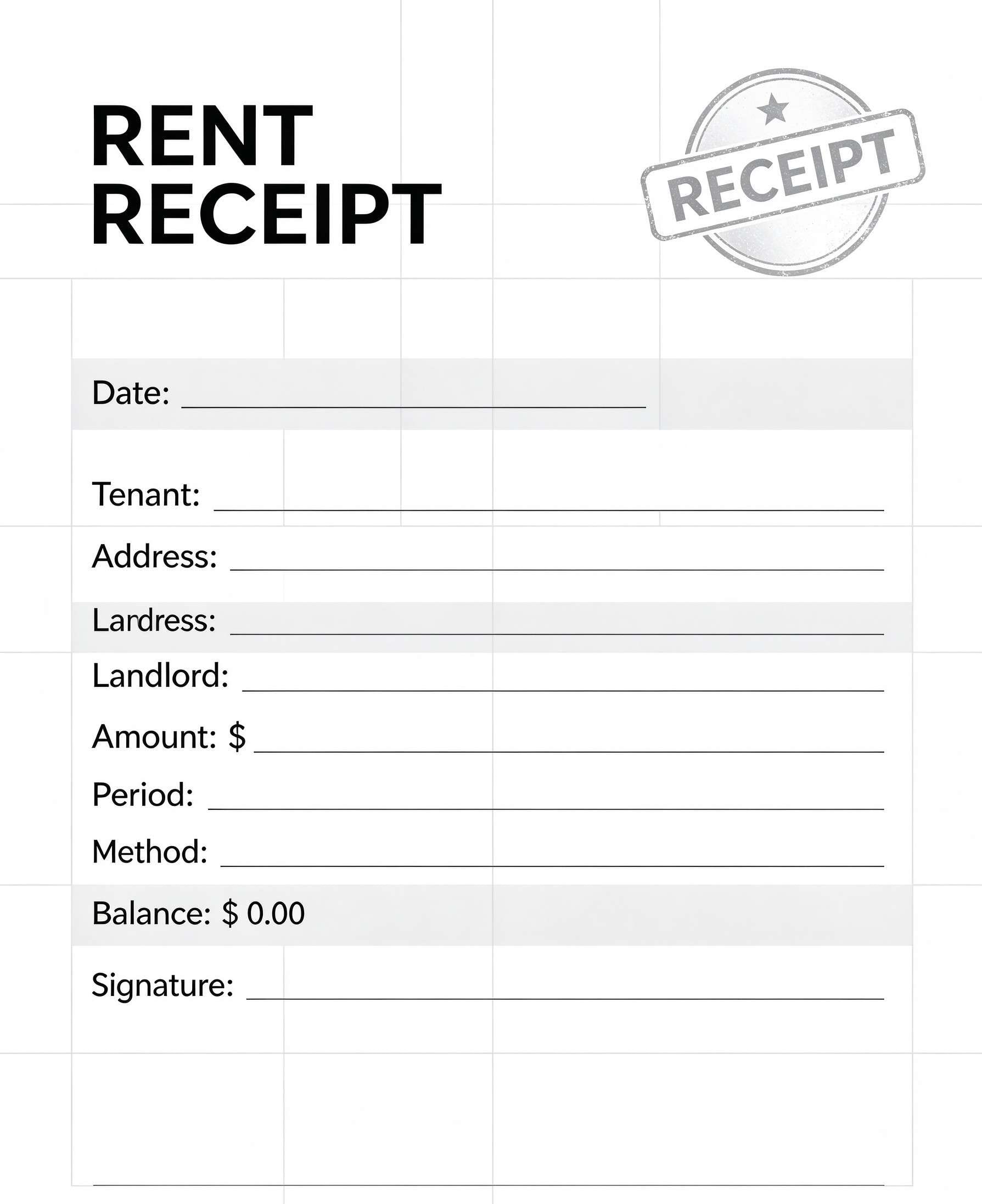
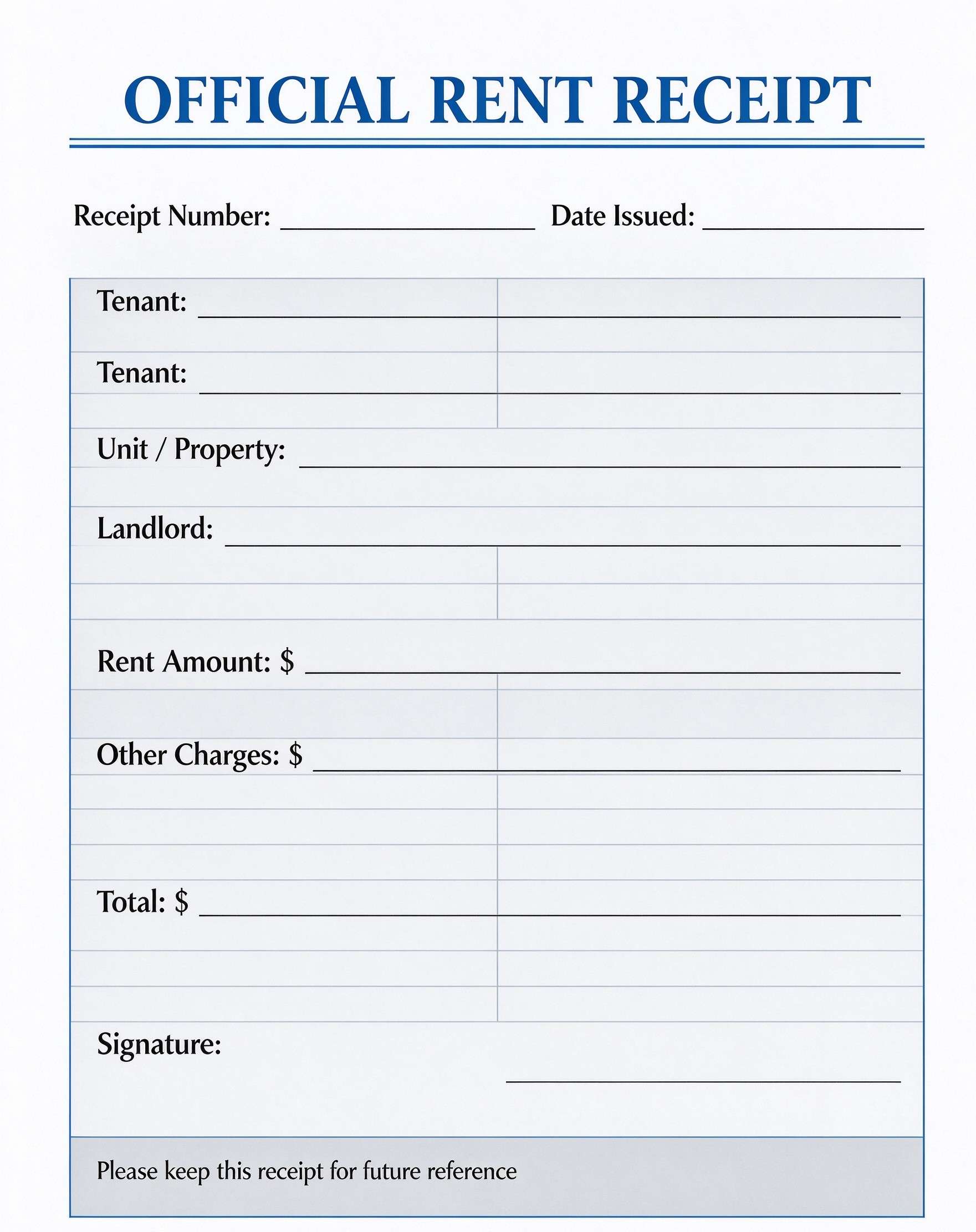
Car Wash Receipt Template PDF
Download a printable Car Wash Receipt PDF template to document auto cleaning services, package selections, and payment confirmations. It provides car wash operators, mobile detailers, and auto spa managers with a professional layout to provide immediate proof of purchase to clients. Using a standardized receipt simplifies daily bookkeeping and reinforces customer trust.
What is a car wash receipt
A Car Wash Receipt is a structured Business & Operations PDF that helps teams capture the information needed for this specific workflow. It keeps important details organized, easy to scan, and ready to print or share.
Users download this Car Wash Receipt because it gives auto service providers a simple printable sheet of service selections, vehicle descriptions, total costs, and payment confirmations.
Mobile Detailing Businesses
Independent detailers needing a clean, mobile-friendly paper or digital receipt to issue on-site.
Drive-Through & Hand Car Washes
Commercial car wash facilities providing physical customer invoices upon completed washes.
Auto Service Centers
Garages offering complimentary or add-on vehicle cleaning services with itemized billing.
Fleet Maintenance Teams
Companies reimbursing employees or tracking internal wash expenses for commercial fleets.
- Complex collision repair estimates requiring multi-part parts inventories and labor rate breakdowns
- Automated POS systems requiring direct continuous thermal-strip transaction streaming
- Long-term vehicle maintenance warranties requiring legal binding disclaimers and multi-page terms
How to use and edit the car wash receipt
You can print this template for paper collection or complete it as a fillable PDF. Digital editing is useful when you want typed entries, reusable records, clean copies, and easy sharing with car wash attendants, mobile detailers, cashiers, vehicle owners, and business bookkeepers.
How to customize the PDF
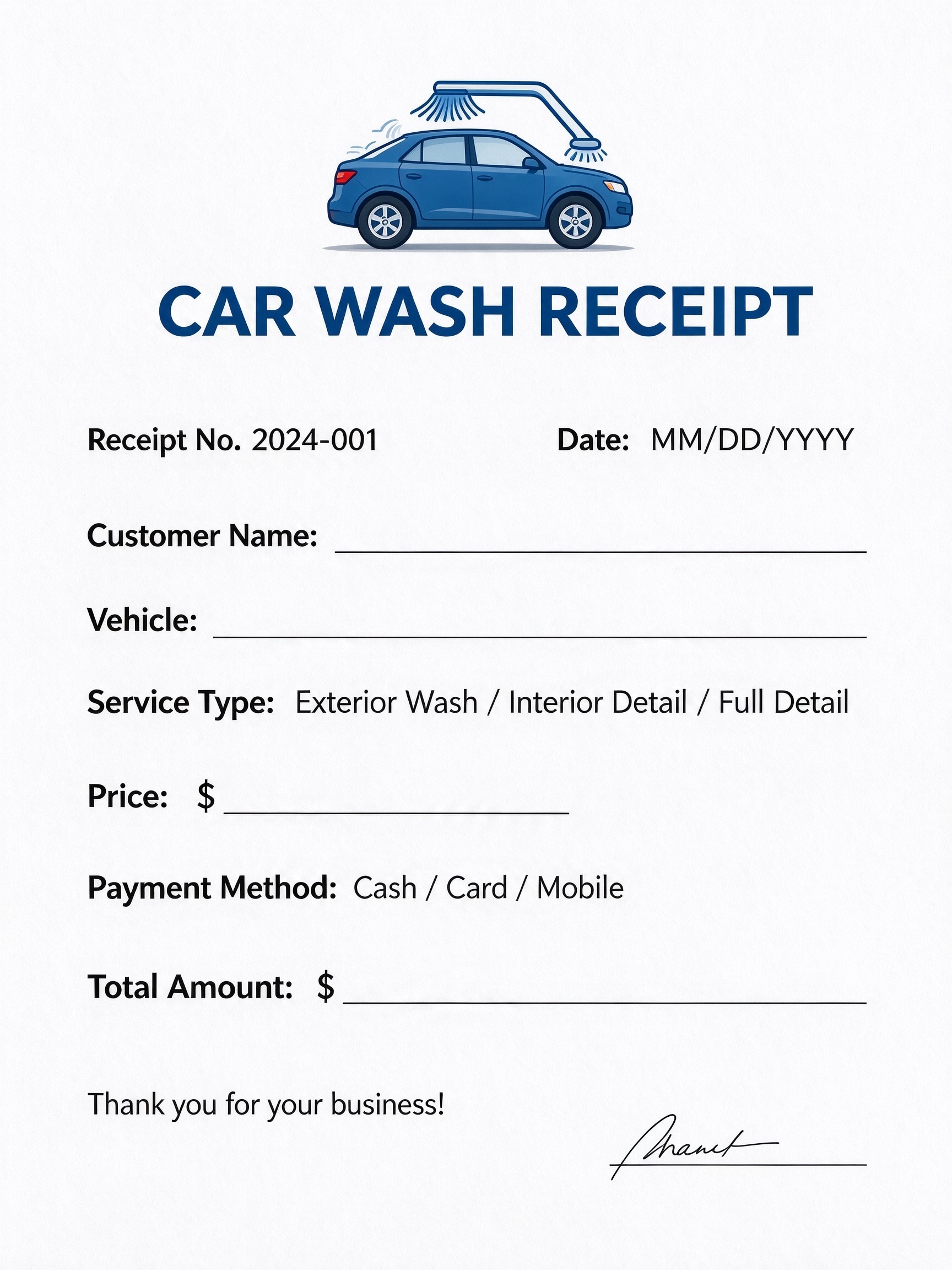
Use this workflow to enter shop details, assign sequential receipt numbers, record vehicle specifics, select service tiers, and sign to authenticate payments.
Open the PDF in PDFelement
Download the Car Wash Receipt PDF template, open it in PDFelement, click each fillable field, type the needed details, tick checkboxes where relevant, and save a clean digital copy.
Assign a unique receipt number, enter the transaction date, and write down the customer's full name.
Note the vehicle make and model, select the service tier (Exterior, Interior, or Full Detail), and list the service price.
Mark the payment method (Cash, Card, Mobile), input the final total amount, and apply an authorized signature.


PDFelement streamlines managing car wash receipts by allowing operators to convert static PDF forms into fillable documents, type customer and vehicle details with ease, and embed digital signatures instantly. Business owners can duplicate receipts for recurring daily logs, add custom branding or promotional footers, and export high-resolution printable copies that maintain a sleek, professional image.
| PDFelement Feature | How It Helps |
|---|---|
| Edit PDF | Customize labels, headings, notes, and reusable sections |
| Fill PDF | Type clean information into every fillable field |
| Form tools | Use fillable text fields and signature blocks for structured automotive service records |
| Annotate | Add comments or extra reminders before printing or sharing |
| Convert | Export or archive the finished PDF for team records |
| Organize PDFs | Keep templates by team, date, event, player, or season |
What to include in a car wash receipt
A useful business & operations PDF should be specific enough for real team workflows but simple enough to complete quickly. The fields below show what this template is built to capture and why each part matters.
Car Wash Receipt fields
| Field | What to Fill In | Why It Helps |
|---|---|---|
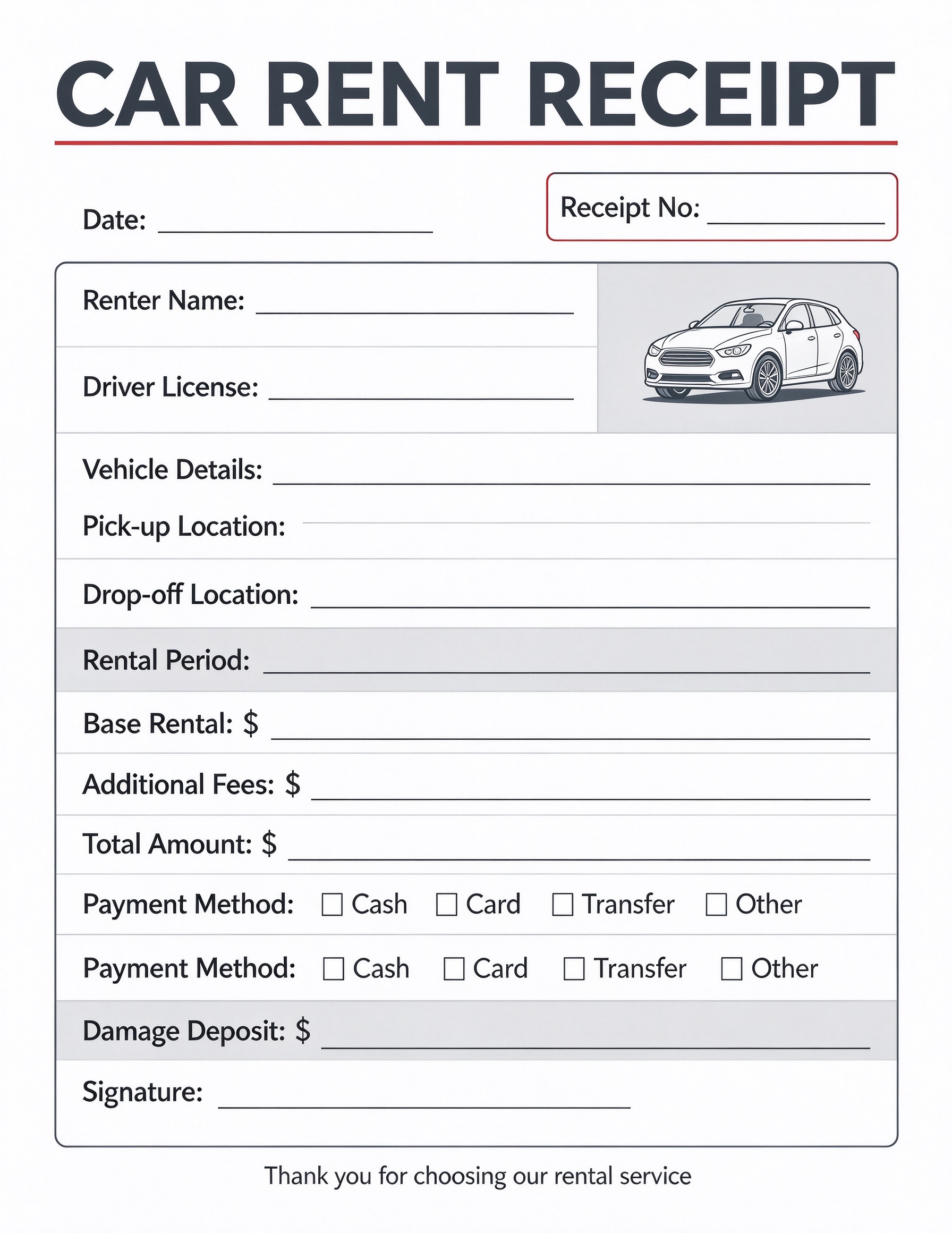
| Receipt No. & Date | Consecutive tracking number and the exact date of the car wash service. | Simplifies bookkeeping, tax preparation, and customer order retrieval. |
| Customer Name & Vehicle | Customer's name along with the vehicle's make, model, or license plate. | Connects the transaction to the specific car serviced and prevents billing confusion. |
| Service Type | The chosen cleaning tier: Exterior Wash, Interior Detail, or Full Detail. | Clarifies package scope and verifies pricing against advertised wash menus. |
| Payment Method | The tender used by the client: Cash, Card, or Mobile payment. | Aids cash register reconciliation and supports daily financial balancing. |
| Total Amount & Signature | Final sum charged and an employee or attendant authorization signature. | Confirms payment receipt and serves as valid proof of completed purchase. |
Why users download this template
Auto detailers and car wash owners download this receipt template to deliver clean, professional transaction records that validate completed services and simplify cash tracking.
 Include license plate or model details to avoid vehicle mix-ups. Pre-fill business contact details and shop policies before printing batches. Retain a duplicate copy or digital scan for weekly accounting balances. Check off the payment method immediately upon transaction completion. Number receipts sequentially to maintain accurate audit trails. Add your shop logo or promo discount codes to encourage repeat visits.
Car Wash Receipt vs other business & operations templates
| Template Type | Best For | Main Difference |
|---|---|---|
| Car Wash Receipt | Quick detailing jobs, express hand washes, and mobile auto cleanings. | Focuses on vehicle specs, simple wash packages, and instant tender confirmation. |
| Auto Repair Invoice | Mechanical repairs, tire changes, and routine maintenance. | Includes detailed labor hours, replacement parts lists, and warranty disclosures. |
| General Sales Receipt | Standard retail counter merchandise or uniform product sales. | Lacks vehicle identification fields and automotive service package selections. |
| Mobile Service Work Order | Pre-service inspections, equipment condition assessments, and task staging. | Acts as an operational checklist rather than post-payment customer proof. |
Tips for using this template
- Keep a printed clipboard of receipts in the wash bay for fast manual entries during peak hours.
- Open the PDF in PDFelement on a mobile device or tablet to issue paperless receipts via email.
- Establish standard receipt numbering conventions such as year-plus-counter (e.g., 2024-001).
- Circle or highlight package inclusions to assure clients of the thoroughness of their wash tier.
- Archive monthly batches into a dedicated cloud folder for seamless tax and sales reporting.
FAQs
What is a Car Wash Receipt?
A Car Wash Receipt is a formal transaction record issued by a car wash facility or mobile detailing professional to confirm the services rendered, vehicle details, date, and payment received.
Who uses this template?
This template is utilized by independent mobile car washers, commercial wash facilities, automotive detailing studios, and service technicians providing vehicle cleaning.
Is the Car Wash Receipt PDF editable?
Yes, using PDFelement, you can easily type into existing fields, add your business branding, modify service options, or adjust the currency symbol to match your local requirements.
What should be included in a car wash receipt?
A complete car wash receipt must include the business name, receipt number, date, client name, vehicle make/model, service tier, itemized or total price, payment method, and signature.
Can I use it for mobile auto detailing services?
Absolutely. Mobile detailers can carry printed pads of this form to write receipts in the field, or edit and digitally sign the PDF on a phone or tablet right after finishing a job.
Does it replace dedicated point-of-sale software?
It serves as a reliable, cost-effective replacement or backup receipt solution when physical POS terminals are unavailable, offline, or impractical for on-the-road detailing.
How should changes or additional services be handled?
If extra add-ons like wax coatings or headlight restoration are added, update the service line or attach an itemized total line before finalizing and signing the receipt.
Related templates


This template page includes usage guidance, editing steps, review information, and related tools to avoid thin template-page content.