
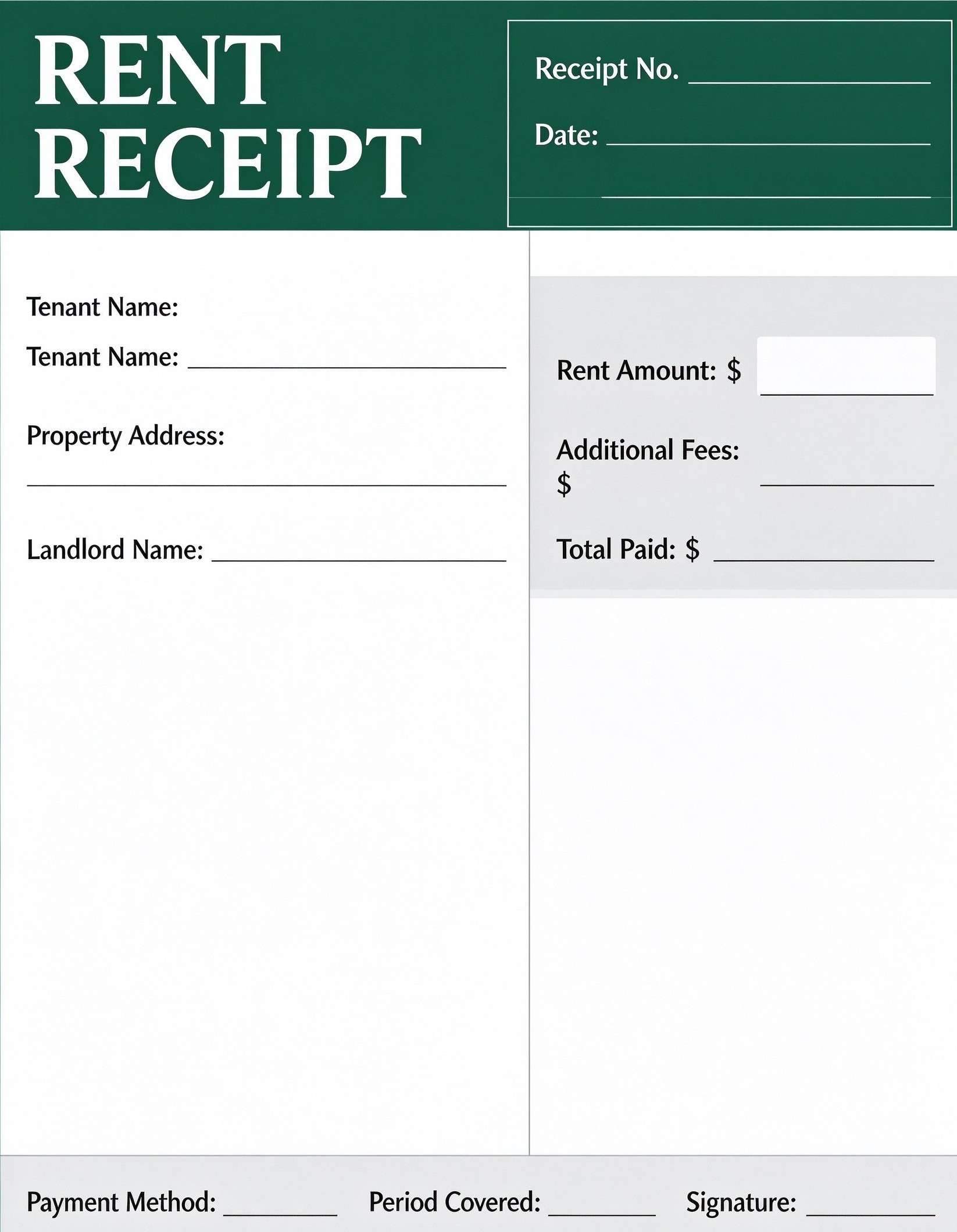
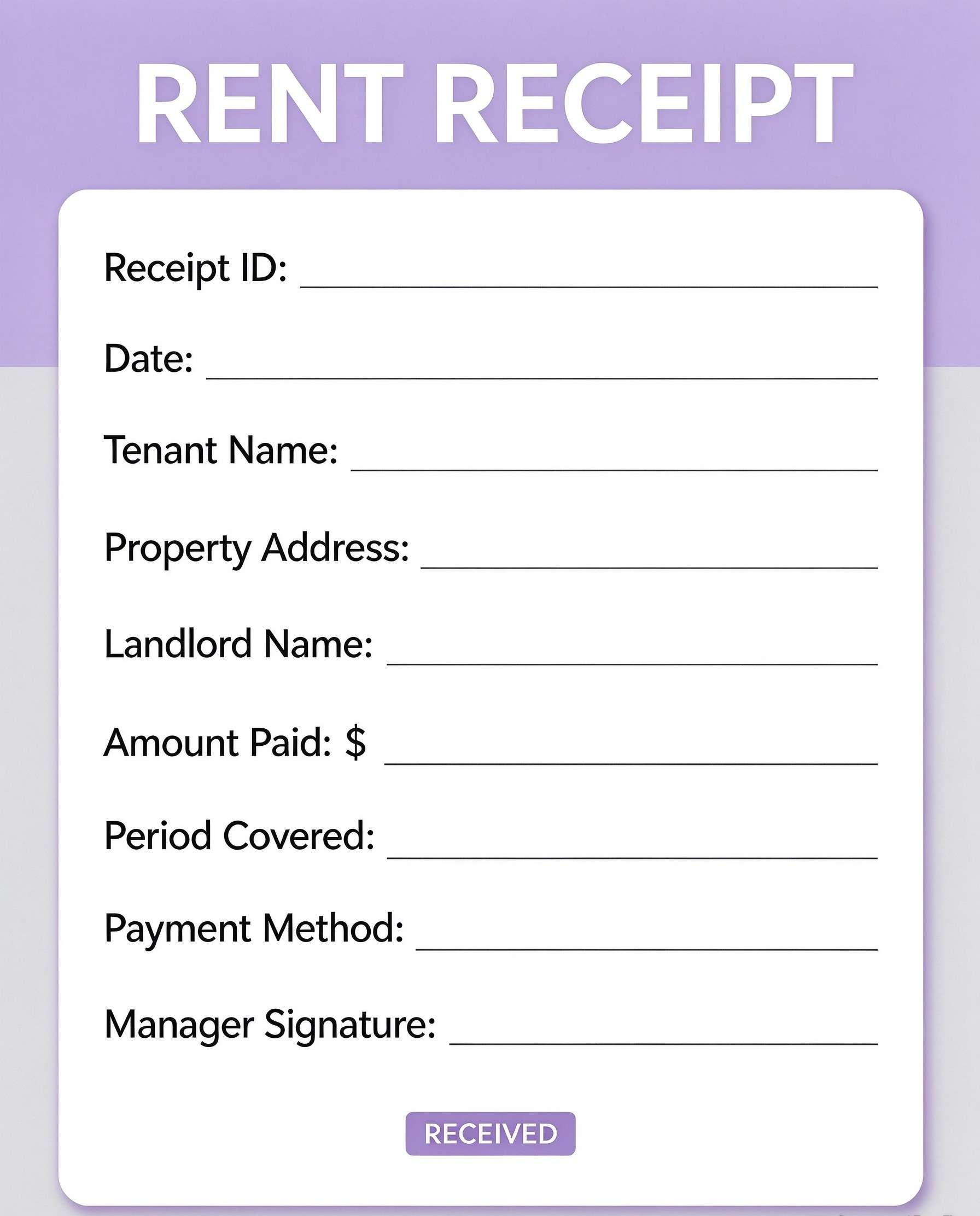
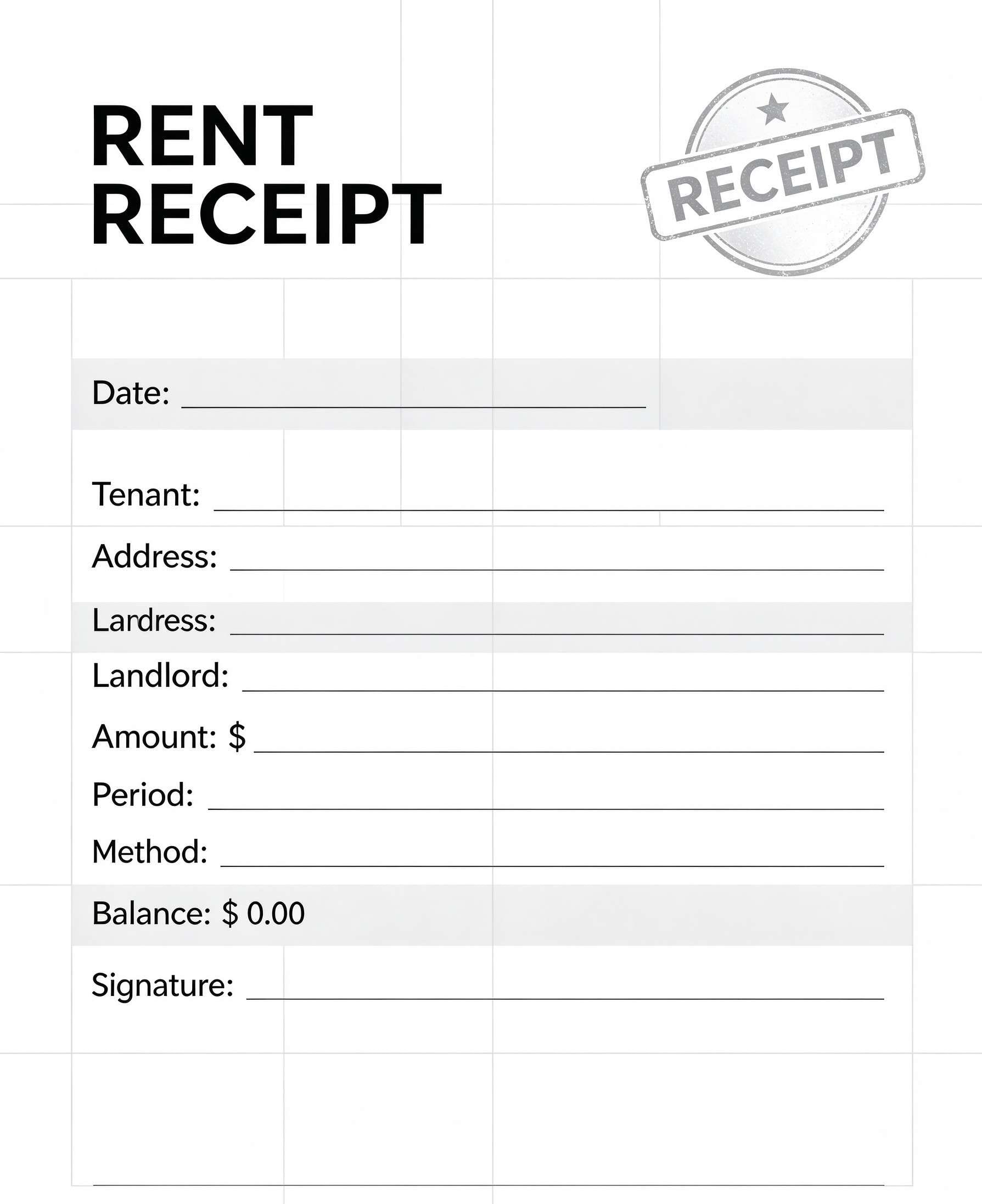
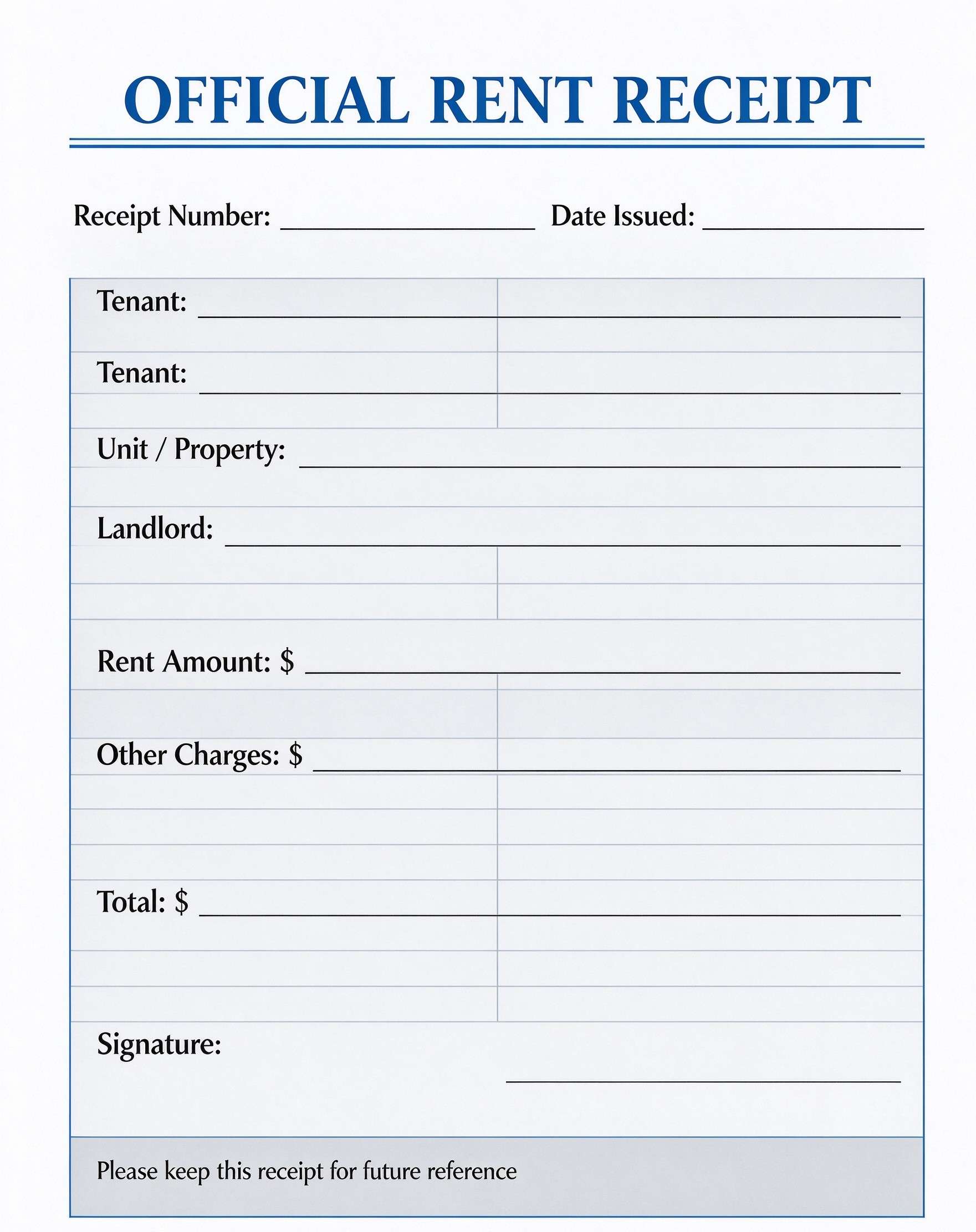
Payment Confirmation Receipt Template PDF
Download a printable Payment Confirmation Receipt PDF template to document incoming client payments, issue immediate proof of settlement, and maintain orderly accounting records. Designed for bookkeepers, small business owners, freelancers, and billing coordinators, this layout ensures financial transparency and simplifies transaction tracking.
What is a payment confirmation receipt
A Payment Confirmation Receipt is a structured Business & Operations PDF that helps teams capture the information needed for this specific workflow. It keeps important details organized, easy to scan, and ready to print or share.
Users download this Payment Confirmation Receipt because it gives clients and accounting teams a simple printable tool of settled transaction records, reference IDs, and payment verification.
Small Business Owners & Freelancers
Issue formal payment proof to clients immediately after settling invoices or services rendered.
Finance & Accounts Receivable Staff
Log settled transactions with reference numbers, payment methods, and authorization sign-offs.
Retailers & Service Providers
Provide customers with verified physical or digital receipts for over-the-counter and direct transfers.
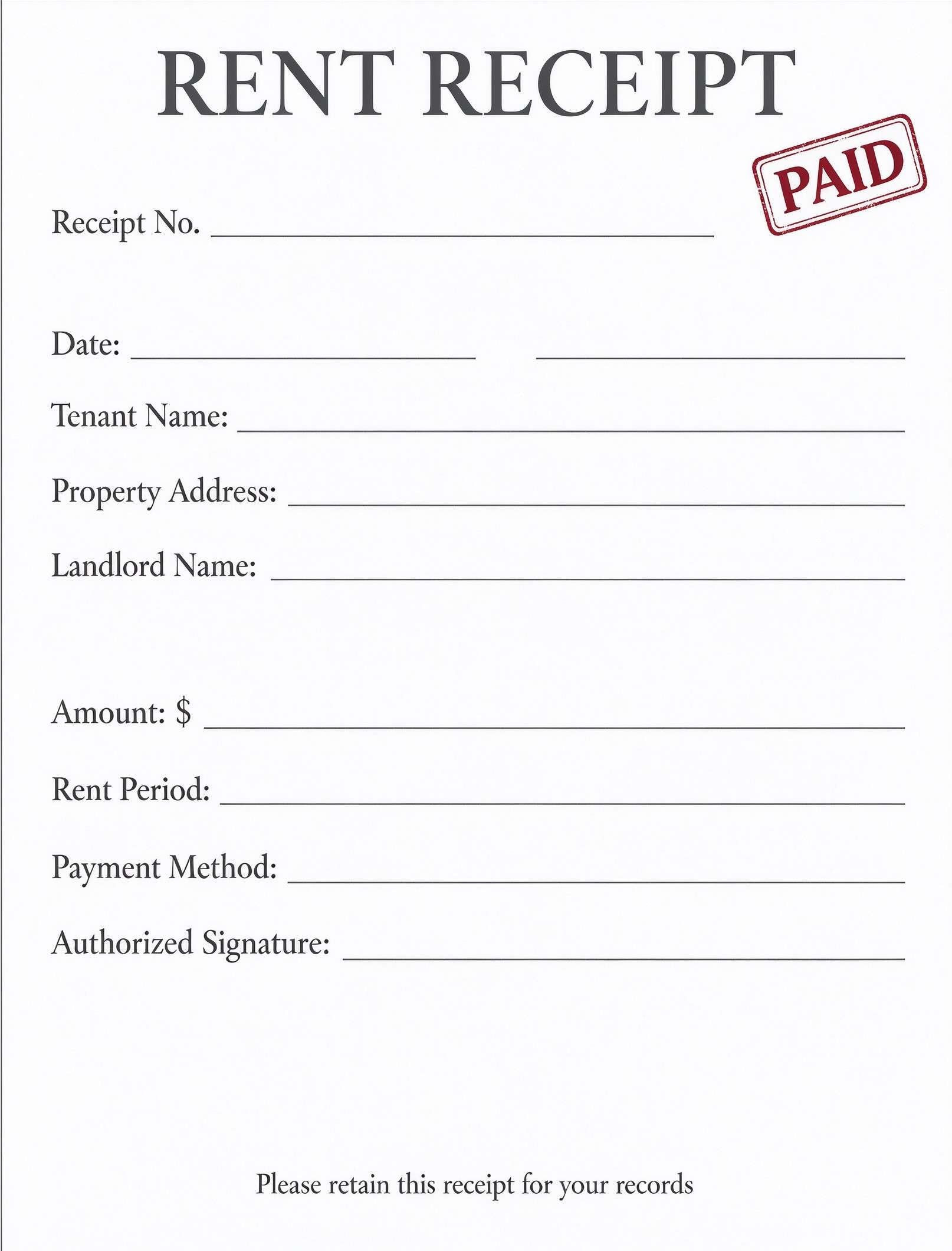
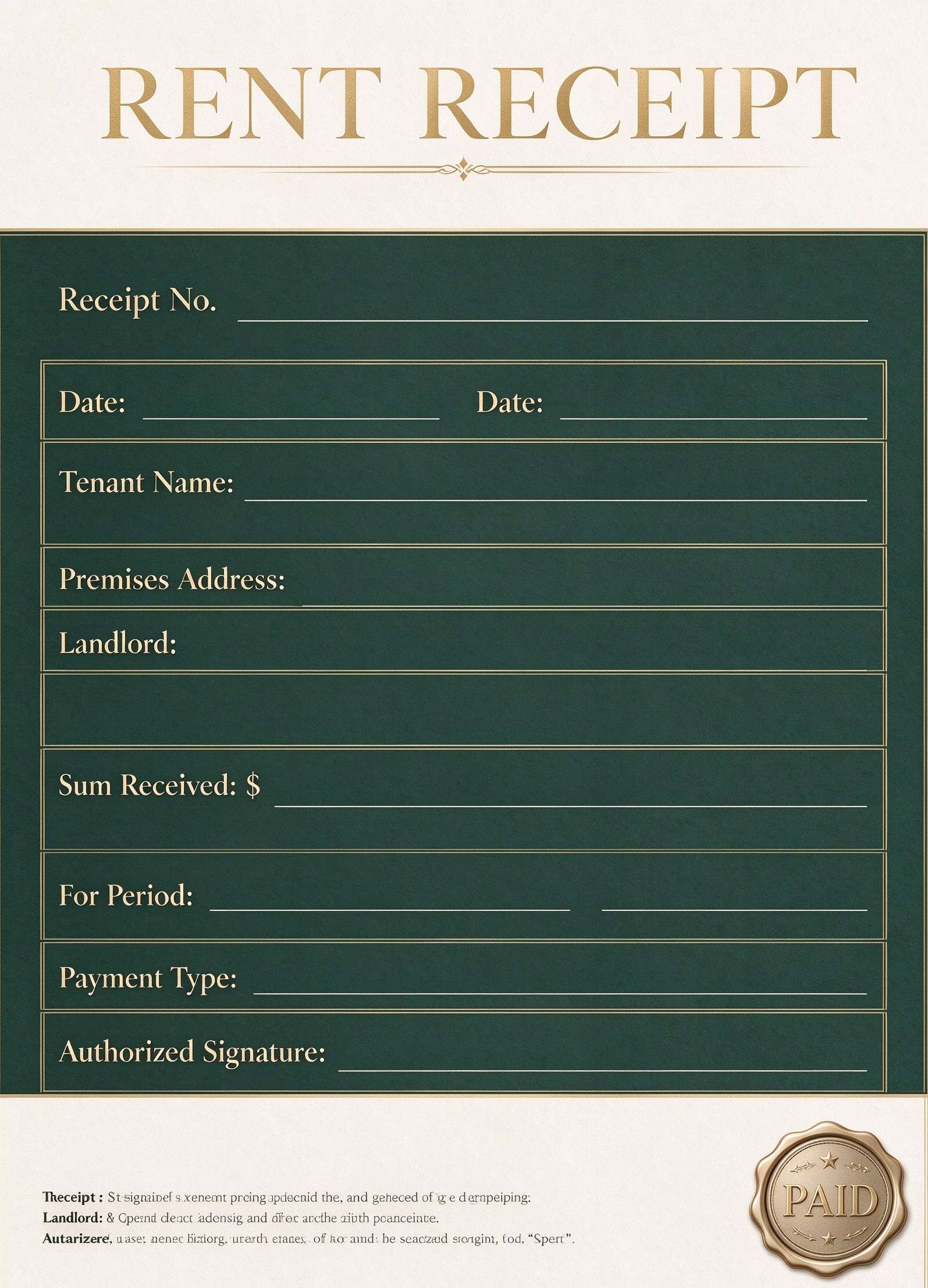
Property Managers & Landlords
Acknowledge received rental payments, security deposits, and maintenance dues quickly.
- Itemized tax invoicing requiring multi-line sales tax calculations and inventory stock deductions.
- High-volume automated point-of-sale checkout operations connected to dynamic cash registers.
- Complex escrow agreements and multi-stage installment contracts requiring specialized legal riders.
How to use and edit the payment confirmation receipt
You can print this template for paper collection or complete it as a fillable PDF. Digital editing is useful when you want typed entries, reusable records, clean copies, and easy sharing with clients, billing departments, finance coordinators, accountants, or auditors.
How to customize the PDF
Use this workflow to input client and payee information, assign the transaction ID and receipt number, specify amount and payment method, and sign or stamp with PDFelement.
Open the PDF in PDFelement
Download the Payment Confirmation Receipt PDF template, open it in PDFelement, click each fillable field, type the needed details, tick checkboxes where relevant, and save a clean digital copy.
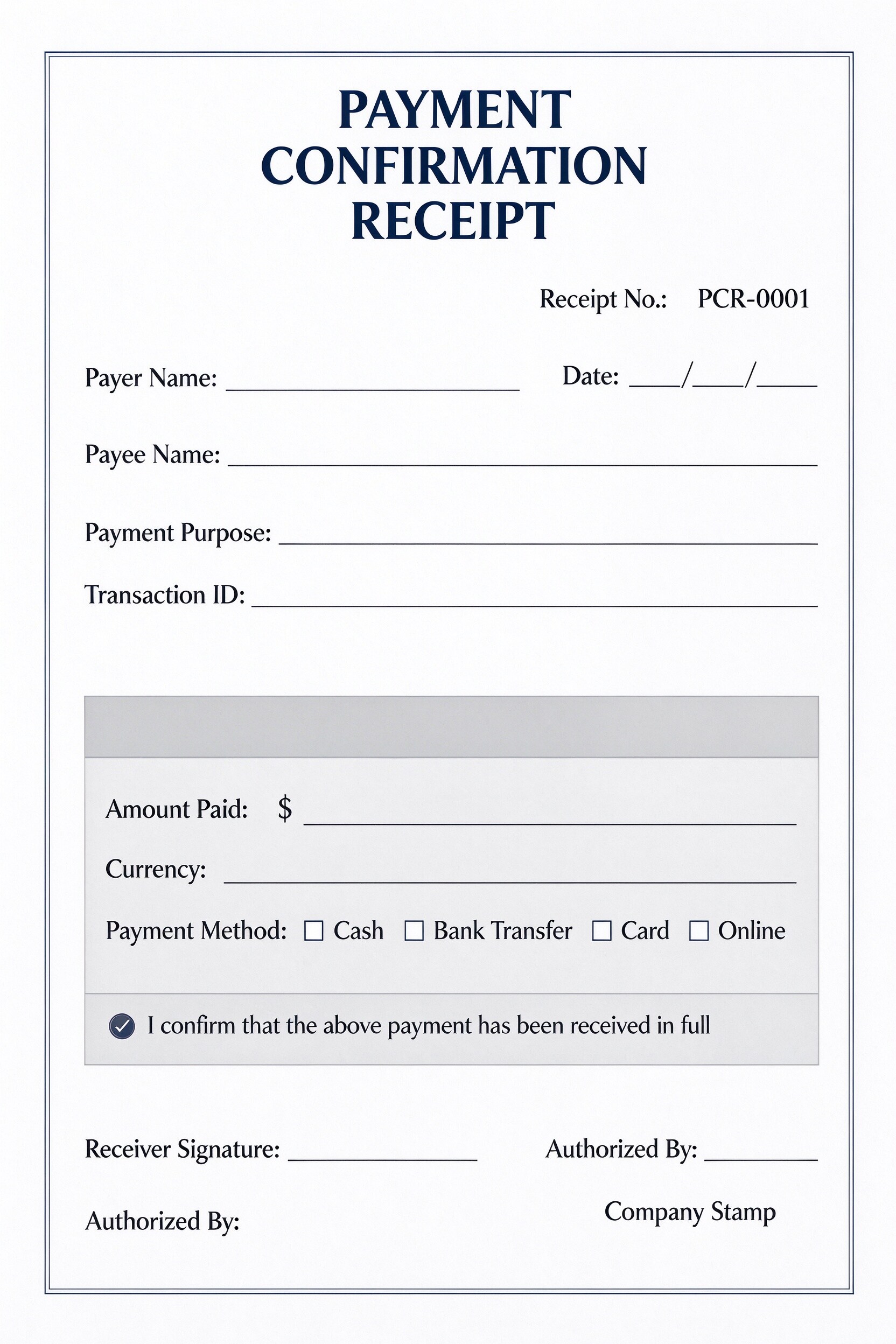
Fill in the payer and payee names, receipt number, payment date, transaction purpose, and reference ID.
Enter the amount paid, specify the currency, and tick whether the payment was made via cash, bank transfer, card, or online.
Verify full receipt of funds, add receiver signatures, include authorized approvals or company stamps, and save or print.


Wondershare PDFelement makes customizing this payment confirmation receipt effortless by allowing you to add interactive fillable form fields, type payee data directly into lines, insert your business logo, and duplicate receipt copies for client and accounting records. You can sign digitally with a legally recognized e-signature and print clean, professional receipts directly on any standard office printer.
| PDFelement Feature | How It Helps |
|---|---|
| Edit PDF | Customize labels, headings, notes, and reusable sections |
| Fill PDF | Type clean information into every fillable field |
| Form tools | Use checkboxes and fillable text fields for structured payment verification |
| Annotate | Add comments or extra reminders before printing or sharing |
| Convert | Export or archive the finished PDF for team records |
| Organize PDFs | Keep templates by team, date, event, player, or season |
What to include in a payment confirmation receipt
A useful business & operations PDF should be specific enough for real team workflows but simple enough to complete quickly. The fields below show what this template is built to capture and why each part matters.
Payment Confirmation Receipt fields
| Field | What to Fill In | Why It Helps |
|---|---|---|
| Payer & Payee Information | Full legal names or company names of both the payer and payee. | Clarifies legal ownership and confirms who transferred and received the funds. |
| Receipt No. & Transaction ID | Sequential receipt number (e.g., PCR-0001) and bank or payment gateway reference code. | Enables rapid reconciliation against bank ledgers, merchant accounts, and audits. |
| Payment Purpose & Date | The service or product paid for alongside the exact calendar date of receipt. | Prevents billing disputes and connects the payment to specific invoices or project milestones. |
| Amount Paid & Currency | The exact monetary figure received and corresponding currency denomination. | Eliminates ambiguity regarding partial or complete balance clearance. |
| Payment Method & Signatures | Checkboxes for cash, bank transfer, card, or online, completed by receiver signature and stamp. | Serves as legally recognized written proof of settlement and authorization. |
Why users download this template
Users download this payment confirmation receipt template because it provides a reliable, standardized receipt layout that establishes prompt payment verification and professional client communication.
 Always match the receipt number with internal accounting records for easy audit tracking. Verify cleared bank deposits before issuing signed confirmations for checks or transfers. Check the payment method box accurately to match merchant statements. Save digital PDF copies in dedicated client accounting folders alongside invoices. Use digital signatures in PDFelement to deliver signed electronic receipts instantly. Apply your company stamp or authorized signature to protect against unauthorized duplicates.
Payment Confirmation Receipt vs other business & operations templates
| Template Type | Best For | Main Difference |
|---|---|---|
| Payment Confirmation Receipt | Acknowledging full payment receipt and confirming cleared funds | Focuses strictly on payment acknowledgement rather than line-item pricing breakdowns. |
| Commercial Sales Invoice | Billing clients prior to payment with detailed product and fee lists | Serves as a request for payment rather than proof of completed settlement. |
| Cash Receipt Voucher | Internal petty cash tracking and physical cash box reconciliations | Designed primarily for physical currency rather than electronic and card transfers. |
| Purchase Order Form | Authorizing vendor purchases before goods or services are delivered | Acts as an upfront procurement authorization rather than post-payment verification. |
Tips for using this template
- Assign a distinct, sequential receipt number to every confirmation to maintain a spotless audit trail.
- Include the gateway or wire transaction ID so clients can cross-reference their bank statements.
- Ensure both payer and payee details are complete to make the document valid for business expense filing.
- Mark the confirmation checkmark only once funds are completely settled and cleared.
- Archive both paper and PDF copies in your accounting software for annual tax reporting.
FAQs
What is a Payment Confirmation Receipt?
A Payment Confirmation Receipt is an official document issued by a seller, payee, or service provider acknowledging that a specific amount of money has been successfully received from the payer.
Who uses this payment confirmation receipt template?
This template is used by small business owners, accountants, freelance contractors, property managers, and administrative teams who need to provide verified proof of payment to clients or customers.
Is the Payment Confirmation Receipt PDF editable?
Yes. When opened in Wondershare PDFelement, you can click on text fields, enter transaction amounts, check payment method boxes, and insert company logos or digital signatures.
What should be included in a payment confirmation receipt?
A standard confirmation receipt should include the receipt number, date, payer and payee names, payment purpose, transaction ID, exact amount paid, currency, payment method, and authorization signatures.
Can I use this receipt for rent or cash payments?
Yes. It features dedicated checkboxes for cash, bank transfer, card, and online transactions, making it ideal for rent payments, cash-on-delivery services, and over-the-counter payments.
Does this document replace a full commercial invoice?
No. An invoice requests payment and itemizes products or tax rates, whereas this receipt confirms that the payment has already been made and received in full.
How should corrections or refunds be handled on this receipt?
If an error occurs or a refund is issued, void the original receipt in your accounting system and issue a revised receipt or credit memo referencing the original receipt number.
Related templates


This template page includes usage guidance, editing steps, review information, and related tools to avoid thin template-page content.