
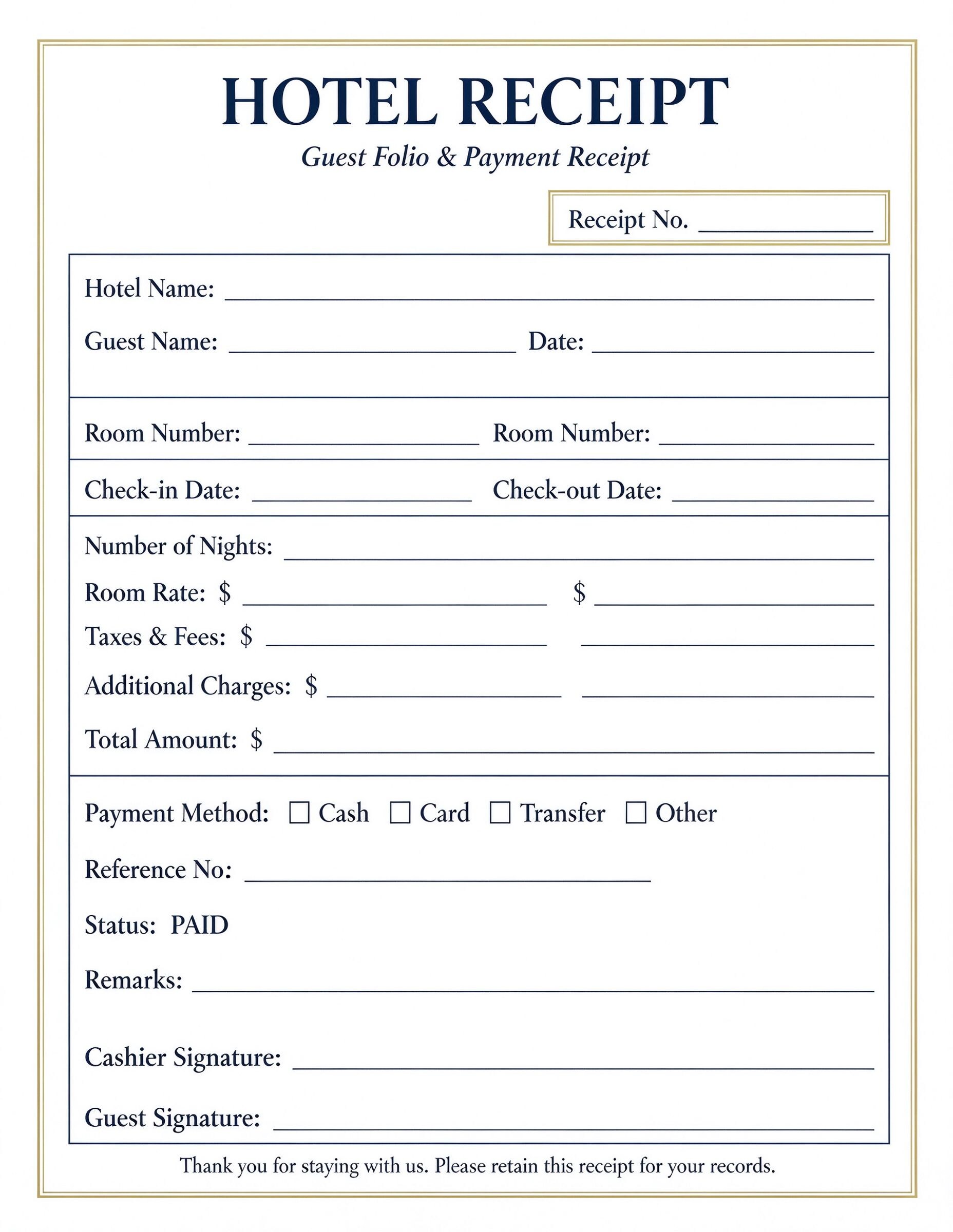
Hotel Guest Folio and Receipt Template PDF
Download a printable Hotel Guest Folio and Receipt PDF template to document accommodation charges, room nights, and completed payments. It gives front desk clerks, hotel managers, and boutique lodge operators a clean format for issuing quick guest bills. Keep lodging records transparent and provide guests with instant proof of stay for accounting or travel expense claims.
What is a hotel guest folio and receipt
A Hotel Guest Folio and Receipt is a structured Business PDF that helps teams capture the information needed for this specific workflow. It keeps important details organized, easy to scan, and ready to print or share.
Users download this Hotel Guest Folio and Receipt because it gives front desk staff and travelers a simple printable sheet of itemized room rates, applicable taxes, incidentals, and paid balances.
Boutique Hotels & Inns
Independent hospitality providers needing an organized paper receipt for lodging and incidentals.
Bed & Breakfasts
Small lodging operators issuing clear stay documentation without expensive property management tools.
Business Travelers
Guests requiring an itemized payment receipt with check-in and check-out dates for expense reports.
Front Desk Cashiers
Reception staff managing manual checkouts, offline payments, and instant customer billing proofs.
- Automated dynamic multi-currency enterprise PMS billing systems.
- High-volume chain resorts requiring real-time central credit card gateway integration.
- Complex split-billing corporate accounts involving multiple third-party master folios.
How to use and edit the hotel receipt
You can print this template for paper collection or complete it as a fillable PDF. Digital editing is useful when you want typed entries, reusable records, clean copies, and easy sharing with front desk cashiers, hotel managers, hospitality staff, accountants, and departing guests.
How to customize the PDF
Use this workflow to fill in property information, input guest stay dates and room numbers, itemize nightly rates with taxes, check the payment method, and collect final signatures.
Open the PDF in PDFelement
Download the Hotel Guest Folio and Receipt PDF template, open it in PDFelement, click each fillable field, type the needed details, tick checkboxes where relevant, and save a clean digital copy.
Fill in the hotel name, guest name, assigned room number, check-in date, and check-out date.
Input the nightly room rate, taxes, service fees, extra incidentals, and calculate the total amount due.
Select the payment method, enter transaction reference numbers, and collect guest and cashier signatures.


Wondershare PDFelement makes managing hotel receipts straightforward by allowing reception staff to convert static forms into fillable documents. Front desk clerks can quickly type guest details, duplicate templates for daily guest checkouts, embed digital signatures, and export clear PDF receipts for immediate emailing or spotless physical printing.
| PDFelement Feature | How It Helps |
|---|---|
| Edit PDF | Customize labels, headings, notes, and reusable sections |
| Fill PDF | Type clean information into every fillable field |
| Form tools | Use checkboxes, signature fields, and calculated text boxes for structured business records |
| Annotate | Add comments or extra reminders before printing or sharing |
| Convert | Export or archive the finished PDF for team records |
| Organize PDFs | Keep templates by team, date, event, player, or season |
What to include in a hotel receipt
A useful business PDF should be specific enough for real team workflows but simple enough to complete quickly. The fields below show what this template is built to capture and why each part matters.
Hotel Guest Folio and Receipt fields
| Field | What to Fill In | Why It Helps |
|---|---|---|
| Receipt No. & Dates | Unique receipt sequence number, issue date, check-in date, and check-out date. | Validates the exact lodging timeframe and provides a unique record for hotel audit trails. |
| Guest & Room Info | Primary guest full name, hotel name, and allocated room number. | Connects billed charges directly to the occupant and room ledger. |
| Financial Breakdown | Number of nights, nightly rate, taxes, fees, additional charges, and total amount. | Provides transparency on room versus incidental charges for guest expense validation. |
| Payment Method & Ref | Checkbox for Cash, Card, Transfer, or Other, plus transaction or authorization reference. | Proves payment completion and ties the folio back to bank deposit settlements. |
| Signatures & Status | Cashier signature, guest acknowledgment signature, and paid status remarks. | Confirms both parties agree on the services delivered and balance settled. |
Why users download this template
Lodging managers and independent hosts download this template to issue polished, professional lodging receipts quickly without requiring expensive software.
 Always specify the total number of nights and check-out date clearly. Itemize extra amenities and city taxes separately for audit compliance. Include card authorization or bank transfer reference numbers. Keep a duplicate signed copy for the front office accounting archives. Ensure both cashier and guest provide signatures upon checkout settlement. Use PDFelement form fields to create fillable digital receipts on tablets.
Hotel Guest Folio and Receipt vs other business templates
| Template Type | Best For | Main Difference |
|---|---|---|
| Hotel Guest Folio and Receipt | Guest checkout, lodging stay verification, and room charges | Tracks room nights, room rate calculations, and hospitality taxes. |
| Standard Sales Receipt | Retail product sales and over-the-counter single purchases | Focuses on SKU inventory and unit pricing rather than stay duration. |
| Service Invoice Template | Freelance contractors and hourly business consulting | Features project milestones and hourly rates rather than room nights. |
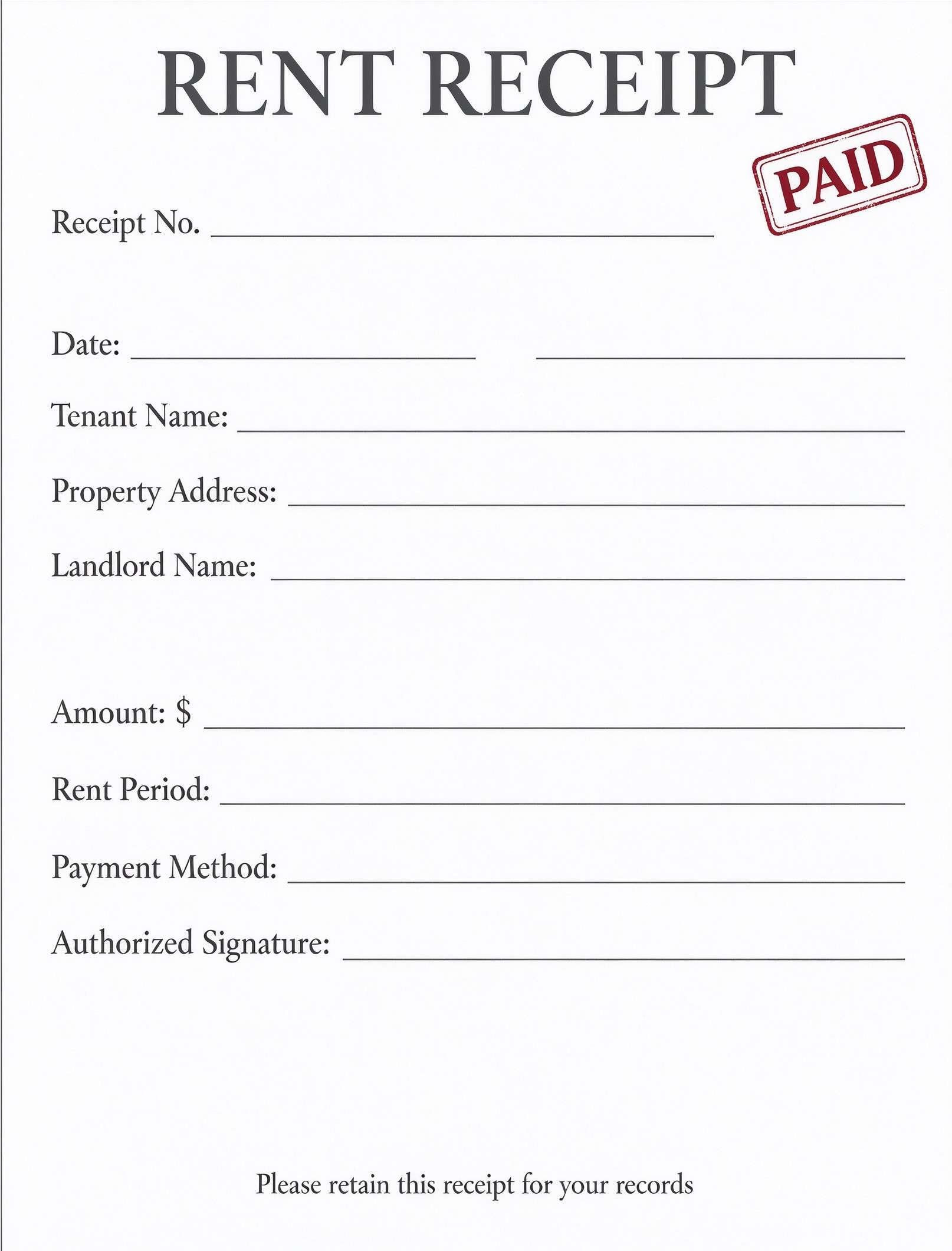
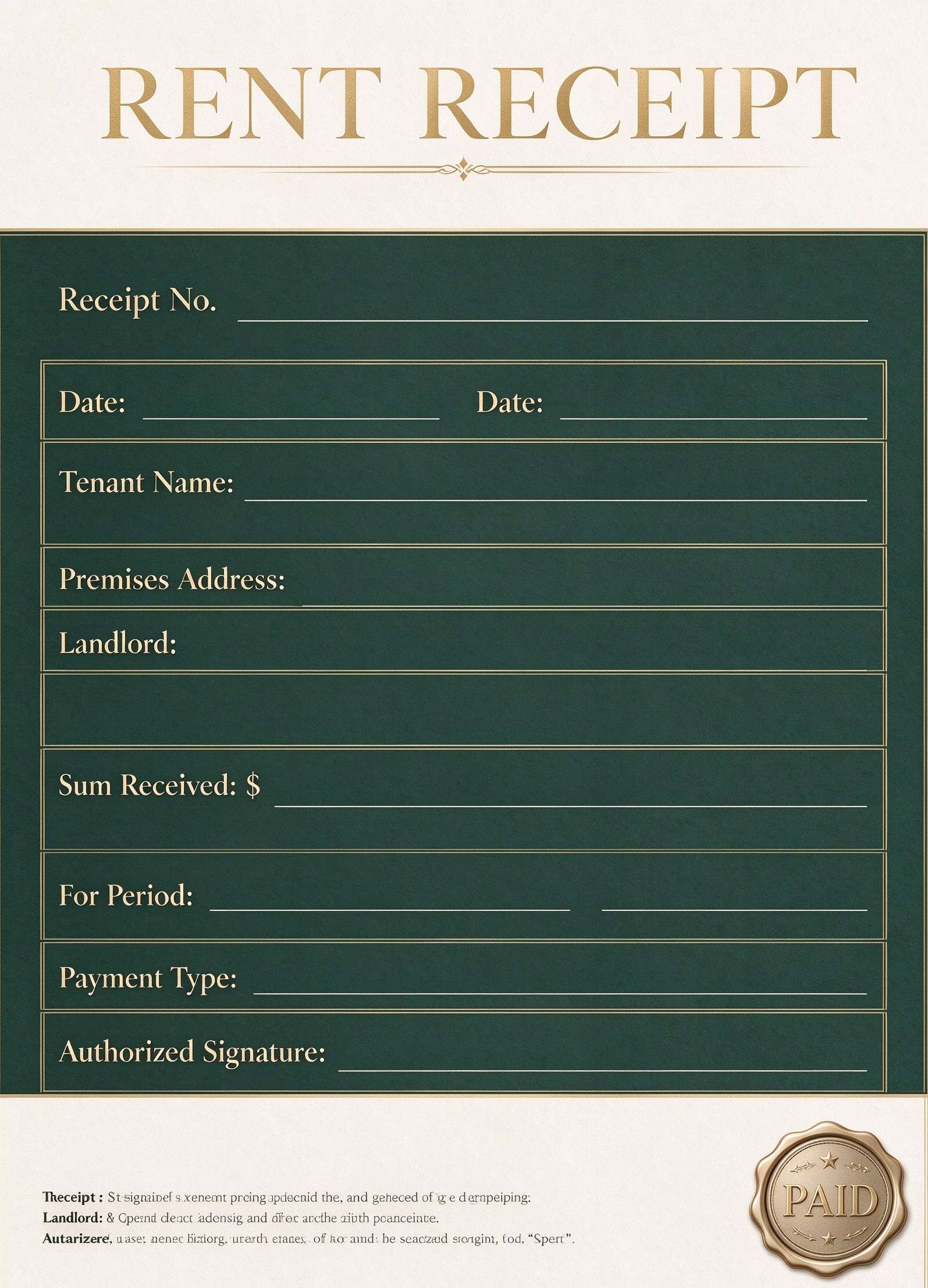
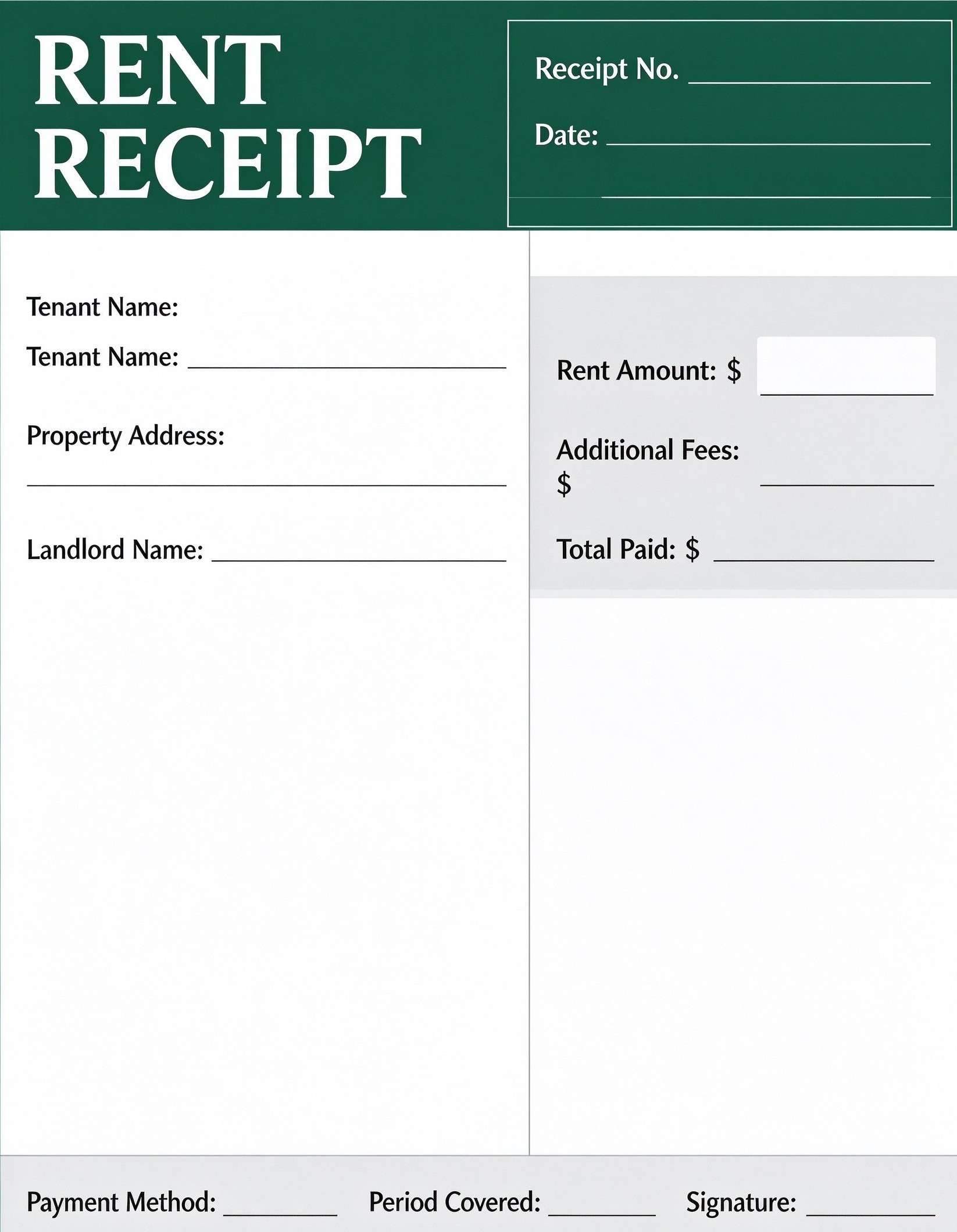
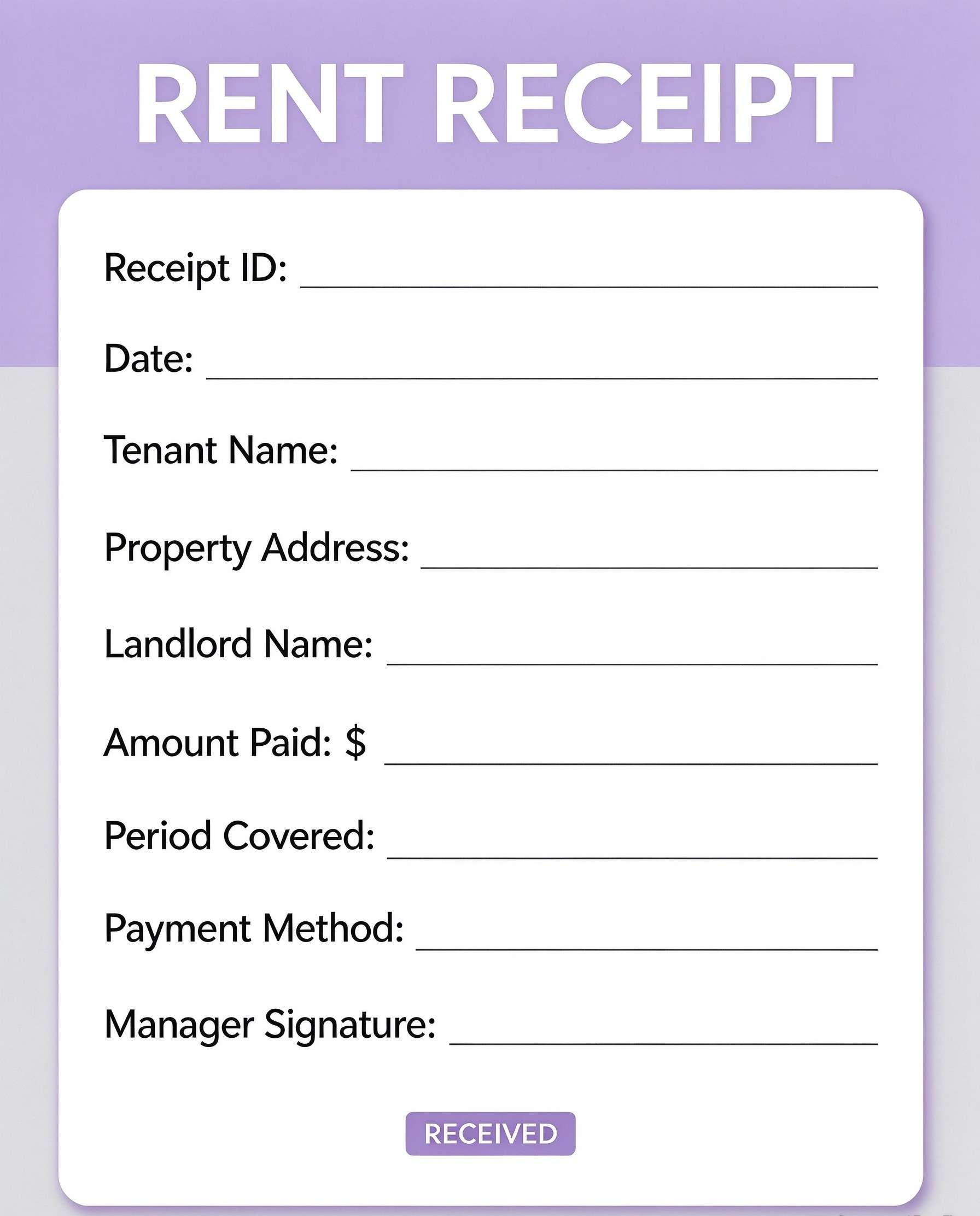
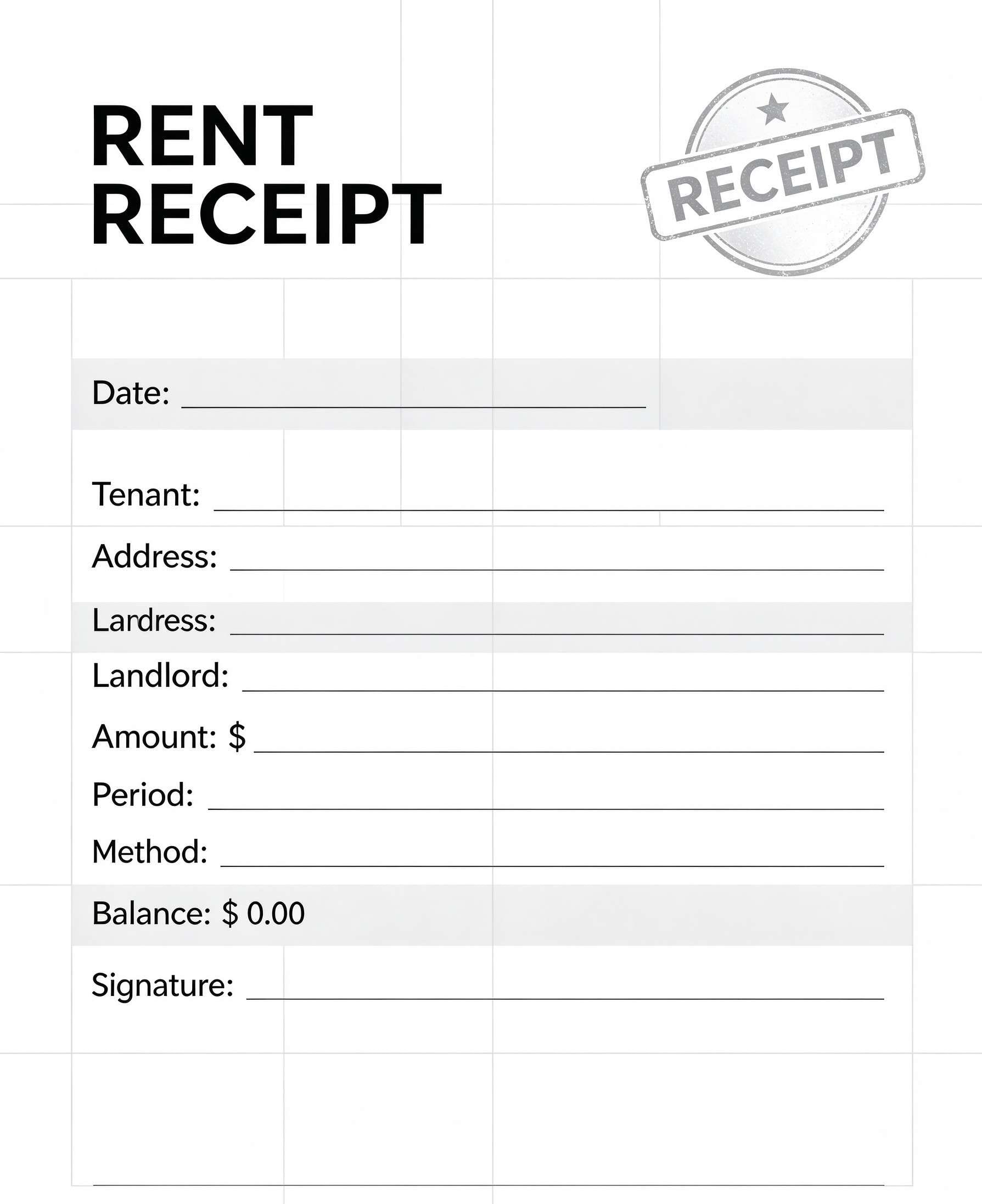
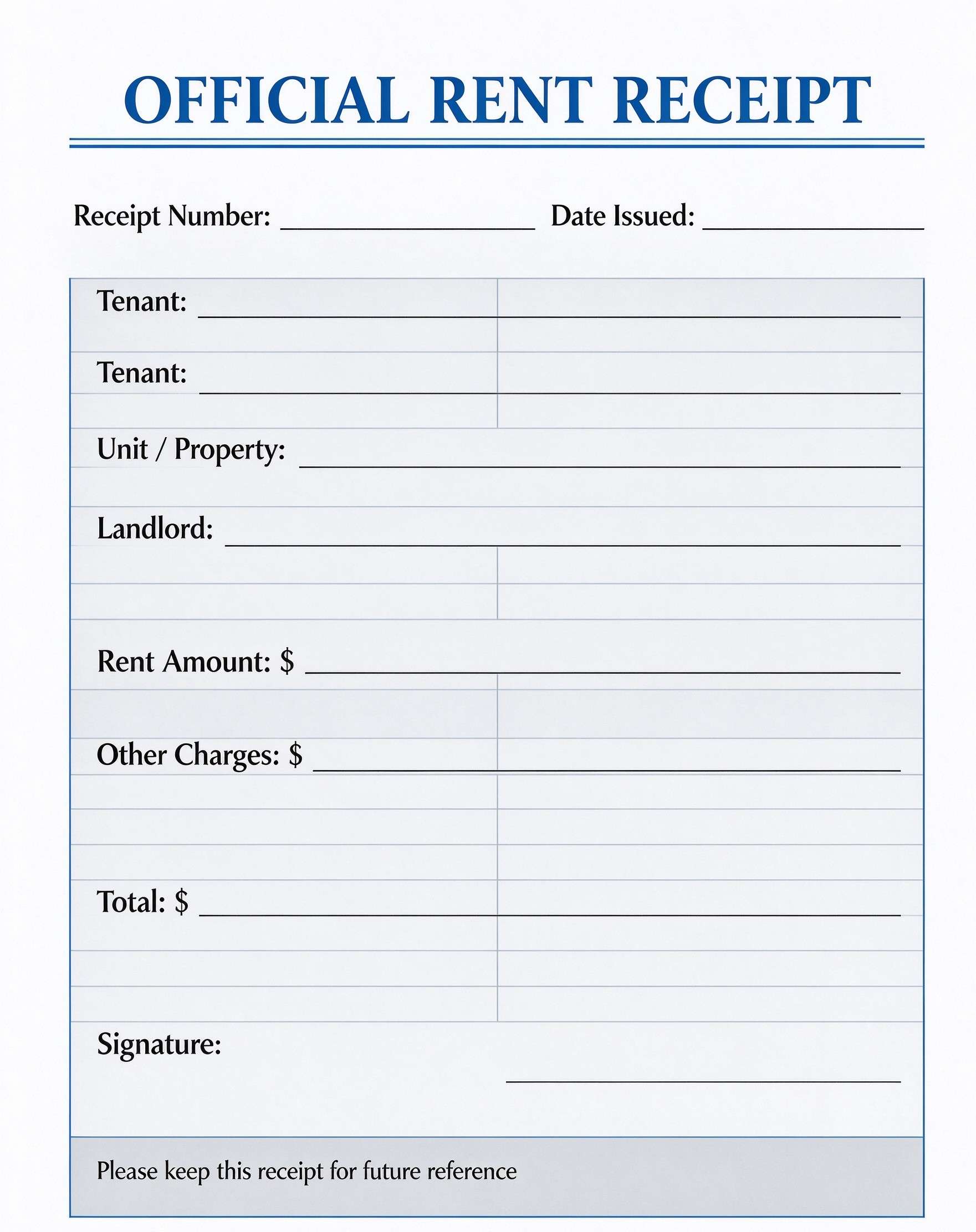
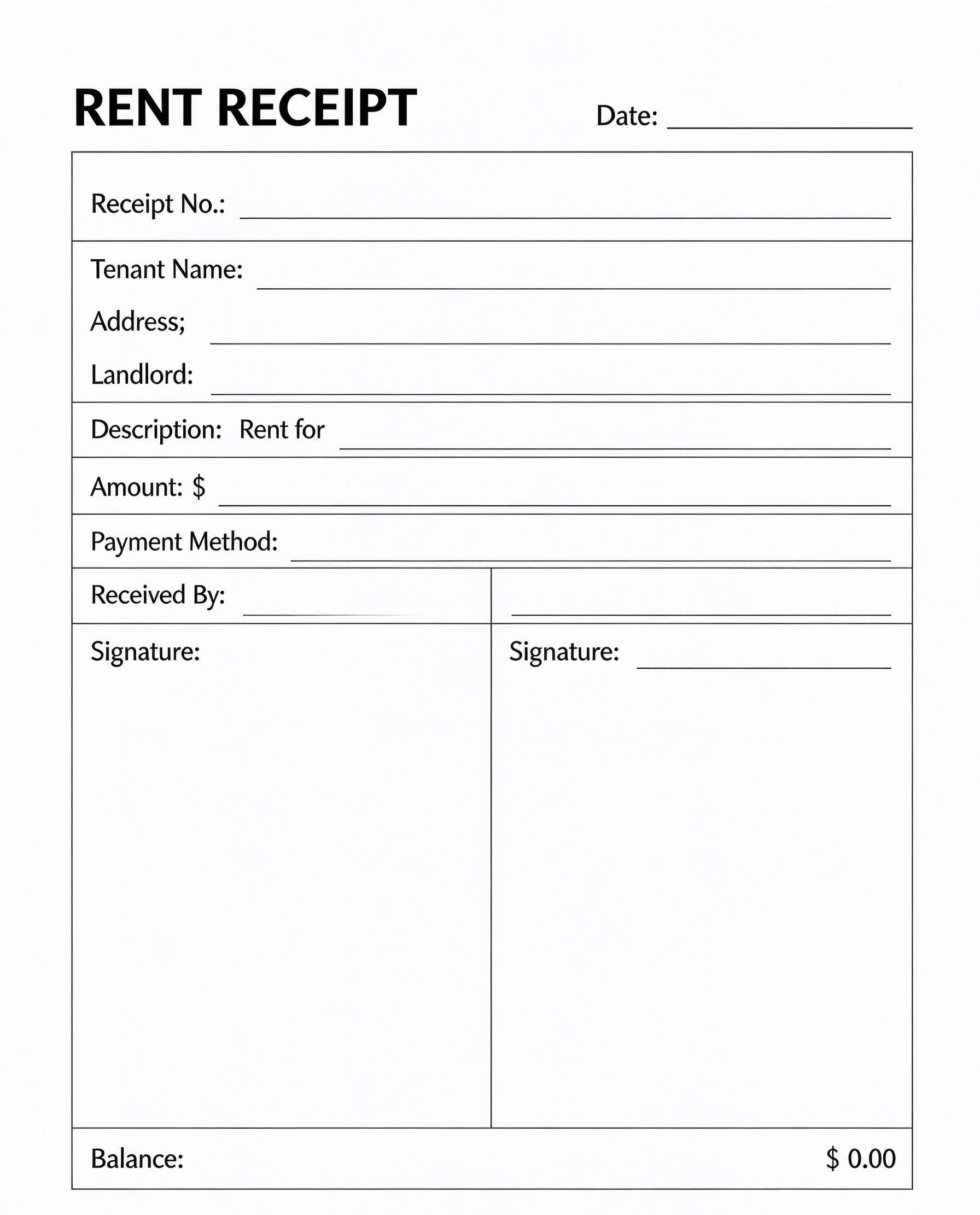
| Rent Receipt Template | Monthly residential tenancy and commercial property rent | Structured for recurring monthly rental periods rather than daily hotel rates. |
Tips for using this template
- Pre-fill standard hotel details, branding logos, and tax identification numbers before printing blank copies.
- Assign sequential receipt numbers to maintain orderly accounting logs and prevent missing slip disputes.
- Verify the payment reference number against POS machine batch slips before marking the folio as PAID.
- Save digital PDF copies sorted by checkout month to streamline annual tax preparation.
- Supply guests with a digitized PDF copy via email for faster corporate expense reimbursement.
FAQs
What is a hotel receipt?
A hotel receipt, also referred to as a guest folio, is an itemized document issued upon checkout that records accommodation dates, room tariffs, taxes, extra charges, and payment verification.
Who uses this hotel receipt template?
Front desk receptionists, boutique hotel owners, motel managers, B&B proprietors, and guests who need standardized payment documentation for corporate travel claims.
Is the hotel receipt PDF editable?
Yes, opening this PDF in Wondershare PDFelement allows you to edit hotel details, type guest information, insert brand logos, and add interactive fillable form fields.
What should be included in a hotel receipt?
A complete hotel receipt should include hotel name and contact details, guest name, room number, check-in and check-out dates, nights stayed, room rates, taxes, payment method, and authorized signatures.
Can I use it for Airbnb or vacation rental stays?
Yes, short-term rental operators and vacation property managers can issue this receipt to private guests who need itemized stay documentation for personal or business accounts.
Does it replace complex property management software?
It serves as a clean, stand-alone receipt template for front-desk handoffs or offline payment tracking, but does not offer automatic multi-channel booking synchronization.
How should changes or additional room charges be handled?
List mini-bar, room service, or late check-out fees under 'Additional Charges' and ensure any disputed amounts are reconciled before obtaining the final guest signature.
Related templates


This template page includes usage guidance, editing steps, review information, and related tools to avoid thin template-page content.