
GCash Receipt Template PDF
Download a printable GCash receipt PDF template to document e-wallet transfers, retail payments, and service remittances with accuracy. Designed for small business owners, online sellers, and freelance service providers, this slip captures essential transaction identifiers to verify mobile money payments and maintain clean accounting books.
What is a gcash receipt
A GCash receipt is a structured Business & Operations PDF that helps teams capture the information needed for this specific workflow. It keeps important details organized, easy to scan, and ready to print or share.
Users download this GCash receipt because it gives buyers, sellers, and bookkeepers a simple printable record of mobile wallet payment confirmations, transaction IDs, and transfer details.
Online Sellers & Micro-Merchants
Issue clean payment confirmations to customers paying through mobile money or QR transfers.
Freelancers & Service Contractors
Document advance deposits, milestone settlements, and project fees received via e-wallet.
Rental & Utility Managers
Track monthly tenant rent payments, utility bills, and load disbursements received through GCash.
Small Retail Shops & Sari-Sari Stores
Keep a physical or digital ledger of cash-in, cash-out, and remittance transactions.
- Official government BIR tax receipts requiring registered serialized tax invoices
- Automated banking API reconciliation without manual record validation
- Replacing financial auditing systems for large-scale enterprise payrolls
How to use and edit the gcash receipt
You can print this template for paper collection or complete it as a fillable PDF. Digital editing is useful when you want typed entries, reusable records, clean copies, and easy sharing with merchants, customers, accountants, store managers, or freelance contractors.
How to customize the PDF
Use this workflow to input transfer timestamps, enter sender and receiver details, record the reference code, and export clean digital receipts.
Open the PDF in PDFelement
Download the GCash Receipt PDF template, open it in PDFelement, click each fillable field, type the needed details, tick checkboxes where relevant, and save a clean digital copy.
Input the transaction ID, date, time, and specify transaction type such as Send Money, Payment, or Load.
Enter the names and registered mobile numbers for both parties alongside the exact amount in Philippine Pesos (₱).
Add the official GCash reference number, confirm the SUCCESS status, append reference notes, and save or print.
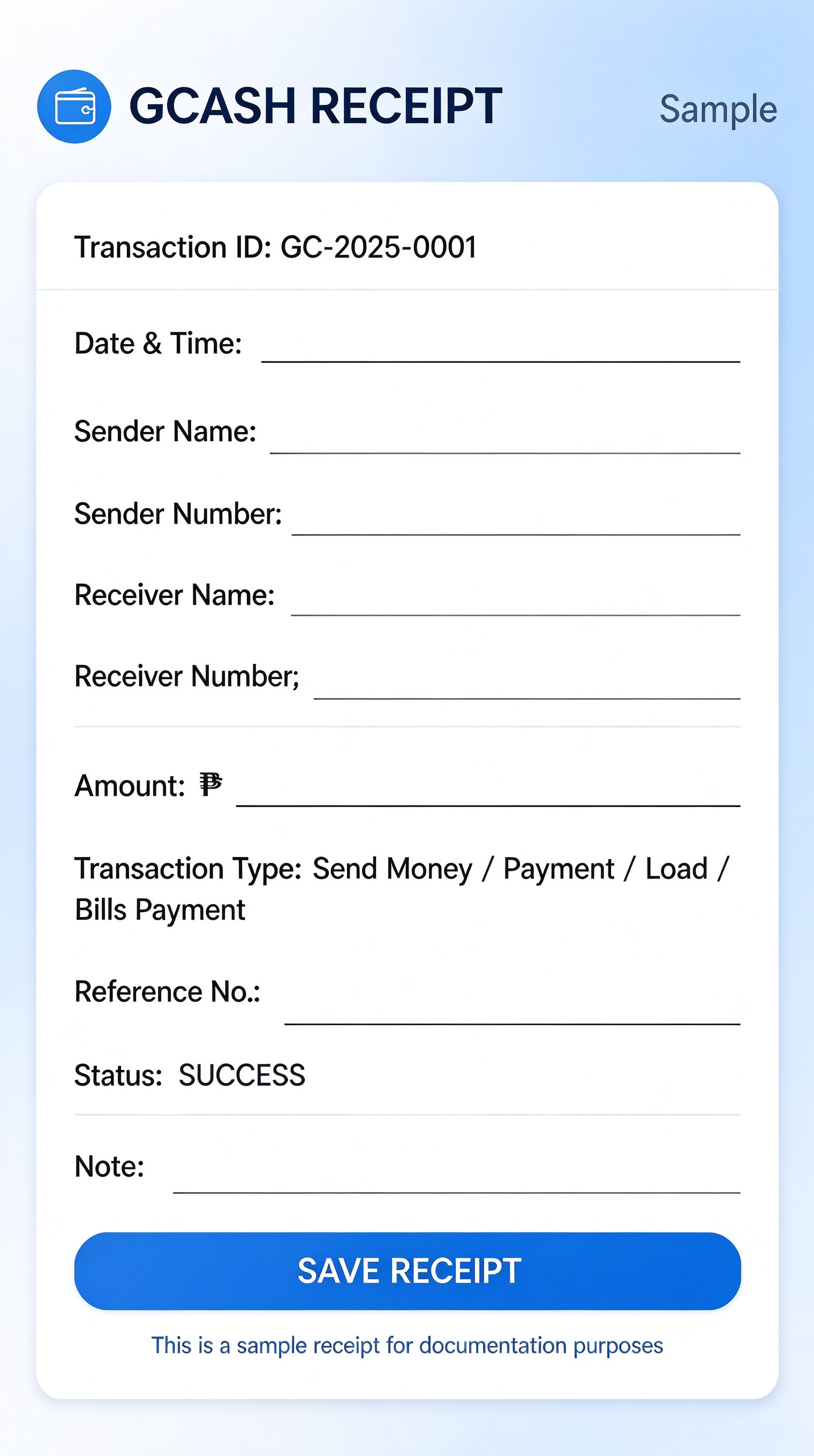


Wondershare PDFelement allows business owners to quickly edit this GCash receipt by typing sender and recipient numbers, formatting amounts, stamping transaction approvals, and duplicating recurring payment receipts in seconds.
| PDFelement Feature | How It Helps |
|---|---|
| Edit PDF | Customize labels, headings, notes, and reusable sections |
| Fill PDF | Type clean information into every fillable field |
| Form tools | Use checkboxes and fillable text fields for structured mobile transaction records |
| Annotate | Add comments or extra reminders before printing or sharing |
| Convert | Export or archive the finished PDF for team records |
| Organize PDFs | Keep templates by team, date, event, player, or season |
What to include in a gcash receipt
A useful business & operations PDF should be specific enough for real team workflows but simple enough to complete quickly. The fields below show what this template is built to capture and why each part matters.
GCash Receipt fields
| Field | What to Fill In | Why It Helps |
|---|---|---|
| Transaction ID & Date/Time | Unique internal order or slip identifier plus the exact date and timestamp. | Establishes a chronological audit trail to cross-reference bank or wallet records. |
| Sender Name & Number | Full name and registered mobile phone number of the paying party. | Identifies who initiated the transfer to verify client identity and resolve disputes. |
| Receiver Name & Number | Name and GCash account phone number of the receiving individual or store. | Guarantees payment reached the designated recipient merchant account. |
| Amount (₱) & Transaction Type | Total monetary value transferred in PHP and the transaction category (Send Money, Payment, Bills). | Clarifies payment purpose and exact financial balance credited. |
| Reference No. & Status | The SMS or in-app reference code generated by GCash alongside transaction status. | Provides undeniable proof of settlement for fast reconciliation. |
Why users download this template
Users download this GCash receipt template to quickly provide customers with professional proof of payment while maintaining consistent documentation for cash flow tracking.
 Always double-check the 13-digit GCash reference code before issuing. Mask middle phone digits if sharing receipts publicly for privacy protection. Specify the exact purchase or service description in the notes field. Keep digital PDF copies saved in organized monthly sales folders. Attach screenshots of in-app confirmations to the PDF record if needed. Print two copies for in-person transactions—one for customer, one for merchant.
GCash Receipt vs other business & operations templates
| Template Type | Best For | Main Difference |
|---|---|---|
| GCash Receipt | Mobile wallet payments, e-remittances, and retail mobile transfers | Features fields for sender/receiver mobile numbers, e-wallet reference numbers, and transaction types. |
| Cash Receipt Slip | Physical cash over-the-counter payments and petty cash logs | Focuses on cash received, change due, and physical hand-to-hand signatures. |
| Sales Invoice Template | B2B sales and registered corporate product deliveries | Includes itemized inventory tables, tax breakdowns, discount rows, and formal terms. |
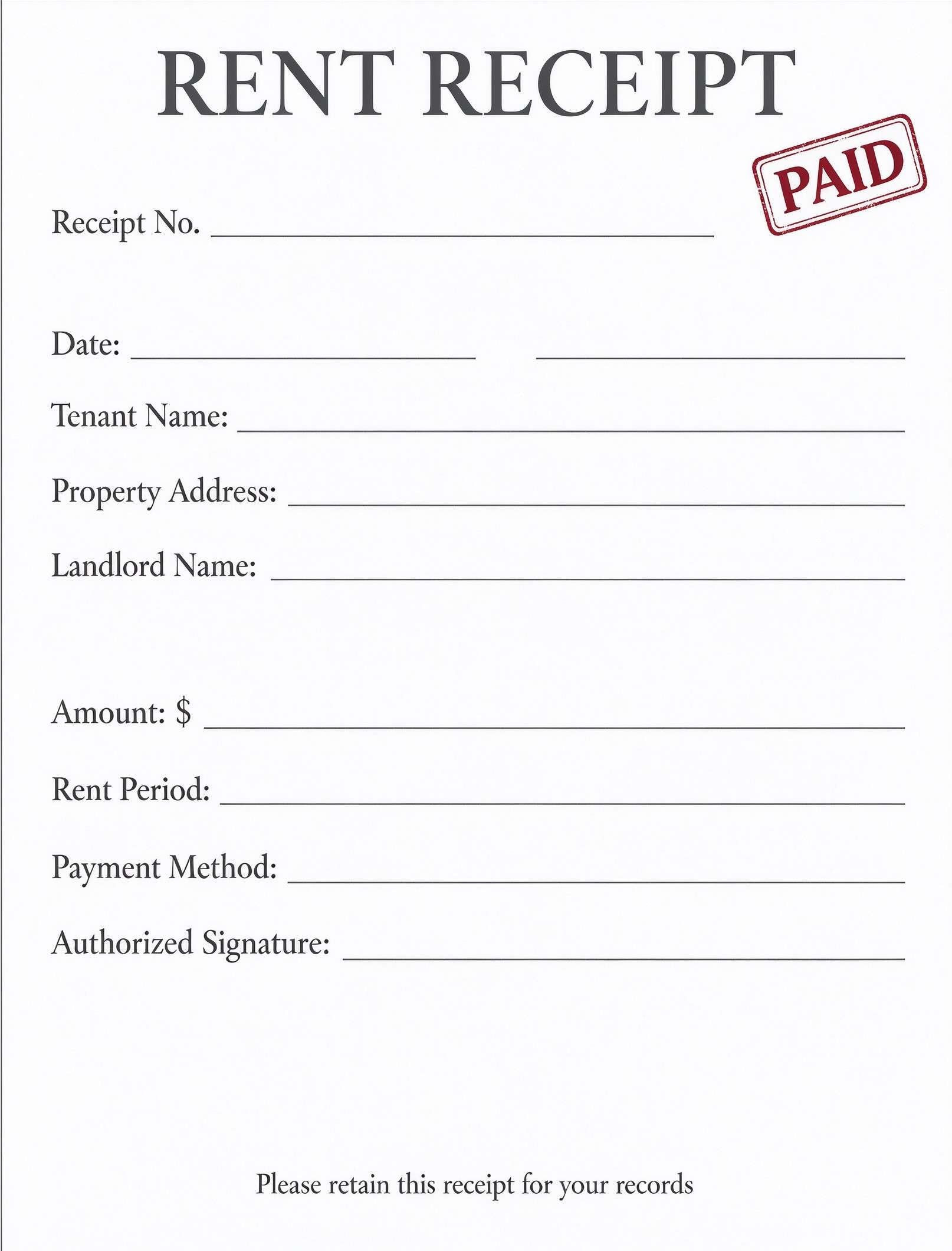
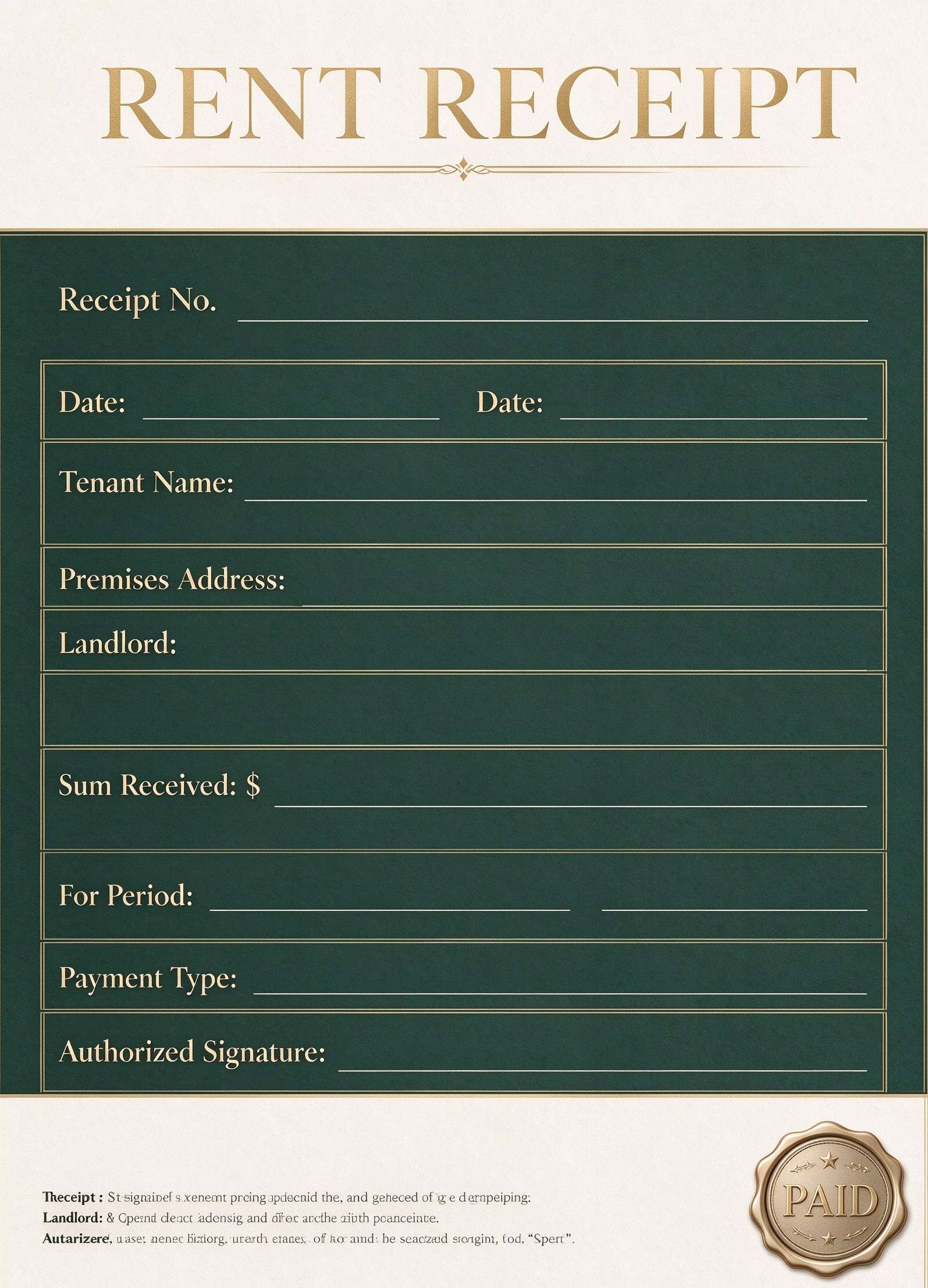
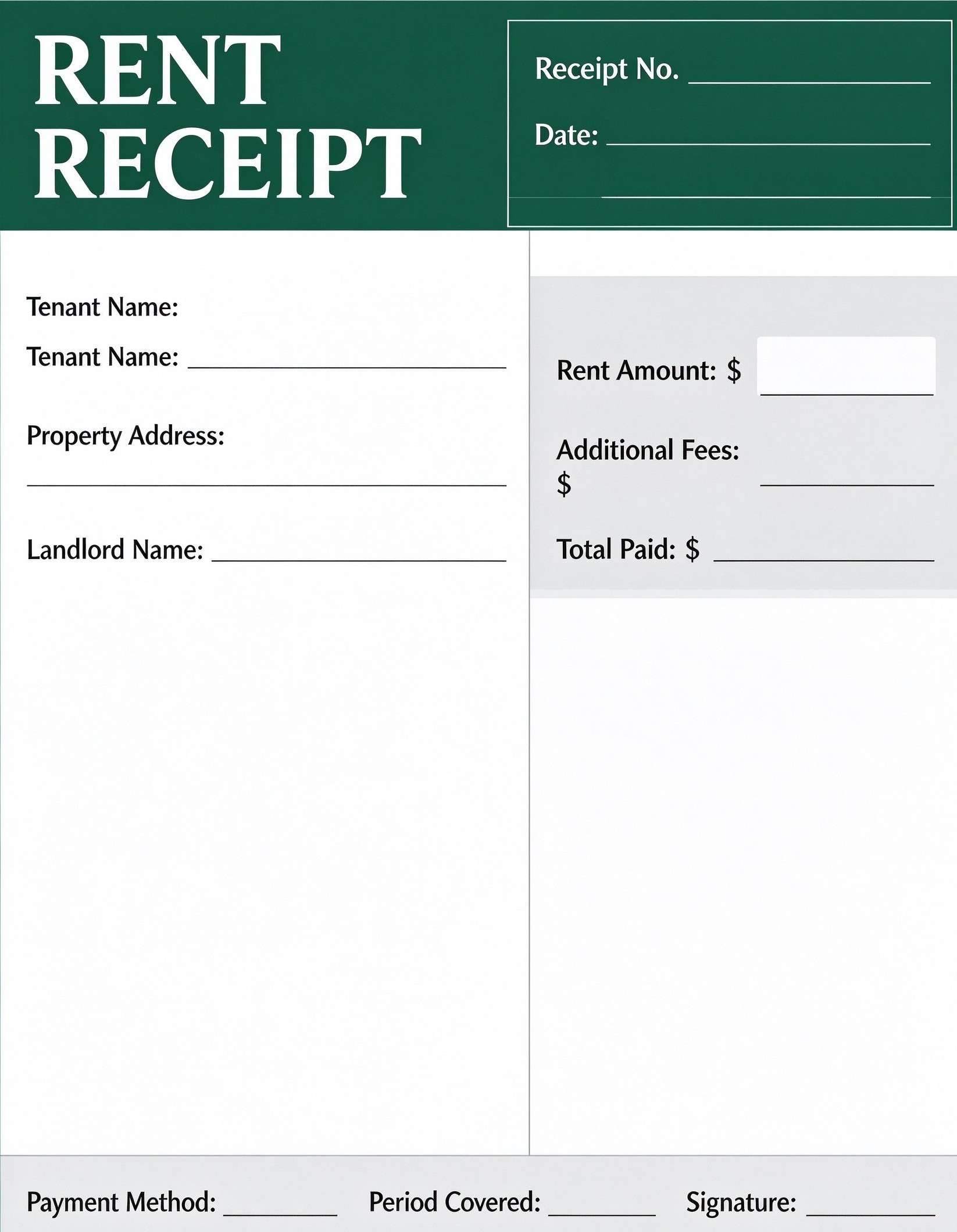
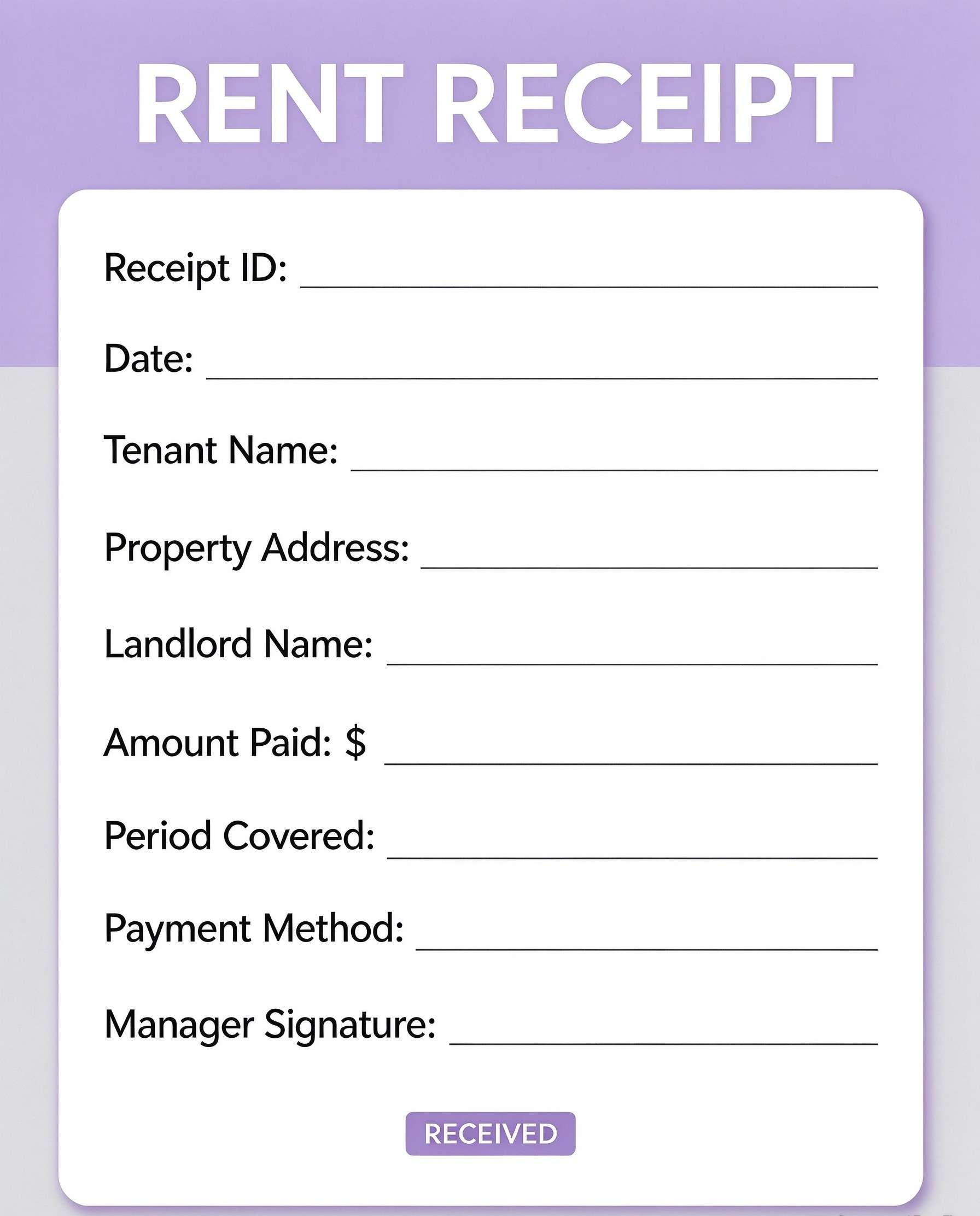
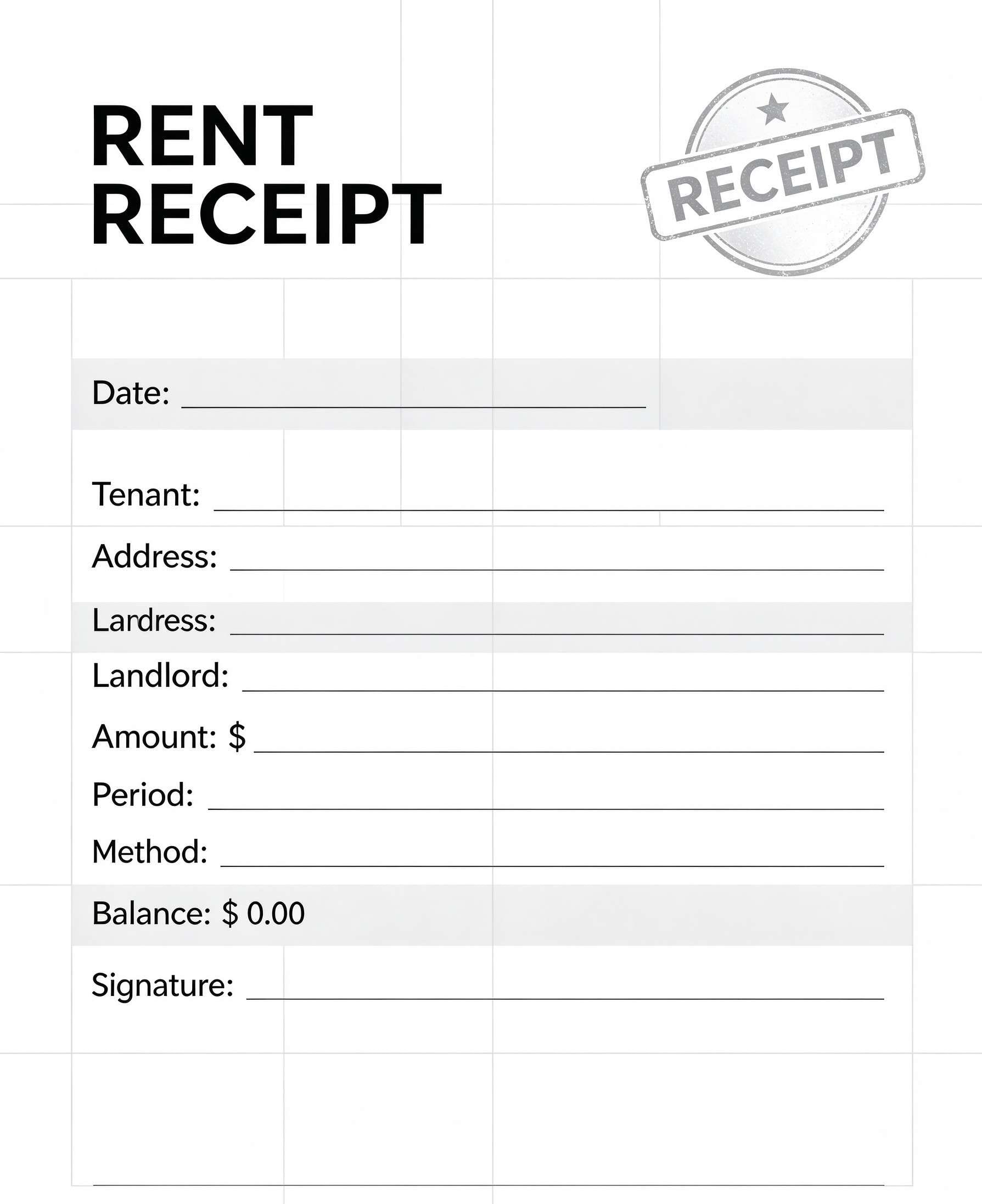
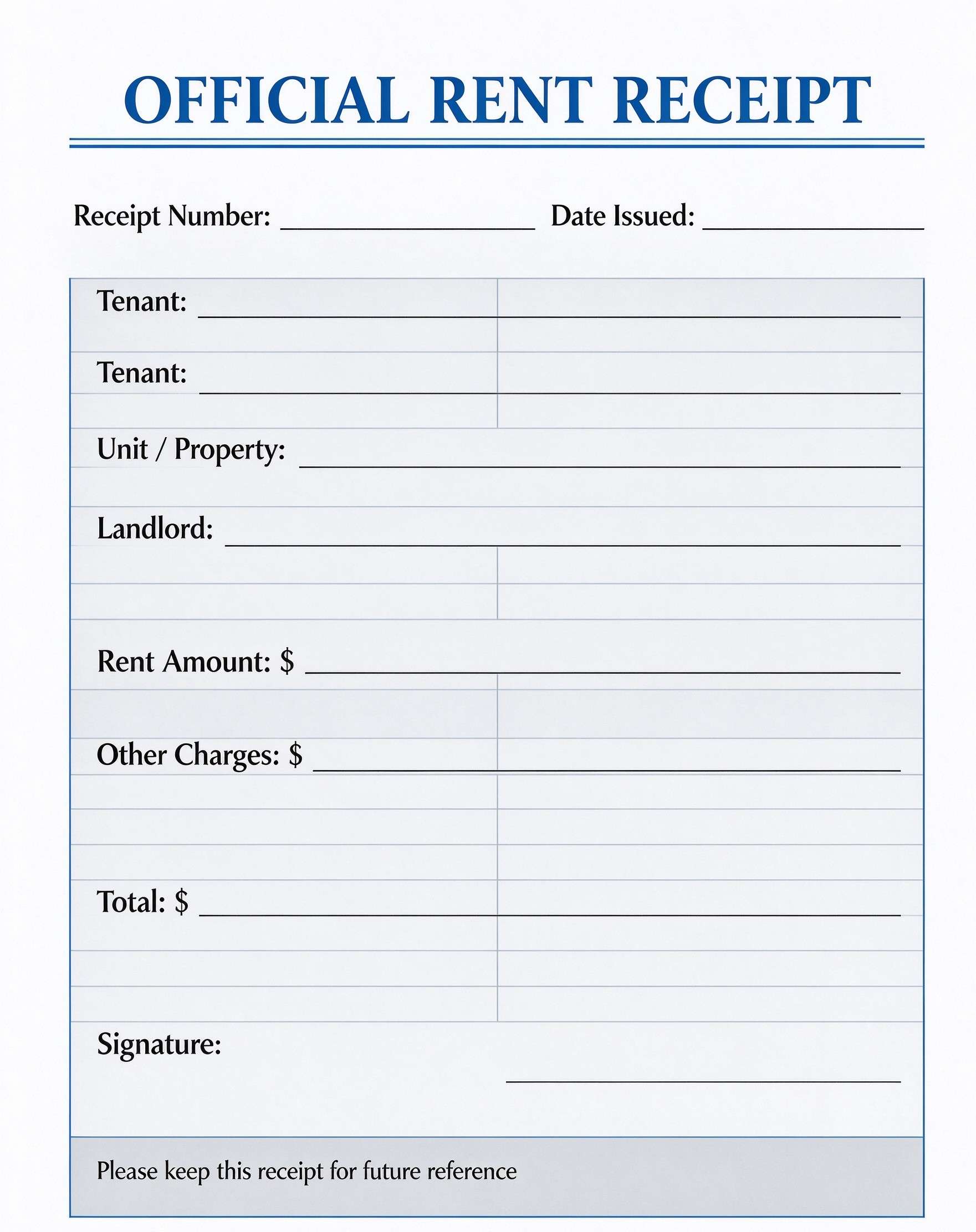
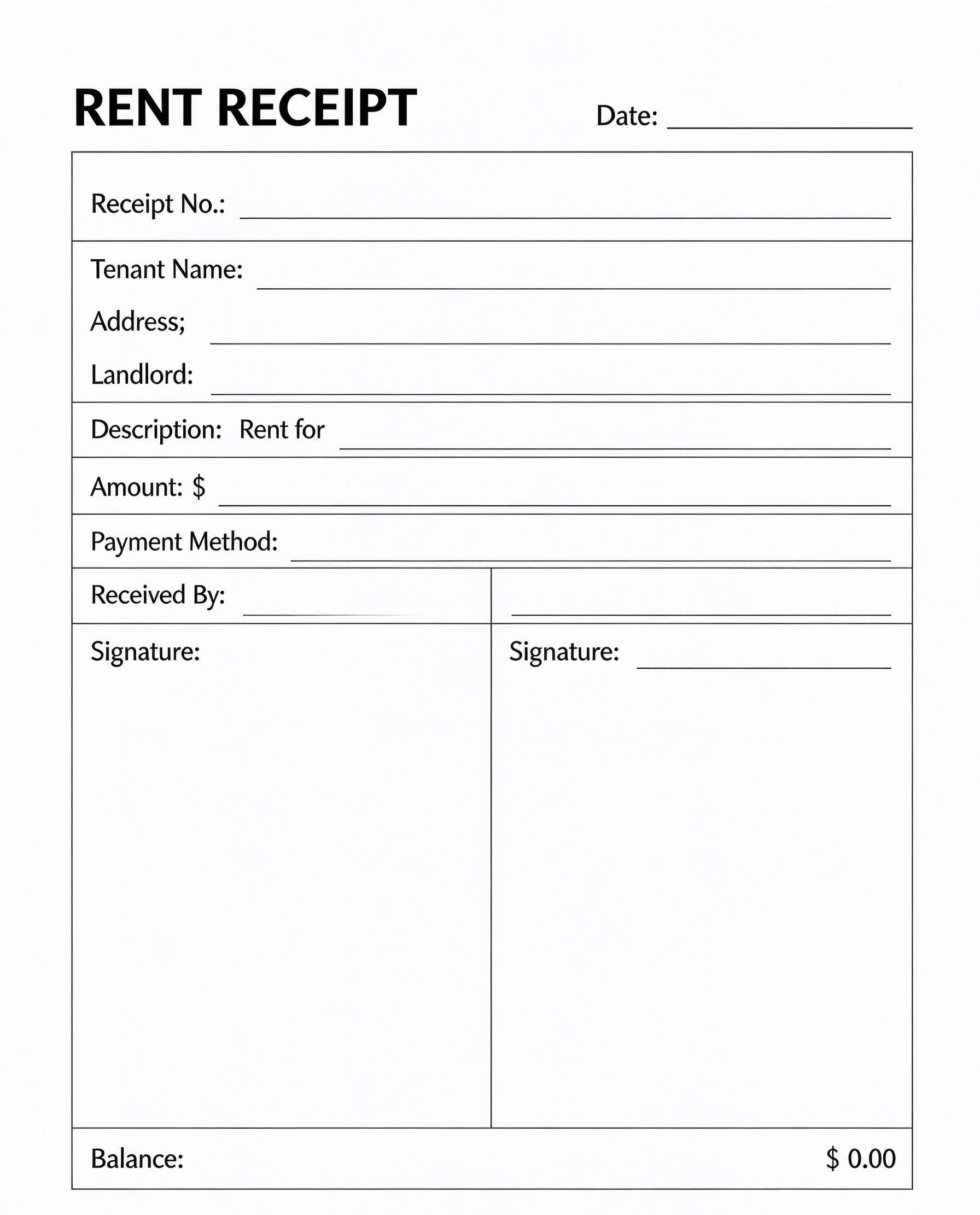
| Rent Payment Receipt | Residential and commercial tenant lease payments | Tracks property address, rental period months, and outstanding lease balances. |
Tips for using this template
- Always verify the reference number against your GCash app transaction history before signing off.
- Utilize PDFelement to save a reusable preset with your default receiver name and number.
- Add your business brand or store logo at the top using PDFelement image placement tools.
- Export completed receipts as lightweight PDF or image files to send over messaging apps to customers.
- Archive monthly receipts into a single binder or digital PDF portfolio for year-end bookkeeping.
FAQs
What is a GCash receipt?
A GCash receipt is a standardized document that records a completed payment or money transfer made via the GCash mobile wallet platform, listing transaction IDs, sender/receiver details, amount, and reference codes.
Who uses this GCash receipt template?
Online vendors, micro-merchants, freelancers, property owners, and sari-sari store operators who receive customer payments via GCash use this template for customer documentation.
Is the GCash receipt PDF editable?
Yes, using Wondershare PDFelement you can directly type into the text fields, modify currency formats, adjust labels, and export or print crisp copies.
What should be included in a GCash receipt?
It should include the transaction ID, date and time, sender and receiver names and numbers, the amount transferred, transaction category, reference code, status, and descriptive notes.
Can I use it for rent or freelance service payments?
Yes, this template is ideal for documenting client remittances, tenant rent payments, and freelance milestone invoices paid through GCash.
Does it replace an official government tax invoice?
No, this template serves as an operational proof of payment and accounting record. It does not replace official Bureau of Internal Revenue (BIR) registered sales invoices.
How should changes or erroneous transactions be handled?
If a transaction is reversed or miskeyed, update the status field to 'REFUNDED' or 'FAILED' and note the corresponding adjustment reference code in the notes box.
Related templates


This template page includes usage guidance, editing steps, review information, and related tools to avoid thin template-page content.