
Delivery Receipt Template PDF
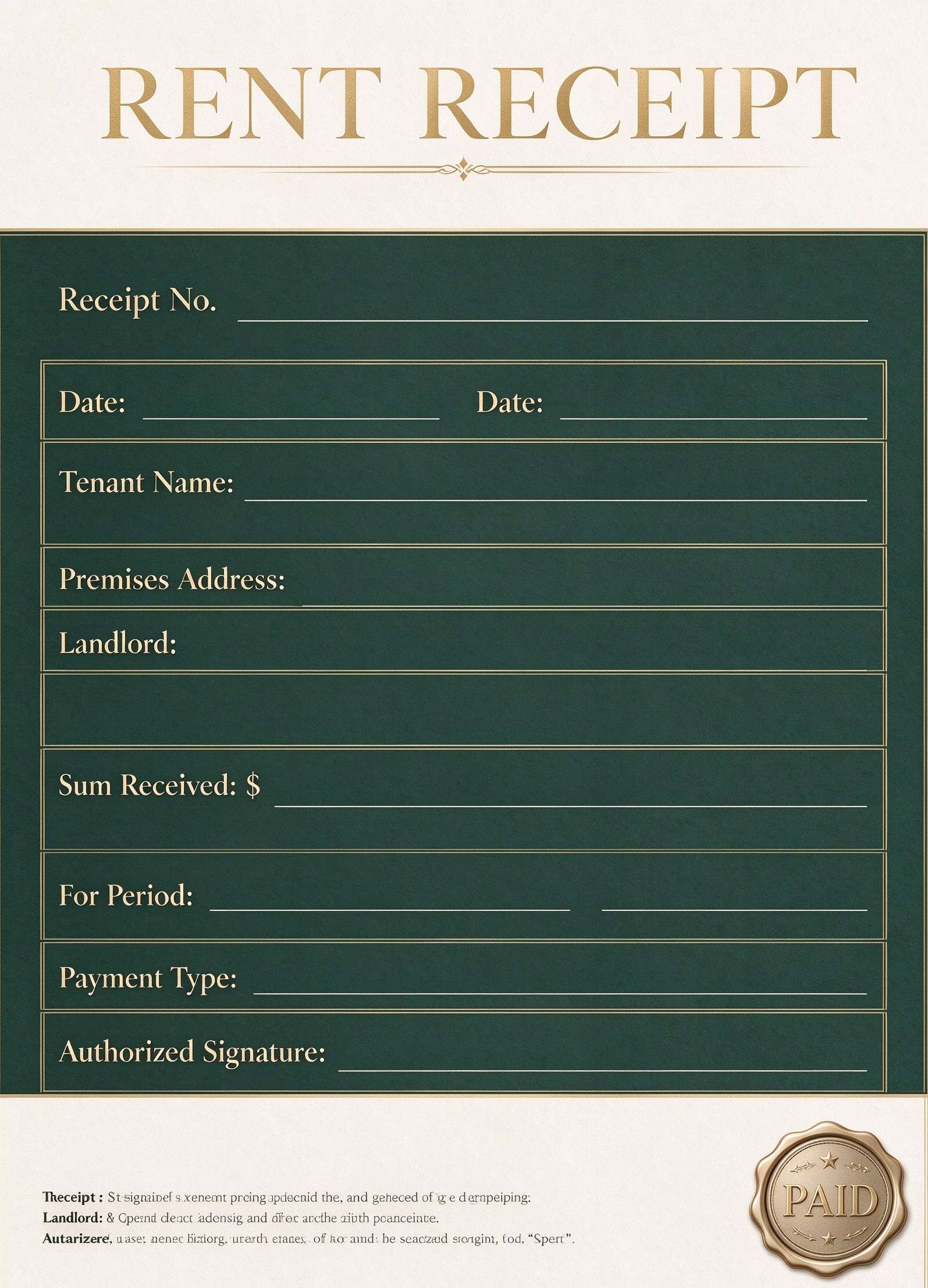
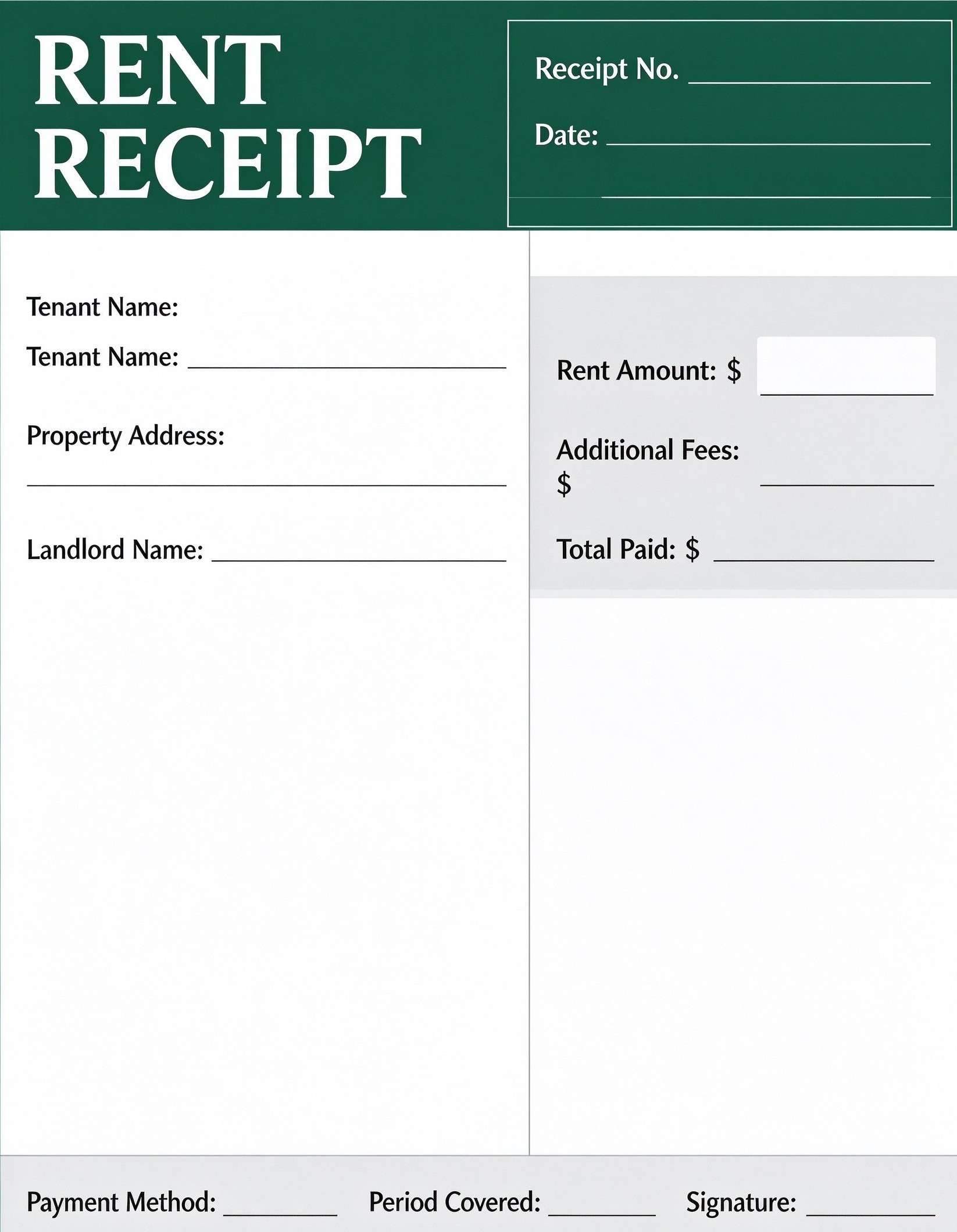
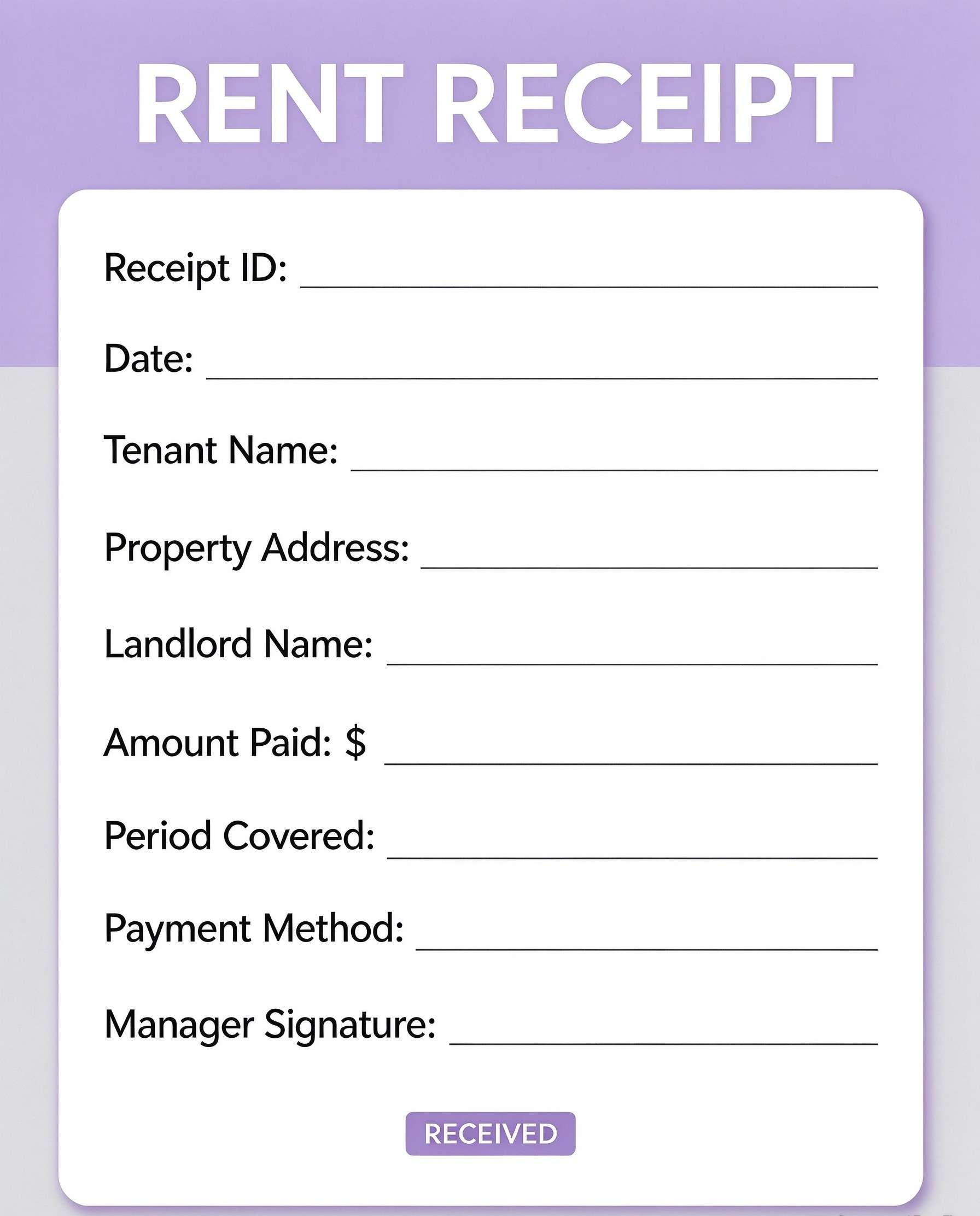
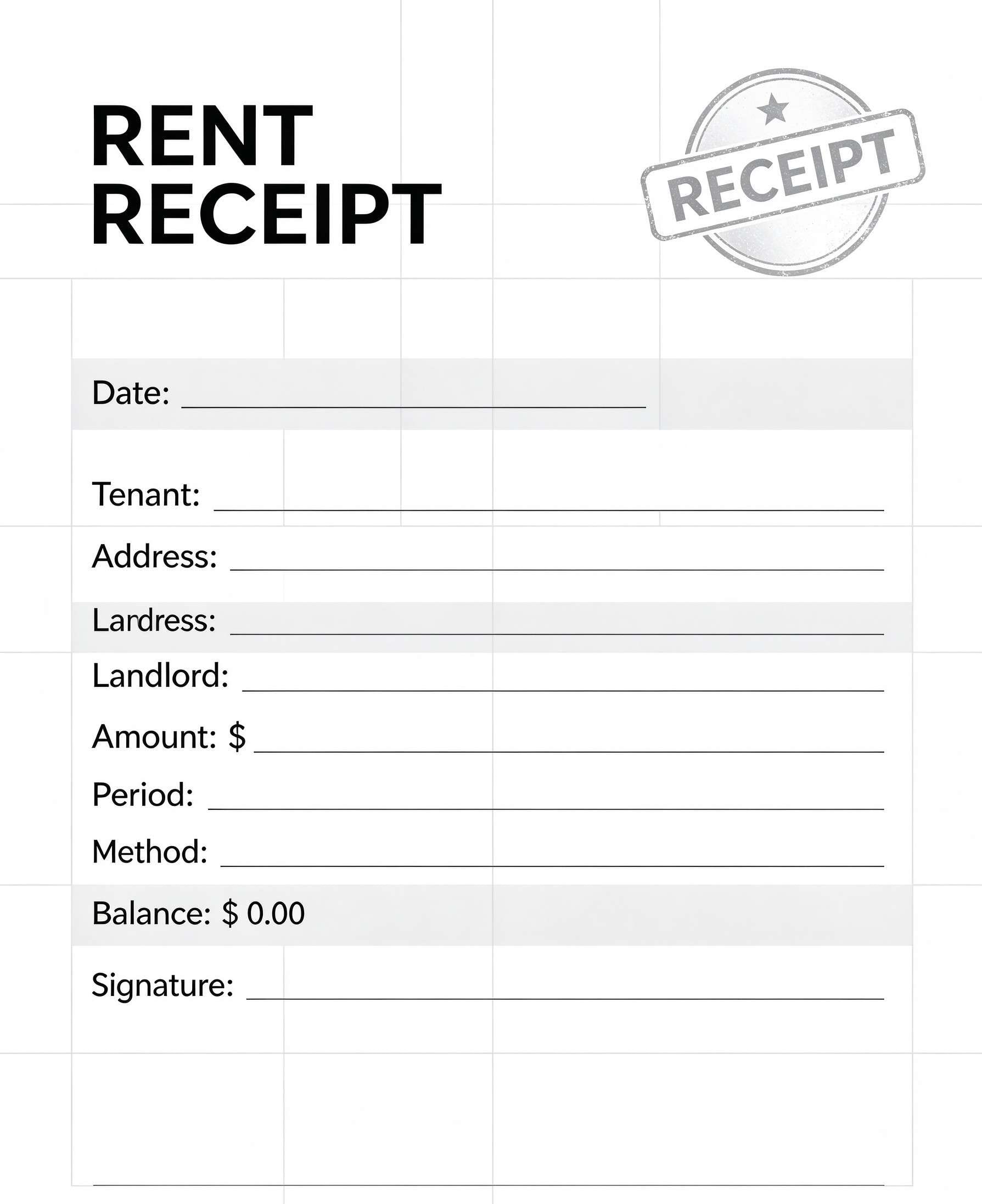
Download a printable Delivery Receipt PDF template to document package shipments, recipient handoffs, and courier confirmations. It helps dispatchers, couriers, and business managers keep track of parcel contents, fees, and signed proof of delivery on a clean, single-page slip.
What is a delivery receipt
A Delivery Receipt is a structured Business PDF that helps teams capture the information needed for this specific workflow. It keeps important details organized, easy to scan, and ready to print or share.
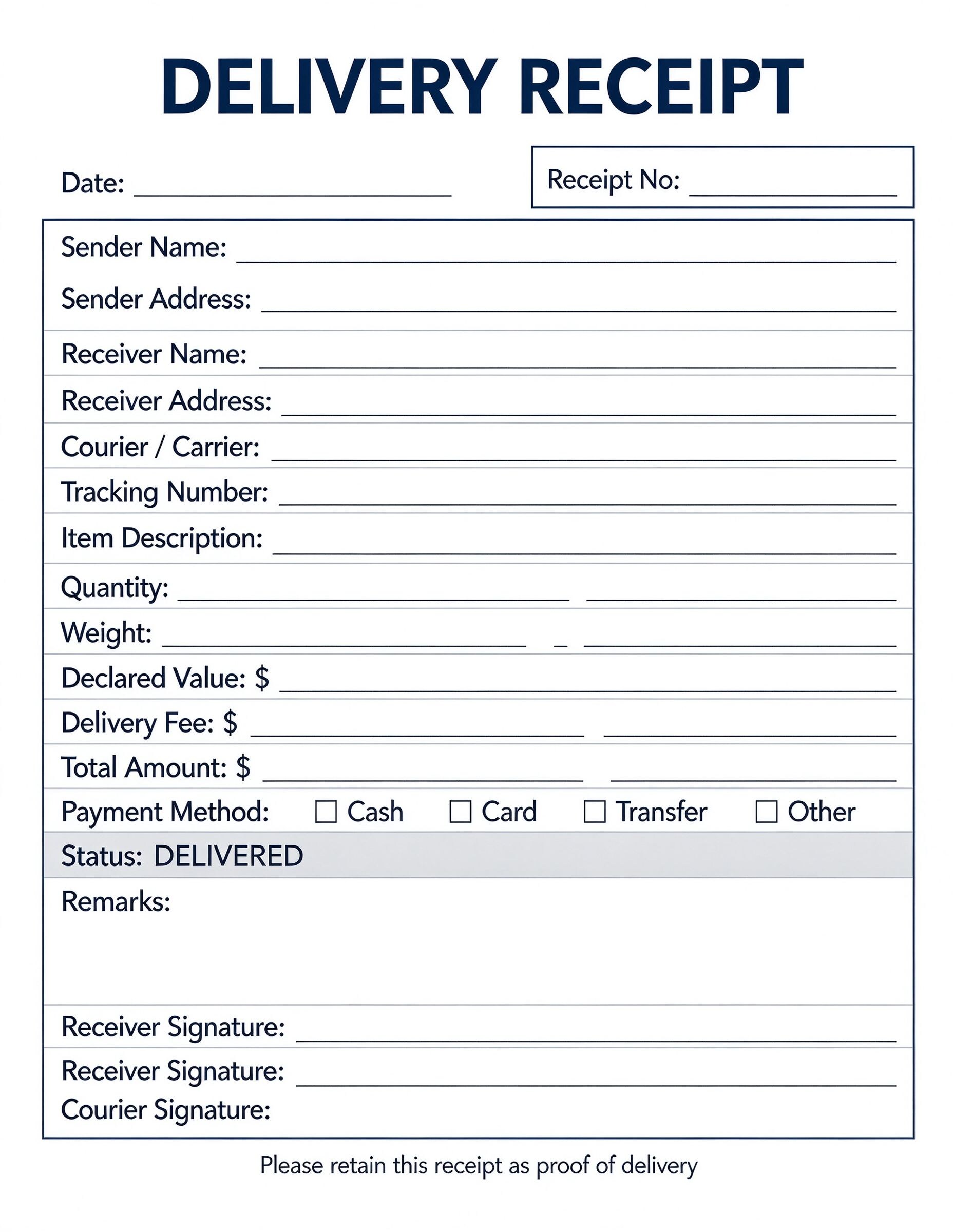
Users download this Delivery Receipt because it gives couriers, shippers, and clients a simple printable sheet of tracking numbers, sender and recipient addresses, item descriptions, payment methods, and delivery sign-offs.
Local Couriers & Messengers
Independent drivers and delivery teams who need a quick, paper or digital proof of handover.
E-Commerce & Retail Shippers
Small businesses shipping goods directly to customers that require signed confirmation upon arrival.
Warehouse Dispatchers
Logistics coordinators documenting outgoing freight, parcel weight, tracking numbers, and carrier handoffs.
B2B Supply Deliveries
Wholesalers and vendors issuing materials or equipment with declared value and delivery fee records.
- Enterprise fleet telematics and GPS live route management
- Multi-container international customs clearance declarations
- Automated real-time inventory barcode scanning systems
How to use and edit the delivery receipt
You can print this template for paper collection or complete it as a fillable PDF. Digital editing is useful when you want typed entries, reusable records, clean copies, and easy sharing with couriers, delivery drivers, warehouse dispatchers, small business merchants, and recipients.
How to customize the PDF
Use this workflow to input carrier and recipient contact information, itemize package descriptions, declare delivery fees, and collect courier and customer signatures.
Open the PDF in PDFelement
Download the Delivery Receipt PDF template, open it in PDFelement, click each fillable field, type the needed details, tick checkboxes where relevant, and save a clean digital copy.
Open the template in PDFelement to input the date, receipt number, sender details, receiver address, courier name, and tracking ID.
Add item descriptions, quantities, weight, declared value, delivery fees, total balance, and check the applicable payment method.
Print the slip for manual signing on delivery, or collect electronic signatures using PDFelement before archiving or sending a copy.


Wondershare PDFelement makes tailoring this delivery receipt fast and professional. You can easily insert your brand logo, type sender addresses, duplicate receipts for duplicate delivery runs, add interactive signature fields for mobile devices, and print crystal-clear physical copies ready for field use.
| PDFelement Feature | How It Helps |
|---|---|
| Edit PDF | Customize labels, headings, notes, and reusable sections |
| Fill PDF | Type clean information into every fillable field |
| Form tools | Use checkboxes, fillable text boxes, and digital signature lines for reliable proof of delivery logs |
| Annotate | Add comments or extra reminders before printing or sharing |
| Convert | Export or archive the finished PDF for team records |
| Organize PDFs | Keep templates by team, date, event, player, or season |
What to include in a delivery receipt
A useful business PDF should be specific enough for real team workflows but simple enough to complete quickly. The fields below show what this template is built to capture and why each part matters.
Delivery Receipt fields
| Field | What to Fill In | Why It Helps |
|---|---|---|
| Receipt No. & Date | Unique receipt identifier and the specific transaction or delivery date. | Ensures prompt bookkeeping auditability and prevents duplicate shipping references. |
| Sender & Receiver Information | Full names, street addresses, and contact numbers for both parties. | Eliminates misdelivery errors and provides a reliable audit trail for sender and consignee. |
| Item Description & Quantity | Description of enclosed items, unit counts, parcel weight, and declared value. | Verifies that the correct cargo was dispatched and received in proper physical quantity. |
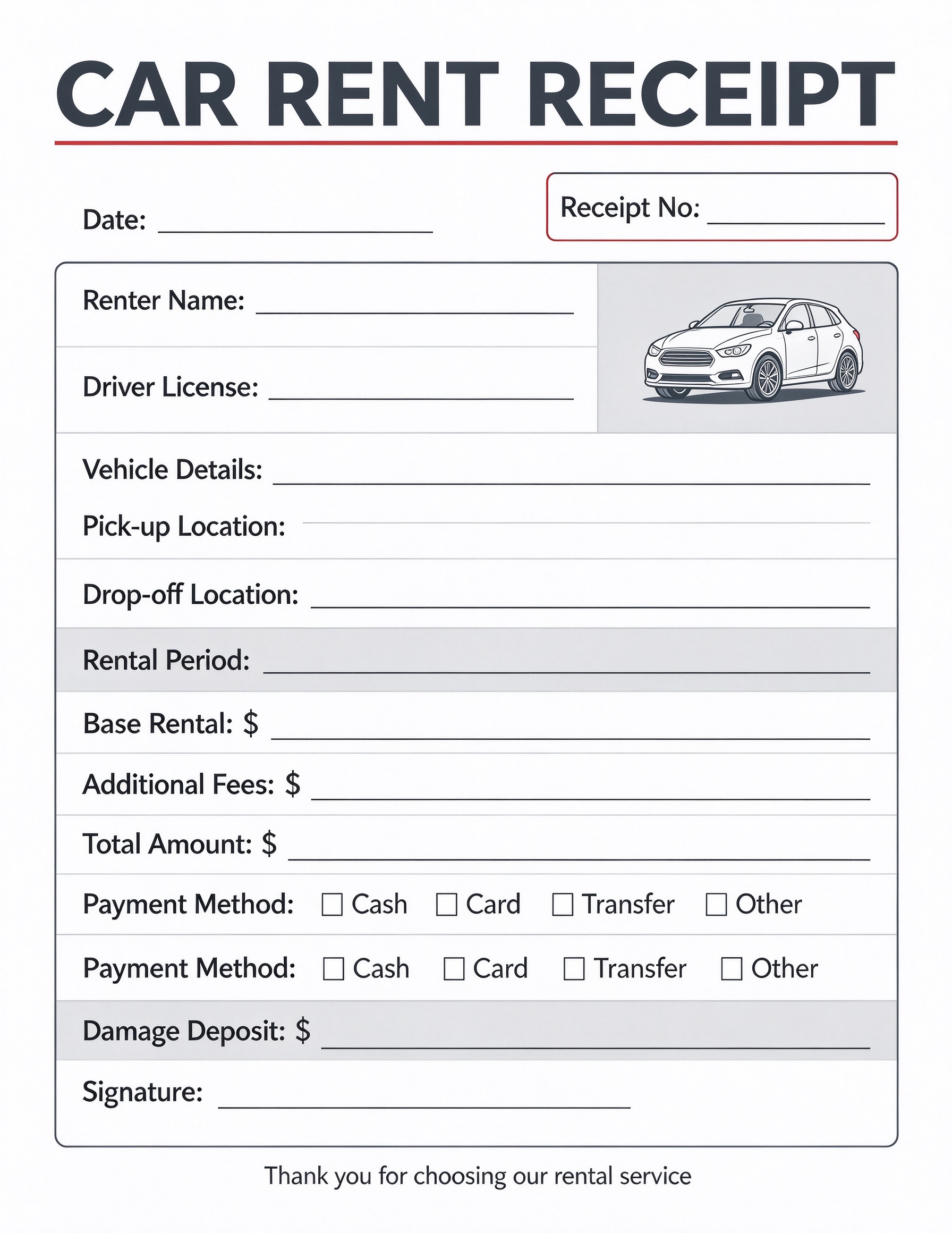
| Payment Method & Fees | Delivery fee, total amount collected, and checkmark for cash, card, transfer, or other. | Documents cash-on-delivery or prepaid carrier charges clearly to avoid accounting disputes. |
| Courier & Receiver Signatures | Formal handwritten or digital signatures of the courier driver and recipient. | Serves as legally binding proof of physical delivery and receipt acknowledgment. |
Why users download this template
Users download this delivery receipt template to establish unquestionable proof of package arrival, maintain orderly courier billing, and prevent lost parcel disputes.
 Always enter a unique receipt number before the driver departs with the parcel. Inspect package condition and note any damages in the dedicated remarks box. Tick the correct payment box immediately upon receiving cash or card transactions. Ensure the receiver prints their full name alongside their handwritten signature. Keep one copy with the dispatch office and hand one physical copy to the receiver. Save completed digital delivery receipts in monthly cloud folders sorted by date.
Delivery Receipt vs other business templates
| Template Type | Best For | Main Difference |
|---|---|---|
| Delivery Receipt | Final handover confirmation and courier proof of delivery | Focuses on item count, carrier info, delivery fees, and recipient signatures. |
| Packing Slip | Inside-the-box shipment contents verification | Lists items for warehouse picking and unboxing without payment or signature fields. |
| Bill of Lading (BOL) | Commercial freight and cross-country cargo transport | Contains legally binding carrier liabilities, hazardous material tags, and route terms. |
| Commercial Invoice | Customs clearance and international parcel sales | Focuses on tariff codes, currency exchange, exporter declarations, and duties. |
Tips for using this template
- Prefill recurring sender information and courier names in PDFelement to accelerate daily shipping rounds.
- Use a mobile tablet equipped with PDFelement to capture digital recipient signatures directly at the doorstep.
- Cross-reference the tracking number with your internal order management system before marking orders fulfilled.
- Include specific package notes such as 'Fragile' or 'Left at Reception' within the clear remarks field.
- Generate a duplicate receipt using PDFelement's page duplication tool whenever two-part slips are required.
FAQs
What is a Delivery Receipt?
A Delivery Receipt is an official document signed by a recipient upon taking possession of goods or packages. It acts as legal verification that cargo was handed over as specified, detailing parcel contents, courier credentials, date, and fees.
Who uses this delivery receipt template?
Courier companies, freelance drivers, local merchants, warehouse dispatch coordinators, and field service technicians use this template to substantiate delivery completion and bill client accounts accurately.
Is the Delivery Receipt PDF editable?
Yes. You can edit this PDF directly in Wondershare PDFelement by modifying text labels, adding your company logo, setting default addresses, and creating interactive fillable form fields.
What should be included in a Delivery Receipt?
A standard delivery receipt includes the date, receipt number, sender and receiver contact details, courier name, tracking number, item descriptions, package weight, delivery fees, payment method, and receiver signatures.
Can I use it for Cash on Delivery (COD) orders?
Yes. The template contains dedicated fields for delivery fees, total amounts, and payment method checkboxes (Cash, Card, Transfer, Other) to record COD transactions upon parcel handoff.
Does it replace an official Bill of Lading?
No. While it serves as valid proof of delivery for parcel couriers, retail orders, and local logistics, heavy multi-modal freight shipments often require a federally regulated Bill of Lading alongside it.
How should damaged goods or discrepancies be handled?
Any broken packaging, partial quantities, or visible damages should be clearly written in the 'Remarks' section before both the courier and the recipient sign the receipt.
Related templates


This template page includes usage guidance, editing steps, review information, and related tools to avoid thin template-page content.