
Car Rent Receipt Template PDF
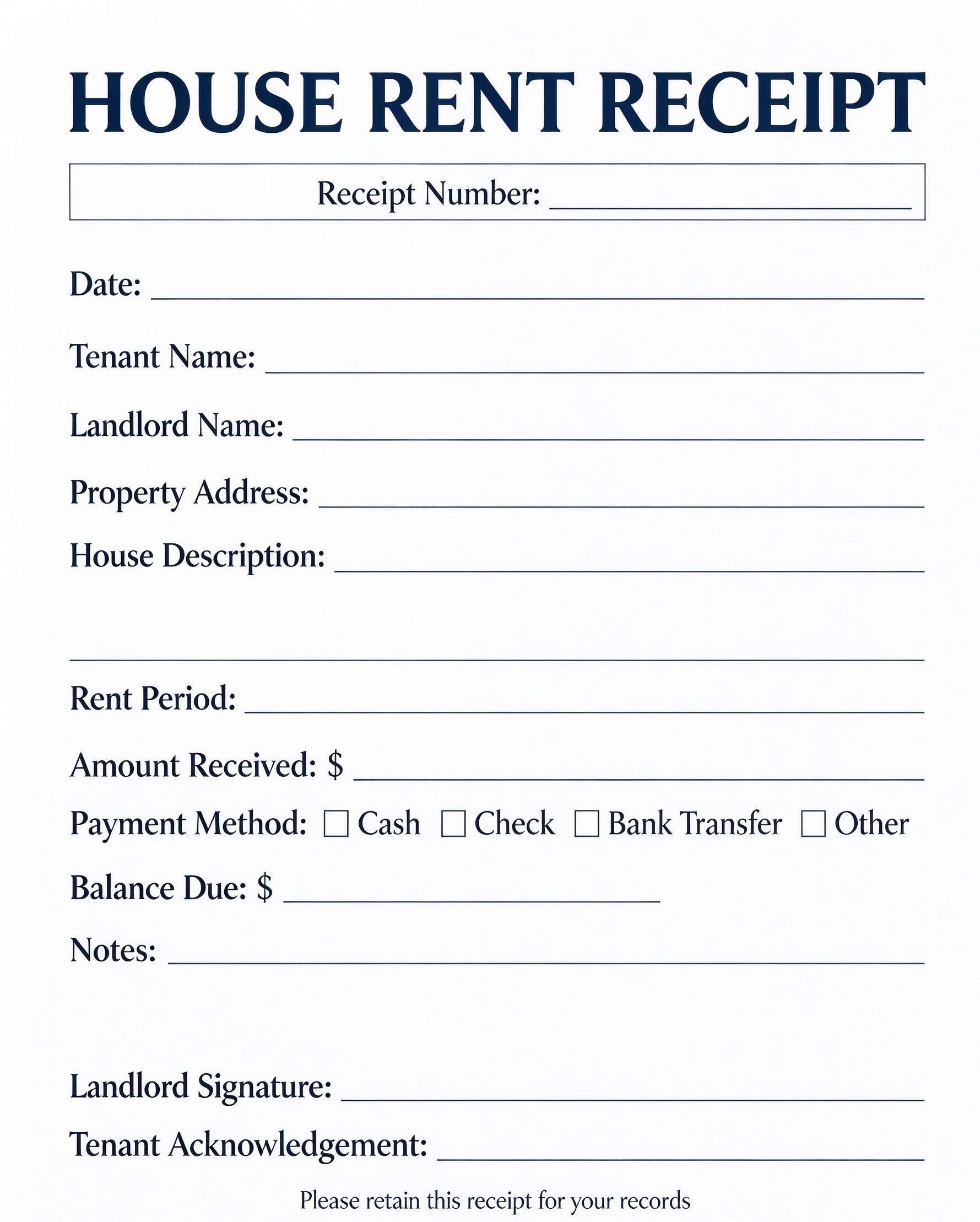
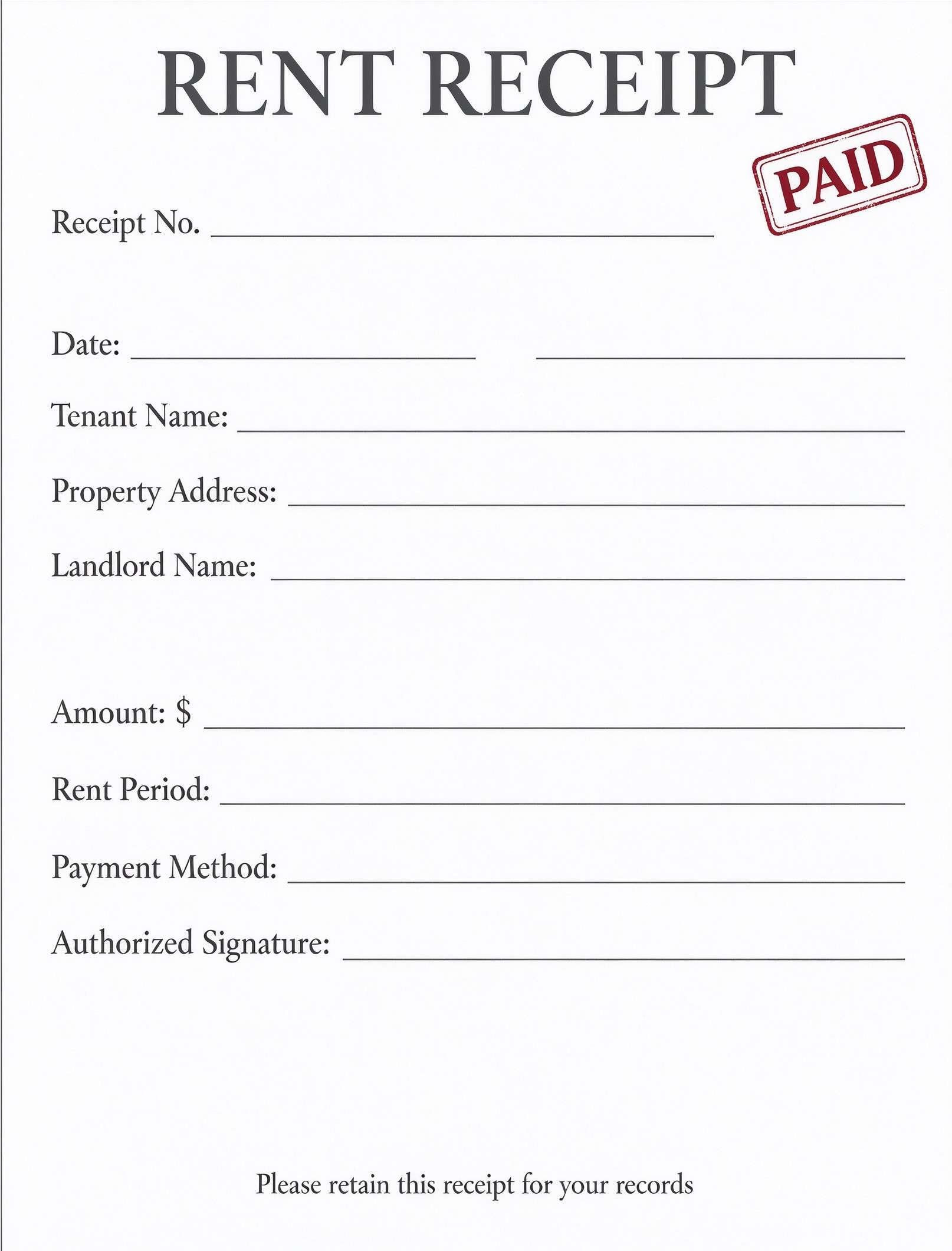
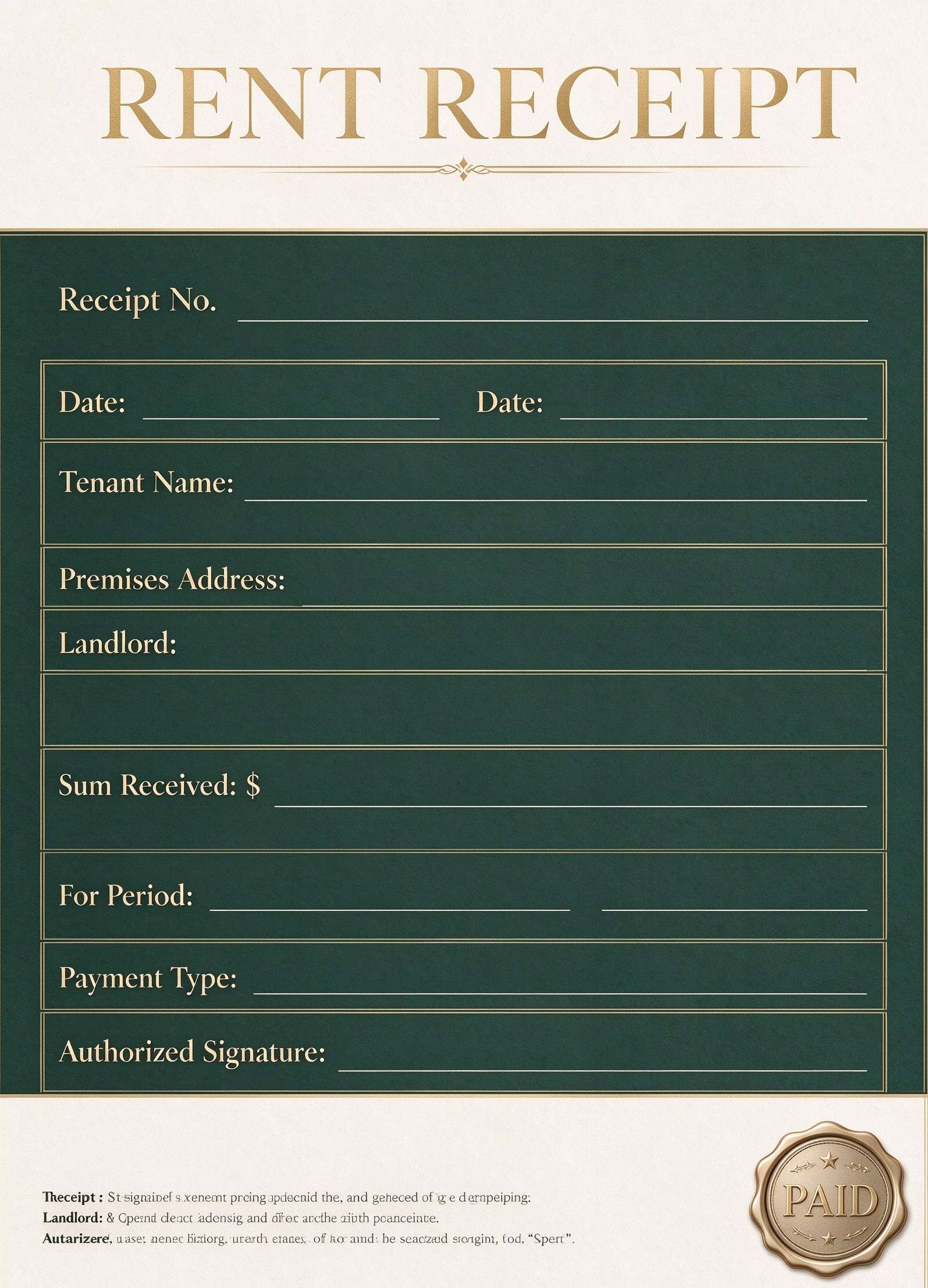
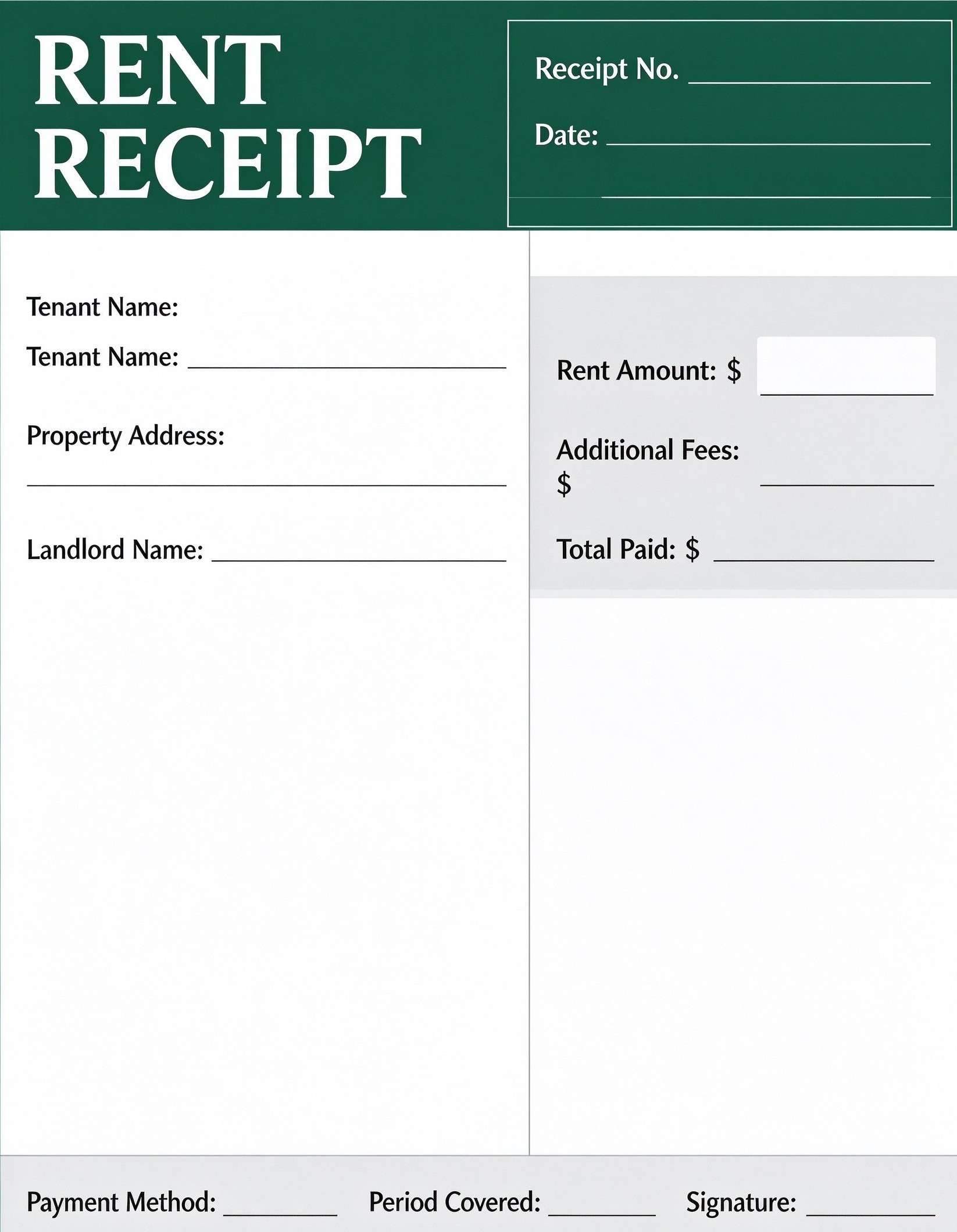
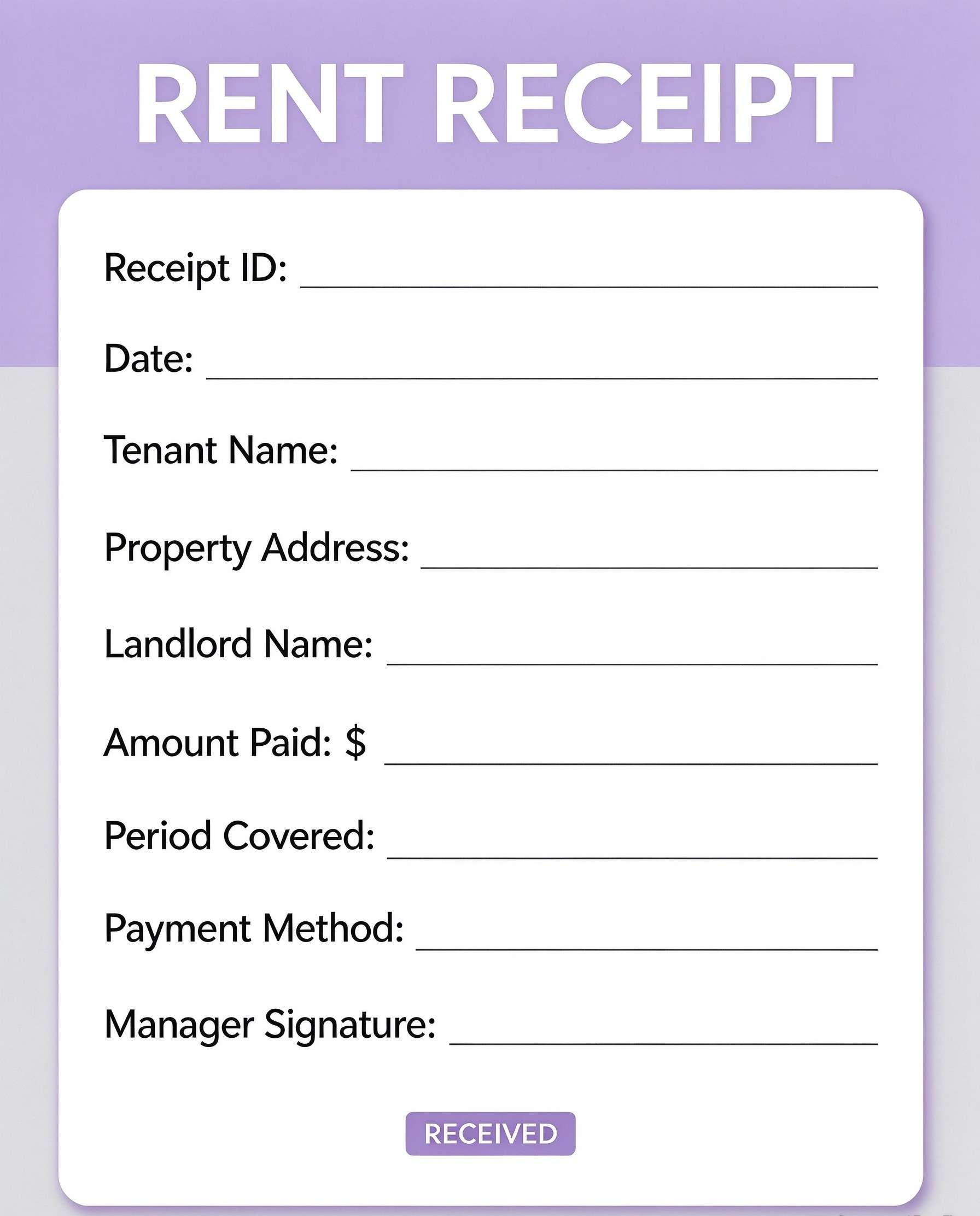
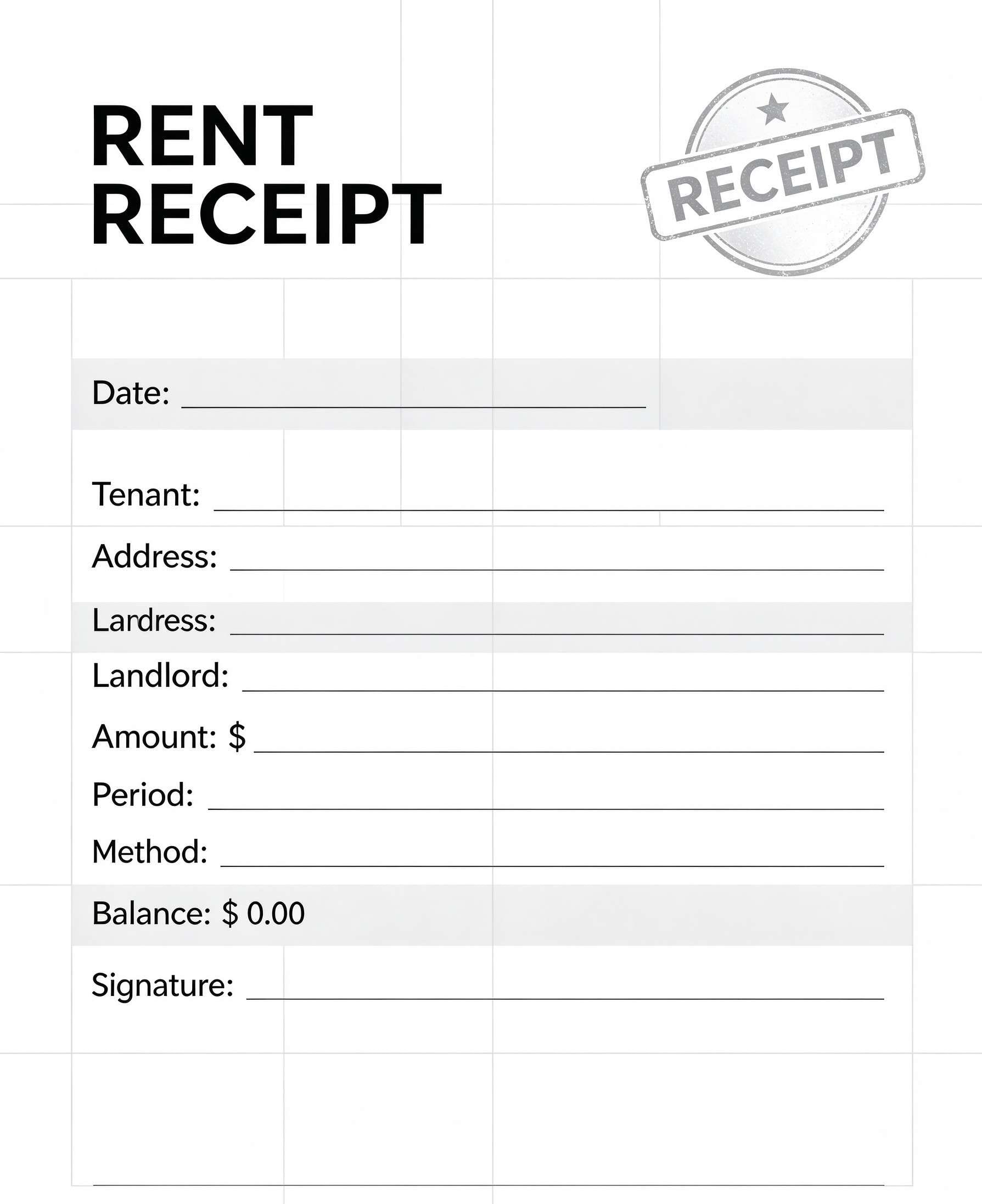
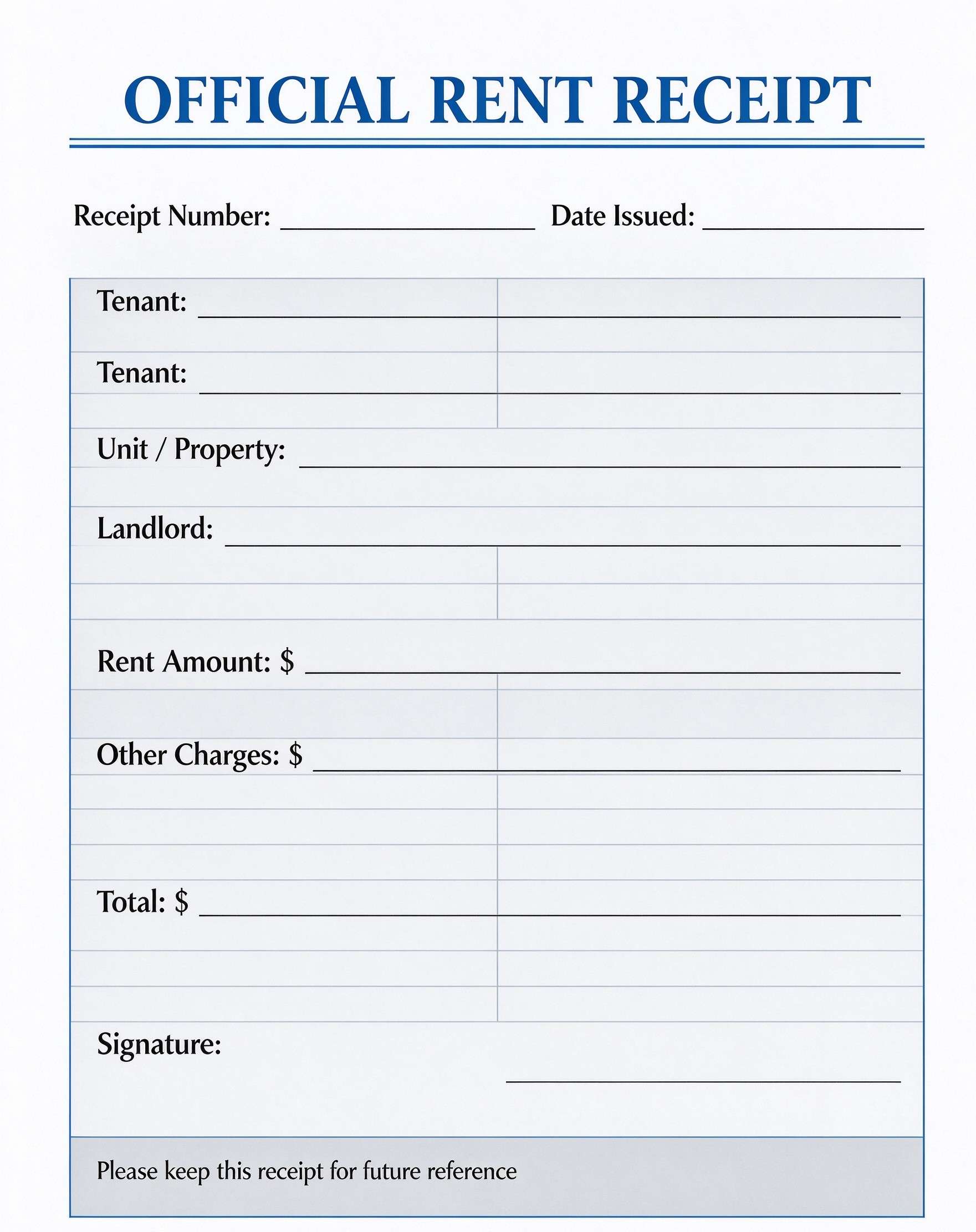
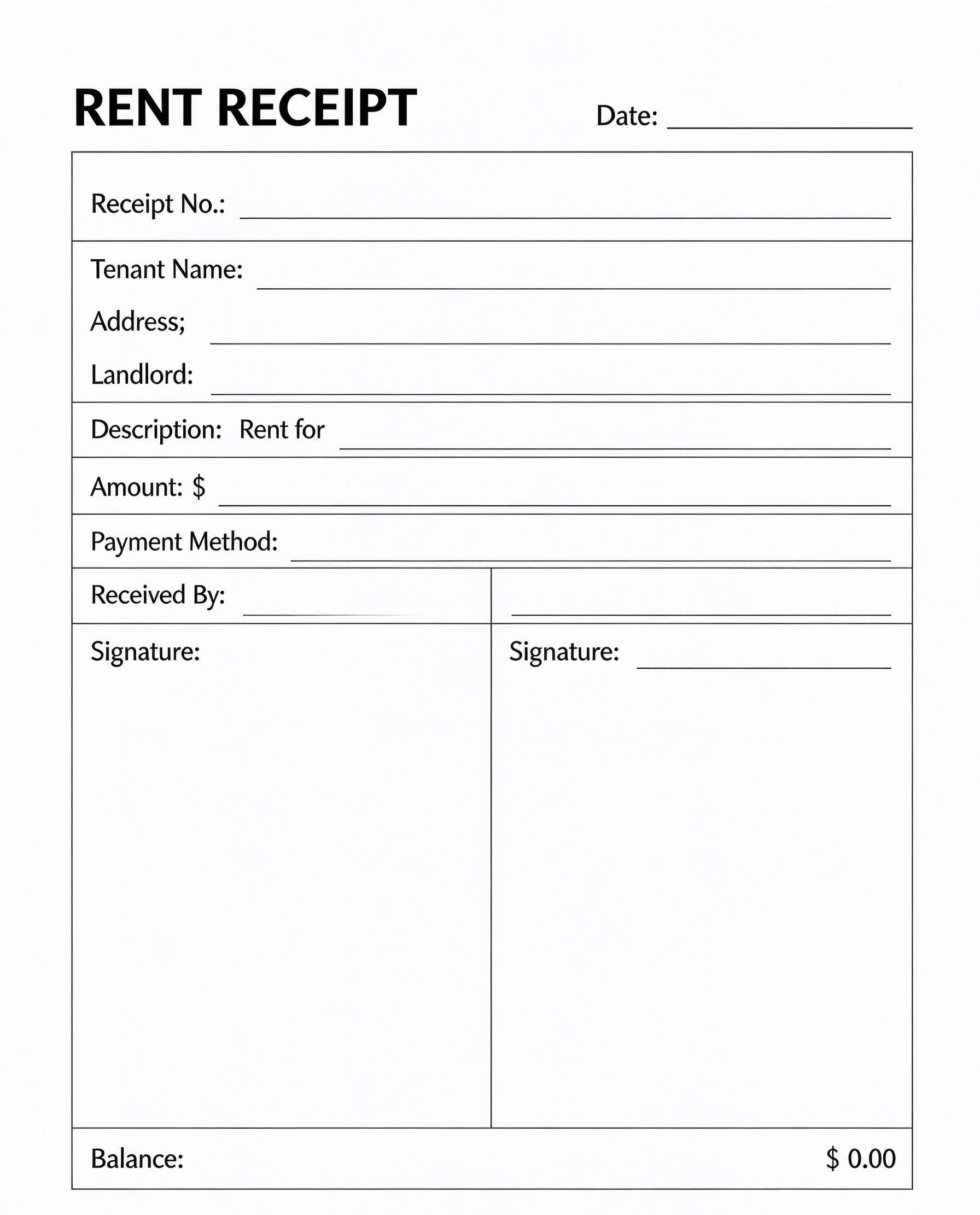
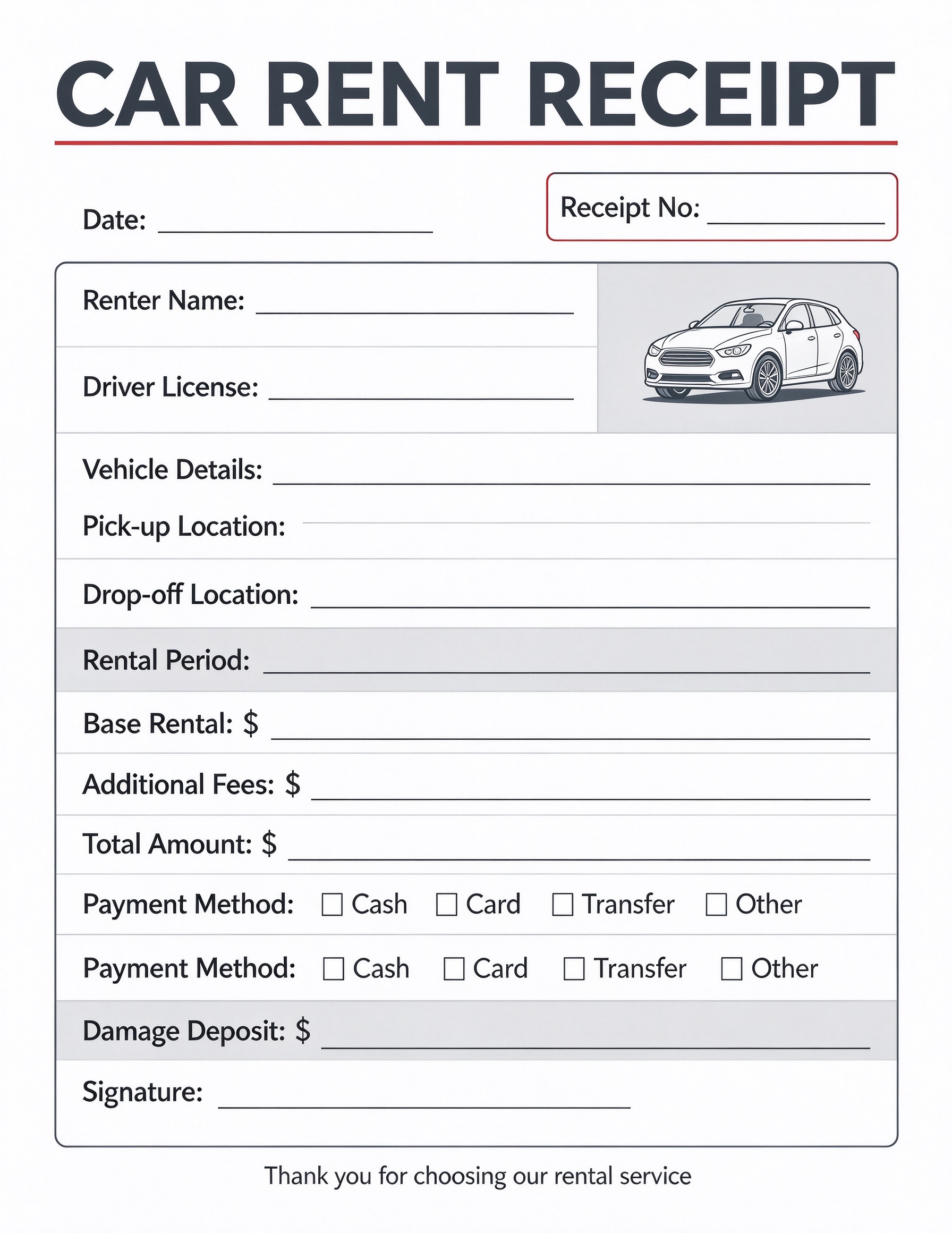
Download a printable car rent receipt PDF template to document auto rental transactions clearly and transparently. It enables rental managers, independent car owners, and fleet coordinators to record driver credentials, rental periods, fees, and security deposits. Using this standardized receipt helps minimize billing disputes and provides reliable proof of payment for both parties.
What is a car rent receipt
A car rent receipt is a structured Business & Operations PDF that helps teams capture the information needed for this specific workflow. It keeps important details organized, easy to scan, and ready to print or share.
Users download this car rent receipt because it gives rental business owners and customers a simple printable sheet of rates, deposits, pick-up locations, and signed payment acknowledgments.
Independent Car Rental Agencies
Small to medium auto rental businesses issuing quick, professional physical or digital receipts.
Peer-to-Peer Car Hosts
Private owners renting out personal vehicles who need clear documentation of fees and damage deposits.
Corporate Fleet Coordinators
Company fleet managers tracking temporary vehicle reassignments and departmental chargebacks.
Auto Dealerships and Garages
Service departments providing courtesy or rental loaner vehicles requiring deposit and payment logging.
- Automated dynamic telematics and toll tracking systems.
- Comprehensive multi-page master commercial vehicle lease contracts.
- Automated real-time credit card payment gateway replacements.
How to use and edit the car rent receipt
You can print this template for paper collection or complete it as a fillable PDF. Digital editing is useful when you want typed entries, reusable records, clean copies, and easy sharing with car rental clerks, branch managers, independent hosts, fleet directors, or rental clients.
How to customize the PDF
Use this workflow to input company details, adjust currency headers, fill in driver and vehicle credentials, calculate total costs, and export signed receipts.
Open the PDF in PDFelement
Download the Car Rent Receipt PDF template, open it in PDFelement, click each fillable field, type the needed details, tick checkboxes where relevant, and save a clean digital copy.
Fill in the date, receipt number, renter's full name, driver's license number, and vehicle model or plate details.
Record pick-up and drop-off points, rental duration, base fee, any supplemental surcharges, and total balance due.
Mark the payment method, document the refundable damage deposit collected, and obtain the renter's signature.


Wondershare PDFelement makes managing car rental paperwork effortless by allowing staff to type customer details directly into interactive text fields, duplicate blank forms across daily shifts, insert company branding, and collect e-signatures on counter tablets for clean digital archiving.
| PDFelement Feature | How It Helps |
|---|---|
| Edit PDF | Customize labels, headings, notes, and reusable sections |
| Fill PDF | Type clean information into every fillable field |
| Form tools | Use checkboxes, signature fields, and numeric text boxes for structured automotive billing records |
| Annotate | Add comments or extra reminders before printing or sharing |
| Convert | Export or archive the finished PDF for team records |
| Organize PDFs | Keep templates by team, date, event, player, or season |
What to include in a car rent receipt
A useful business & operations PDF should be specific enough for real team workflows but simple enough to complete quickly. The fields below show what this template is built to capture and why each part matters.
Car Rent Receipt fields
| Field | What to Fill In | Why It Helps |
|---|---|---|
| Receipt No & Date | Unique receipt sequence identifier and transaction issue date. | Ensures accurate chronological bookkeeping and simplified invoice retrieval. |
| Renter Name & Driver License | Customer legal name and government driver license number. | Verifies driver eligibility and binds identity to the payment record. |
| Vehicle & Route Details | Vehicle make, model, plate, pick-up location, and return location. | Clarifies vehicle assignment and logistical parameters to prevent routing disputes. |
| Rental Charges Breakdown | Base rental charge, extra surcharges, and calculated total amount. | Provides absolute fee transparency and avoids misunderstandings at return. |
| Damage Deposit & Payment Method | Deposit dollar amount, checkboxes for cash/card/transfer, and sign-off. | Validates payment settlement and safeguards vehicle owners against damages. |
Why users download this template
Rental operators download this template to issue quick, clear, and legally sound payment acknowledgments that protect vehicle assets and build renter trust.
 Always match driver's license numbers against physical photo IDs before handing over keys. Explicitly itemize additional fees such as insurance waivers, fuel charges, or mileage caps. Record the security deposit separately to streamline return inspection refunds. Check off the exact payment channel used to maintain clean daily accounting balances. Retain a signed digital copy for tax audits and liability resolution records. Include accurate pick-up and drop-off locations to document authorized territory usage.
Car Rent Receipt vs other business & operations templates
| Template Type | Best For | Main Difference |
|---|---|---|
| Car Rent Receipt | Direct payment proof and deposit logging for auto rentals | Focuses on transaction amounts, payment methods, and deposit records at handover. |
| Vehicle Inspection Checklist | Assessing pre- and post-rental vehicle condition and existing dents | Prioritizes vehicle body diagrams, mechanical checks, and damage marks over financial figures. |
| Car Rental Agreement | Establishing legally binding terms, insurance liabilities, and policies | Contains multi-clause legal terms and conditions rather than a concise financial payment receipt. |
| Equipment Rental Invoice | Billing clients for heavy machinery, tool hires, or recurring commercial jobs | Structured for scheduled B2B invoicing with net payment terms rather than point-of-sale car handovers. |
Tips for using this template
- Pre-fill recurring company details, logo, and standard rental terms using PDFelement form tools.
- Store completed digital receipts in customer profile folders organized by month and license plate.
- Use electronic signatures on mobile tablets for contactless customer checkout workflows.
- Double-check deposit checkmarks to ensure prompt return handling upon safe vehicle drop-off.
- Keep printed backup copies in rental booths for fast manual completion during connectivity outages.
FAQs
What is a car rent receipt?
A car rent receipt is a document issued by an auto rental provider or car owner acknowledging that the customer has paid the required rental fees and security deposit for a designated vehicle and period.
Who should use this car rent receipt template?
Independent car rental business owners, peer-to-peer car hosts, dealership loaner departments, and fleet managers can all use this template to handle customer transactions.
Is the car rent receipt PDF editable?
Yes, opening this PDF in Wondershare PDFelement allows you to edit text labels, add fillable form fields, insert your business logo, and adjust currency symbols.
What should be included in a car rent receipt?
A complete car rent receipt should include the receipt number, transaction date, customer name, driver's license number, vehicle description, pick-up/drop-off locations, rental dates, itemized fees, payment method, damage deposit, and signature.
Can I use it for peer-to-peer vehicle rentals?
Yes, private individuals renting vehicles through direct arrangements can use this receipt to establish documented proof of received funds and security deposit terms.
Does it replace an official car rental contract?
No, this template functions primarily as an acknowledgment of payment and deposit handover. Comprehensive liability waivers and terms of service should be detailed in a master car rental agreement.
How should adjustments or extra charges be handled?
Late return charges, cleaning fees, or fuel surcharges can be listed directly in the 'Additional Fees' field before finalizing the total amount and receiving customer sign-off.
Related templates


This template page includes usage guidance, editing steps, review information, and related tools to avoid thin template-page content.