
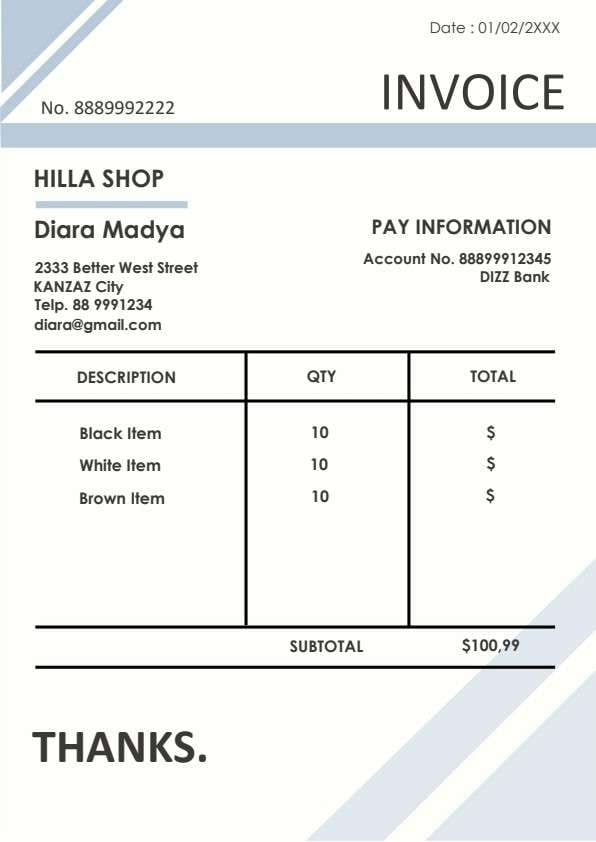
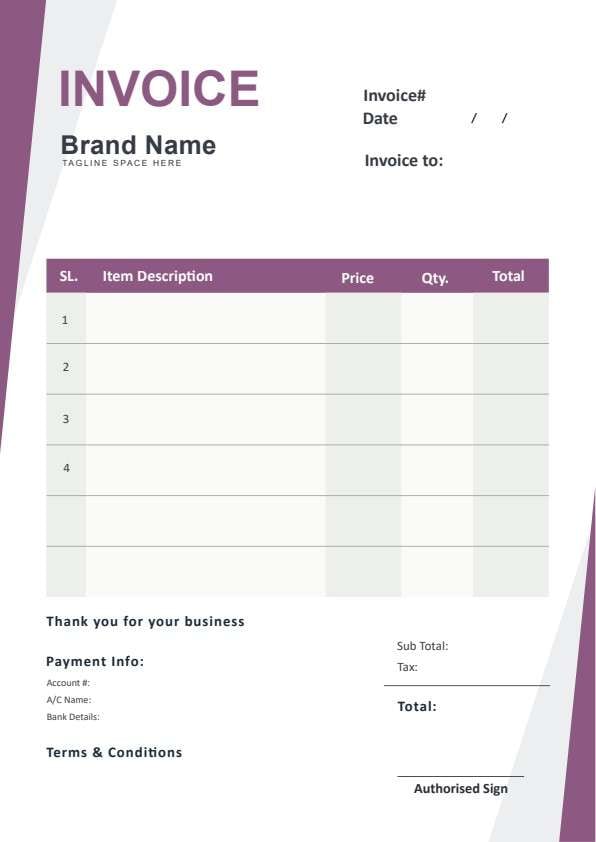
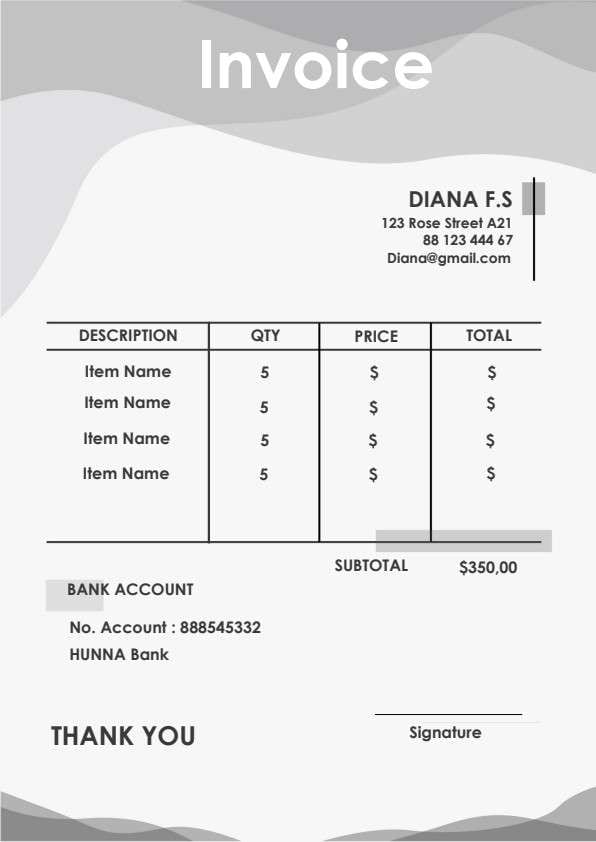
VAT Invoice Template PDF
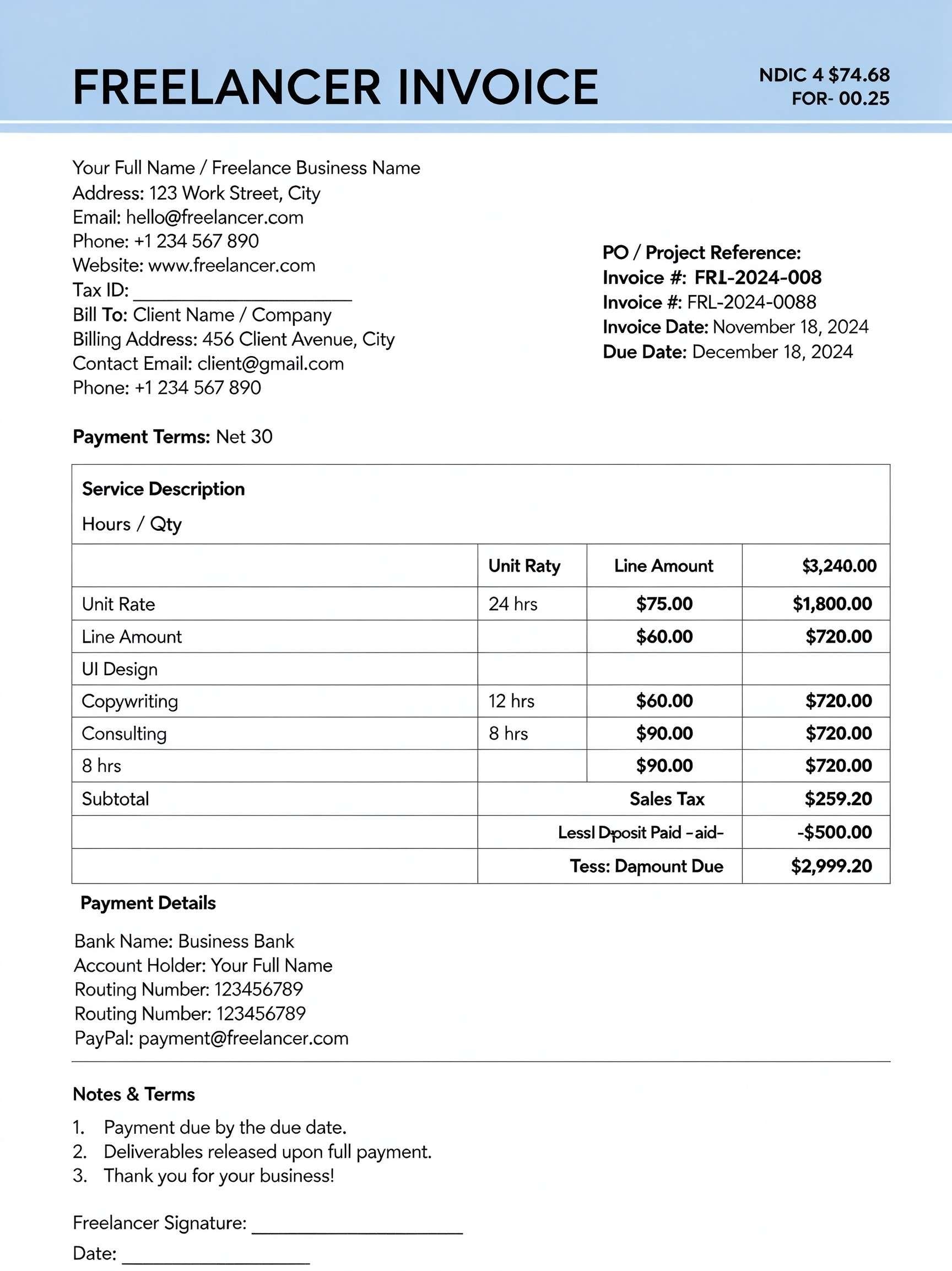
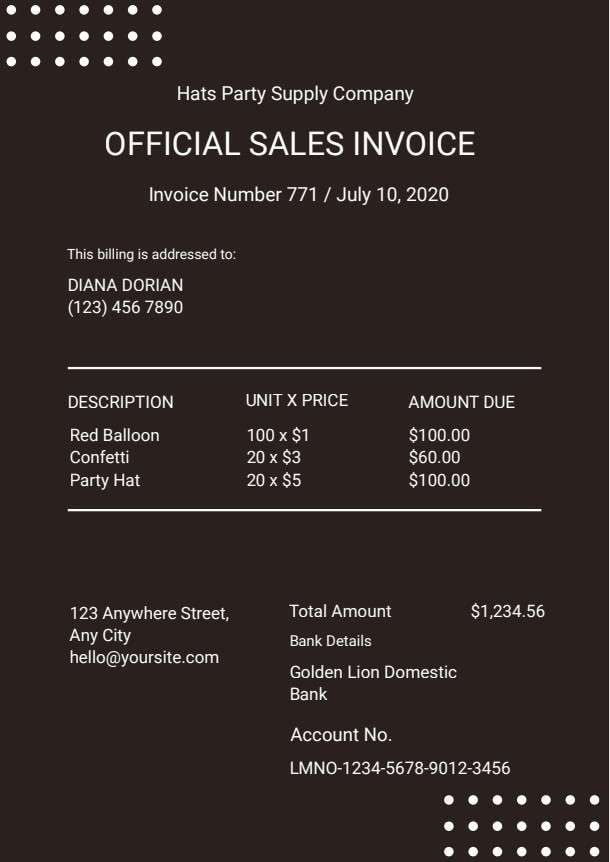
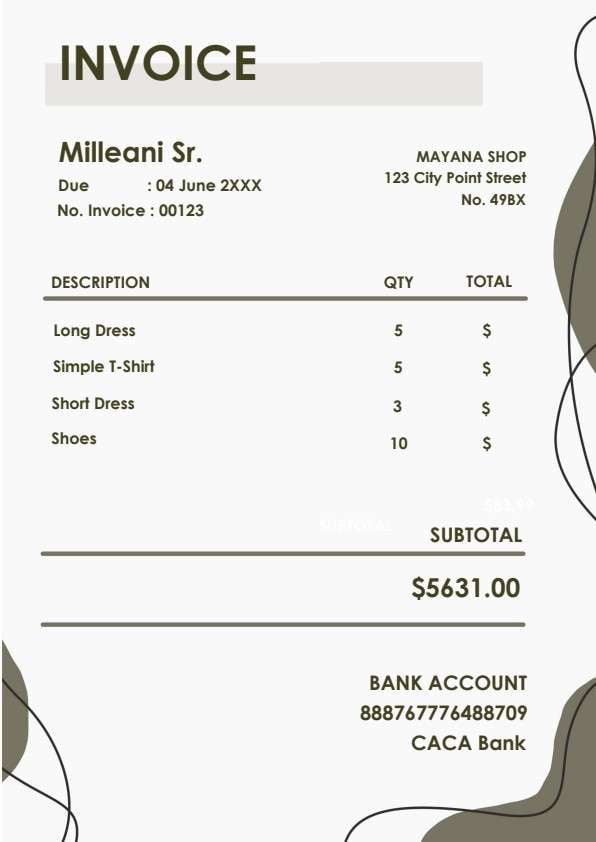
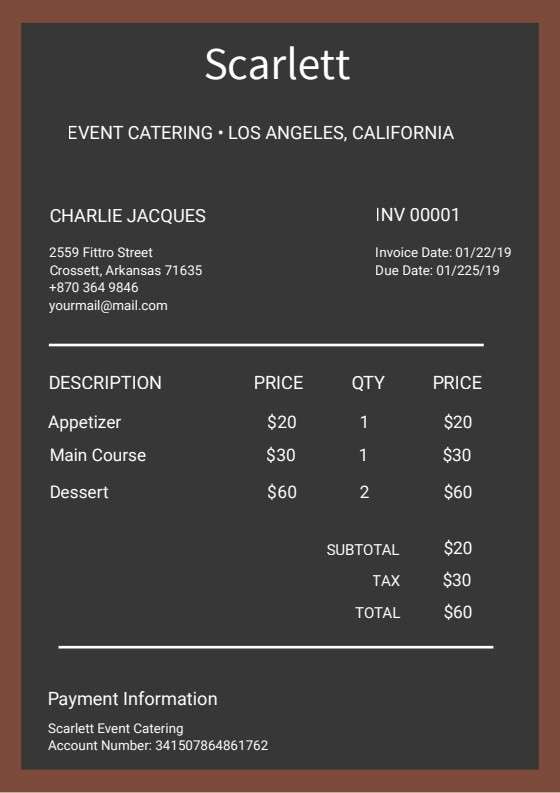
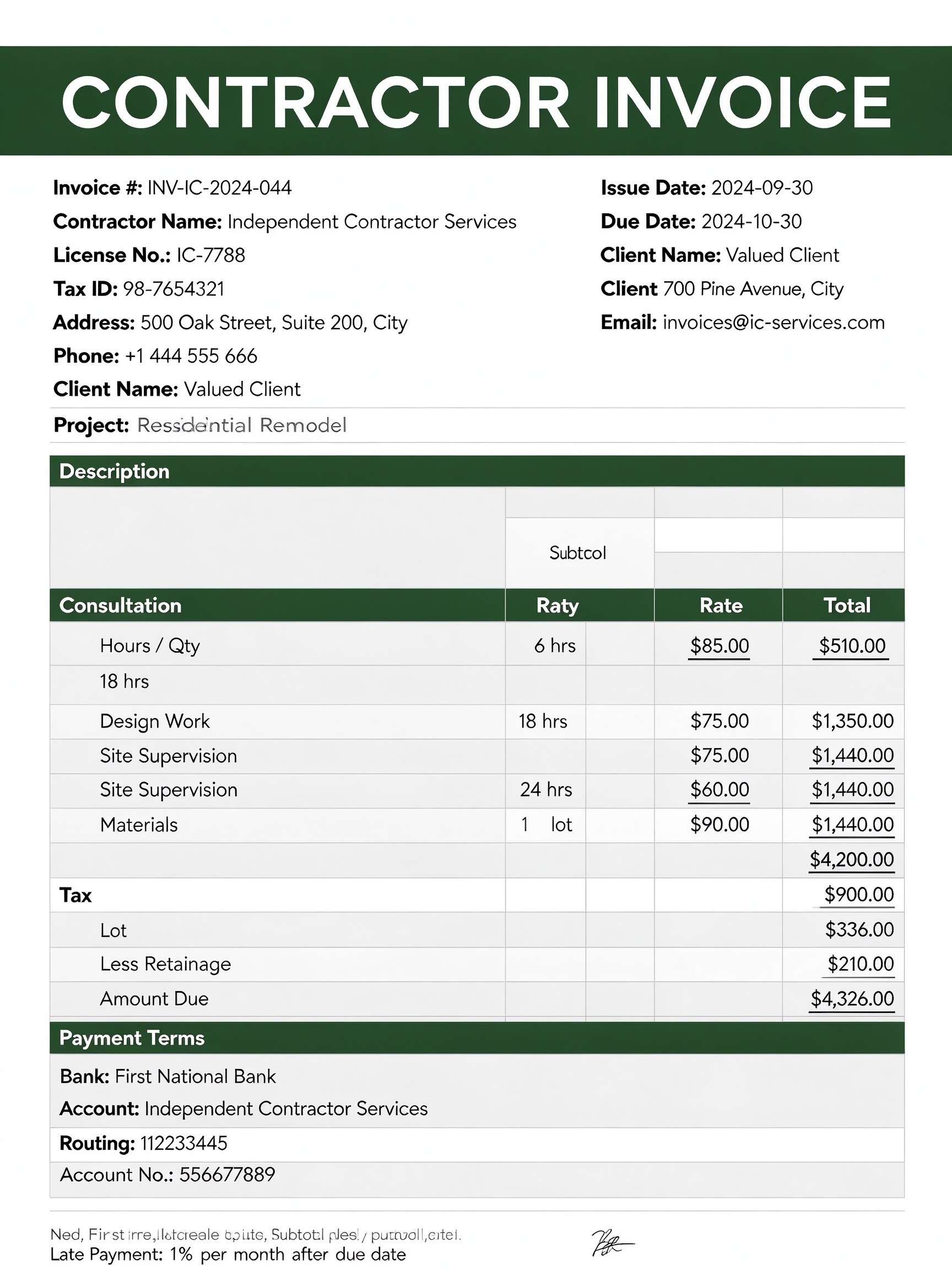
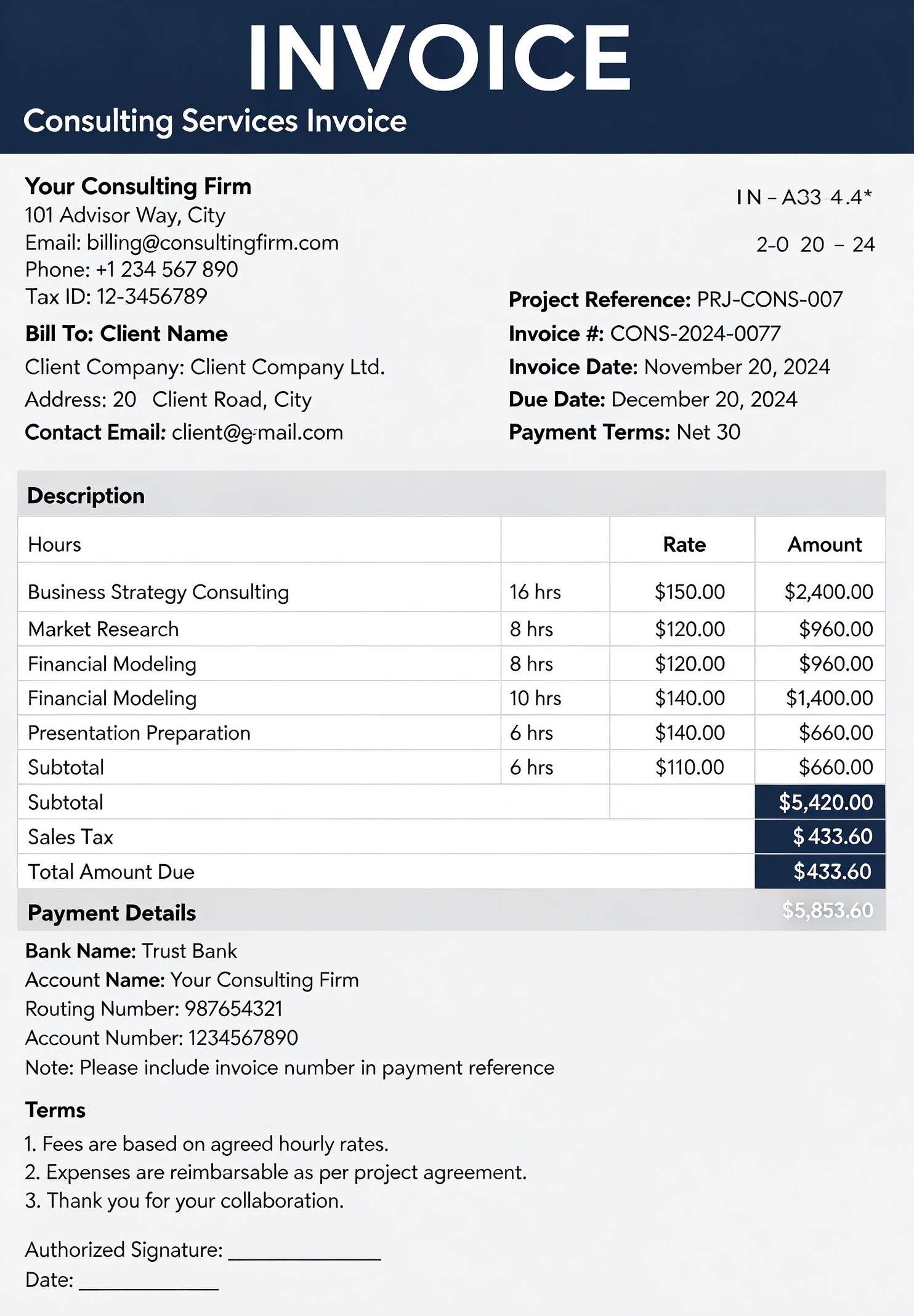
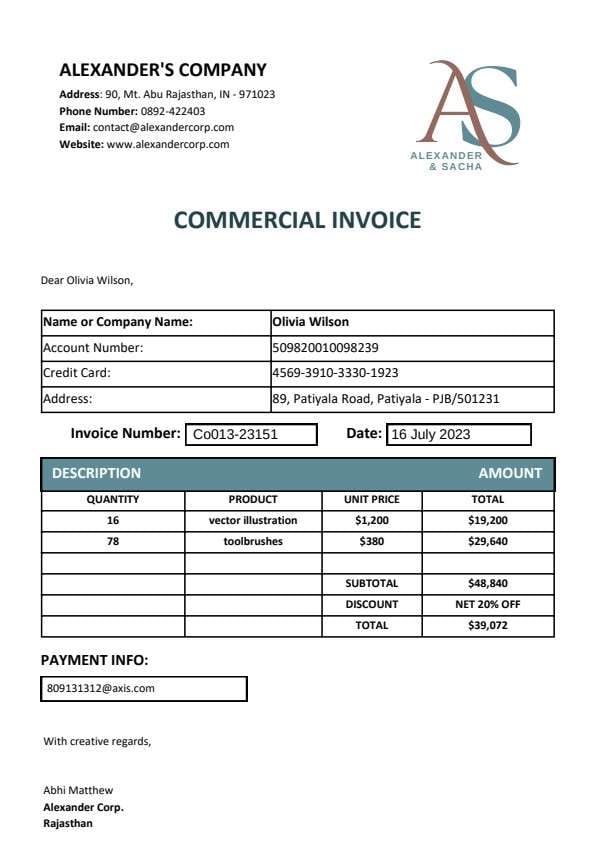
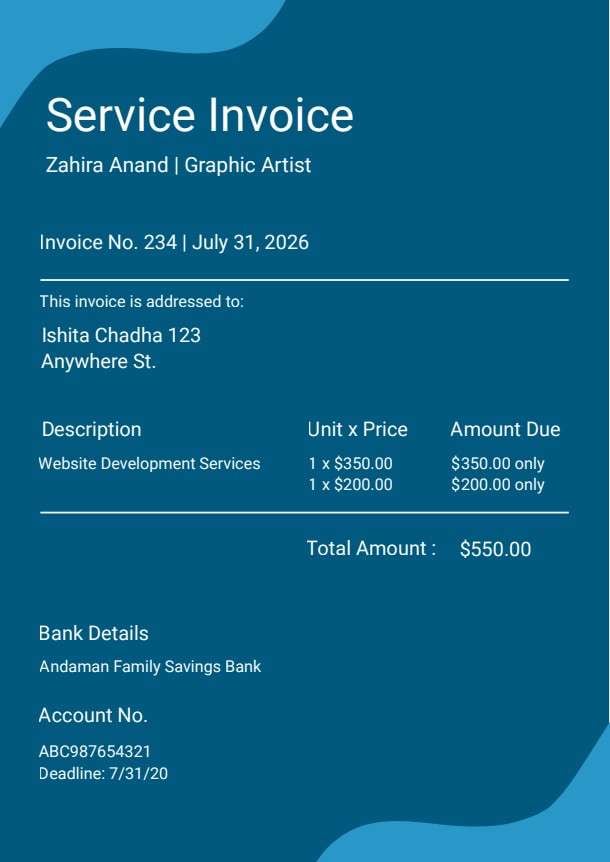
Download a printable VAT invoice PDF template to bill customers with transparent value-added tax breakdowns, accurate totals, and clear payment terms. It helps accountants, freelancers, and billing specialists capture company tax IDs, billing periods, and itemized charges. Keep all your cross-border or domestic tax documentation organized, professional, and audit-ready.
What is a vat invoice
A VAT invoice is a structured Business & Operations PDF that helps teams capture the information needed for this specific workflow. It keeps important details organized, easy to scan, and ready to print or share.
Users download this VAT invoice because it gives business owners and finance teams a simple printable tool of itemized deliverables, applicable tax percentages, subtotal amounts, and approved payment methods.
VAT-Registered Businesses
Small to medium enterprises issuing formal tax invoices to business clients or individual buyers.
Independent Contractors & Freelancers
Sole proprietors billing international or local clients requiring official VAT and tax identification numbers.
Service & Retail Vendors
Merchants tracking sold goods and billed labor with itemized unit costs, discounts, and tax deductions.
Corporate Accounting Departments
In-house finance teams preparing structured paper or digital records for monthly tax filing and audits.
- High-volume enterprise automated ERP billing systems running thousands of daily transactions
- Non-taxable pro forma quotes or preliminary cost estimates that do not require legal tax records
- Complex multi-currency cross-border customs declarations needing specialized shipping documents
How to use and edit the vat invoice template
You can print this template for paper collection or complete it as a fillable PDF. Digital editing is useful when you want typed entries, reusable records, clean copies, and easy sharing with accountants, business owners, clients, procurement officers, and billing specialists.
How to customize the PDF
Use this workflow to enter company name and tax ID, list products or services, compute subtotal and VAT total, select the payment method, and sign or export to PDF.
Open the PDF in PDFelement
Download the VAT Invoice PDF template, open it in PDFelement, click each fillable field, type the needed details, tick checkboxes where relevant, and save a clean digital copy.
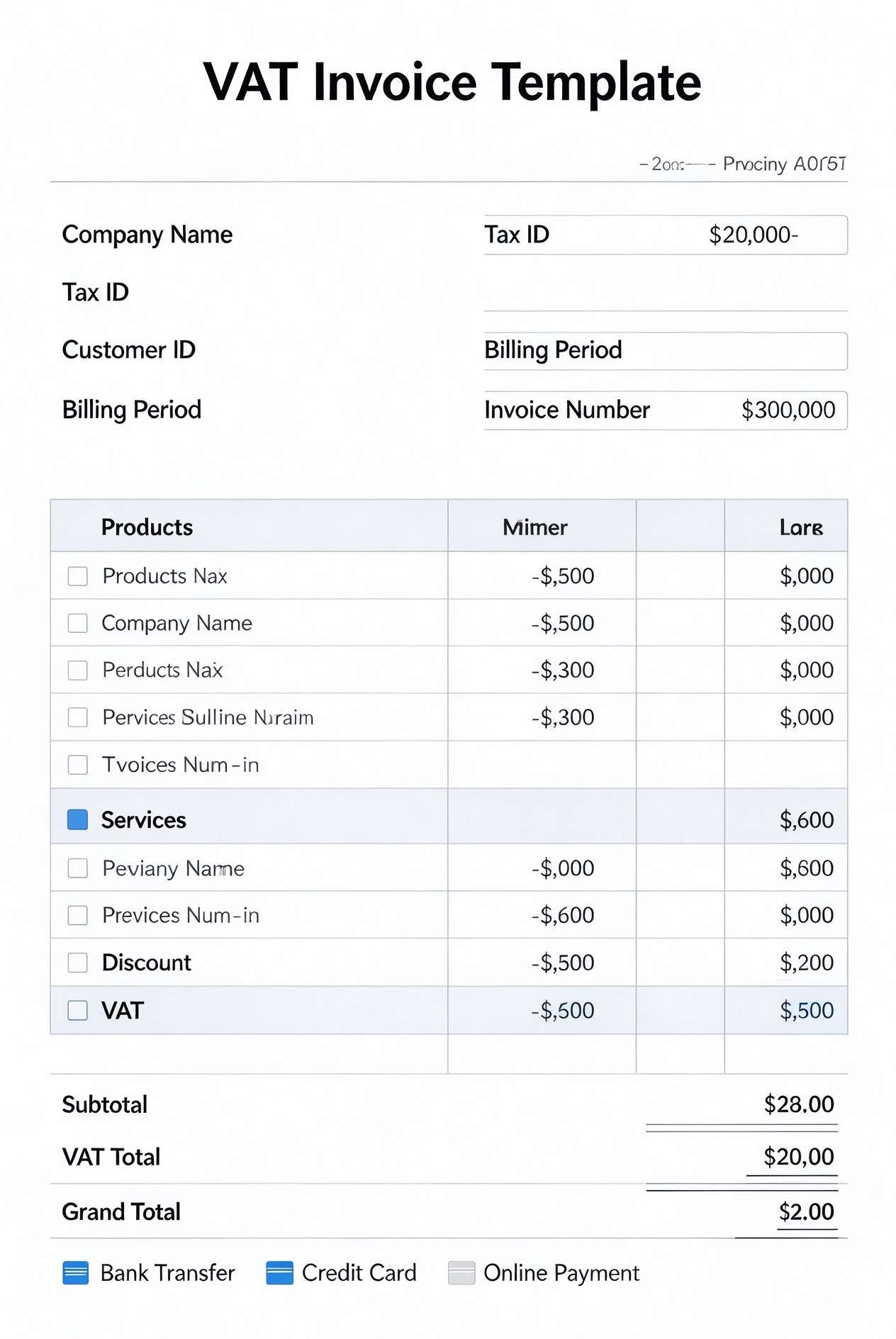
Fill in your company name, registered Tax ID / VAT number, customer account details, and unique invoice number.
Enter the products or services provided, unit prices, discounts, and the corresponding value-added tax amounts.
Review subtotal, VAT total, and grand total, then select the accepted payment method before exporting or sending.


PDFelement streamlines managing your VAT invoices by allowing you to add fillable form fields, auto-calculate numeric line items, insert verified digital signatures, and quickly save custom business branding. You can duplicate template pages for repeat recurring clients and export high-resolution, print-ready documents in seconds.
| PDFelement Feature | How It Helps |
|---|---|
| Edit PDF | Customize labels, headings, notes, and reusable sections |
| Fill PDF | Type clean information into every fillable field |
| Form tools | Use checkboxes and text fields for structured Business & Operations records |
| Annotate | Add comments or extra reminders before printing or sharing |
| Convert | Export or archive the finished PDF for team records |
| Organize PDFs | Keep templates by team, date, event, player, or season |
What to include in a vat invoice template
A useful business & operations PDF should be specific enough for real team workflows but simple enough to complete quickly. The fields below show what this template is built to capture and why each part matters.
VAT Invoice fields
| Field | What to Fill In | Why It Helps |
|---|---|---|
| Company Name & Tax ID | Seller's legal business name, address, and official VAT registration or tax identification code. | Validates legal compliance for tax deductions and official business financial records. |
| Customer ID & Billing Period | Buyer's identifier along with the exact date range covering the billed goods or services. | Clarifies accounting cycles and prevents payment disputes or billing overlaps. |
| Products / Services Table | Detailed list of supplied merchandise or billable tasks, individual rates, and item totals. | Gives clients full line-item clarity on what deliverables they are paying for. |
| Discount & VAT Calculations | Any promotional or volume price reductions applied alongside computed VAT amounts. | Provides transparent proof of net taxable amounts and statutory tax calculations. |
| Payment Method Checkboxes | Designated payment channels such as Bank Transfer, Credit Card, or Online Payment. | Informs the client how to remit funds quickly and reduces payment processing friction. |
Why users download this template
Users download this template to present clients with clean, professional, and compliant VAT-itemized billing statements without setting up complex invoicing software.
 Always double-check both seller and buyer VAT registration numbers for legal tax compliance. Specify clear invoice issue dates and payment due dates to prevent overdue balances. Clearly separate net subtotal from total VAT to simplify annual tax reporting. Include your direct banking details or digital payment links alongside method checkmarks. Save completed invoices as tamper-proof PDFs before delivering them to customers. Archive both digital and signed printed copies for annual audits and accounting records.
VAT Invoice vs other business & operations templates
| Template Type | Best For | Main Difference |
|---|---|---|
| VAT Invoice Template | Official tax-compliant sales billing showing net amounts, itemized VAT, and total due. | Includes explicit tax identification fields and separated VAT breakdown lines. |
| Standard Commercial Invoice | General goods and services billing without specific VAT or local sales tax structures. | Focuses on gross pricing and delivery terms rather than legal tax reporting. |
| Pro Forma Invoice | Pre-shipment trade quotes showing estimated costs before fulfillment occurs. | Non-binding preliminary document that does not serve as a legal tax demand. |
| Service Receipt Template | Immediate post-payment proof of transaction handed directly to clients. | Confirms payment already received rather than an outstanding billing demand. |
Tips for using this template
- Format each itemized row with clear service descriptions and quantities so clients understand every fee.
- Verify local VAT percentage rates applicable to your specific product or service category before calculating.
- Apply sequential invoice numbering to maintain a neat audit trail for your corporate tax filings.
- Store master template presets with your business logo and bank info pre-filled to save repetitive entry time.
- Send the final PDF with an electronic signature to certify document authenticity and accelerate remittance.
FAQs
What is a VAT Invoice?
A VAT invoice is an official commercial bill issued by a VAT-registered business that details the goods or services supplied, their net prices, the specific value-added tax charged, and the total amount payable.
Who should use this VAT Invoice Template?
Any sole trader, small business, vendor, or corporate accounting department that needs to bill clients while adhering to value-added tax reporting standards should use this template.
Is the VAT Invoice PDF editable?
Yes. You can open and edit all fields, modify labels, adjust currency signs, and insert your company branding using Wondershare PDFelement or any standard PDF form editor.
What should be included in a complete VAT invoice?
A compliant VAT invoice must include the seller's legal name, VAT identification number, invoice date, unique invoice number, customer details, clear line-item descriptions, net subtotal, VAT rate and total, grand total, and payment instructions.
Can I use this invoice for international clients?
Yes. It can be adapted for zero-rated export transactions or cross-border B2B invoicing by adding reverse-charge notes or zero percent VAT indications in the item notes section.
Does this template replace accounting or ERP software?
While it does not automate live ledger entries, it provides a standalone, cost-effective, and fully valid format for billing clients without requiring costly subscription software.
How should missing items or payment discrepancies be handled?
If an item is missing or disputed, issue an amended VAT invoice or a formal credit note referencing the original invoice number rather than deleting the initial invoice.
Related templates


This template page includes usage guidance, editing steps, review information, and related tools to avoid thin template-page content.