

Photography Invoice Template PDF
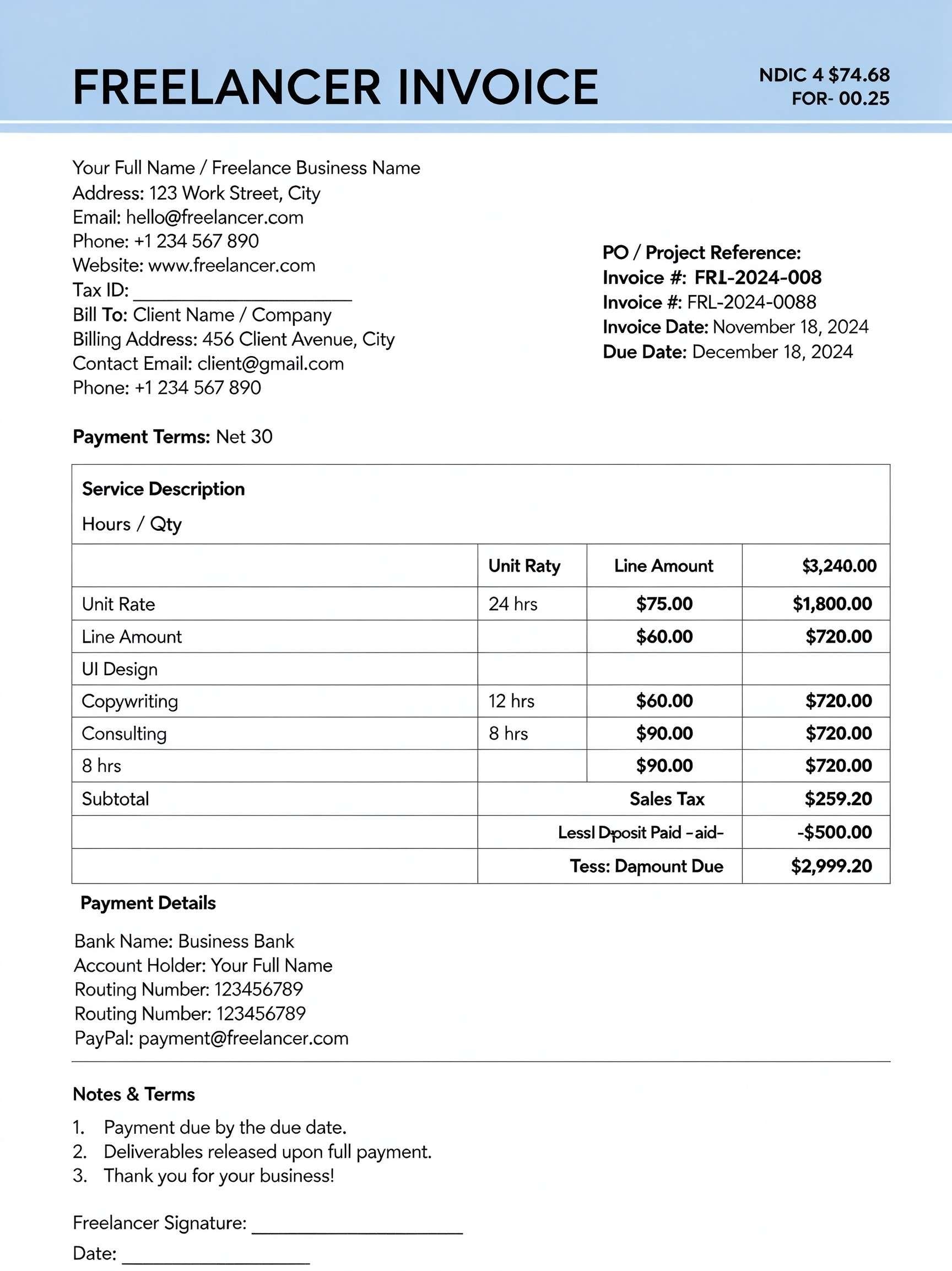
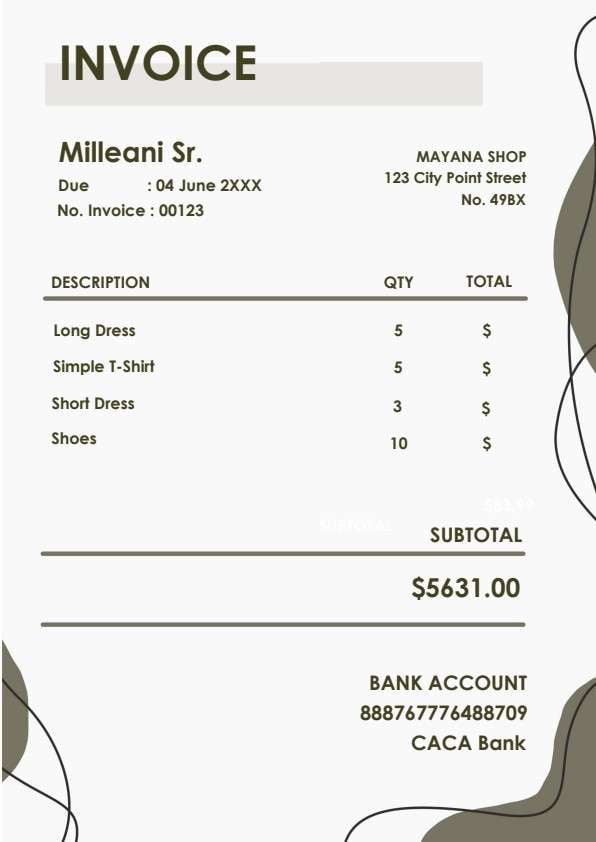
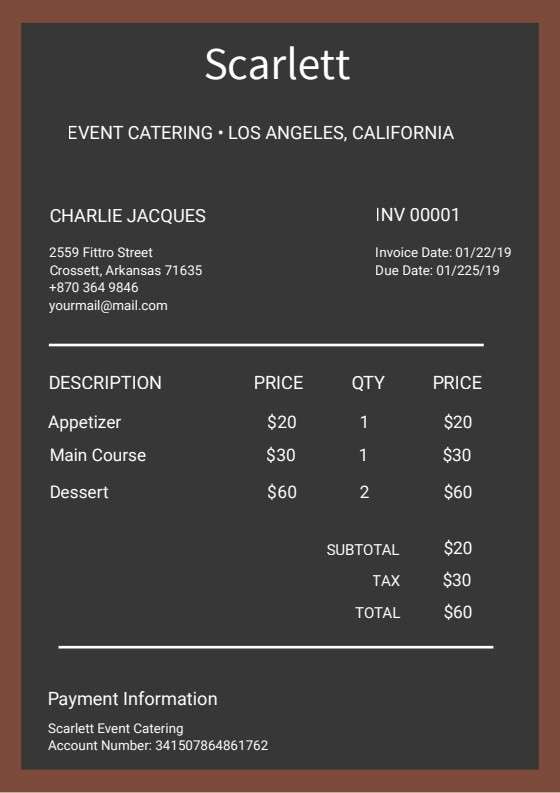
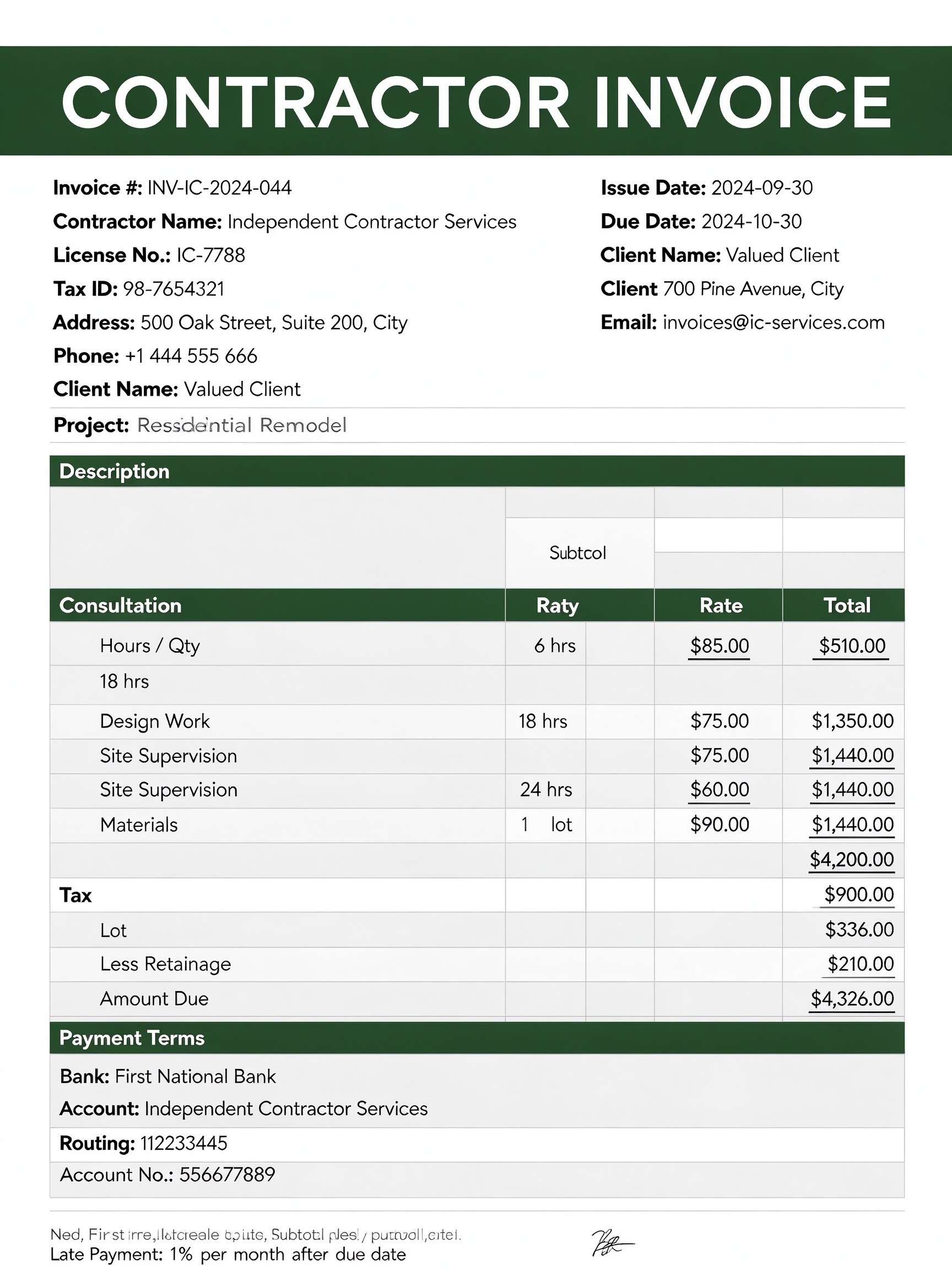
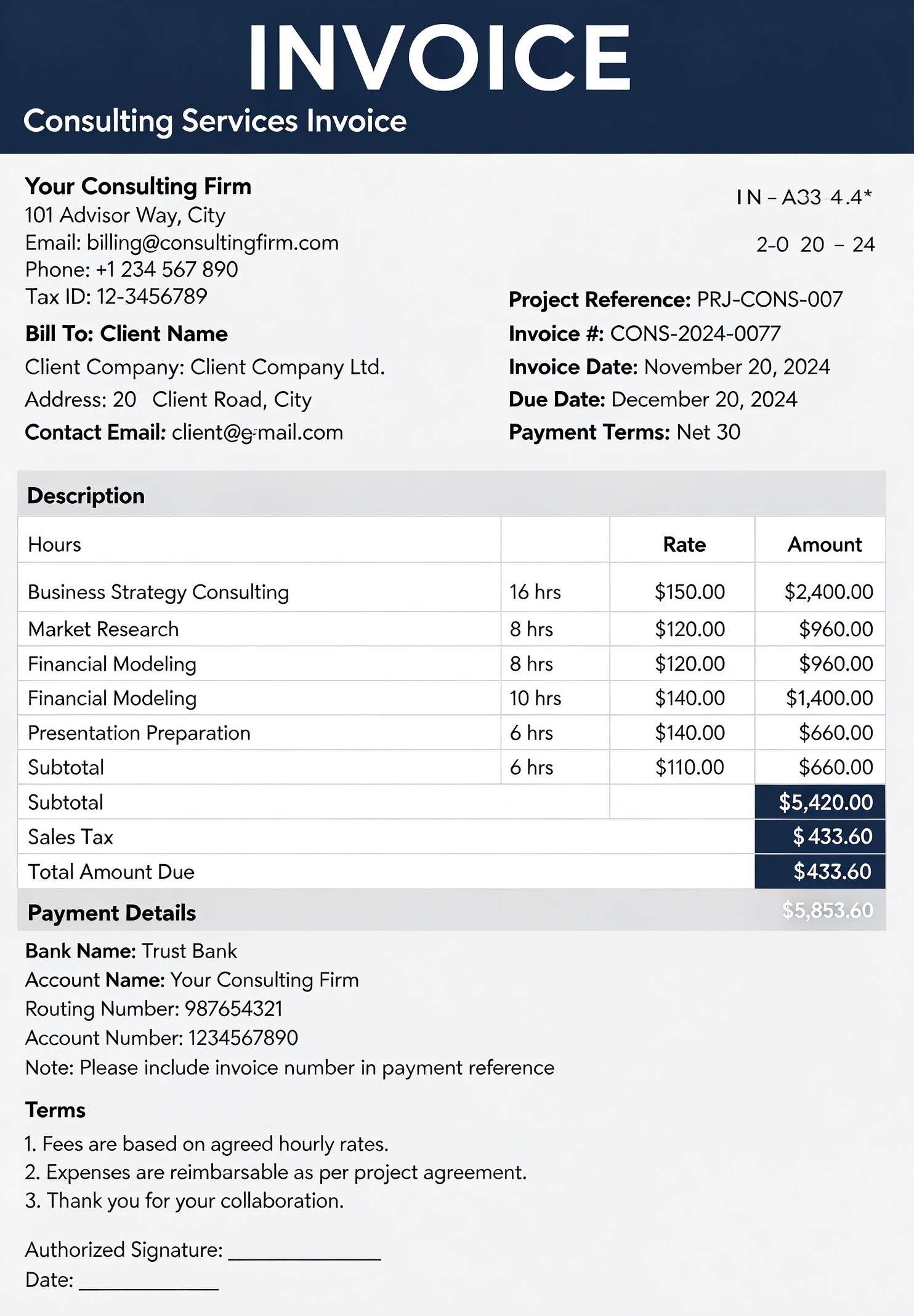
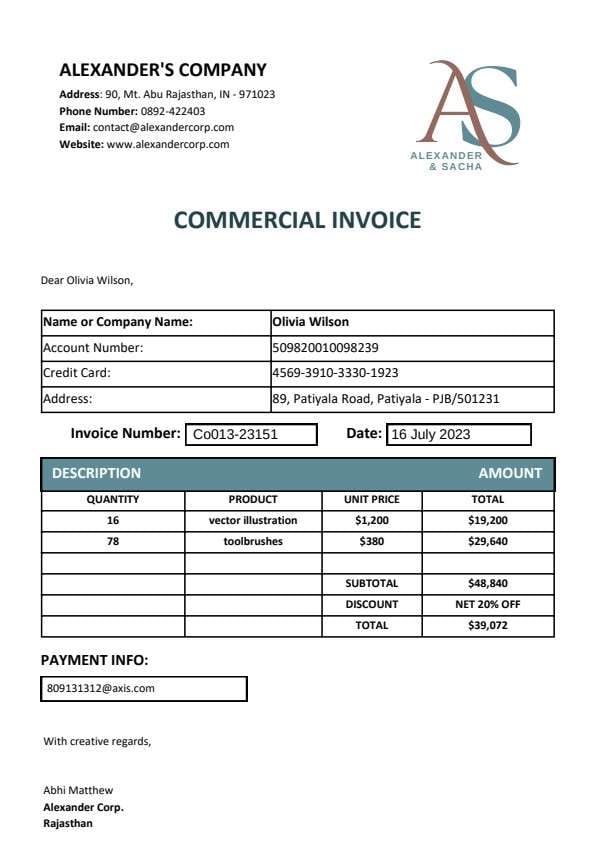
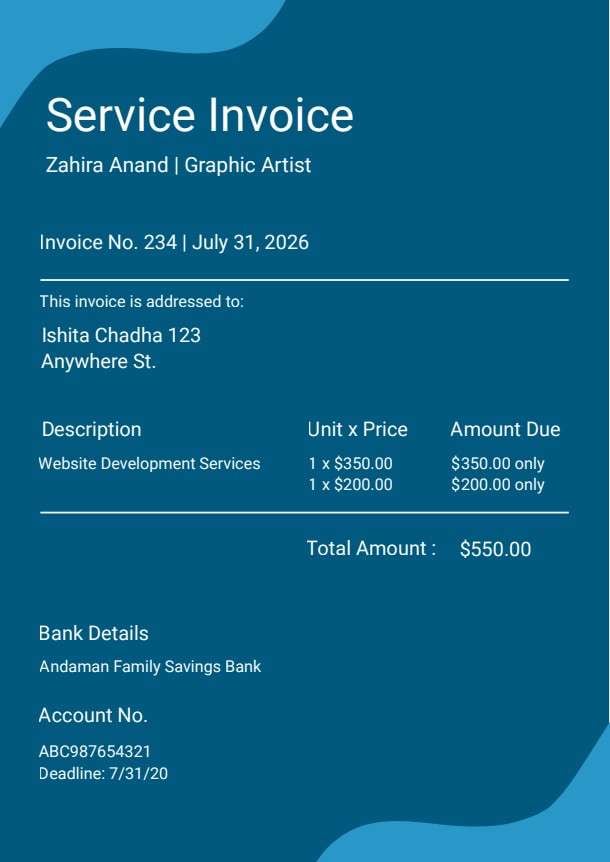
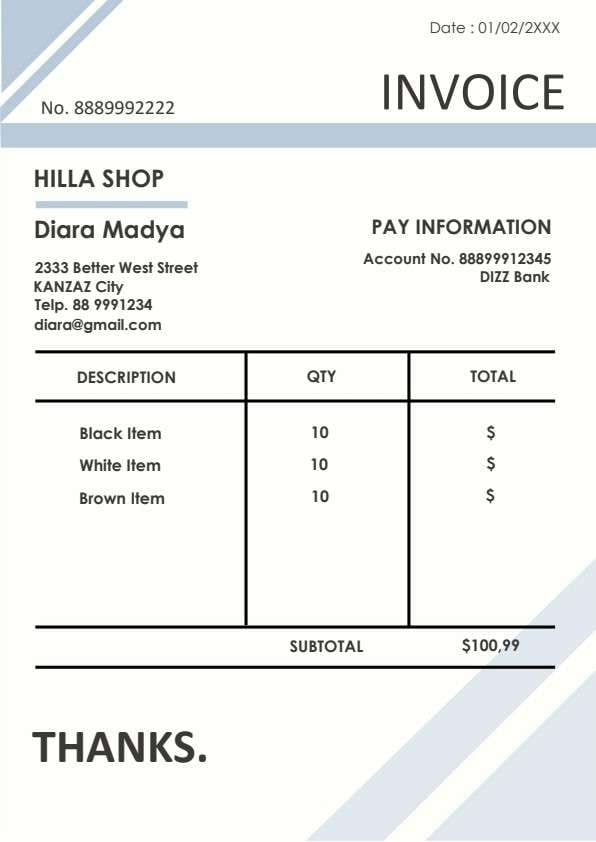
Download a printable Photography Invoice PDF template to itemize creative shoot packages, billable editing hours, travel costs, and payment instructions. It gives freelance photographers, commercial studios, and wedding event specialists an organized, client-ready billing sheet to accelerate receivables and maintain professional records.
What is a photography invoice
A photography invoice is a structured Business & Operations PDF that helps teams capture the information needed for this specific workflow. It keeps important details organized, easy to scan, and ready to print or share.
Users download this photography invoice because it gives photographers and creative studios a simple printable tool of session fees, editing services, rates, and totals.
Wedding & Event Photographers
Itemizing multi-hour day coverage, second shooters, engagement shoots, and digital gallery delivery fees.
Portrait & Studio Creators
Billing clients for studio rentals, portrait sessions, retouching time, and high-resolution print exports.
Commercial & Editorial Shoots
Charging corporate brands for licensing, half-day or full-day shoot rates, and location travel surcharges.
- Recurring automatic subscription billing with automated credit card gateway processing
- Comprehensive full copyright transfer and model release contracts
- Multi-currency enterprise ERP financial bookkeeping and tax ledger accounting
How to use and edit the photography invoice
You can print this template for paper collection or complete it as a fillable PDF. Digital editing is useful when you want typed entries, reusable records, clean copies, and easy sharing with freelance photographers, photo studio managers, wedding event organizers, creative directors, and billing coordinators.
How to customize the PDF
Use this workflow to input studio and client information, select service packages, enter hourly counts and rates, calculate subtotal and tax, and add direct payment instructions.
Open the PDF in PDFelement
Download the Photography Invoice PDF template, open it in PDFelement, click each fillable field, type the needed details, tick checkboxes where relevant, and save a clean digital copy.
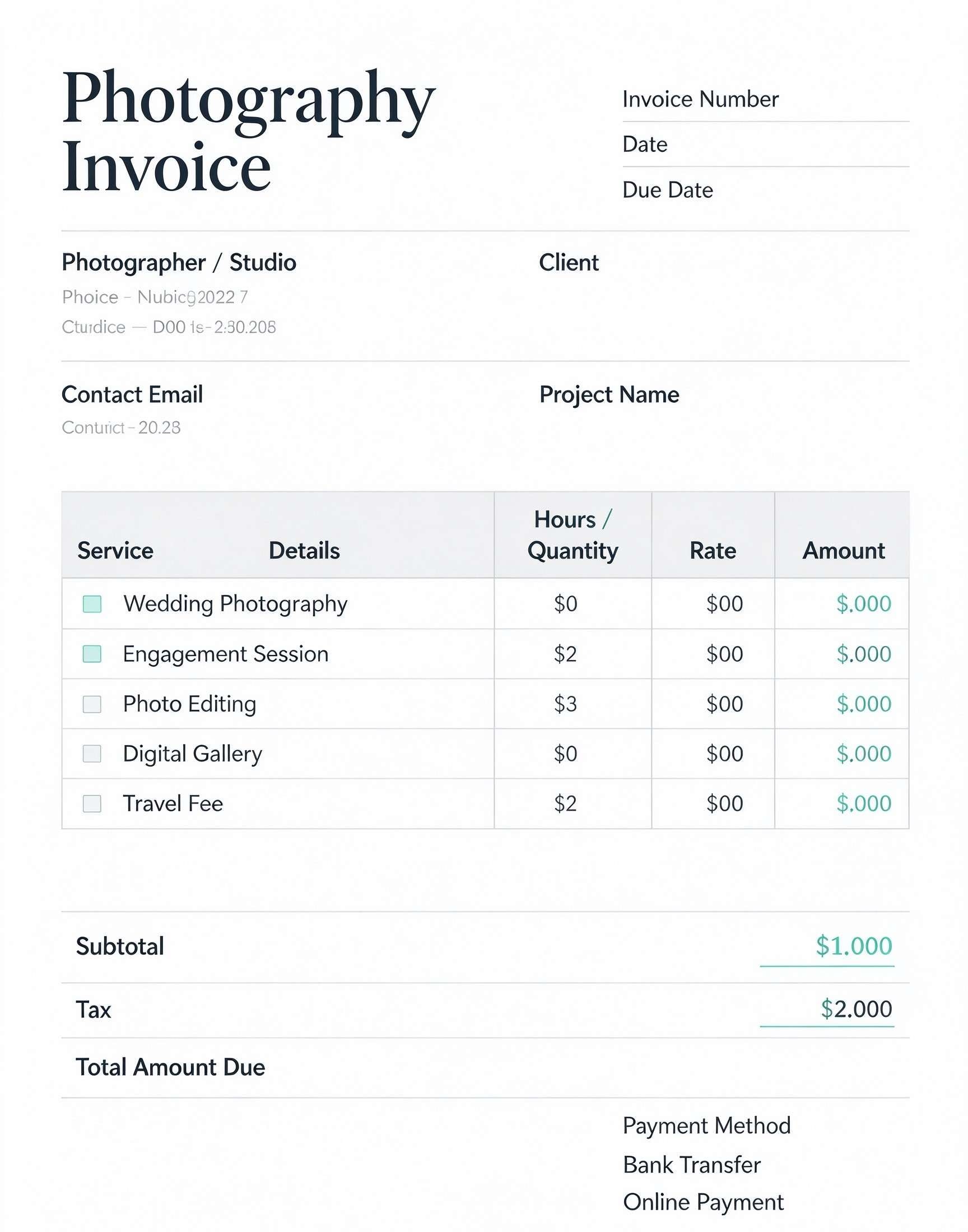
Enter your studio name, business contact email, client name, project name, invoice date, and payment due date.
Mark applicable services like wedding photography, editing, or travel, and input hours or quantity alongside standard unit rates.
Sum up line items into subtotal, add local taxes, specify chosen payment methods such as bank transfer, and export as PDF to email the client.


Wondershare PDFelement allows photographers to quickly customize this template by typing studio details, inserting custom brand logos, checking service items, and calculating project balances without messing up the layout. You can duplicate templates across different shoot packages, save standardized price catalogs, and send crisp, print-ready PDF invoices directly to clients for faster turnarounds.
| PDFelement Feature | How It Helps |
|---|---|
| Edit PDF | Customize labels, headings, notes, and reusable sections |
| Fill PDF | Type clean information into every fillable field |
| Form tools | Use checkboxes, fillable text boxes, and signature fields for accurate billing records |
| Annotate | Add comments or extra reminders before printing or sharing |
| Convert | Export or archive the finished PDF for team records |
| Organize PDFs | Keep templates by team, date, event, player, or season |
What to include in a photography invoice
A useful business & operations PDF should be specific enough for real team workflows but simple enough to complete quickly. The fields below show what this template is built to capture and why each part matters.
Photography Invoice fields
| Field | What to Fill In | Why It Helps |
|---|---|---|
| Invoice / Due Dates & Number | Unique invoice tracking sequence, issue date, and strict payment due date | Prevents bookkeeping confusion and establishes enforceable net payment timelines |
| Photographer & Client Info | Studio branding, contact email, client business name, and shoot project title | Identifies legal billing parties and links the charges directly to a specific shoot |
| Service Details & Checkboxes | Checkboxes for services like Wedding Photography, Photo Editing, Gallery, or Travel | Provides transparent itemization of deliverables so clients understand exactly what they purchased |
| Hours / Quantity & Rates | Number of shoot hours, image counts, or package quantities with corresponding price rates | Shows clear rate calculations and eliminates billing disputes over unexpected overtime |
| Totals & Payment Method | Subtotal, sales tax amount, final total balance, and bank transfer or online payment details | Gives clients immediate clarity on the final balance and where to transmit remittance |
Why users download this template
Photographers and creative freelancers download this invoice template to provide clients with clean, transparent fee breakdowns that speed up settlement and protect project cash flow.
 Assign sequential invoice numbers for hassle-free tax filing and archive tracking Itemize post-processing and retouching hours separately from on-site camera shooting time Specify travel and mileage fees upfront if shooting outside local studio zones List explicit deposit deductions on line items if retaining a booking reservation fee Include exact electronic payment links or routing instructions to prevent payment delays Send digital PDF copies immediately following photo shoots or gallery previews
Photography Invoice vs other business & operations templates
| Template Type | Best For | Main Difference |
|---|---|---|
| Photography Invoice | Billing clients for photography sessions, retouching, and image assets | Focuses on creative session hours, service checkboxes, gallery fees, and shoot line items |
| Photography Contract | Establishing copyright terms, shoot expectations, and liability limits before shooting | Includes comprehensive legal boilerplate, cancellation policies, and model releases rather than billing math |
| Photography Quote / Estimate | Providing projected costs to potential clients before booking the session | Contains estimated price ranges and initial scope proposals without enforceable payment due dates |
| General Freelance Invoice | Standard billing across general administrative, copywriting, or consulting tasks | Lacks specialized photography-focused service checkboxes and creative asset line items |
Tips for using this template
- Lock client bookings by sending a deposit invoice before the event date, followed by a final invoice upon delivery.
- Verify regional sales tax regulations regarding taxable physical photo prints versus non-taxable digital delivery.
- Reference the original photo shoot contract number in the notes section for seamless record-matching.
- Use checkboxes to indicate package add-ons such as engagement shoots, drone coverage, or rush delivery.
- Store exported PDF invoices in client-specific project folders alongside final gallery delivery manifests.
FAQs
What is a photography invoice?
A photography invoice is a commercial document issued by a photographer to a client outlining photography services rendered, hours or packages provided, applicable taxes, and payment terms.
Who should use this photography invoice template?
Wedding photographers, portrait studios, commercial creative directors, event photojournalists, and independent freelance photo editors looking for a polished billing form.
Is this photography invoice PDF editable?
Yes, you can edit text fields, customize hourly rates, adjust branding, and check service boxes using Wondershare PDFelement or any standard PDF reader.
What should be included in a complete photography invoice?
An effective invoice includes your business contact details, client info, shoot project name, itemized service lines, hourly quantities, subtotal, applicable taxes, payment methods, and net due dates.
Can I use this invoice for wedding and event package billing?
Absolutely. It features built-in service rows for wedding photography, engagement sessions, photo editing, digital gallery access, and travel expenses.
Does this template replace a binding photography contract?
No. This document handles financial billing and receipt tracking. You should still execute a formal photography service agreement to outline copyright, cancellation, and image usage terms.
How should overtime or additional photo edits be handled on the invoice?
You can add custom line items detailing extra shooting hours or rush retouching rates to ensure extra billable work is accurately reflected and calculated before sending.
Related templates


This template page includes usage guidance, editing steps, review information, and related tools to avoid thin template-page content.