
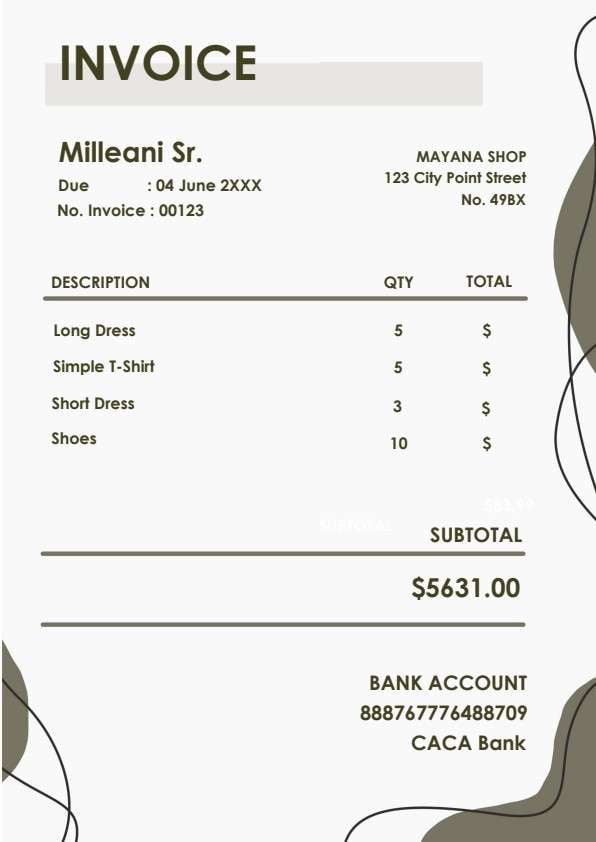

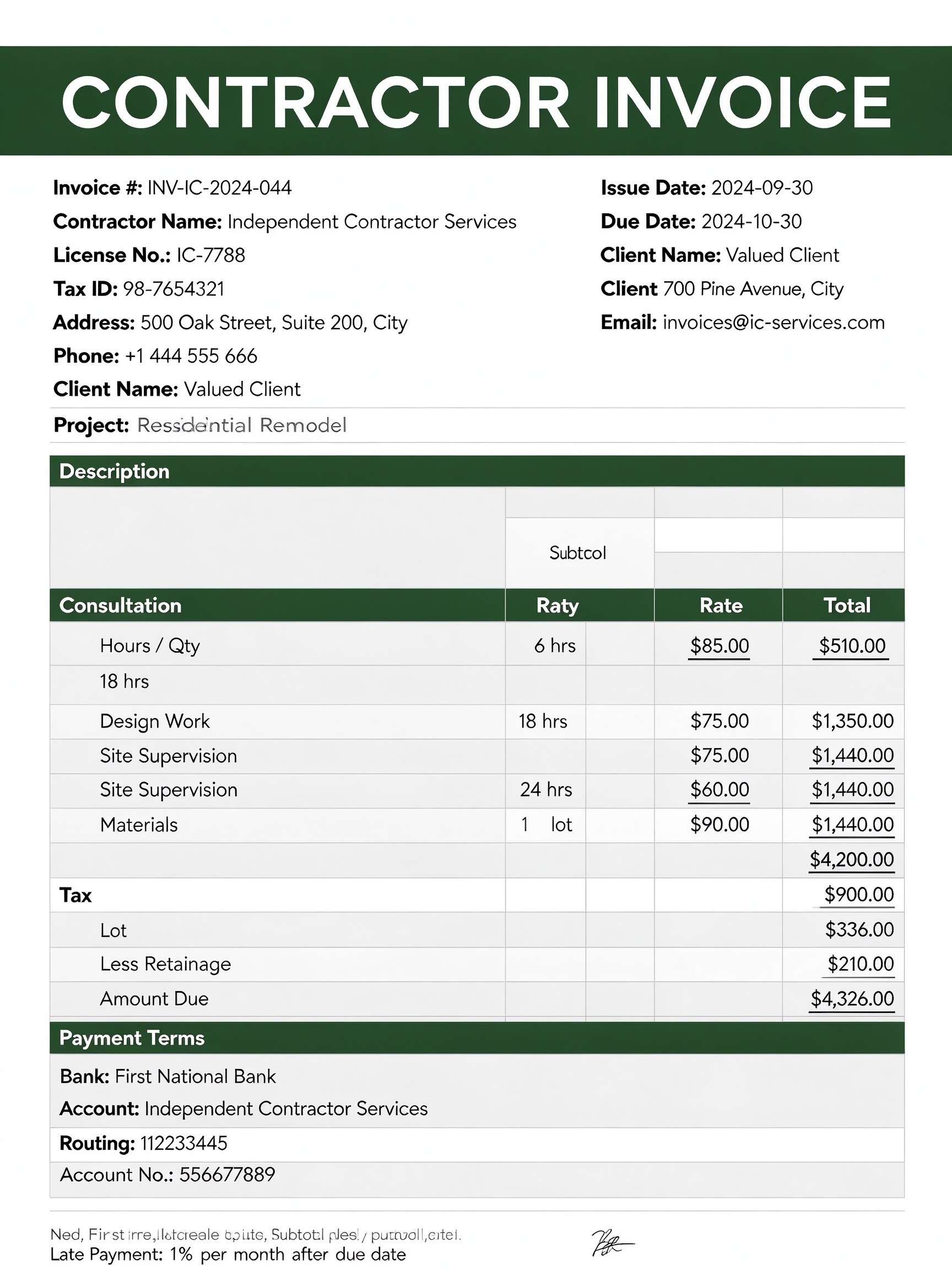
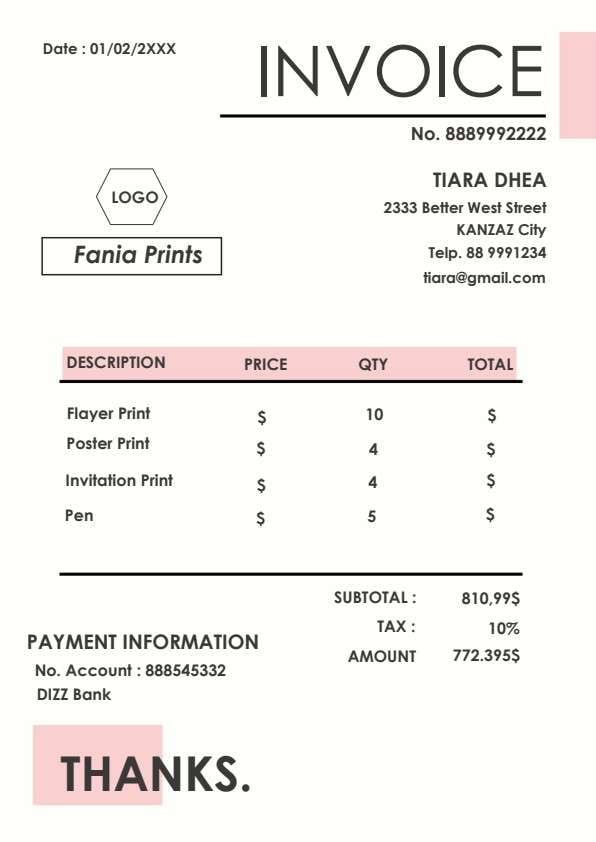
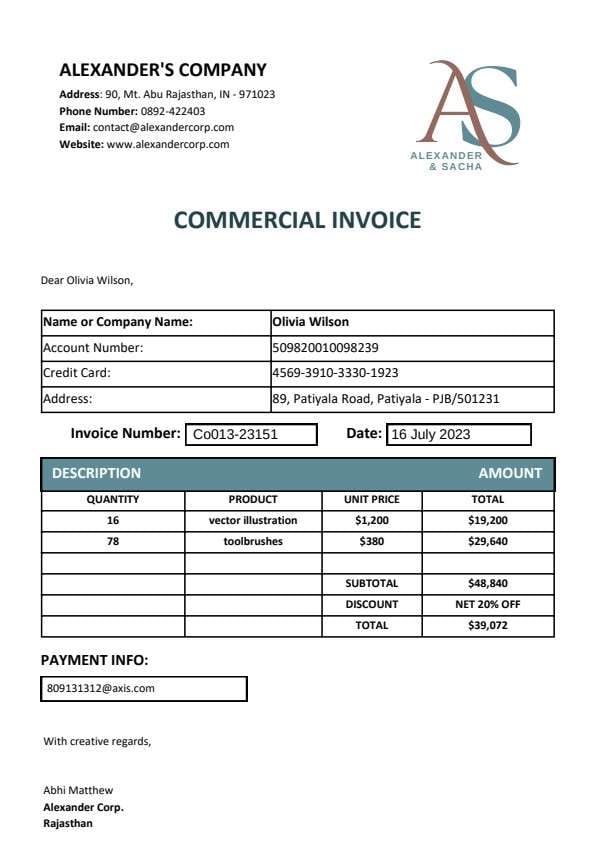
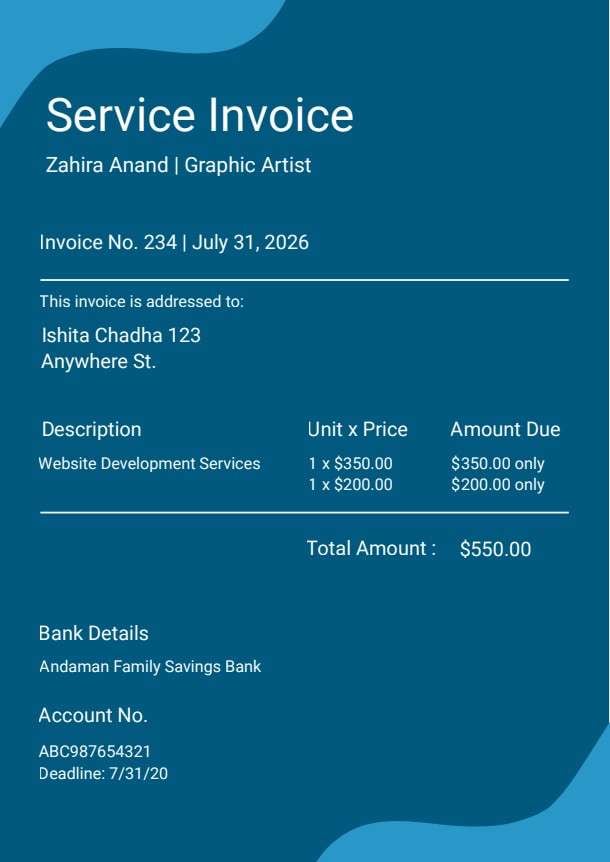
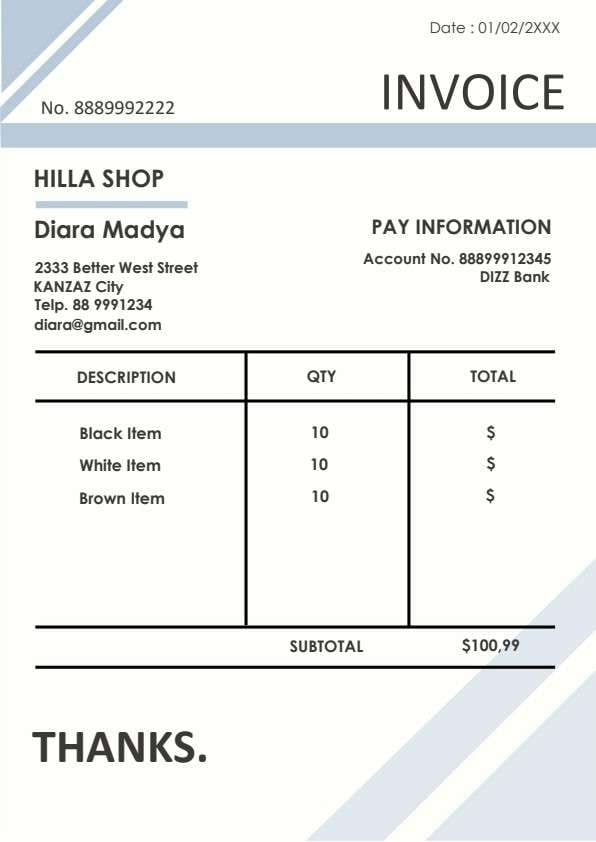
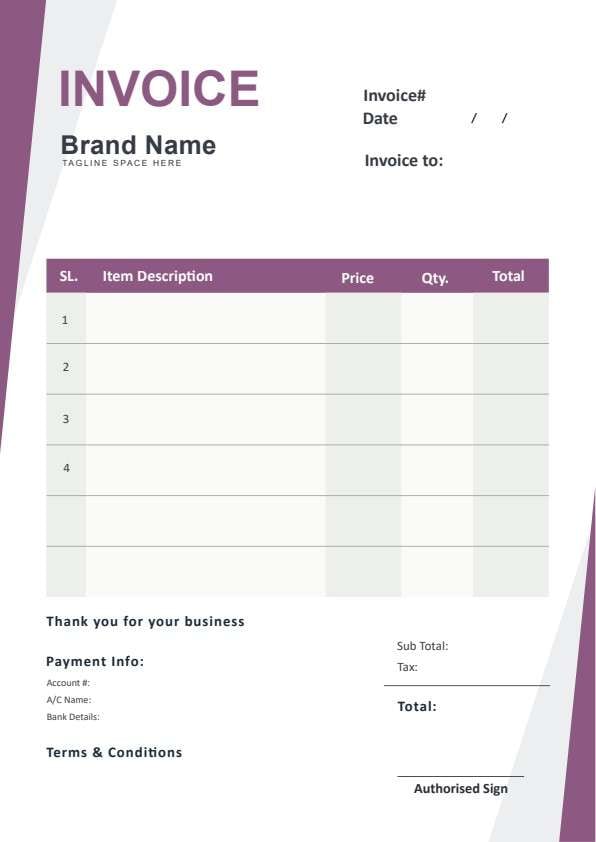
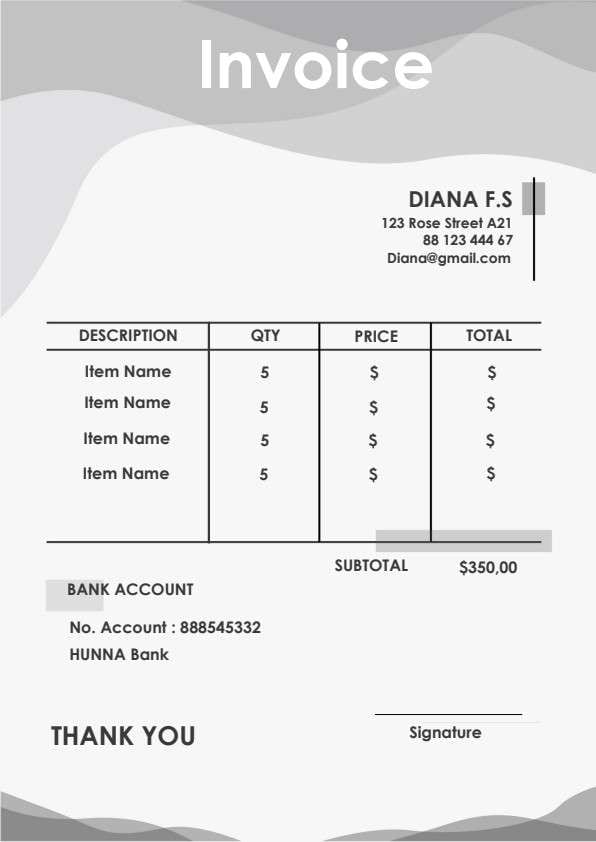
Credit Invoice Template PDF
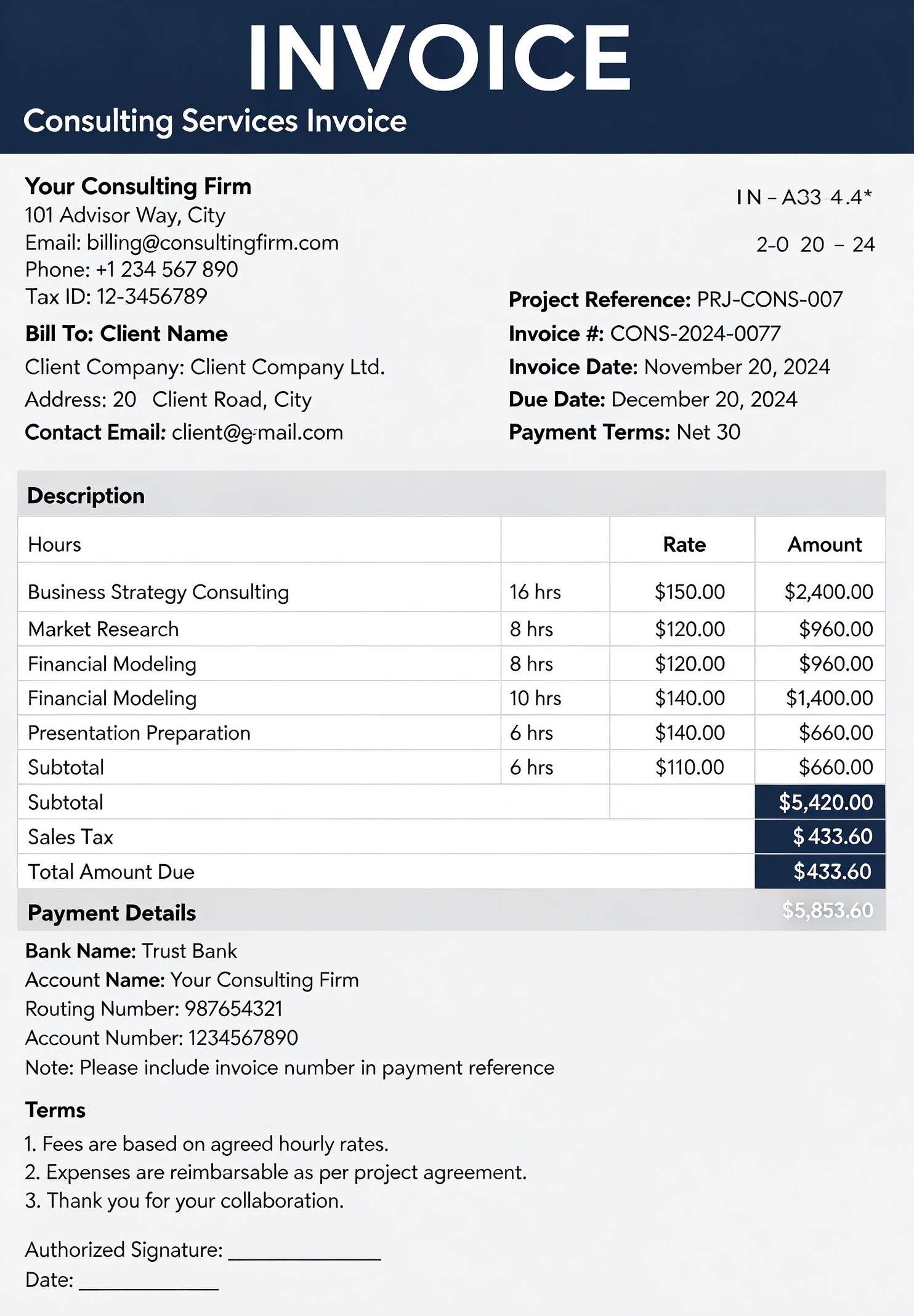
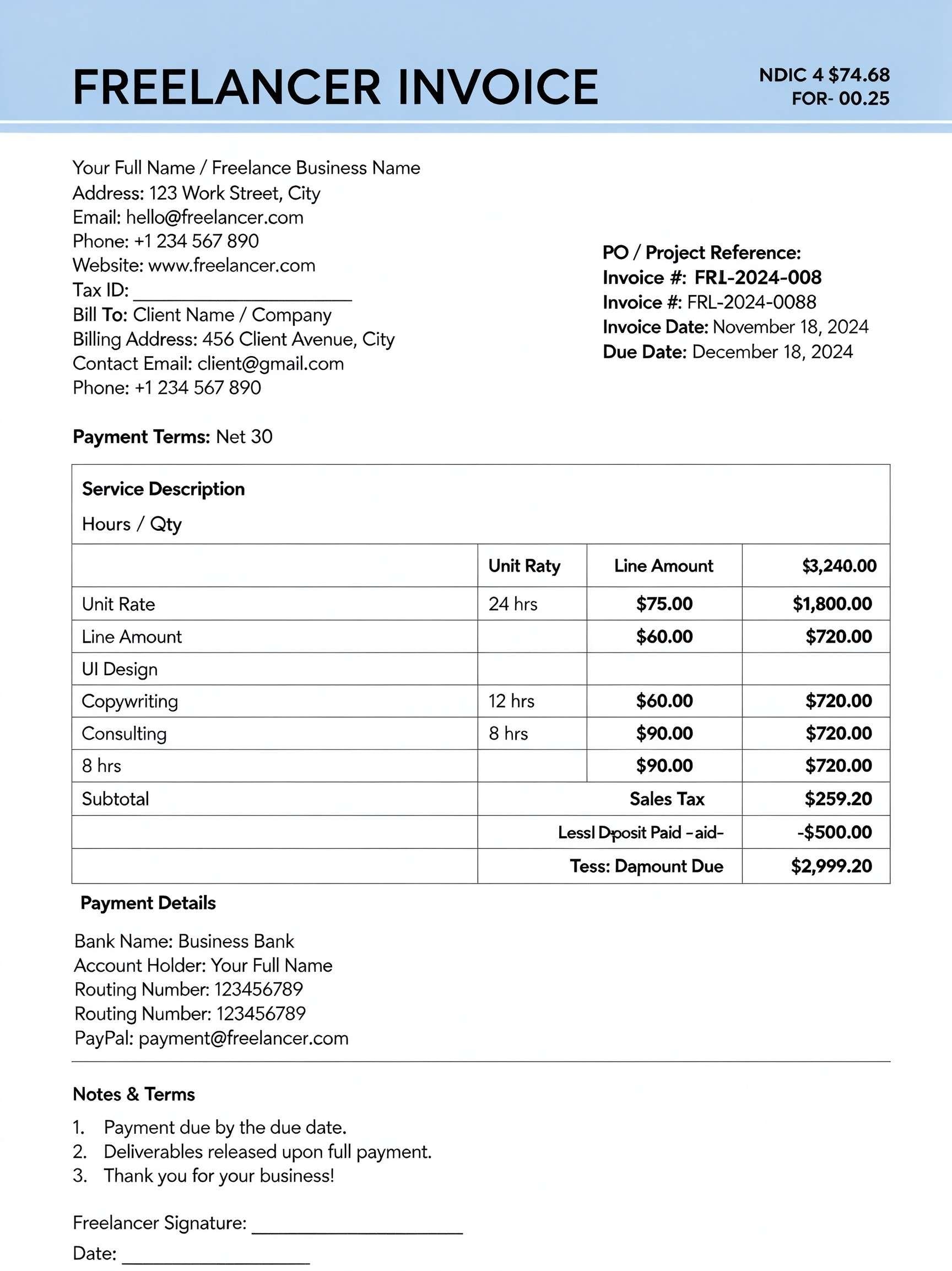
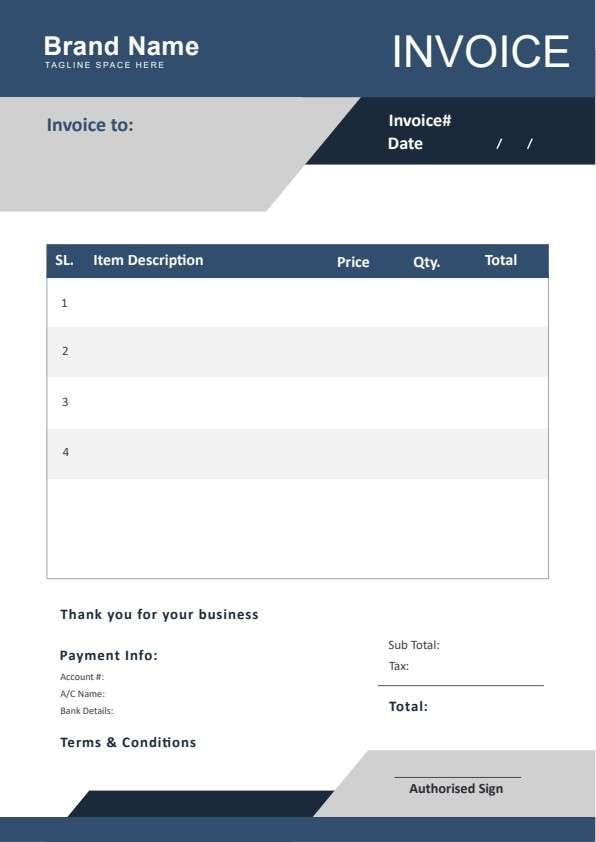
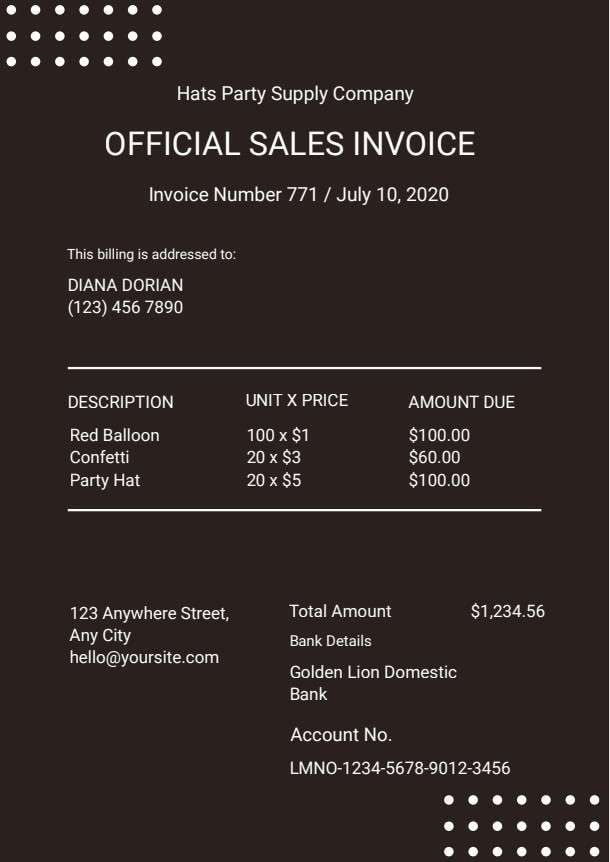
Download a printable credit invoice PDF template to accurately record customer refunds, product returns, and billing adjustments. Built for accounting teams, small business owners, and billing managers, this document ensures every adjusted line item, tax value, and credited balance is clearly documented. Standardize your accounts receivable workflow and provide customers with transparent credit documentation.
What is a credit invoice
A credit invoice is a structured Business & Operations PDF that helps teams capture the information needed for issuing refunds, discounts, and billing corrections. It keeps important details organized, easy to scan, and ready to print or share.
Users download this credit invoice because it gives accounting teams and clients a simple printable sheet of itemized credit values, applicable sales taxes, and adjusted totals.
Small Businesses & Retailers
Documenting returned merchandise, damaged goods, or agreed-upon price reductions.
Freelancers & Service Providers
Crediting unbilled hours, service adjustments, or retainer balance roll-overs.
Corporate Accounting Departments
Tracking accounts receivable write-downs and formal audit trails across client accounts.
Wholesale Distributors
Reconciling bulk order discrepancies, volume rebate credits, and shipment returns.
- Automated recurring subscription billing without manual invoice intervention.
- Complex multi-currency forex settlement schedules requiring dynamic exchange rates.
- Direct electronic payment processing or real-time banking ledger synchronization.
How to use and edit the credit invoice
You can print this template for paper collection or complete it as a fillable PDF. Digital editing is useful when you want typed entries, reusable records, clean copies, and easy sharing with accountants, billing managers, store supervisors, accounts payable coordinators, or sales directors.
How to customize the PDF
Use this workflow to enter company contact details, define the customer ID, input line item corrections, recalculate applicable taxes, and secure an authorized digital signature.
Open the PDF in PDFelement
Download the Credit Invoice PDF template, open it in PDFelement, click each fillable field, type the needed details, tick checkboxes where relevant, and save a clean digital copy.
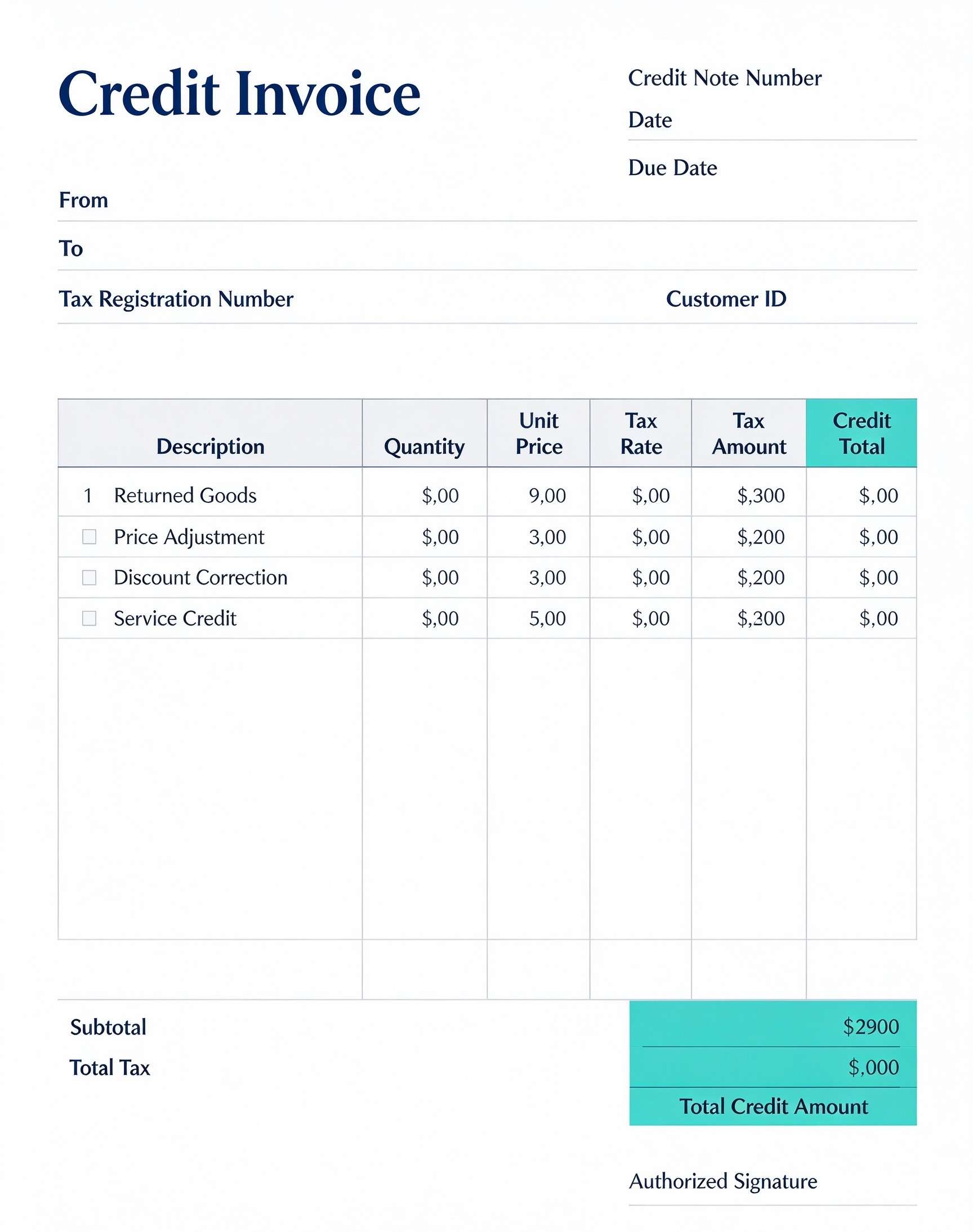
Add your company name, tax registration number, customer ID, credit note number, and effective date.
Specify descriptions such as returned goods or price adjustments, along with quantities, unit prices, and tax rates.
Review the subtotal, total tax, and final credit amount before adding an authorized signature.


Wondershare PDFelement makes managing credit notes simple by letting you type customer details, duplicate invoices across repeat clients, calculate subtotals, and insert secure digital signatures. You can also convert finalized credit sheets into unalterable PDFs for direct email delivery and clean, professional printing.
| PDFelement Feature | How It Helps |
|---|---|
| Edit PDF | Customize labels, headings, notes, and reusable sections |
| Fill PDF | Type clean information into every fillable field |
| Form tools | Use checkboxes, calculation fields, and text inputs for structured billing adjustments |
| Annotate | Add comments or extra reminders before printing or sharing |
| Convert | Export or archive the finished PDF for team records |
| Organize PDFs | Keep templates by team, date, event, player, or season |
What to include in a credit invoice
A useful business & operations PDF should be specific enough for real team workflows but simple enough to complete quickly. The fields below show what this template is built to capture and why each part matters.
Credit Invoice fields
| Field | What to Fill In | Why It Helps |
|---|---|---|
| Credit Note Number & Date | A unique sequential reference identifier along with date of issue and due date. | Facilitates seamless accounts receivable tracking and cross-referencing against original sales invoices. |
| Tax Registration Number & Customer ID | The seller's official tax ID number and the specific account code of the buyer. | Ensures tax compliance, valid audit trails, and precise client account reconciliation. |
| Description & Line Item Type | Specific reasons for credit such as returned goods, price adjustment, or discount correction. | Clarifies the exact justification for the refund or credit to avoid billing disputes. |
| Unit Price, Tax Rate & Tax Amount | The credited item rate, applicable percentage of sales tax, and calculated tax sum. | Maintains accurate fiscal records so both parties can properly adjust tax return filings. |
| Total Credit Amount & Signature | The final sum credited to the client's balance and an authorized company signature. | Legally validates the transaction and establishes clear financial authorization. |
Why users download this template
Users download this credit invoice template because it delivers an organized, professional layout that clarifies complex billing corrections and satisfies accounting record-keeping standards.
 Always match the credit note number to the original sales invoice reference. Itemize returned units separately from service discounts for bookkeeping clarity. Verify local sales tax rates before calculating total credited tax amounts. Include customer ID numbers to prevent credits applied to duplicate account names. Obtain an authorized managerial signature prior to emailing the credit to clients. Keep signed digital PDF duplicates filed by fiscal quarter for audit readiness.
Credit Invoice vs other business & operations templates
| Template Type | Best For | Main Difference |
|---|---|---|
| Credit Invoice | Adjusting issued invoices, issuing refunds, and documenting returns. | Reduces amounts owed or provides customer balance credit rather than requesting payment. |
| Standard Sales Invoice | Billing clients for newly delivered goods or completed services. | Requests immediate or scheduled payment rather than crediting an account. |
| Commercial Proforma Invoice | Quoting costs and declaring shipment values prior to customs clearance. | Acts as a preliminary estimate rather than a finalized financial adjustment. |
| Payment Receipt | Acknowledging payment funds received from a client. | Confirms payment settlement rather than providing balance offsets or itemized returns. |
Tips for using this template
- Input your business logo and corporate contact details at the top for brand recognition.
- Double-check that tax percentage calculations match your statutory regional regulations.
- Store all issued credit notes sequentially to prevent gaps in internal accounting audits.
- Send a copy to both the purchasing department and accounts payable desk of the client.
- Archive completed credit forms alongside original delivery receipts and customer communications.
FAQs
What is a credit invoice?
A credit invoice (also known as a credit note or credit memo) is a legally recognized commercial document issued by a seller to a buyer. It indicates that an amount is credited back to the customer's account due to returned goods, billing errors, or approved price discounts.
Who should use this credit invoice template?
Bookkeepers, billing specialists, small business owners, and corporate finance departments should use this template whenever they need to correct an overbilled invoice or formalize customer product returns.
Is this credit invoice PDF editable?
Yes. When opened in Wondershare PDFelement, you can click directly into the form fields, type quantities and monetary amounts, customize table descriptions, and insert your corporate signature.
What should be included in a complete credit invoice?
A standard credit invoice must feature a credit note reference number, original invoice date, seller and buyer details, tax registration number, clear line item descriptions, tax breakdown, total credit sum, and an authorized signature.
Can I use it for partial returns and service discounts?
Yes. The line items feature distinct categories including Returned Goods, Price Adjustment, Discount Correction, and Service Credit, allowing you to credit partial balances without voiding original contracts.
Does it replace accounting ERP software?
No. While it provides a clean, printable, and legally sound credit memo for client delivery and filing, it serves as source documentation rather than an automated enterprise ERP ledger.
How should missing items or adjustments be handled?
If additional adjustments arise after issuance, generate a new sequential credit invoice rather than modifying an already shared document, keeping a consistent revision trail.
Related templates


This template page includes usage guidance, editing steps, review information, and related tools to avoid thin template-page content.