
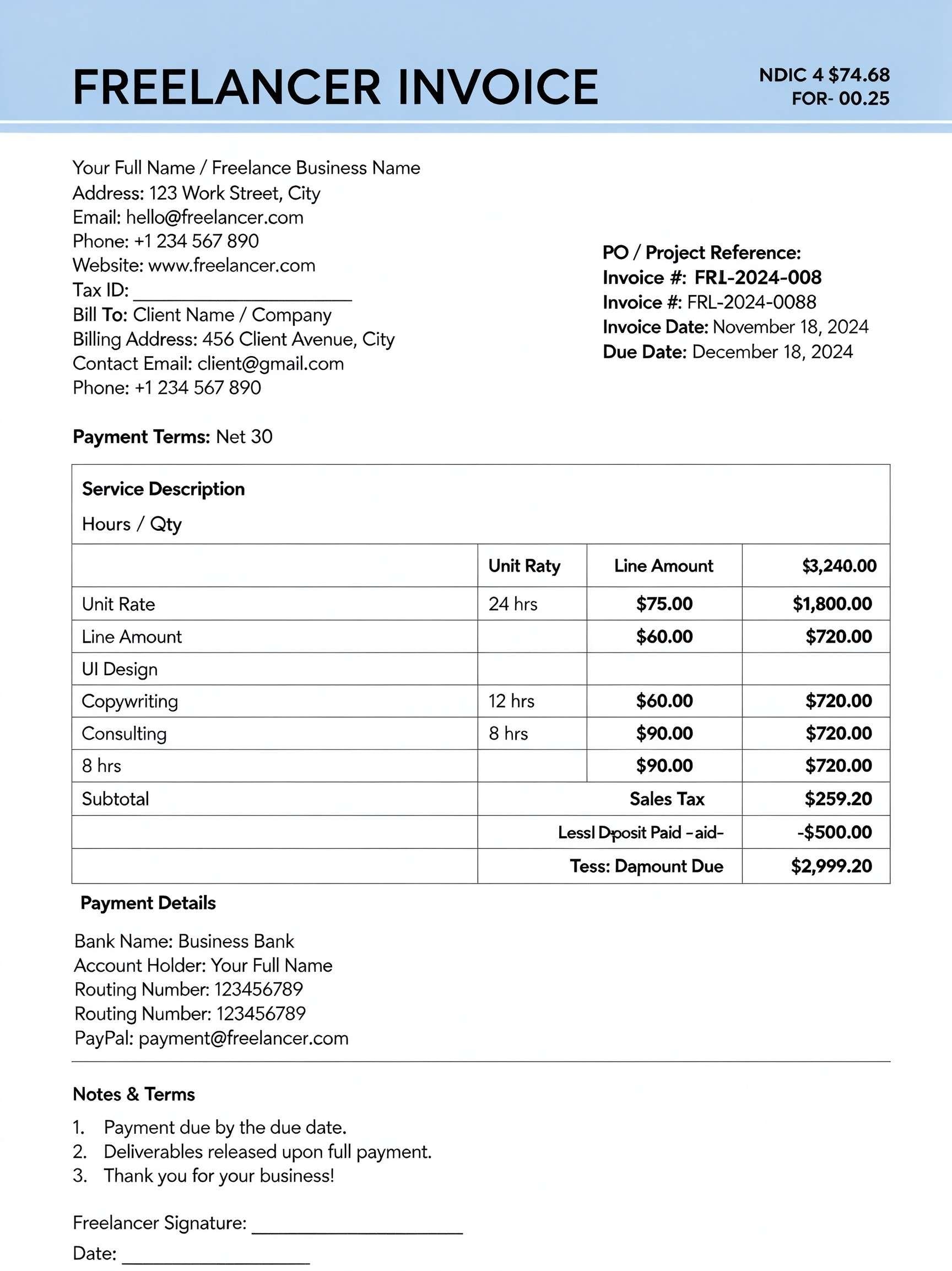
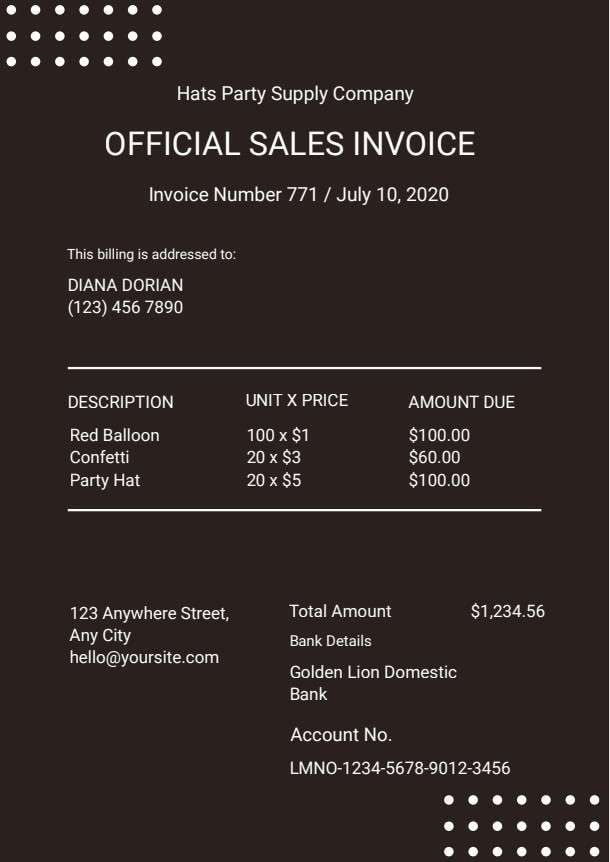
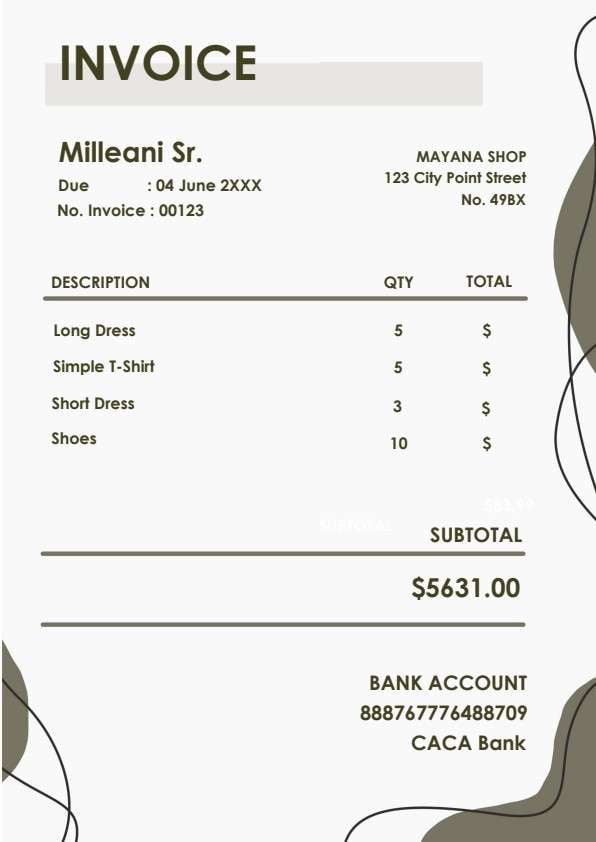

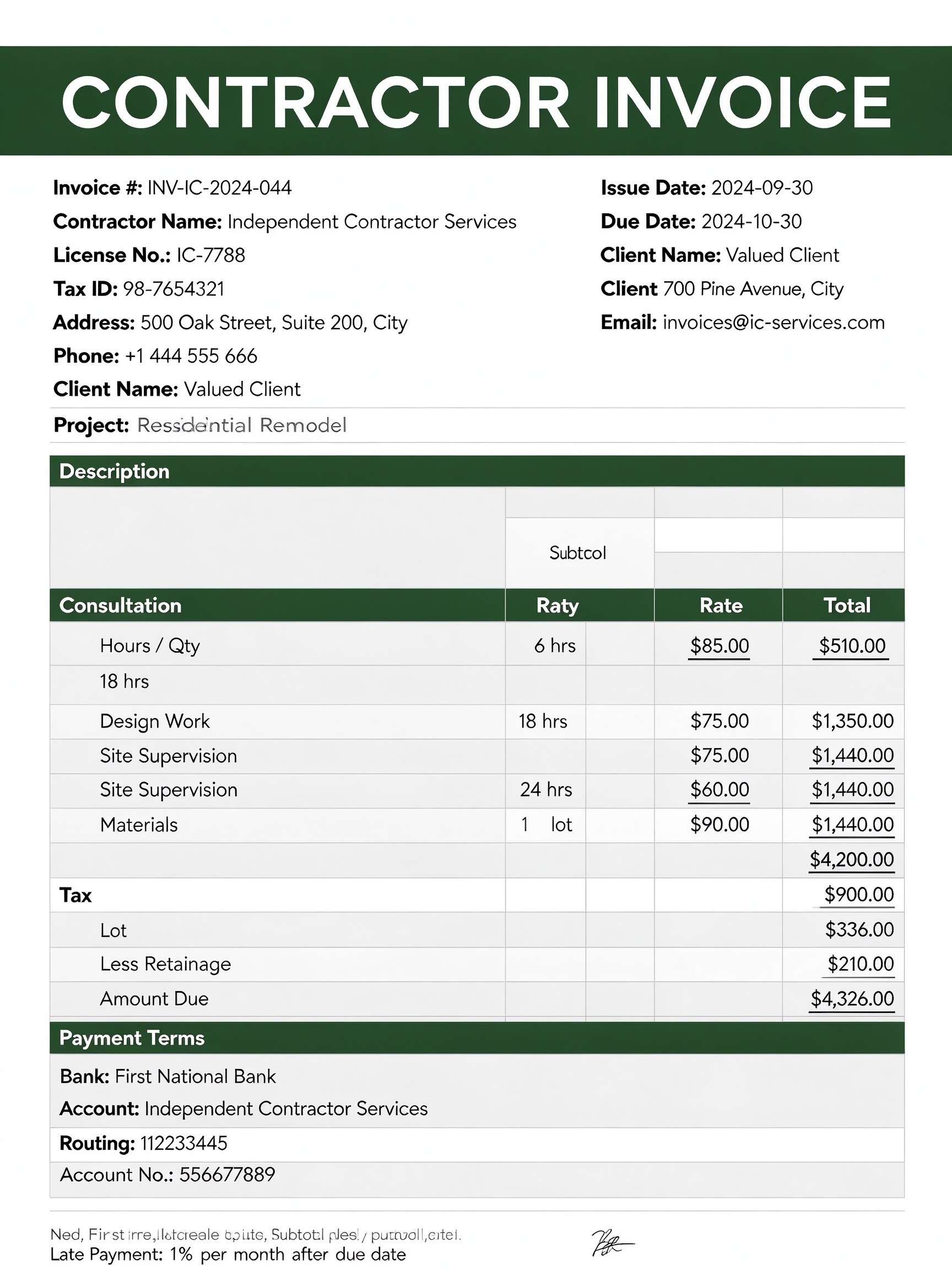
Tax Invoice Template PDF
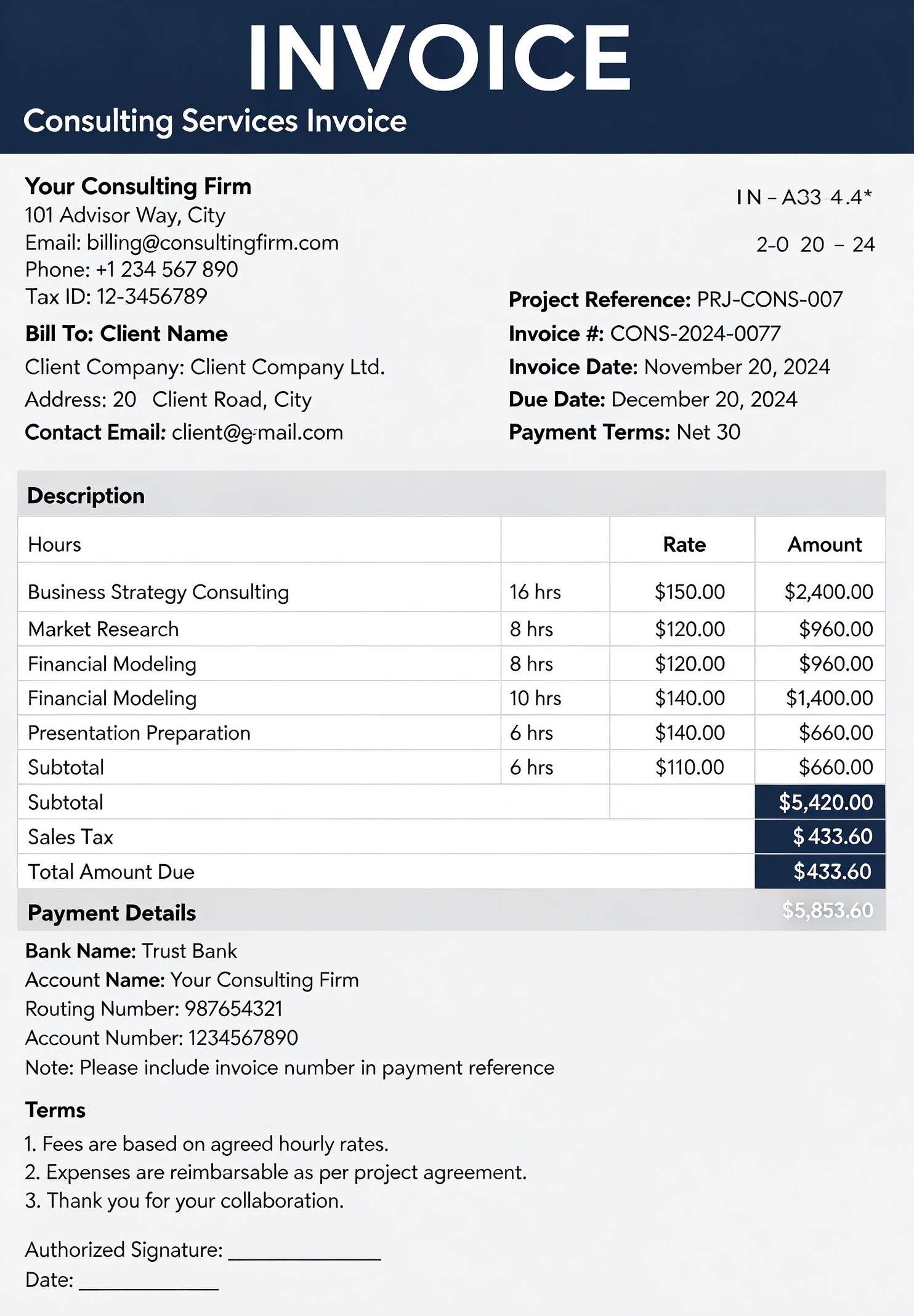
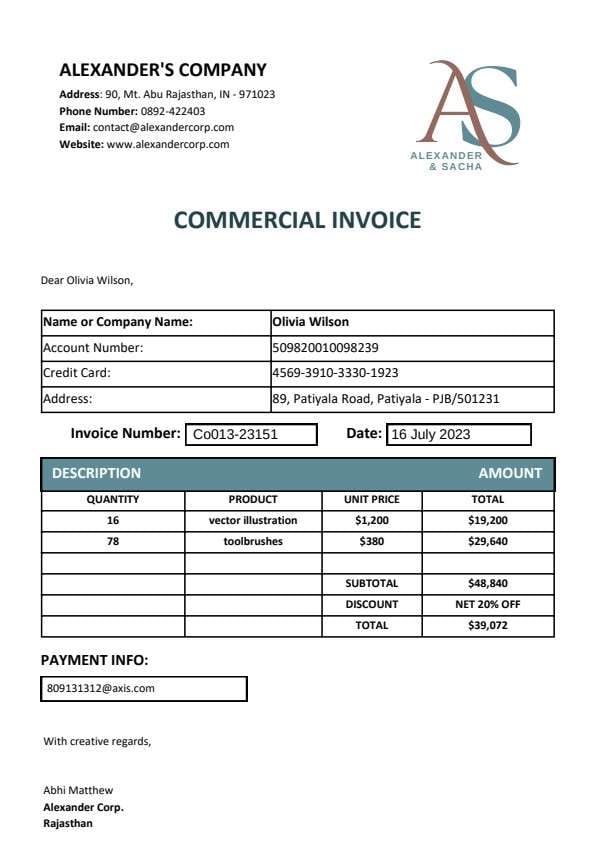
Download a printable Tax Invoice PDF template to issue professional billing statements that record supplier information, customer accounts, and clear tax calculations. Designed for small businesses, contractors, and finance teams, it ensures accurate itemization of prices, tax rates, and grand totals for reliable financial recordkeeping.
What is a tax invoice
A Tax Invoice is a structured Business & Operations PDF that helps teams capture the information needed for this specific workflow. It keeps important details organized, easy to scan, and ready to print or share.
Users download this Tax Invoice because it gives suppliers, accountants, and buyers a simple printable sheet of line-item goods or services, applied taxes, and payment terms.
Small Business Billing
Sole proprietors and companies issuing standard tax-compliant invoices to commercial clients.
Freelancers & Contractors
Independent service providers needing to itemize labor hours, supplies, and applicable sales tax.
Wholesale & Supply Orders
Merchants delivering bulk shipments that require clear unit pricing and itemized tax breakdowns.
Bookkeeping & Audits
Accounting staff keeping formal paper or digital records to support tax filings and quarterly deductions.
- High-frequency automated ecommerce checkout receipts with dynamic currency conversion
- Complex enterprise billing requiring multi-tiered recurring subscription software
- Customs declarations requiring detailed international border tariff code schedules
How to use and edit the tax invoice
You can print this template for paper collection or complete it as a fillable PDF. Digital editing is useful when you want typed entries, reusable records, clean copies, and easy sharing with accountants, billing managers, procurement officers, small business owners, and corporate clients.
How to customize the PDF
Use this workflow to enter supplier and customer details, list billable items and applicable tax rates, calculate grand totals, and add authorized signatures before distribution.
Open the PDF in PDFelement
Download the Tax Invoice PDF template, open it in PDFelement, click each fillable field, type the needed details, tick checkboxes where relevant, and save a clean digital copy.
Fill in business names, addresses, registration or tax IDs, along with unique invoice numbers and due dates.
Enter item descriptions, quantities, unit prices, and specific tax rates to calculate individual tax amounts.
Calculate subtotal, total tax, and grand total, then apply an authorized signature or company stamp before sending.
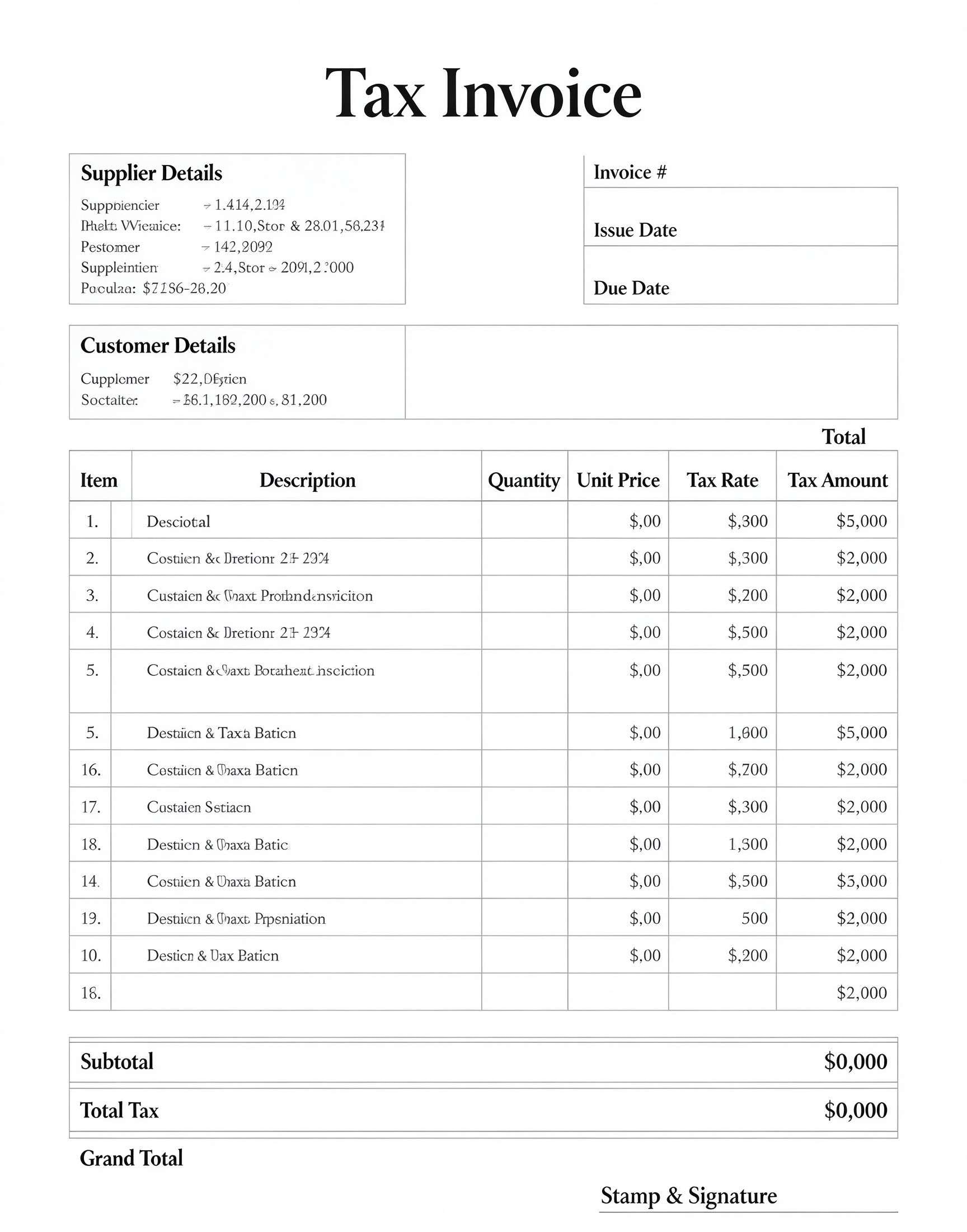


Wondershare PDFelement allows users to quickly convert this tax invoice into a dynamic form with auto-calculated text boxes, neatly typed company details, and secure digital signatures. You can replicate templates per client, maintain clean layout margins, and export crisp, high-resolution PDFs ready for accounting audits or direct client email delivery.
| PDFelement Feature | How It Helps |
|---|---|
| Edit PDF | Customize labels, headings, notes, and reusable sections |
| Fill PDF | Type clean information into every fillable field |
| Form tools | Use fillable form fields and digital signatures for structured accounting records |
| Annotate | Add comments or extra reminders before printing or sharing |
| Convert | Export or archive the finished PDF for team records |
| Organize PDFs | Keep templates by team, date, event, player, or season |
What to include in a tax invoice
A useful business & operations PDF should be specific enough for real team workflows but simple enough to complete quickly. The fields below show what this template is built to capture and why each part matters.
Tax Invoice fields
| Field | What to Fill In | Why It Helps |
|---|---|---|
| Supplier Details | Company name, business address, contact information, and tax ID number | Identifies the issuing entity and verifies tax registration legitimacy for buyer deductions. |
| Customer Details | Client name, billing address, account number, or tax registration details | Directs billing responsibilities to the correct client legal entity. |
| Invoice # & Dates | Sequential invoice tracking code, issue date, and agreed payment due date | Prevents duplicate billing, simplifies payment reconciliation, and establishes late payment terms. |
| Itemized Charges & Tax | Description, quantity, unit price, tax percentage, and item tax amount | Offers complete pricing transparency and makes line-by-line auditing straightforward. |
| Stamp & Signature | Official company stamp and handwritten or digital authorized signature | Validates the legal authenticity of the billing statement for auditing and compliance. |
Why users download this template
Business owners and finance specialists download this template to ensure their billing documents meet standard accounting formats and clearly separate taxable amounts from gross revenue.
 Assign unique sequential invoice numbers to prevent duplicate billing entries. Verify client tax identification numbers before finalizing tax liability. Confirm due dates explicitly to reduce payment collection delays. Break down multiple tax rates line-by-line if different items carry varied taxes. Save completed records as PDF/A files for compliant long-term accounting archives. Affix an authorized digital signature to enhance document authority.
Tax Invoice vs other business & operations templates
| Template Type | Best For | Main Difference |
|---|---|---|
| Tax Invoice | Standard B2B and retail sales requiring itemized tax rates and totals | Includes dedicated columns for line-item tax rates, tax amounts, and official validation. |
| Commercial Invoice | Cross-border trade and customs clearance declarations | Focuses on country of origin, harmonized tariff codes, and freight shipping terms. |
| Proforma Invoice | Preliminary estimates before goods or services are delivered | Acts as an informal quote rather than a finalized demand for tax-recognized payment. |
| Service Receipt | Immediate proof of completed payment for end consumers | Issued after settlement rather than acting as a pending payment request with due dates. |
Tips for using this template
- Double-check all line-item multiplications and ensure subtotal plus total tax matches the grand total exactly.
- Store duplicate copies in your accounts receivable folder sorted by payment due dates.
- Include preferred bank transfer coordinates or payment gateway links in the footer notes.
- Apply company branding or a digital stamp using PDF editing tools to improve professional appearance.
- Send the completed document directly as a read-only PDF to prevent unauthorized alterations by third parties.
FAQs
What is a Tax Invoice?
A Tax Invoice is an official billing document issued by a registered seller to a purchaser showing the products or services supplied along with the applicable tax charged.
Who uses this Tax Invoice template?
Small enterprise owners, freelance consultants, contractors, suppliers, and billing managers use it to issue legally compliant, itemized payment requests to clients.
Is the Tax Invoice PDF editable?
Yes, opening the template in Wondershare PDFelement allows you to type into text fields, change line item entries, calculate sums, and insert company logos seamlessly.
What should be included in a Tax Invoice?
It must contain supplier and client details, tax identification numbers, an invoice number, issue and due dates, line item descriptions, unit prices, tax amounts, and final totals.
Can I use it for international transactions?
Yes, though you may need to add currency codes and ensure local statutory requirements for cross-border tax compliance are explicitly stated.
Does it replace dedicated enterprise ERP software?
It serves as a lightweight, clean PDF template for manual or semi-automated billing, ideal for small-to-medium operations that do not require enterprise-scale ERP suites.
How should billing changes or missing items be handled?
If an error occurs after issuing, revise the document and issue a corrected invoice or provide an accompanying credit note referencing the original invoice number.
Related templates


This template page includes usage guidance, editing steps, review information, and related tools to avoid thin template-page content.