
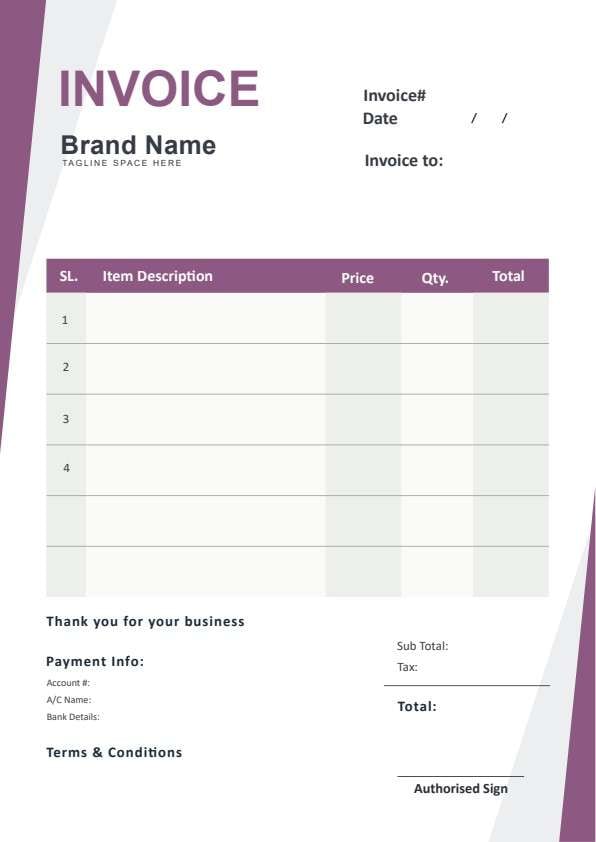
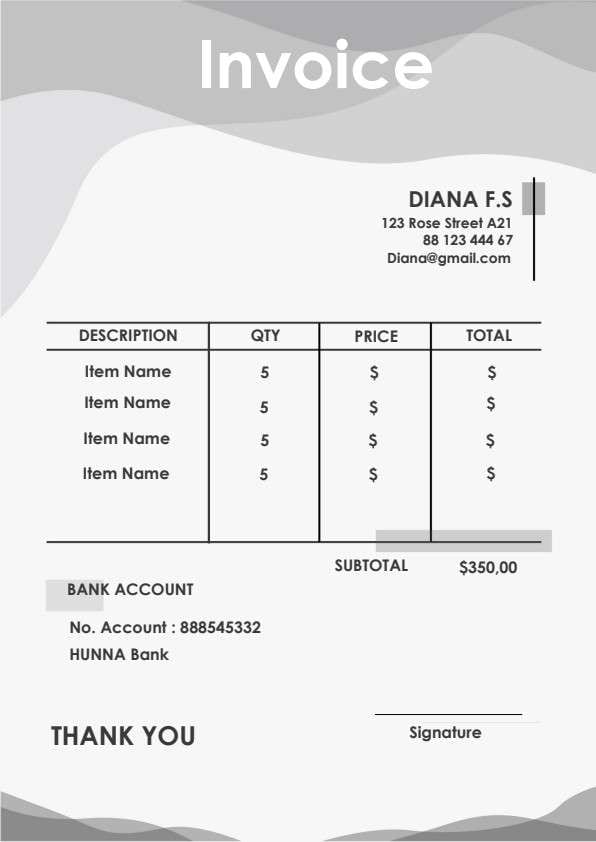
Simple Invoice Template PDF
Download a printable Simple Invoice PDF template to create clean, legible billing statements for your clients. Designed for small business owners, freelancers, and retail shops, it helps you document purchased items, quantities, pricing totals, and bank remittance details with ease.
What is a simple invoice
A Simple Invoice is a structured Business PDF that helps teams capture the information needed for this specific workflow. It keeps important details organized, easy to scan, and ready to print or share.
Users download this Simple Invoice because it gives small business owners, freelancers, and shop managers a simple printable sheet of billed items, quantities, and payment details.
Boutique & Retail Shops
Easily issue clean paper or digital receipts for merchandise sales and itemized orders.
Freelancers & Contractors
Quickly bill individual clients for deliverable batches, consulting work, or hourly projects.
E-Commerce Sellers
Include clear packing slips and billing confirmations inside customer packaging.
Service Providers
Send prompt, straightforward payment requests without managing complicated ERP setups.
- Automated recurring SaaS subscription billing with real-time merchant webhooks.
- Complex multi-tier corporate procurement contracts requiring customs declarations.
- Live accounting database management requiring multi-currency inventory auto-sync.
How to use and edit the simple invoice
You can print this template for paper collection or complete it as a fillable PDF. Digital editing is useful when you want typed entries, reusable records, clean copies, and easy sharing with freelancers, retail shops, contractors, clients, and accounting teams.
How to customize the PDF
Use this workflow to fill in vendor identity, enter line items and quantities, add bank remittance numbers, and export ready-to-pay PDF invoices.
Open the PDF in PDFelement
Download the Simple Invoice PDF template, open it in PDFelement, click each fillable field, type the needed details, tick checkboxes where relevant, and save a clean digital copy.
Add your store name, address, contact phone, email address, and bank routing credentials.
Detail each sold product or service in the itemized table alongside quantities and line totals.
Calculate the subtotal amount due, export as a clean PDF or print a hard copy, and provide it to the buyer.
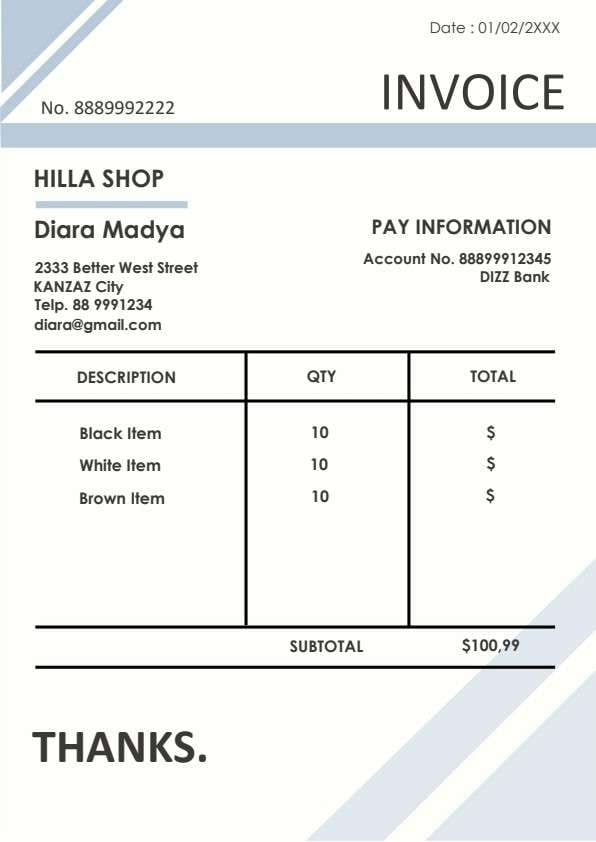


Wondershare PDFelement makes tailoring this Simple Invoice effortless. You can quickly type in customer details, add extra billing rows, auto-calculate subtotal values, insert your official brand logo, and save individualized invoices for recurring monthly clients with zero document distortion.
| PDFelement Feature | How It Helps |
|---|---|
| Edit PDF | Customize labels, headings, notes, and reusable sections |
| Fill PDF | Type clean information into every fillable field |
| Form tools | Use editable text fields and calculation forms for accurate billing records |
| Annotate | Add comments or extra reminders before printing or sharing |
| Convert | Export or archive the finished PDF for team records |
| Organize PDFs | Keep templates by team, date, event, player, or season |
What to include in a simple invoice
A useful business PDF should be specific enough for real team workflows but simple enough to complete quickly. The fields below show what this template is built to capture and why each part matters.
Simple Invoice fields
| Field | What to Fill In | Why It Helps |
|---|---|---|
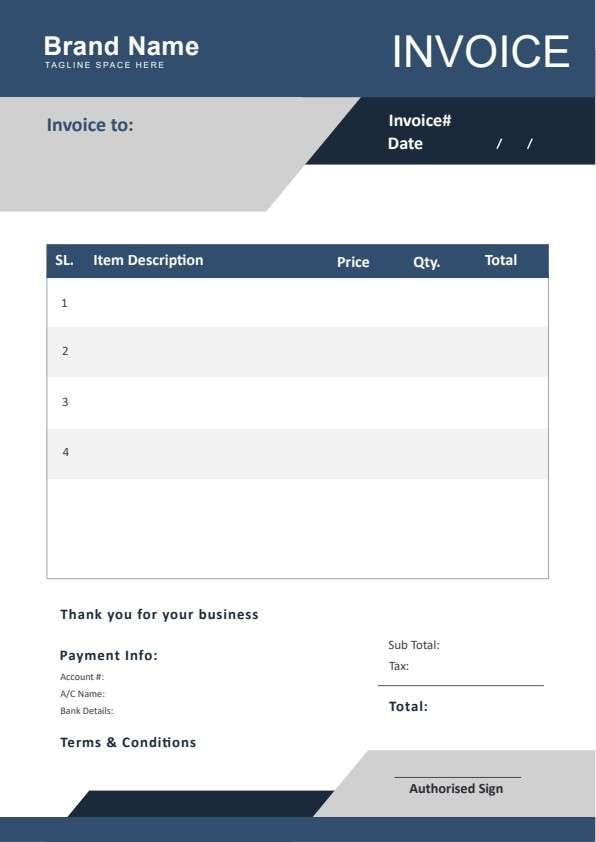
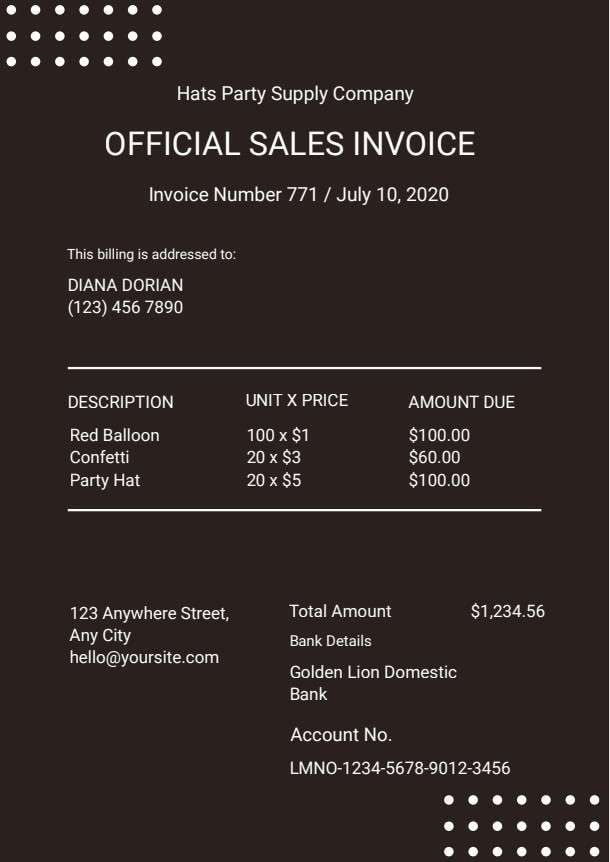
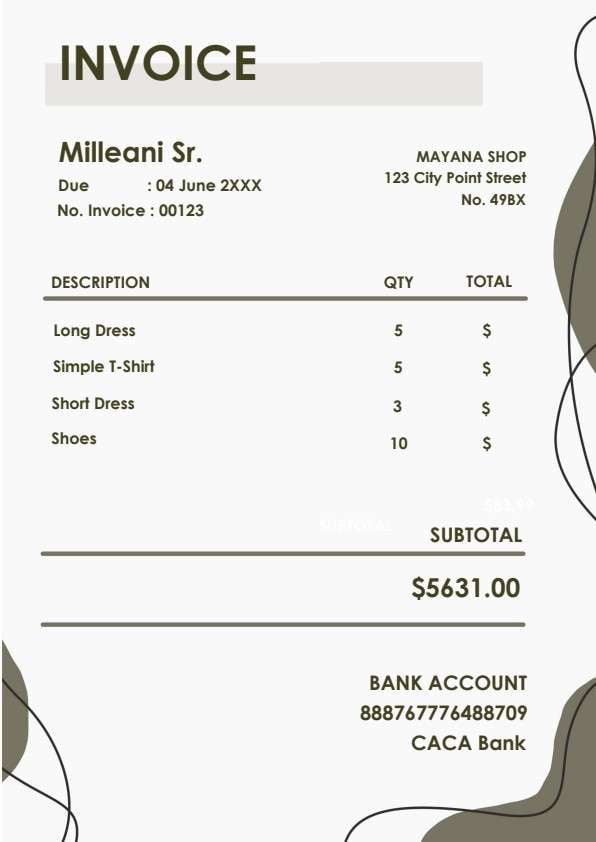
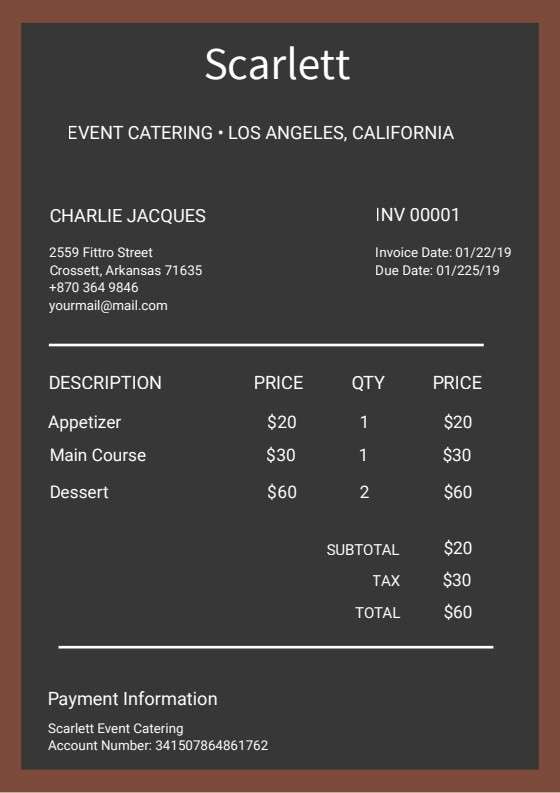
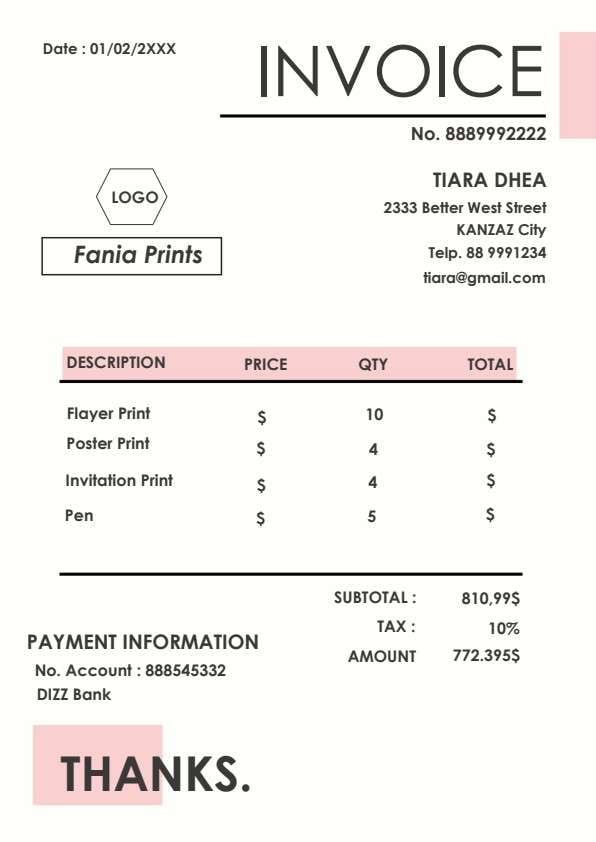
| Invoice No. & Date | Unique tracking number and date of transaction issuance. | Ensures accurate book balancing, reference tracking, and audit preparation. |
| Vendor Details | Business trade name, street address, telephone, and email address. | Identifies the billing party and gives buyers direct channels for payment queries. |
| Pay Information | Designated receiving bank name and recipient bank account number. | Gives clients immediate transfer instructions to eliminate payment friction. |
| Item Description & Quantity | Name of each product or service alongside total units purchased. | Provides transparent itemization so customers understand exactly what they bought. |
| Subtotal / Total Due | The final aggregate sum payable by the client. | States an indisputable total amount to prevent billing misunderstandings. |
Why users download this template
Users download this template because it delivers a crisp, professional billing layout that is easy to customize and send without expensive accounting software.
 Instant download in universal standard printable A4 format. Minimalist black-and-blue layout keeps ink consumption low. Clear bank payment section expedites direct wire transfers. Versatile item table fits physical goods or service hours. Easily duplicate pages in PDFelement for recurring billing. Add digital signatures or company watermarks with one click.
Simple Invoice vs other business templates
| Template Type | Best For | Main Difference |
|---|---|---|
| Simple Invoice | General direct sales, small shops, and quick client billing | Streamlined one-page format with minimal required fields and clean aesthetics |
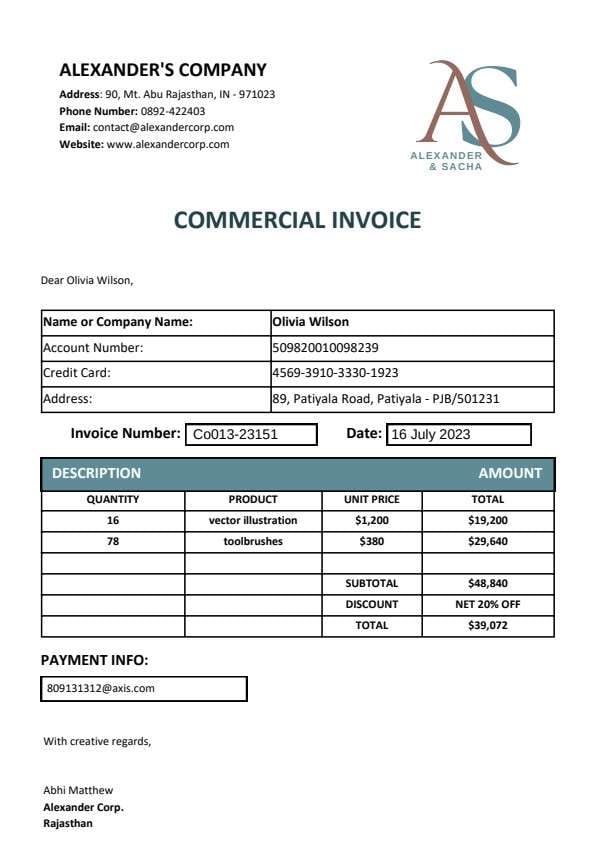
| Commercial Invoice | Cross-border trade and customs freight clearance | Includes HS tariff codes, country of origin, and freight carriage terms |
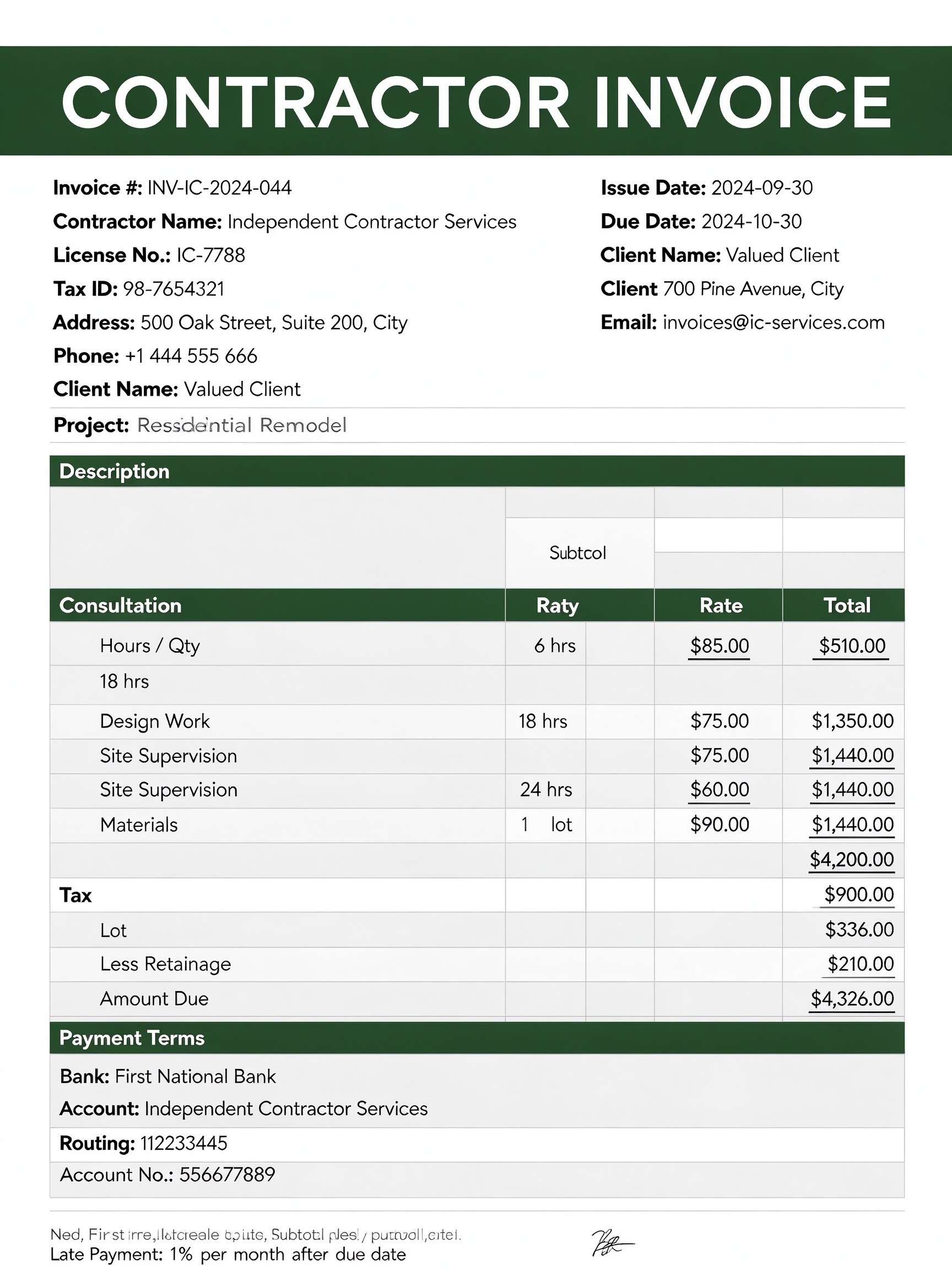
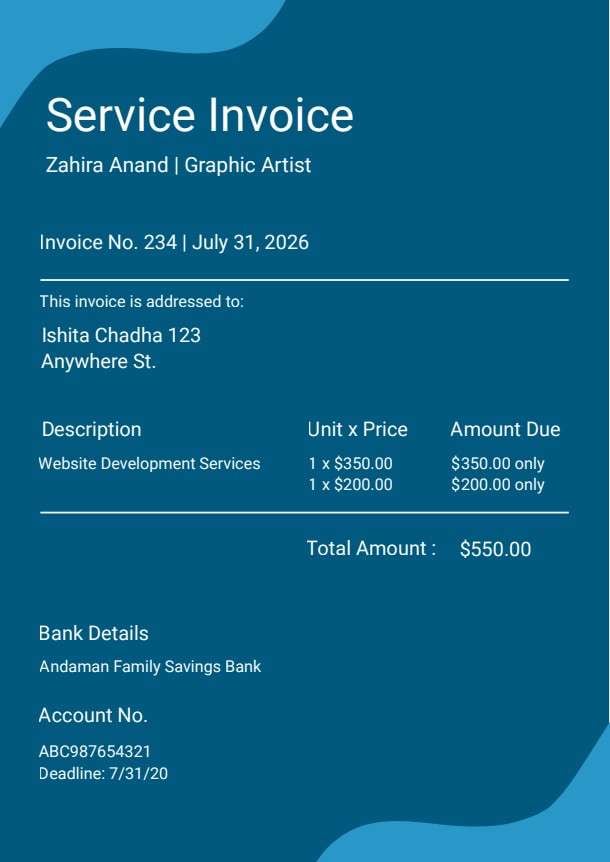
| Service Invoice | Consultants, agencies, and hourly freelance engagements | Focuses on billable hours, hourly rates, and milestone deliverables |
| Proforma Invoice | Pre-shipment estimates and advance buyer approvals | Acts as a preliminary declaration of goods value before formal billing |
Tips for using this template
- Assign sequential invoice numbers such as 8889992222 to keep chronological records.
- Double-check bank account numbers and receiving institution details to prevent payment bounces.
- Save a reusable master copy in PDFelement with your static company details pre-filled.
- Apply a professional digital signature in PDFelement before emailing the file to customers.
- Archive a completed PDF copy in your monthly receipts folder for fast quarterly tax prep.
FAQs
What is a Simple Invoice?
A Simple Invoice is a straightforward, clean billing document that outlines the items provided, quantities, subtotal balance, and payment method required to complete a transaction.
Who should use this template?
Small retail shops, independent consultants, freelancers, craft sellers, and tradespeople who need a fast, dependable, and professional billing receipt.
Is the Simple Invoice PDF editable?
Yes. When opened in Wondershare PDFelement, you can easily click to modify text, update bank account numbers, adjust product lines, or insert your company logo.
What should be included in a Simple Invoice?
It should feature an invoice number, issuance date, seller contact details, bank payment instructions, itemized descriptions with quantities, and the total amount due.
Can I use it for service-based jobs instead of physical goods?
Absolutely. Simply replace the product names in the description column with service tasks or consultation hours and adjust the quantity column to hours worked.
Does it replace complex accounting software?
For small enterprises and solo operators, it serves as a lightweight, cost-effective replacement for costly subscription billing platforms by providing clear, auditable transaction sheets.
How should changes or missing items be handled?
If an order changes, update the quantity and subtotal directly in PDFelement, increment the invoice version number (e.g., -V2), and re-send the updated PDF to the buyer.
Related templates


This template page includes usage guidance, editing steps, review information, and related tools to avoid thin template-page content.