

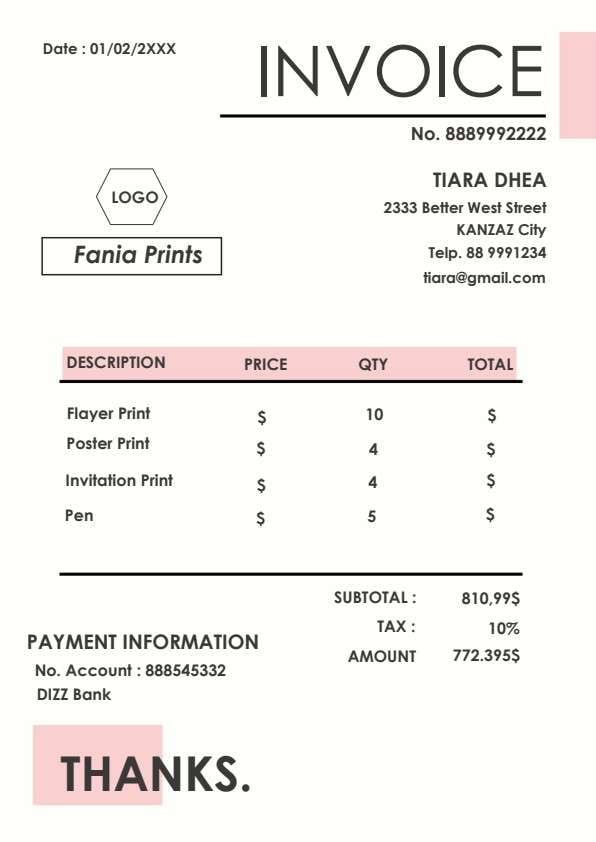
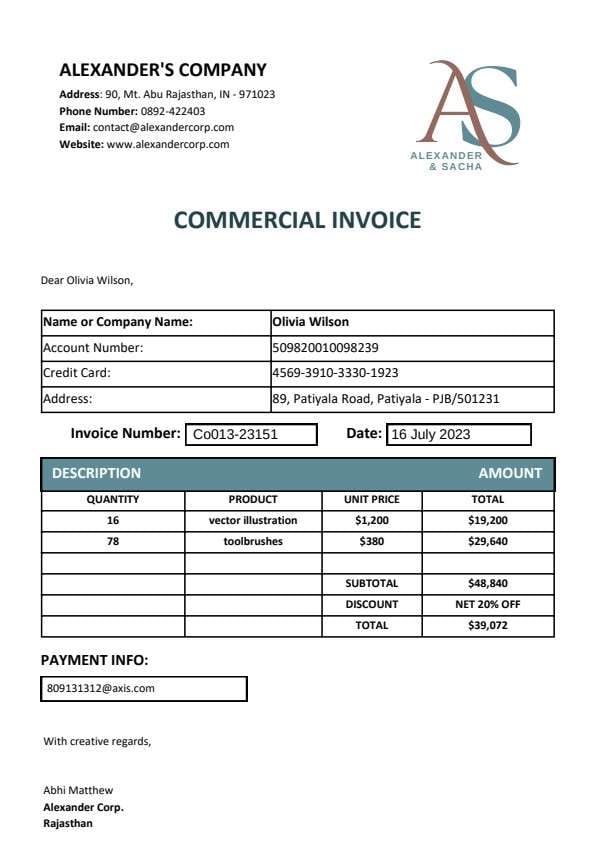
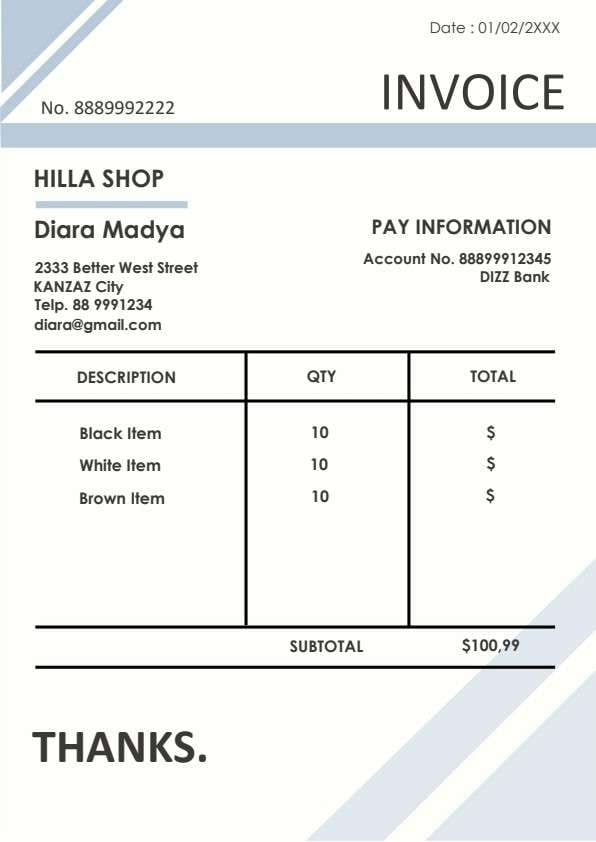
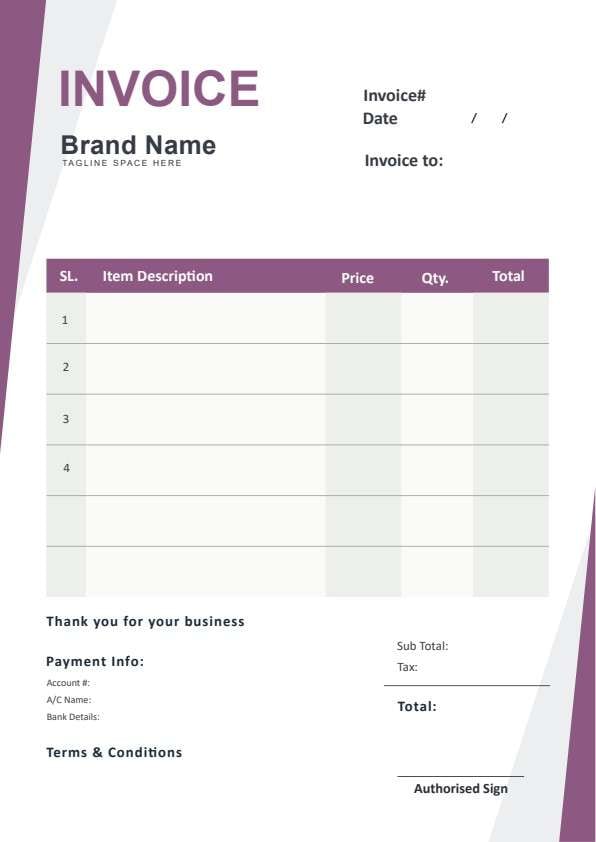
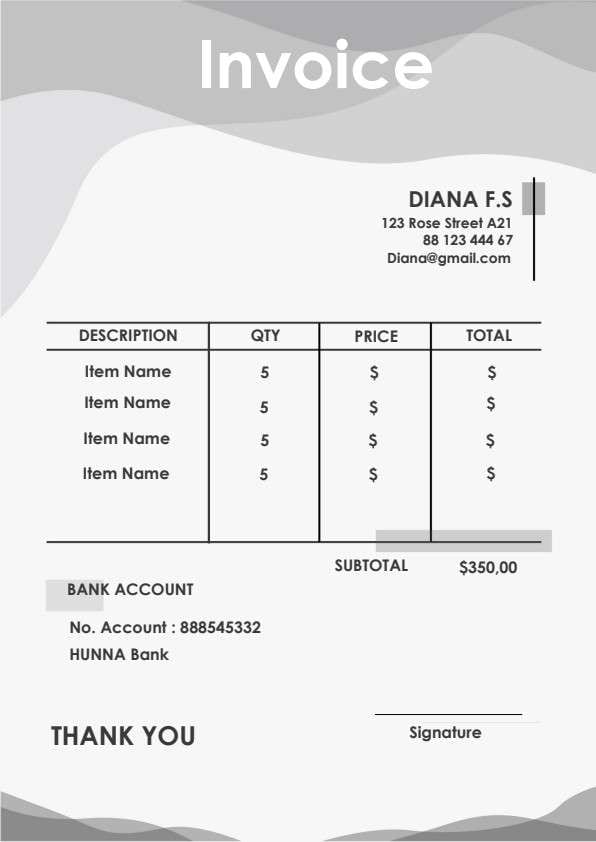
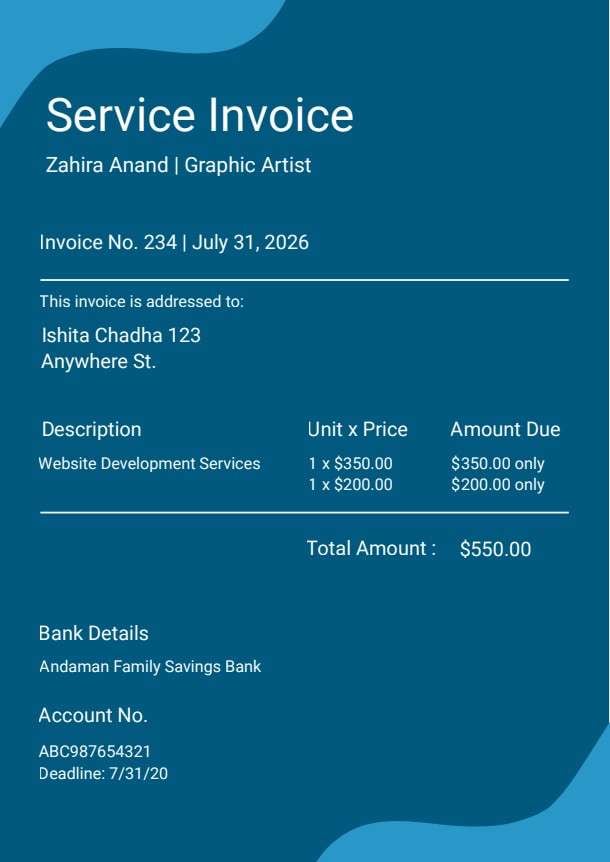
Service Invoice Template PDF
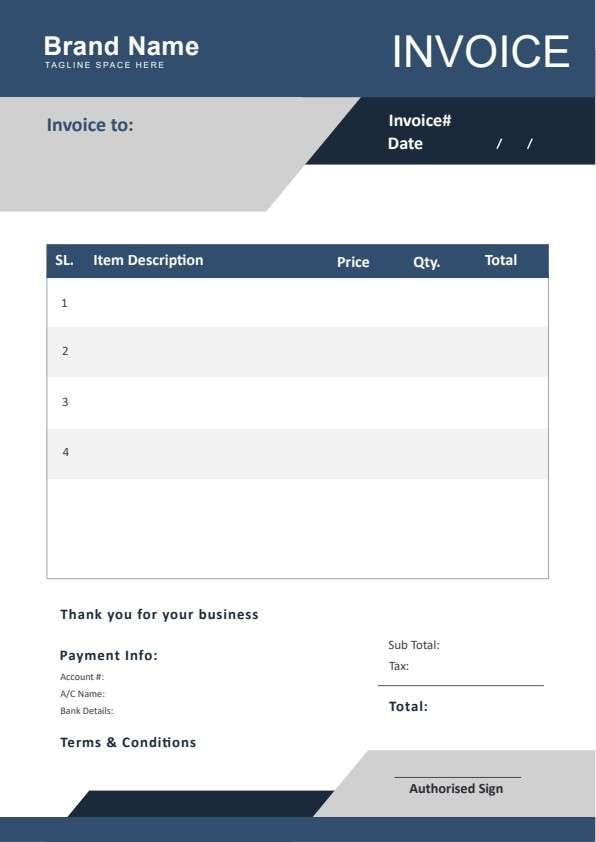
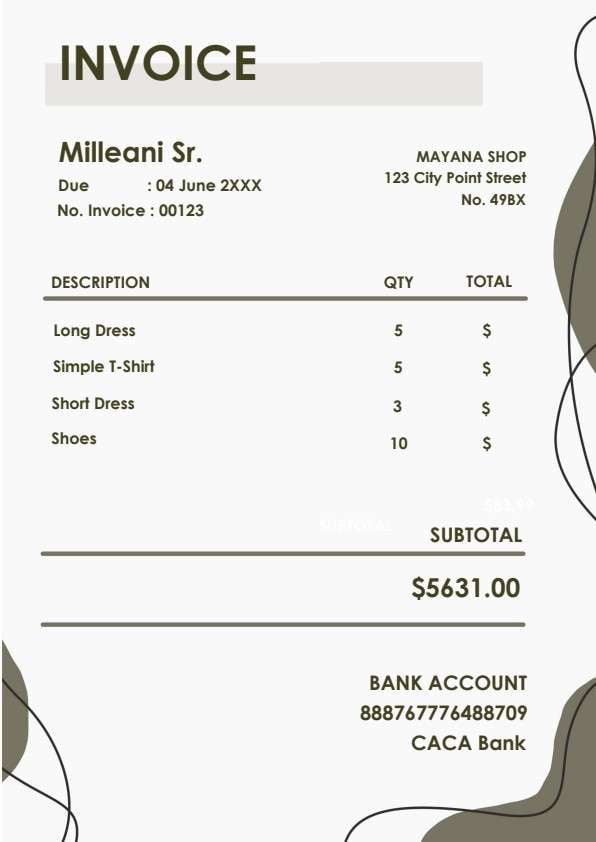
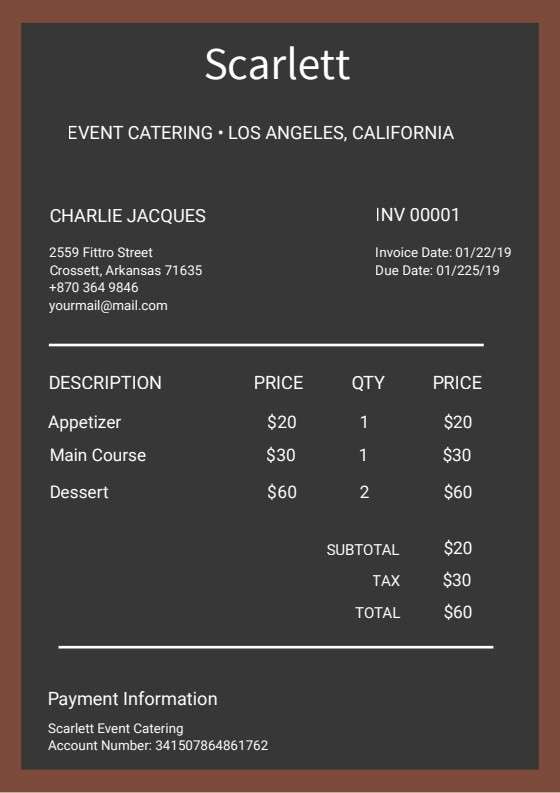
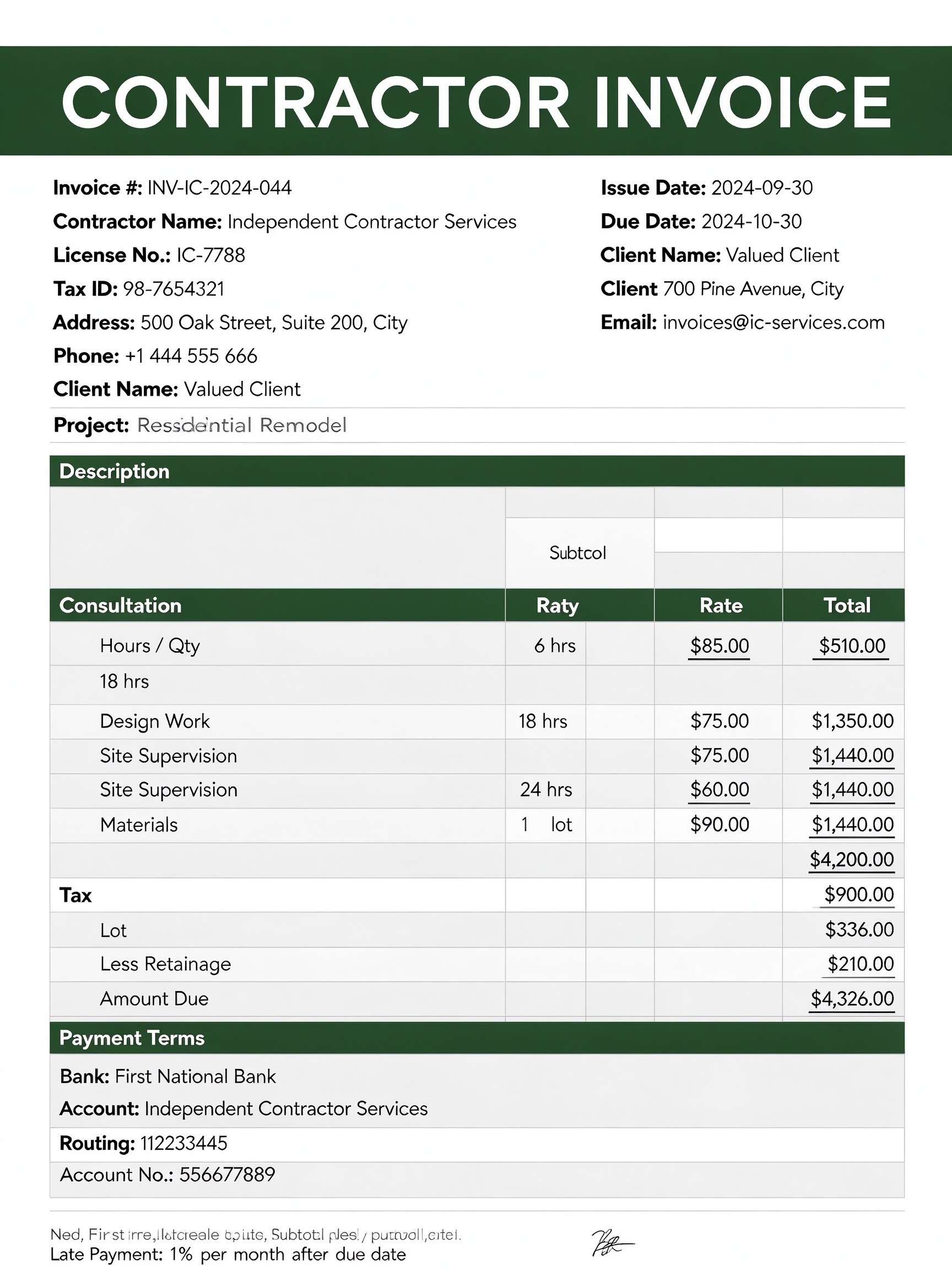
Download a printable Service Invoice PDF template to request payment from clients clearly and professionally. Designed for freelancers, creative artists, and small service providers, this template outlines service descriptions, unit pricing, total balances, and remittance bank details on a single clean page.
What is a service invoice
A Service Invoice is a structured Business & Operations PDF that helps teams capture the information needed for this specific workflow. It keeps important details organized, easy to scan, and ready to print or share.
Users download this Service Invoice because it gives service providers a simple printable tool of billed tasks, rates, payment deadlines, and direct banking instructions.
Freelancers & Contractors
Solo practitioners and graphic designers issuing straightforward milestone or flat-rate service billings.
Creative & Digital Agencies
Small studios billing clients for website development, branding, content creation, and consulting hours.
Independent Trades & Vendors
Local service technicians providing itemized repair, installation, or maintenance invoices.
Consultants & Coaches
Professional advisors billing for advisory sessions, project retainers, and delivered milestones.
- Complex recurring enterprise subscription billing with automated credit card gateways
- Multi-currency retail point-of-sale receipting with live barcode scanning
- Large-scale warehouse inventory distribution with automated freight tracking
How to use and edit the service invoice
You can print this template for paper collection or complete it as a fillable PDF. Digital editing is useful when you want typed entries, reusable records, clean copies, and easy sharing with freelancers, graphic designers, contractors, clients, or billing managers.
How to customize the PDF
Use this workflow to enter provider and client details, list services and pricing, calculate total amounts, and include bank payment info.
Open the PDF in PDFelement
Download the Service Invoice PDF template, open it in PDFelement, click each fillable field, type the needed details, tick checkboxes where relevant, and save a clean digital copy.
Enter your business name, profession or agency details, invoice number, issue date, and client recipient address.
List individual services, specify the unit quantity times rate, and tally the full balance due.
Include your bank name, account number, and remittance deadline before saving or sending via PDFelement.


PDFelement makes editing your service invoices effortless by letting you type project descriptions, calculate unit totals, and insert your logo in seconds. You can duplicate templates across clients, secure sensitive banking information with passwords, and export clean, print-ready PDFs with a single click.
| PDFelement Feature | How It Helps |
|---|---|
| Edit PDF | Customize labels, headings, notes, and reusable sections |
| Fill PDF | Type clean information into every fillable field |
| Form tools | Use text fields and calculation forms for structured service billing records |
| Annotate | Add comments or extra reminders before printing or sharing |
| Convert | Export or archive the finished PDF for team records |
| Organize PDFs | Keep templates by team, date, event, player, or season |
What to include in a service invoice
A useful business & operations PDF should be specific enough for real team workflows but simple enough to complete quickly. The fields below show what this template is built to capture and why each part matters.
Service Invoice fields
| Field | What to Fill In | Why It Helps |
|---|---|---|
| Provider Name & Title | Your professional identity, specialty, and contact details (e.g., Graphic Artist). | Establishes clear professional branding and identifies the billing entity. |
| Invoice No. & Date | Unique invoice tracking code and the formal issue date. | Supports accurate financial bookkeeping and seamless audit referencing. |
| Client Address Block | Recipient name, client business title, and complete billing address. | Guarantees proper document routing to the paying department or individual. |
| Description & Pricing Grid | Service itemization, unit multipliers, single rates, and total amounts. | Clarifies project scope to eliminate payment disputes or billing questions. |
| Bank Details & Deadline | Bank name, account number, routing information, and payment due date. | Facilitates direct electronic transfers and prompts on-time payments. |
Why users download this template
Service professionals download this invoice template to quickly send polished, transparent payment requests without needing expensive billing software.
 Assign sequential invoice numbers for hassle-free accounting records. Clearly describe project milestones to prevent client confusion. Set an explicit payment deadline to accelerate invoice turnaround. Double-check bank account details before dispatching to the client. Save completed records as locked PDFs using PDFelement for security. Maintain duplicate copies organized by client name in your tax archive.
Service Invoice vs other business & operations templates
| Template Type | Best For | Main Difference |
|---|---|---|
| Service Invoice | Independent contractors, creative artists, and fee-for-service vendors | Focuses on hours, milestones, deliverables, and direct wire payment instructions. |
| Commercial Sales Invoice | Wholesalers and retail merchants selling physical goods | Tracks SKUs, shipping freight, customs duties, and warehouse dispatch numbers. |
| Proforma Invoice | Preliminary commitments and pre-shipment customs declarations | Issued before services begin as a non-binding quotation rather than a payment demand. |
| Consulting Retainer Invoice | Ongoing monthly advisory services and agency retainers | Features recurring billing cycles, retainer hours drawdown, and rollover balances. |
Tips for using this template
- Personalize the accent colors and brand header to match your creative portfolio.
- Specify accepted payment methods such as bank transfer, ACH, or check in the notes.
- Include a contact email or phone number for prompt clarification of billing inquiries.
- Attach time tracking logs or milestone approval receipts when invoicing hourly work.
- Apply a certified electronic signature with PDFelement before delivering to your client.
FAQs
What is a Service Invoice?
A Service Invoice is an official commercial document issued by a service provider to a client requesting payment for completed labor, advisory, or creative work.
Who uses this template?
Freelancers, graphic designers, web developers, independent contractors, consultants, and small business owners billing clients for specialized services.
Is the Service Invoice PDF editable?
Yes, you can edit text blocks, line item calculations, banking information, and company branding directly using PDFelement.
What should be included in a Service Invoice?
It should include provider credentials, client billing information, an invoice number, line-item service descriptions, rates, grand total, bank details, and payment terms.
Can I use it for ongoing milestone payments?
Yes, you can duplicate the template for each project phase, detailing the specific milestone deliverables and the corresponding agreed payment.
Does it replace complex ERP accounting software?
This template provides an accessible, standalone invoicing solution ideal for small businesses and contractors who do not require integrated ERP systems.
How should client payment adjustments or discounts be handled?
You can add a dedicated adjustment line row in the description area deducting the discount value before entering the final total amount due.
Related templates


This template page includes usage guidance, editing steps, review information, and related tools to avoid thin template-page content.