

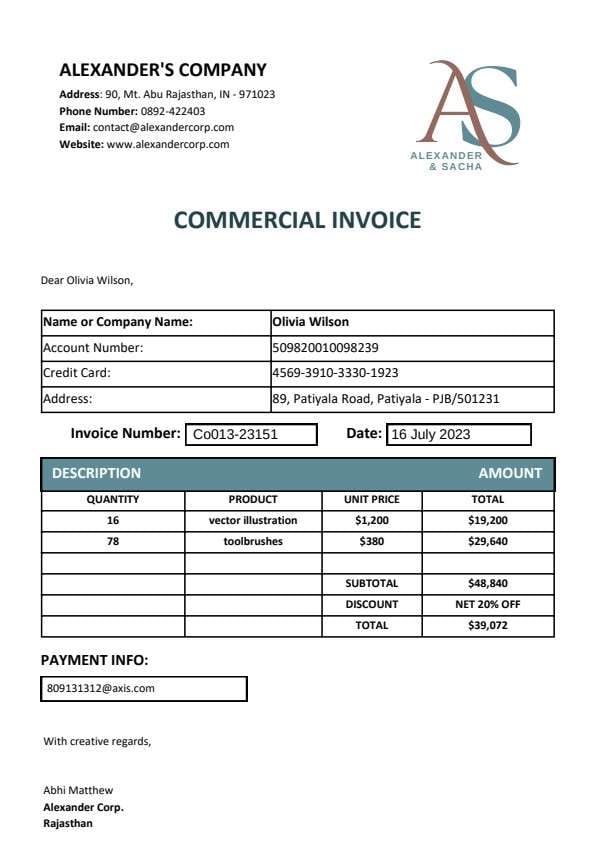
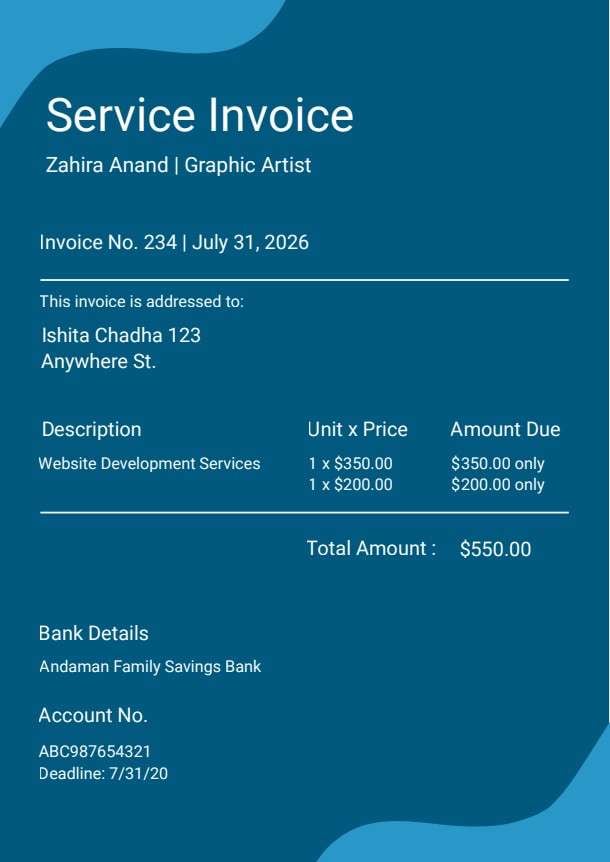
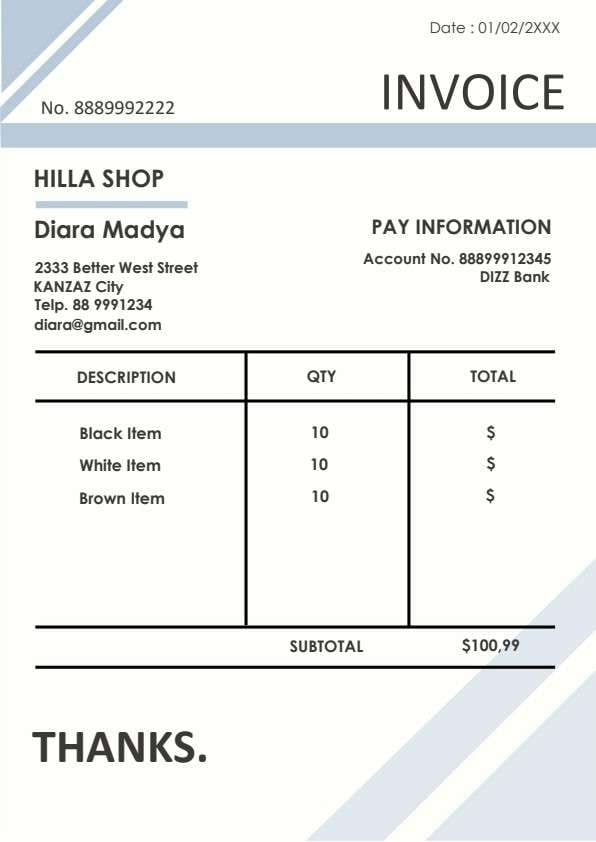
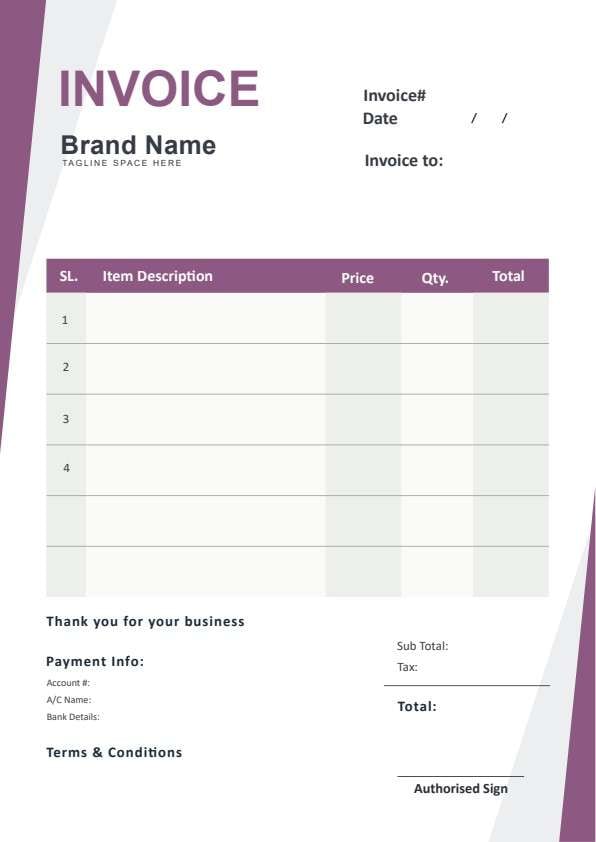
Professional Business Invoice Template PDF
Download a printable professional business invoice PDF template to streamline client billing, record itemized products or services, and clearly state remittance terms. Built for small business owners, freelancers, and billing coordinators, this layout provides a clean framework that ensures timely payment and accurate recordkeeping.
What is a professional business invoice
A professional business invoice is a structured Business & Operations PDF that helps teams capture the information needed for this specific workflow. It keeps important details organized, easy to scan, and ready to print or share.
Users download this professional business invoice because it gives business owners and service providers a simple printable sheet of itemized charges, applicable taxes, banking details, and payment conditions.
Freelancers & Contractors
Quickly bill individual clients for hourly labor, milestones, or creative deliverables.
Small Business Retailers
Provide clear paper or digital receipts and itemized invoices for wholesale or retail orders.
Service Providers & Agencies
Bill corporate accounts with defined terms, bank wire information, and formal authorization.
Consultants & Technicians
Issue on-site or post-service invoices for immediate remittance or 30-day net payment.
- High-volume automated recurring SaaS subscription billing
- Complex multi-currency cross-border trade tariffs with customs declarations
- Live inventory warehouse management and real-time database sync
How to use and edit the business invoice
You can print this template for paper collection or complete it as a fillable PDF. Digital editing is useful when you want typed entries, reusable records, clean copies, and easy sharing with freelancers, corporate buyers, accounts payable managers, client contacts, and service technicians.
How to customize the PDF
Use this workflow to input company branding, add client billing details, populate line item charges, state payment instructions, and sign off the document.
Open the PDF in PDFelement
Download the Professional Business Invoice PDF template, open it in PDFelement, click each fillable field, type the needed details, tick checkboxes where relevant, and save a clean digital copy.
Add your brand name, address, tagline, client billing details, unique invoice number, and issue date.
Fill in descriptions, quantities, unit prices, line item totals, subtotal, and applicable sales tax.
Specify your bank account details, payment terms and conditions, and apply an authorized signature before sending.


Wondershare PDFelement allows you to turn this static invoice template into a dynamic fillable form. You can insert your company logo, type descriptions cleanly, duplicate sheets for recurring monthly clients, add automated calculation fields for taxes and totals, and apply legally recognized digital signatures before printing or emailing.
| PDFelement Feature | How It Helps |
|---|---|
| Edit PDF | Customize labels, headings, notes, and reusable sections |
| Fill PDF | Type clean information into every fillable field |
| Form tools | Use text fields and numeric form tools for structured Business & Operations records |
| Annotate | Add comments or extra reminders before printing or sharing |
| Convert | Export or archive the finished PDF for team records |
| Organize PDFs | Keep templates by team, date, event, player, or season |
What to include in a business invoice
A useful business & operations PDF should be specific enough for real team workflows but simple enough to complete quickly. The fields below show what this template is built to capture and why each part matters.
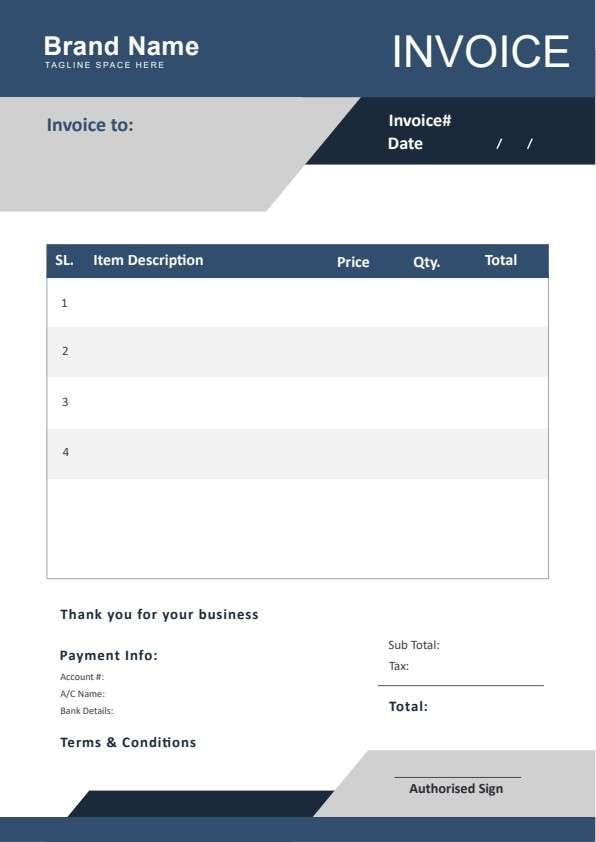
Professional Business Invoice fields
| Field | What to Fill In | Why It Helps |
|---|---|---|
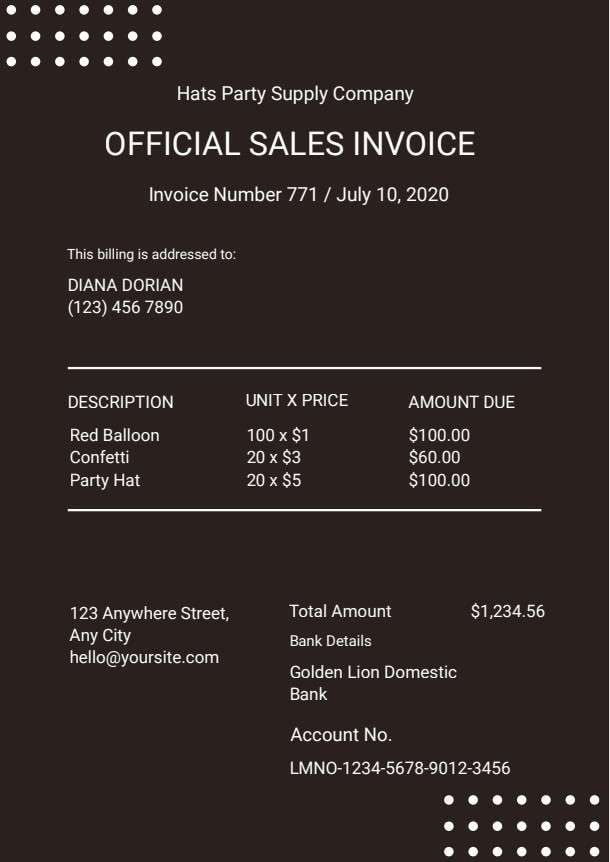
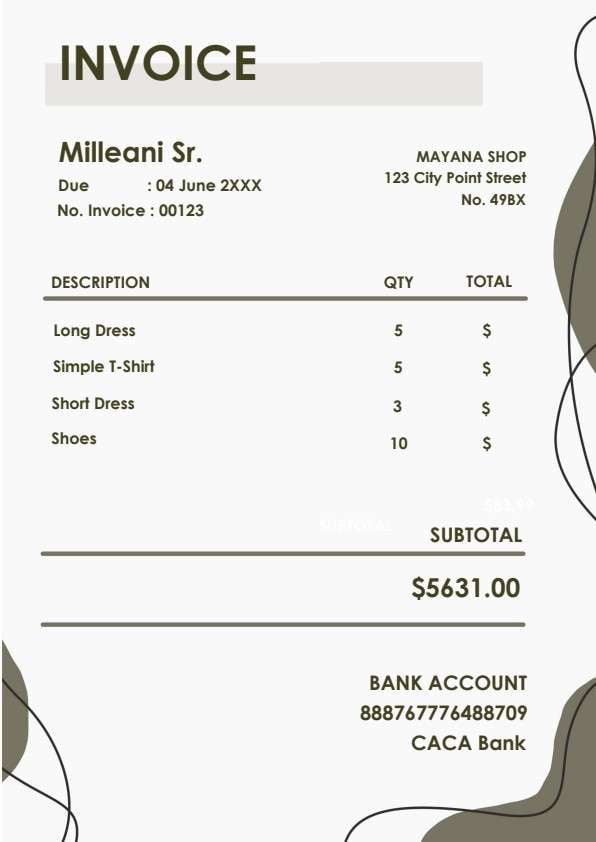
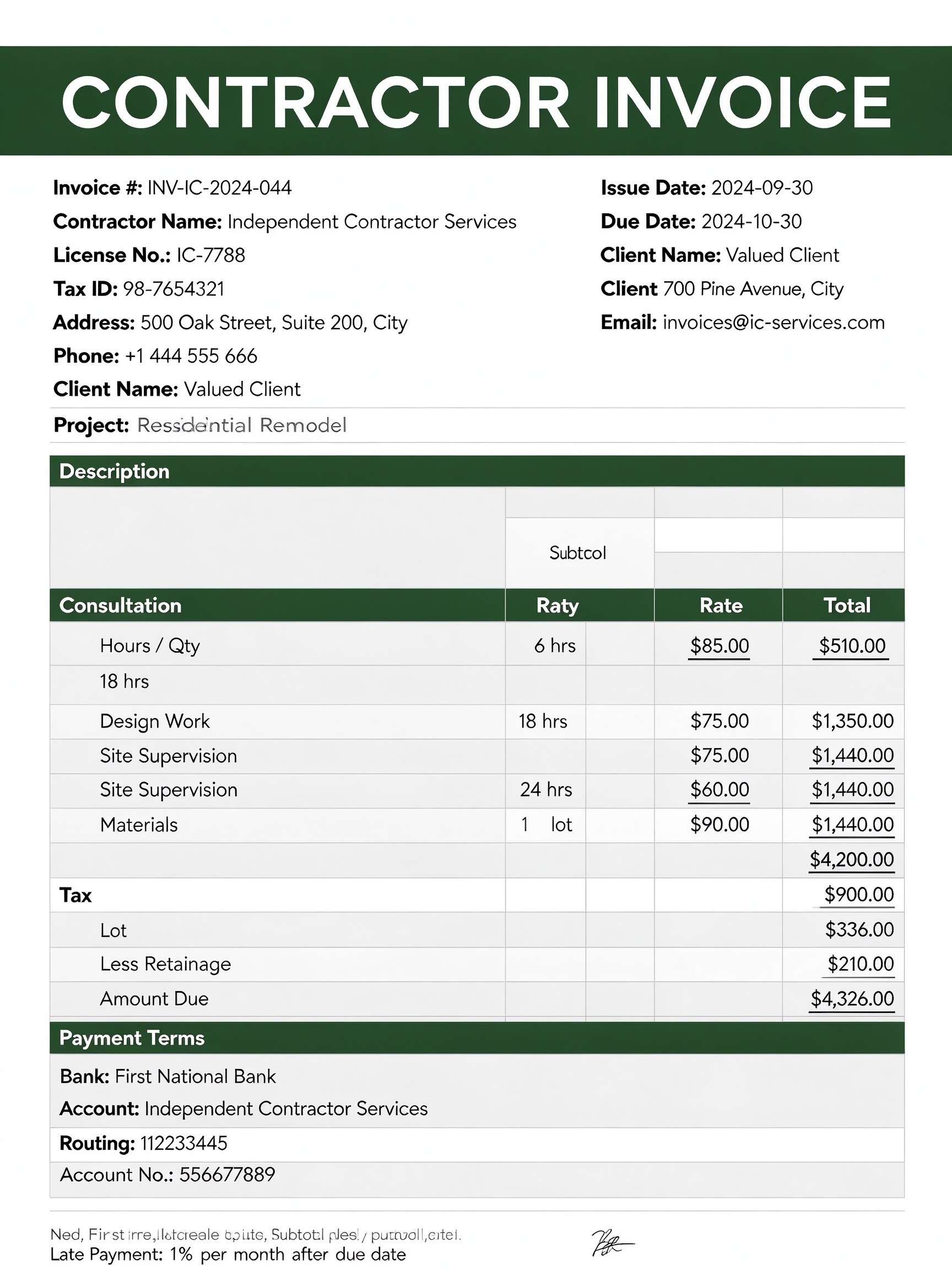
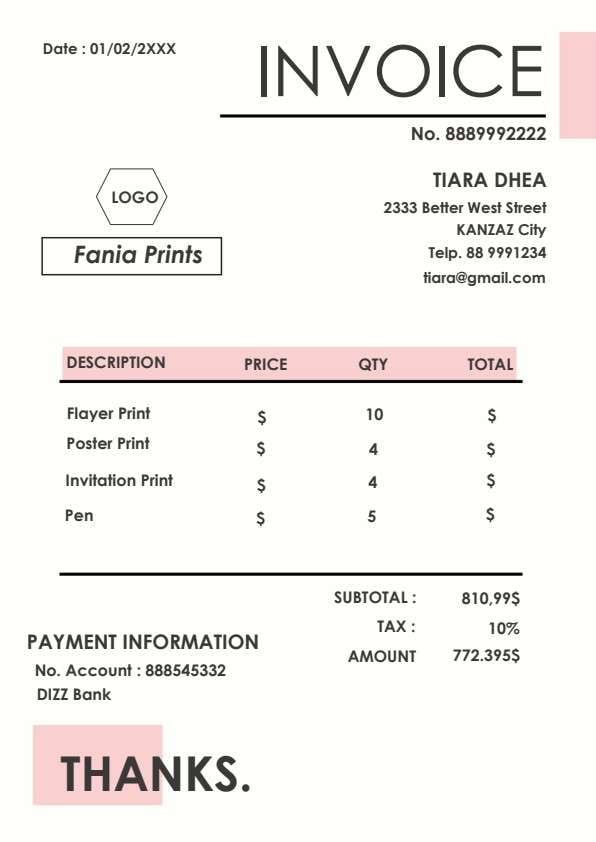
| Invoice# & Date | Unique sequential invoice code and date of issue | Enables seamless transaction tracking, accounting audits, and bookkeeping reference. |
| Invoice to (Client Details) | Recipient name, company, contact info, and billing address | Ensures the billing statement reaches the correct accounts payable department. |
| Item Description, Price & Qty | Line item breakdown of services rendered or goods sold with rates | Prevents billing disputes by showing transparent costs per item or hour. |
| Sub Total, Tax & Total | Net sum, computed tax rate or surcharge, and final amount due | Gives the customer an exact, indisputable final figure required for payment settlement. |
| Payment Info & Authorised Sign | Bank name, account number, wire details, and company representative signature | Directs customer funds to the right account and legally authenticates the invoice document. |
Why users download this template
Users download this template because it delivers an organized, client-ready invoice layout that reduces billing discrepancies and speeds up remittance without complicated accounting software.
 Assign a consistent numbering system to track unpaid balances effortlessly. Itemize every service or supply clearly to eliminate customer billing queries. Double-check bank account and routing numbers before sending PDF copies. State clear payment due dates and accepted payment methods in the terms area. Sign digitally using PDFelement to validate high-value commercial agreements. Save completed invoices as locked PDFs to prevent post-dispatch editing.
Professional Business Invoice vs other business & operations templates
| Template Type | Best For | Main Difference |
|---|---|---|
| Professional Business Invoice | Direct billing for goods, professional services, and project milestones | Features full banking remittance fields, itemized breakdown, and terms in one sheet |
| Commercial Purchase Order | Buyers officially requesting products from verified vendors | Initiated by the customer prior to delivery rather than after fulfillment |
| Service Estimate / Quotation | Proposing cost estimates and scopes before contract work starts | Represents non-binding proposed pricing rather than a demand for payment |
| Payment Receipt Form | Acknowledging completed payment transactions from clients | Confirms payment already received instead of requesting an outstanding balance |
Tips for using this template
- Always state net payment deadlines (such as Net 15 or Net 30) within the terms and conditions section.
- Include project milestones or job purchase order numbers in the item descriptions for corporate clients.
- Back up every completed invoice PDF organized chronologically in client-dedicated accounting folders.
- Convert your completed invoices into read-only PDF format to prevent unintentional alterations.
- Add your company logo and brand color accents using PDFelement's intuitive editing tools.
FAQs
What is a professional business invoice?
A professional business invoice is an itemized commercial document issued by a seller to a buyer that outlines products delivered, services performed, corresponding costs, applicable taxes, and payment instructions.
Who should use this template?
This template is built for freelancers, consultants, small business proprietors, field service contractors, and billing administrators looking for an efficient, professional way to request payments.
Is the professional business invoice PDF editable?
Yes, opening this PDF in Wondershare PDFelement allows you to edit company titles, insert logos, fill in client data, adjust line items, calculate totals, and add electronic signatures.
What should be included in a professional business invoice?
An effective invoice includes your business identity, client contact info, unique invoice number, date, itemized product/service lines, unit pricing, taxes, final balance, payment terms, and bank details.
Can I use it for international client billing?
Yes, you can specify your currency symbol, include international bank codes like SWIFT/BIC or IBAN in the payment info section, and clarify foreign wire terms.
Does it replace dedicated enterprise ERP software?
It serves as a standalone document solution ideal for manual billing and simple accounting, though large enterprises may integrate automated database pipelines for high-volume transactions.
How should revisions or invoice amendments be handled?
If an item changes after delivery, update the PDF with an updated revision date and append an 'R1' or credit memo note to preserve a reliable audit trail.
Related templates


This template page includes usage guidance, editing steps, review information, and related tools to avoid thin template-page content.