
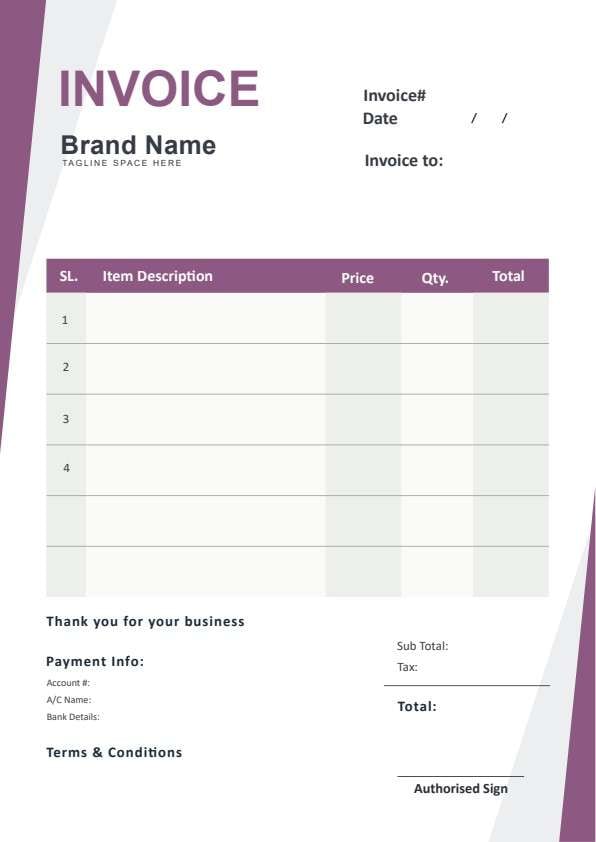
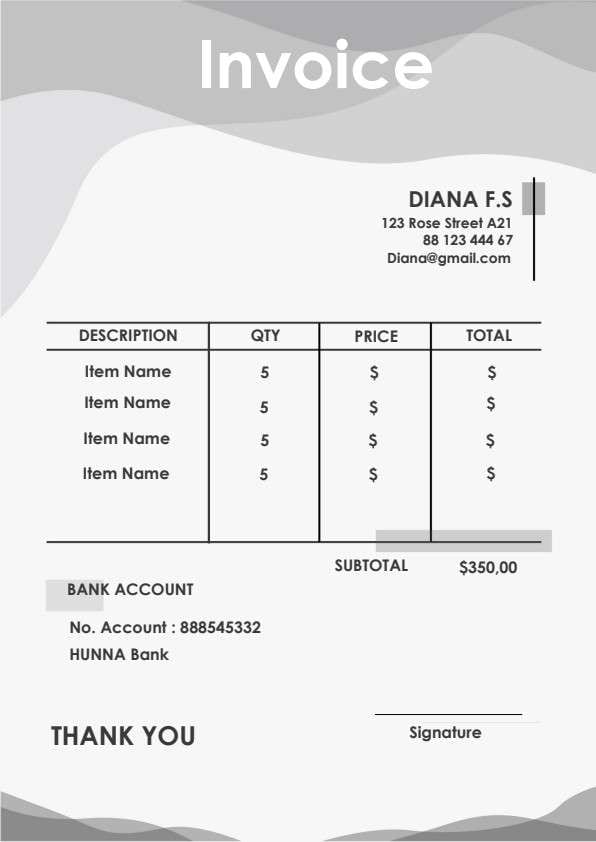
Contractor Invoice Template PDF
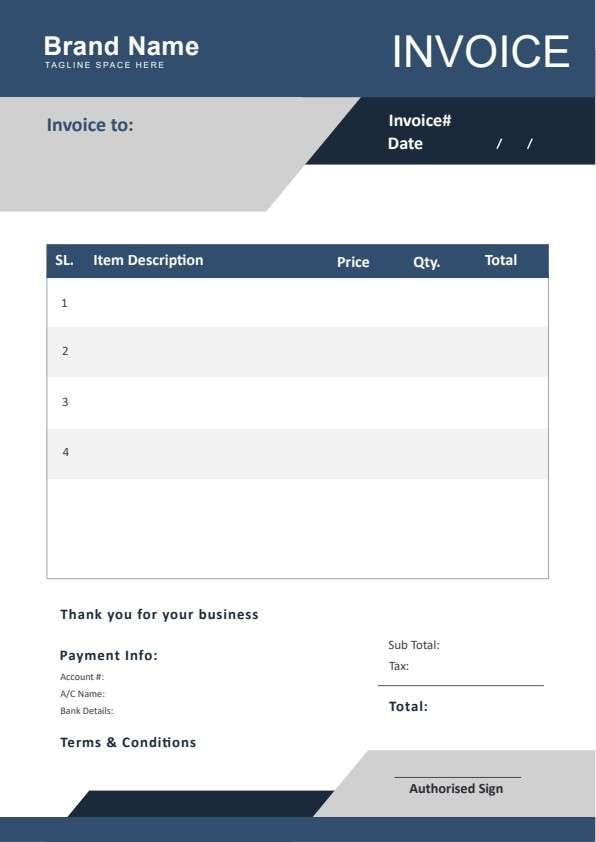
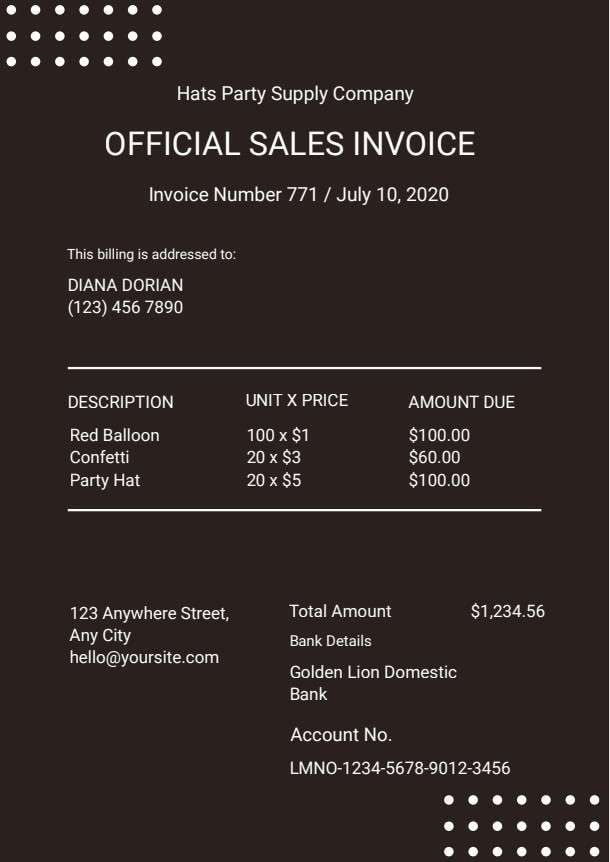
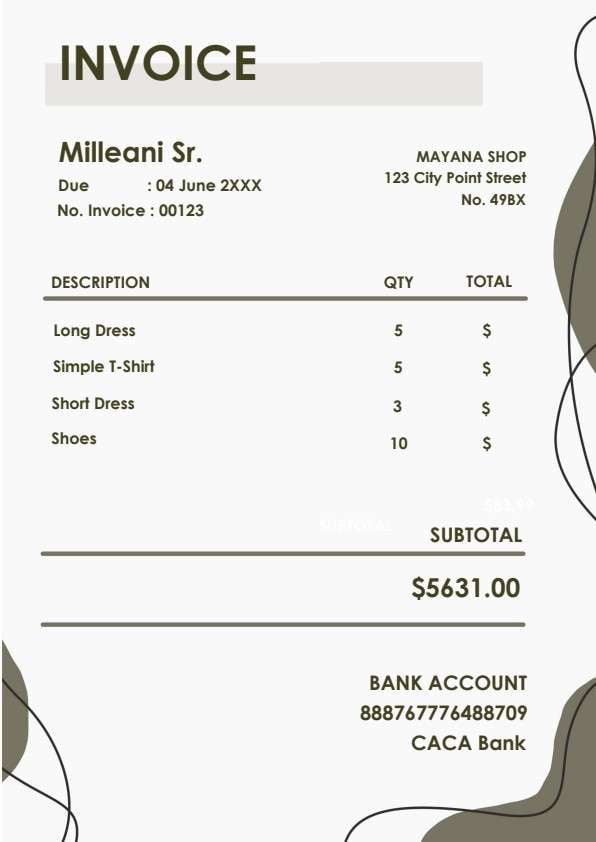
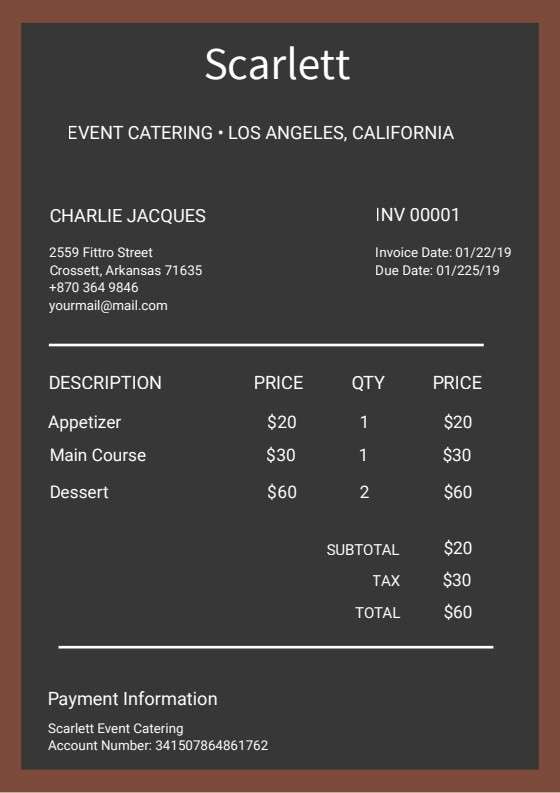
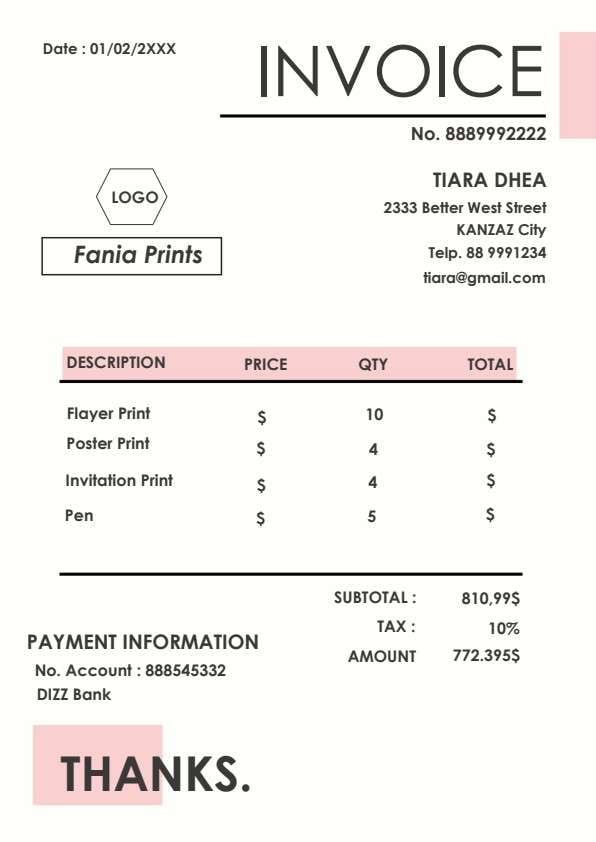
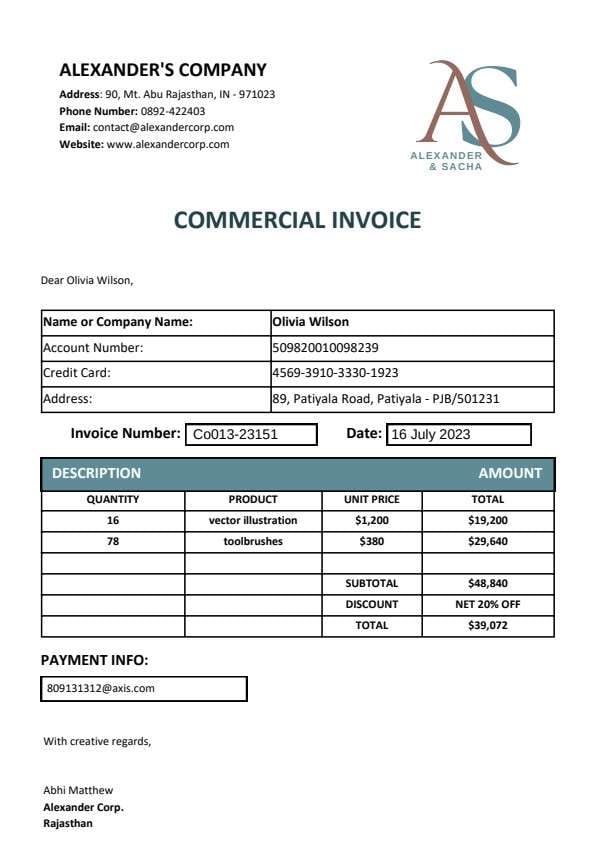
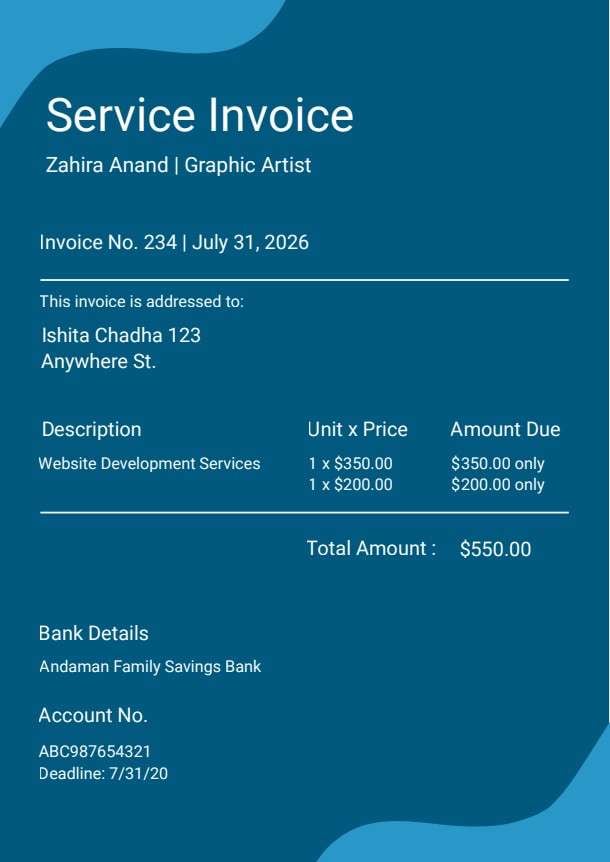
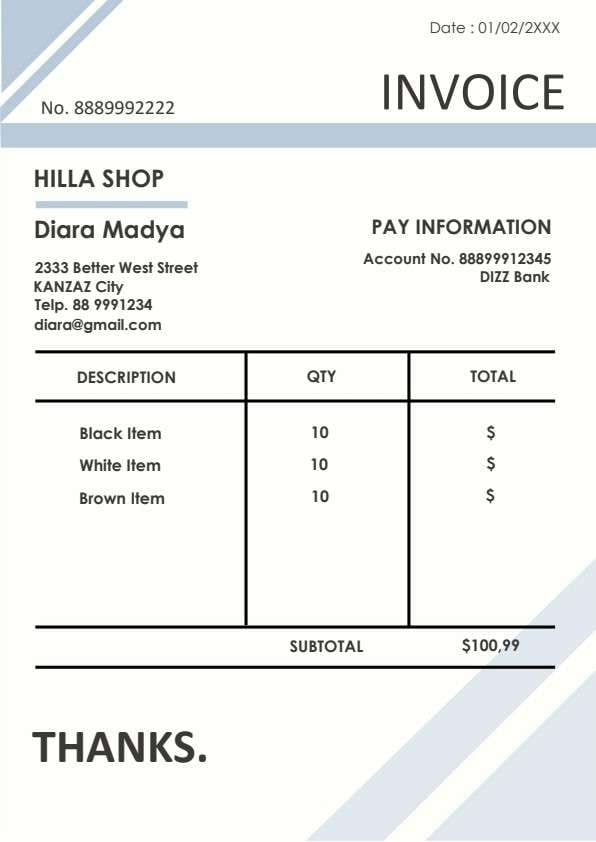
Download a printable Contractor Invoice PDF template to manage your billing process efficiently. This template helps independent contractors and freelancers track project tasks, hourly rates, and tax calculations for clients and project managers. Use it to ensure clear payment terms and professional record-keeping.
What is a contractor invoice
A Contractor Invoice is a structured Business & Operations PDF that helps teams capture the information needed for this specific workflow. It keeps important details organized, easy to scan, and ready to print or share.
Users download this Contractor Invoice because it gives contractors a simple printable invoice of service descriptions, hours worked, and payment details.
Independent Contractors
Perfect for individual service providers billing for specific project-based labor.
Small Service Businesses
Ideal for small firms that need a clean, professional invoice to present to clients.
Freelance Consultants
Great for documenting hourly design, consultation, or site supervision work.
Contractual Remodelers
Designed to track material costs and labor charges for construction or renovation projects.
- Not built for managing complex automated accounting databases.
- Not suitable for tracking long-term recurring payroll systems.
- Not designed to be a replacement for official tax software integration.
How to use and edit the contractor invoice
You can print this template for paper collection or complete it as a fillable PDF. Digital editing is useful when you want typed entries, reusable records, clean copies, and easy sharing with contractors, clients, project managers, and finance teams.
How to customize the PDF
Use this workflow to enter contractor details, add service line items, calculate totals, and update payment information effortlessly.
Open the PDF in PDFelement
Download the Contractor Invoice PDF template, open it in PDFelement, click each fillable field, type the needed details, tick checkboxes where relevant, and save a clean digital copy.
Click to download the fillable PDF directly to your device.
Fill in your contractor details, client info, and project line items.
Save your completed PDF and send it digitally to your client for payment.
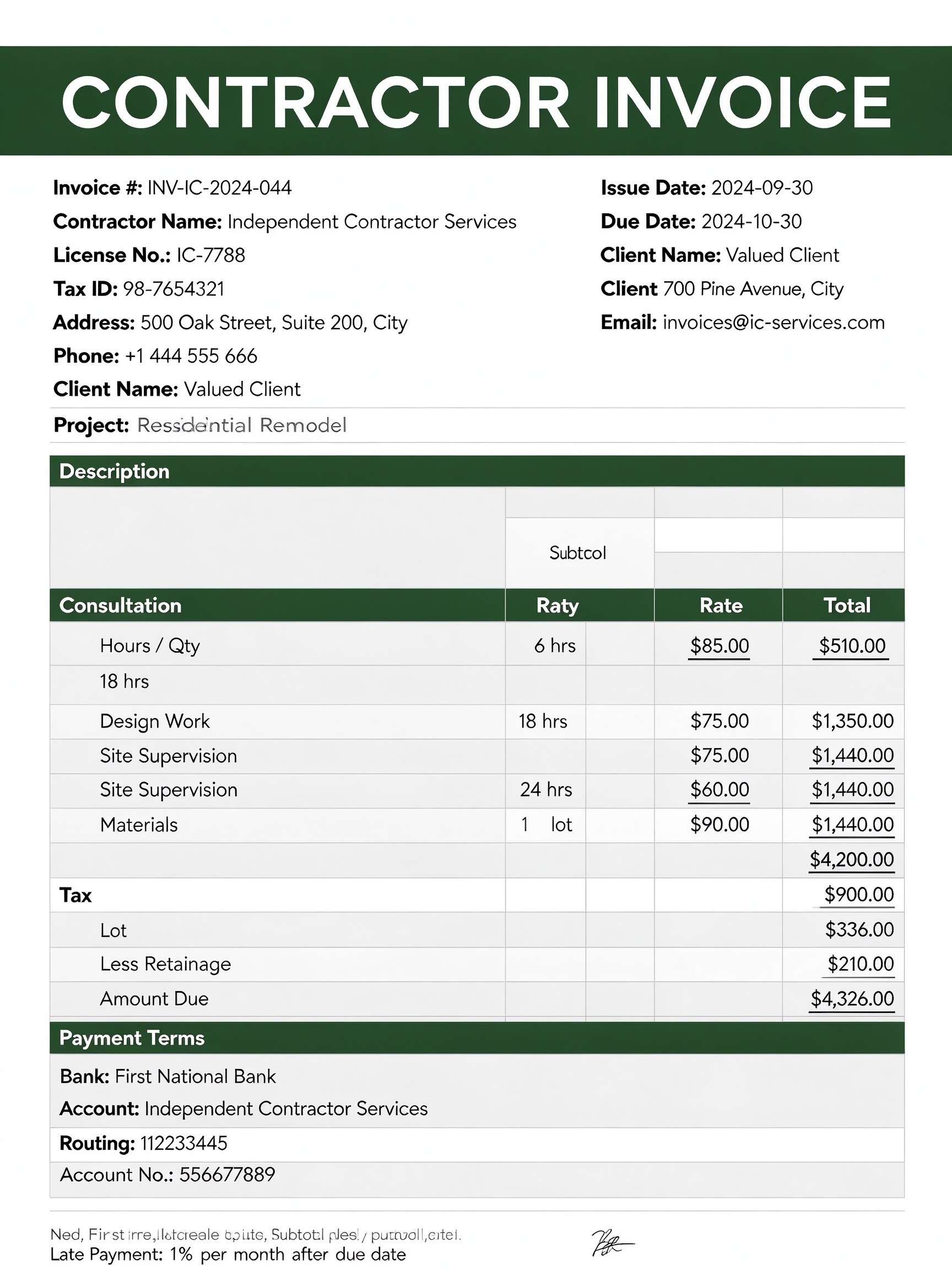


PDFelement makes editing this invoice simple. You can easily update your hourly rates, duplicate rows to add multiple project tasks, and finalize the document for a clean, professional print-ready output every time.
| PDFelement Feature | How It Helps |
|---|---|
| Edit PDF | Customize labels, headings, notes, and reusable sections |
| Fill PDF | Type clean information into every fillable field |
| Form tools | Use editable text fields for precise billing entries and structured records |
| Annotate | Add comments or extra reminders before printing or sharing |
| Convert | Export or archive the finished PDF for team records |
| Organize PDFs | Keep templates by team, date, event, player, or season |
What to include in a contractor invoice
A useful business & operations PDF should be specific enough for real team workflows but simple enough to complete quickly. The fields below show what this template is built to capture and why each part matters.
Contractor Invoice fields
| Field | What to Fill In | Why It Helps |
|---|---|---|
| Invoice # | Unique tracking number for your document. | Keeps records organized and trackable for tax purposes. |
| Project Description | Summary of the services performed. | Provides clarity to the client on work completed. |
| Rate & Qty | Hours worked or quantity of items. | Ensures accurate billing for services and labor. |
| Total Amount | The final sum of all line items. | Clearly communicates the amount due for payment. |
| Payment Terms | Bank details and late payment policies. | Reduces confusion and ensures timely compensation. |
Why users download this template
Users download this template to ensure their billing documents look professional and meet all standard business requirements for timely payment.
 Ensure all contact information is accurate. Use clear labels for every service item listed. Double-check totals and tax amounts before sending. Include specific bank account details for transfers. Add your signature to validate the document. Save a digital copy for your own records.
Contractor Invoice vs other business & operations templates
| Template Type | Best For | Main Difference |
|---|---|---|
| Contractor Invoice | Hourly and project-based service billing. | Includes specific fields for site supervision and labor. |
| Sales Receipt | Simple product sales transactions. | Focuses on item quantity rather than hourly labor. |
| Service Agreement | Defining scope of work before billing. | Legal terms focus on obligations, not invoicing. |
| Expense Report | Internal business reimbursement. | Tracks costs incurred by employees for the firm. |
Tips for using this template
- Keep your invoice numbers sequential for bookkeeping.
- Be specific with your hourly task descriptions.
- Set clear expectations for late payment penalties.
- Keep a digital copy of every sent invoice in a cloud folder.
- Always double-check the client contact information before sending.
FAQs
What is a Contractor Invoice?
It is a professional document used by contractors to bill clients for labor and services performed.
Who uses this template?
Independent contractors, freelancers, and small business owners providing professional services.
Is the invoice PDF editable?
Yes, it is a fully fillable PDF that can be edited using PDFelement.
What should be included in an invoice?
Include contact details, specific service descriptions, hourly rates, tax, and bank info.
Can I use it for construction projects?
Yes, it includes sections for materials and labor ideal for renovation or construction work.
Does it replace official systems?
It serves as a professional document, but doesn't replace automated tax or payroll software.
How should missing items be handled?
Simply edit the document in PDFelement to add custom rows or fields as needed.
Related templates


This template page includes usage guidance, editing steps, review information, and related tools to avoid thin template-page content.