
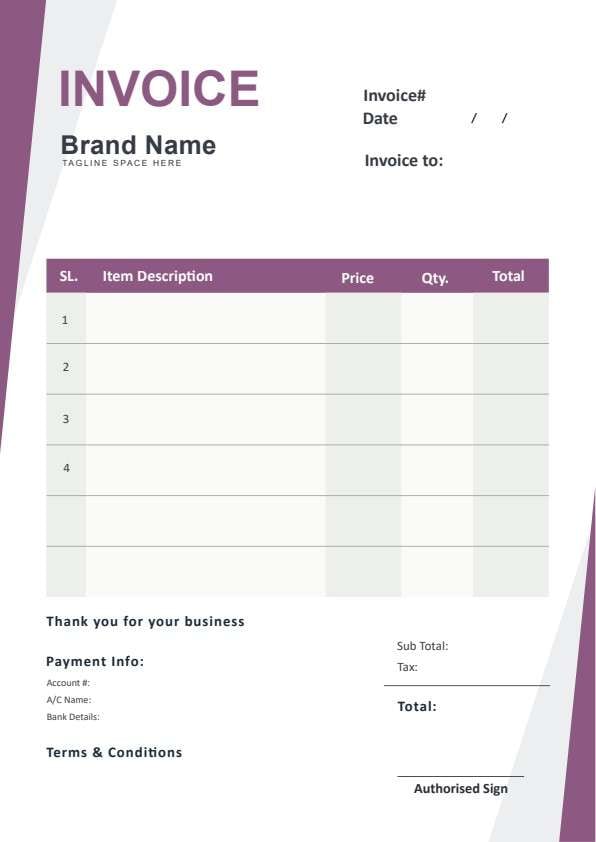
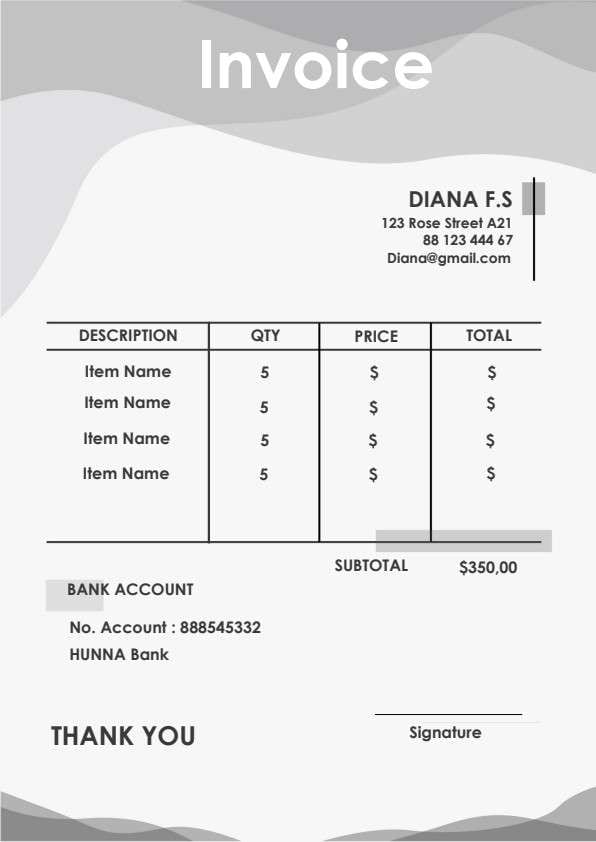
Printable Invoice Template PDF
Download a printable Printable Invoice PDF template to issue clear, polished billing statements to your customers. Designed with itemized lines, quantity tracking, tax calculation slots, and explicit payment details, it helps small business owners, freelancers, and billing coordinators maintain organized financial records and get paid faster.
What is a printable invoice
A printable invoice is a structured Business PDF that helps teams capture the information needed for this specific workflow. It keeps important details organized, easy to scan, and ready to print or share.
Users download this printable invoice because it gives small business owners, freelancers, and billing coordinators a simple printable sheet of itemized services, quantities, tax calculations, and payment details.
Creative Studios & Print Shops
Billing custom print runs, design deliverables, promotional items, and event signage.
Freelancers & Contractors
Sending clean, itemized service statements with clear banking and payment instructions.
Boutique Retail & Crafts
Providing walk-in or order-based customers with professional printed paper receipts.
Small Business Accounting
Maintaining simple, archivable payment documentation for audits and monthly tax reconciliations.
- Automated recurring ERP billing systems requiring real-time webhooks.
- Complex multi-currency cross-border trade transactions requiring international customs clearance.
- Live inventory database synchronization across multi-warehouse enterprise networks.
How to use and edit the printable invoice
You can print this template for paper collection or complete it as a fillable PDF. Digital editing is useful when you want typed entries, reusable records, clean copies, and easy sharing with small business owners, print shops, freelancers, accountants, or billing managers.
How to customize the PDF
Use this workflow to add your business logo, input client details, list itemized deliverables, adjust tax calculations, and insert your bank remittance numbers.
Open the PDF in PDFelement
Download the Printable Invoice PDF template, open it in PDFelement, click each fillable field, type the needed details, tick checkboxes where relevant, and save a clean digital copy.
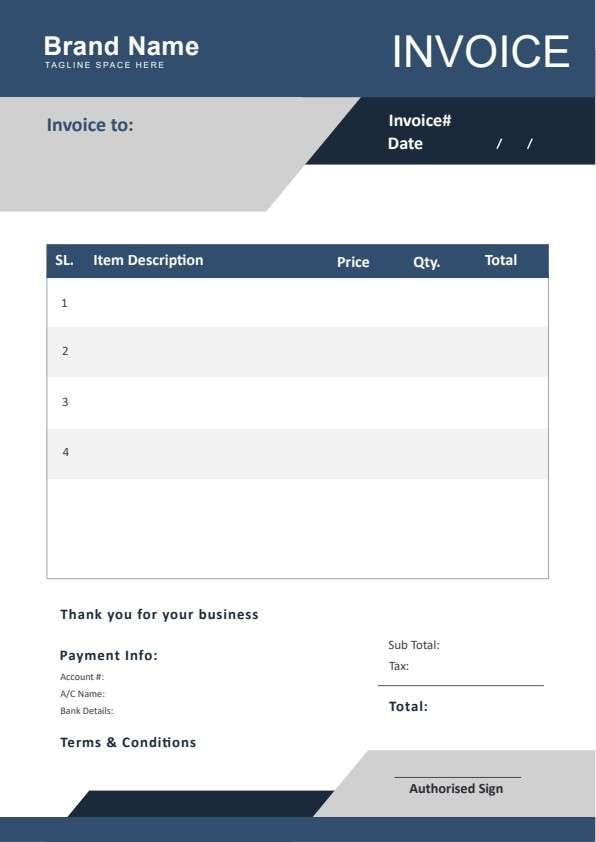
Insert your business name, logo, invoice date, unique invoice number, and recipient contact info.
List individual descriptions, price per unit, quantities ordered, and total row calculations.
Compute subtotal, applicable tax rate, and final balance due, then enter your bank account details.


Wondershare PDFelement makes managing this invoice template effortless. Instead of writing numbers by hand, you can type directly into clean form fields, insert your official brand logo into the designated placeholder, apply automated calculation formulas for subtotal and tax, and duplicate pages to build continuous client billing logs. Once finalized, you can convert, flatten, or digitally sign the document for instant distribution or crisp, professional printing.
| PDFelement Feature | How It Helps |
|---|---|
| Edit PDF | Customize labels, headings, notes, and reusable sections |
| Fill PDF | Type clean information into every fillable field |
| Form tools | Use fillable form fields and automated calculation tools for error-free billing statements |
| Annotate | Add comments or extra reminders before printing or sharing |
| Convert | Export or archive the finished PDF for team records |
| Organize PDFs | Keep templates by team, date, event, player, or season |
What to include in a printable invoice
A useful business PDF should be specific enough for real team workflows but simple enough to complete quickly. The fields below show what this template is built to capture and why each part matters.
Printable Invoice fields
| Field | What to Fill In | Why It Helps |
|---|---|---|
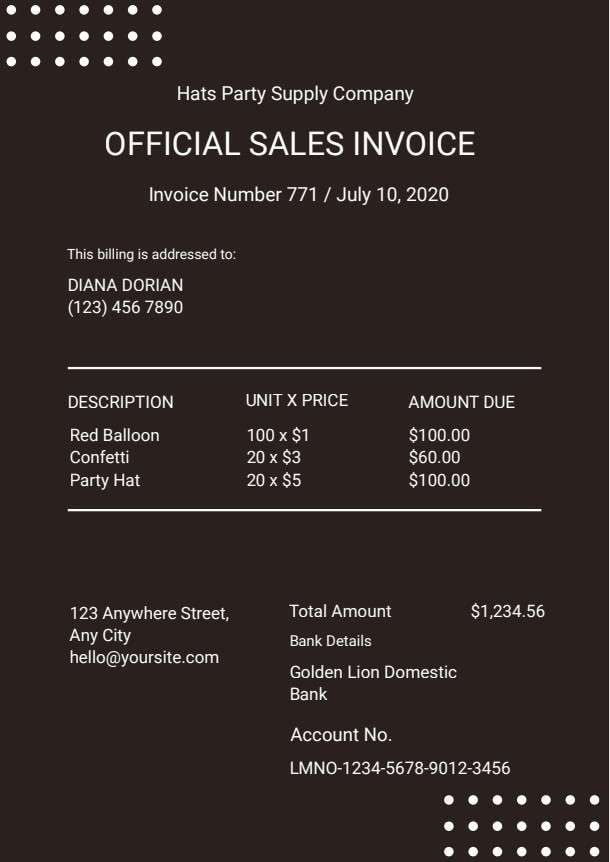
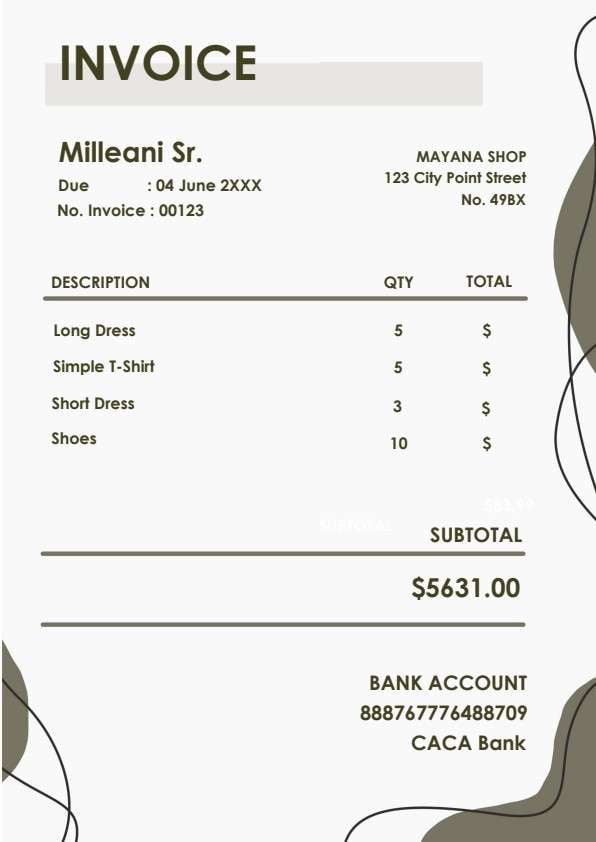
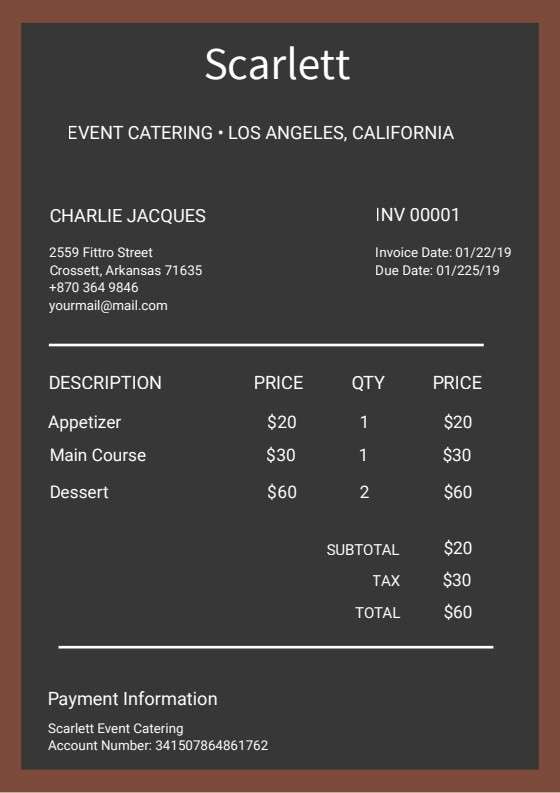
| Invoice No. & Date | Unique serial number and document issue date. | Ensures unique transaction indexing and assists both parties during tax filing and book auditing. |
| Client / Billing Details | Customer or business name, street address, telephone, and email. | Clarifies who is legally liable for payment and keeps client communications direct. |
| Itemized Description Table | Specific deliverable names, unit rates, quantities supplied, and row sums. | Prevents billing misunderstandings by breaking down exactly what the client is paying for. |
| Subtotal, Tax & Total Amount | Base amount, percentage tax applied, and resulting gross balance. | Maintains transparency regarding tax compliance and confirms final payable figures. |
| Payment Information | Bank name, account number, routing details, or alternative remittance terms. | Guides clients on how and where to transfer funds without delay. |
Why users download this template
Business owners and independent contractors download this printable invoice template because it delivers an elegant, ready-to-print billing document that looks trustworthy and accelerates client remittance.
 Always generate a sequential invoice number to maintain chronological accounting records. Include exact unit counts and clear task labels to minimize client revision queries. Specify your preferred bank account and payment deadline directly on the document. Apply local tax percentage accurately and verify your arithmetic before exporting. Save completed records as flattened PDF archives to secure billing figures. Customize the header with your brand logo to reinforce professionalism.
Printable Invoice vs other business templates
| Template Type | Best For | Main Difference |
|---|---|---|
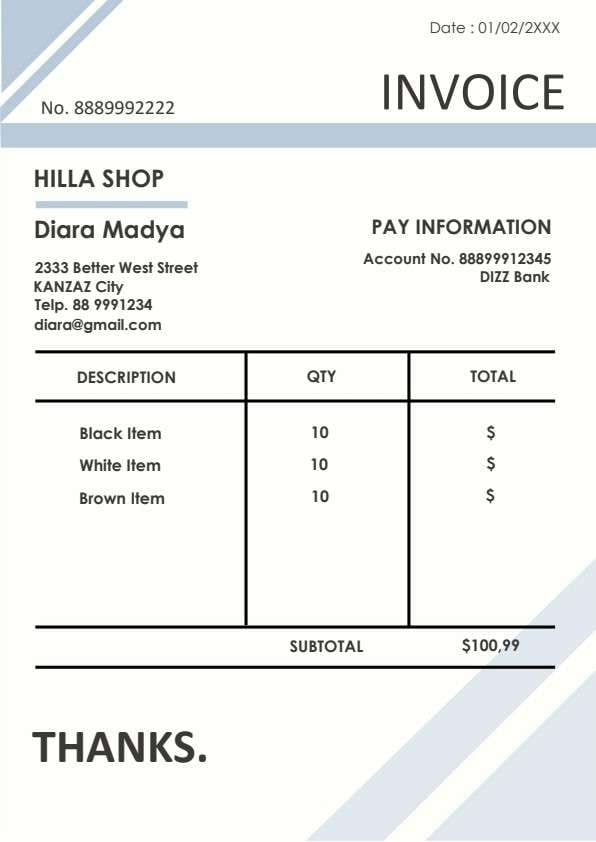
| Printable Invoice | General goods and services billing with banking details | Single-page minimalist layout prioritizing rapid entry and clean print readability. |
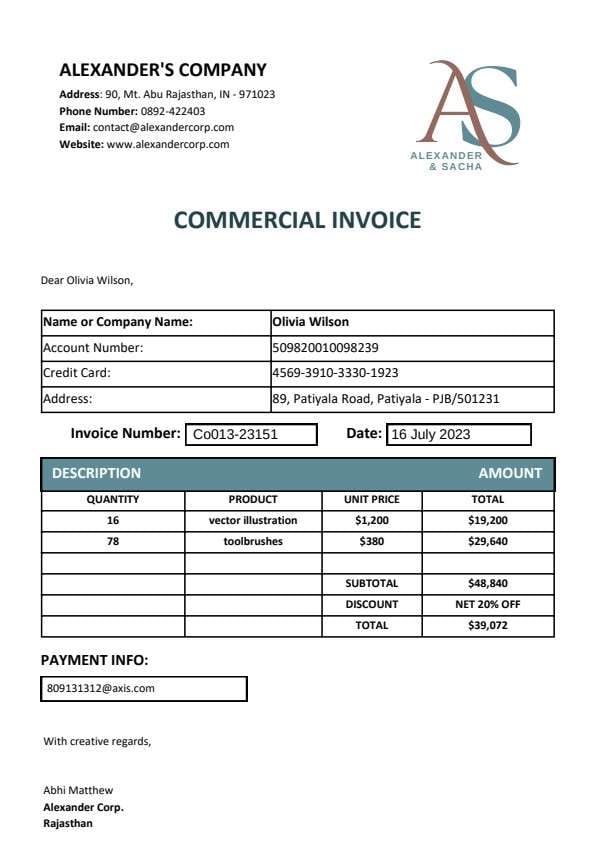
| Commercial Invoice | International shipping and customs declarations | Includes HS codes, country of origin, port of entry, and detailed freight weights. |
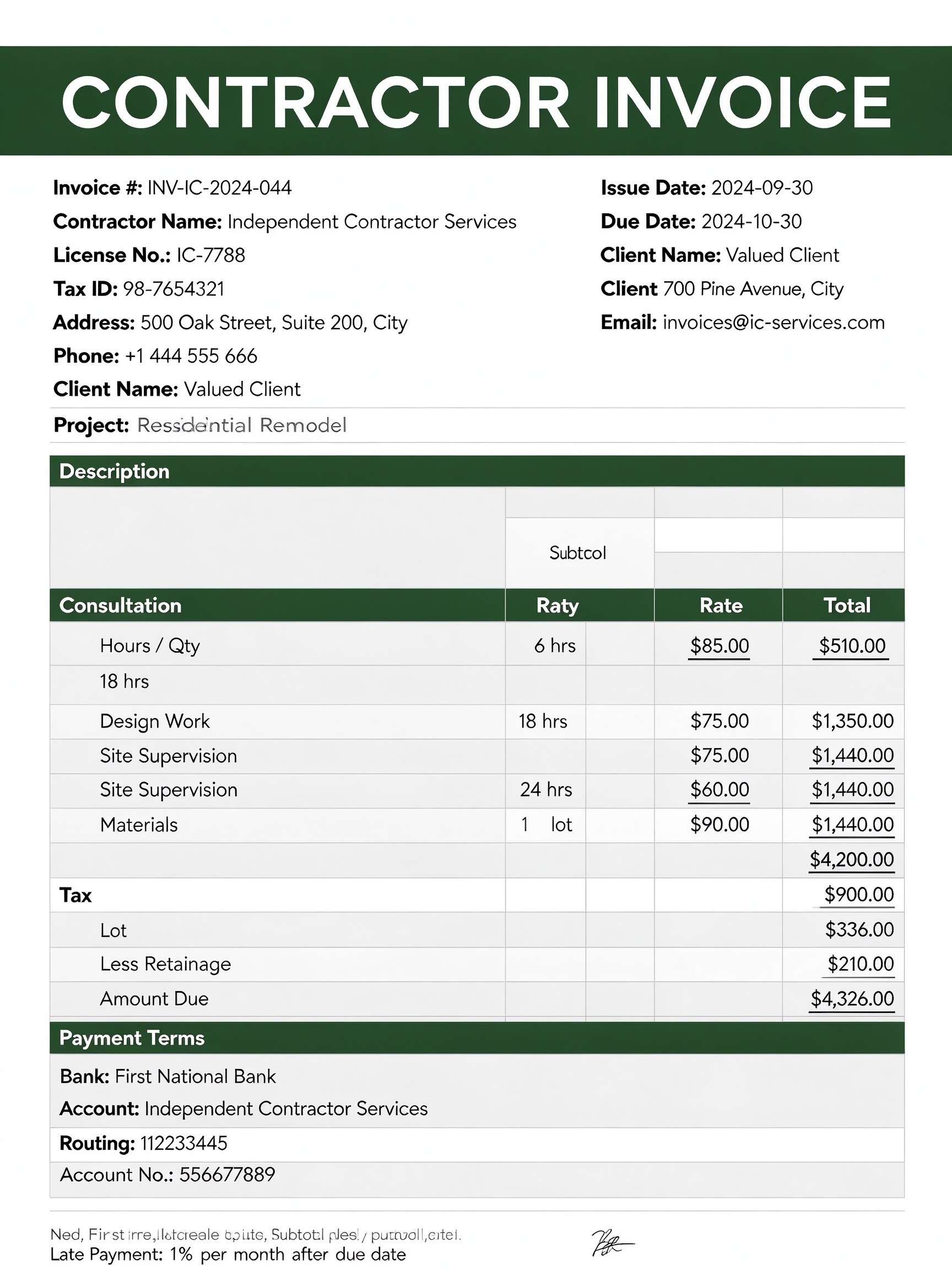
| Freelance Service Invoice | Hourly contractor engagements and project milestones | Focuses on hourly rates, time logs, milestone sign-offs, and late fee clauses. |
| Sales Receipt | Point-of-sale confirmation after funds have cleared | Serves as proof of completed payment rather than an outstanding demand for remittance. |
Tips for using this template
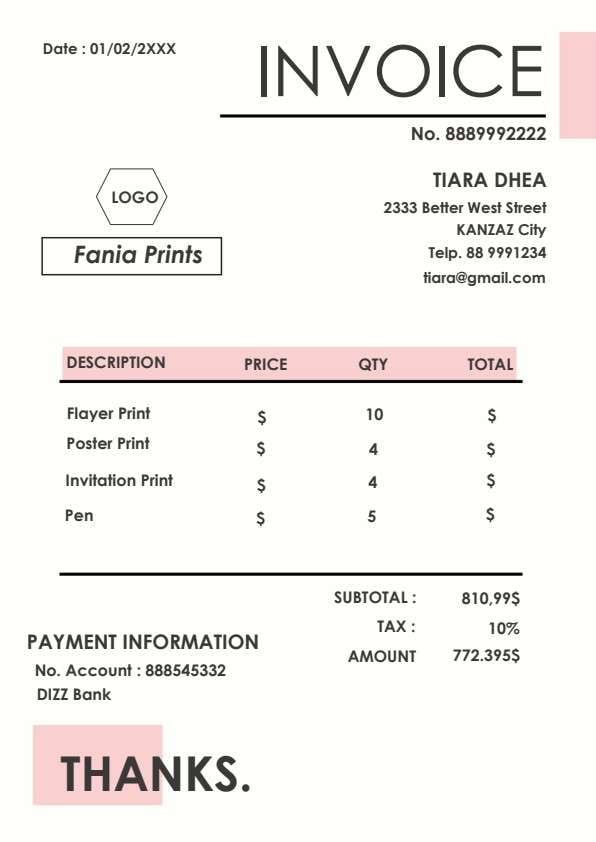
- Assign a unique, sequential invoice code (e.g., No. 8889992222) to every job for rapid reference.
- Input complete contact details including phone and email so the payer can resolve questions quickly.
- Double-check line item sums against the stated tax rate to ensure the final grand total is 100% accurate.
- Add explicit wire transfer or bank account numbers in the designated payment information section.
- Print two copies upon payment: one for your physical client file and one for receipt confirmation.
FAQs
What is a printable invoice?
A printable invoice is a formatted billing document issued by a vendor or service provider to a client. It itemizes the products or services provided, indicates unit costs and quantities, outlines taxes, and provides banking instructions for payment.
Who uses this printable invoice template?
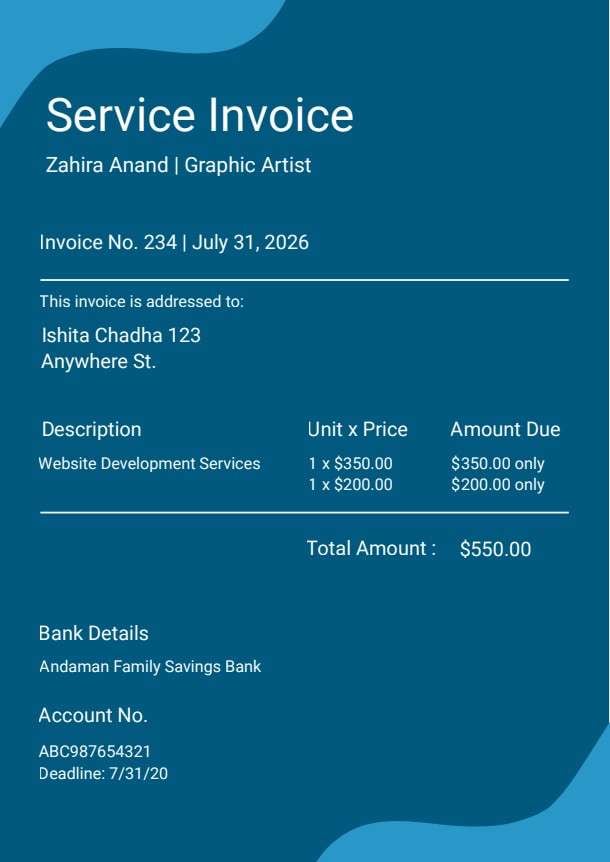
Small business owners, print shops, creative freelancers, graphic designers, independent contractors, and office managers who need a neat, dependable, and printable invoice layout.
Is this printable invoice PDF editable?
Yes. When opened in Wondershare PDFelement, you can easily modify text, update the logo placeholder, fill out fillable form fields, and recalculate financial rows.
What should be included in a printable invoice?
An effective invoice should feature an invoice number, billing date, business and client contact data, itemized descriptions with price and quantity, subtotal, tax rate, total balance due, and payment/remittance instructions.
Can I use this template for both physical goods and hourly services?
Yes. Simply replace product names like posters and flyers with service descriptions, hours logged, and your hourly or project rate.
Does this template replace specialized accounting software?
While it does not automate complex subscription billing or sync with corporate ERP systems, it is an ideal standalone solution for direct client invoicing without costly software subscriptions.
How should corrections or refunds be handled on this invoice?
If an adjustment is needed before payment, reissue an updated copy with a revision suffix (e.g., -REV1). If payment was already completed, issue a separate credit memo rather than overwriting existing books.
Related templates


This template page includes usage guidance, editing steps, review information, and related tools to avoid thin template-page content.