
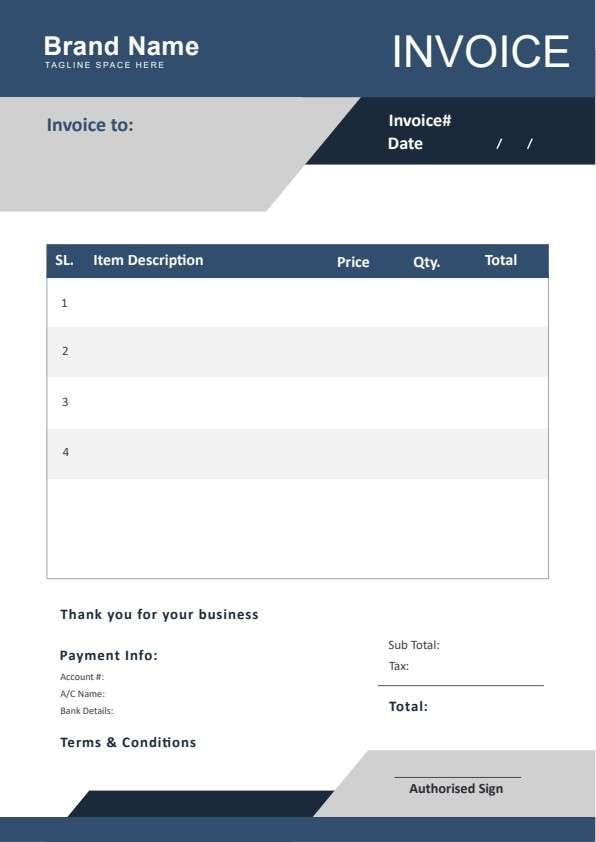
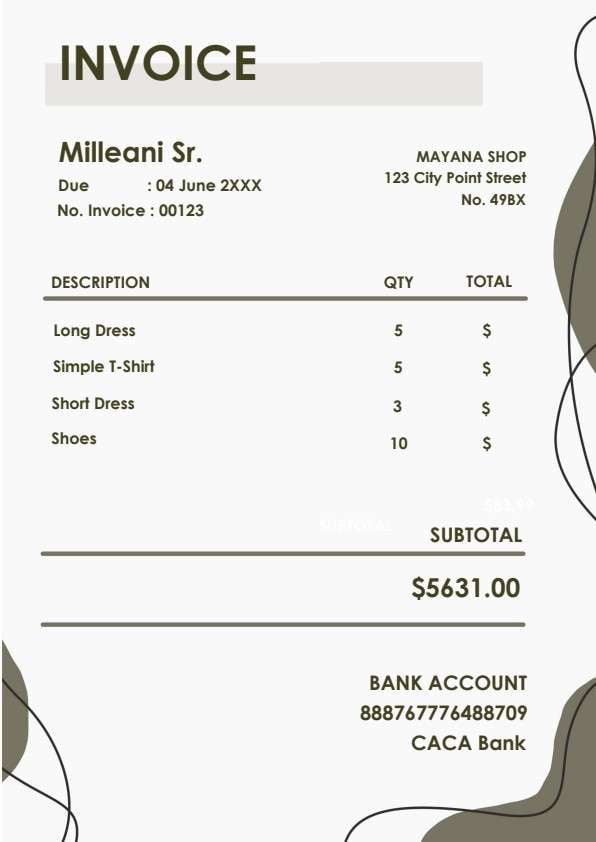
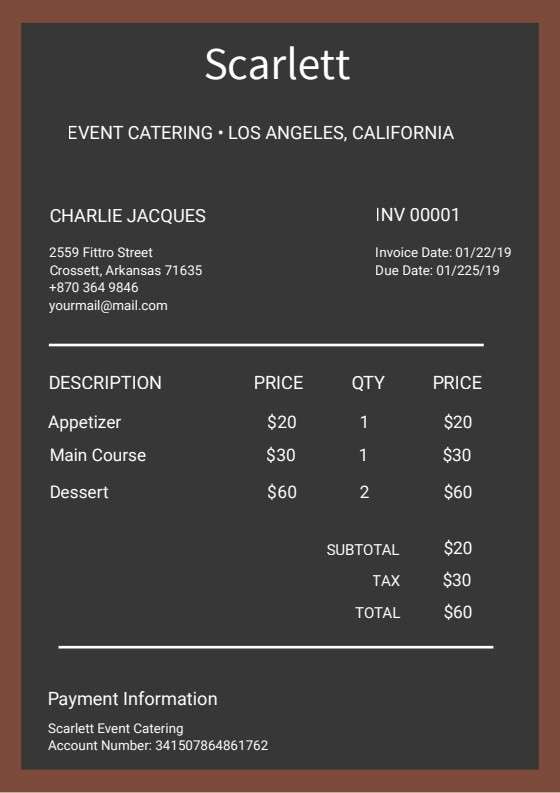
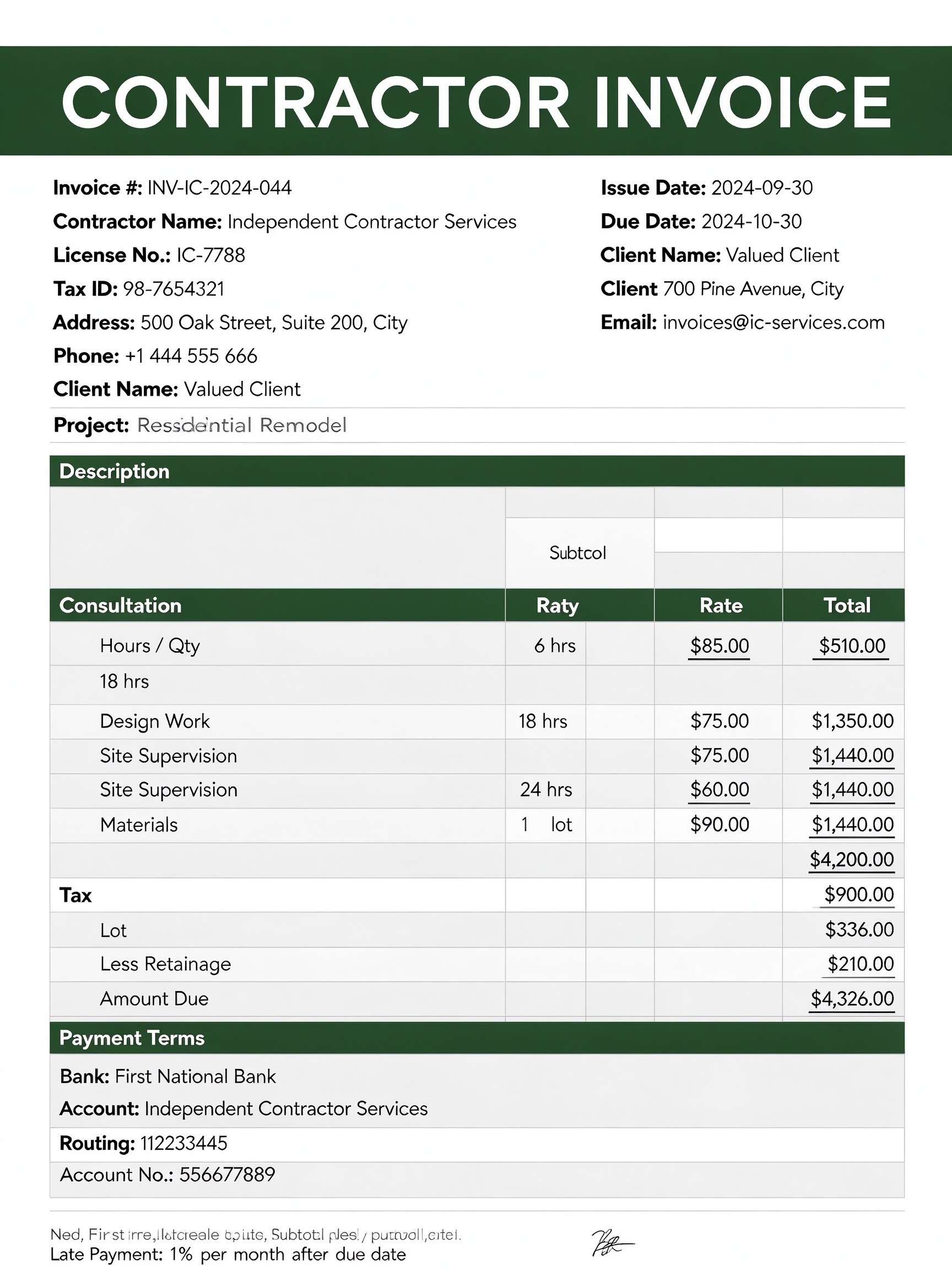
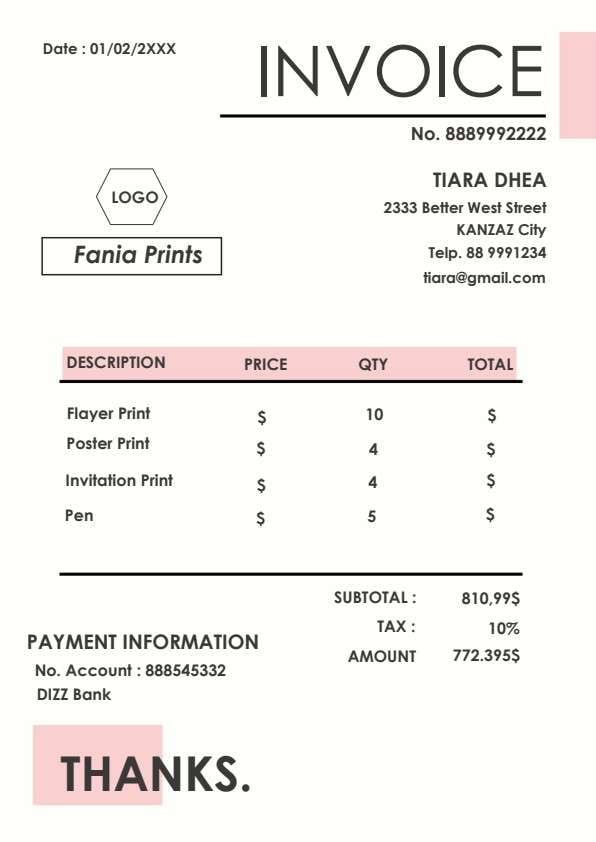
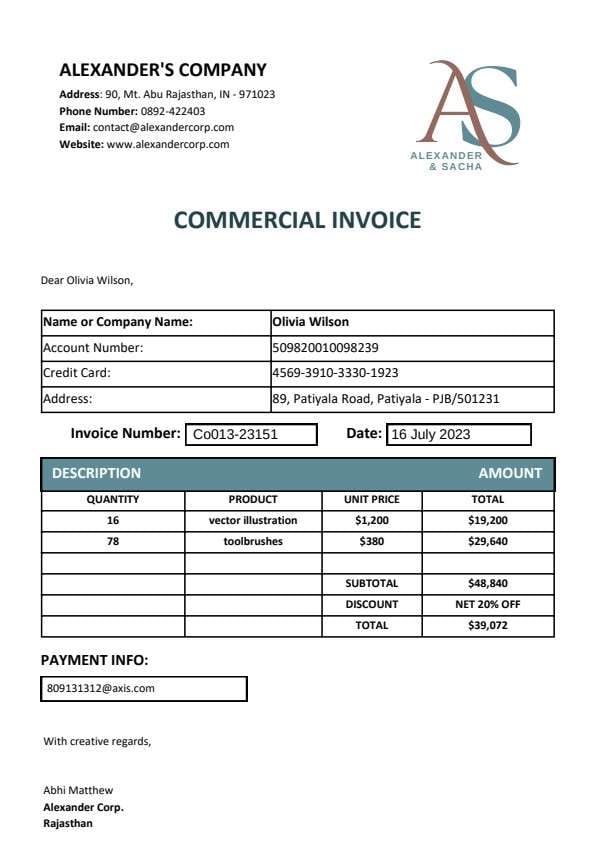
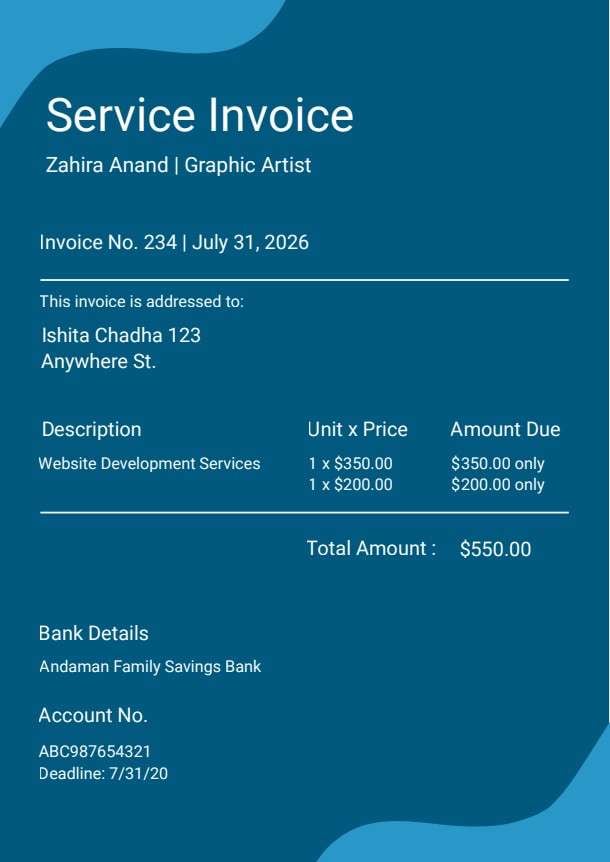
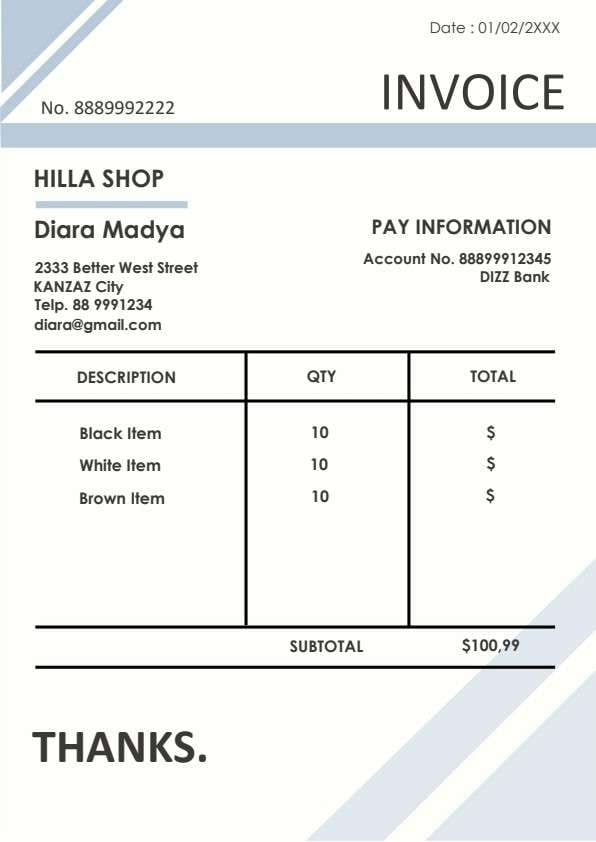
Official Sales Invoice Template PDF
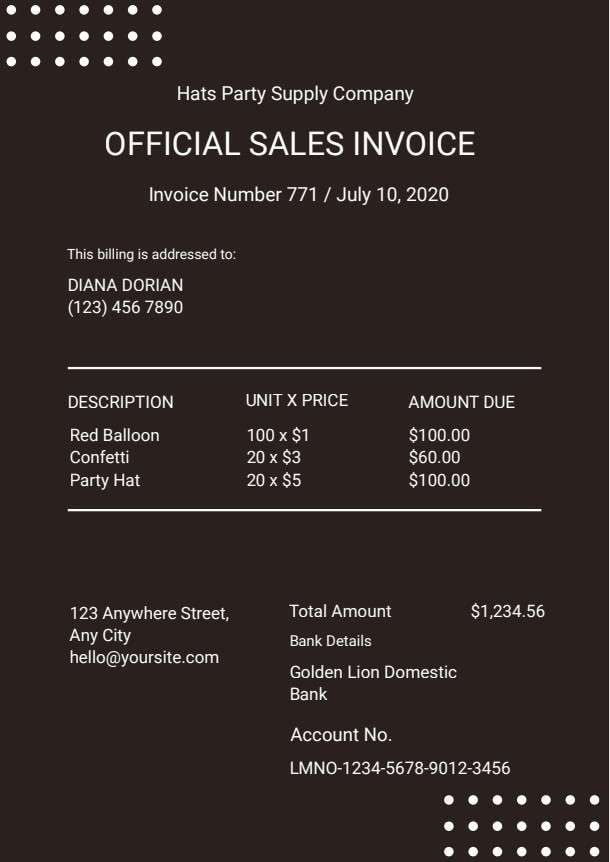
Download a printable official sales invoice PDF template to bill clients quickly and accurately for products and services. It provides a structured format for business owners, event suppliers, and sales coordinators to record client details, itemized quantities, unit prices, total dues, and direct payment wire information.
What is a official sales invoice
An official sales invoice is a structured Business PDF that helps teams capture the information needed for this specific workflow. It keeps important details organized, easy to scan, and ready to print or share.
Users download this official sales invoice because it gives business owners and billing managers a simple printable sheet of billed merchandise, breakdown of line item costs, customer contacts, and bank transfer information.
Retailers & Supply Vendors
Wholesale and retail merchants selling party goods, decor, or physical inventory to clients.
Freelancers & Solopreneurs
Independent service providers and sellers needing a clean, professional billing statement.
Small Business Accounting
Boutique businesses needing quick, standardized PDF receipts and payment requests.
Event & Party Coordinators
Planners documenting equipment, supplies, and decorative items provided for events.
- Complex recurring subscription billing with automated credit card gateways.
- Multi-currency enterprise transactions requiring real-time tax jurisdiction calculations.
- Automated ERP inventory tracking and integrated warehouse stock management.
How to use and edit the sales invoice
You can print this template for paper collection or complete it as a fillable PDF. Digital editing is useful when you want typed entries, reusable records, clean copies, and easy sharing with clients, purchasing managers, accountants, billing specialists, and sales reps.
How to customize the PDF
Use this workflow to enter company information, assign unique invoice numbers and dates, itemize supplied products with unit pricing, and add banking details for direct settlement.
Open the PDF in PDFelement
Download the Official Sales Invoice PDF template, open it in PDFelement, click each fillable field, type the needed details, tick checkboxes where relevant, and save a clean digital copy.
Open the template in PDFelement, update your business name, contact information, unique invoice number, and issue date.
Enter the recipient's name and contact number, then list each product description, unit count, and individual price.
Input the subtotal, aggregate amount due, and bank payment instructions before saving or emailing the finalized PDF to the client.


Wondershare PDFelement allows you to easily edit text fields, type in line items and customer information cleanly, duplicate invoice templates for new clients, and save or export high-resolution PDFs ready for digital delivery or crisp printing.
| PDFelement Feature | How It Helps |
|---|---|
| Edit PDF | Customize labels, headings, notes, and reusable sections |
| Fill PDF | Type clean information into every fillable field |
| Form tools | Use text fields, currency formatting, and editable tables for structured business records |
| Annotate | Add comments or extra reminders before printing or sharing |
| Convert | Export or archive the finished PDF for team records |
| Organize PDFs | Keep templates by team, date, event, player, or season |
What to include in a sales invoice
A useful business PDF should be specific enough for real team workflows but simple enough to complete quickly. The fields below show what this template is built to capture and why each part matters.
Official Sales Invoice fields
| Field | What to Fill In | Why It Helps |
|---|---|---|
| Invoice Number & Date | Unique tracking code and official transaction billing date. | Ensures accurate record-keeping, audit trails, and effortless tracking of payment cycles. |
| Billing Addressee | Client or company name, contact phone number, and physical billing address. | Identifies the responsible party liable for payment and prevents delivery confusion. |
| Description & Unit x Price | Specific item description alongside quantity purchased multiplied by unit rate. | Provides transparent itemization so customers understand exactly what they are purchasing. |
| Amount Due & Total Amount | Calculated line-item totals and final overall balance payable. | Eliminates payment ambiguity by displaying the precise amount required to settle the bill. |
| Bank Details & Account No. | Designated depository bank name, routing instructions, and customer account number. | Enables faster settlement by giving buyers immediate wire or electronic transfer details. |
Why users download this template
Users download this template because it delivers an elegant, high-contrast billing format that presents line-item transactions clearly and expedites client payments.
 Assign sequential invoice numbers to prevent duplicate billing. Clearly indicate item descriptions and exact units supplied. Double-check bank account numbers to avoid payment delays. Specify accepted payment methods and payment turnaround terms. Maintain digital PDF copies of every sent invoice for tax filing. Include direct phone and email contact info for billing queries.
Official Sales Invoice vs other business templates
| Template Type | Best For | Main Difference |
|---|---|---|
| Official Sales Invoice | Direct merchandise sales, product delivery, and itemized supply billing. | Emphasizes unit pricing, product quantities, and direct bank transfer instructions. |
| Service Invoice | Consultants, hourly contractors, and creative agencies. | Focuses on billable hours, project milestones, and hourly rate breakdowns. |
| Commercial Proforma Invoice | International shipping, customs clearance, and pre-shipment estimates. | Includes freight terms, tariff classifications, and estimated landed costs. |
| Sales Receipt | Post-payment documentation and proof of completed transaction. | Confirms funds received at point of sale rather than requesting pending payment. |
Tips for using this template
- Customize the header with your company branding and registered business logo.
- Verify unit math before sending to ensure quantity multiplied by price matches the line total.
- Save completed invoices using standard naming conventions like 'InvoiceNumber_ClientName.pdf'.
- Keep account and wire transfer details up to date to prevent routing issues.
- Add a brief note specifying payment deadlines such as 'Net 15' or 'Net 30'.
FAQs
What is an official sales invoice?
An official sales invoice is an itemized commercial document issued by a seller to a buyer outlining products delivered, unit costs, total money owed, and bank payment instructions.
Who uses this sales invoice template?
Small business owners, retail vendors, supply merchants, event coordinators, and freelance sellers use this template to bill customers in a tidy, professional format.
Is the sales invoice PDF editable?
Yes. When opened in Wondershare PDFelement, you can edit text fields, modify unit quantities and prices, alter table layouts, and input your own banking information.
What should be included in an official sales invoice?
A standard sales invoice should feature a unique invoice identifier, invoice date, seller details, client billing information, item descriptions, quantities, unit prices, grand total, and payment instructions.
Can I use it for service billing instead of physical goods?
Yes. You can swap product descriptions for service tasks or hourly consulting blocks and use the unit column for hours or days worked.
Does it replace full enterprise accounting software?
While it functions as a legally valid standalone billing notice, it does not automatically calculate complex multi-state taxes or integrate with live ERP ledger databases.
How should corrections or revisions be handled?
If an item is returned or pricing changes, issue a revised invoice marked with a version suffix (such as '771-REV') or provide an accompanying credit memo to keep records aligned.
Related templates


This template page includes usage guidance, editing steps, review information, and related tools to avoid thin template-page content.