
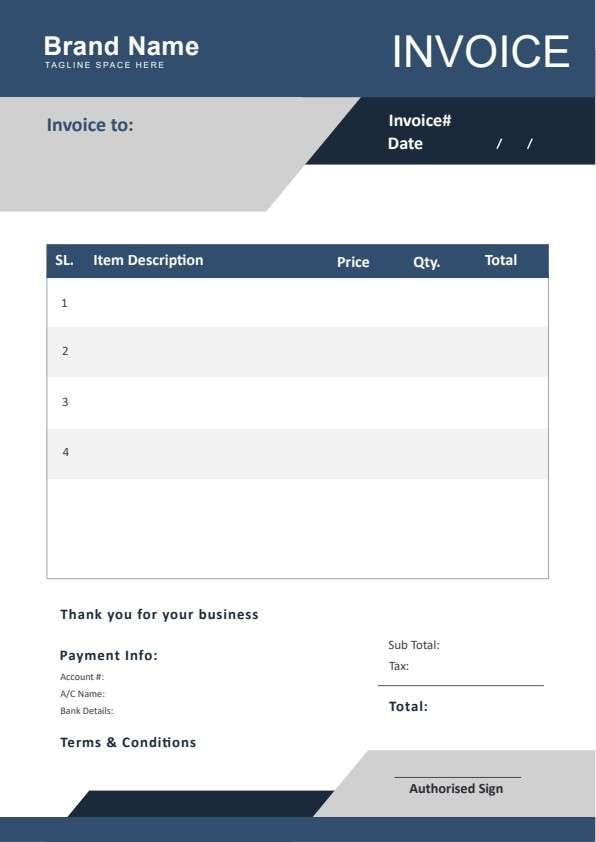
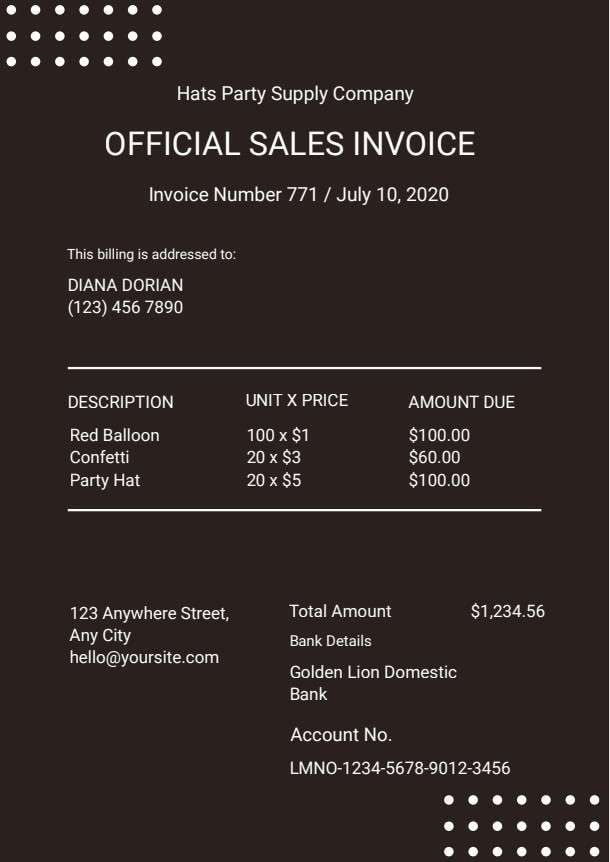
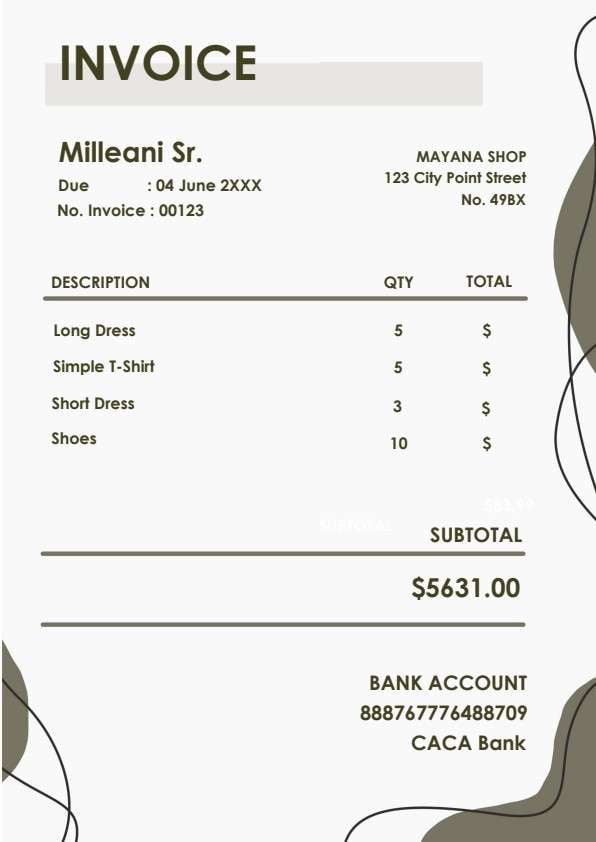
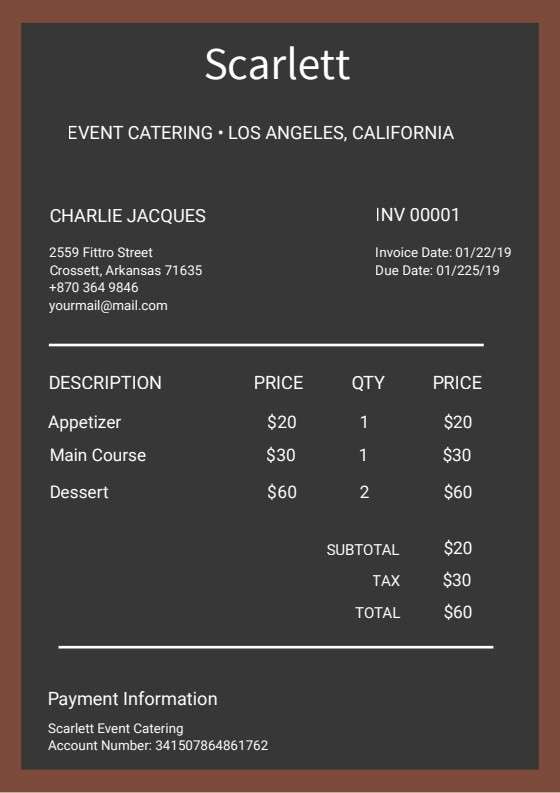
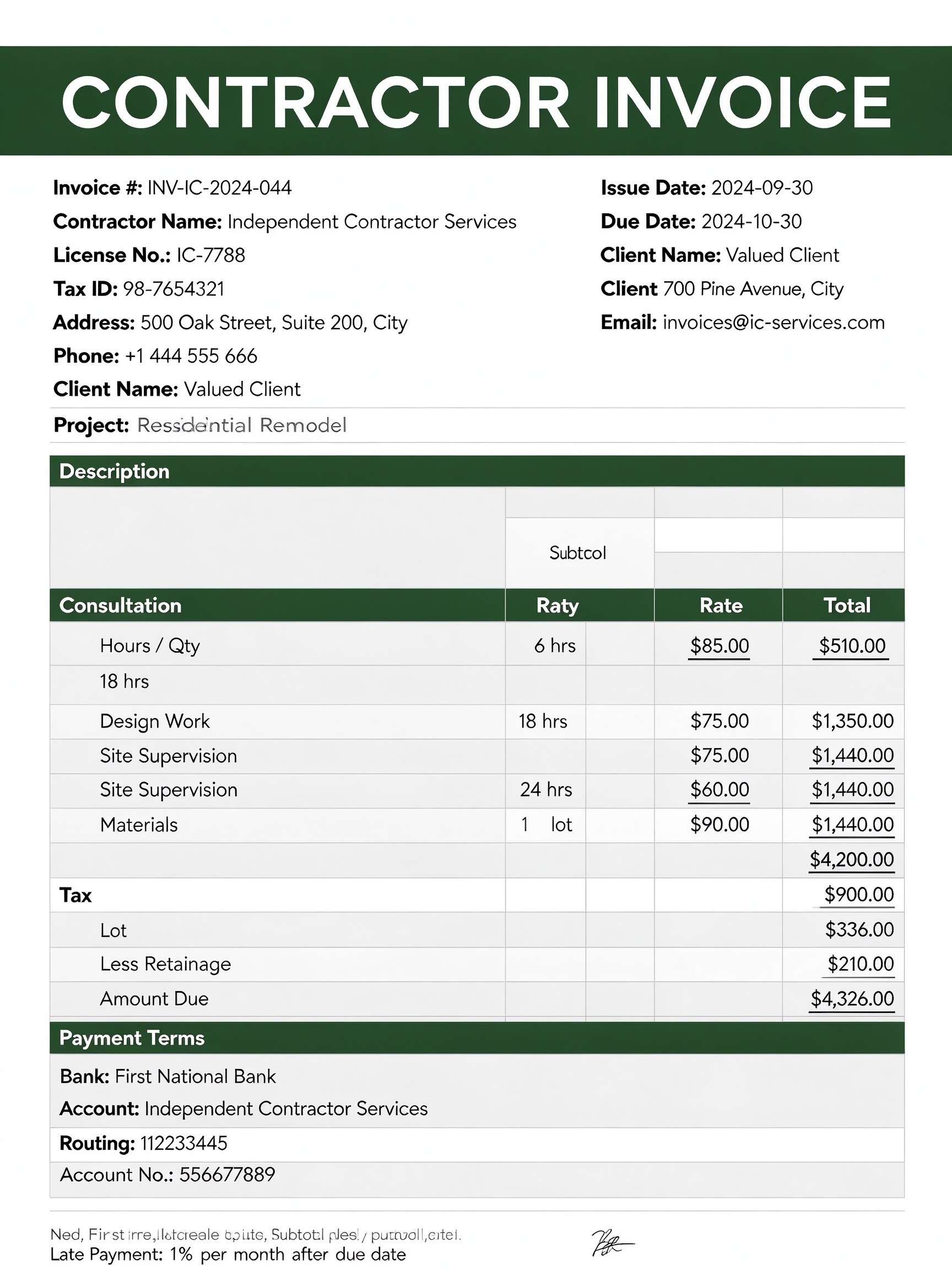
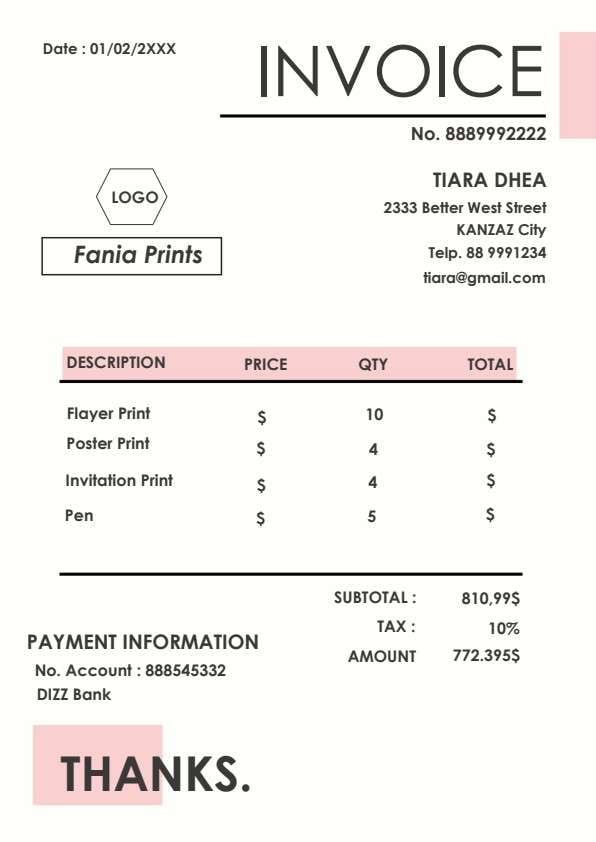
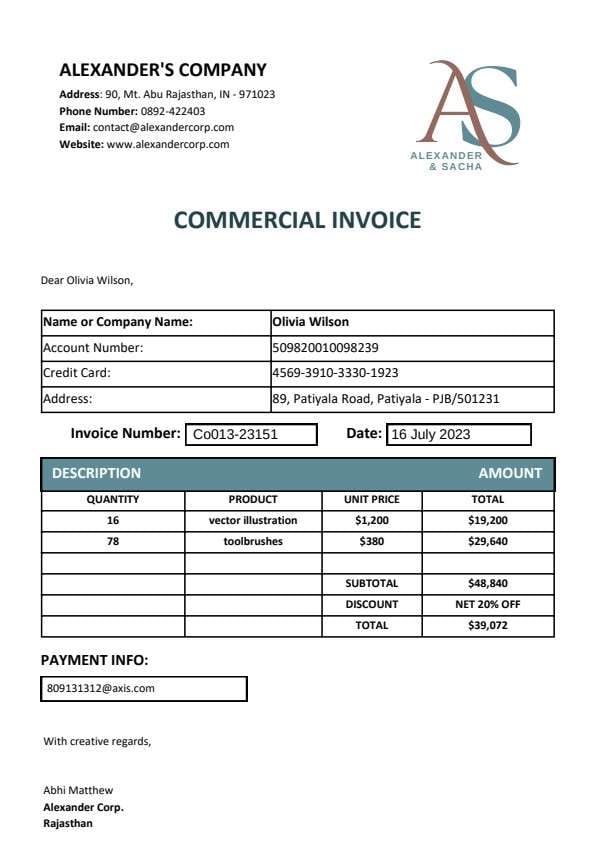
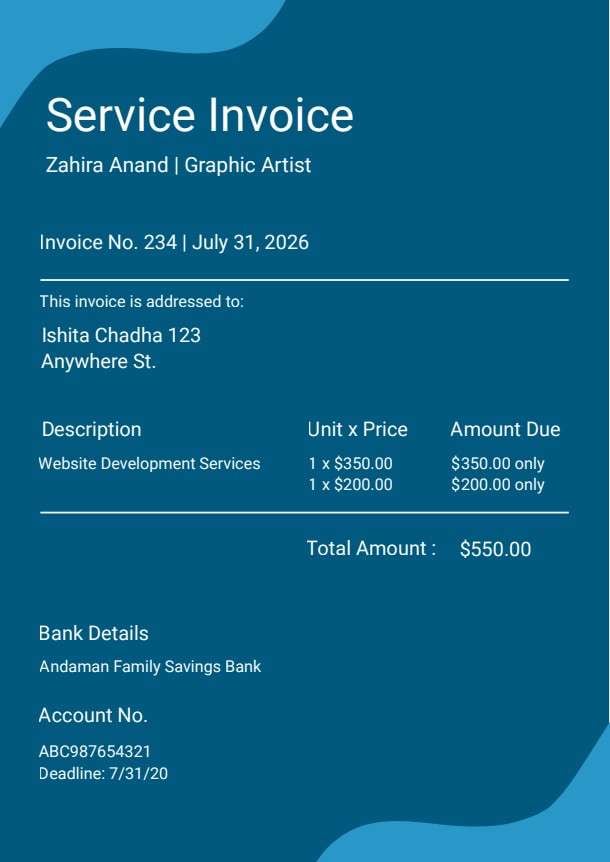
Freelancer Invoice Template PDF
Download a printable freelancer invoice PDF template to bill clients quickly and professionally. It includes structured sections for project descriptions, hourly breakdowns, tax calculations, deposits, and direct payment details. Freelancers, contractors, and independent consultants can easily personalize this document to ensure prompt payment.
What is a freelancer invoice
A freelancer invoice is a structured Business PDF that helps independent contractors capture billing details for completed services and project milestones. It keeps important payment terms, hourly rates, and tax calculations organized, easy to scan, and ready to print or share with clients.
Users download this freelancer invoice because it gives self-employed professionals a simple printable tool to itemize deliverables, record client billing information, and establish clear Net 30 or upfront deposit expectations.
Independent Contractors
Solo practitioners who need to bill clients for design, writing, coding, or consulting work.
Creative Agencies & Studios
Boutique agencies sending standardized itemized project bills to corporate partners.
Hourly Consultants
Specialists billing for advisory hours, strategy sessions, and reimbursable client expenses.
Project-Based Freelancers
Creatives delivering milestone-based work requiring advance deposit deductions.
- Automated recurring SaaS billing and credit card gateway processing
- Enterprise-level ERP multi-currency accounting ledgers
- Complex supply chain bills of lading and high-volume freight shipping
How to use and edit the freelancer invoice
You can print this template for paper collection or complete it as a fillable PDF. Digital editing is useful when you want typed entries, reusable records, clean copies, and easy sharing with freelancers, independent contractors, small agency owners, clients, and accounting coordinators.
How to customize the PDF
Use this workflow to input client and contractor details, itemize hourly or milestone tasks, deduct advance deposits, provide wire or digital payment details, and export a ready-to-send PDF.
Open the PDF in PDFelement
Download the Freelancer Invoice PDF template, open it in PDFelement, click each fillable field, type the needed details, tick checkboxes where relevant, and save a clean digital copy.
Fill in your freelance business credentials, client billing information, invoice number, and issue and due dates.
List the tasks performed, enter hours or quantities, specify unit rates, and apply tax or deposit credits to compute the balance due.
Add your wire routing or digital payment account details, sign electronically, and export clean PDF copies to send to your client.


Wondershare PDFelement makes customizing this freelancer invoice faster with automated calculations, interactive fillable fields, and reusable brand templates. You can duplicate standard invoices for recurring clients, apply legal electronic signatures in seconds, and output crisp, professional PDFs ready for immediate digital delivery.
| PDFelement Feature | How It Helps |
|---|---|
| Edit PDF | Customize labels, headings, notes, and reusable sections |
| Fill PDF | Type clean information into every fillable field |
| Form tools | Use fillable form fields and digital signatures for structured freelance billing records |
| Annotate | Add comments or extra reminders before printing or sharing |
| Convert | Export or archive the finished PDF for team records |
| Organize PDFs | Keep templates by team, date, event, player, or season |
What to include in a freelancer invoice
A useful business PDF should be specific enough for real team workflows but simple enough to complete quickly. The fields below show what this template is built to capture and why each part matters.
Freelancer Invoice fields
| Field | What to Fill In | Why It Helps |
|---|---|---|
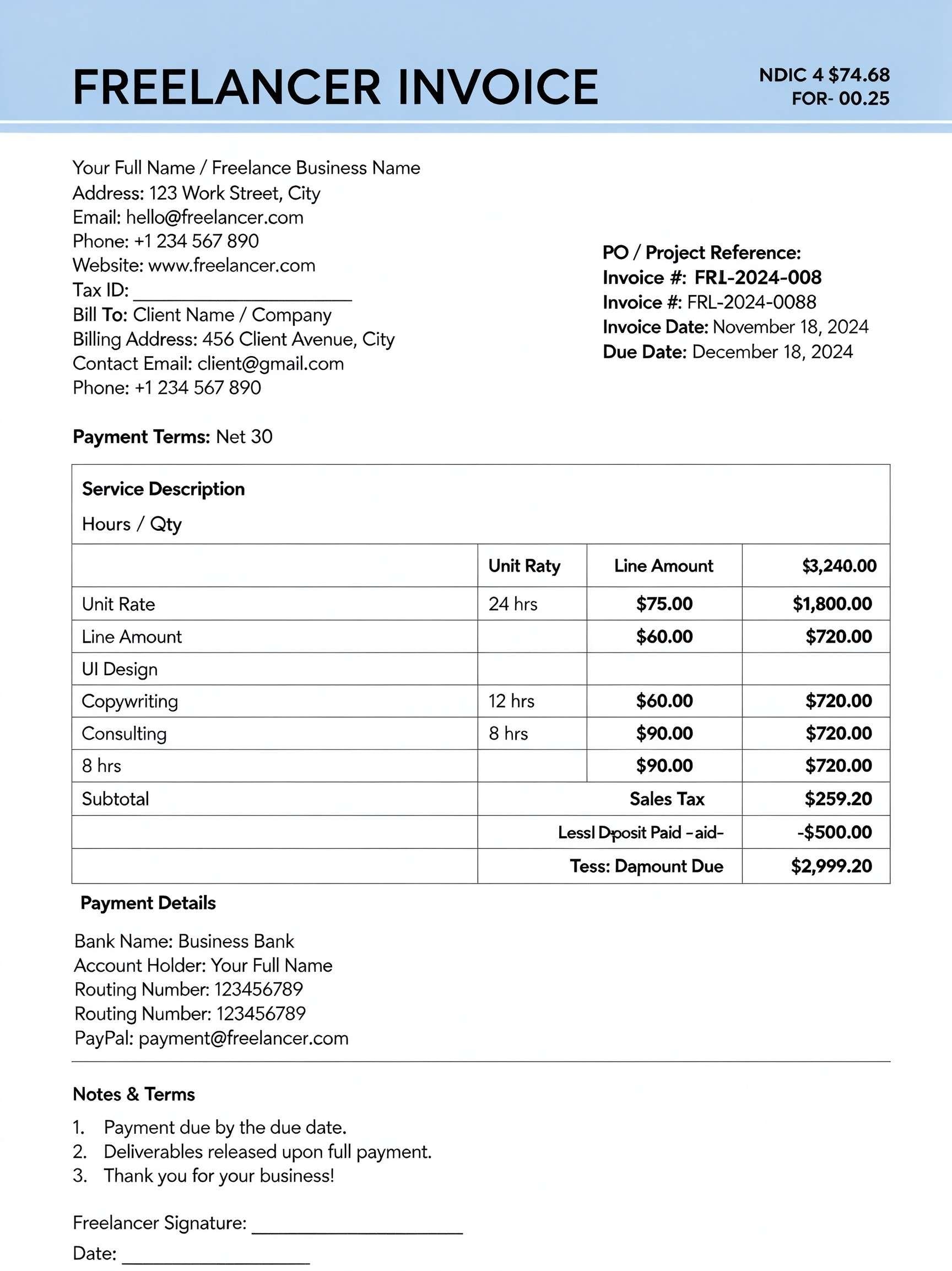
| Bill To & Client Information | Client or company name, physical billing address, contact email, and phone number. | Ensures the invoice reaches the correct accounts payable department without processing delays. |
| Invoice & Due Dates | Invoice tracking number, issue date, payment due date, and applicable terms (e.g., Net 30). | Establishes a firm payment timeline and legally binds contract turnaround milestones. |
| Service Description & Rate Grid | Itemized services (e.g., UI Design, Copywriting), hours or quantity, unit rate, and line amounts. | Provides transparent itemization so clients understand precisely what work they are paying for. |
| Subtotal, Tax & Deposits | Gross subtotal, applicable sales tax, less any advance deposit paid, and final balance due. | Accurately credits upfront milestone retainers and calculates outstanding obligations clearly. |
| Payment Details & Terms | Bank name, routing/account numbers, PayPal ID, and policy notes regarding release of deliverables. | Eliminates friction by telling clients exactly how and where to transfer payments. |
Why users download this template
Freelancers download this template to maintain professional client billing standards, save time formatting spreadsheets, and get paid on schedule without unnecessary back-and-forth communication.
 Itemize every task clearly to minimize client payment disputes. Always state clear payment terms such as Net 15 or Net 30. Deduct retainers or upfront deposits clearly in the summary. Double-check bank routing and digital payment details before sending. Include a unique invoice number to simplify accounting and tax filing. Sign and date your invoice digitally for formal business presentation.
Freelancer Invoice vs other business templates
| Template Type | Best For | Main Difference |
|---|---|---|
| Freelancer Invoice | Independent contractors and creative professionals | Includes deposit deductions, task itemization, and freelance payment terms. |
| Commercial Sales Invoice | Wholesalers and retail product distribution | Focuses on SKU inventory, shipping freight costs, and bulk product quantities. |
| Timesheet Invoice | Hourly temporary workers and staffing contractors | Organized by daily clock-in/out stamps rather than itemized deliverables. |
| Proforma Invoice | Pre-shipment customs declarations and price quotes | Issued before work or delivery begins as an estimated commitment rather than a final bill. |
Tips for using this template
- Assign consecutive invoice numbers (e.g., FRL-2024-001) to stay organized for quarterly tax filing.
- Add your Tax ID or EIN number to prevent corporate clients from delaying vendor payouts.
- Specify that final project source files or deliverables are released upon receipt of full payment.
- Send polite payment reminder emails 3 days prior to the listed due date.
- Save completed invoices as non-editable PDF files to prevent accidental alteration of totals.
FAQs
What is a freelancer invoice?
A freelancer invoice is a formal billing document issued by an independent contractor to request payment from a client. It itemizes the services rendered, billable hours, rates, project milestones, and clear instructions for payment.
Who uses this freelancer invoice template?
This template is built for solo entrepreneurs, creative professionals (designers, writers, developers), business consultants, photographers, and independent contractors across all service industries.
Is this freelancer invoice PDF editable?
Yes. When opened in Wondershare PDFelement, every text field, line item, hourly rate, and banking detail is fully fillable, customizable, and exportable.
What should be included in a freelancer invoice?
A complete freelancer invoice must include your business details, client contact info, an invoice number, invoice date, payment due date, itemized list of tasks or deliverables, unit rates, tax amounts, applied deposits, payment instructions, and terms.
Can I use it for flat-rate project billing instead of hourly?
Yes. Simply replace the hourly quantity with '1 Project' or '1 Milestone' and place the agreed flat-rate fee in the unit rate column.
Does it replace accounting and invoicing software?
It serves as a clean, stand-alone, zero-cost billing document for contractors who do not require monthly software subscriptions or automated payment processors.
How should changes or additional billable hours be handled?
If scope changes occur, issue a revised invoice with a clear version note (e.g., FRL-2024-001-Rev) or generate a supplemental invoice specifically covering the out-of-scope work.
Related templates


This template page includes usage guidance, editing steps, review information, and related tools to avoid thin template-page content.