
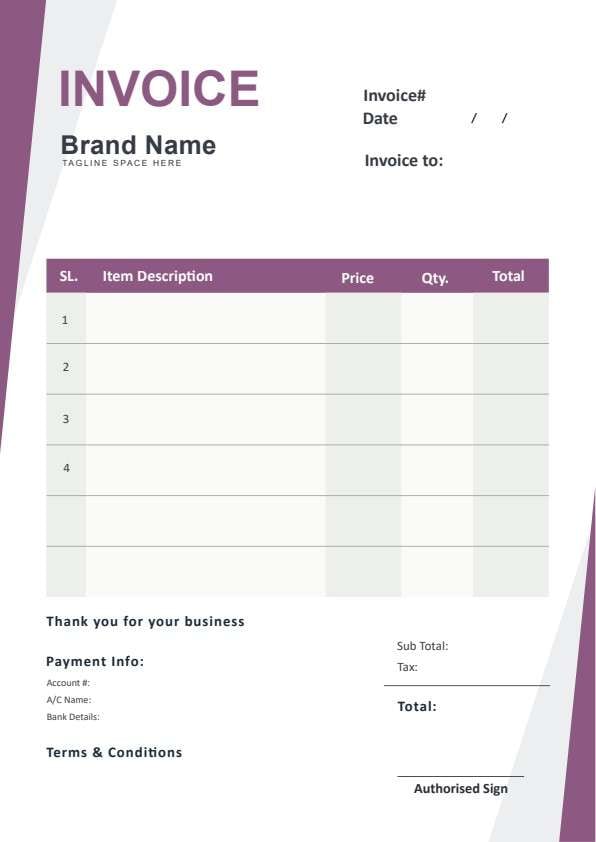
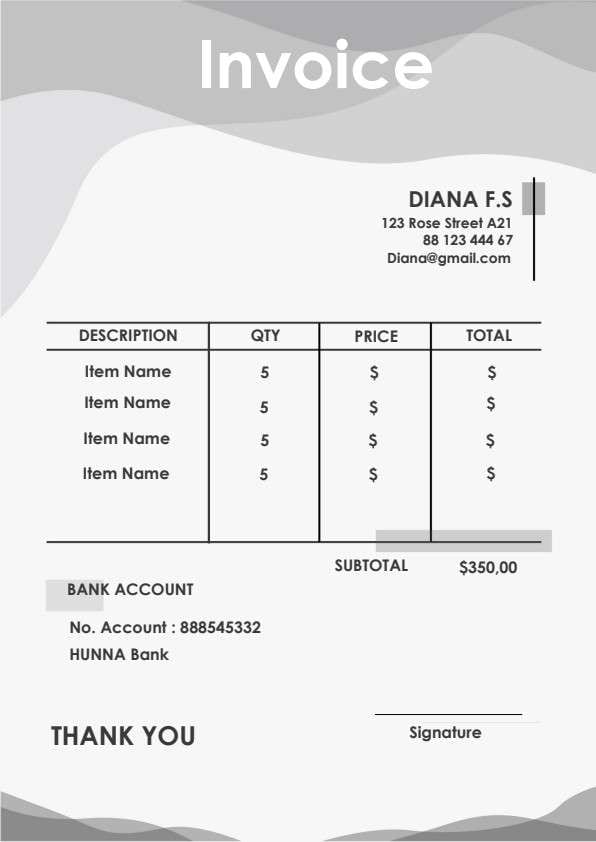
Commercial Invoice Template PDF
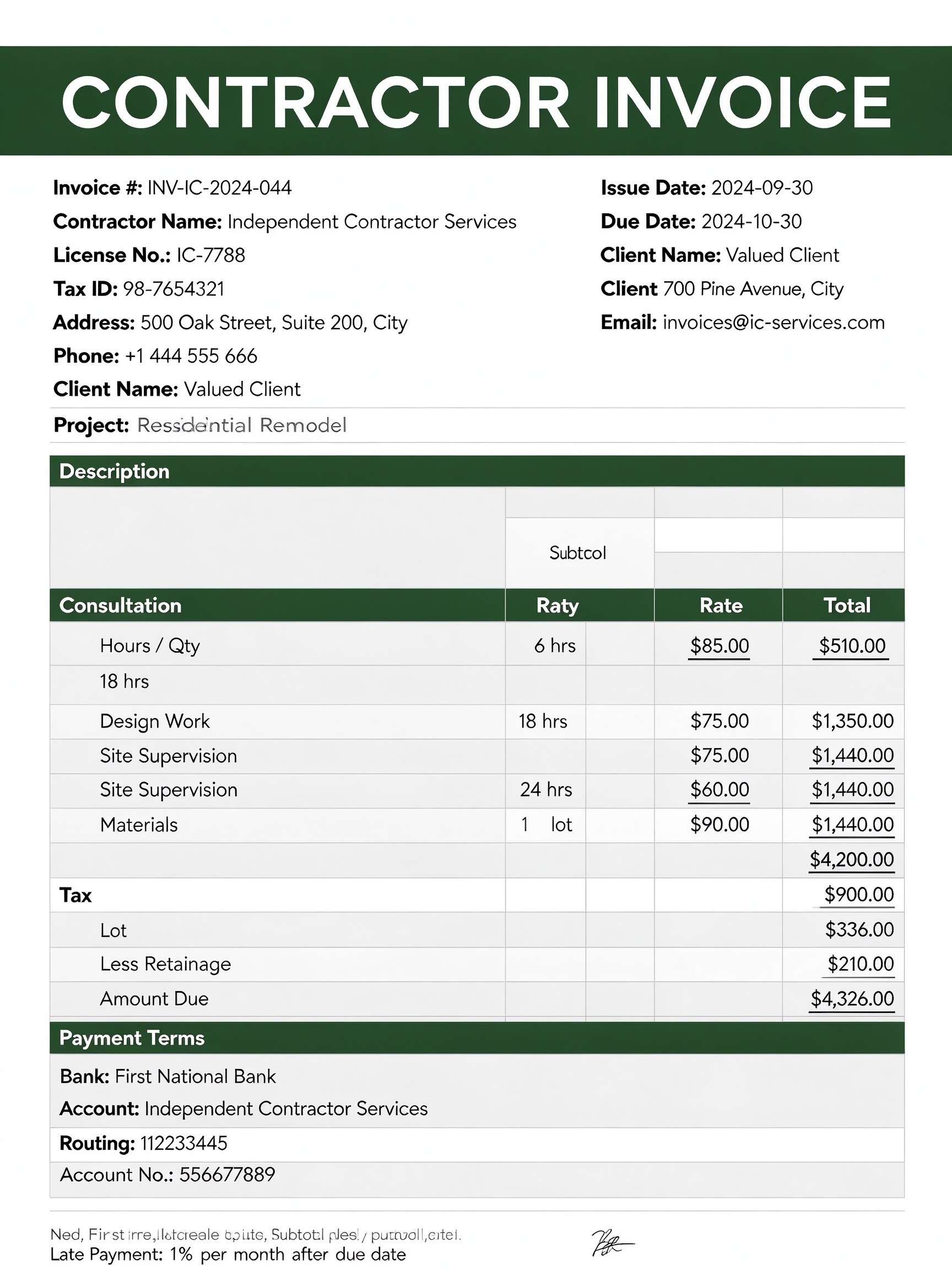
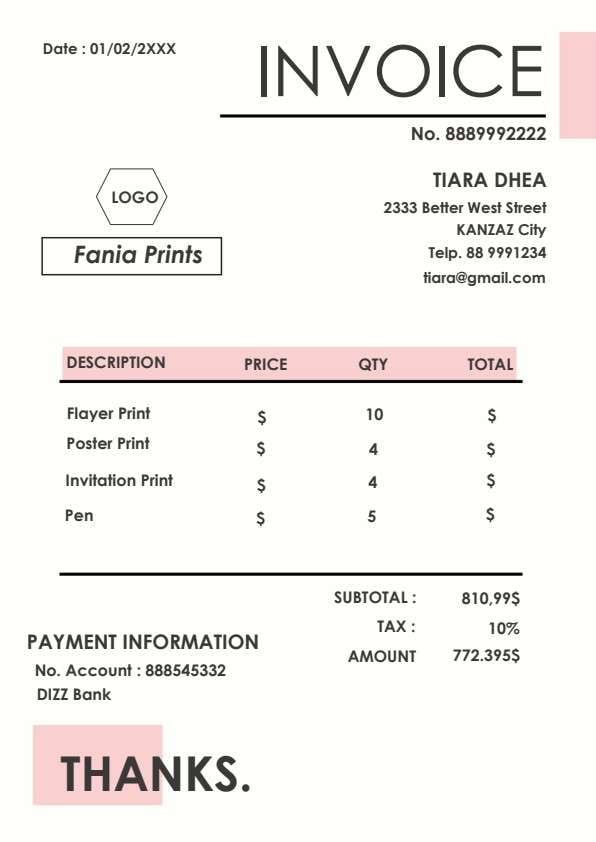
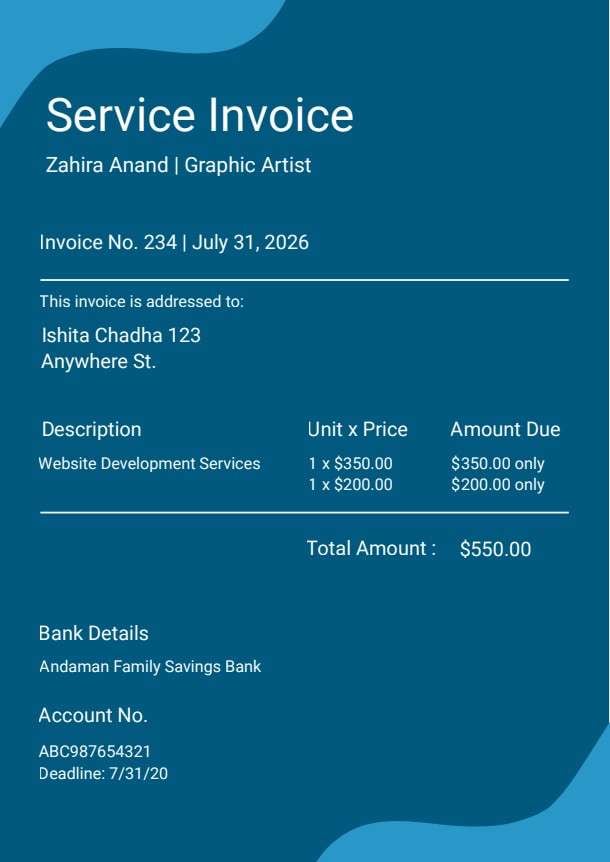
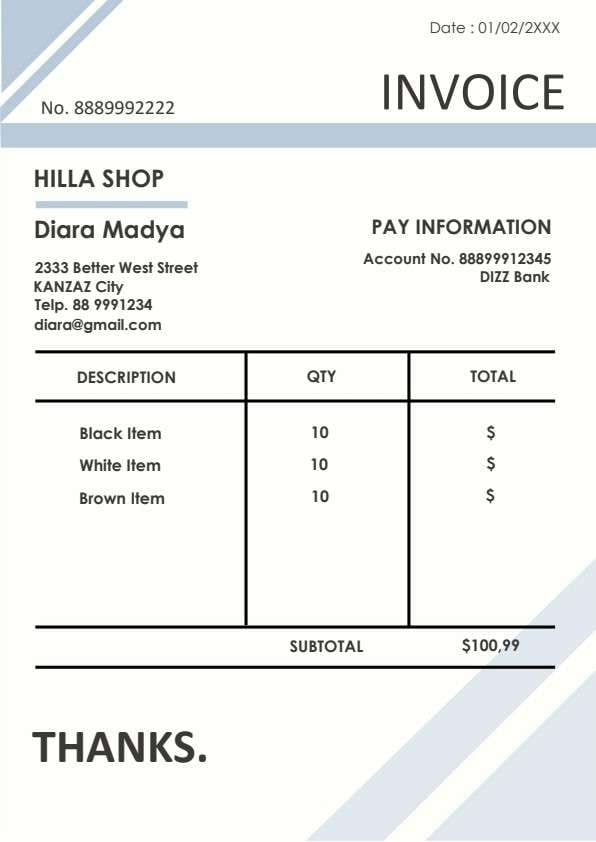
Download a printable Commercial Invoice PDF template to create clean, professional billing statements for your products and services. It provides clear sections for seller contact details, client account numbers, itemized line items, applicable discounts, and remittance details. Ideal for independent creators, wholesalers, and small business billing departments seeking an organized transactional document.
What is a commercial invoice
A Commercial Invoice is a structured Business & Operations PDF that helps teams capture the information needed for this specific workflow. It keeps important details organized, easy to scan, and ready to print or share.
Users download this Commercial Invoice because it gives sellers and account managers a simple printable tool of purchased items, unit prices, discounts, and direct payment coordinates.
Small Businesses & Wholesalers
Billing corporate or retail clients with structured product descriptions and quantities.
Creative Agencies & Freelancers
Invoicing digital deliverables, vector illustrations, and creative assets with transparent line pricing.
Ecommerce & Export Merchants
Providing clean, standardized proof of transaction for commercial freight and payment records.
Accounting & Bookkeeping Clerks
Archiving consistent, audit-ready payment documentation with reference numbers and payment handles.
- Complex recurring subscription management with automated recurring card processing
- Multi-currency customs clearance declarations requiring harmonized tariff schedule codes
- Automated inventory management tied into real-time warehouse ERP databases
How to use and edit the commercial invoice
You can print this template for paper collection or complete it as a fillable PDF. Digital editing is useful when you want typed entries, reusable records, clean copies, and easy sharing with vendors, buyers, accounting departments, freelance creatives, or billing specialists.
How to customize the PDF
Use this workflow to fill in seller and buyer contacts, itemize products with unit prices, deduct applicable discounts, and furnish direct electronic payment coordinates.
Open the PDF in PDFelement
Download the Commercial Invoice PDF template, open it in PDFelement, click each fillable field, type the needed details, tick checkboxes where relevant, and save a clean digital copy.
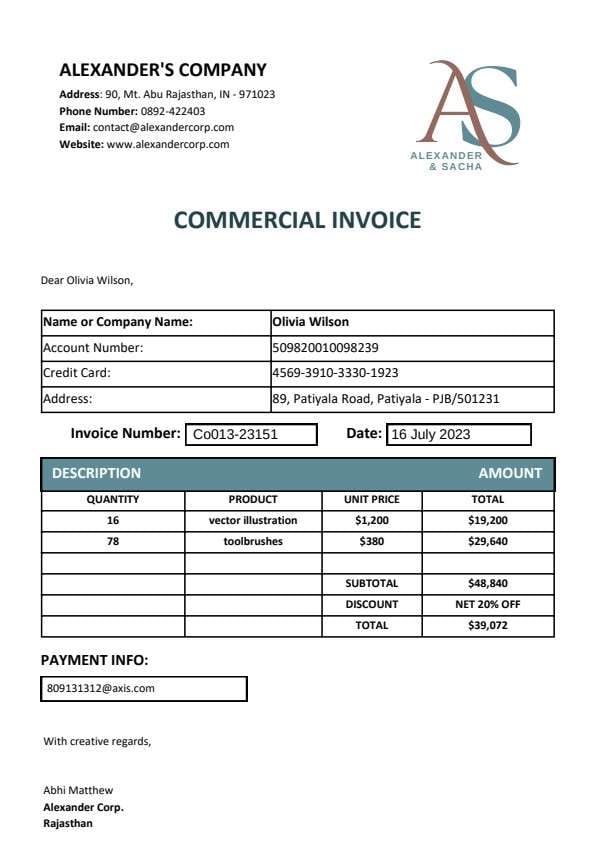
Fill in your business branding and address at the top, followed by the recipient's name, company name, account number, and billing location.
Enter the item quantities, product descriptions, and unit prices, then sum the subtotal, subtract any discounts, and confirm the final total.
Specify your payment address, virtual payment handle, or banking details, then add the representative's closing sign-off before sending.


Wondershare PDFelement allows you to easily edit text fields, type clean numerical values, insert your custom business logo, duplicate templates across repeated billing cycles, and export crisp, high-resolution PDFs ready for digital delivery or immediate printing.
| PDFelement Feature | How It Helps |
|---|---|
| Edit PDF | Customize labels, headings, notes, and reusable sections |
| Fill PDF | Type clean information into every fillable field |
| Form tools | Use text fields and calculation rows for structured Business & Operations records |
| Annotate | Add comments or extra reminders before printing or sharing |
| Convert | Export or archive the finished PDF for team records |
| Organize PDFs | Keep templates by team, date, event, player, or season |
What to include in a commercial invoice
A useful business & operations PDF should be specific enough for real team workflows but simple enough to complete quickly. The fields below show what this template is built to capture and why each part matters.
Commercial Invoice fields
| Field | What to Fill In | Why It Helps |
|---|---|---|
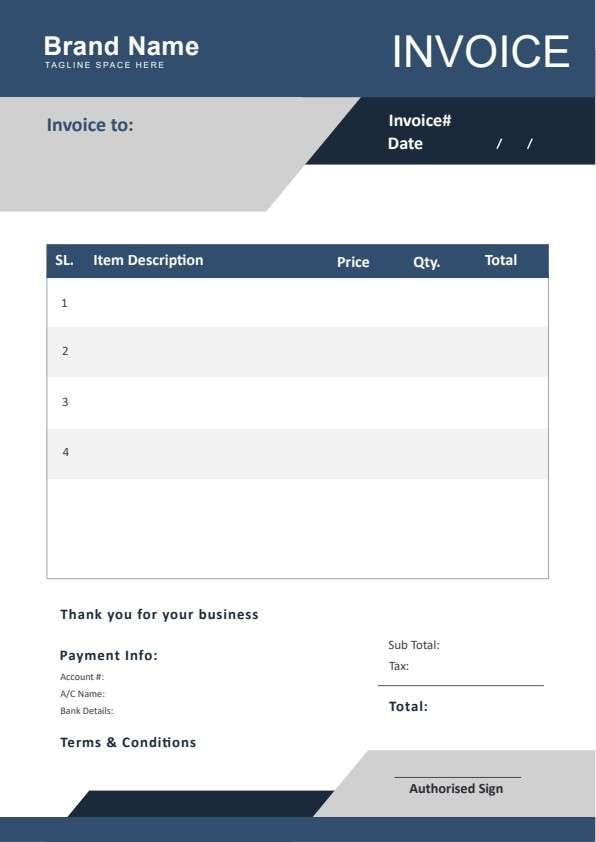
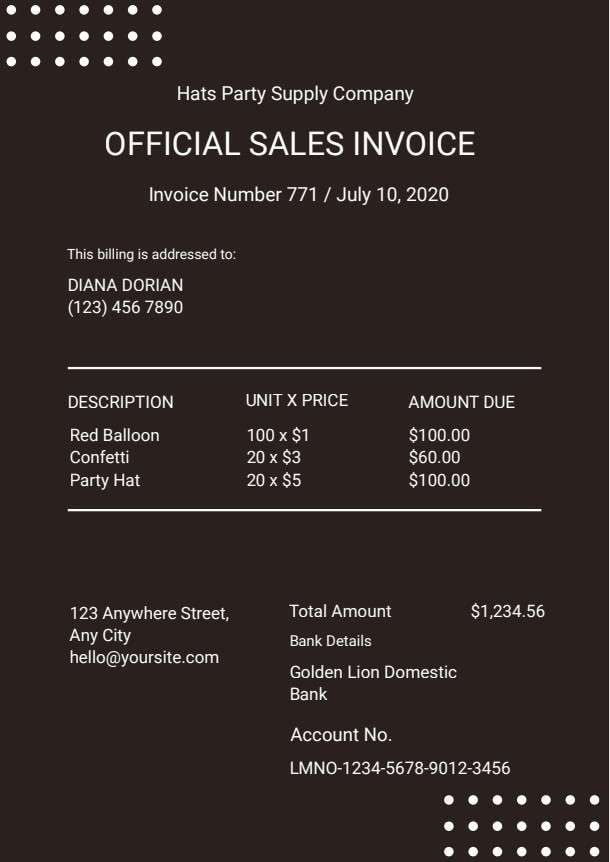
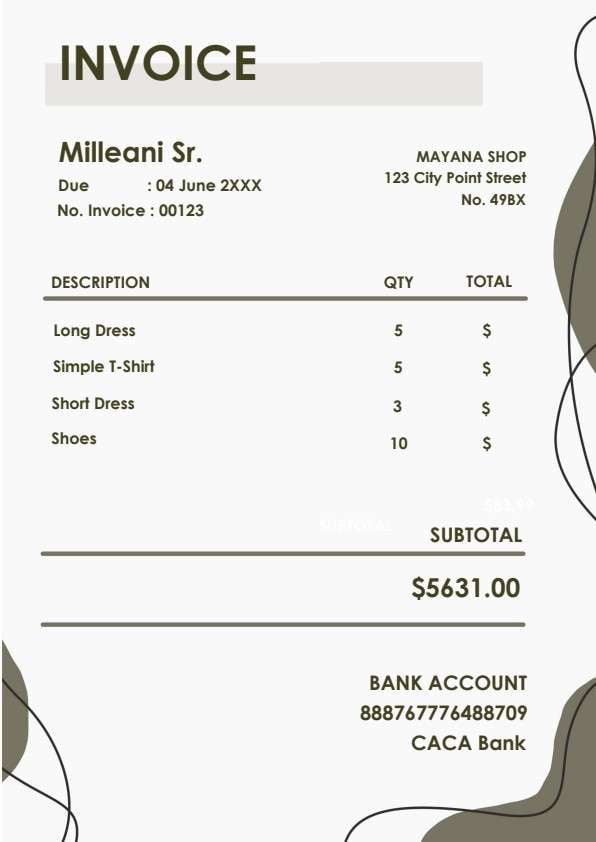
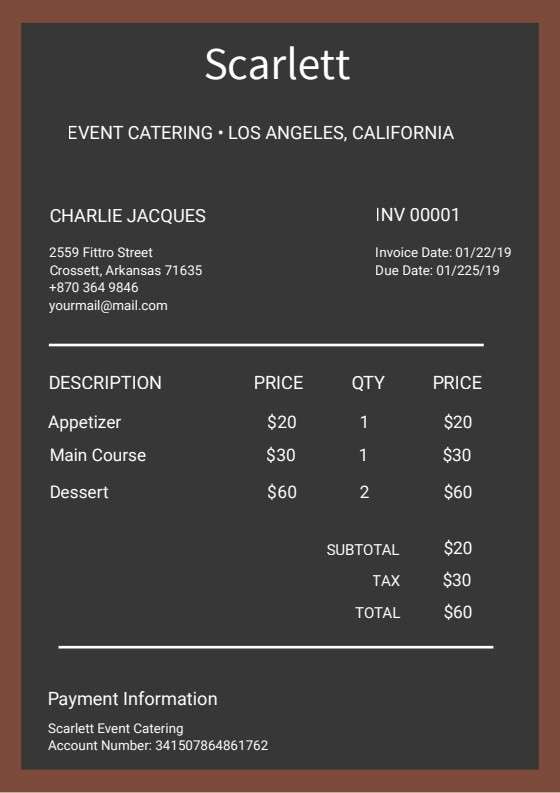
| Name / Company & Account Details | The client's full legal name, business entity, account number, and physical billing address. | Ensures the invoice reaches the correct payable department and syncs with customer relationship records. |
| Invoice Number & Date | A unique alphanumeric identifier and the formal date the invoice is generated. | Facilitates seamless audit tracking, cross-referencing with purchase orders, and payment matching. |
| Itemized Product Table | Quantity, brief product or service description, unit price, and extended row total. | Gives clients item-by-item transparency so they can verify charges without confusion or delay. |
| Subtotal, Discount & Total | The gross sum, percentage or flat discount applied, and final payable balance due. | Calculates the exact obligation clearly so both parties remain aligned on net payment obligations. |
| Payment Info & Sign-off | The remittance email handle, bank account routing, and sender's authorized sign-off. | Provides direct payment routing and authenticates the bill as an authorized business request. |
Why users download this template
Users download this commercial invoice template to issue polished, error-free billing records that accelerate customer payment cycles.
 Pre-assign unique invoice numbers to eliminate cross-billing duplication. Clearly explain discount terms like Net 20% to avoid confusion. Verify product descriptions match signed purchase proposals. Check math across unit price multiplications before sending. Include dedicated payment handles for faster electronic remittance. Save completed records as PDF/A files for bookkeeping archives.
Commercial Invoice vs other business & operations templates
| Template Type | Best For | Main Difference |
|---|---|---|
| Commercial Invoice | Final itemized billing of goods and commercial creative assets | Serves as an official request for payment showing items, discounts, and remittance info. |
| Proforma Invoice | Estimated pricing and initial quotes sent prior to delivery | Acts as an advance declaration rather than a finalized binding request for payment. |
| Sales Receipt | Confirming immediate point-of-sale transactions already paid | Proves payment completion rather than detailing outstanding accounts payable balances. |
| Purchase Order | Buyers officially requesting and authorizing vendor goods | Issued by the purchaser to commission work, rather than by the seller to collect funds. |
Tips for using this template
- Always reference client account numbers so accounting clerks route remittances correctly.
- Double-check line-item quantities and rates against formal service quotes.
- Specify clear payment terms and applicable due dates alongside payment coordinates.
- Keep a digital master copy with fixed company logos and addresses to speed up future billing.
- Send completed invoices in PDF format to prevent unauthorized edits to amounts due.
FAQs
What is a commercial invoice?
A commercial invoice is a binding accounting document issued by a seller to a buyer that outlines products sold, quantities, rates, total amounts due, and payment routing instructions.
Who uses this commercial invoice template?
Freelancers, design studios, wholesale traders, and billing clerks use this template to bill clients clearly and maintain consistent accounts receivable records.
Is the commercial invoice PDF editable?
Yes, this template is fully fillable and editable using Wondershare PDFelement, allowing you to customize header logos, item descriptions, and totals.
What should be included in a commercial invoice?
A complete commercial invoice should include seller contact details, buyer information, unique invoice number, issue date, itemized list of goods, unit rates, subtotal, discounts, net total, and payment instructions.
Can I use this template for international trade?
Yes, although international cross-border customs declarations may require adding Harmonized System (HS) codes, country of origin, and shipping weights.
Does this invoice template replace ERP or accounting software?
It serves as a lightweight, flexible billing document ideal for small businesses or direct client billing, but does not provide automated general ledger reconciliation or enterprise ERP syncing.
How should price adjustments or missing discounts be handled?
If an adjustment is needed, update the discount field in the PDF, recalculate the total balance, and re-issue the PDF with an updated revision date or invoice version note.
Related templates


This template page includes usage guidance, editing steps, review information, and related tools to avoid thin template-page content.