
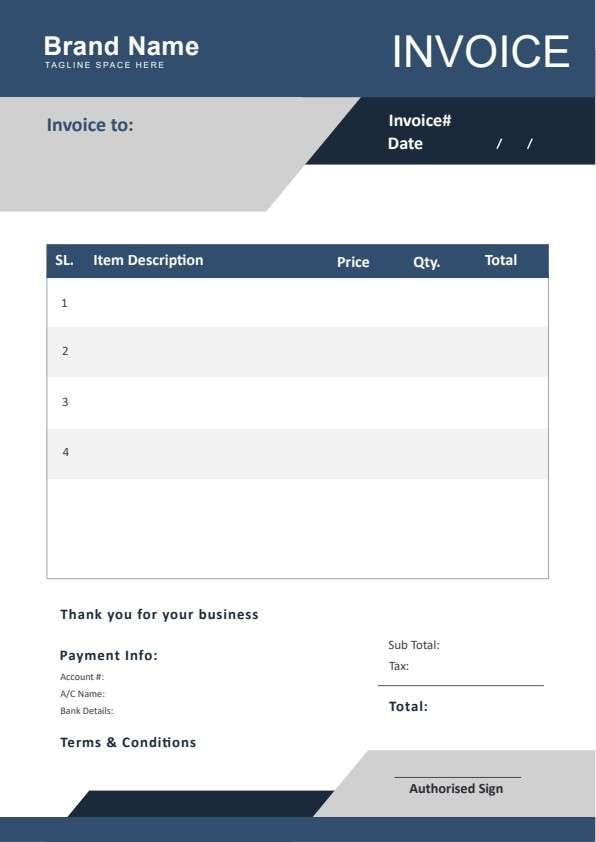
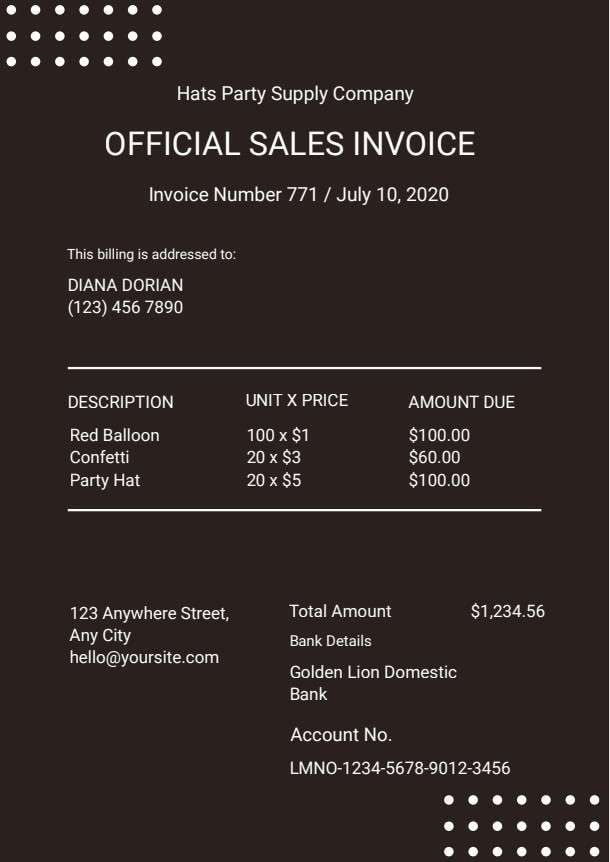
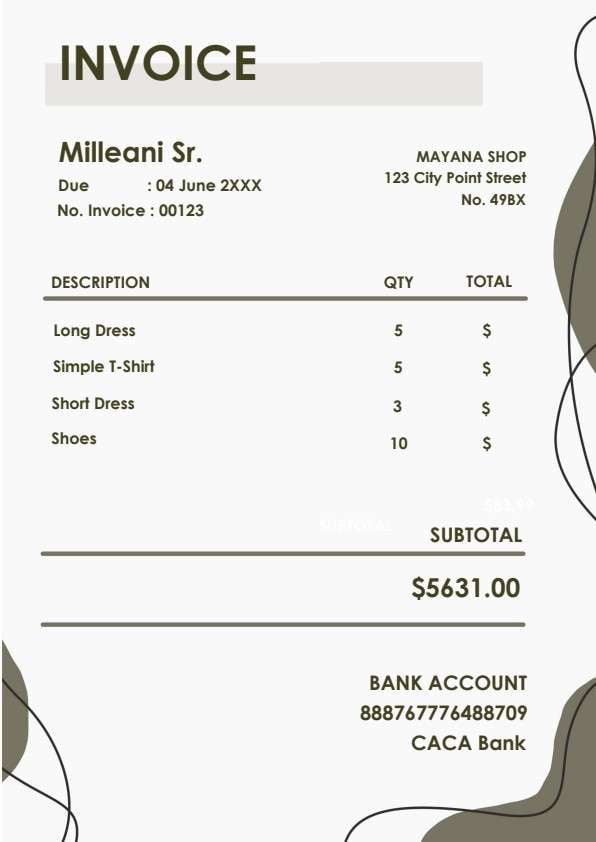
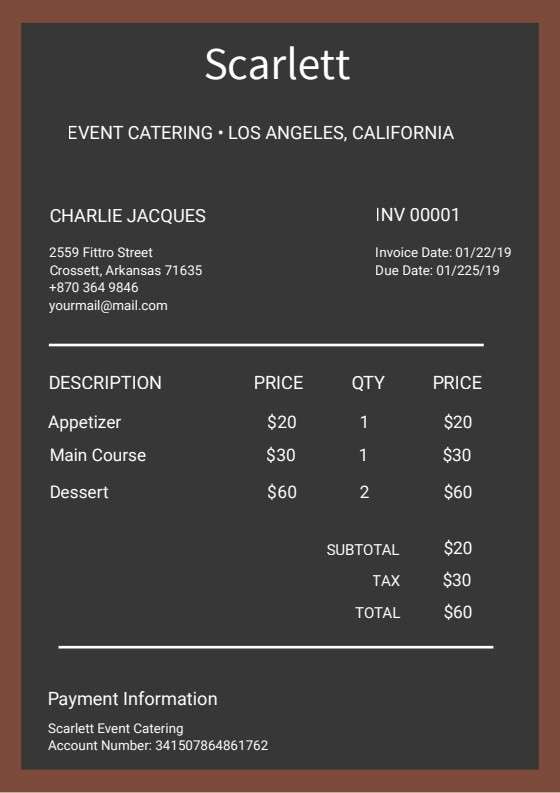
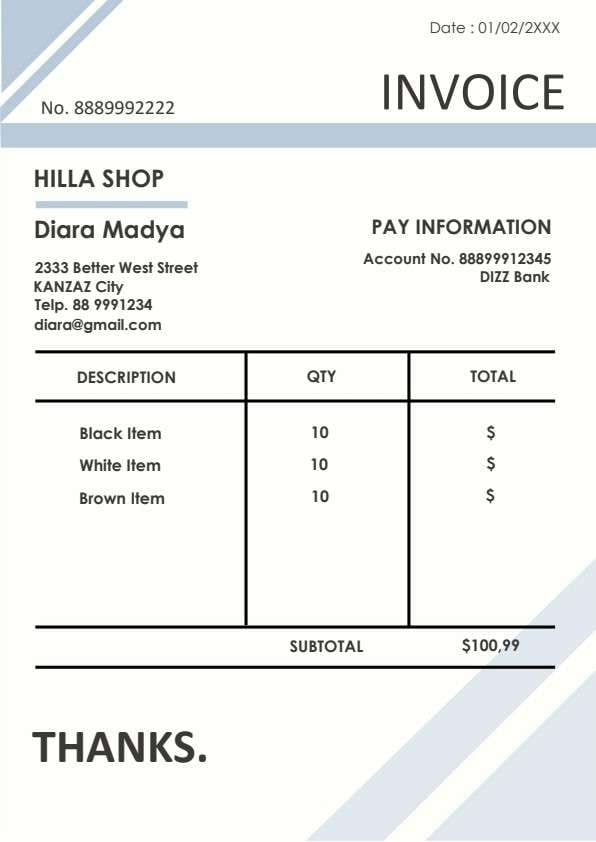
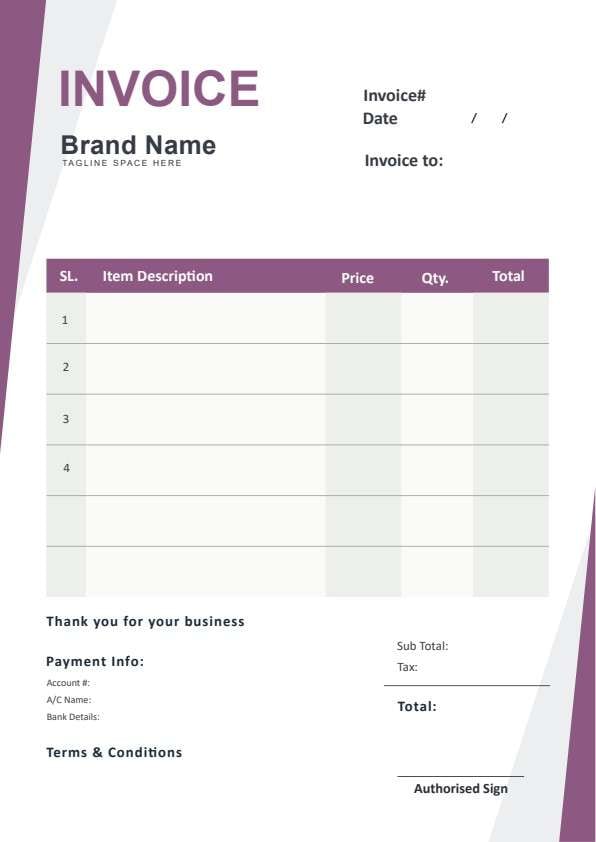
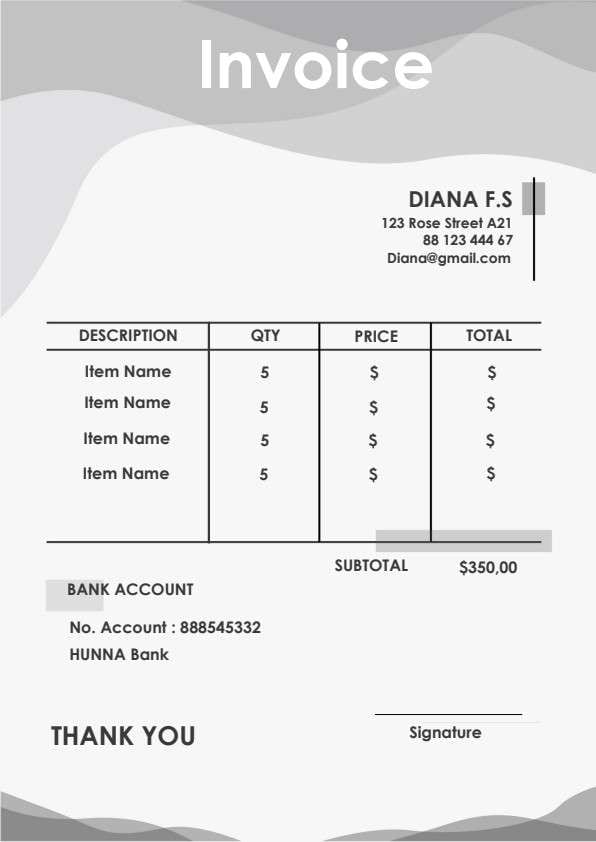
Business Invoice Template PDF
Download a printable Business Invoice PDF template to create clean, itemized billing records for your customers and clients. Designed for business owners, contractors, and operations managers, this layout captures product descriptions, quantities, unit prices, shipping, taxes, and clear payment terms. Use it to establish professional billing records and ensure prompt payments.
What is a business invoice
A Business Invoice is a structured Business PDF that helps teams capture the information needed for this specific workflow. It keeps important details organized, easy to scan, and ready to print or share.
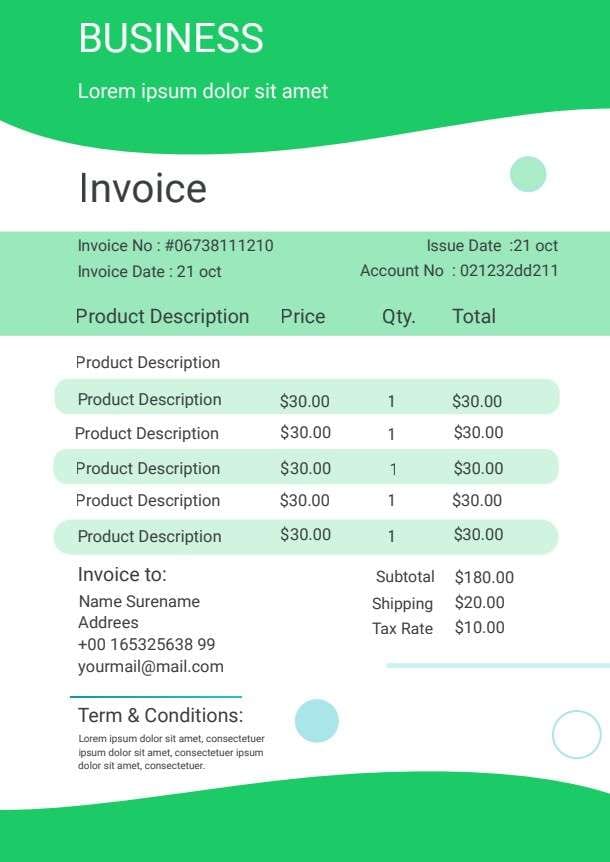
Users download this Business Invoice because it gives small businesses and independent sellers a simple printable sheet of billed products, order quantities, shipping fees, applicable tax rates, and client contact information.
Small Businesses & Retailers
Track outgoing commercial shipments and itemized sales orders with structured pricing.
Freelancers & Contractors
Bill clients accurately for sold goods, physical deliverables, or product packages.
Sales Operations Teams
Issue standardized receipts and commercial invoices with account and issue dates.
Service & Supply Vendors
Provide clear documentation showing item unit costs, shipping charges, and sales tax.
- Complex recurring enterprise SaaS subscription billing with automated credit card gateways.
- Detailed milestone-based consulting retainers that require hourly time-card breakdowns.
- Automated inventory management and real-time multi-warehouse stock replenishment systems.
How to use and edit the business invoice
You can print this template for paper collection or complete it as a fillable PDF. Digital editing is useful when you want typed entries, reusable records, clean copies, and easy sharing with merchants, billing accountants, sales coordinators, retail managers, and clients.
How to customize the PDF
Use this workflow to input unique invoice and account numbers, insert client billing details, list product prices and quantities, calculate subtotal and tax, and customize payment terms.
Open the PDF in PDFelement
Download the Business Invoice PDF template, open it in PDFelement, click each fillable field, type the needed details, tick checkboxes where relevant, and save a clean digital copy.
Input the unique invoice number, issue date, billing date, and client account number at the top of the sheet.
List product descriptions, unit prices, ordered quantities, and calculated line totals for each sold item.
Summarize subtotal, shipping fees, and applicable tax rates, then review client payment terms before sending.


Wondershare PDFelement allows you to easily edit item descriptions, apply your corporate logo, calculate taxes and totals, and export ready-to-print or emailable PDF invoices in seconds.
| PDFelement Feature | How It Helps |
|---|---|
| Edit PDF | Customize labels, headings, notes, and reusable sections |
| Fill PDF | Type clean information into every fillable field |
| Form tools | Use text fields, digital signature lines, and calculation formulas for structured business records |
| Annotate | Add comments or extra reminders before printing or sharing |
| Convert | Export or archive the finished PDF for team records |
| Organize PDFs | Keep templates by team, date, event, player, or season |
What to include in a business invoice
A useful business PDF should be specific enough for real team workflows but simple enough to complete quickly. The fields below show what this template is built to capture and why each part matters.
Business Invoice fields
| Field | What to Fill In | Why It Helps |
|---|---|---|
| Invoice No & Account No | Unique tracking number and client account identification code. | Facilitates seamless bookkeeping, accounting reconciliation, and order tracking. |
| Issue Date & Invoice Date | The date the document was prepared and the billing execution date. | Establishes legal payment timelines and net payment due windows. |
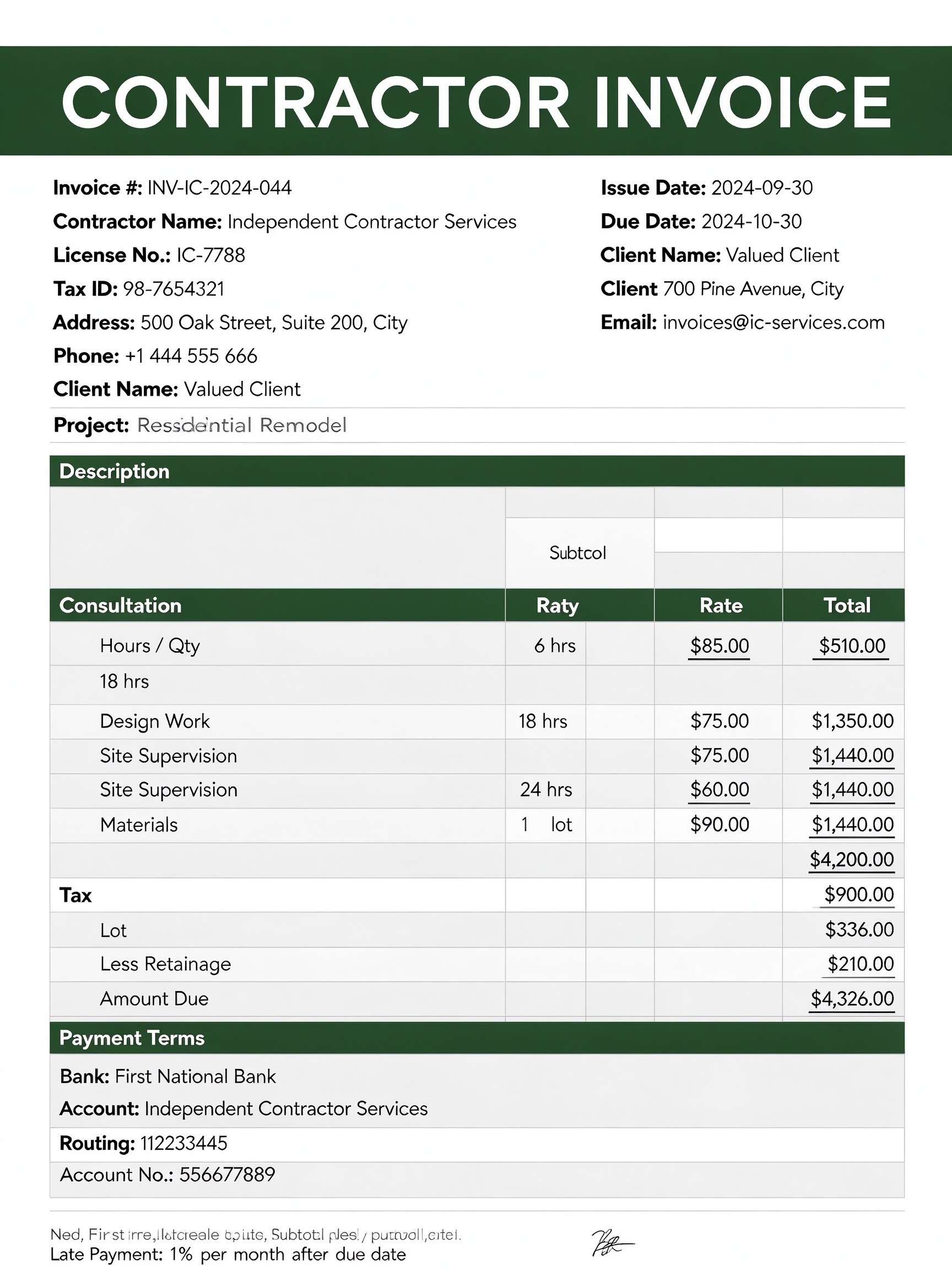
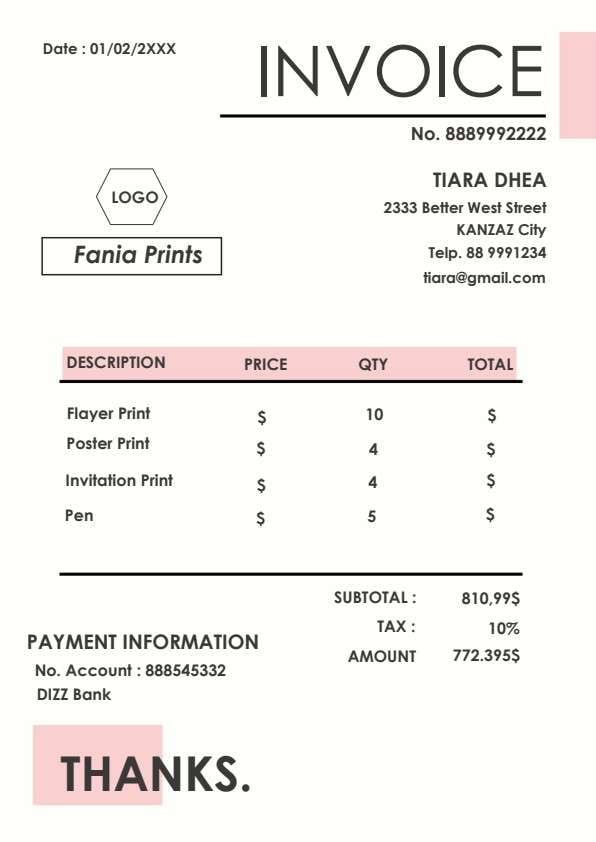
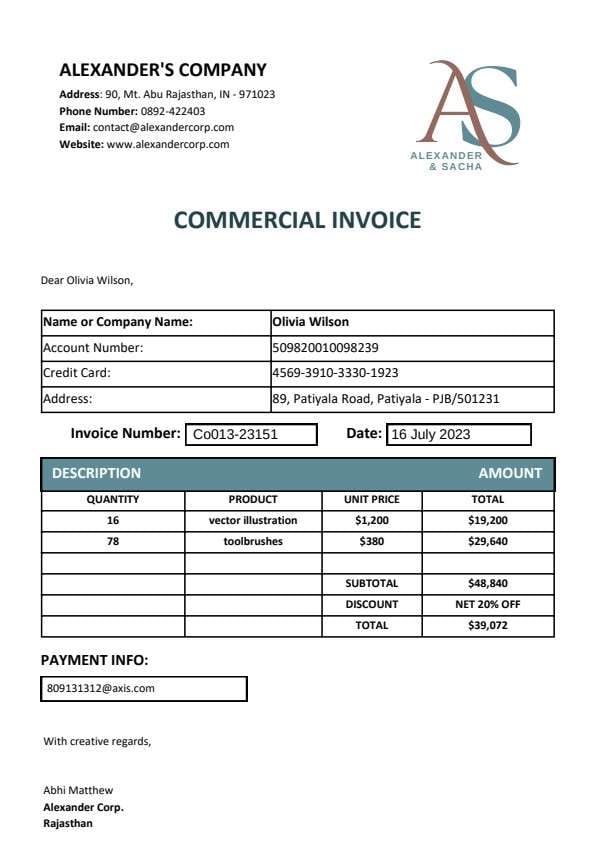
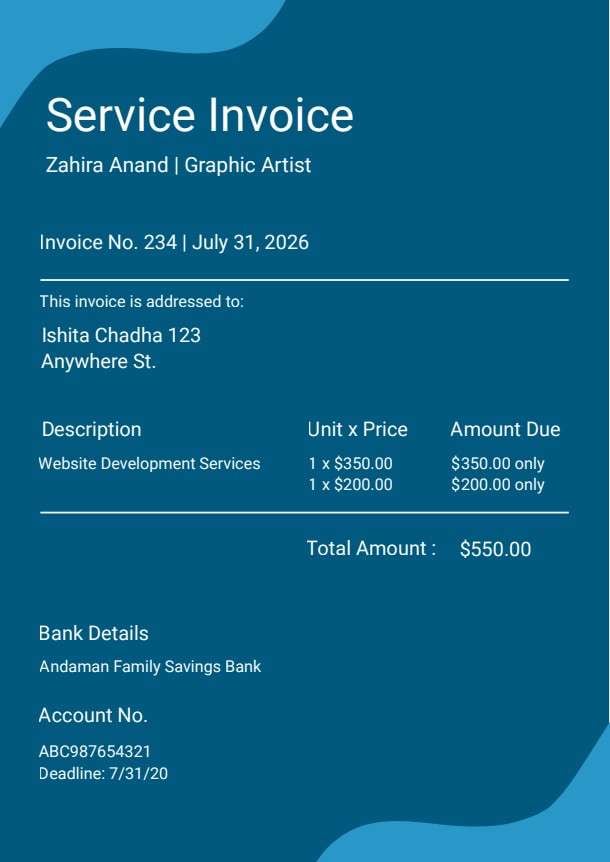
| Product Description & Qty | Specific merchandise name, model, unit price, and quantity ordered. | Provides transparent line-item clarity so clients know exactly what they are purchasing. |
| Subtotal, Shipping & Tax Rate | Combined line costs, carrier delivery charges, and applied tax percentages. | Prevents billing disputes by showing an exact itemized breakdown of the total due. |
| Terms & Conditions | Payment deadlines, accepted payment methods, and return or exchange policies. | Protects your business legally and sets clear expectations for timely settlements. |
Why users download this template
Users download this business invoice template because it provides a reliable, ready-to-print format that standardizes product billing, calculates order totals clearly, and looks polished when presented to clients.
 Assign a sequential invoice number to maintain organized accounting files. Clearly separate shipping fees and local taxes from merchandise subtotals. Include accurate customer contact information to avoid delivery delays. State payment deadlines and preferred payment channels within terms. Keep saved digital copies of all issued invoices for fiscal audits. Use PDFelement to autofill repeat client details and duplicate invoice templates.
Business Invoice vs other business templates
| Template Type | Best For | Main Difference |
|---|---|---|
| Business Invoice | Itemized product sales, merchandise shipments, and commercial orders | Focuses on item descriptions, unit price, quantity, shipping, and tax calculation. |
| Service Invoice | Consultants, legal advisors, and freelance hourly work | Emphasizes billable hours, hourly rates, project milestones, and labor expenses. |
| Purchase Order | Buyers placing official stock or equipment requests to suppliers | Issued by the buyer to authorize an order before an invoice is generated. |
| Commercial Proforma Invoice | International shipping, customs clearance, and import quotes | Acts as a preliminary bill of sale prior to shipment arrival and final payment. |
Tips for using this template
- Always verify client billing addresses and email information before distributing the invoice PDF.
- Ensure unit prices match your official catalog or agreed quote before finalizing totals.
- Explicitly detail applicable state or municipal tax rates to maintain financial compliance.
- Insert late payment penalty warnings or prompt payment discount incentives in the terms box.
- Export and store a non-editable PDF copy after signing to prevent unauthorized alterations.
FAQs
What is a Business Invoice?
A Business Invoice is a commercial document issued by a seller to a buyer that outlines the products sold, quantities, unit prices, shipping costs, taxes, and final payment obligations.
Who uses this Business Invoice template?
Small business owners, wholesale distributors, independent retailers, and freelance sellers use this template to bill customers accurately and maintain transparent accounting records.
Is the Business Invoice PDF editable?
Yes, using Wondershare PDFelement you can edit line items, customize your business logo, adjust price totals, and modify the payment terms.
What should be included in a Business Invoice?
A complete invoice should include invoice number, issue date, account number, company contact info, client billing details, itemized product table, subtotal, shipping, tax rate, and payment conditions.
Can I use it for physical product deliveries?
Yes. This template features specific fields for product descriptions, item quantities, and carrier shipping fees, making it ideal for physical goods.
Does it replace accounting ERP systems?
No. While it serves as an excellent standalone billing sheet and customer-facing PDF, large enterprises may still synchronize invoice totals into dedicated ledger or ERP systems.
How should discrepancies or invoice changes be handled?
If an item is returned or pricing changes, issue an amended invoice clearly marked with an update code or generate a corresponding credit memo referencing the original invoice number.
Related templates


This template page includes usage guidance, editing steps, review information, and related tools to avoid thin template-page content.