
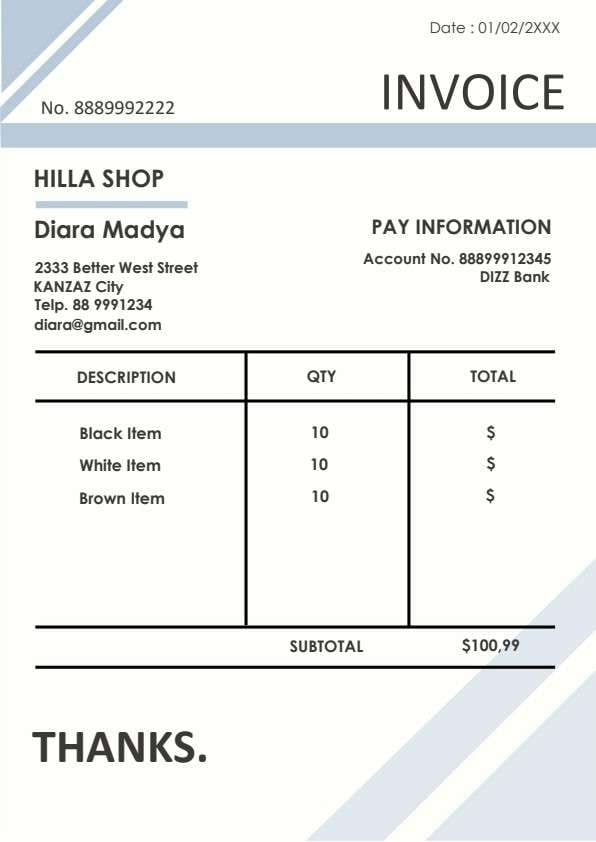
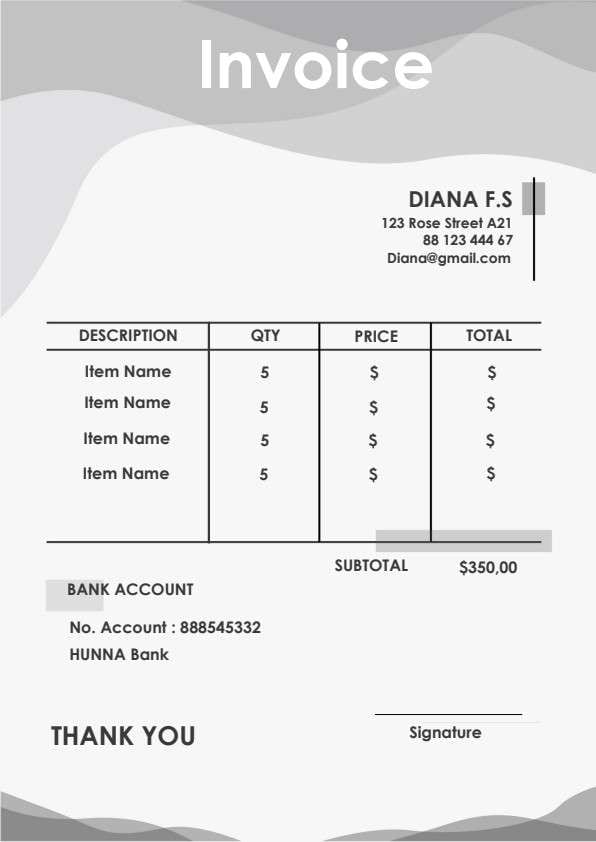
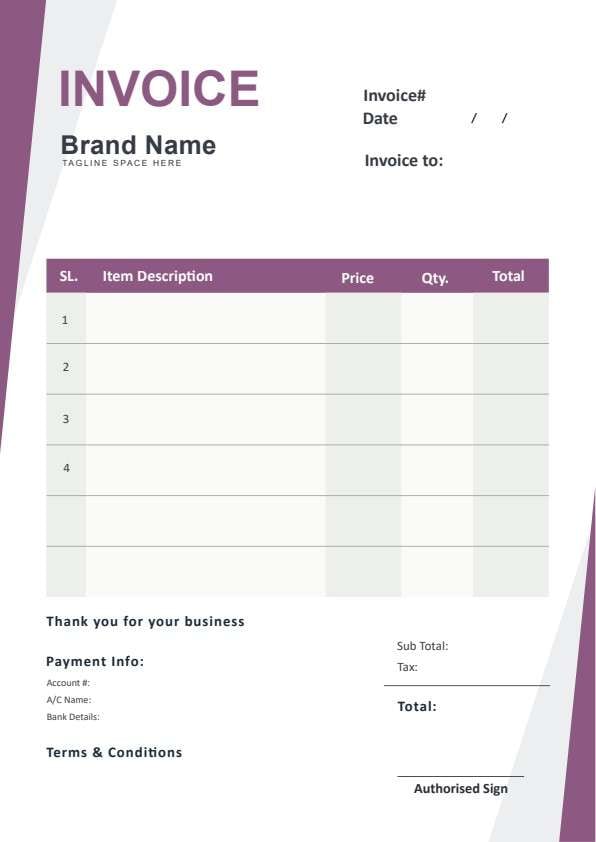
Blank Invoice Template PDF
Download a printable blank invoice PDF template to bill clients, itemize delivered products or services, and record clear payment instructions. Designed for small business owners, freelancers, and billing coordinators, it provides a clean structure for tracking item descriptions, unit prices, quantities, and totals. Use it to ensure transparent billing and expedite client payouts.
What is a blank invoice
A blank invoice is a structured Business PDF that helps teams capture the information needed for this specific workflow. It keeps important details organized, easy to scan, and ready to print or share.
Users download this blank invoice because it gives business operators a simple printable sheet of itemized sales, payment accounts, and final financial totals.
Freelancers and Solopreneurs
Independent service providers needing a rapid, professional billing document for client projects.
Small Retailers and Shops
Storefronts and suppliers providing immediate itemized receipts and commercial bills to buyers.
Contractors and Trade Pros
Electricians, plumbers, and handymen issuing on-site estimates or completed job invoices.
Consultants and Agencies
Professional service firms invoicing for billable hours, milestones, or recurring monthly retainers.
- Automated multi-currency recurring SaaS subscription billing
- Complex enterprise ERP inventory and ledger synchronizations
- Large-scale payroll processing and direct employee expense disbursements
How to use and edit the blank invoice
You can print this template for paper collection or complete it as a fillable PDF. Digital editing is useful when you want typed entries, reusable records, clean copies, and easy sharing with clients, accountants, billing coordinators, department managers, and business owners.
How to customize the PDF
Use this workflow to enter company details, customize branding, populate client info, add itemized charges, and save or export the invoice directly.
Open the PDF in PDFelement
Download the Blank Invoice PDF template, open it in PDFelement, click each fillable field, type the needed details, tick checkboxes where relevant, and save a clean digital copy.
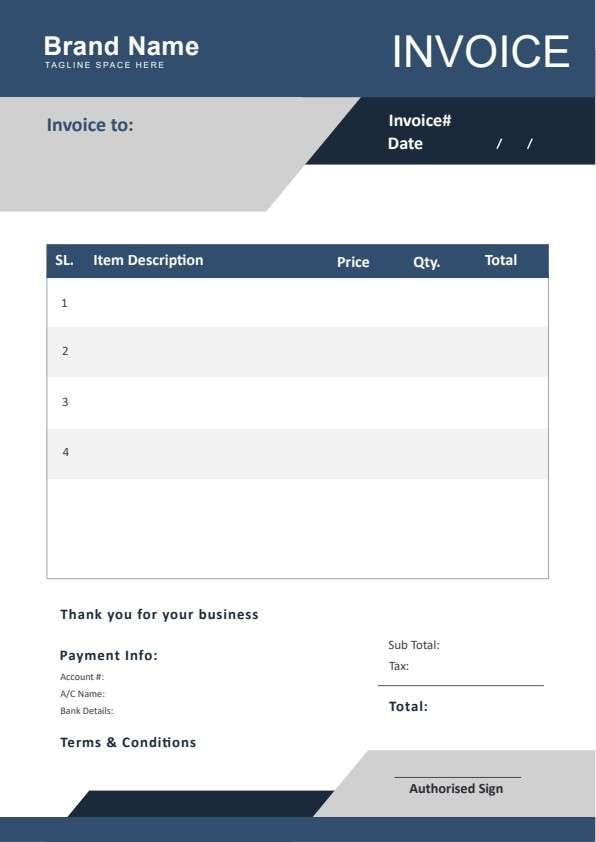
Add your business name, tagline, invoice number, issue date, and customer billing address at the top.
Fill in item descriptions, unit rates, quantities, and extended totals across the line-item grid.
Calculate subtotal, applicable taxes, and final balance, then input bank details and authorized signature.


Wondershare PDFelement makes managing invoices simple by letting you type customer details, duplicate templates across projects, calculate totals automatically, and apply authorized digital signatures before printing or emailing.
| PDFelement Feature | How It Helps |
|---|---|
| Edit PDF | Customize labels, headings, notes, and reusable sections |
| Fill PDF | Type clean information into every fillable field |
| Form tools | Use editable text fields and calculated form rows for structured business records |
| Annotate | Add comments or extra reminders before printing or sharing |
| Convert | Export or archive the finished PDF for team records |
| Organize PDFs | Keep templates by team, date, event, player, or season |
What to include in a blank invoice
A useful business PDF should be specific enough for real team workflows but simple enough to complete quickly. The fields below show what this template is built to capture and why each part matters.
Blank Invoice fields
| Field | What to Fill In | Why It Helps |
|---|---|---|
| Invoice# & Date | Unique reference identifier and billing issue date | Enables efficient bookkeeping tracking and reference during payment inquiries. |
| Invoice To | Client or company name, contact person, and billing address | Clarifies legal payer details and ensures delivery to the right accounting department. |
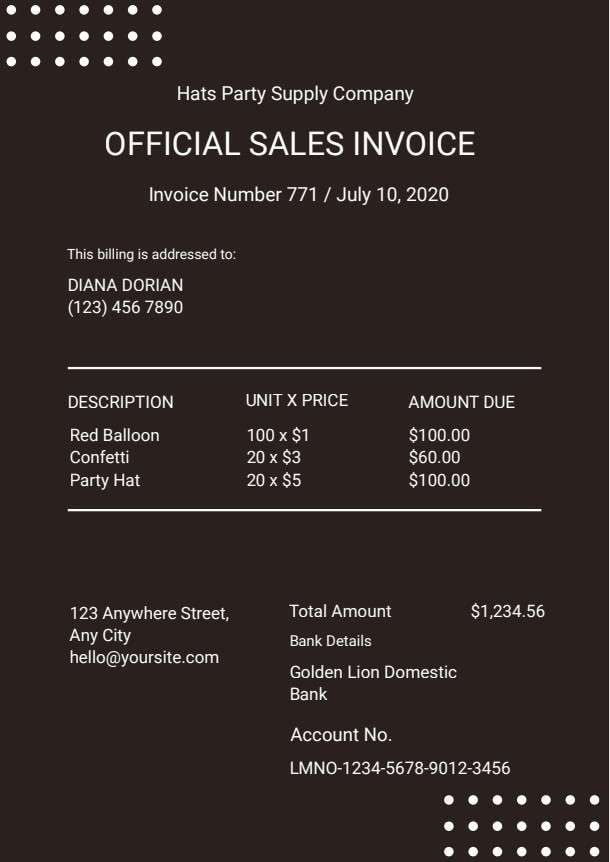
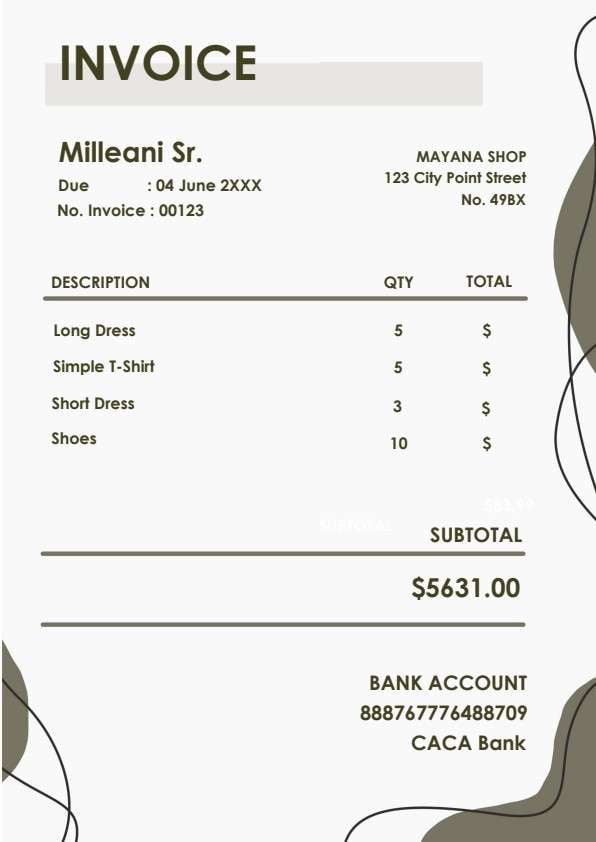
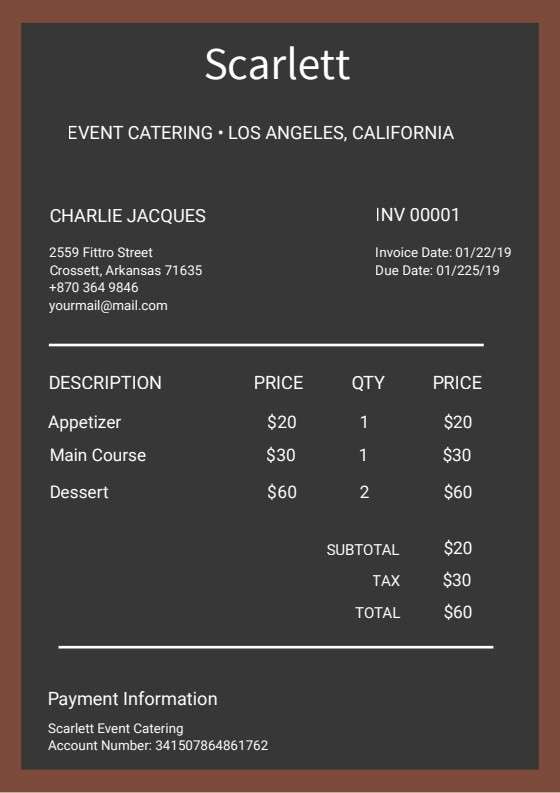
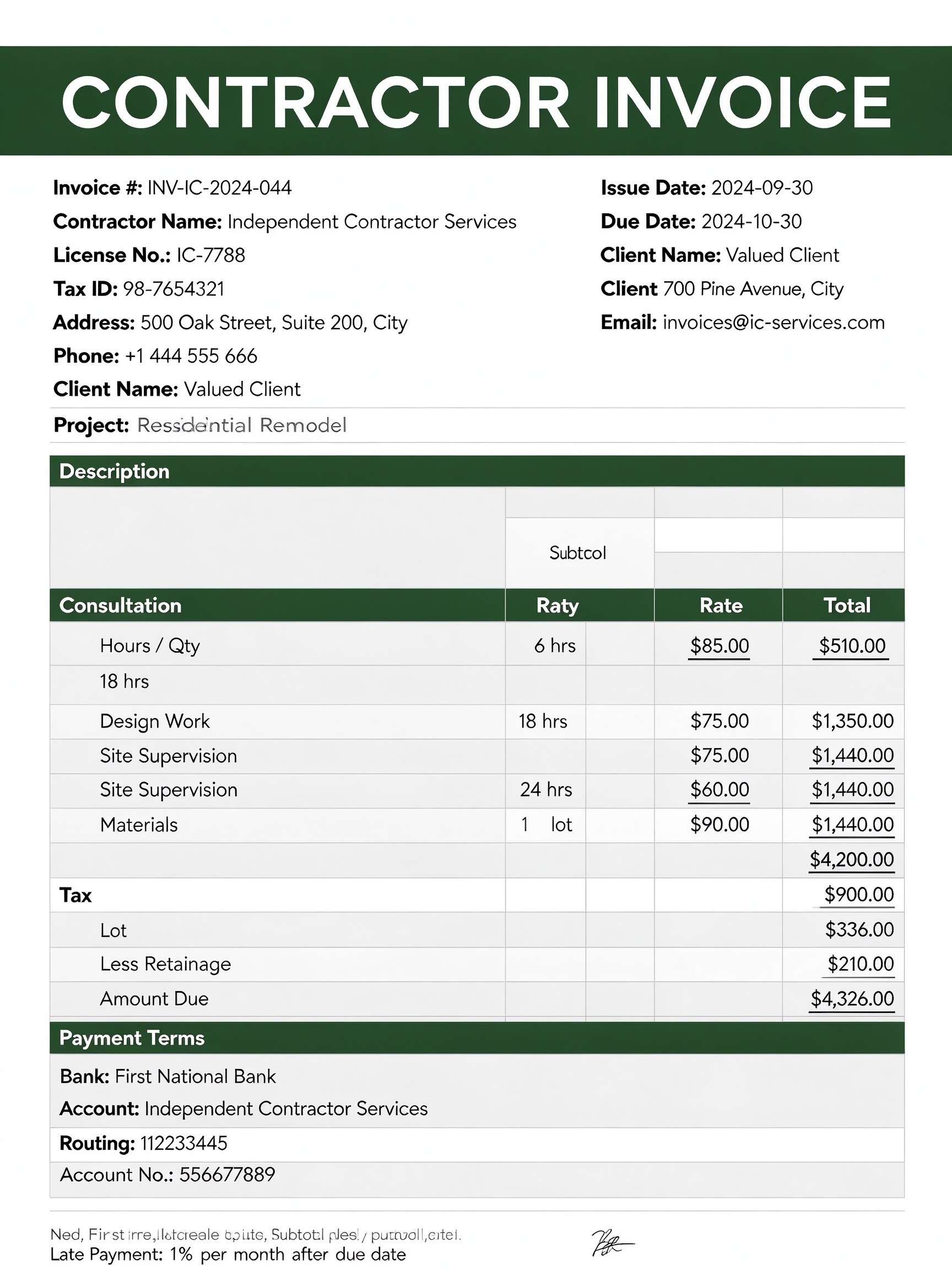
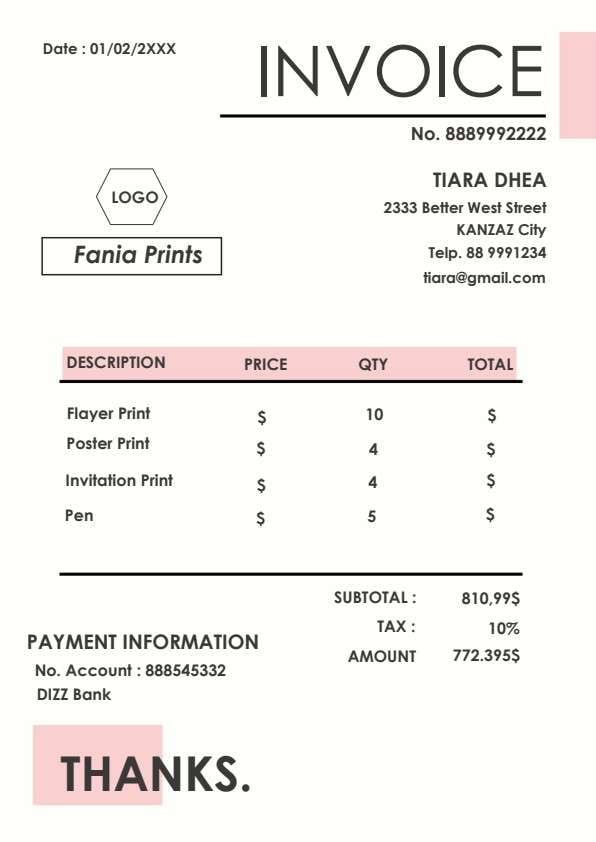
| Line Item Table | Serial number, description of goods/services, unit price, quantity, and row total | Provides transparent breakdown of deliverables so customers understand all charges. |
| Payment Info | Bank name, account number, routing details, and account holder name | Provides payers with exact payment instructions to prevent settlement delays. |
| Totals & Signature | Subtotal, sales tax calculation, grand total, and authorized signature | Confirms financial accuracy and validates the document as an official billing request. |
Why users download this template
Users download this blank invoice template to generate polished, legally clear bills without the overhead of expensive accounting software.
 Always specify a distinct invoice number to simplify accounting reconciliation. Provide clear item descriptions to prevent client billing questions and disputes. State payment deadlines and accepted payment methods in the terms section. Double-check unit pricing, quantity extensions, and applied sales tax amounts. Add bank account details directly on the invoice for prompt wire or ACH transfers. Keep a digital signed copy archived before sending the final invoice to clients.
Blank Invoice vs other business templates
| Template Type | Best For | Main Difference |
|---|---|---|
| Blank Invoice | General itemized billing across varied business services and goods | Versatile multi-industry layout with flexible itemization and payment info. |
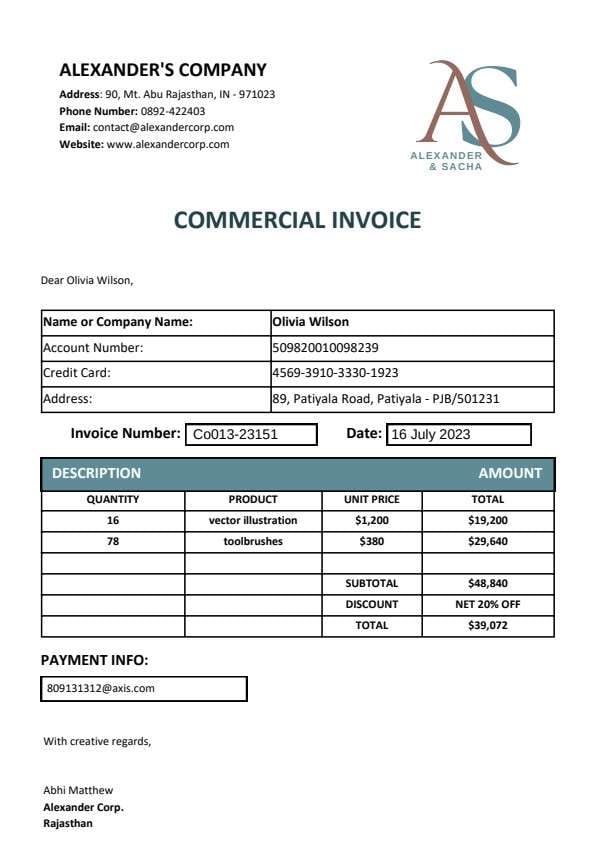
| Commercial Invoice | Cross-border trade and international customs declarations | Includes harmonized tariff codes, country of origin, and freight details. |
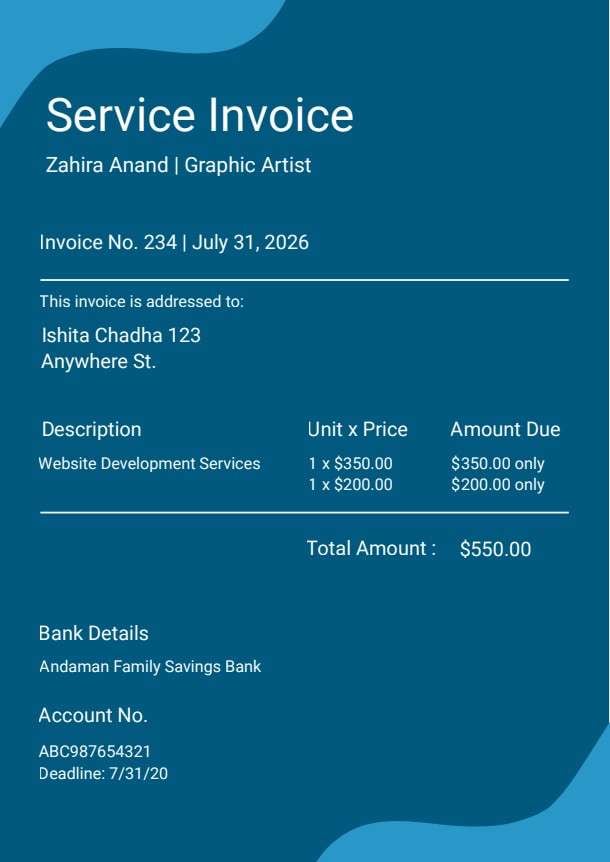
| Service Invoice | Hourly billing, consulting engagements, and labor services | Emphasizes billable hours, hourly rates, and specific task milestones. |
| Proforma Invoice | Preliminary cost quotes prior to goods delivery and final payment | Serves as a preliminary commitment rather than a legal demand for payment. |
Tips for using this template
- Number your invoices sequentially using a date or client prefix such as INV-2024-001.
- Confirm customer tax exemption status before adding local or federal sales taxes.
- Leverage PDF form fields to calculate line extensions automatically and prevent math errors.
- Include explicit terms and conditions regarding late fees or early payment discounts.
- Export and deliver the finalized bill in PDF format to protect data from unauthorized edits.
FAQs
What is a blank invoice?
A blank invoice is a customizable billing form used by businesses and freelancers to itemize products sold or services rendered, item cost breakdowns, total amounts owed, and payment details.
Who uses this blank invoice template?
Freelancers, tradespeople, consultants, small business managers, and billing specialists use this template to issue prompt, professional payment requests to clients.
Is the blank invoice PDF editable?
Yes, opening this PDF in Wondershare PDFelement allows you to edit company information, insert brand logos, input line items, and digitally sign the form.
What should be included in a blank invoice?
An effective invoice includes your business contact info, unique invoice number, date, customer address, itemized descriptions with unit prices and quantities, tax calculations, total due, and remittance instructions.
Can I use it for recurring monthly retainers?
Yes, you can duplicate this PDF template each billing cycle, update the dates and invoice number, and keep your regular billing terms intact.
Does it replace accounting software?
For basic billing and occasional invoicing, this template serves as a complete, lightweight solution. However, high-volume automated recurring billing may still require dedicated enterprise software.
How should changes or disputed charges be handled?
If an item description or quantity changes, issue a revised invoice marked with a version suffix (e.g., INV-001-R1) or generate a credit note referencing the original invoice number.
Related templates


This template page includes usage guidance, editing steps, review information, and related tools to avoid thin template-page content.