Wondershare PDFelement AI New Release
AI PDF Editor for Smarter Document Work
Powered by ChatGPT
Experience seamless AI for PDFs that lets you chat, translate, rewrite, proofread, and summarize PDFs.
It can even smartly create PPTs from PDFs, detect AI-generated content, and more. Unlock new
possibilities with our AI PDF reader and editor.

at once.
(Text or Markdown).
AI-generated documents in the cloud.
AI PDF Editor to Chat, Summarize & Work Smarter
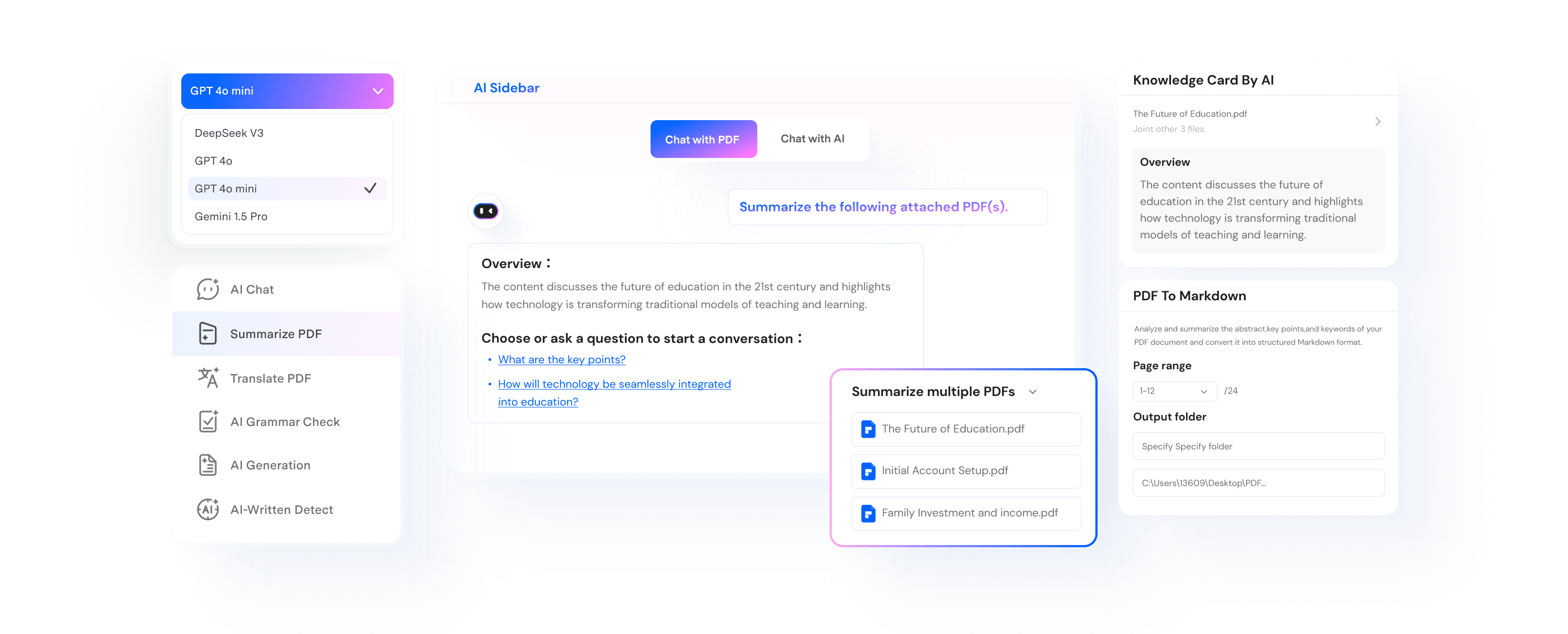
Summarize PDFs with AI and Extract Key Insights Across Multiple Documents
-
Summarize a single PDF or multiple PDFs into key points, abstracts, and keywords in seconds.
-
Turn PDF summaries into outlines, mind maps, Markdown, or plain text for faster review and reuse.

-
Create AI Knowledge Cards from summaries and connect related PDFs for deeper cross-document understanding.
Extract key insights from lengthy and multiple PDF docs using AI PDF Summarizer.
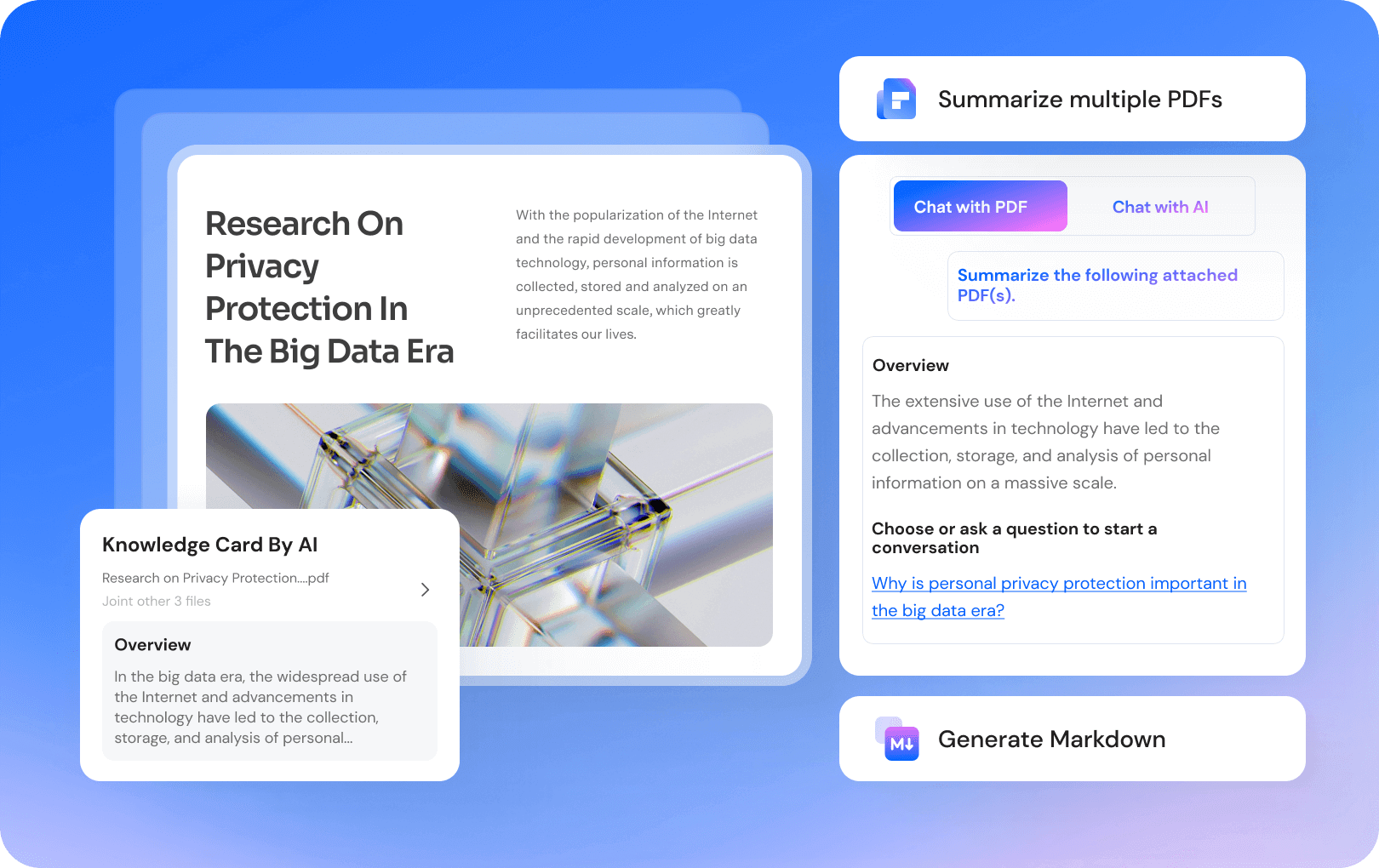
Chat with multiple PDF files at once efficiently.
-
Chat with PDF for any answer from your documents using our AI assistant.
-
Choose from DeepSeek V4 Pro, GPT-4o, GPT-4o mini, or Gemini 2.5 Pro to chat with your PDFs for the best results.
-
Tailor your PDF chatbot's tone and industry context to address your queries effectively.
Chat with multiple PDF files at once efficiently.
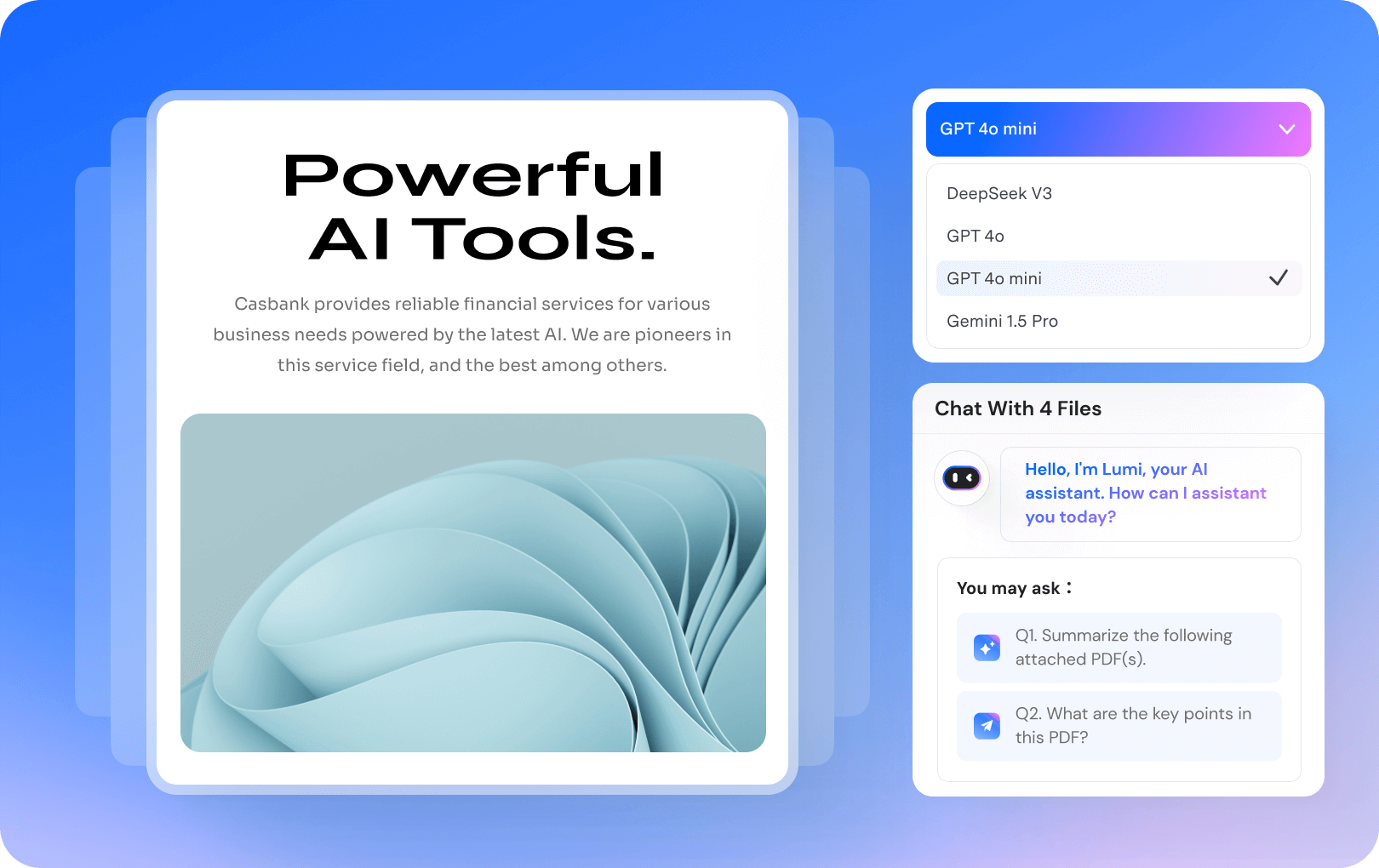
AI Translate PDF docs in any language on the fly.
-
Translate PDF to more than 50+ languages precisely, and get the translated PDF files with the same formatting.
-
Quickly translate PDF with Quick Translation for speed or Professional Translation for detailed accuracy.
-
Translate multiple PDFs at once to streamline bulk translation and save valuable time.
AI Translate PDF docs in any language on the fly.
Enhance the accuracy of PDF content with AI PDF Grammar Checker.
-
Run the Grammar Checker on PDFs to easily and precisely proofread your PDFs, checking and revising grammar, spelling, word choice, and more.
-
Auto-generate proofread PDF versions and compare your PDF and correct grammar, spelling, word choice errors, and more.
Enhance the accuracy of PDF content with AI PDF Grammar Checker.

Seamlessly generate presentations with AI PPT Maker from PDF.
-
Automatically generate PPT from PDF content with AI, effortlessly making a professional presentation.
-
Create PPT from PDF summaries with AI, focusing on key points and effective presentation with ease.
Seamlessly generate presentations with AI PPT Maker from PDF.

Check PDFs for Potentially AI-Generated Text
-
Scan essays and PDF documents to identify passages that may contain AI-generated text.
-
Highlight suspected passages and export a detection report for easier review and manual verification.
Detect AI-generated text in PDFs.

Rewrite PDF Text with AI for Clearer, More Natural Writing
-
Rephrase PDF content to improve clarity, tone, and flow while keeping the original meaning intact.
Optimize your writing with AI.

Effortlessly organize your PDF with auto bookmarks.
-
Add bookmarks to a PDF document automatically based on its structure and headings.
Effortlessly organize your PDF with auto bookmarks.

Explain complex concepts in PDFs.
-
Explain complex concepts in PDFs to enhance your comprehension.
Explain complex concepts in PDFs.

PDFelement's AI Tools ensure the privacy of your data through encryption and adherence to our data protection practices.
Explore More AI Tools for Documents and Visual Content


Secure, Compliant, and Professional PDF Software - Award-Winning.
PDFelement has won G2 Best Software Awards 2024 - Top 50 Office Products, received ISO 27001-Information Security Management certification, and is a recognized member of the PDF Association.


From documents to knowledge, in one AI Space
Bring all your materials together in AI Space. Ask, learn, and create—with answers you can trust.
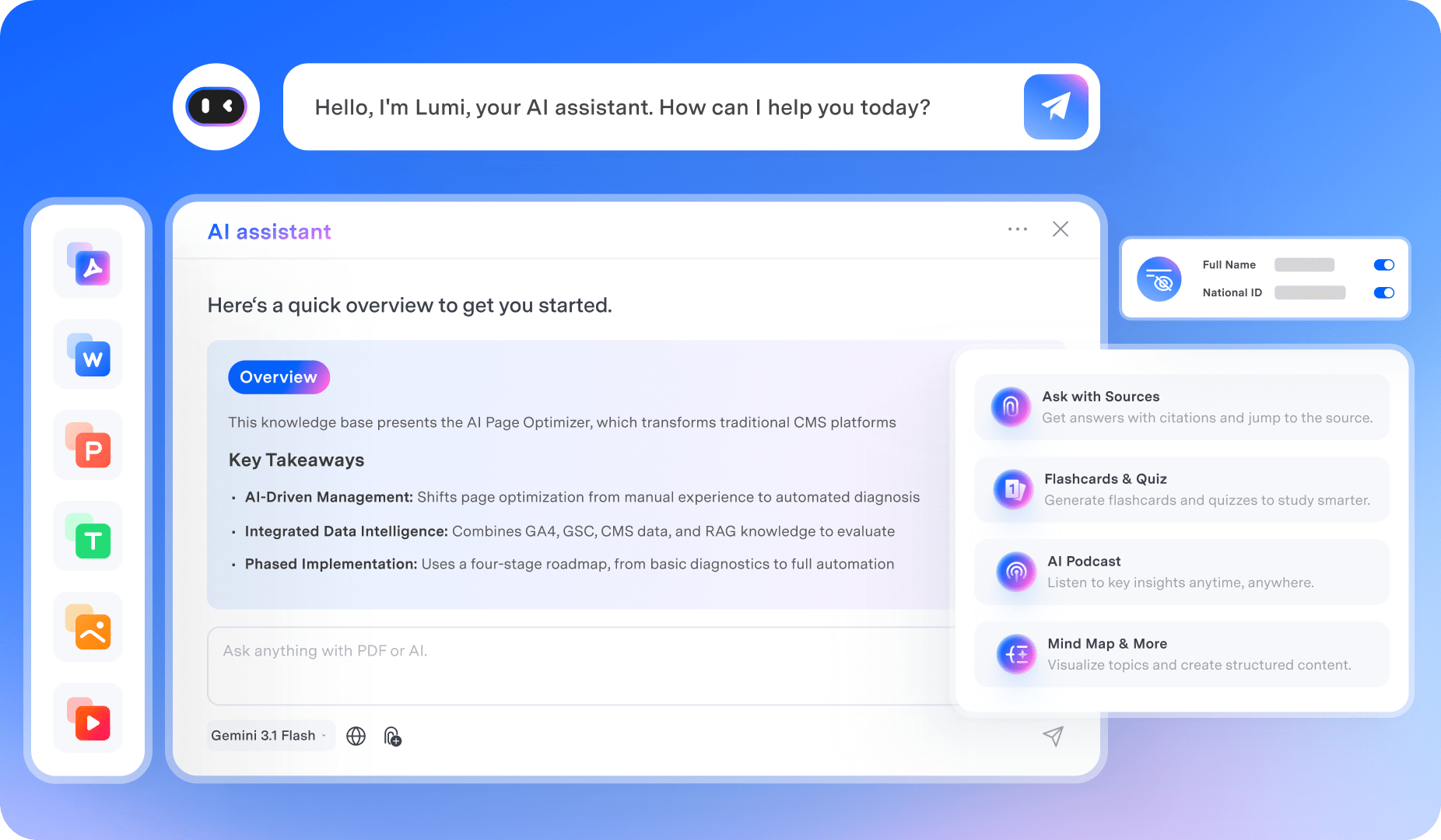
 Multiple formats
PDFs, Office files, images, and more.
 Trusted answers
Every answer includes citations and links to the source.
 Your space, your data
Encrypted, private, and under your control.
A smart PDF analysis AI tool for everyone on
any device.
Level up your PDF workflow with the cross-platform PDF Editor with AI assistant, which masterfully merges ChatGPT with PDF features
for Education, Legal, Finance, IT… Unlock advanced features like summary, translation, rewriting, and more.
Available for:
For Education & Study
Gather information from various sources, including books and websites, to enrich teaching and research. Help students to study, complete assignments, develop business plans, and craft job-winning CVs.

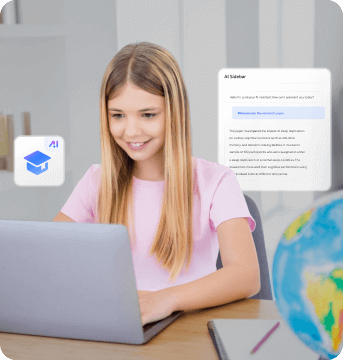
Gather information from various sources, including books and websites, to enrich teaching and research. Help students to study, complete assignments, develop business plans, and craft job-winning CVs.
For Legal & Contracts
Review contract risks, compare versions, and understand bilingual agreements with AI—before you sign.


Review contract risks, compare versions, and understand bilingual agreements with AI—before you sign.
For Accounting & Finance
RExtract crucial data from sales reports and analyze project proposals effortlessly with AI to optimize decision-making. Refine business plans with AI-powered clarity and precision. Streamline document analysis and revolutionize financial tasks with PDFelement AI.

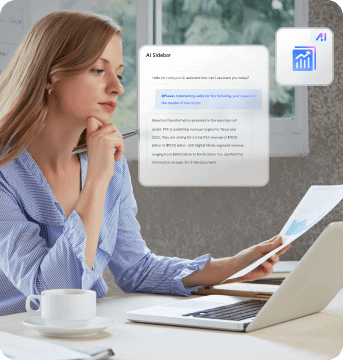
Extract crucial data from sales reports and analyze project proposals effortlessly with AI to optimize decision-making. Refine business plans with AI-powered clarity and precision. Streamline document analysis and revolutionize financial tasks with PDFelement AI.
For IT Professions
Extract and summarize technical information from manuals, code documentation, and research papers. Proofread code snippets and scripts. Translate technical jargon into user-friendly language for non-technical stakeholders.


Extract and summarize technical information from manuals, code documentation, and research papers. Proofread code snippets and scripts. Translate technical jargon into user-friendly language for non-technical stakeholders.
For Healthcare
Summarize medical research papers, clinical trial results, and patient records to assist in quick decision-making. Proofread medical reports, ensuring accurate and error-free documentation.


Summarize medical research papers, clinical trial results, and patient records to assist in quick decision-making. Proofread medical reports, ensuring accurate and error-free documentation.
Choose the PDFelement AI Plan that works for you.
| Features |
PDFelement's AI Plan |
PDFelement for Windows |
PDFelement for Mac |
PDFelement for iOS |
PDFelement for Android |
PDFelement for Multi-Platform |
|---|---|---|---|---|---|---|
|
|
|
|
|
|
||
| New in V13 | ||||||
| AI Knowledge Space | - | - | ||||
| Ask Across PDFs & Files | - | - | ||||
| AI Study Tools | - | |||||
| AI Contract Review | - | - | ||||
| Compare Contracts | - | - | ||||
| Bilingual Contract Translation | - | - | ||||
| Core AI Tools | ||||||
| AI Summaries & Notes | - | |||||
| AI Writing Assistant | - | |||||
| AI Translate PDF | - | |||||
| AI Content Detection | - | |||||
| AI Reading Assistant | - | |||||
| All PDFelement's Features | PDFelement's AI |
PDFelement for Windows
PDFelement for Mac
|
PDFelement for iOS
|
PDFelement for Android
|
PDFelement for Windows/Mac/iOS/Android | |
| Features |
PDFelement for
PDFelement for
|
PDFelement for
PDFelement for
|
|---|---|---|
| New in V13 | ||
| AI Knowledge Space | - | |
| Ask Across PDFs & Files | - | |
| AI Study Tools | ||
| AI Contract Review | - | |
| Compare Contracts | - | |
| Bilingual Contract Translation | - | |
| Core AI Tools | ||
| AI Summaries & Notes | ||
| AI Writing Assistant | ||
| AI Translate PDF | ||
| AI Content Detection | ||
| AI Reading Assistant | ||
| All PDFelement's Features |
PDFelement for iOS
|
PDFelement for Android
|
How to Analyze PDFs with PDFelement AI in 3 Steps
Upload your PDFs and files, analyze or review them with AI, verify answers with cited sources, and turn insights into useful outputs.
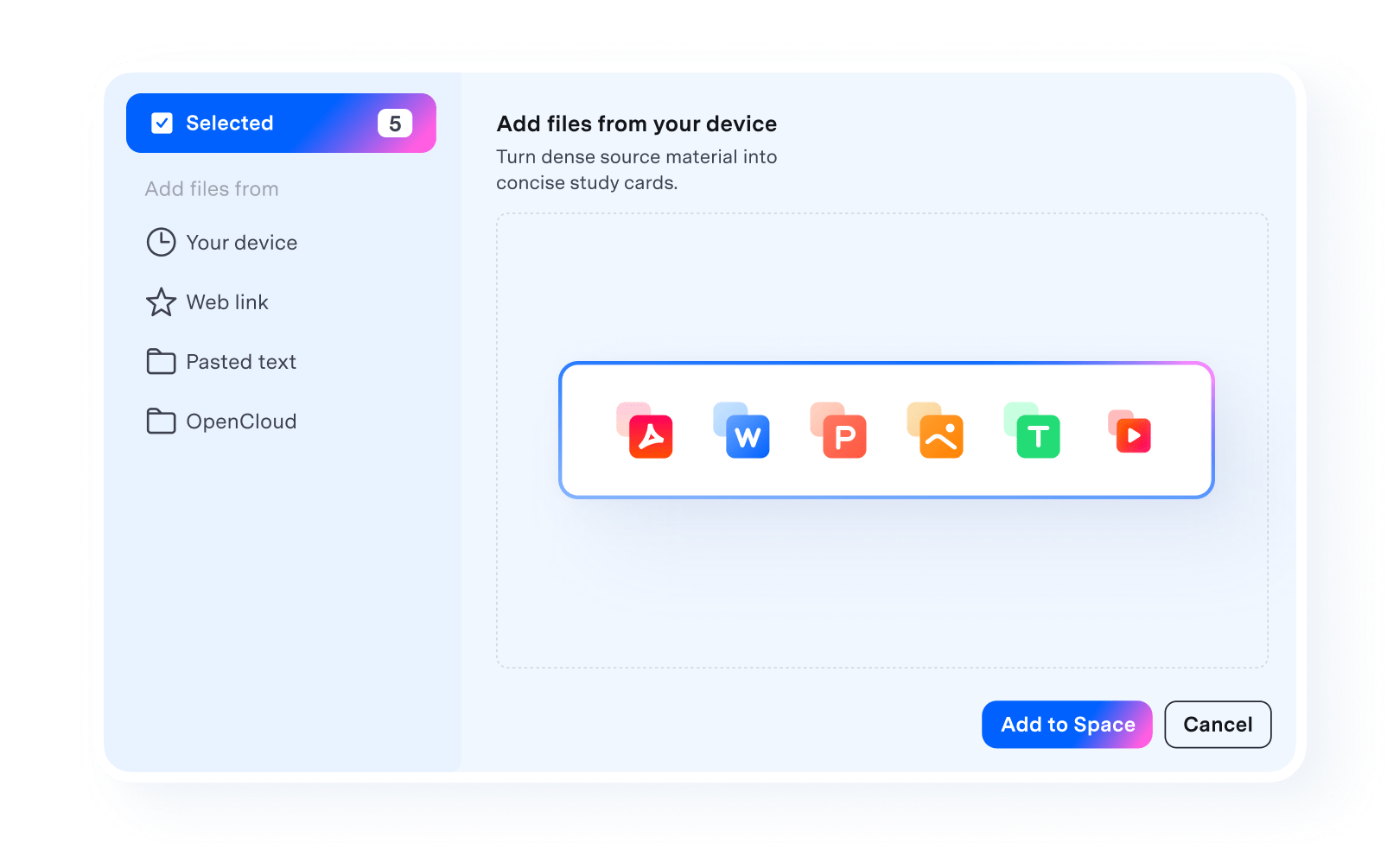
Upload PDFs, Word documents, PowerPoint files, Excel spreadsheets, images, and other supported files to PDFelement AI.
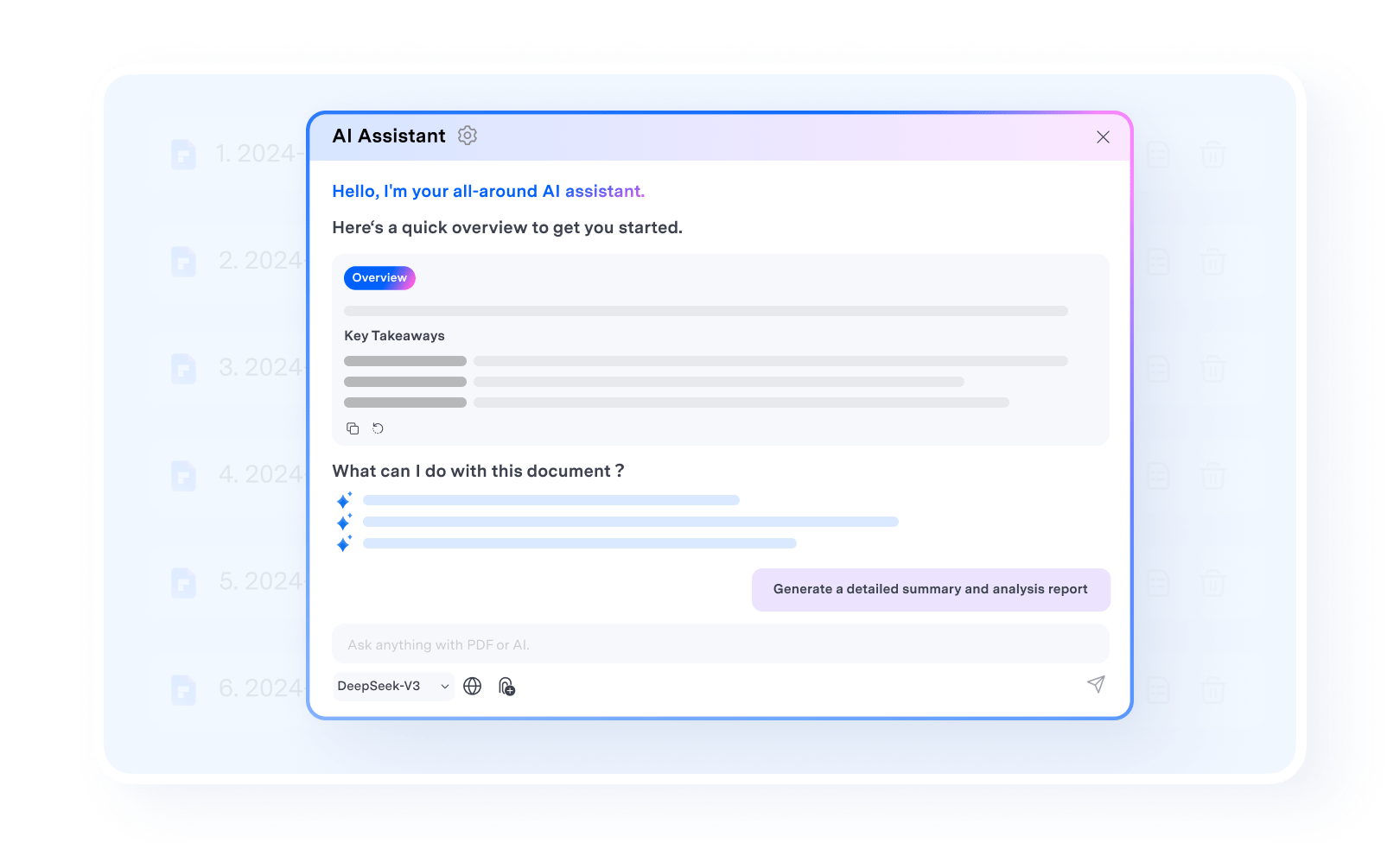
Ask questions across files, summarize PDFs, review contracts, or find key information with PDFelement AI.
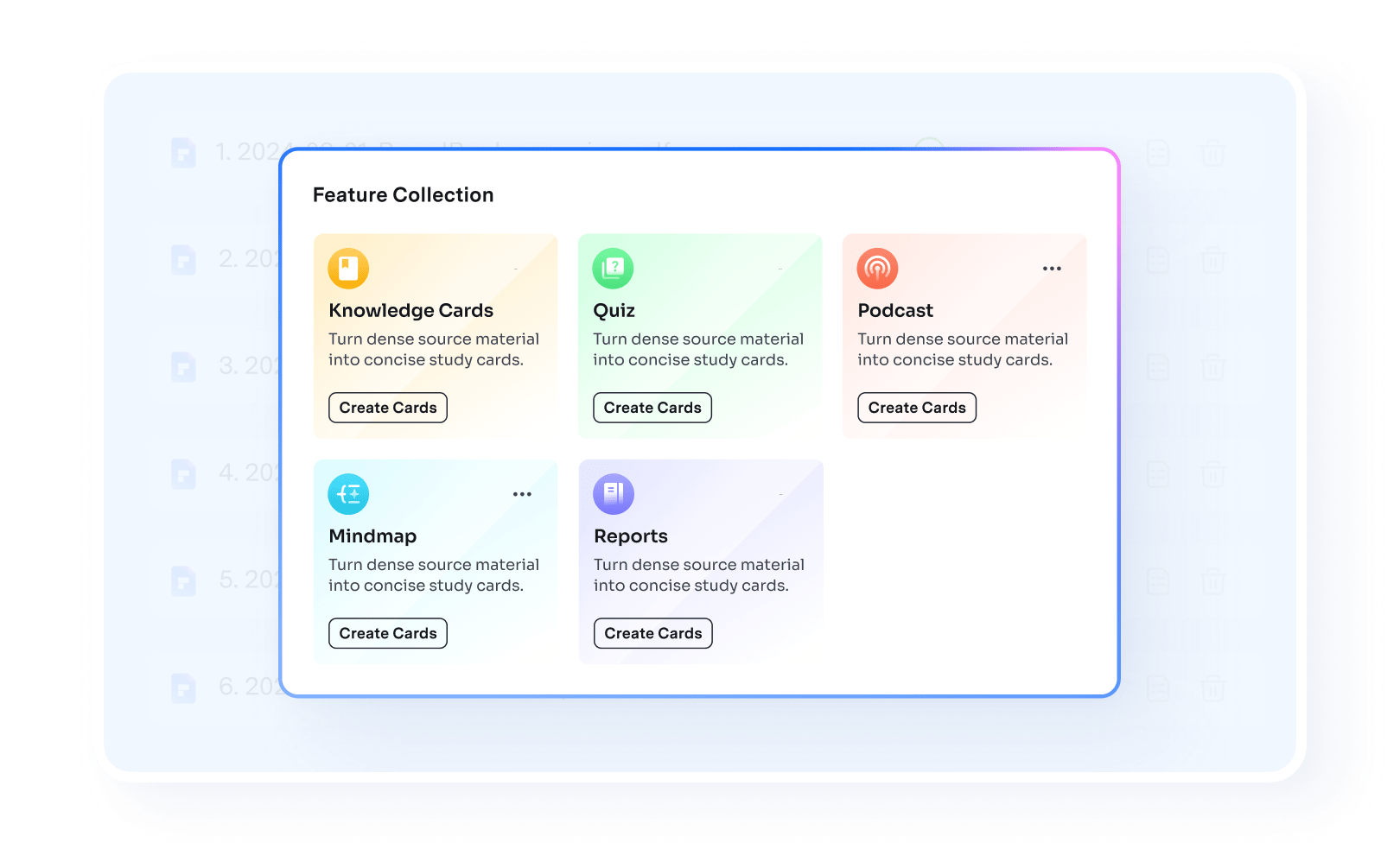
Check source-backed answers, jump to the original content, and turn insights into summaries, flashcards, quizzes, podcasts, and more.
FAQs about AI PDF Tools
Unleash productivity with More PDF Tools in PDFelement



Simplified by AI.
Fast, easy, and affordable PDF editor. Convert, edit, sign PDFs, and more.