
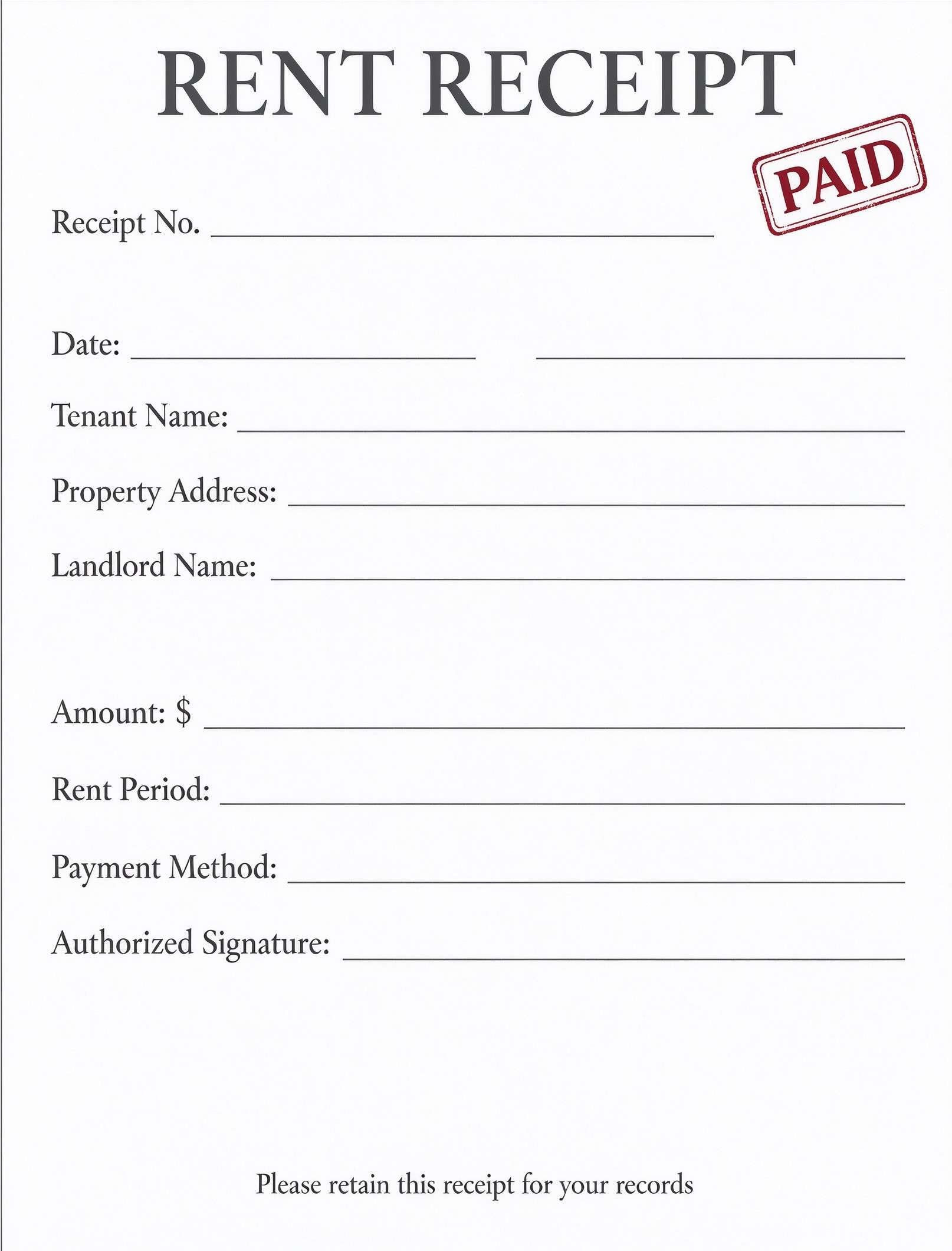
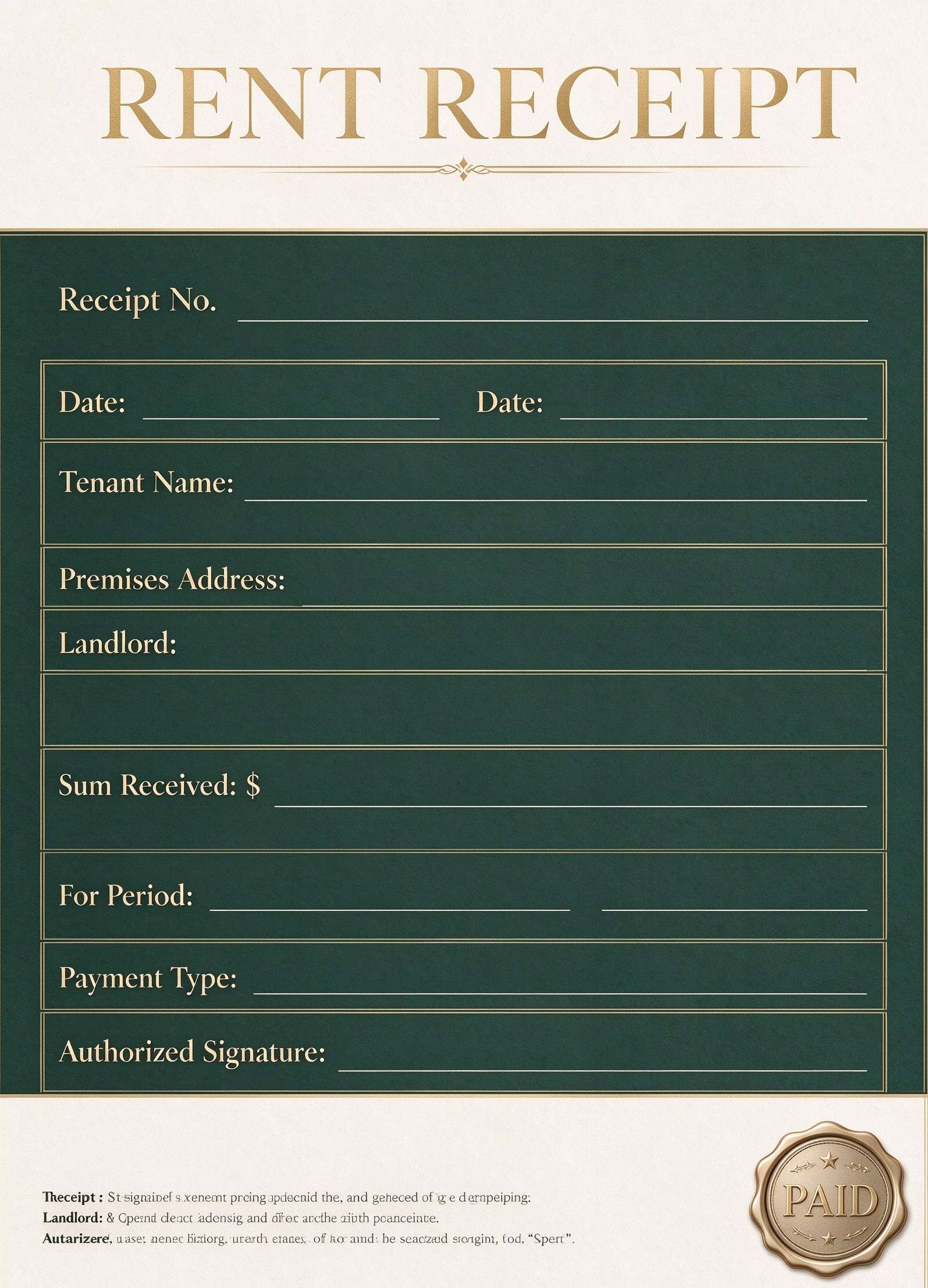
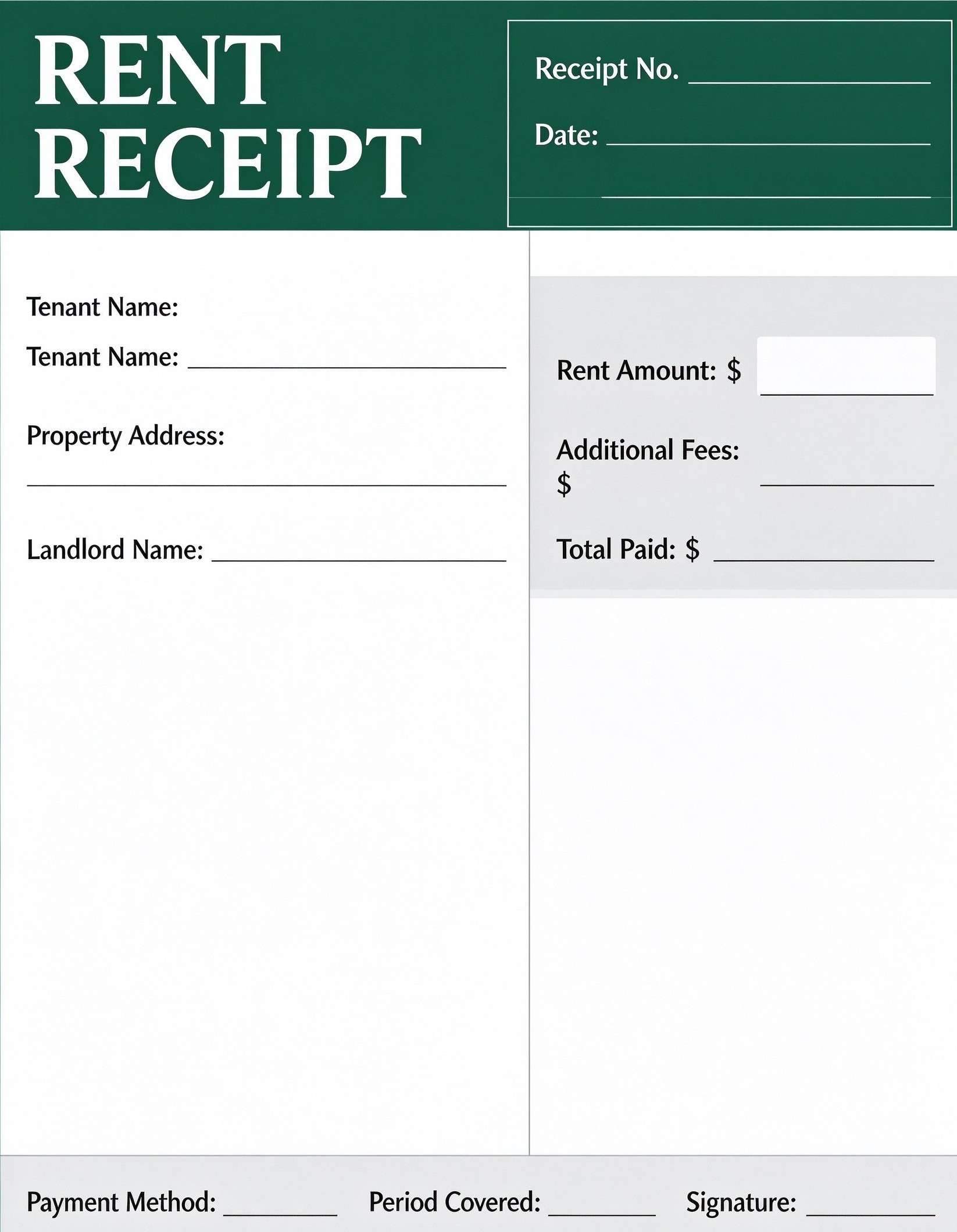
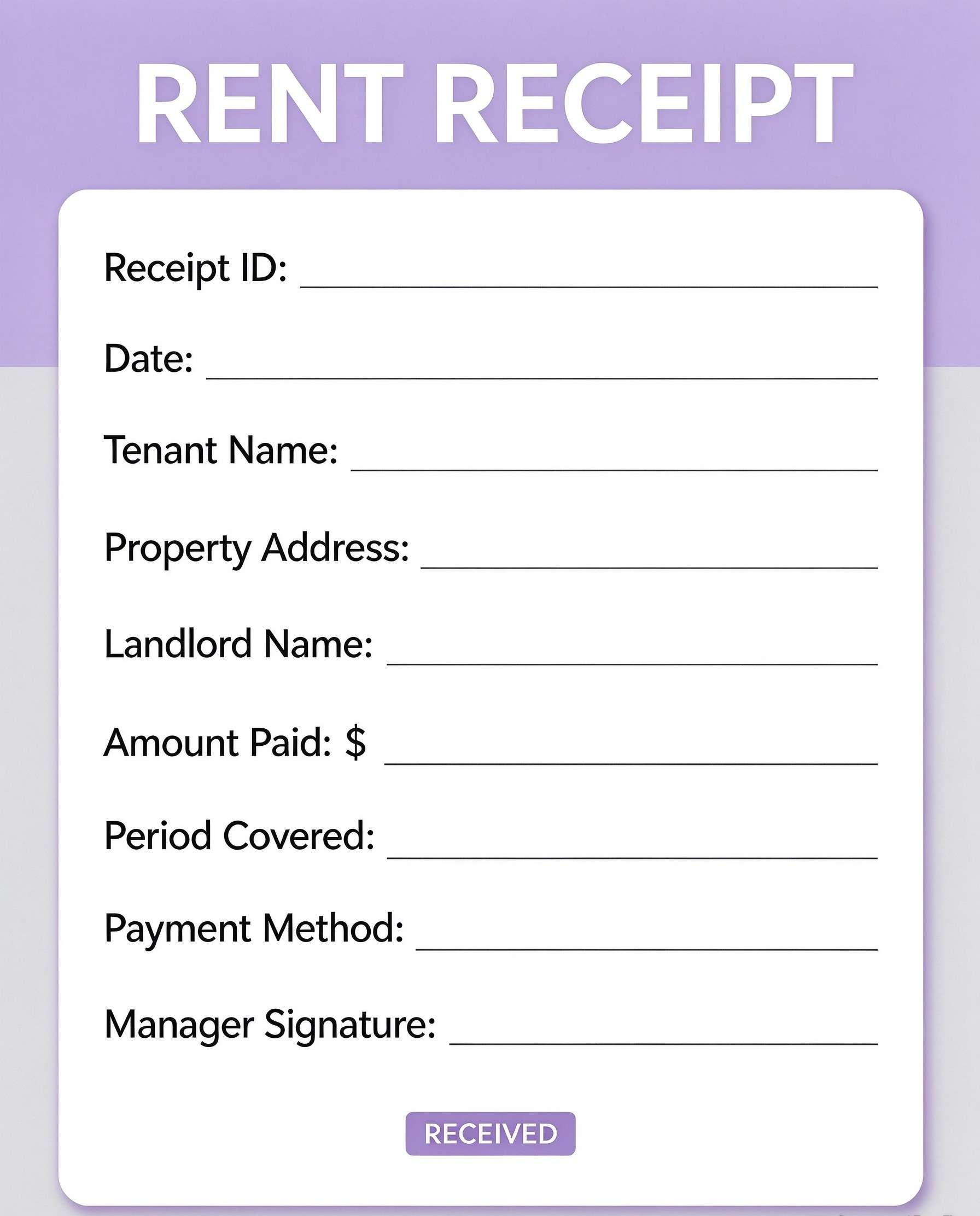
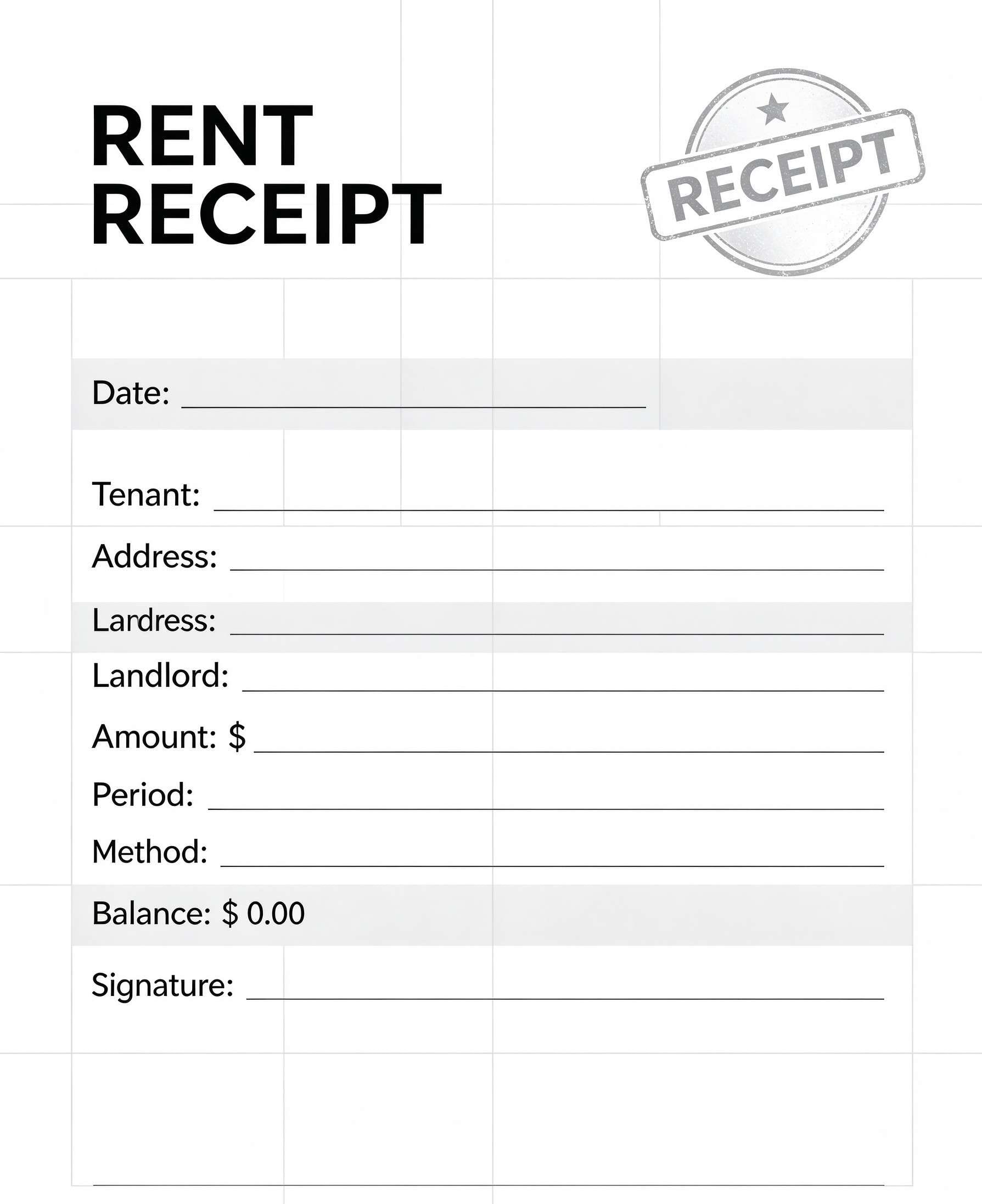
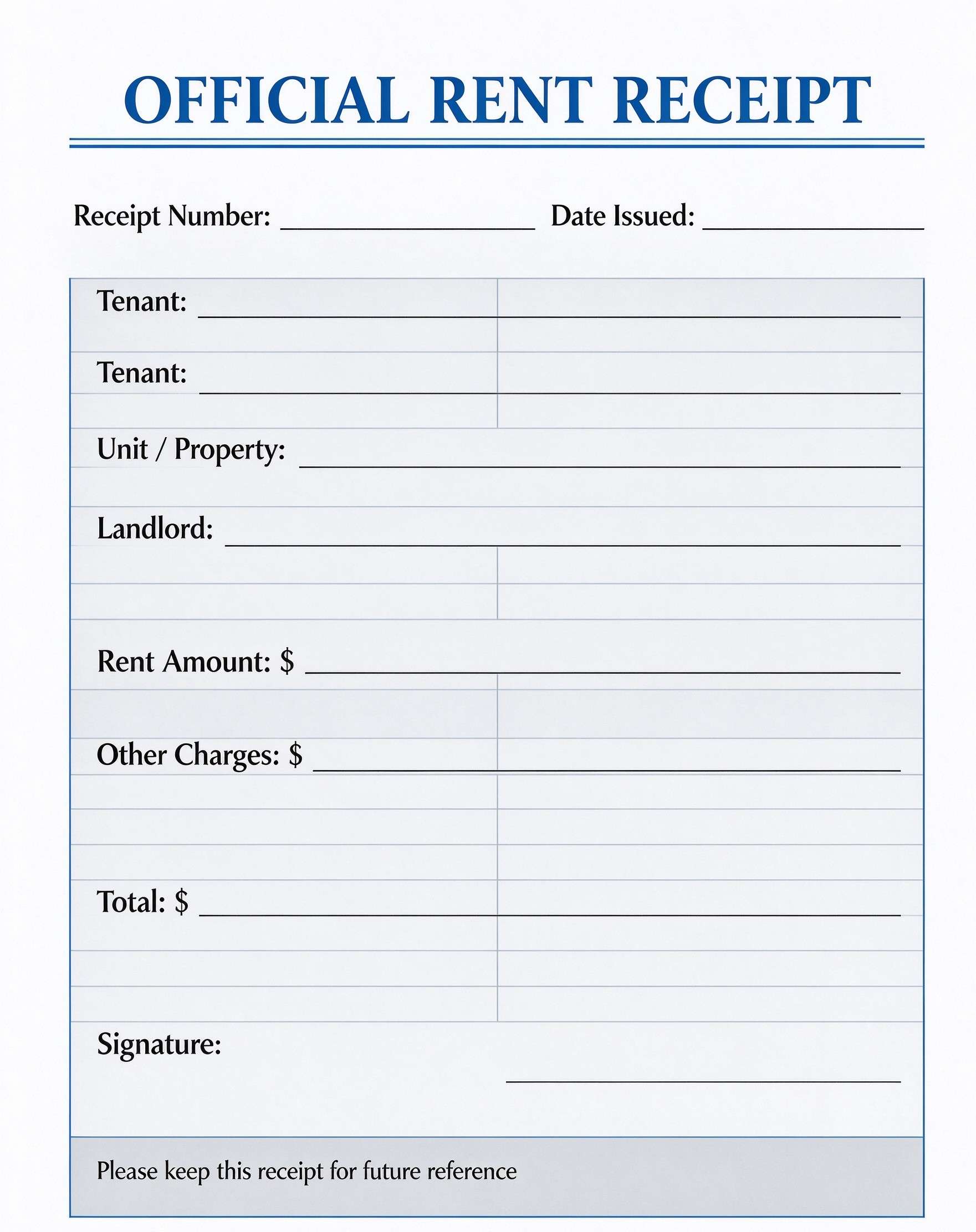
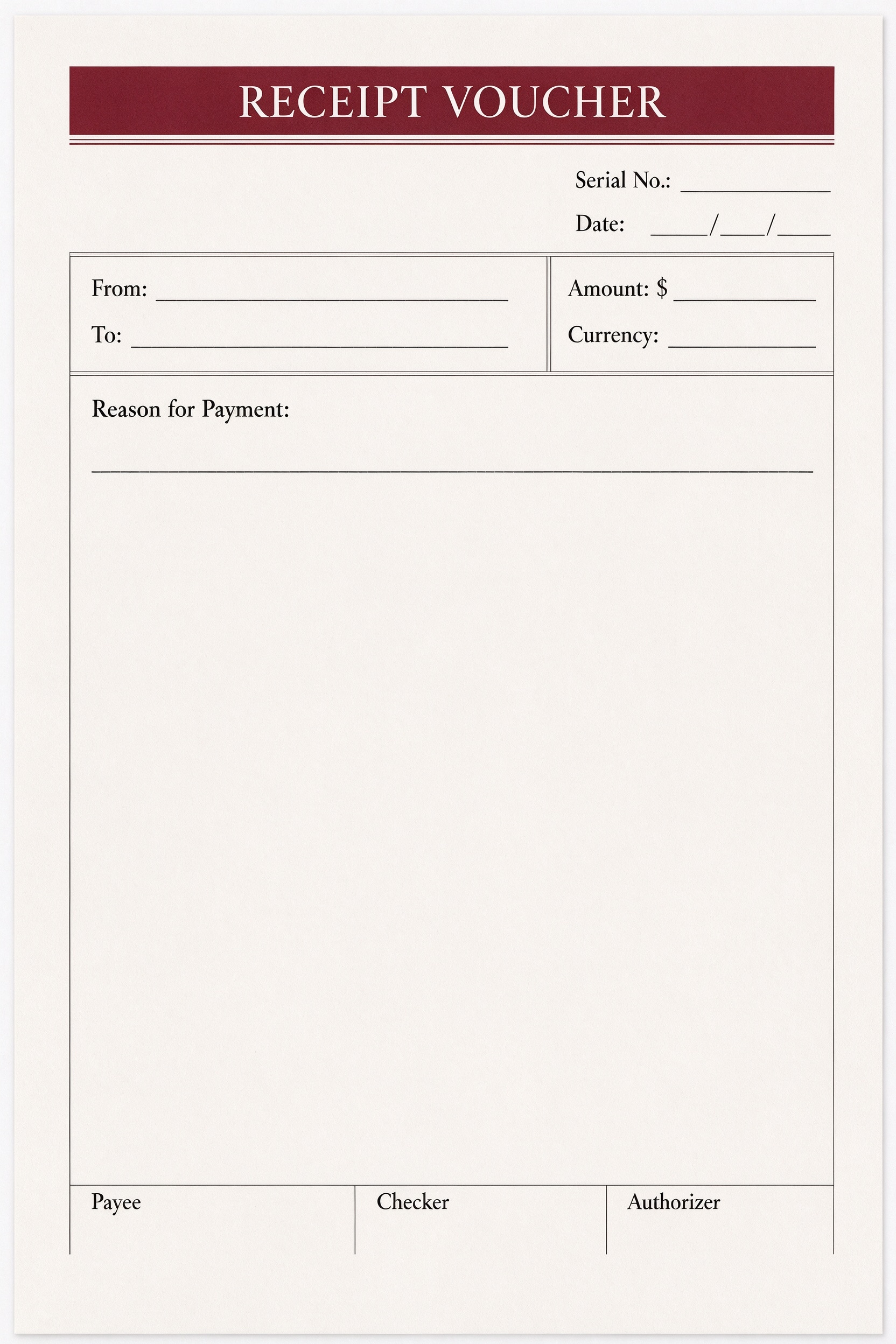
Receipt Voucher Template PDF
Download a printable receipt voucher PDF template to record payment receipts, payee information, currency amounts, and formal authorizations. Designed for cashiers, accountants, and office managers, this form establishes clear financial documentation and an auditable paper trail for every transaction.
What is a receipt voucher
A receipt voucher is a structured Business & Operations PDF that helps teams capture the information needed for this specific workflow. It keeps important details organized, easy to scan, and ready to print or share.
Users download this receipt voucher because it gives accounting staff and auditors a simple printable sheet of payer entities, received sums, payment justifications, and internal sign-offs.
Cashier & Petty Cash Desks
Acknowledge received funds, incoming vendor refunds, or cash collection on site.
Small Business Accounting
Maintain tangible physical and digital records of payments received from customers.
Internal Auditing & Controls
Verify transactions with distinct payee, checker, and authorizer confirmation signatures.
Field & Office Administration
Issue standardized receipts quickly without needing complex point-of-sale software.
- Complex double-entry bookkeeping requiring automated general ledger sync
- High-volume automated eCommerce checkouts needing instant digital payment gateway integration
- Multi-item itemized inventory billing that requires automated sales tax calculations
How to use and edit the receipt voucher
You can print this template for paper collection or complete it as a fillable PDF. Digital editing is useful when you want typed entries, reusable records, clean copies, and easy sharing with cashiers, accountants, bookkeepers, auditors, or branch managers.
How to customize the PDF
Use this workflow to input serial numbers and transaction dates, specify payer and payee entities, detail the payment justification, and add verification signatures.
Open the PDF in PDFelement
Download the Receipt Voucher PDF template, open it in PDFelement, click each fillable field, type the needed details, tick checkboxes where relevant, and save a clean digital copy.
Assign a serial number and date, then input the payer name in 'From' and recipient in 'To'.
Input the monetary value, specify the currency, and clearly describe the reason for payment in the main field.
Have the payee acknowledge receipt, followed by verification by the checker and official approval by the authorizer.


Wondershare PDFelement makes managing receipt vouchers fast and reliable by allowing you to add fillable form fields, type serial numbers and dates cleanly, and duplicate template pages for consecutive batches. You can also embed secure electronic signatures and export pristine printable documents to maintain effortless financial records.
| PDFelement Feature | How It Helps |
|---|---|
| Edit PDF | Customize labels, headings, notes, and reusable sections |
| Fill PDF | Type clean information into every fillable field |
| Form tools | Use text fields and digital signature boxes for structured financial records |
| Annotate | Add comments or extra reminders before printing or sharing |
| Convert | Export or archive the finished PDF for team records |
| Organize PDFs | Keep templates by team, date, event, player, or season |
What to include in a receipt voucher
A useful business & operations PDF should be specific enough for real team workflows but simple enough to complete quickly. The fields below show what this template is built to capture and why each part matters.
Receipt Voucher fields
| Field | What to Fill In | Why It Helps |
|---|---|---|
| Serial No. & Date | Sequential tracking code and the calendar date the payment was received. | Facilitates numerical filing, quick audits, and timeline verification. |
| From & To | Names or company entities of the paying party and receiving party. | Identifies the source and recipient of the transferred funds. |
| Amount & Currency | Exact numeric sum received along with the applicable currency code. | Prevents exchange ambiguity and records precise monetary inflow. |
| Reason for Payment | Description of services rendered, goods delivered, invoice numbers, or settlement terms. | Provides necessary context and business justification for accounting reconciliation. |
| Payee, Checker & Authorizer | Signatures or initial blocks for the receiver, compliance reviewer, and finance head. | Enforces segregation of duties and internal financial controls. |
Why users download this template
Users download this receipt voucher template because it delivers an organized, professional layout to log incoming funds and satisfy accounting compliance without tedious manual formatting.
 Always maintain a strict sequential numbering system for serial tracking. State the exact currency to prevent foreign exchange discrepancies. Include referenced invoice numbers inside the payment reason box. Ensure both checker and authorizer sign off before archiving records. Store digital PDF copies organized by fiscal quarter and serial number. Use electronic signatures in PDFelement for rapid paperless verification.
Receipt Voucher vs other business & operations templates
| Template Type | Best For | Main Difference |
|---|---|---|
| Receipt Voucher | Acknowledging incoming payments with three-tier authorization sign-offs | Focuses on incoming payment receipt and internal verification controls |
| Payment Voucher | Disbursing funds from company accounts to external vendors | Tracks outbound cash disbursements rather than incoming receipts |
| Petty Cash Voucher | Logging small, day-to-day office cash expenditures | Designed for minor reimbursements rather than formal business receipts |
| Commercial Invoice | Billing clients prior to payment receipt for goods and services | Requests payment and itemizes line items rather than acknowledging funds received |
Tips for using this template
- Pre-fill recurring company details in 'To' using PDFelement to save time during daily operations.
- Attach supporting bank deposit slips or invoice copies directly to the PDF file for comprehensive audits.
- Never leave the Reason for Payment field blank; detail all underlying invoices or agreements.
- Ensure the amount written matches the exact sum credited to company bank or cash accounts.
- Keep a printed backup binder organized sequentially by serial number for local tax compliance.
FAQs
What is a receipt voucher?
A receipt voucher is an official accounting document that records the receipt of cash or funds from a customer or third party, serving as tangible proof of transaction.
Who uses / should use this template?
Cashiers, accountants, bookkeepers, and small business owners use this template to document received payments and maintain financial accountability.
Is the receipt voucher PDF editable?
Yes, you can edit all text, add interactive form fields, type serial numbers, and insert digital signatures using Wondershare PDFelement.
What should be included in a receipt voucher?
A complete receipt voucher must include a unique serial number, date, payer and payee names, currency, amount received, payment rationale, and authorization signatures.
Can I use it for petty cash and vendor refunds?
Yes, this voucher is well suited for recording petty cash returns, vendor refunds, member fee collections, or client retainers.
Does it replace complex enterprise accounting software?
While it does not replace a multi-user ERP system, it serves as the essential source document and legal audit backup for accounting entries.
How should changes / missing items be handled?
If an error occurs, void the original voucher clearly across the face, document the reason, and issue a newly numbered voucher to preserve sequential integrity.
Related templates


This template page includes usage guidance, editing steps, review information, and related tools to avoid thin template-page content.