AI Study Space for Documents
Build an AI space for documents from PDFs, slides, docs, images, text, and YouTube subtitles. Ask across multiple PDFs and files, verify answers with source citations, and create source-backed answers, flashcards, quizzes, podcasts, mind maps, and reports in one Space.
 Loved by 10,000+ customers
 Collect mixed sources
 in one Space
Ask and verify with citations
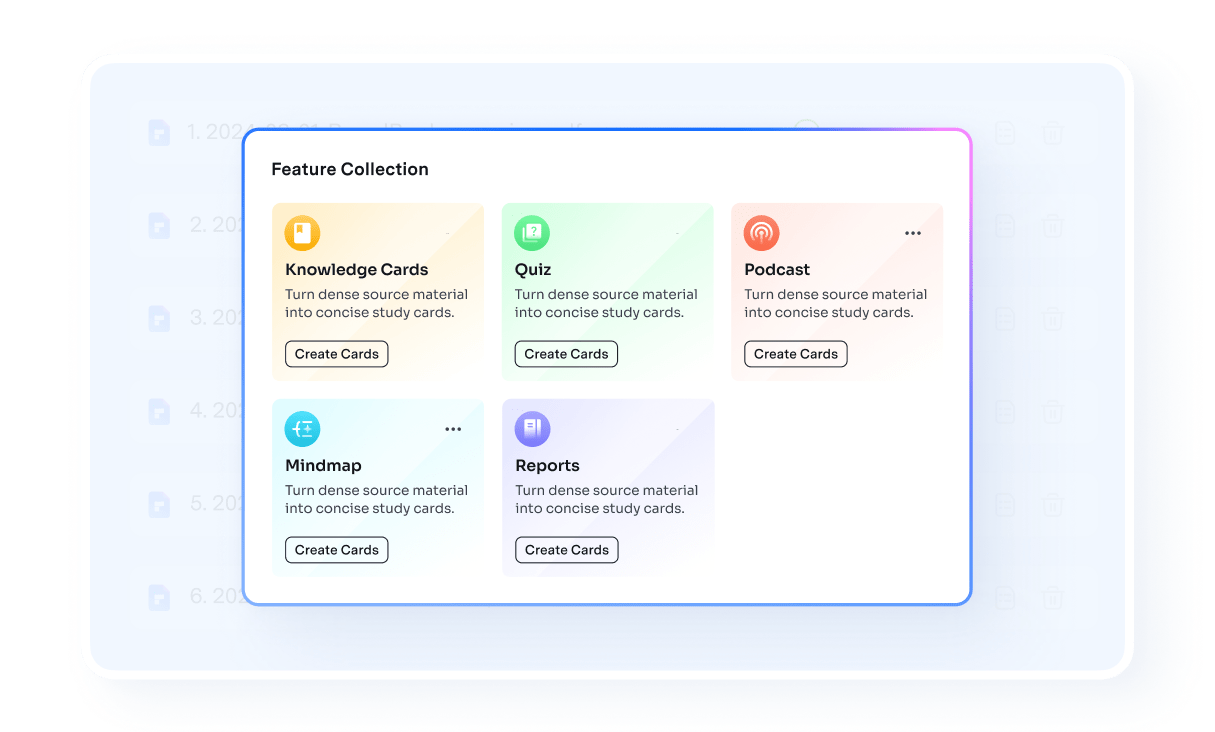
Create flashcards, quizzes, podcasts, mind maps, and reports
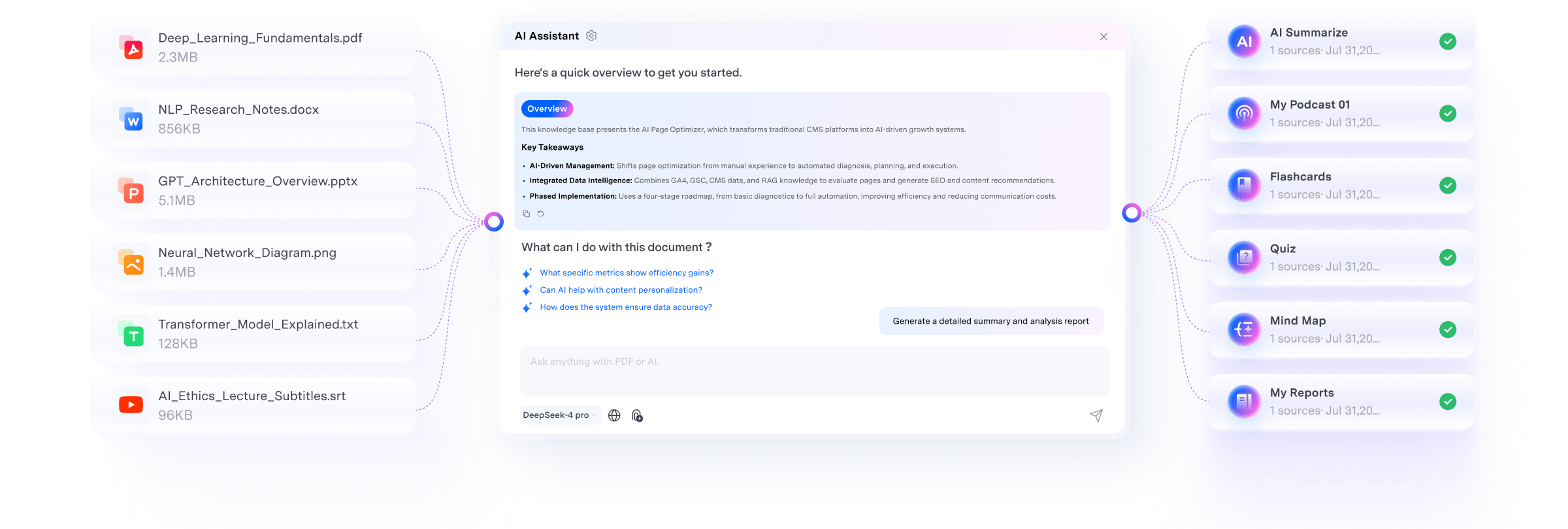
Everything your AI Space can do with your documents.
From multi-document Q&A to source checking and reusable study outputs, PDFelement turns scattered files into a structured AI workspace. Ask across multiple PDFs and documents, review source citations, and turn the same files into flashcards, quizzes, podcasts, mind maps, and reports.
6 document tasks you can do in one AI Space.
 Chat with Multiple PDFs and Docs
Ask across more than one files at a time.
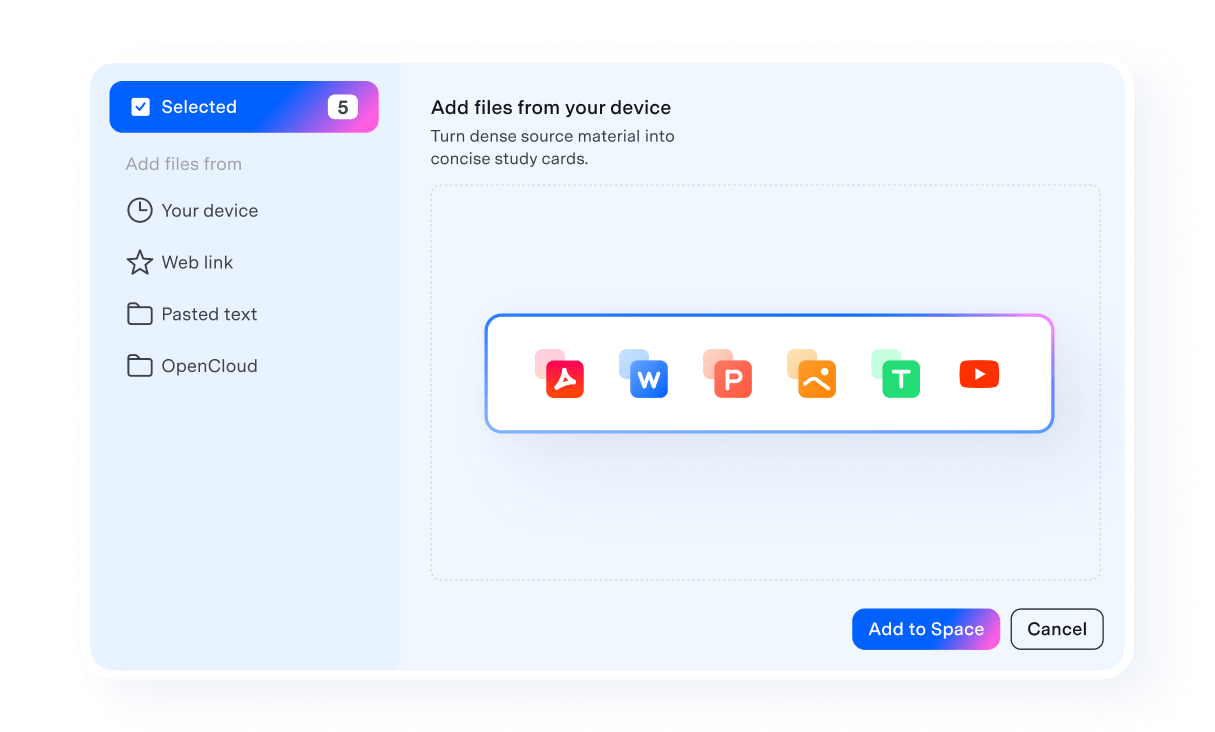
Bring PDFs, PowerPoint slides, Word documents, images, text, and YouTube subtitles into one AI Space and ask questions across all of them.

 PDF to Flashcards
Turn key ideas into faster review.
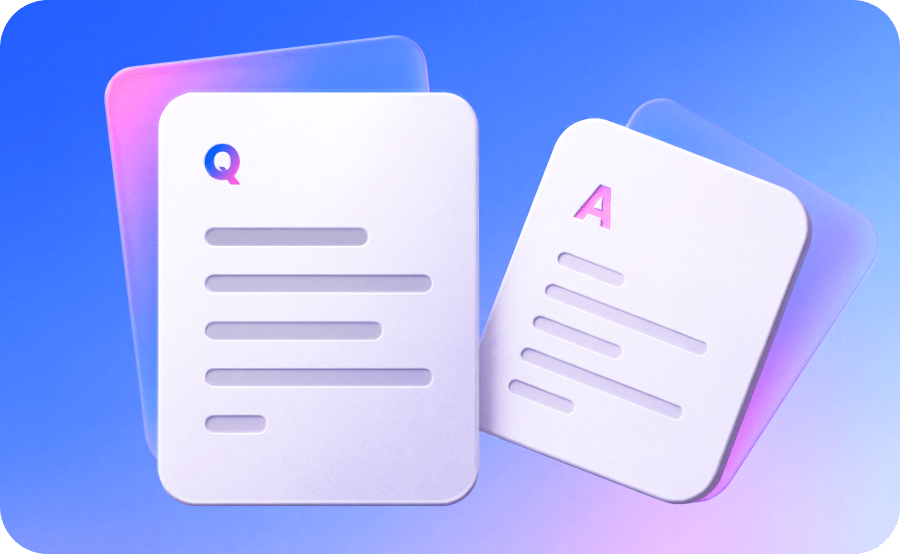
Convert important concepts from your documents into flashcards so you can review and recall them more efficiently.
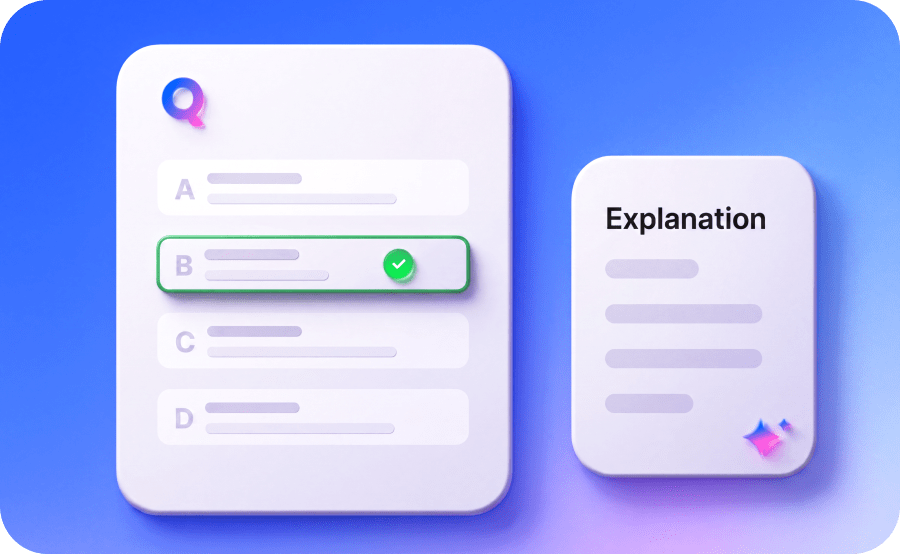
 AI Quiz Generator
Test your understanding of source materials.
Generate quizzes from your documents to assess comprehension, reinforce key concepts, and identify areas that need more review.
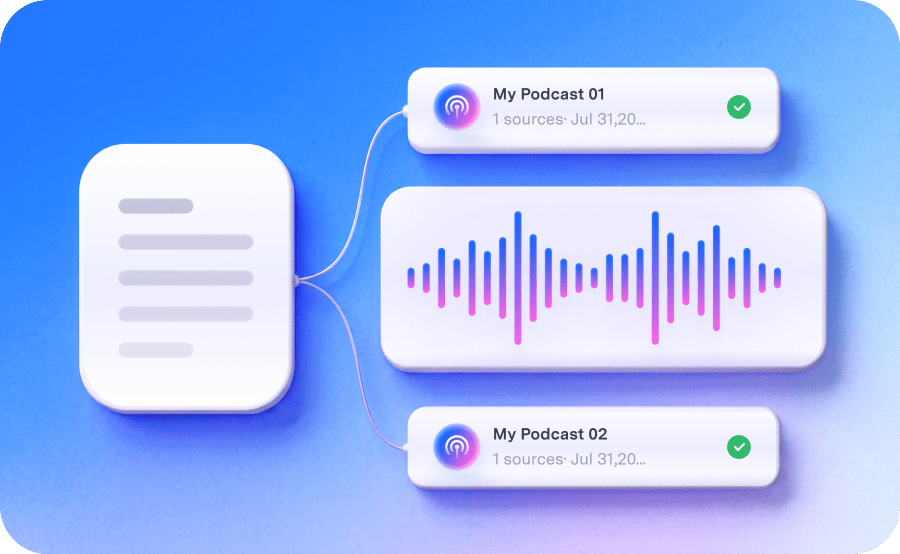
 PDF to Podcast
Make dense content easier to review.
Turn document summaries into podcast-style audio, making it easier to revisit key information anytime, anywhere.
 PDF to Mind Map
See how complex topics connect.
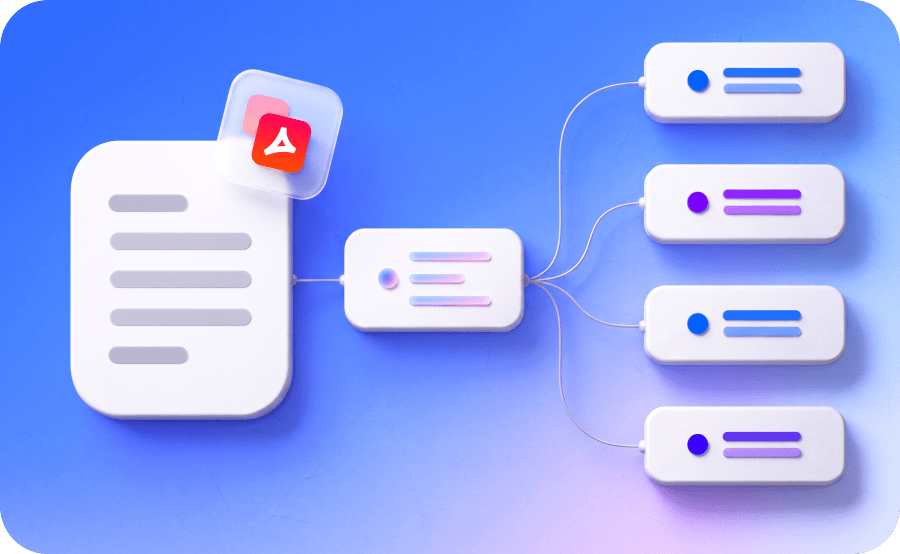
Turn document content into a visual mind map to clearly understand relationships, hierarchies, and key topic structures.
 AI Report Generator
Turn source materials
into structured reports.
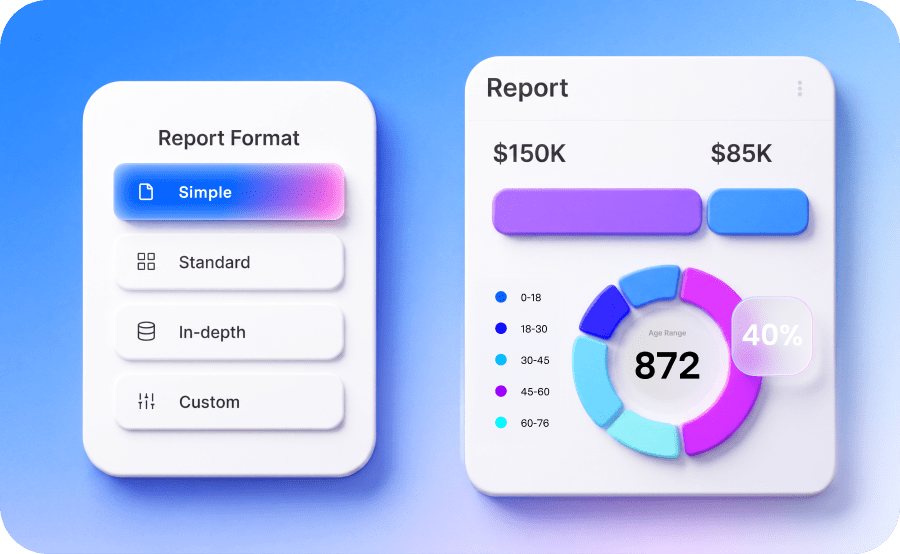
Transform the same set of source files into a well-organized report, making it easier to move from reading and research to writing.
Core AI actions behind every task.
Ask Across Files
Ask questions across multiple PDFs and
related documents in one AI Space.
Source Citations
Review cited pages and supporting
evidence before you reuse an answer.
AI Overview
Get a clear overview of
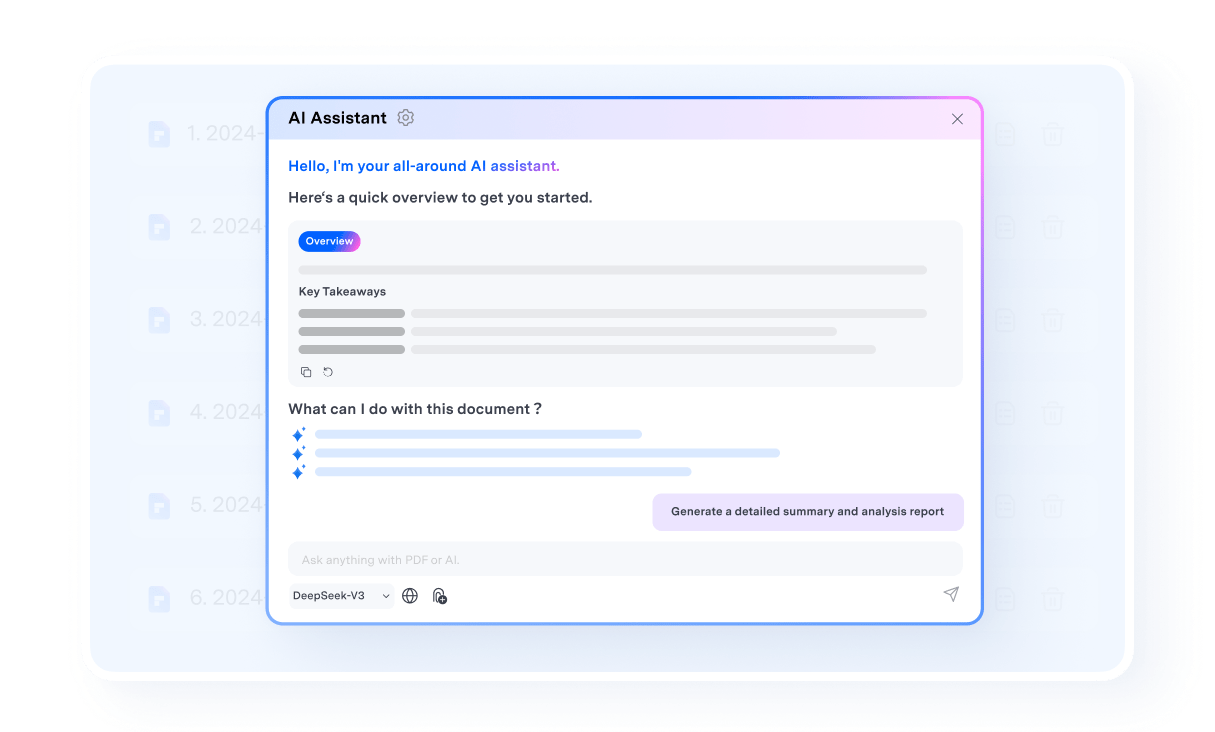
your document set before exploring the details.
How to create your AI Space for documents?
Collect documents, ask questions, verify sources, and create outputs in one workflow.
Add PDFs, slides, documents, images, text, and YouTube subtitles to one document Space.
Ask natural-language questions and check the cited page or highlighted source text.
Generate flashcards, quizzes, podcasts, mind maps, and reports from your own documents.
Trust every answer with source citations.
AI answers are more useful when they're easy to verify. PDFelement links responses directly to the relevant pages in the original document, so users can check the source before studying, citing, or sharing.
- View source references alongside AI-generated answers.
- Jump directly to the relevant page from each citation.
- Review highlighted evidence to reduce unsupported claims.
- Continue reading, editing, annotating, running OCR, or converting PDFs—all in the same workflow.
Working through a lot of practice problems—done actively and spaced out over time—is presented as the most effective way to learn math and prepare for exams.
- Do lots of practice problems: Build understanding through active problem solving.
- Space your practice over time: Regular review improves retention and mastery.
- Use worked examples strategically: Understand both the concepts and solution process.
- Self-test with examples (cover solutions first): Check the solution only after trying it yourself.
Built for high-stakes reading, studying, and research.
PDFelement AI Space is most valuable for users managing large volumes of documents under tight deadlines who need to verify sources before studying, citing, or submitting their work.


Turn an entire course into one study Space.
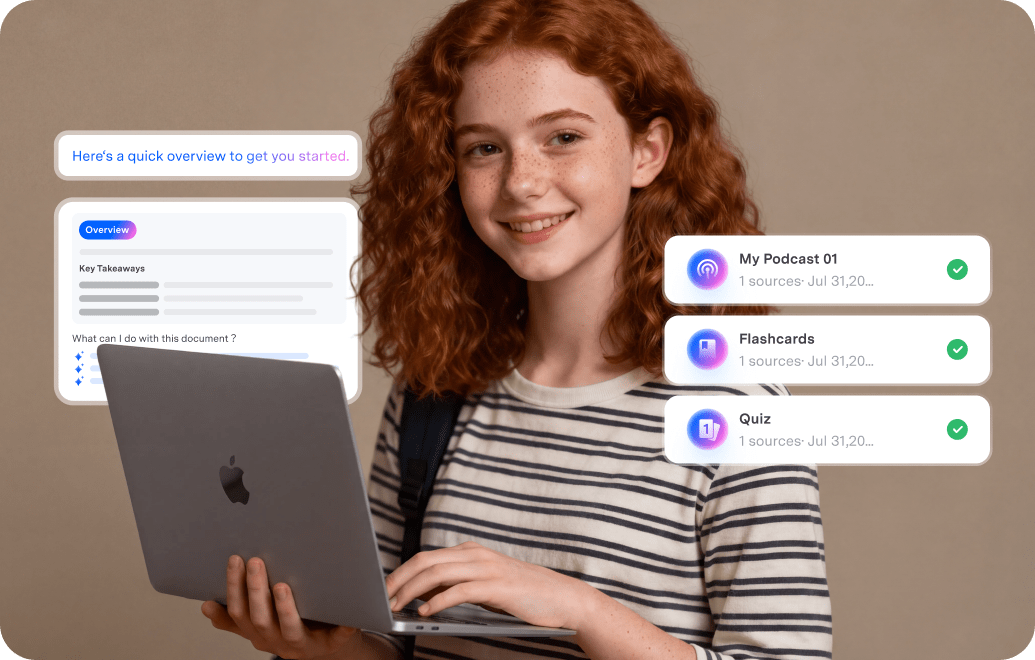
Upload textbooks, lecture PDFs, slides, and notes in one place. Ask questions about what matters most for the exam, then turn key answers into flashcards and quizzes.
- Find key concepts faster.
- Review with flashcards.
- Test weak points with quizzes.
Ask questions across papers and verify every claim.
Bring multiple papers into one AI Space, compare findings, and jump directly to cited pages to verify sources before drafting research notes or a literature review.
- Compare methods and conclusions.
- Trace answers to source pages.
- Draft structured notes and reports.
Turn piles of reports into cited briefs.
Upload reports, filings, white papers, and market documents. Extract trends, compare claims, and build briefing-ready outputs with traceable sources.
- Summarize key points faster.
- Compare findings across files.
- Keep evidence linked to the source.


Great for turning course materials into a study space.
I used PDFelement Space with lecture slides, reading PDFs, and class notes in one place. Being able to ask questions across files, then turn the same material into Knowledge Cards and quizzes, made exam review much faster.
Helpful for reviewing multiple papers with citations.
What I like most is that I can ask across several papers without checking them one by one. The source citations make it easier to go back to the original page, verify claims, and organize research notes with more confidence.
Useful for turning dense reports into usable outputs.
I uploaded reports, briefs, and reference documents into one AI Space and used it to compare findings much faster. It is especially useful when I need source-backed answers first, then a cleaner report or summary based on the same files.
Comparisonof Various AI Study Tools
Choose an AI study tool based on your workflow.
PDFelement combines AI Q&A with documents editing, OCR, annotation, and conversion in one place
| Tools | PDFelement AI Space |
Gemini Notebook / NotebookLM |
Acrobat AI Assistant |
Web PDF Chat Tools |
|---|---|---|---|---|
| Supported source formats | PDF, Word, Excel, PowerPoint, TXT, images, YouTube URLs | PDF, web URLs, YouTube, audio, Google Docs/Slides/Sheets, Word, TXT/MD/CSV, images, ePub | PDFs, links, text, Office files | PDF, Word, PowerPoint, Markdown, TXT |
| Multi-document Q&A | Yes | Yes | Yes | Varies by tool |
| Citation | Yes | Yes | Yes | Yes |
| Output types | Flashcard, Quiz, Podcast, Mind Map, Report | Study guides, briefings, audio overviews, mind maps | Answers, summaries, presentations, podcast-style overviews | Answers, summaries, comparisons, translations |
| PDF workflow integration | Yes, with an all-in-one PDF editor |
Yes | Yes | Yes |
FAQs About AI Study Space
Open PDFelement and select Space from the homepage. Click Create a New Space, give your Space a clear name, and upload the materials you want to study. Once your files have been added, you can ask questions across the entire collection instead of opening each document separately. You can also generate study aids such as flashcards, quizzes, podcasts, mind maps, and reports.
PDFelement Space helps you study smarter by turning scattered course materials into one organized, interactive knowledge base.
After uploading textbooks, lecture slides, notes, and other resources, you can ask questions across all of them and receive answers supported by source citations. You can then convert key concepts into flashcards, generate quizzes to test your understanding, create mind maps to visualize relationships, or listen to podcast-style summaries while reviewing. Structured reports can also help organize findings before writing an assignment.
Yes. You can create a PDFelement Space, upload materials, and access its core tools for free. This allows you to organize documents and explore the Space workflow before deciding whether you need additional AI capacity. Some AI-powered actions use AI credits, including generating flashcards, quizzes, podcasts, mind maps, and reports. Credit usage may vary depending on the tool and the amount of content being processed.
PDFelement Space includes useful AI study tools for college students who work with large collections of course materials. PDFelement Space brings PDFs, slides, documents, images, text, and YouTube subtitles into one workspace. Students can ask questions across sources, verify answers through citations, and create flashcards, quizzes, podcasts, mind maps, and reports.
Acrobat AI Assistant also supports PDF-centered study workflows and AI-assisted document interactions. The best choice depends on your preferred workflow, file formats, budget, and need for source verification.

Build Your First AI Space in PDFelement
Collect documents, ask questions, verify answers, and create study or research outputs without leaving your PDF workflow.


