AI Contract Review with Agreement Copilot
Identify risky clauses, verify the original wording, compare revisions, translate key terms, redact sensitive information, and prepare approved contracts for signature—all within a single PDF workflow.
 Loved by 10,000+ customers
 Review contracts
 before signing
Verify clauses in source context
Compare, translate, and sign in one workflow
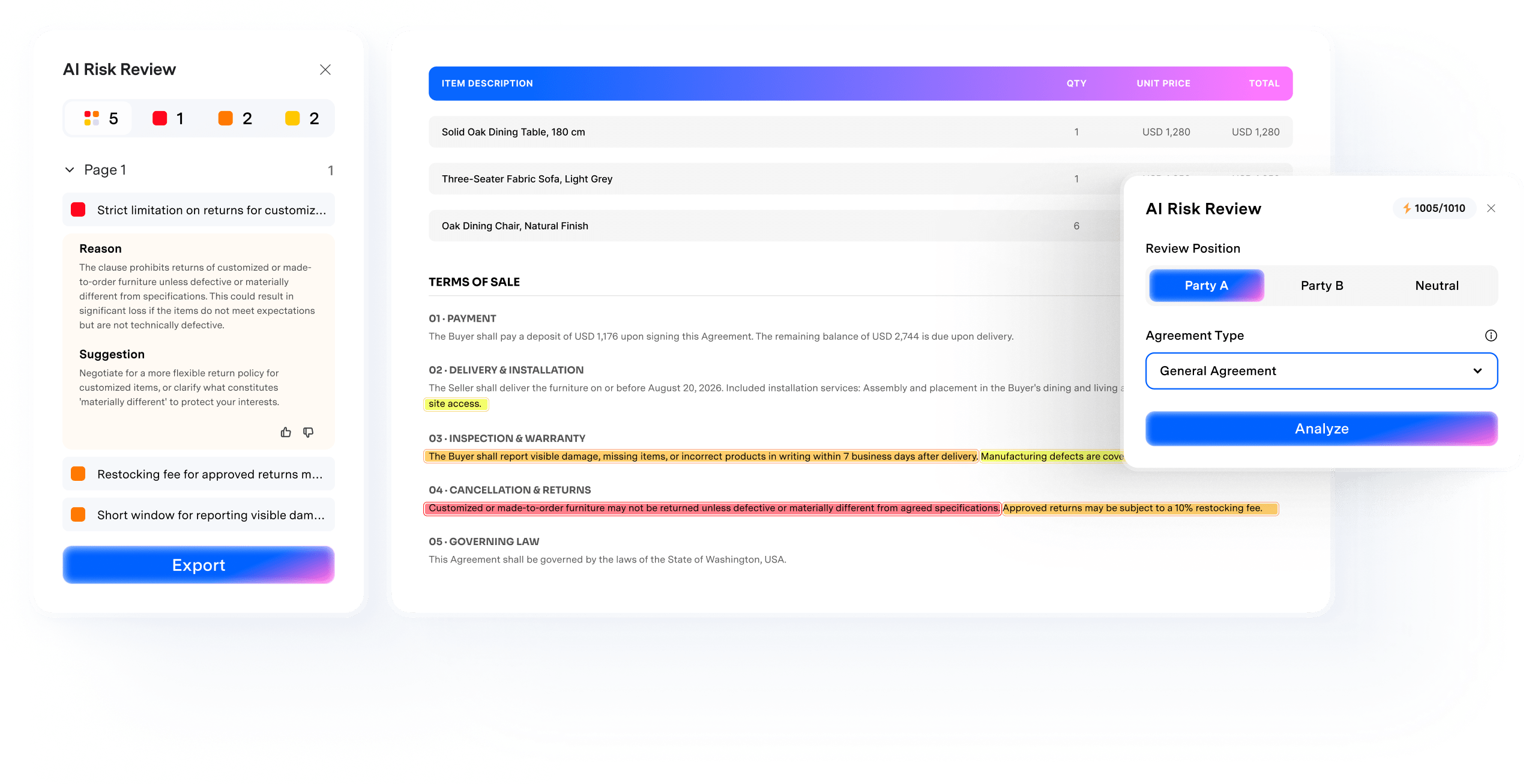
Review contract risks before you sign.
Agreement Copilot helps you review contracts before approval by identifying potential risks, comparing revisions, and translating agreements as needed. Designed to make contract review faster, clearer, and easier to manage.
 AI Contract Risk Review
Identify contract terms that need closer attention.
Run an initial review to flag potential risks, find the original clauses, understand why they matter, and determine what to review next.
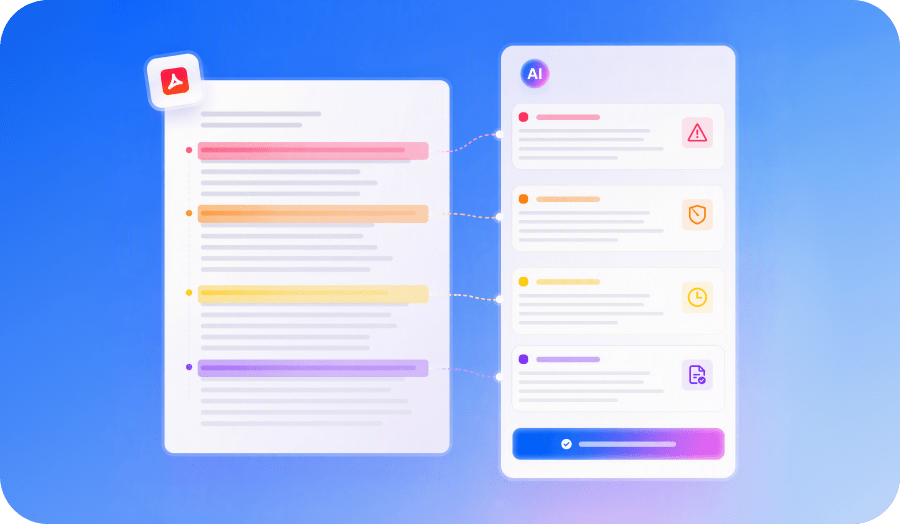
 Contract Comparison
See what changed before approving the final draft.
Compare contract versions side by side to quickly spot additions, deletions, and revisions to key business terms.
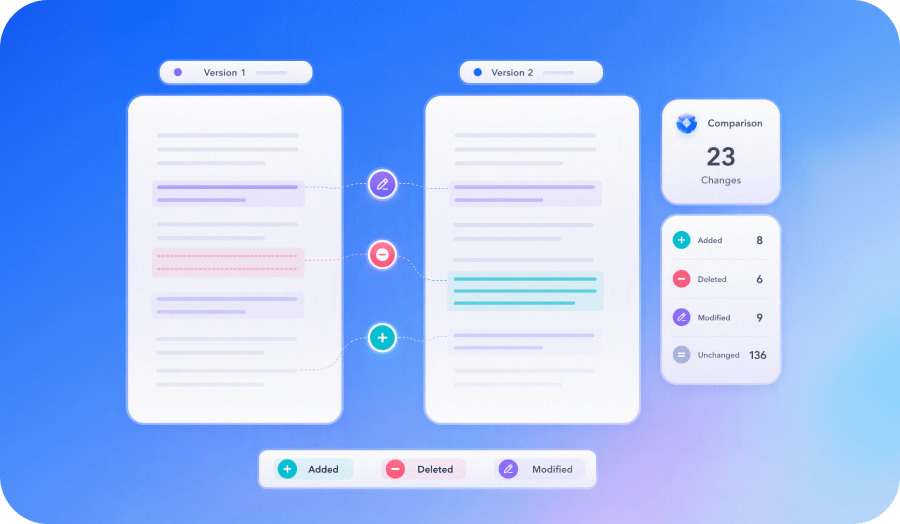
 Contract Translation
Understand bilingual agreements in context.
Translate an entire contract or selected clauses while keeping the original text available for reference.
 Ask Across Files
Ask questions across multiple PDFs and
related documents in a single AI Space.
Source Citations
Review cited pages and supporting
evidence before using an answer.
AI Overview
Get a quick overview of a
documents before diving into the details.
After review, keep the contract moving.
Once your contract is finalized, securely share it, collect signatures, and complete the approval process-all within the same PDF workflow.
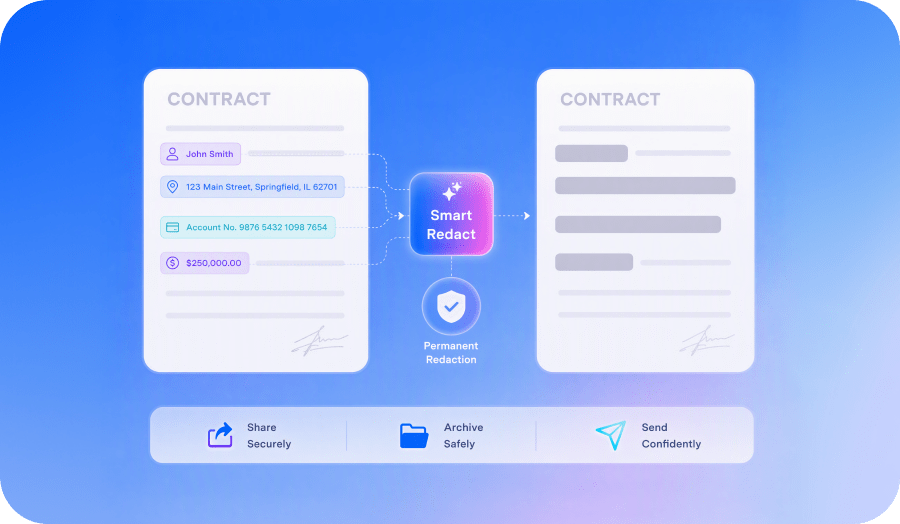
 Smart Contract Redaction
Remove sensitive information before sharing.
Automatically detect and permanently redact confidential information before sending or distributing copies of the contract.
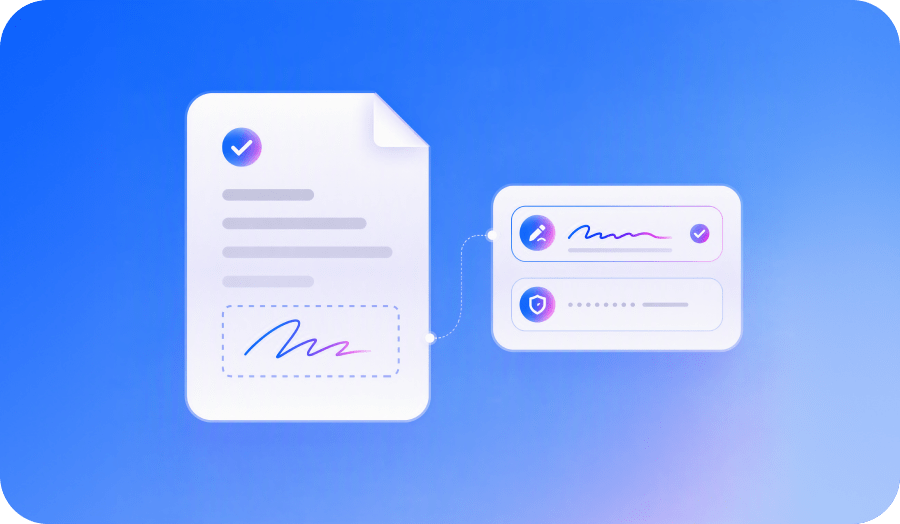
 Electronic Contract Signing
Sign approved contracts in the same workflow.
Add your electronic signature directly to the finalized agreement without printing or scanning.
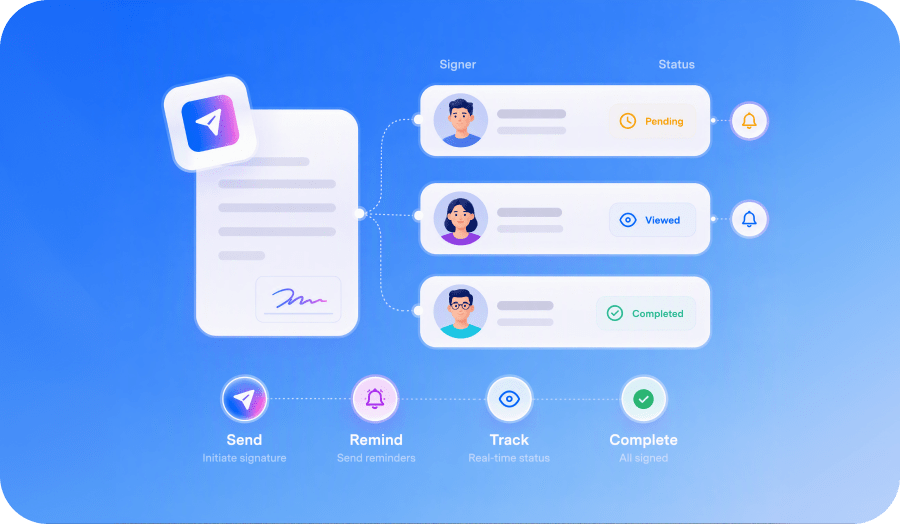
 Signature Requests & Tracking
Send reviewed contracts for eSignature.
Request signatures, assign signature fields, and track progress until every recipient has signed the agreement.
How to review a contract Before signing?
Use AI Contract Risk Review to analyze your contract, understand potential risks, and verify the original wording before approval.
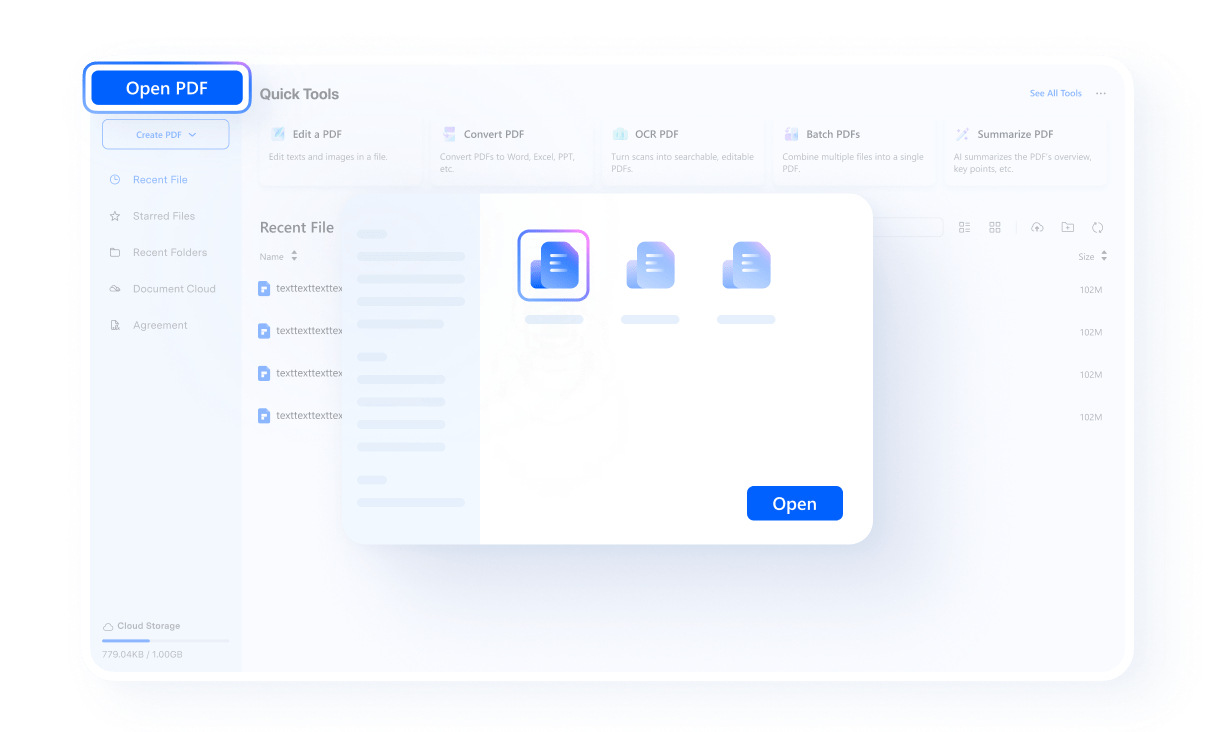
Open the contract in PDFelement. Then select Party A, Party B, or Neutral and choose the agreement type that best matches your contract for a more relevant review.
Start the review to identify clauses that may require closer attention, including renewal terms, payment obligations, liability provisions, defined terms, and other language that could affect your decision to sign.
Review each flagged clause, learn why it may pose a risk, and return to the original text to verify the wording in context.
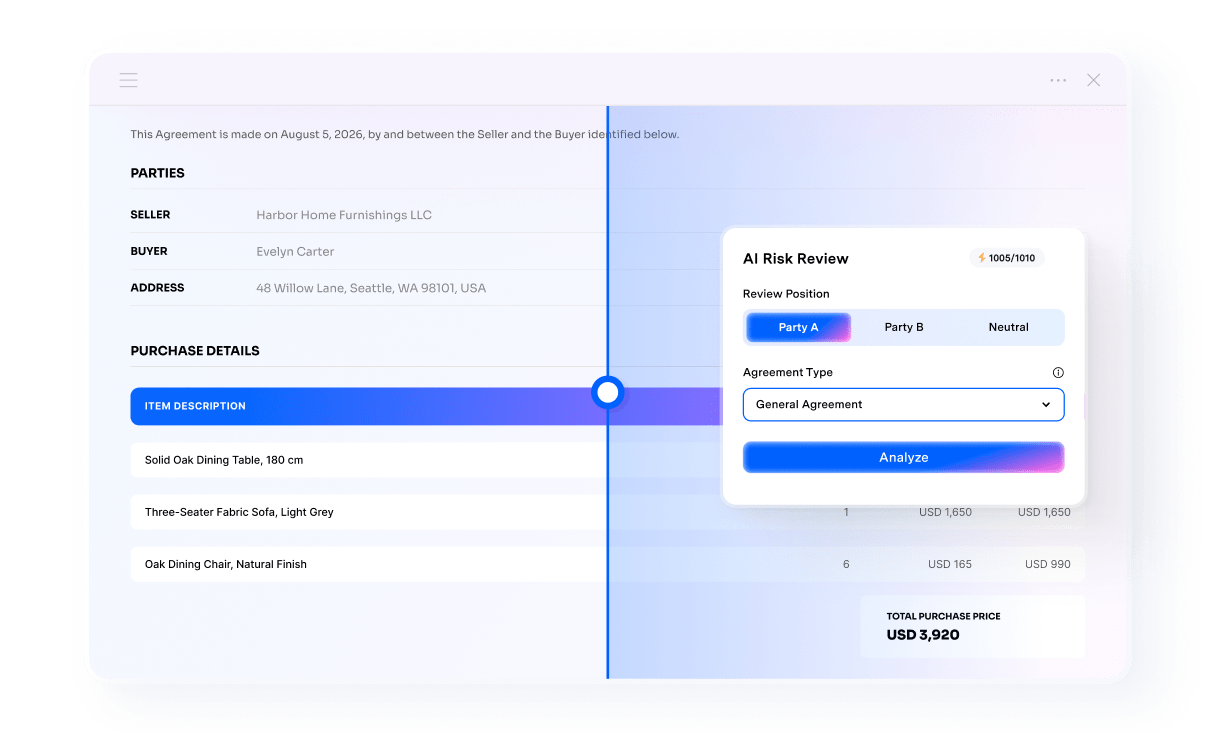
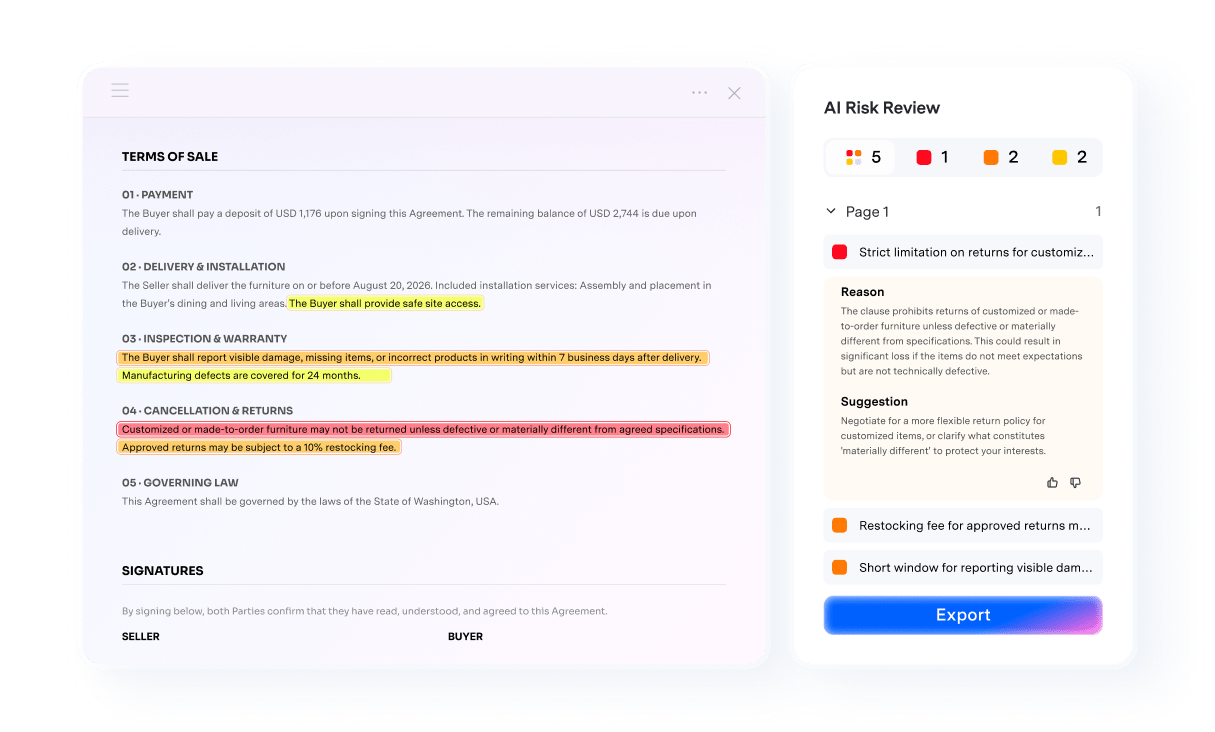
Built for contracts that need a fast review before signing.
Ideal for drafts that need an initial risk review, clear clause context, and a straightforward path to approval.
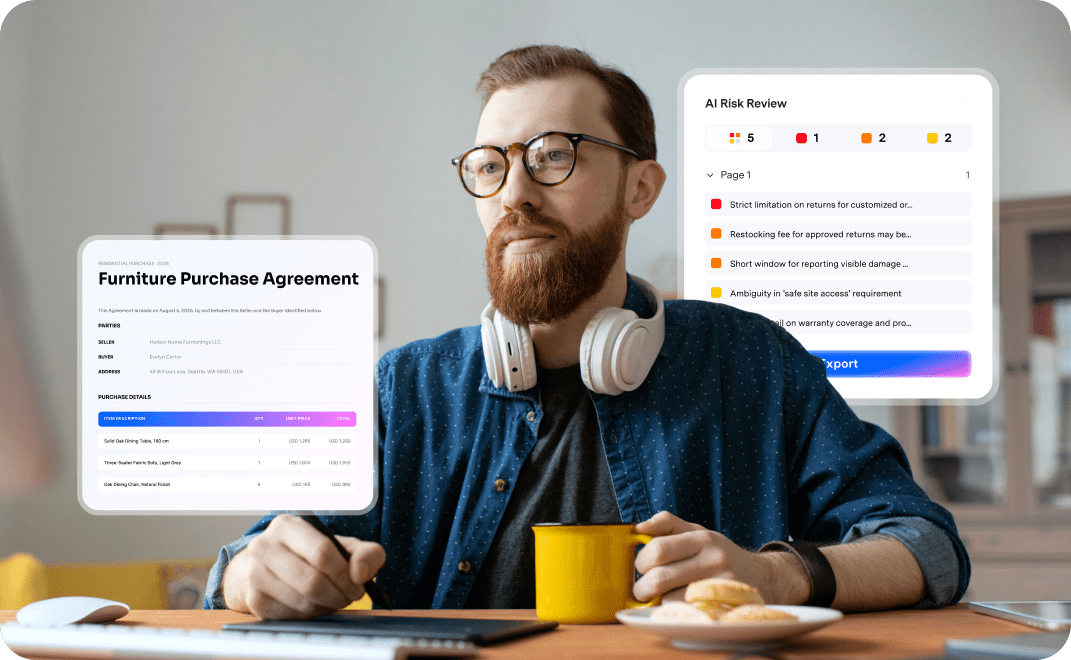
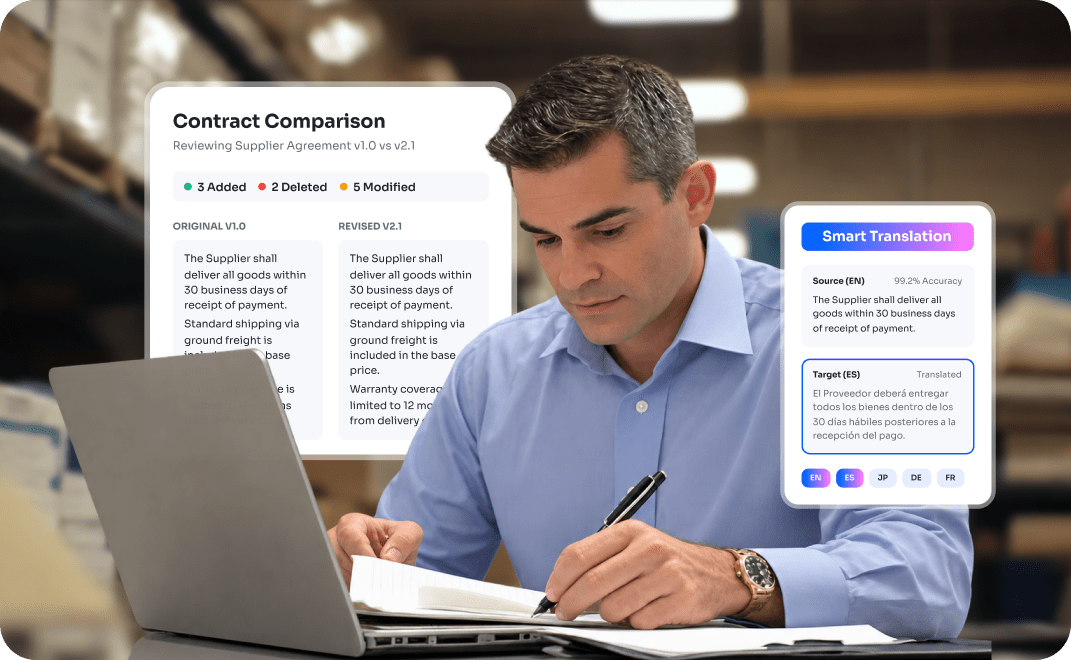
Review business agreements before signing.
Review real estate contract, service agreements, NDAs, and other common business contracts before approval. Flag clauses that may require closer attention, compare revisions, and move approved contracts toward signature.
Keep sales & procurement agreements moving forward.
Review sales and purchase agreements, order form, supply agreements, master service agreements (MSAs), and statements of work (SOWs) before approval. Compare revisions, translate multilingual contracts, and simplify the review process in one PDF workflow.
Manage employment and internal agreements securely.
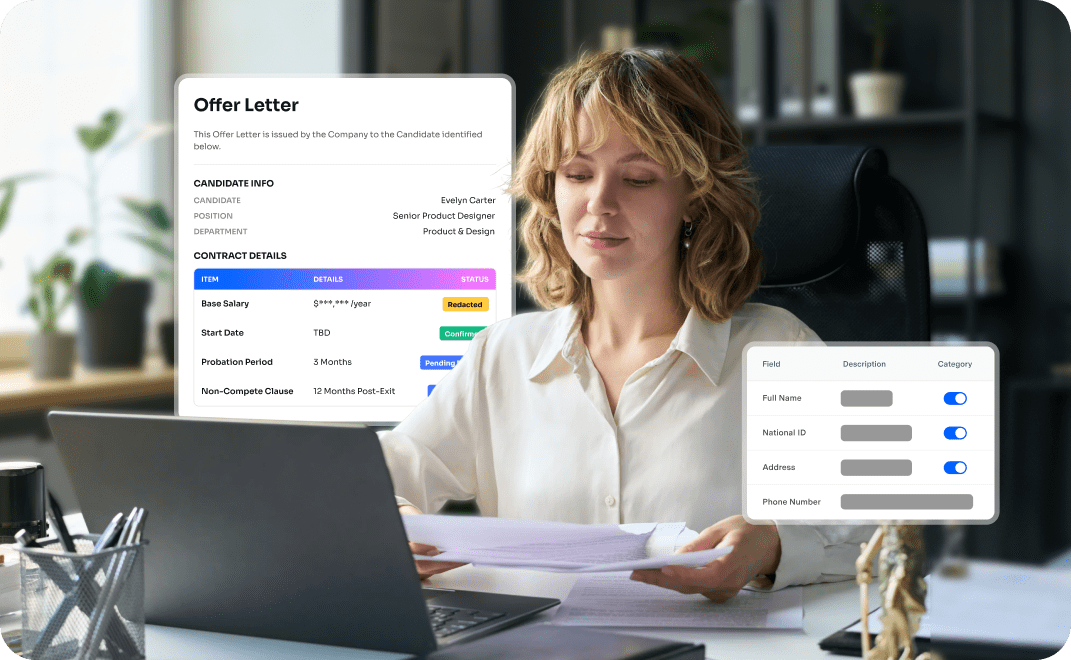
Review employment agreements, offer letters, independent contractor agreements, confidentiality agreements, and other internal documents before approval. Protect sensitive information and collect electronic signatures securely.


Faster Contract Reviews
We regularly review client agreements and NDAs. Agreement Copilot helps us understand key clauses faster and keeps each contract moving through a single workflow.

Easier Revision Comparison
Comparing revisions to supplier contracts is much easier now. We can quickly verify changes and review multilingual agreements before final approval.

One Workflow for HR Agreements
Reviewing employment and contractor agreements is now much more efficient. Having contract review, redaction, and electronic signatures in one workflow saves our team valuable time.
A structured Contract Review,Not Just a Summary
A common AI summary provides a quick overview of a contract, while AI contract review
goes further by flagging potential risks, explaining why specific clauses matter, and linking findings to the original wording.
| Capability | Agreement Copilot | General AI Summary |
|---|---|---|
| Flags clauses needing attention | Yes | Sometimes |
| Links findings to original wording | Yes | Often limited |
| Explains why the clause matters | Yes | Output varies by prompt |
| Suggests a practical next step | Yes | Output varies by prompt |
| Agreement-specific review modes | Yes | Usually no |
| Built-in review modes for Service, NDA, Employment, SaaS and more | Yes | Output varies by prompt |
| Compare, translate, redact and sign | Yes | Separate tools required |
AI risk review in PDFelement Agreement Copilot supports a wide range of common business agreements, including service, sales and purchase, NDA, employment, SaaS, development, lease, construction, data and privacy, IP licensing, partnership, finance, and general agreements.
Agreement Copilot helps with contract review and document preparation but does not provide legal advice or replace the guidance of a qualified attorney.
FAQs About AI Reviewing Contracts
AI can help summarize legal documents, identify clauses, and support an initial contract review, but its accuracy varies by tool, contract type, prompt quality, and document complexity. The American Bar Association recommends testing, validating, and applying human oversight when using legal AI. AI should support, but not replace a professional judgment.
The best AI for contract analysis depends on your needs:
Legly AI: Best for quickly reviewing contracts, identifying potential risks, and generating practical summaries for individuals and businesses.
Spellbook AI: Best for drafting and reviewing contracts directly in Microsoft Word, with support for redlining, clause suggestions, and legal workflow collaboration.
PDFelement Agreement Copilot: Best for PDF-based contract work, including risk review, version comparison, translation, redaction, and electronic signatures.
Before choosing a tool, compare supported agreement types, source linking, data security, integrations, pricing, and ease of use.
ChatGPT can help summarize a contract, explain unfamiliar language, compare selected clauses, and identify terms that may deserve closer attention. However, ChatGPT may miss risks or interpret provisions incorrectly. It should not be treated as a lawyer or as the final authority on whether a contract is safe to sign. Avoid uploading confidential information unless the service's privacy and data-handling terms meet your requirements.
Popular options include PDFelement Agreement Copilot, Ironclad, Luminance, Spellbook, and other specialized legal AI platforms.
Agreement Copilot is suitable for users who want contract risk review and document preparation within a PDF workflow.
Spellbook focuses on contract drafting and review in Microsoft Word, while Ironclad supports enterprise contract workflows, playbooks, approvals, and redlining.
Luminance provides broader contract analysis and lifecycle capabilities for legal and commercial teams.
AI can support an initial review of a physician employment or independent contractor agreement by identifying compensation terms, termination provisions, scheduling requirements, benefits, malpractice coverage, confidentiality clauses, and restrictive covenants. It can also summarize the agreement and help you prepare questions for an attorney. However, physician contracts can significantly affect a physician's career and finances, AI should not be the only reviewer. Have a healthcare attorney evaluate the contract before you sign or negotiate it.
Yes. AI can perform a first-pass review of common business contracts, including NDAs, service agreements, sales and purchase agreements, SaaS agreements, supply agreements, and statements of work. It can identify clauses related to payment, renewal, termination, liability, indemnification, confidentiality, intellectual property, and dispute resolution. AI is most useful for prioritizing issues and preparing questions for further review. Complex and high-value contracts should still be reviewed by a qualified attorney before approval.
Upload the lease to a trusted AI contract review tool such as PDFelement Agreement Copilot and select the appropriate agreement type and your role. Let the tool to identify rent obligations, deposits, renewal terms, maintenance responsibilities, insurance requirements, default provisions, termination rights, assignment restrictions, and penalties. Review every flagged issue and return to the original clause to confirm the exact wording. You can also compare the proposed lease with an earlier version to identify changes.
Important Notes
- Agreement Copilot supports contract review and document preparation but does not provide legal advice.
- Always review AI-generated results before approving or signing a contract.
- Built-in review modes are optimized for common business agreements used in the United States and Canada.
- OCR and AI analysis results may vary depending on the document's quality and the contract's complexity.
- Verify all translations before using them to make legal or commercial decisions.
- Users are responsible for complying with all applicable laws, regulations, and internal review policies.

Complete Your AI Contract Review in One Workflow
Identify potential risks, compare revisions, translate contracts, redact sensitive information, and collect signatures—all in one place.


