
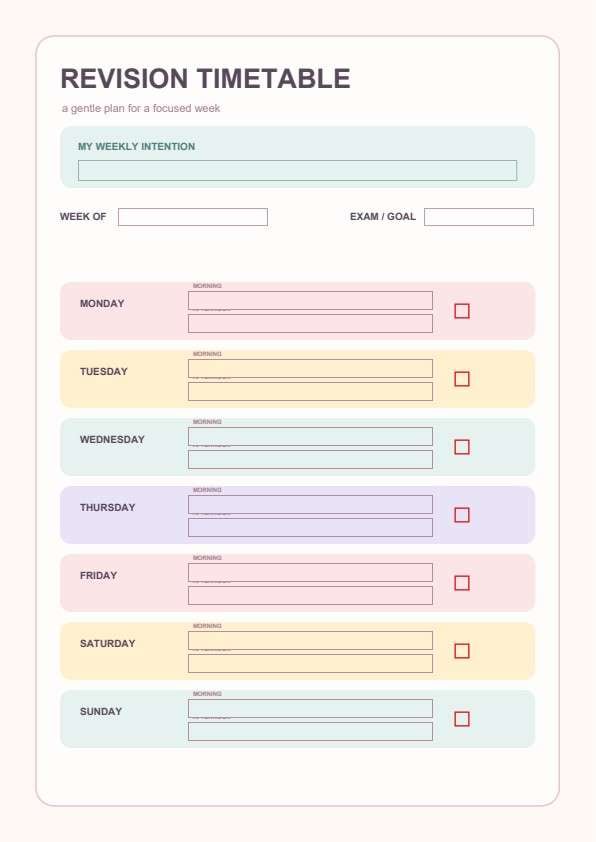

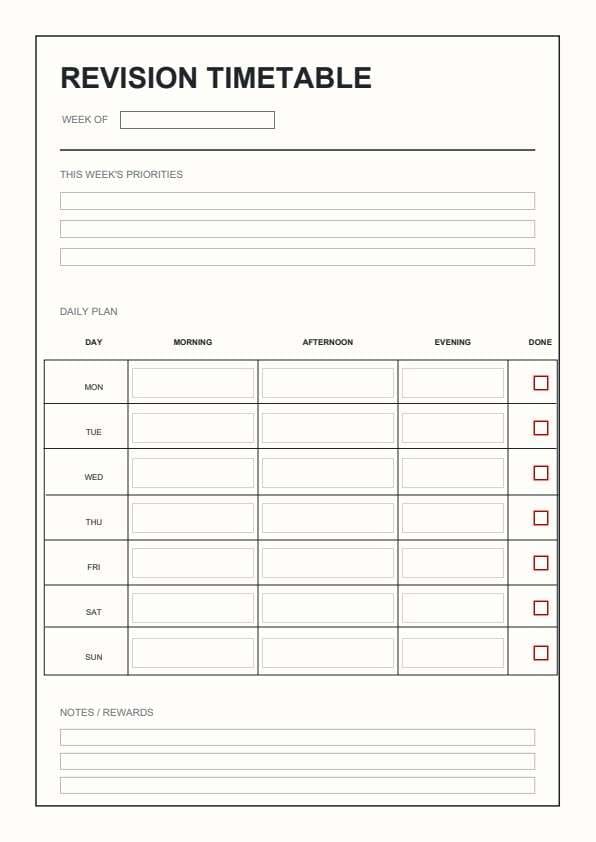
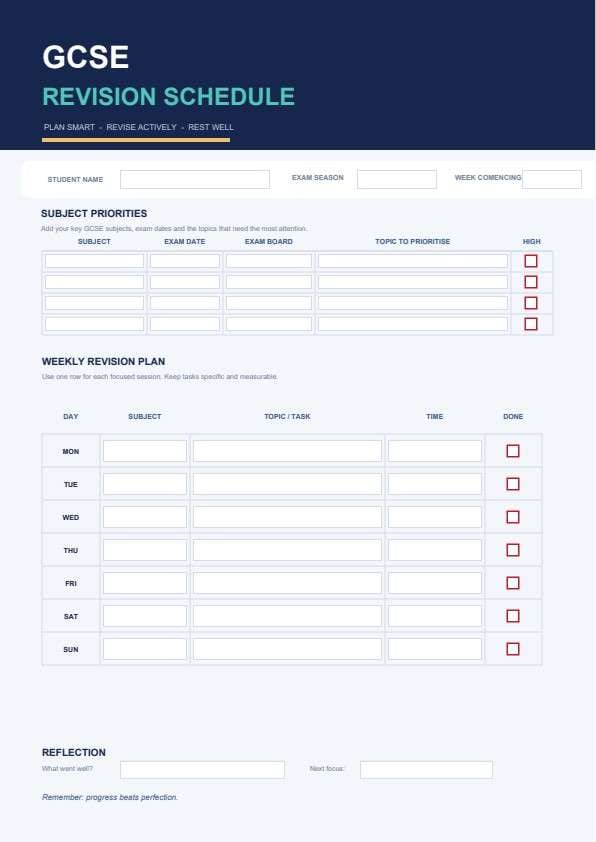
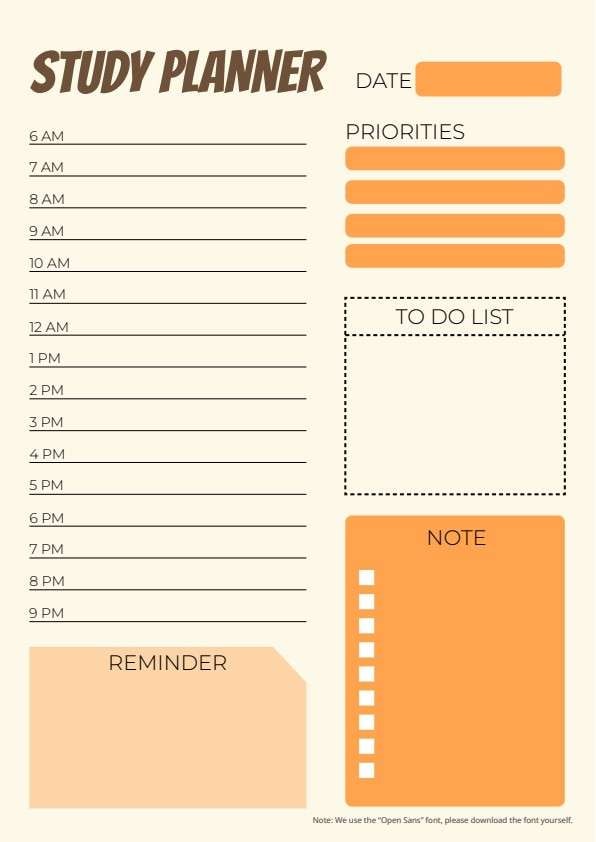
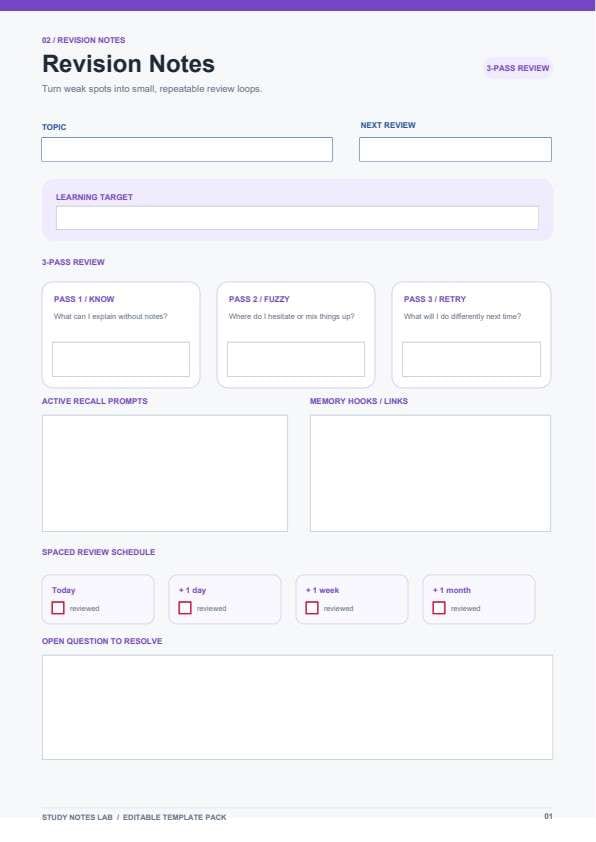
Revision Notes Template PDF
Download a printable Revision Notes PDF template to systematically review complex subjects, track memory retention, and prepare for upcoming exams. This template features dedicated sections for active recall prompts, spaced review scheduling, and 3-pass self-assessment.
What is a revision notes
A Revision Notes is a structured Education / Study PDF that helps students capture the information needed for this specific workflow. It keeps important details organized, easy to scan, and ready to print or share.
Users download this Revision Notes because it gives students a simple printable tool of study topics, learning targets, recall prompts, and review schedules.
Exam Preparation
Structuring core concepts for high-stakes testing.
Active Recall Training
Testing your knowledge without looking at source materials.
Subject Consolidation
Turning difficult topics into simple, repeatable review loops.
Spaced Repetition
Tracking your review timeline from today up to one month.
- Live classroom transcription
- Automated flashcard app syncing
- Long-form essay drafting
How to use and edit the revision notes
You can print this template for paper collection or complete it as a fillable PDF. Digital editing is useful when you want typed entries, reusable records, clean copies, and easy sharing with students, educators, study group members, tutors, or academic advisors.
How to customize the PDF
Use this workflow to record subjects and exam dates, summarize key formulas and definitions, add memory prompts, and review self-test questions.
Open the PDF in PDFelement
Download the Revision Notes PDF template, open it in PDFelement, click each fillable field, type the needed details, tick checkboxes where relevant, and save a clean digital copy.
Fill in the specific subject area and define your primary learning target for the session.
Evaluate your understanding by documenting what you know, where you hesitate, and what needs a retry.
Use the prompts and memory hooks to cement knowledge and mark your progress on the spaced schedule.


PDFelement lets you easily type your notes directly into the template, highlight essential formulas, duplicate sheets for every chapter in your syllabus, and ensure clean, perfectly aligned printing every time you prepare for an exam.
| PDFelement Feature | How It Helps |
|---|---|
| Edit PDF | Customize labels, headings, notes, and reusable sections |
| Fill PDF | Type clean information into every fillable field |
| Form tools | Use checkboxes and text fields for structured revision records |
| Annotate | Add comments or extra reminders before printing or sharing |
| Convert | Export or archive the finished PDF for team records |
| Organize PDFs | Keep templates by team, date, event, player, or season |
What to include in a revision notes
A useful education / study PDF should be specific enough for real team workflows but simple enough to complete quickly. The fields below show what this template is built to capture and why each part matters.
Revision Notes fields
| Field | What to Fill In | Why It Helps |
|---|---|---|
| Topic / Learning Target | Name of the subject or core concept being reviewed. | Keeps your study session focused on specific goals. |
| 3-Pass Review | Self-assessment notes (Know, Fuzzy, Retry). | Identifies knowledge gaps instantly for targeted study. |
| Active Recall Prompts | Self-generated questions or key test concepts. | Forces deep cognitive engagement with the material. |
| Spaced Review Schedule | Checkboxes for Today, +1 day, +1 week, +1 month. | Ensures you revisit information at optimized intervals. |
| Open Questions | Topics or queries that require further research. | Tracks items you need to clarify with teachers or books. |
Why users download this template
Users download this template because it transforms chaotic study habits into a clear, scientific framework for memory retention.
 Use distinct colors for different subject areas. Fill out the recall prompts immediately after reading. Keep this template in a physical binder for offline review. Cross-reference notes with your main textbook. Check off the spaced review boxes to track your progress. Summarize complex formulas in the Memory Hooks section.
Revision Notes vs other education / study templates
| Template Type | Best For | Main Difference |
|---|---|---|
| Revision Notes | Exam review and memory retention | Focuses on active recall and spaced review. |
| Cornell Notes | In-class lecture summary | Designed for rapid, organized note-taking. |
| Study Planner | Time and task management | Focuses on calendar and scheduling goals. |
| Flashcard Template | Short-burst memorization | Focuses on small snippets of data. |
Tips for using this template
- Print multiple copies before your revision sessions start.
- Use a pen to handwrite notes for better memory retention.
- Highlight key formulas within your active recall section.
- Group these notes by academic semester or exam date.
- Store completed notes in a folder labeled by subject.
FAQs
What is a Revision Notes template?
It is a specialized study tool designed to improve memory recall and exam performance using spaced repetition.
Who should use this template?
Students at any level, professionals preparing for certifications, and lifelong learners.
Is the Revision Notes PDF editable?
Yes, you can edit it with PDFelement to add your specific subject notes before printing.
What should be included in Revision Notes?
Core concepts, formulas, identified weak points, and self-test recall questions.
Can I use it for group study sessions?
Absolutely, it's a great tool to keep your group aligned on the same learning targets.
Does it replace complex study software?
It is a lightweight alternative that focuses on tactile, paper-based review processes.
How should missing items be handled?
Use the 'Open Question' field to list items you need to look up later.
Related templates


This template page includes usage guidance, editing steps, review information, and related tools to avoid thin template-page content.