

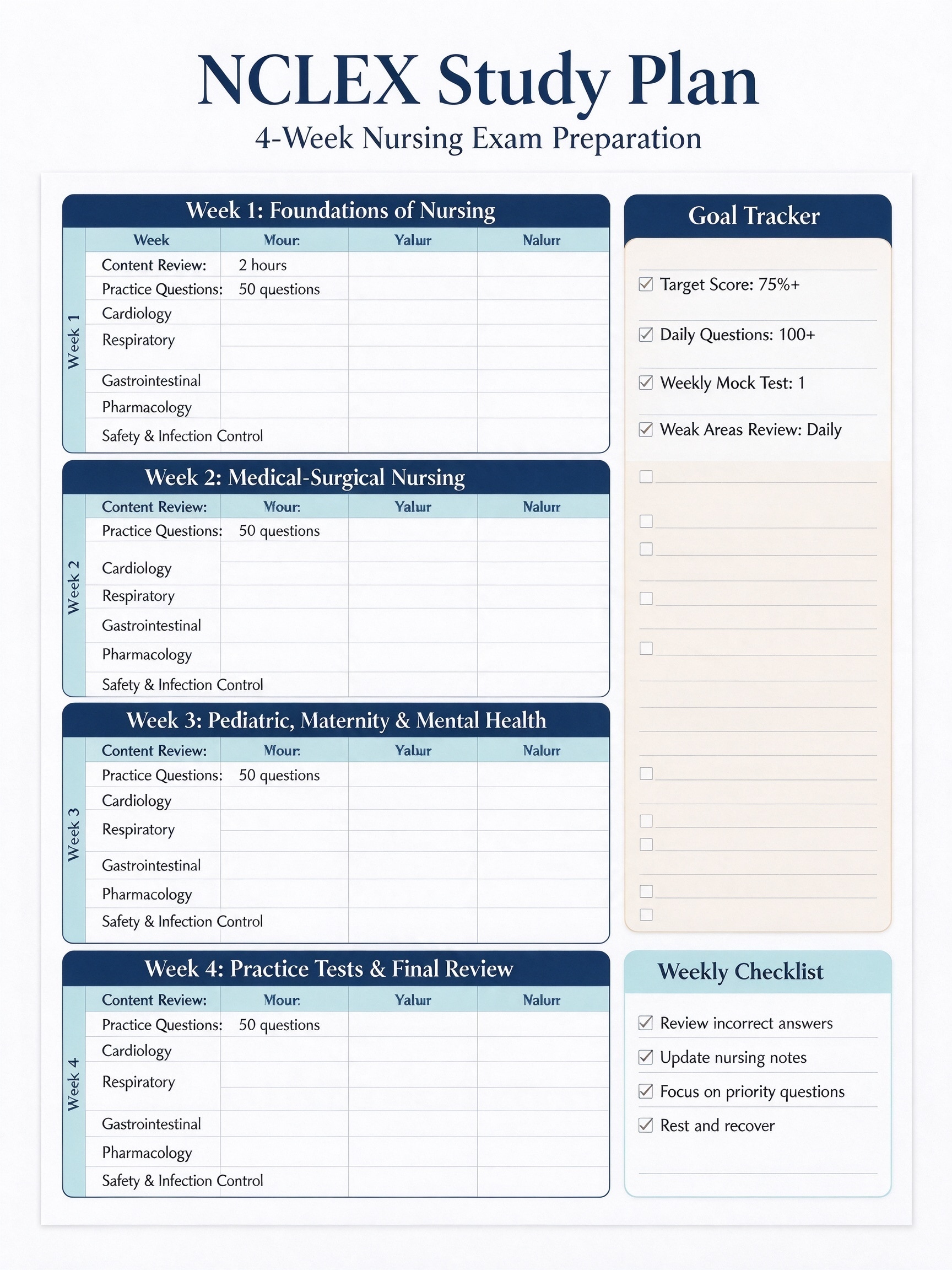
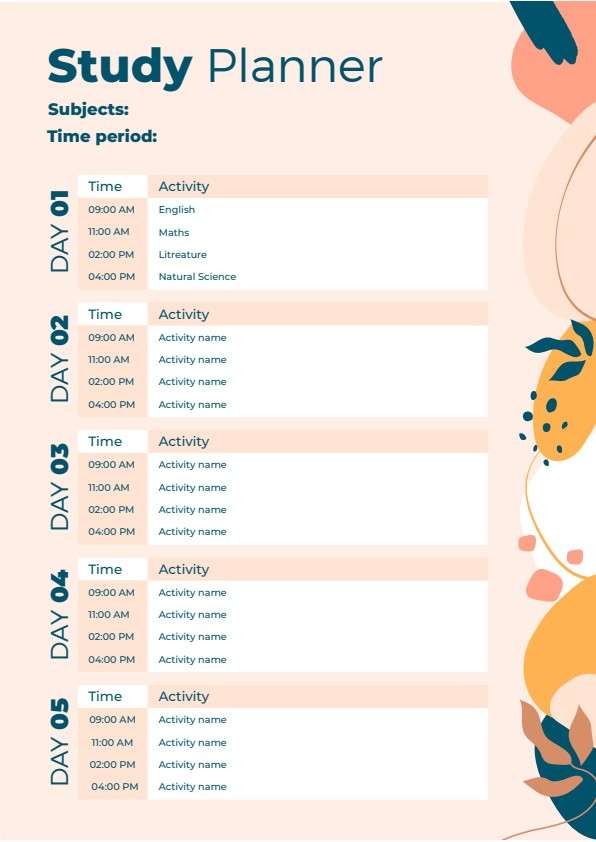
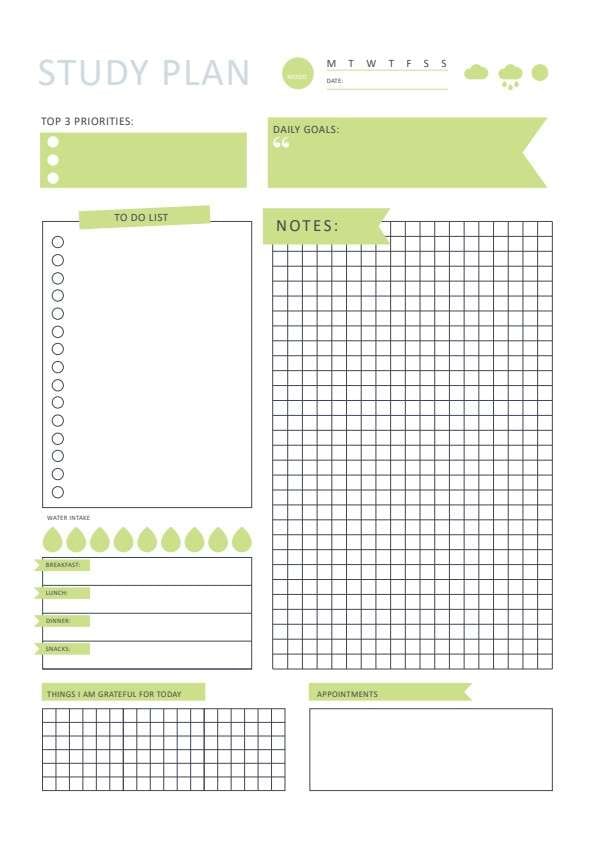
Exam Timetable Template PDF
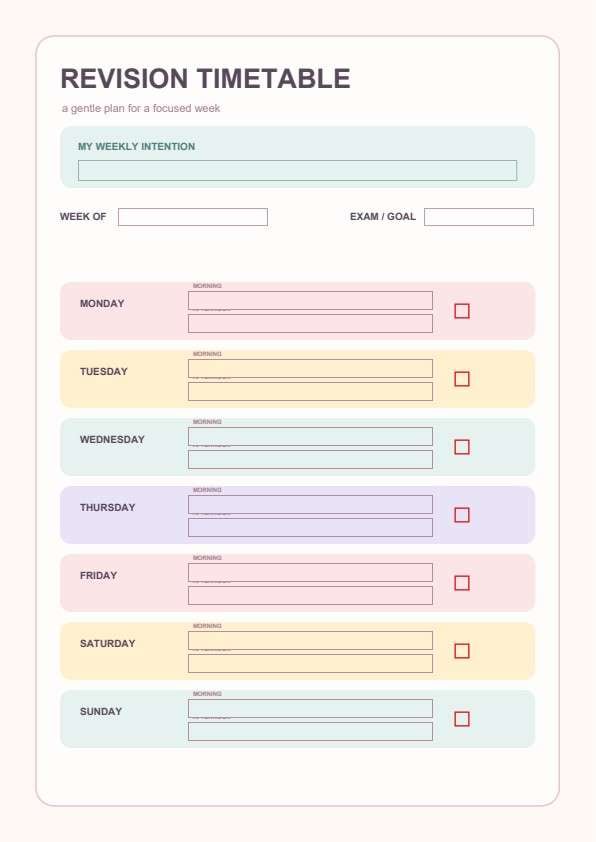
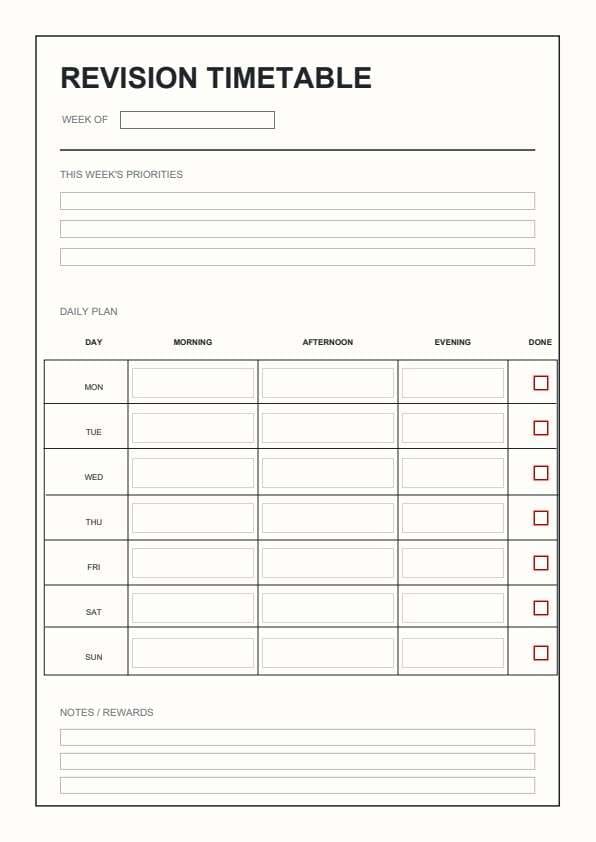
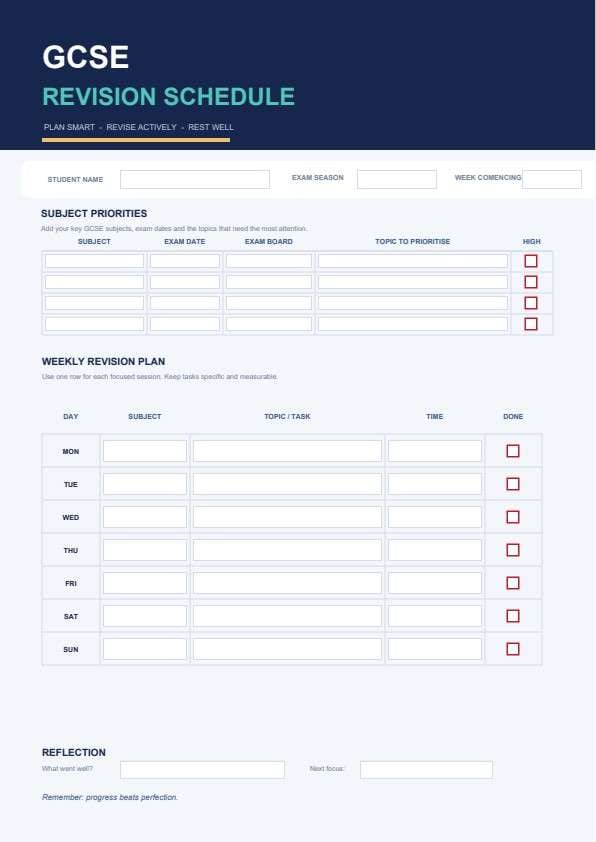
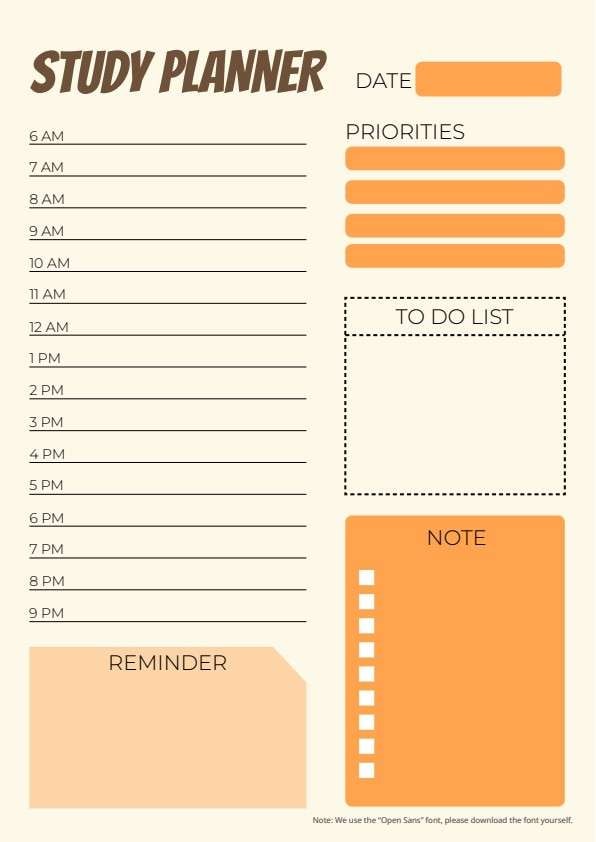
Download a printable Exam Timetable PDF template to organize your academic schedule, exam dates, and study logistics. It is perfect for students, tutors, and academic counselors who need a clear, professional way to track subjects, room locations, and revision priorities.
What is a exam timetable
An Exam Timetable is a structured Education & School PDF that helps students capture the information needed for this specific workflow. It keeps important details organized, easy to scan, and ready to print or share.
Users download this Exam Timetable because it gives students a simple printable tool of critical exam deadlines, room allocations, and permitted material notes.
College Students
Managing high-volume exam schedules and room locations across different campuses.
High School Students
Tracking final exam dates and preparing necessary revision materials.
Academic Tutors
Helping students stay accountable and organized during high-stakes testing weeks.
Study Groups
Coordinating shared exam dates to plan efficient collaborative review sessions.
- Automatic grade calculation or GPA tracking.
- Replacing official school-issued student portals.
- Synchronized live digital calendar integration.
How to use and edit the exam timetable
You can print this template for paper collection or complete it as a fillable PDF. Digital editing is useful when you want typed entries, reusable records, clean copies, and easy sharing with students, tutors, academic advisors, and school organizers.
How to customize the PDF
Use this workflow to Type in your subject names, input exam dates and times, add specific room assignments, and jot down permitted materials to ensure you have everything ready for your exam week..
Open the PDF in PDFelement
Download the Exam Timetable PDF template, open it in PDFelement, click each fillable field, type the needed details, tick checkboxes where relevant, and save a clean digital copy.
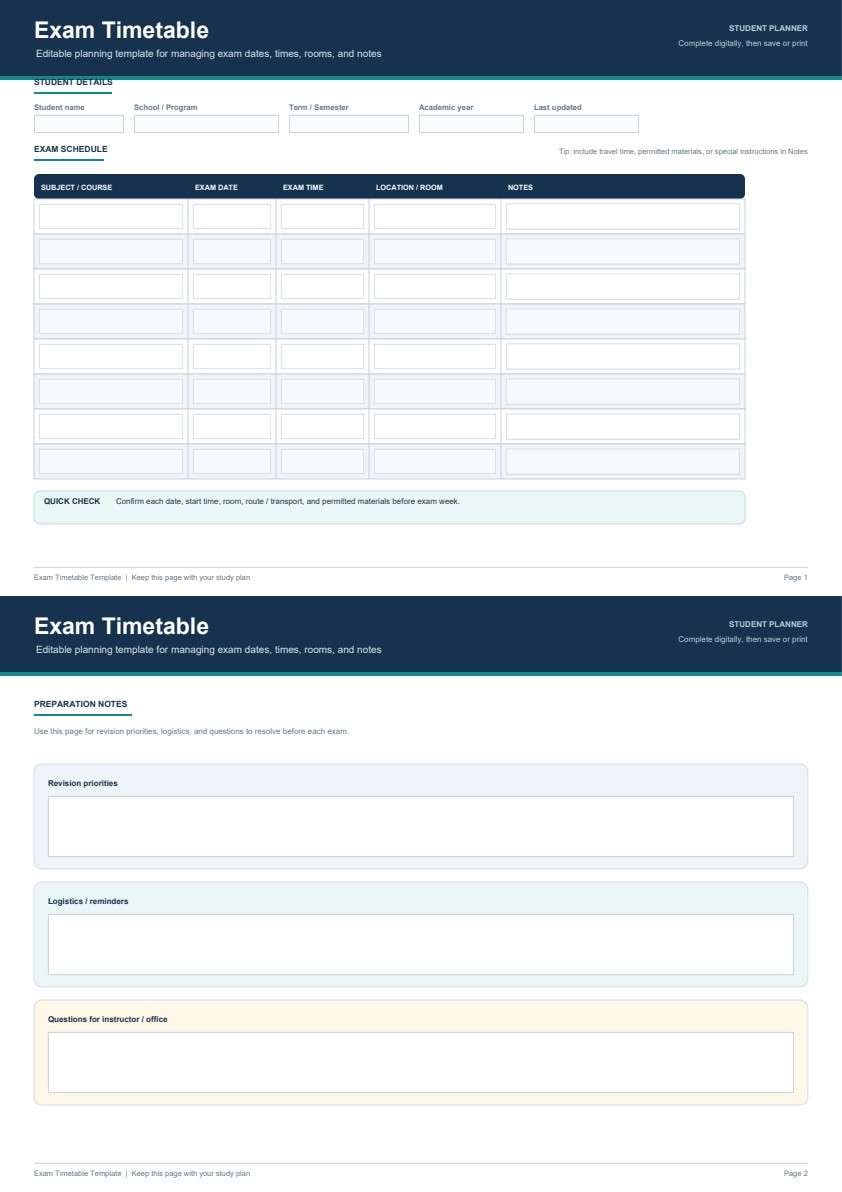
Input your name, school program, and academic year to keep your plan personalized.
List your course names, dates, times, and exam locations in the organized table.
Use the second page to jot down revision priorities, logistical reminders, and instructor questions.


PDFelement makes managing your exam timetable effortless by allowing you to quickly type in complex course details, duplicate rows for different subjects, and export clean, professional prints that keep your exam stress low.
| PDFelement Feature | How It Helps |
|---|---|
| Edit PDF | Customize labels, headings, notes, and reusable sections |
| Fill PDF | Type clean information into every fillable field |
| Form tools | Use editable text fields and checkboxes to organize your exam schedule and revision tasks seamlessly. |
| Annotate | Add comments or extra reminders before printing or sharing |
| Convert | Export or archive the finished PDF for team records |
| Organize PDFs | Keep templates by team, date, event, player, or season |
What to include in a exam timetable
A useful education & school PDF should be specific enough for real team workflows but simple enough to complete quickly. The fields below show what this template is built to capture and why each part matters.
Exam Timetable fields
| Field | What to Fill In | Why It Helps |
|---|---|---|
| Subject/Course | Course name or subject code | Keeps your exam subjects clear for quick identification. |
| Exam Date | Scheduled day and month | Helps in planning your reverse-study calendar. |
| Exam Time | Start and end time | Ensures you arrive on time and allocate prep time correctly. |
| Location/Room | Building and room number | Reduces stress on exam day by knowing exactly where to go. |
| Notes | Permitted tools or specific instructions | Prevents forgotten items like calculators or pens. |
Why users download this template
Users download this template to eliminate the confusion of final exam weeks and ensure every study detail is captured in one organized, printable document.
 Prioritize your hardest subjects. Double-check room assignments daily. Note permitted materials in advance. Review revision priorities weekly. List instructor questions early. Print a copy for your desk.
Exam Timetable vs other education & school templates
| Template Type | Best For | Main Difference |
|---|---|---|
| Exam Timetable | Daily/Weekly exam tracking | Includes specific logistics for exam days. |
| Study Schedule | Daily study time management | Focuses on hours and topics per day. |
| Assignment Tracker | Project deadline management | Focuses on essays and long-term tasks. |
| Lesson Planner | Curriculum mapping | Focused on teaching objectives rather than exams. |
Tips for using this template
- Save a digital master copy for easy updates if schedules change.
- Use color coding for different subjects in the PDF editor.
- Keep a printed copy in your backpack for quick reference.
- Check off the 'Quick Check' section before every exam.
- Fill out the 'Questions for Instructor' early to avoid last-minute panic.
FAQs
What is an Exam Timetable?
It is a printable PDF document designed to help students track exam subjects, dates, times, locations, and prep notes in one central location.
Who uses / should use this template?
Any student, from high school to university, who wants to stay organized during stressful exam periods.
Is the Exam Timetable PDF editable?
Yes, it is designed to be fully editable using PDFelement, allowing you to type in details before printing.
What should be included in Exam Timetable?
Include your course name, date, time, building location, and any specific materials required for the exam.
Can I use it for midterms?
Absolutely, the template is versatile and can be used for midterms, finals, or any assessment series.
Does it replace official systems?
No, it is a personal planning tool and should supplement, not replace, your institution's official exam portal.
How should changes / missing items be handled?
Use the 'Notes' column in the schedule table or the 'Logistics' box on page two to document any updates or last-minute changes.
Related templates


This template page includes usage guidance, editing steps, review information, and related tools to avoid thin template-page content.