
AI Quiz Generator from PDF and More
Create quizzes instantly with our AI quiz generator. Add PDFs, Word docs, Excel sheets, PowerPoint slides, YouTube links, or text to generate practice questions, study more efficiently, and test your knowledge.


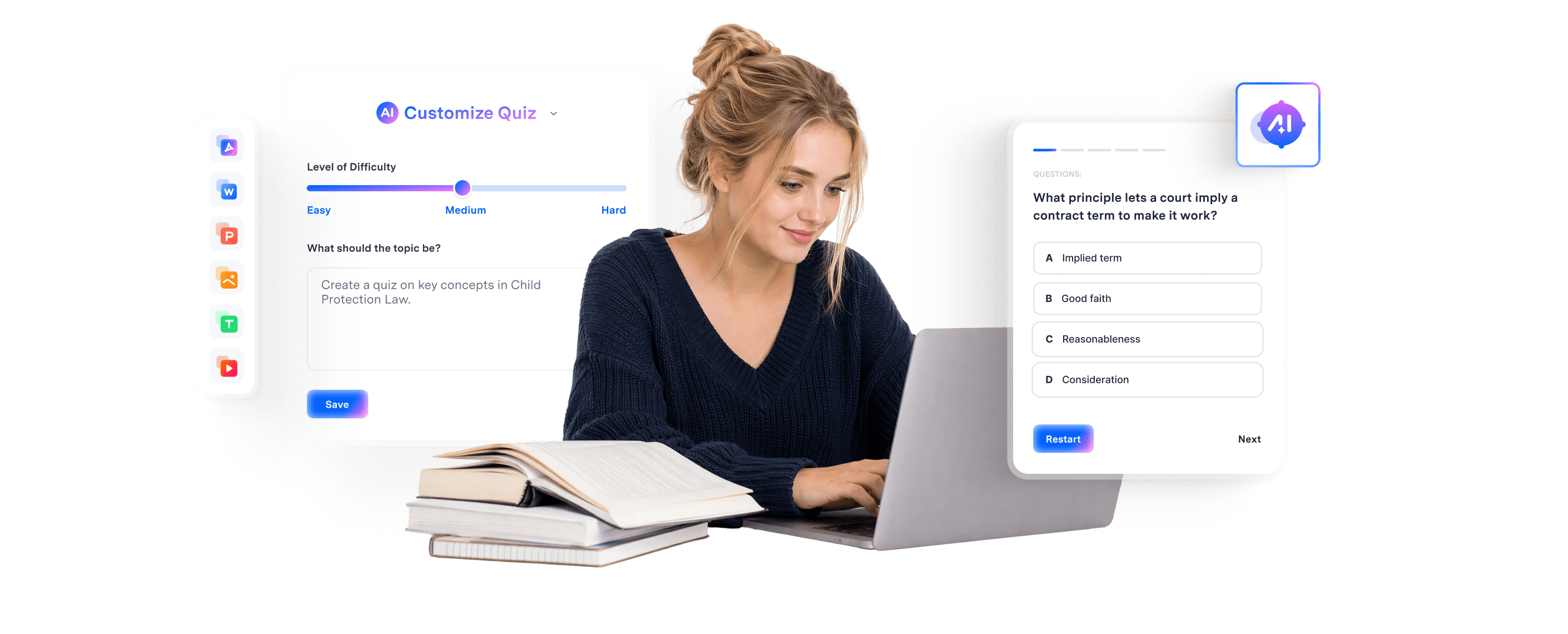
Convert PDF and docs to quiz and learn with AI.
Turn source files into personalized quizzes in seconds. Customize the difficulty, question count, and learning focus, then test your knowledge and strengthen your understanding with AI powered explanations.
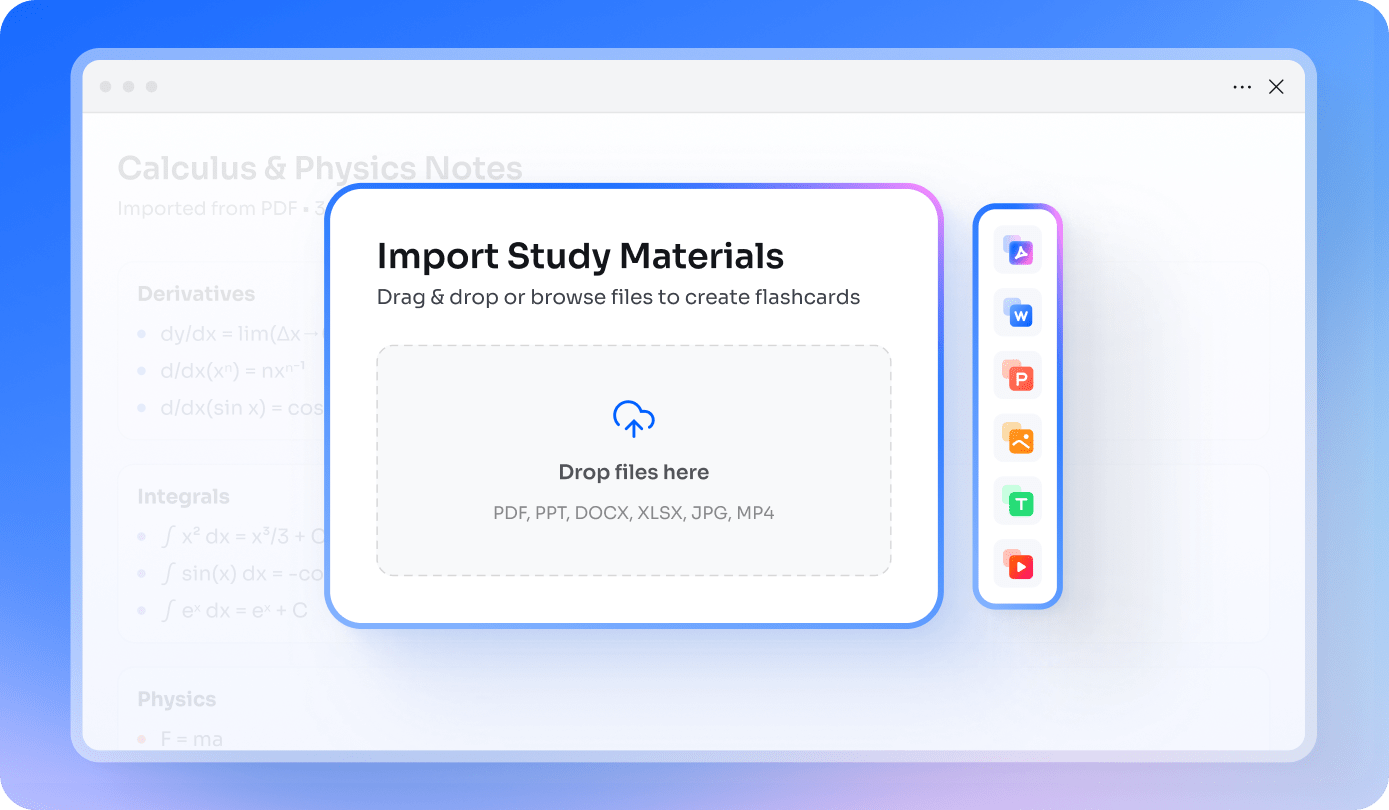
Generate AI quizzes from PDFs and more.
Upload PDFs, PowerPoint presentations, Word documents, Excel spreadsheets, images, YouTube links, cloud files, or pasted text to create AI-powered quizzes in seconds. Add up to 50 files to a single space and generate questions from all your materials.
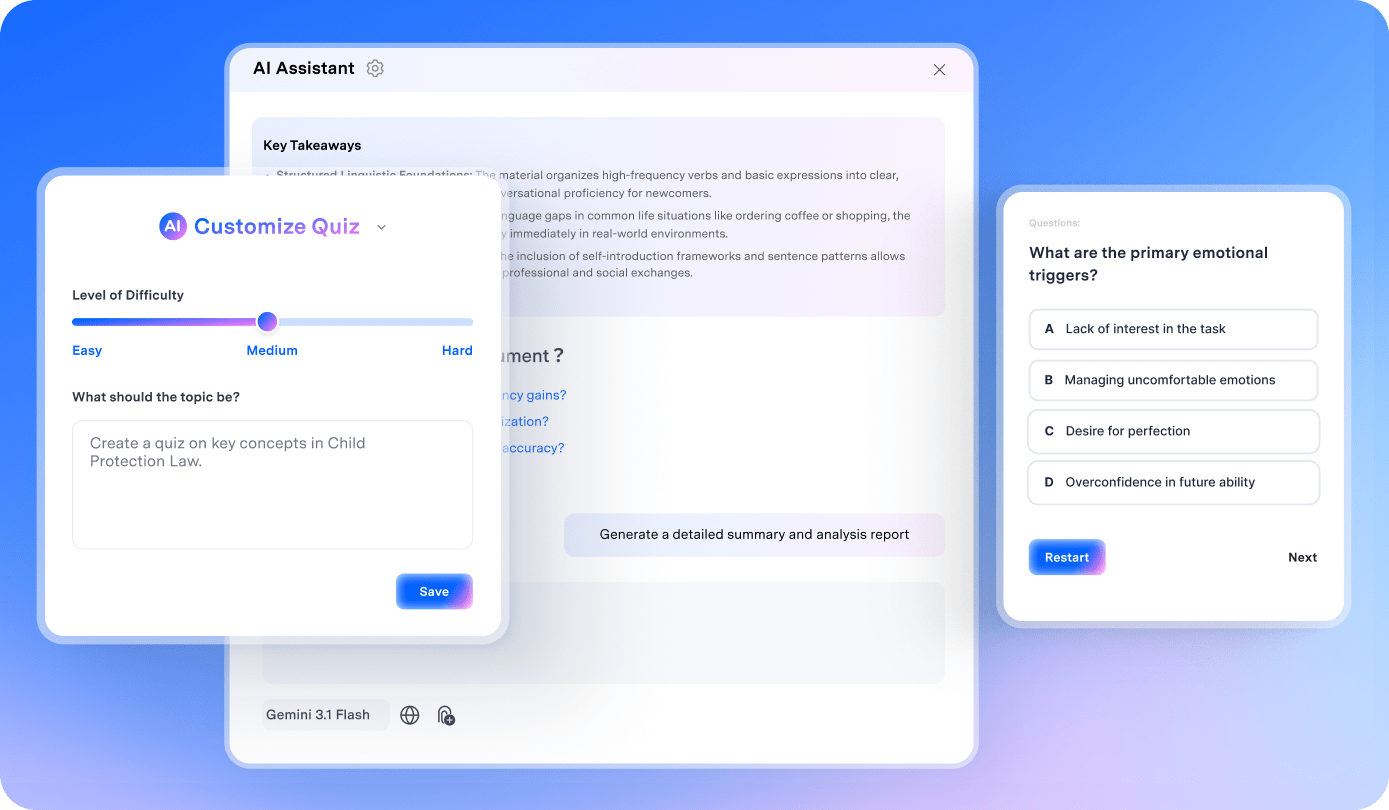
Create personalized quizzes in seconds.
AI identifies key concepts in your study materials and generates 10 to 20 multiple choice questions tailored to your preferred difficulty, learning goals, and study topics.
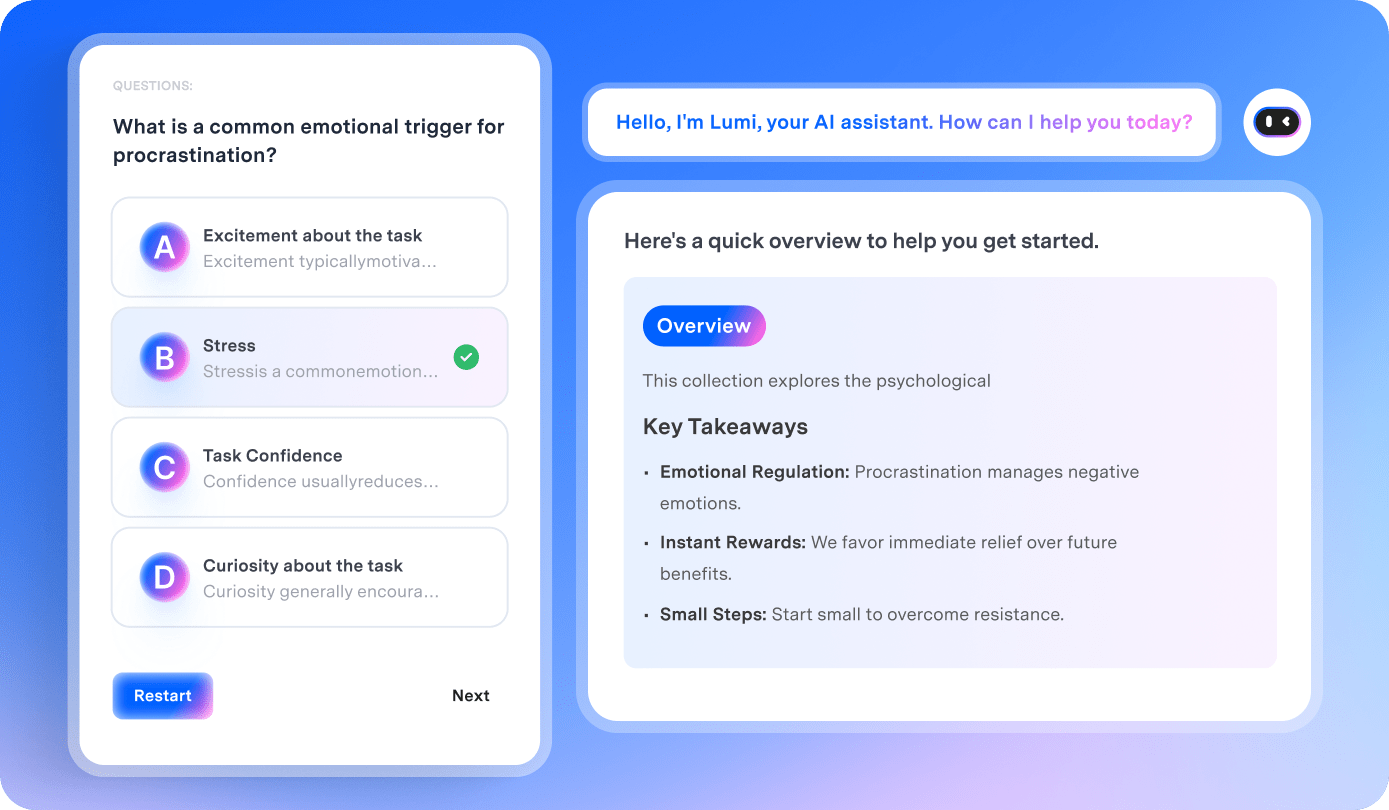
Learn smarter with instant AI feedback.
See the correct answer immediately after every question to strengthen your understanding. When you need more context, use the built in AI chat to ask questions and explore detailed explanations.
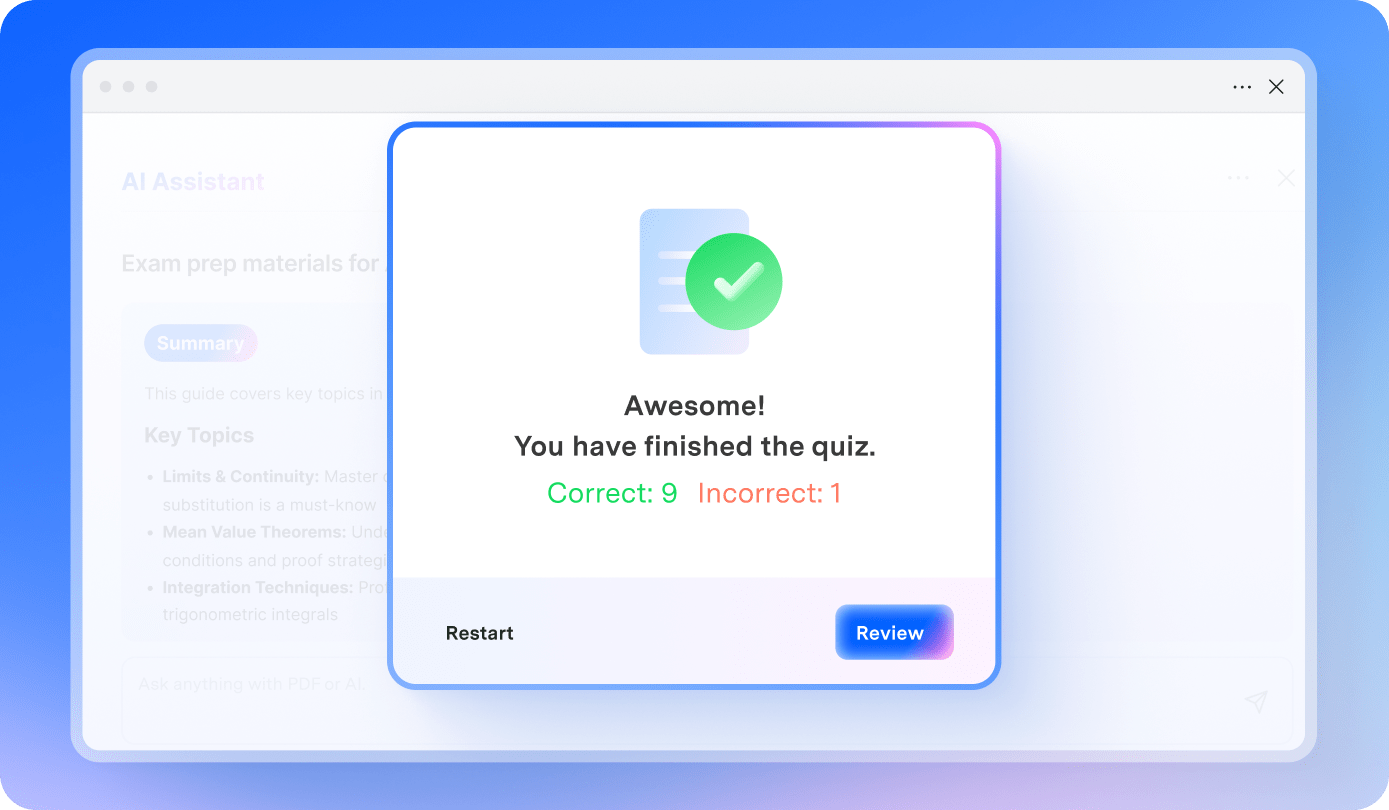
Practice until you master every topic.
Get an instant score after completing each quiz to track your progress. Restart the quiz anytime with a single click and keep practicing until you feel confident in every topic.
Create quizzes with AI in 3 steps.
Learn how to turn PDFs and other docstudy materialsuments into personalized quizzes in just a few simple steps. Test your knowledge, identify learning gaps, and review key concepts.
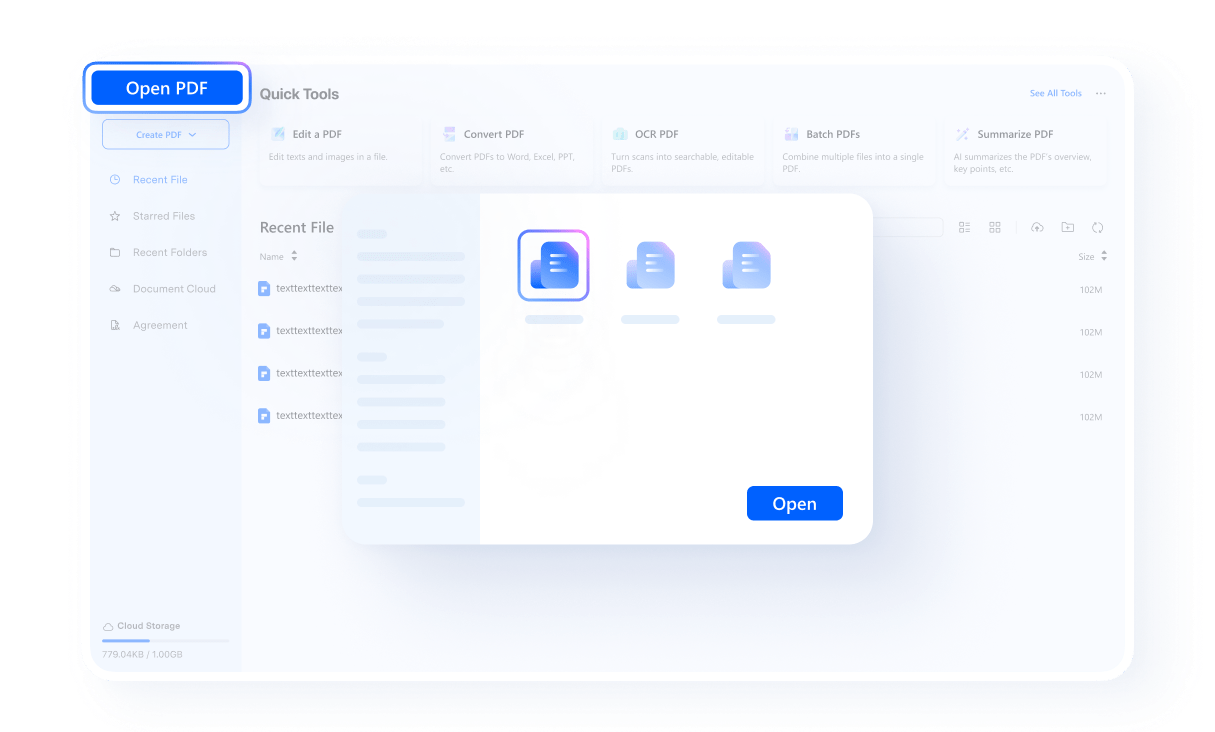
Create a knowledge space in PDFelement, then upload your source files, add a link, or paste text.
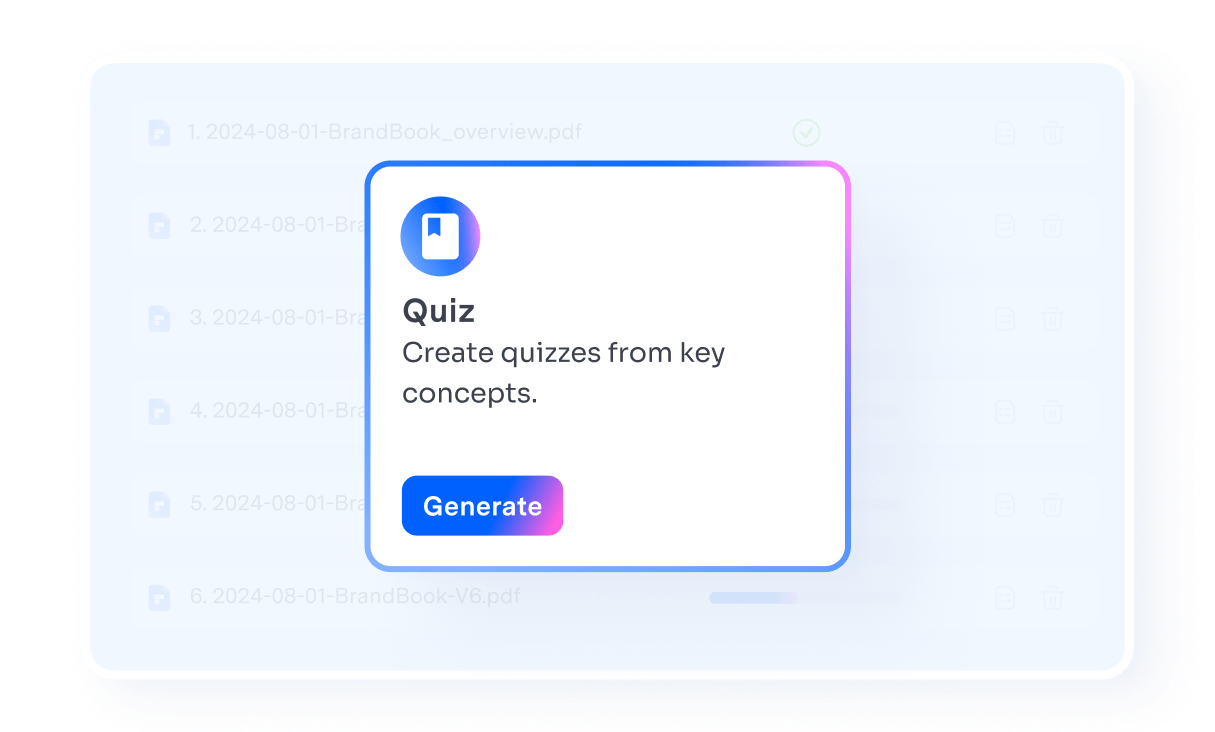
Select the study materials you want to use. Choose the number of questions, difficulty level, and topics, then click Generate Quiz.
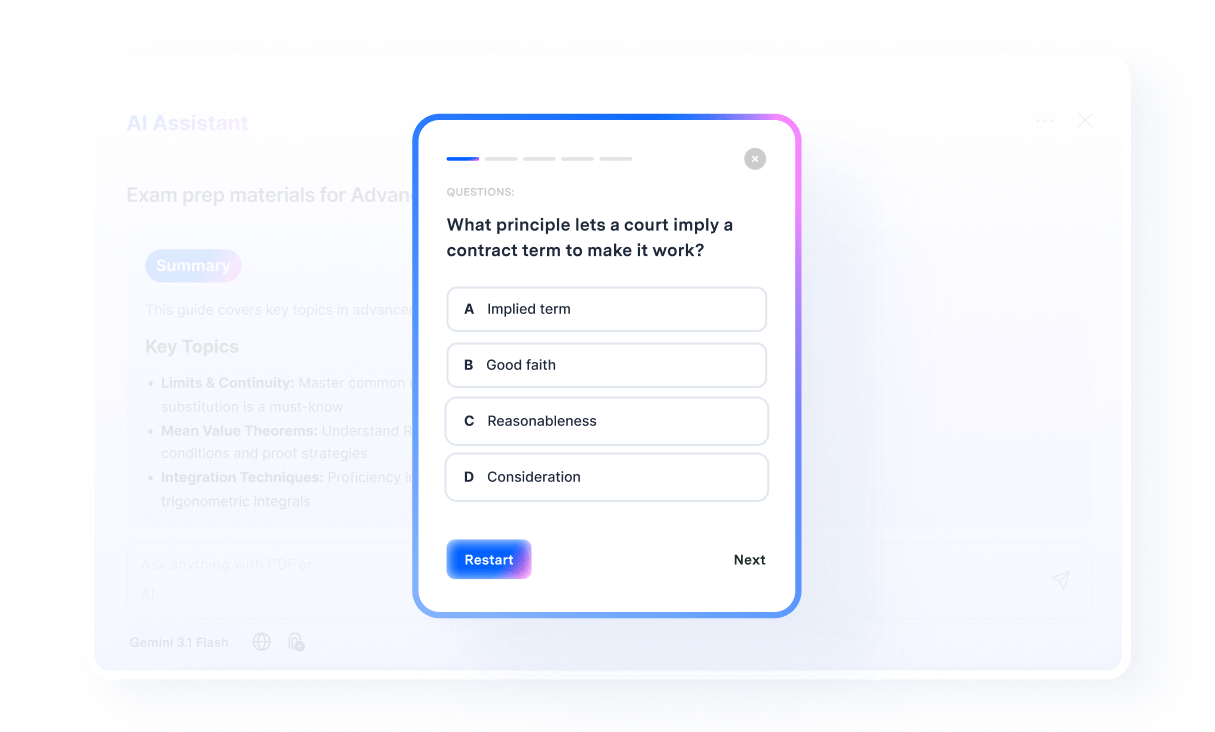
Open the generated quiz and start answering the questions. When you finish, click Submit to see your score.
Generate the right quizzes for any scenario.
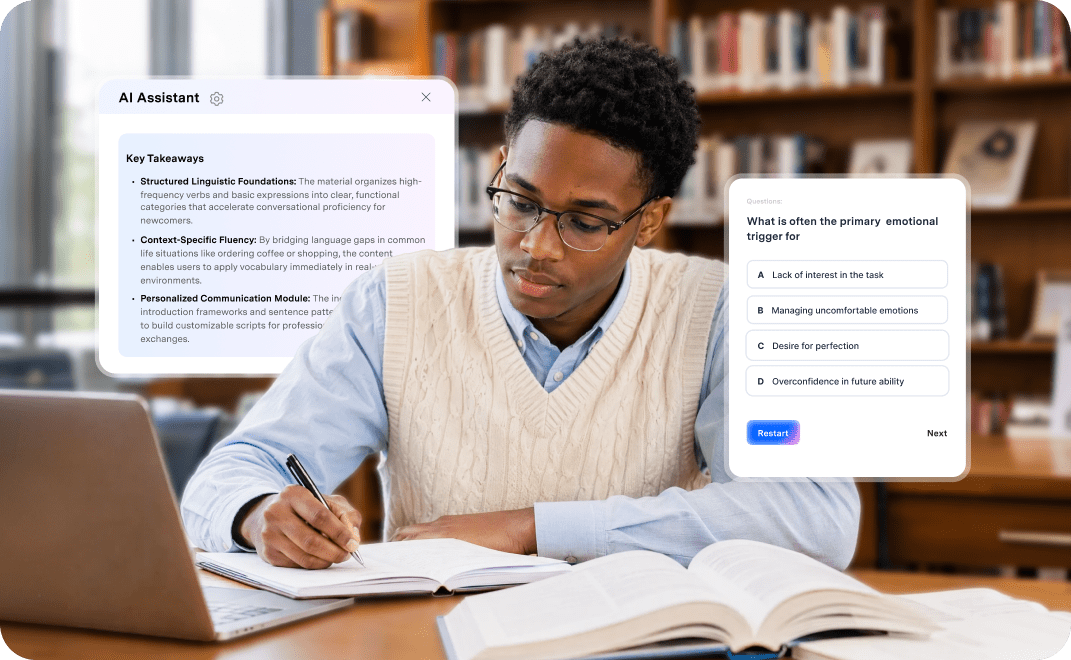
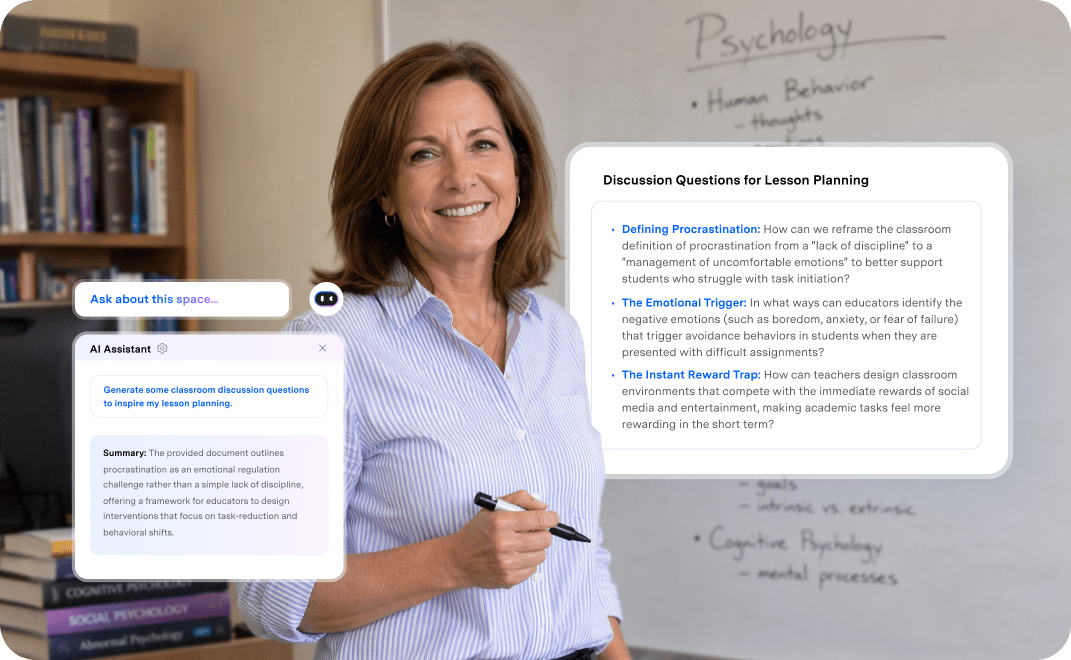

Quiz Creation for Learning, Teaching, and Training
Prepare for exams with confidence.
Transform PDFs, textbooks, class notes, and presentations into personalized practice quizzes for more effective revision of the topics you need to review.
Create engaging quizzes for teaching.
Get inspiration for student quizzes by turning lesson plans, textbooks, worksheets, and presentation slides into customized questions. Quickly create classroom activities that check understanding and reinforce key concepts.
Reinforce knowledge through training.
Convert training manuals, onboarding documents, policies, and instructional materials into practical quizzes. Help teams retain important knowledge throughout the training process.


PDFelement catches the theories I think I know but still mix up.
Psychology has so many similar theories, terms, and studies that it is easy to assume I understand them until I am tested. Creating quizzes directly from my course PDFs helps me spot the concepts I still confuse and focus my review before exam day.

I don't have to write every review question from scratch
I already have lesson slides, worksheets, and reading materials, so starting from scratch just to create a quiz feels like wasted time. Now I can turn the materials I have already prepared into questions, then adjust the topics and difficulty to match what my students need to practice.

I can check what actually stuck before I need it on the job.
After a training session, I often have a lot of slides, policies, and procedures to remember. Turning those materials into a quick quiz helps me identify what I missed, review the right information, and feel more prepared before I need to apply it at work.
FAQs about AI Quiz Creator.
Launch PDFelement and go to Space. Create a study space and add your PDFs and other content you want to use. Configure the number of questions, difficulty level, and topic focus and click Generate Quiz. The AI analyzes the PDF and creates a quiz based on its most important information.
AI generated questions are based on the information provided in your source materials, but their accuracy can vary depending on the quality, clarity, and complexity of the content. Review important questions and answers before using a quiz for grading, formal assessment, or professional training.
Kahoot! is ideal for students who enjoy interactive, game-based learning and can generate questions from topics, PDFs, URLs, and slides.
QuestionWell is useful for creating questions from reading materials and supports multiple question formats and exports.
PDFelement is a great choice for creating quizzes from PDF files. It not only lets you edit and convert PDFs, but also generates quizzes, flashcards, mind maps, podcasts, and reports from your PDFs, helping you study more efficiently.
Ultimately, the best tool depends on whether you prioritize document-based studying, gamification, or customized practice. Always review AI-generated questions for accuracy before using them.
Yes. You can create quizzes with ChatGPT in two ways.
Use ChatGPT directly: Upload your study materials, such as PDFs, notes, or documents, and enter a prompt asking ChatGPT to generate a quiz. You can specify the number of questions, question types, and difficulty level.
Use a quiz creator powered by ChatGPT: Tools such as PDFelement integrate GPT-5 and GPT-4 models to generate quizzes and practice questions directly from your PDF files. This makes it easier to turn existing study materials into interactive practice and review content without creating questions manually.


