
100 Credits


300 Credits
1000 Credits
How to Use Receipt Assistant?

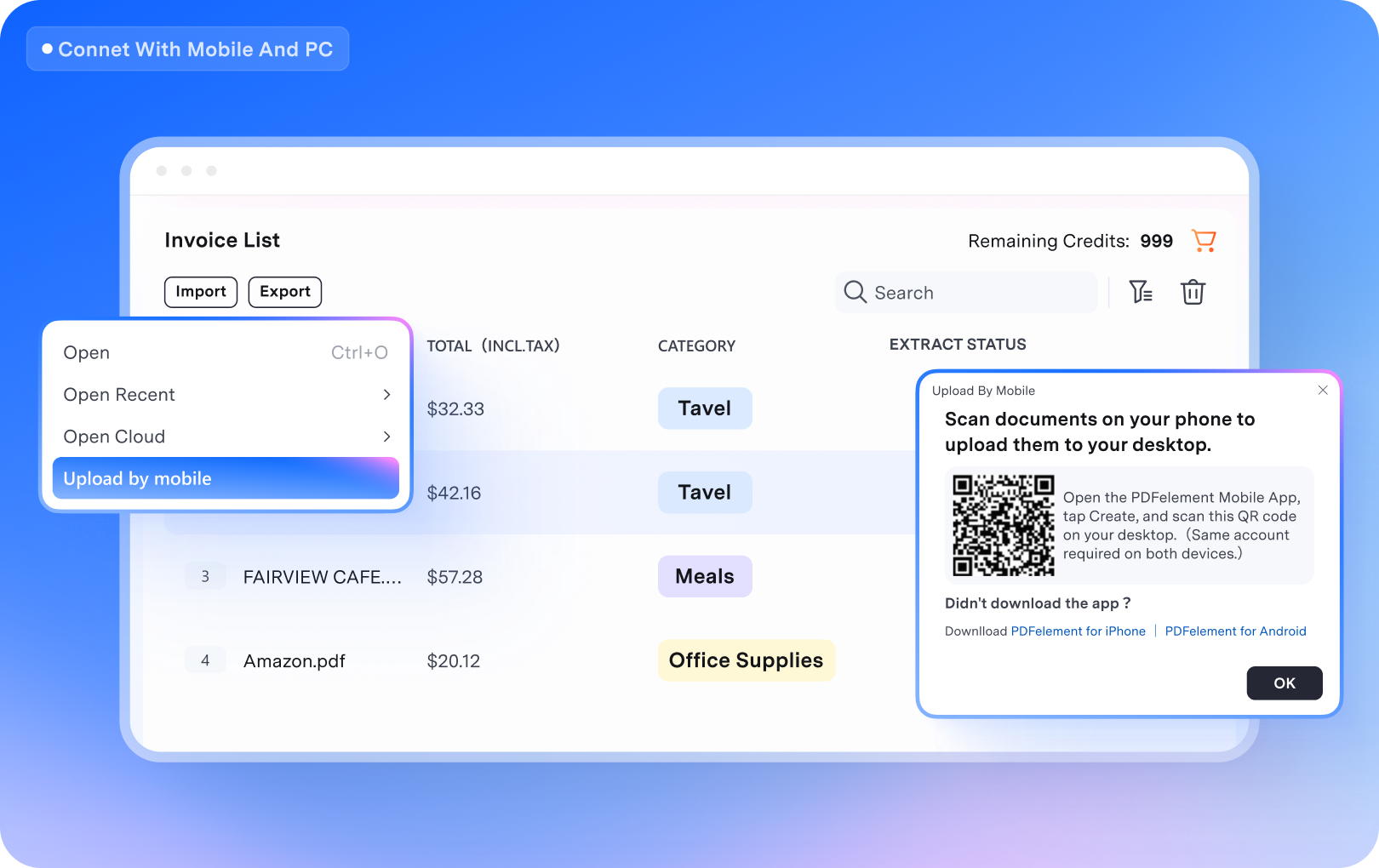
Connect mobile & PC
Scan receipts on your phone and transfer them directly to your PC.

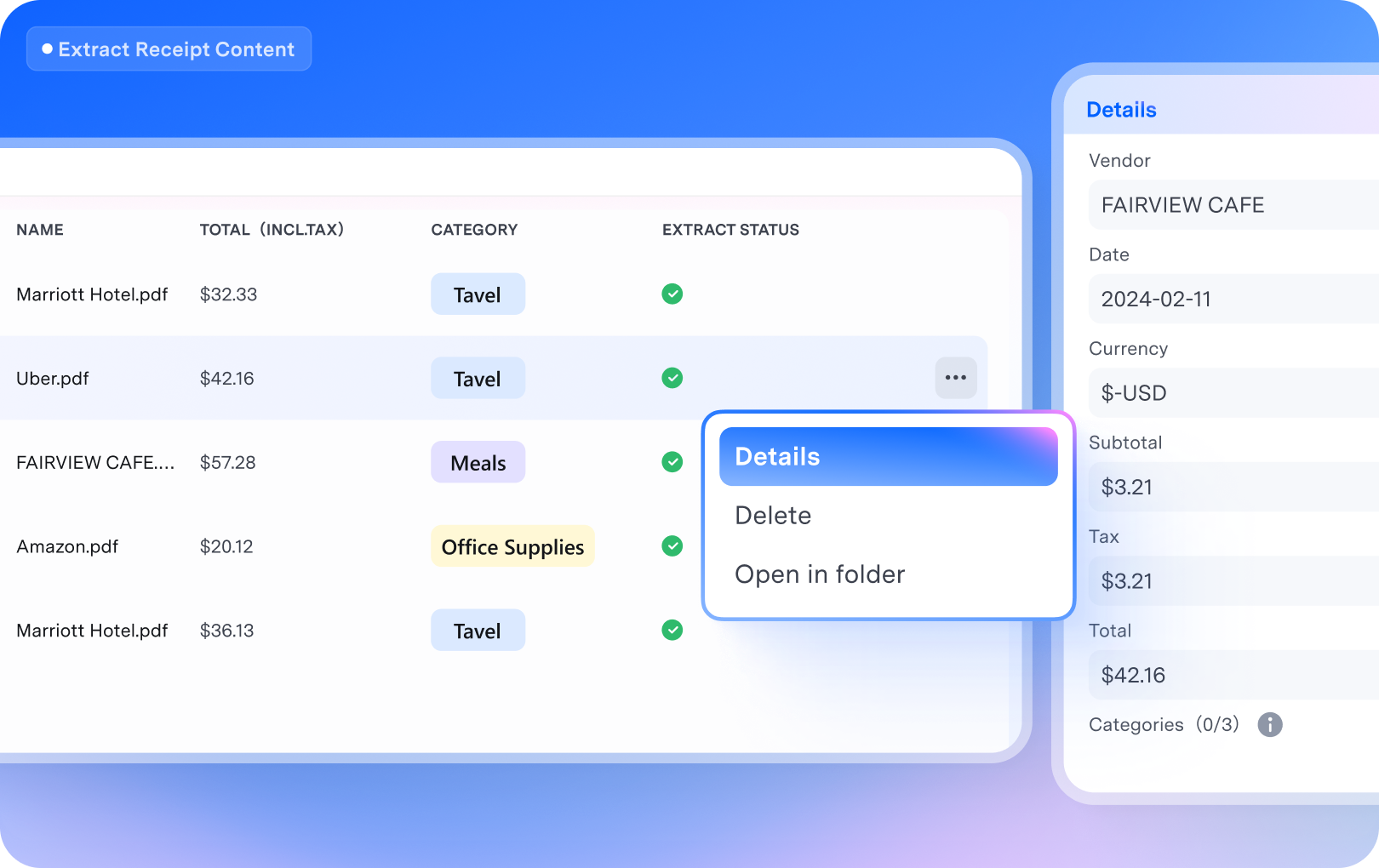
Extract receipt details
Automatically extract key details like the merchant name and total amount from your receipts.

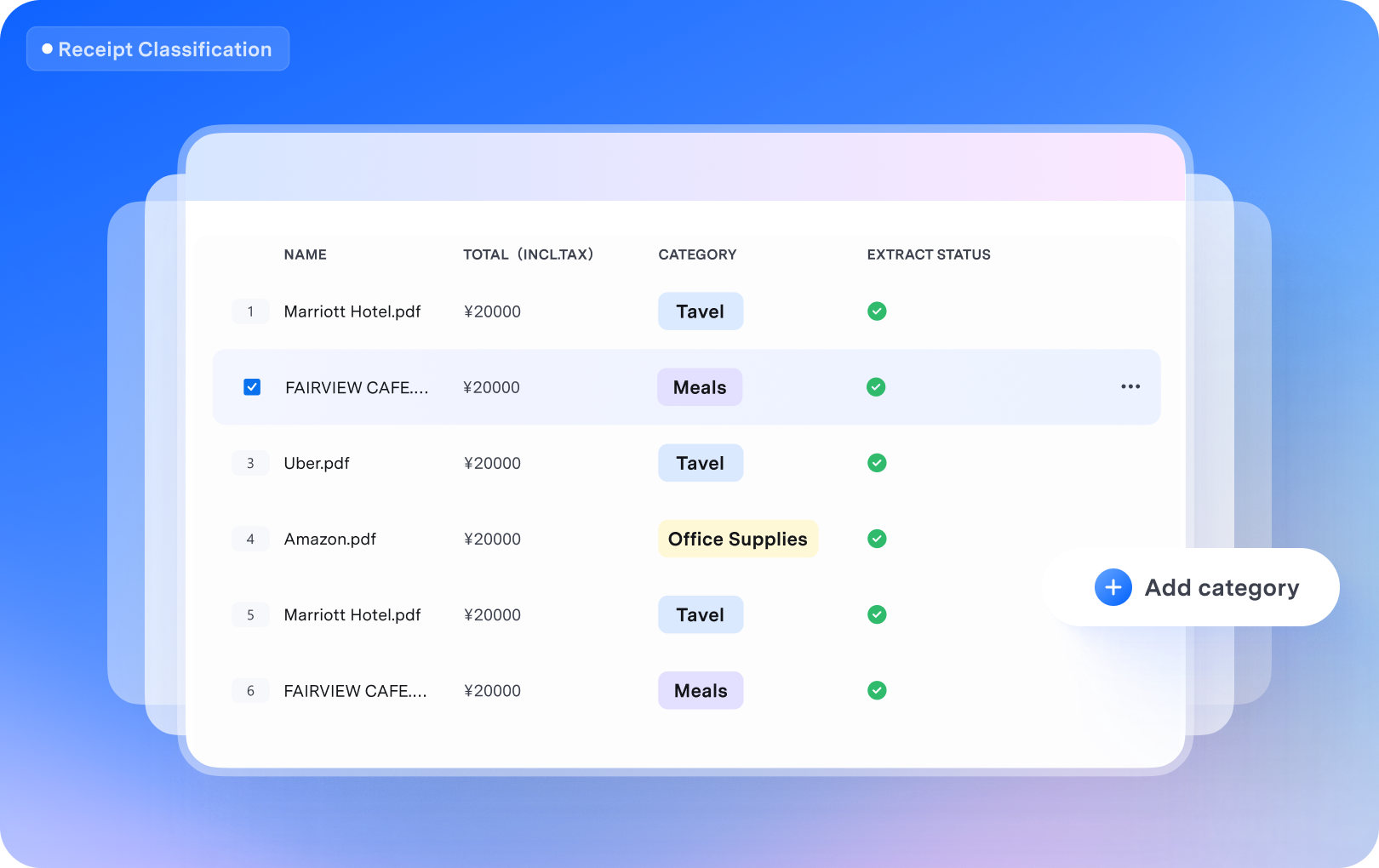
Classify receipts
Automatically categorize receipts based on their key details.

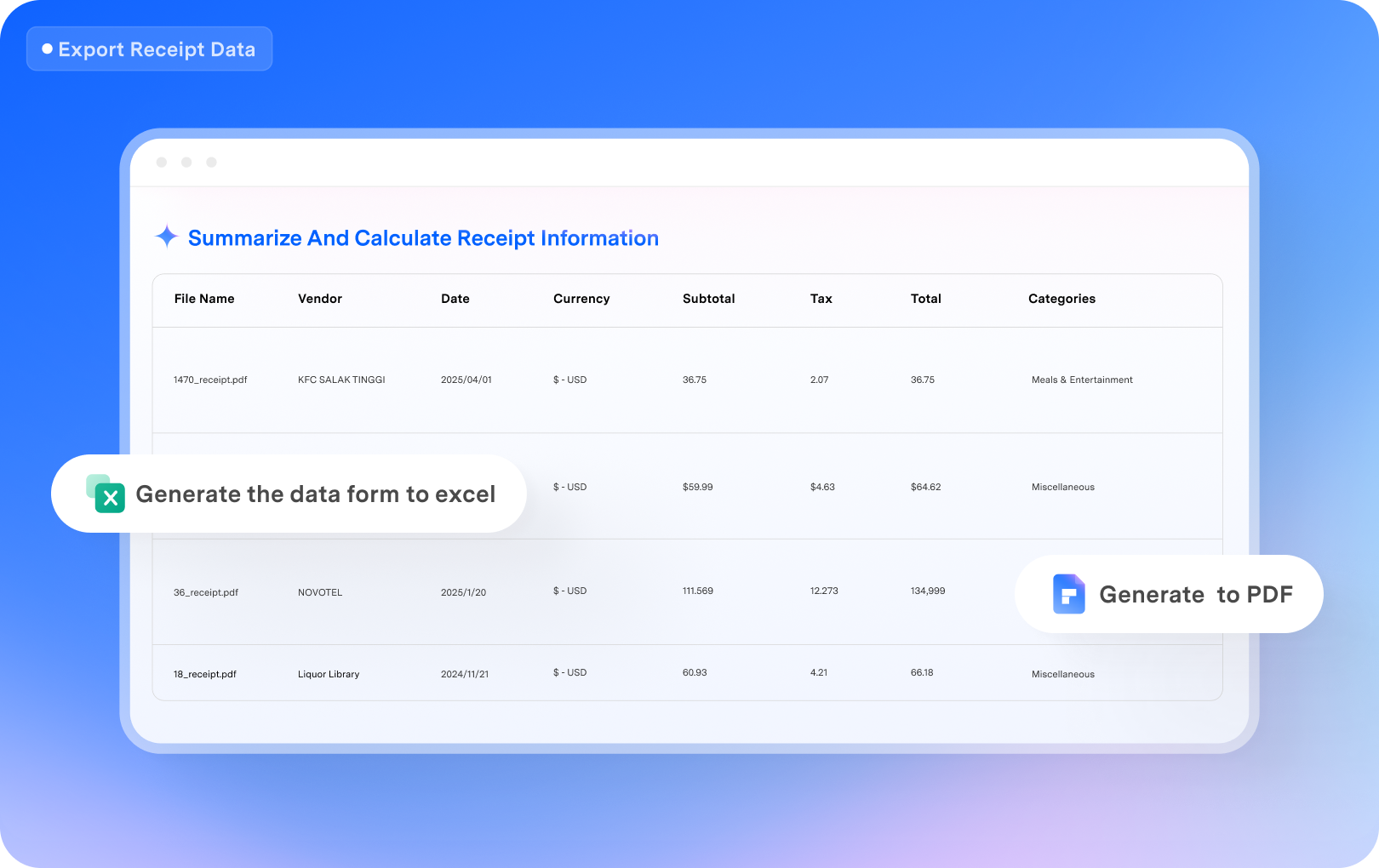
Export receipt data
Summarize and calculate receipt data to generate structured files such as Excel or PDF.
Receipt Assistant Terms of Use
Receipt Assistant helps you quickly scan and organize invoices and receipts. Through OCR and AI technology, it automatically identifies key information in invoices—such as amounts, dates, and merchant names—helping you efficiently manage expense records and prepare for tax filing and reconciliation.
Suitable for: Freelancers; users with side income; individuals who need to organize expenses for tax filing or reimbursement; scenarios involving numerous invoices and receipts from diverse sources.
With Receipt Assistant, you can:
- Scan paper receipts or upload electronic invoices;
- Automatically extract and organize key information;
- Centralize expense files by date or classification;
- Reduce the time cost of manual preparation before tax filing.
Note: Receipt Assistant is for expense organization and information extraction; it does not provide tax filing services. The AI recognition results are for reference only. Please refer to the original invoice or receipt for accurate information.
Premium and trial users of PDFelement V12 have different amount of Receipt Assistant credits for free trials:
Trial User
Tool Premium Member
Receipt Assistant Credits Add-on Member
Trial Use for Receipt Assistant:
(Extract Receipt Details)
Note: Your Receipt Assistant Credits are used only when extracting receipt details. Uploading receipts to the PDFelement cloud uses cloud storage space only.
3 credits
10 credits
100 credits($6.99)/Add-on
300 credits($15.99)/Add-on
1000 credits($49.99)/Add-on
FAQs about Receipt Assistant
Yes. As a PDFelement member, you receive a certain number of free Receipt Assistant credits, which can be used across all Receipt Assistant features. You can also purchase a Receipt Assistant Credits Add-on, which is valid for one year.
Yes. You can purchase a Receipt Assistant Credits Add-on separately to access all Receipt Assistant features. We offer 100-credit, 300-credit, and 1,000-credit subscription options. You can select your preferred plan at the top of this page. Please note that advanced PDF features are available only to PDFelement members.
Yes. If you run out of your initial credits, you can purchase additional credit packages, such as 100 credits or more. The more credits you purchase at once, the greater the discount you receive.