PDF Converter
Convert any file to PDF or from PDF to Word, Excel, PowerPoint, images, and more with our powerful online PDF converter.
Fast, secure, and free - perfect for creating, exporting, or enhancing high-quality PDFs.
 Works With Word, Excel, PowerPoint, and Images
Instant Free PDF Conversion
OCR and Batch Conversion Supported
Works With Word, Excel, PowerPoint, and Images
Instant Free PDF Conversion
OCR and Batch Conversion Supported
 Free Download
PDF Converter Online vs Offline
How to convert your files to and from PDF for free?
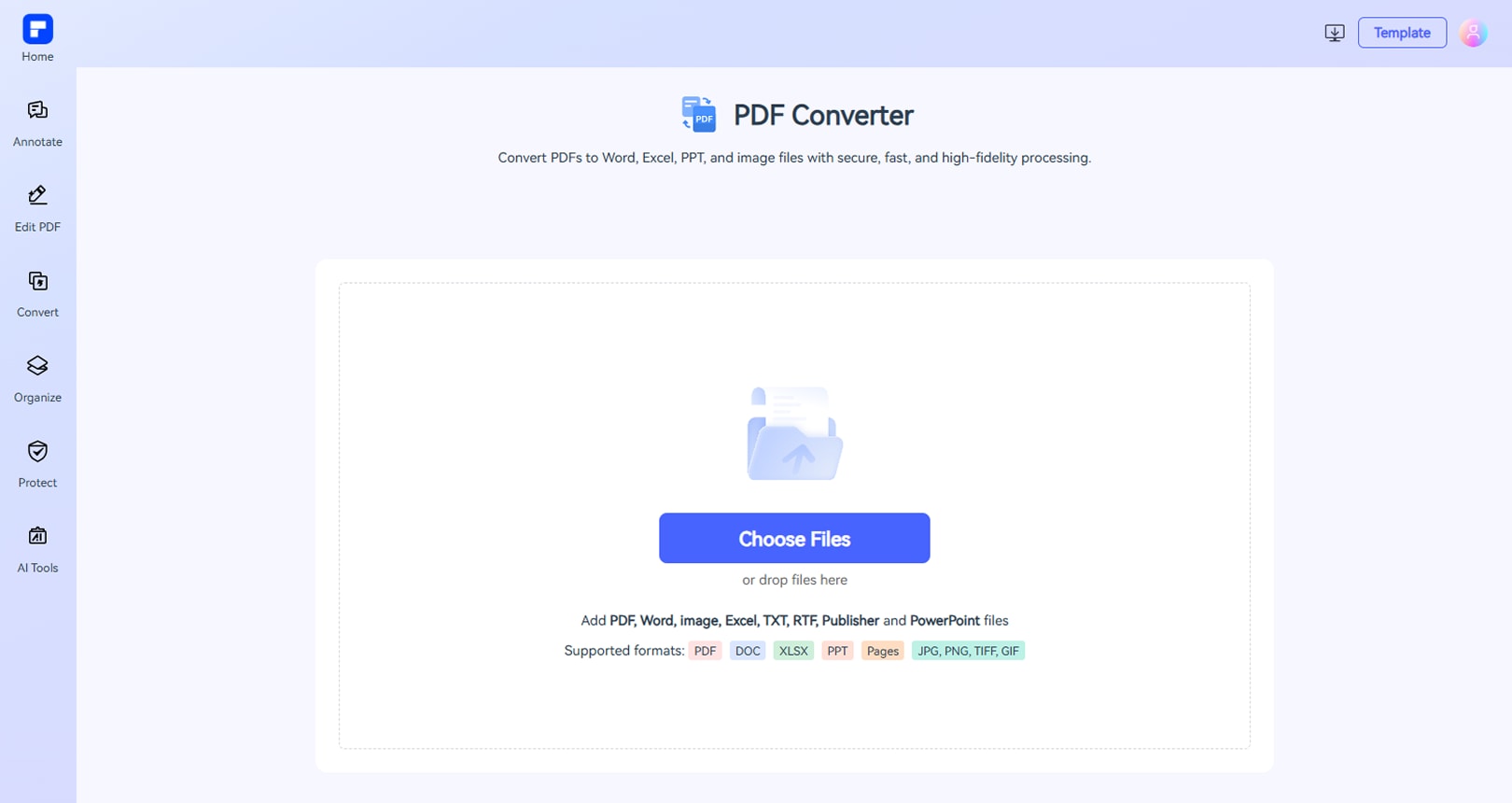
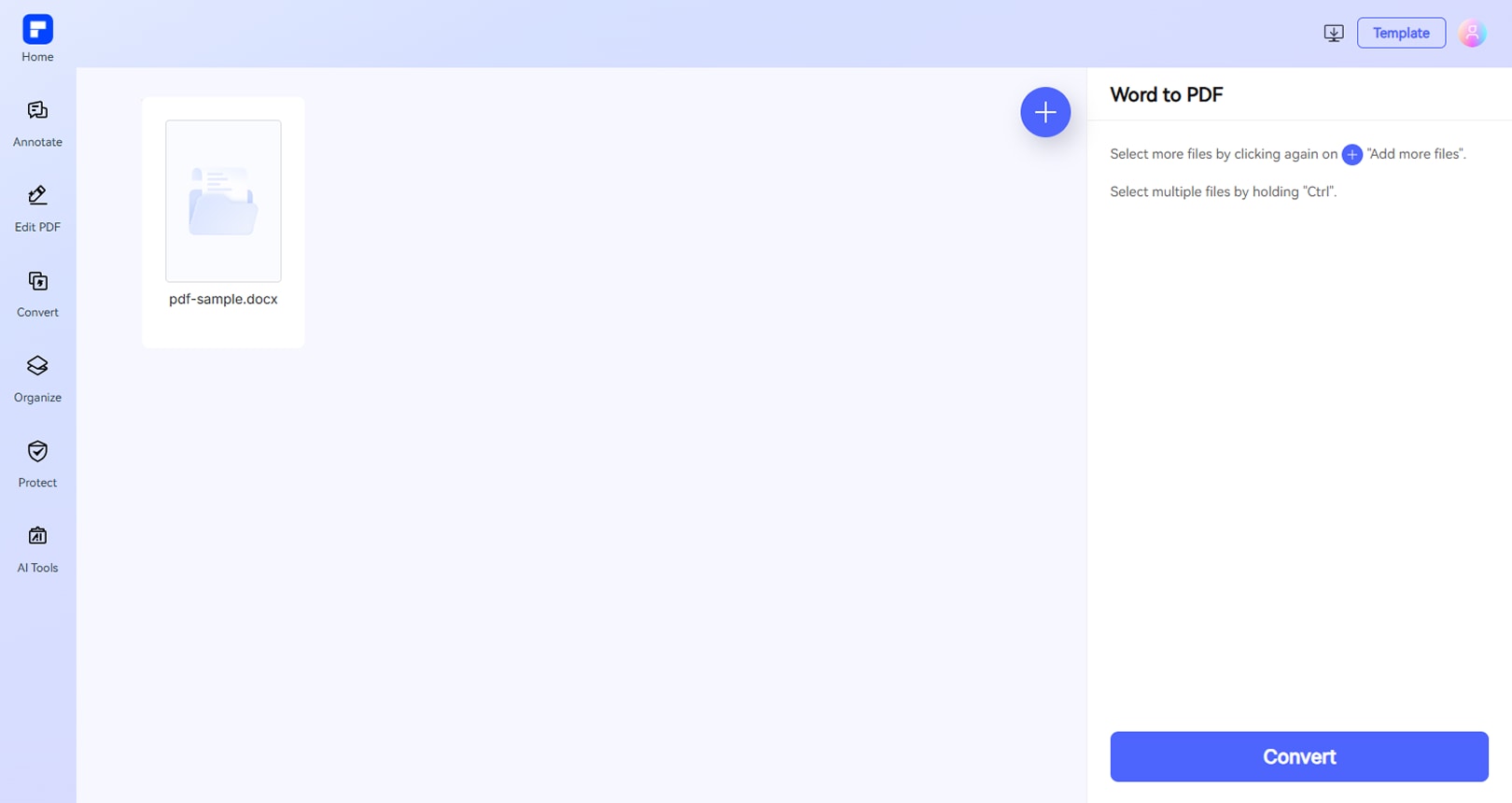
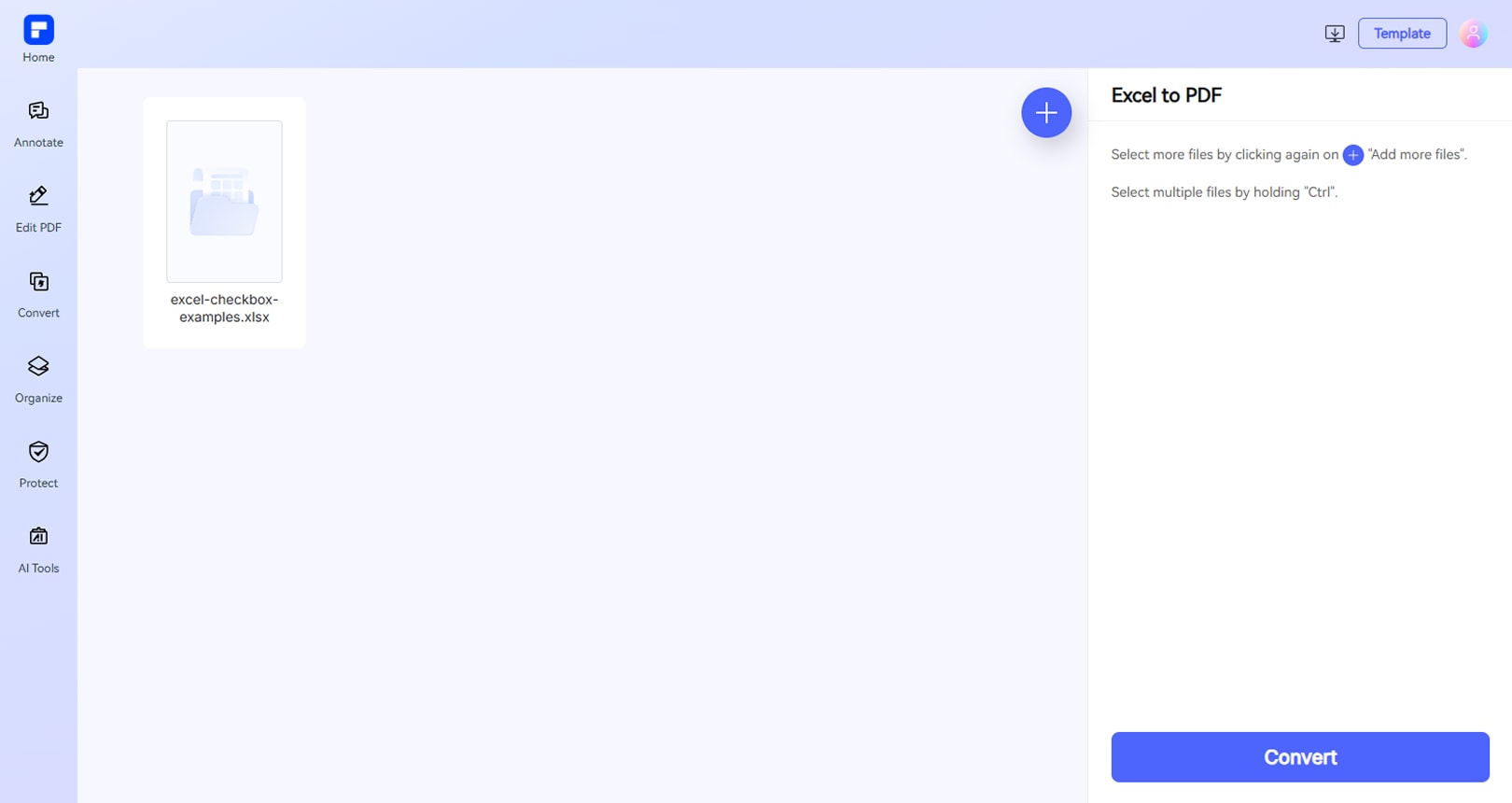
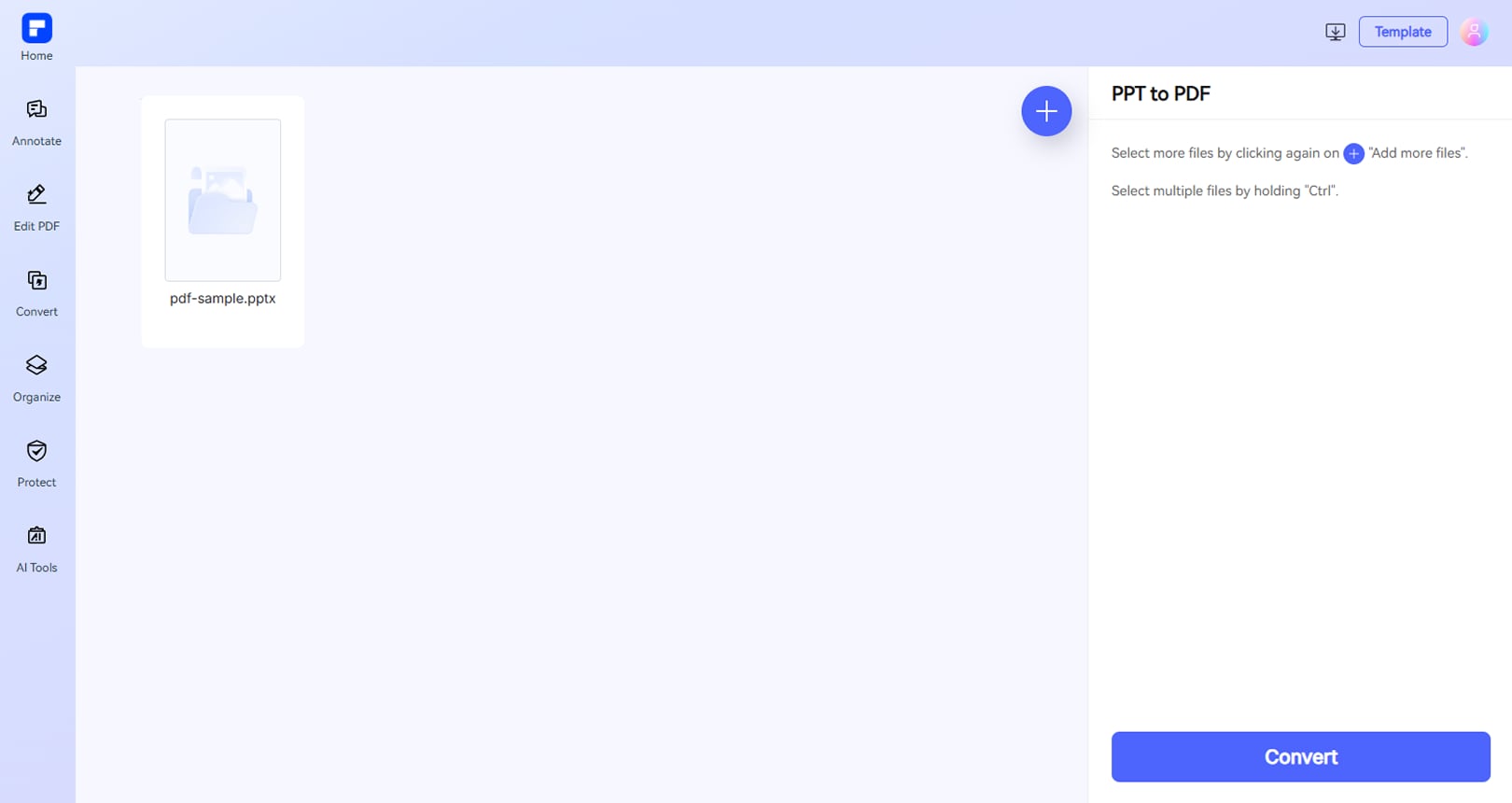
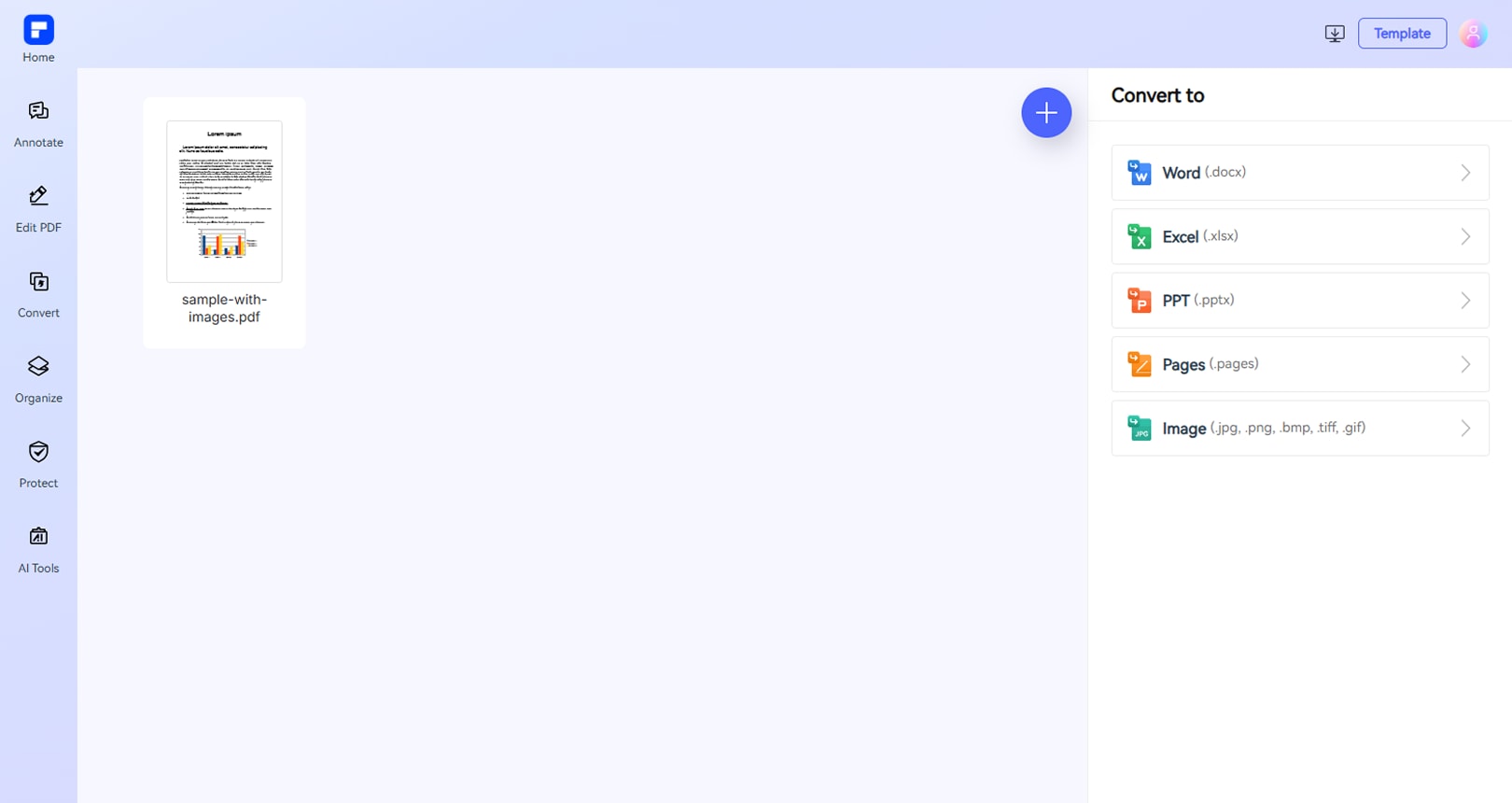
Experience PDFelement PDF converter difference.
Free Online PDF Converter
Enjoy simple and free PDF conversion. Convert files to and from PDF (up to 100MB, 50MB for OCR)—no installation needed.
Multiple Formats Support
Convert over 20 file types, including documents, images, web pages, and more—fast and reliable conversion between all major formats.
Maximum Security and Privacy
Your privacy matters. All uploaded files are securely deleted after 7 days once the process is completed.
Fast & High-quality PDF Conversion
Convert large files quickly with PDFelement Online Converter while preserving formatting and quality.
Easy Batch PDF Conversion
Upload multiple files at once and convert them in one click—streamline your workflow and boost productivity.
OCR Support
Easily convert scanned PDFs into editable Word documents using advanced OCR technology for smooth content editing.
Free online PDF Converter for anyone.

Secure, Compliant, and Professional PDF Software - Award - Winning.
PDFelement shines in G2 Winter 2026 as a Leader, Momentum Leader, and High Performer for Enterprise - adding to its 2024 G2 Best Software Award - Top 50 Office Products, ISO 27001 - Information Security Management certification, and PDF Association membership.







FAQs about PDF converter.
-
Is there a completely free PDF converter?
Yes, there are completely free PDF converters available online. One notable option is PDFelement Online PDF Converter.
Key Features:
- Free to use: No installation required for basic features.
- Supports multiple formats: Convert to and from PDF (Word, Excel, PowerPoint, JPG, etc.).
- Batch conversion: Upload multiple files and convert them with just one click.
- Preserves formatting: Maintains layout and quality during conversion.
- Web-based access: Accessible from any device with internet.
- Secure handling: Ensures privacy and document protection.
PDFelement Online PDF Converter is a reliable, free solution for quick and high-quality PDF conversions.
-
Can I convert Publisher to PDF online for free?
Yes, you can convert Microsoft Publisher (.pub) files to PDF online for free using various web-based tools. Here are some reliable options:
1. PDFelement Online PDF Converter
- Free & user-friendly
- Preserves original formatting
- No installation required
2. Microsoft Print to PDF (Built-in Option)
- Open your .pub file in Publisher
- Go to File > Print > Select "Microsoft Print to PDF"
- Save as a PDF
3. CloudConvert or Zamzar
- Supports .pub to PDF conversion
- Free for occasional use (file size limits may apply)
Which One to Choose?
- For quick, hassle-free conversion → PDFelement Online
- If you have Publisher installed → Microsoft Print to PDF
- For alternative free tools → CloudConvert or Zamzar
All methods work well—pick the one that fits your needs!
-
How to convert scanned PDF to Word without losing formatting?
Converting a scanned PDF to Word while preserving formatting requires OCR (Optical Character Recognition) technology. Here are the best methods:
1. Use PDFelement (Best for Accuracy & Formatting)
Why? Advanced OCR retains fonts, tables, and layout.
- Upload your scanned PDF to PDFelement Online (drag & drop or browse).
- Choose Word (.docx) as the output format.
- Select OCR to enable this feature.
- Choose the document language for accuracy.
- Click Convert to download the converted Word file.
2. Adobe Acrobat Online (Free Alternative)
- Free OCR for basic conversions (sign-in required).
- Works well for simple documents but may struggle with complex layouts.
Tips to Avoid Formatting Loss
- Use high-quality scans (clear text = better OCR).
- Check the output in Word and adjust if needed.
-
Does Adobe have a free PDF converter?
Yes, Adobe offers free online PDF conversion tools through its Adobe Acrobat Online services. Here's what you need to know:
1. Adobe Acrobat's Free Online PDF Converter
Supported Conversions:
- PDF to Word
- PDF to Excel
- PDF to PowerPoint
- Word/Excel/PPT to PDF
How to Use:
- Visit Adobe's online tools (e.g., pdf.adobe.com).
- Upload your file.
- Download the converted document.
Limitations:
- Free users can convert files without login, but some features (like OCR for scanned PDFs) require signing in.
- Large or batch conversions may need a paid plan.
2. Alternative Free Options
If Adobe's tools don't meet your needs, consider: PDFelement Online PDF Converter
- browser-based conversions.
- Free & easy to use.
- Supports more formats, including PDF, Word, image, Excel, TXT, RTF, Publisher, and PowerPoint files.
- Preserves original formatting.
-
How do I convert a PDF to Pages on Mac for free?
To edit a PDF in Apple Pages, you'll need to convert it to a compatible format (like Word or directly to Pages). Here are the best free methods:
Method 1: Use macOS Preview (Simplest Way)
Works for text-based PDFs (no OCR for scans)
- Open the PDF in Preview (default Mac app).
- Click File > Export.
- Choose Format: Rich Text Format (.rtf).
- Open the .rtf file in Pages (it will convert automatically).
Limitation: Loses complex formatting; best for simple documents.
Method 2: Use Free Online OCR (For Scanned PDFs)
Best for scanned/image-based PDFs
- Go to a free OCR tool like: PDFelement PDF Converter (sign-in required)
- Upload your PDF, select Output Format: Word (.docx).
- Download the Word file, then open it in Pages.
Tip: For better accuracy, pick a tool with OCR support.
-
What is the best free PDF converter for Mac and Windows?
One of the best free PDF converters compatible with both Mac and Windows is PDFelement.
Why PDFelement Stands Out:
- Cross-platform: Available on both macOS and Windows.
- Wide format support: Convert PDFs to Word, Excel, PowerPoint, images, and vice versa.
- User-friendly interface: Easy to navigate for beginners and professionals.
- Online option: PDFelement Online PDF Converter allows quick, no-install conversions directly in your browser.
For a reliable, cross-platform solution, PDFelement—especially its online PDF converter—is one of the best free tools for converting PDFs on both Mac and Windows.
-
Are there any limitations to PDFelement's online PDF editor?
Yes, there are certain limitations for free users:
Daily Usage Limits:
· Most editing and conversion tools allow 1 free use per day (e.g., Edit PDF, Merge, Split, Compress, Convert, Protect).
AI PDF Tool Limits:
· Chat with PDF, AI Read, AI Proofreader:
①Limited to 10 uses
②Supports PDFs up to 100MB and 260 pages
AI Translator & AI Detector:
· Limited to 10 uses (every 10 pages = 1 use; under 10 pages still counts as 1 use)
· Max file size: 100MB (AI Translator), 10MB (AI Detector)
Note:
· To enjoy unlimited usage, you can upgrade to premium access.
Page/File Size Restrictions:
· PDF files must be under 100MB (except for AI Detector)
· Max file size for OCR: 50MB
· Max 260 pages for AI tools
More tips for PDF converter.
Rate PDFelement Online PDF tools:

4.8
(188,357 Votes)You have to upload and download at least 1 file to rate! We've already perfectly processed 307,292,373 files with a total size of 10,124 TB
Try more PDFelement online PDF tools.



Simplified by AI.
Fast, easy, and affordable PDF editor. Convert, edit, sign PDFs, and more.


